
 View on Asset Store (opens in new tab)
Package details
- Latest version
- 1.0.0
- Last updated
- First released
- Unity version
- 2022.3.37 or later
- Package size
- 176 KB
- Files
- 6
- Favorites
- 110
- Views in the past week
- 50
Price tracking
- Last checked
- Tracked since
- Lowest recorded
- Free on
Keywords

Dagger's Asset Cleanup
Detect and safely delete unused assets from specific folders in your Unity project. Includes dry run mode, filters, and auto empty-folder cleanup. Highly recommended to save up space.
Affiliate link · Purchases support this site
Price history
Last 6 months
USDAsset preview
1 / 2
Dagger's Asset Cleanup screenshot 1
About this asset
Clean your Unity project with confidence.
Dagger's Asset Cleanup is a Unity Editor utility that helps you quickly identify and remove unused assets from your project. Whether you're preparing for a release, reducing build size, or organizing a large project, this tool gives you full control over what stays and what goes. Highly recommended after importing large or multiple assets to save up space.
🚀 Features:
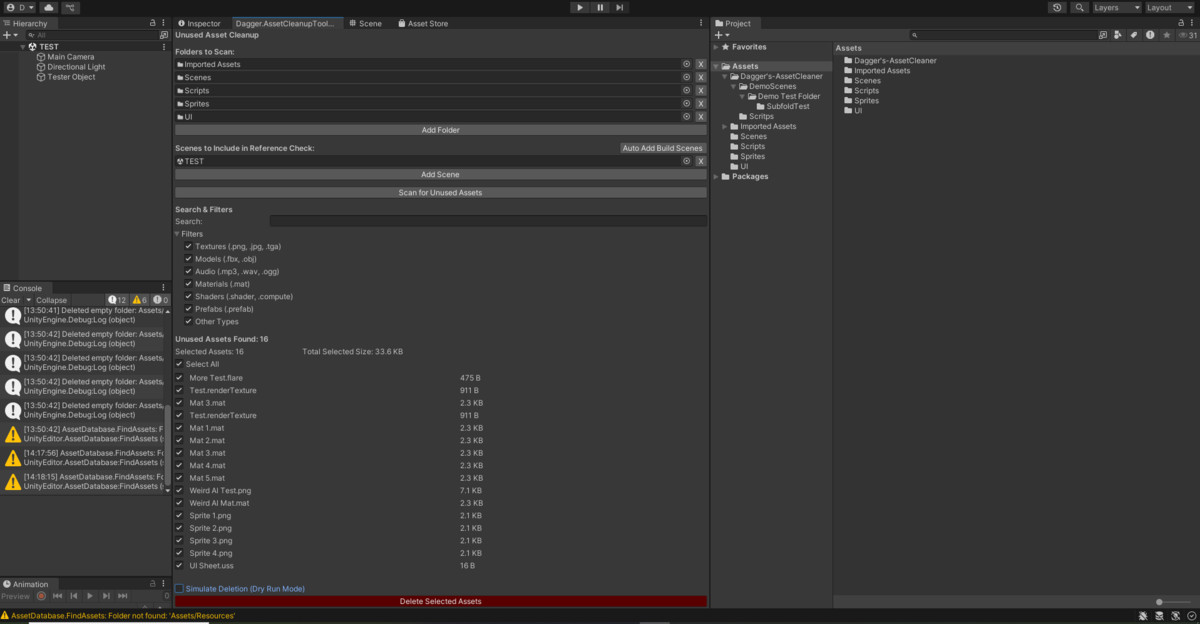
- 🎯 Folder-based scanning — Scan only the content folders you care about.
- 🎬 Scene-scoped reference checks — Only assets used in selected scenes are marked as used.
- 🧪 Dry Run Mode — Simulate deletion and review a categorized report before committing.
- 🔍 Search and filter — Focus on specific asset types like textures, models, audio, etc.
- 🗂 Grouped asset reports — View results in collapsible, sortable tables with filenames, sizes, and full paths.
- ✅ Per-file selection — Choose exactly what gets deleted.
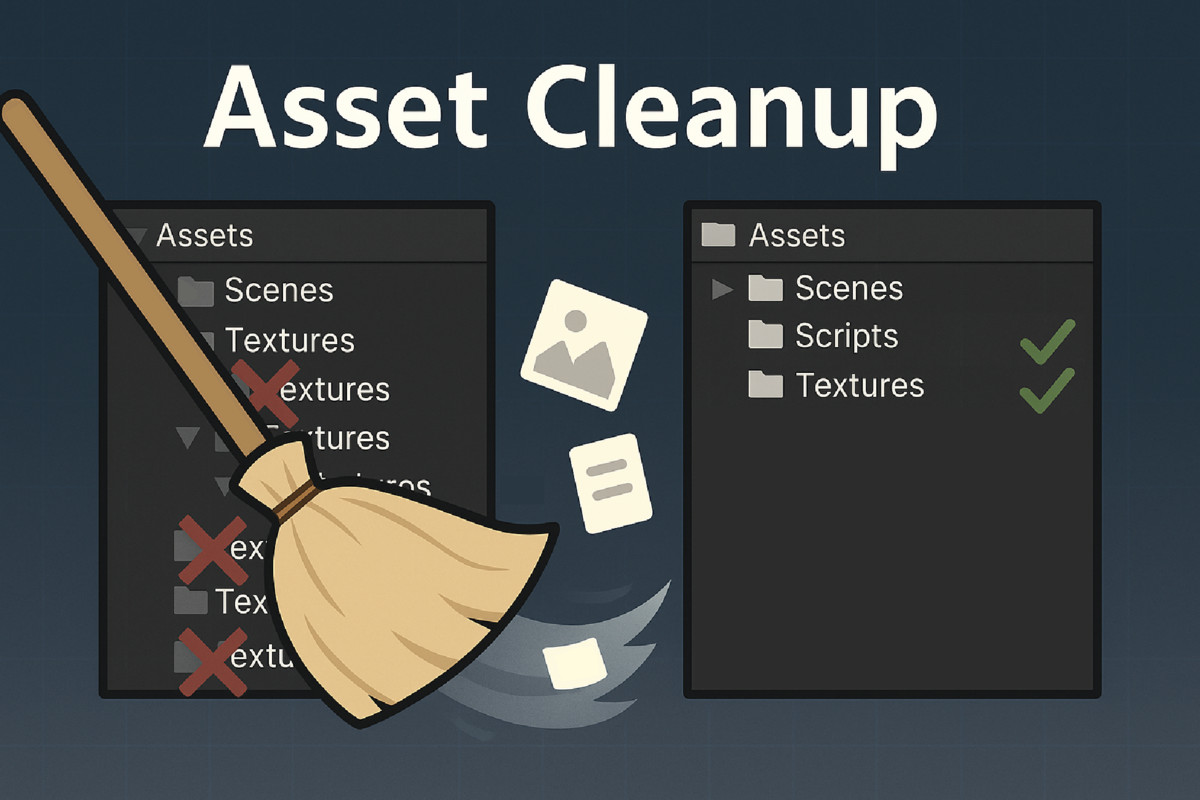
- 🧹 Automatic empty folder cleanup — No unused folders left behind.
- 🧾 Live size estimates — See total file size and selected size instantly.
The tool will appear under the "Tools" tab in the Unity Editor. Be sure to follow the usage instructions carefully.
⚠️ Warning:
This tool performs real file deletions. Always back up your project before use. Assets referenced dynamically or via scripts may not be detected and could be mistakenly flagged. The author is not responsible for any lost data.
Additionally, it is strongly discouraged to include your entire Assets/ folder in the scan, as this may lead to unintended behavior or the removal of critical files.
From the publisher's Asset Store listing.
Technical details
Tool Type: Unity Editor Extension
Namespace: Dagger.AssetCleanupTool
Target Use Case: Unused asset cleanup
Supported Unity Versions: Unity 2021.3 LTS or later
Platform Support: Editor-only, does not affect builds
Behavior Details:
- Files are only scanned inside folders you manually select.
- Asset usage is determined based on scene references and Resources/ folder contents.
- Files with extensions .cs, .unity, and .dll are always ignored.
- Deletion automatically removes empty folders after asset cleanup.
- Dry run reports are grouped by asset type and support in-editor review.
- Selection changes are cached for performance in large projects.
- The full asset list supports sorting by filename, path, and file size.
- Filtered asset types include Textures, Models, Audio, Materials, Shaders, Prefabs, and Others.
Compatibility
| Unity version | Built-in | URP | HDRP | Custom |
|---|---|---|---|---|
| 2022.3.37f1 | Compatible | Compatible | Compatible | Compatible |
As listed on the Asset Store.