
 View on Asset Store (opens in new tab)
Package details
- Latest version
- 1.1
- Last updated
- First released
- Unity version
- 6000.2.0 or later
- Package size
- 5.9 MB
- Files
- 46
- Favorites
- 23
- Views in the past week
- 16
Price tracking
- Last checked
- Tracked since
- Lowest recorded
- Free on
Keywords
Automation Toolkit: Custom Bridge
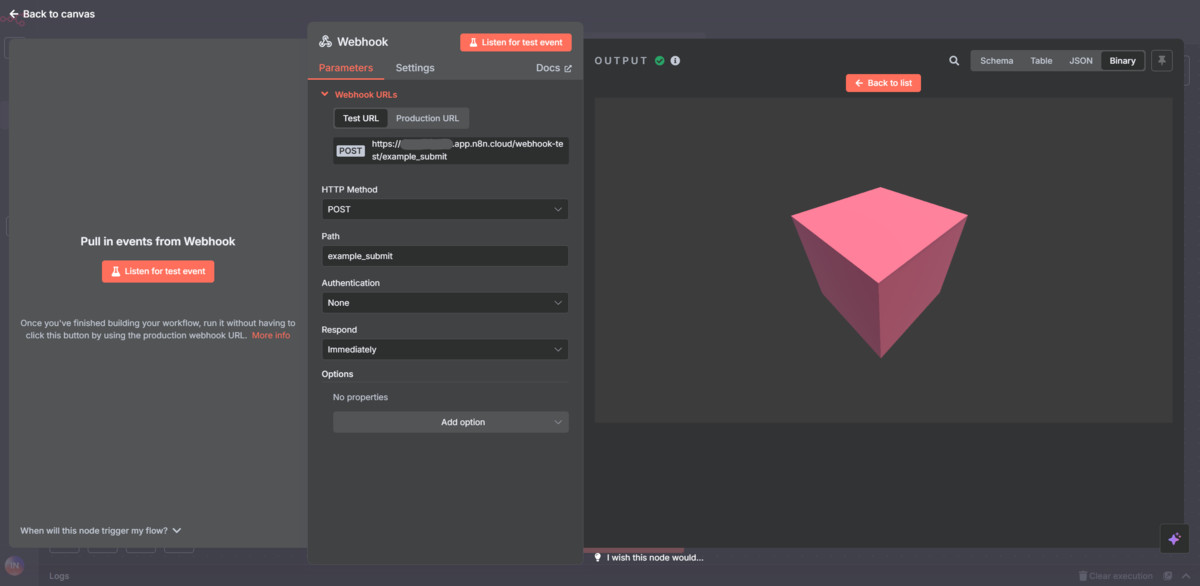
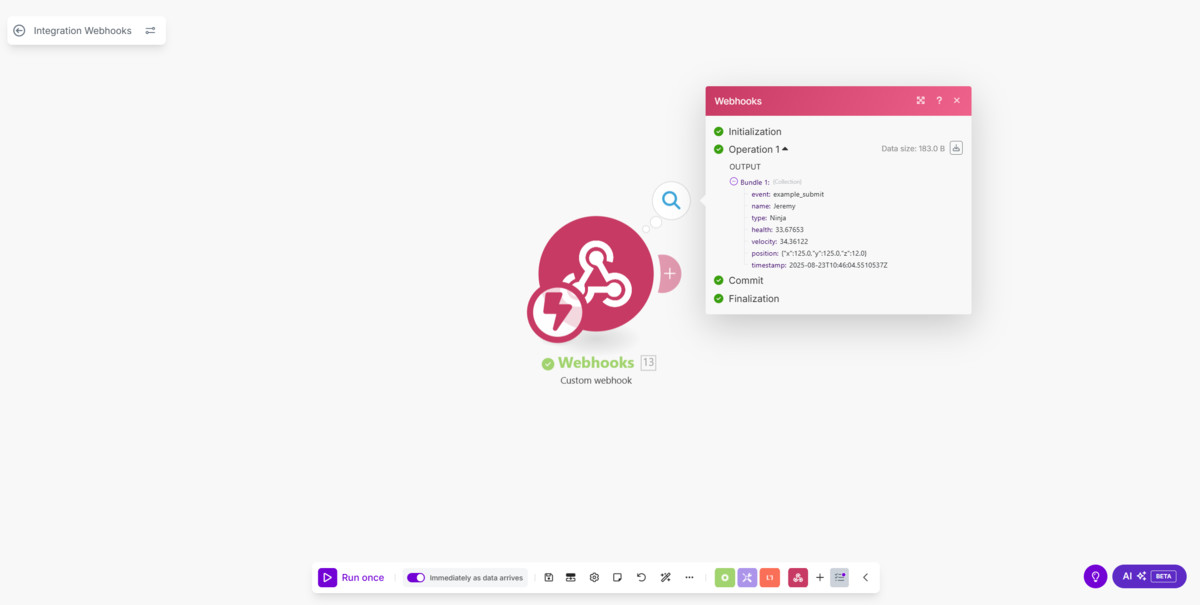
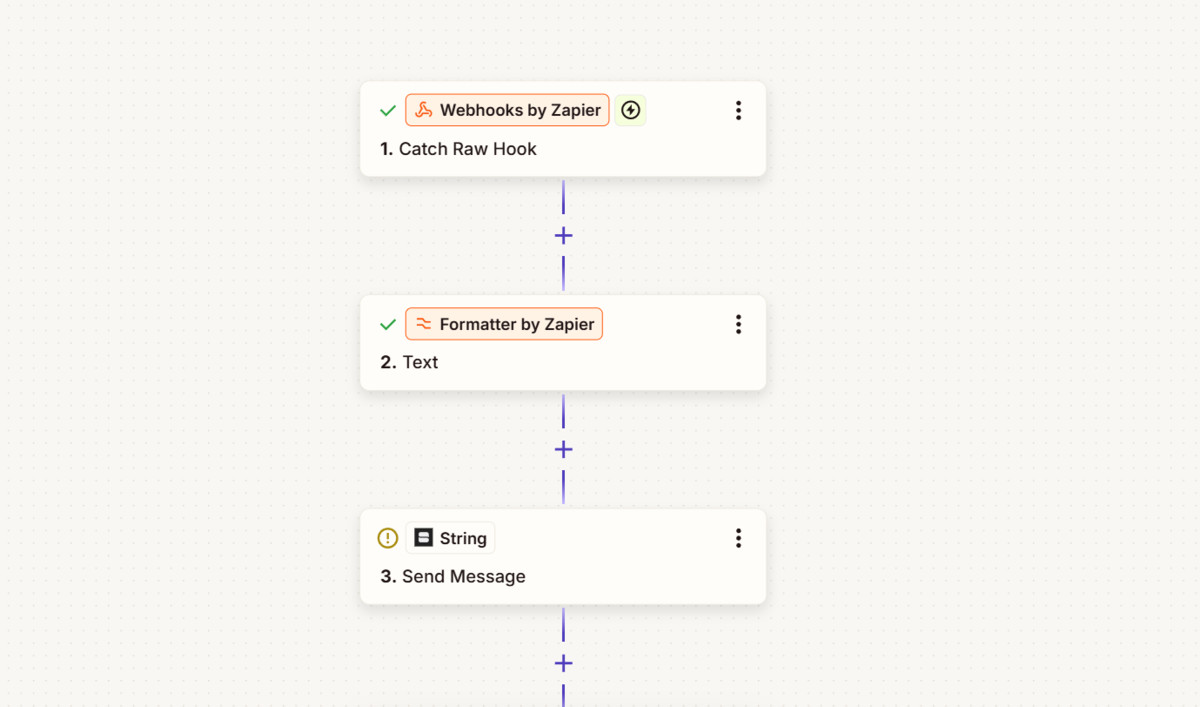
Automation Toolkit is a comprehensive solution that bridges the gap between your Unity projects and external workflow automation platforms. With support for n8n, Zapier, Make.com, and custom webhooks.
Affiliate link · Purchases support this site
Price history
Last 6 months
USDAsset preview
1 / 8
Automation Toolkit: Custom Bridge screenshot 1


About this asset
Automation Toolkit: Custom Bridge transforms your Unity projects into powerful automation engines that seamlessly connect with the digital ecosystem.
This package enables your games and applications to send real-time events, structured data, and media files (screenshots, audio, logs) directly into workflow automation platforms like n8n, Zapier, Make.com, or any custom webhook endpoint.
✨ Customizable & Flexible
- Fully customizable workflow integration — extend with your own data types, authentication methods, or pipelines.
- Works with any genre or type of Unity project: casual games, live service titles, enterprise simulations, training apps, or VR/AR experiences.
- Supports both runtime builds and editor workflows, making it ideal for production analytics, QA automation, and content pipelines.
🎮 Who Is It For?
- Indie & AAA Developers → Streamline QA, analytics, and live ops.
- Community Managers & Marketers → Automate social media, player engagement, and campaigns.
- Content Creators & Streamers → Capture and share gameplay moments automatically.
- Studios & Enterprises → Integrate Unity with existing business intelligence, monitoring, or DevOps systems.
🚀 Why Use It?
- Cross-Platform Unity Support → Works on PC, Mobile, Console, and WebGL.
- Enterprise-Grade Reliability → Built-in retry logic, batching, and error recovery.
- Future-Proof Architecture → Extensible system ready for both standard and custom integrations.
Whether you need real-time analytics, player support automation, marketing workflows, or live content creation, Automation Toolkit: Custom Bridge provides the missing link between your Unity project and the entire automation ecosystem.
Automation Toolkit: Custom Bridge is an independent third-party package and is not affiliated with, endorsed by, or officially connected to n8n, Zapier, Make.com, or any other mentioned automation platforms. All product names and trademarks are the property of their respective owners.
From the publisher's Asset Store listing.
Technical details
⚡ Core Automation
- Real-Time Event Streaming → Transmit player actions, state changes, and system events instantly to external platforms.
- Multi-Modal Data Transmission → Supports structured data, text, and binary files (images, audio, logs).
- Event-Driven Architecture → Trigger workflows from gameplay events, achievements, and system states.
🛡️ Reliability & Performance
- Smart Retry Logic → Configurable retries with exponential backoff.
- Async Processing → Non-blocking operations with minimal performance impact.
- Error Recovery → Advanced error handling with detailed logging and graceful fallback.
- Intelligent Batching → Efficient event grouping for high-frequency scenarios.
🌐 Integration
- Universal Webhook Support → Compatible with n8n, Zapier, Make.com, and custom endpoints.
- Cross-Platform → Works seamlessly on all Unity-supported platforms (PC, Mobile, Console, WebGL).
- Runtime & Editor Support → Full functionality available both in development and production.
- Extensible Architecture → Easily extended with custom data types, authentication, or pipelines.
🎮 Core Components
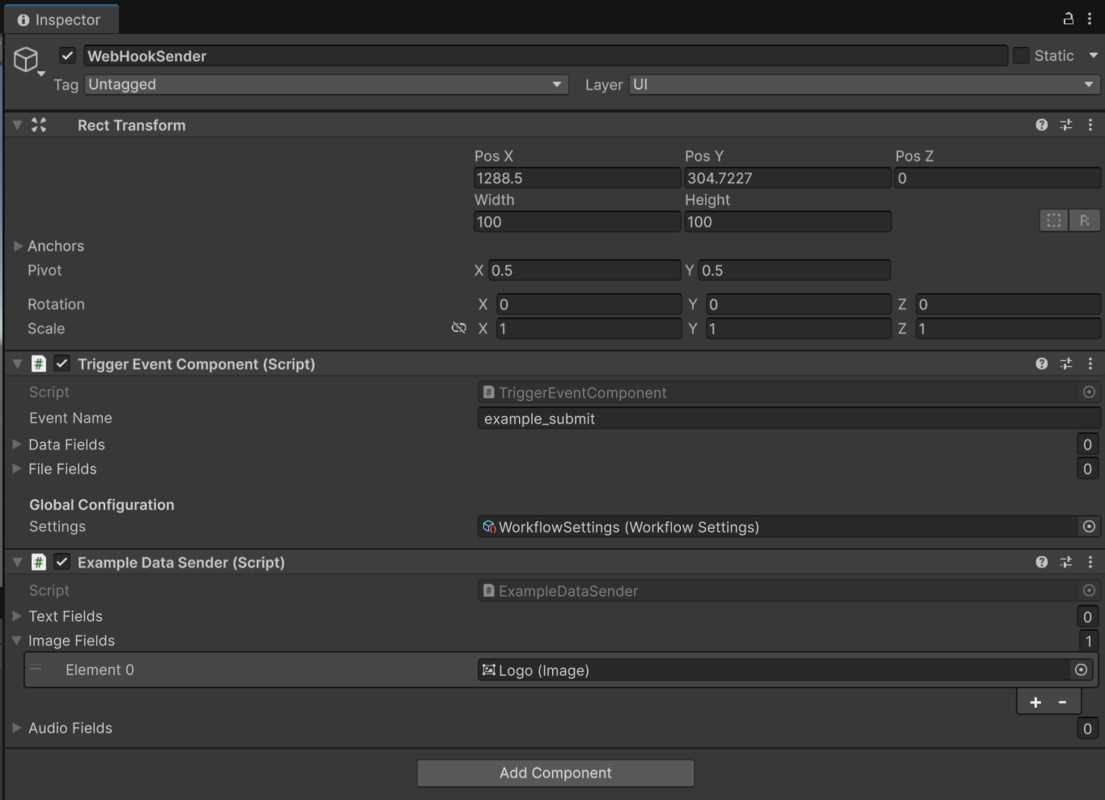
- TriggerEventComponent → Handles event and data transmission to workflows.
- WorkflowSettings → Central configuration for endpoints, timeouts, and retries.
- WorkflowClient → Unified HTTP client for communication.
- DataParameter & FileParameter → Strongly typed structures for text and binary data.
- SendResult → Detailed status reporting for every transmission.
📚 Included Examples
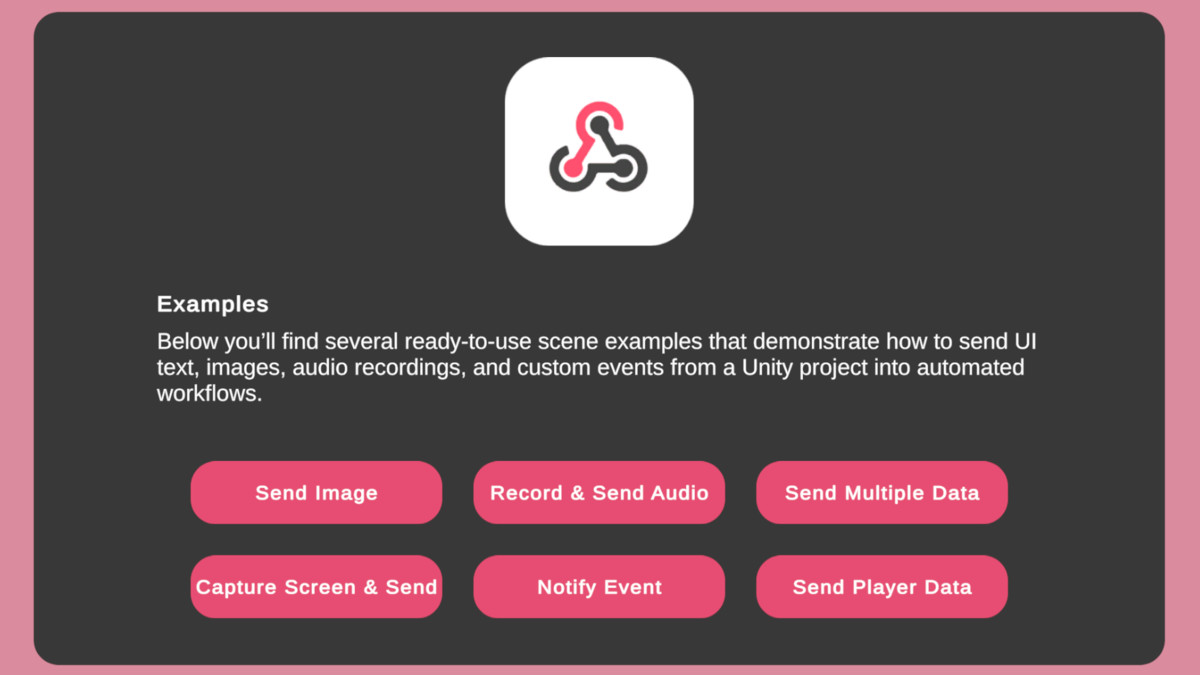
- Audio Capture Sender → Record and send microphone audio as WAV.
- Camera Capture Sender → Capture and send screenshots as PNG.
- Player Data Sender → Send player statistics, progression, and session data.
- Notify Event Sender → Trigger notifications for achievements and milestones.
🛠️ Advanced Tools
- WavUtility → AudioClip ↔ WAV conversion.
- Debugging & Logging Tools → Network and error diagnostics.
- Performance Monitoring → Latency and throughput reporting.
- Custom Error Handling → Flexible error management with severity levels.
Compatibility
| Unity version | Built-in | URP | HDRP | Custom |
|---|---|---|---|---|
| 6000.2.0f1 | Compatible | Compatible | Compatible | Compatible |
As listed on the Asset Store.