
 View on Asset Store (opens in new tab)
Package details
- Latest version
- 1.0
- Last updated
- First released
- Unity version
- 2022.3.35 or later
- Package size
- 1.8 MB
- Files
- 61
- Favorites
- 30
- Views in the past week
- 3
Price tracking
- Last checked
- Tracked since
- Lowest recorded
- $10.50 on
Keywords

level design helper
A powerful all-in-one level design toolkit that streamlines scene construction, placement, and debugging in Unity.
Affiliate link · Purchases support this site
Price history
Last 6 months
USDAsset preview
1 / 9
level design helper screenshot 1
About this asset
Level Design Helper is a modular, editor-only toolkit built to supercharge your Unity level design workflow. From painting and scattering prefabs to snapping, modular building, and visual debugging—this toolset is built for speed, precision, and flexibility.
Perfect for environment artists, designers, and prototypers. Every tool is customizable, extensible, and compatible with any game genre including FPS, RPG, strategy, and open-world games.
From the publisher's Asset Store listing.
Technical details
⚙️ Technical Details
Tools Included
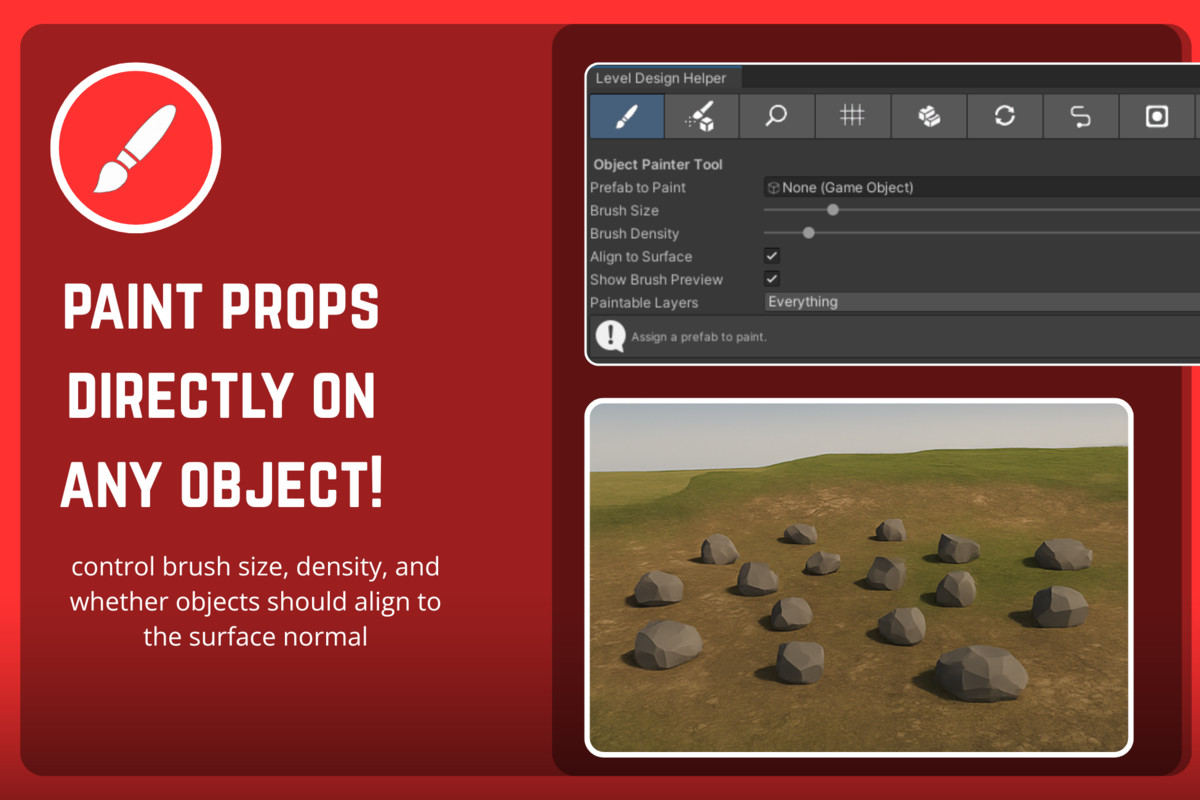
- 🎨 Object Painter – Paint prefabs onto surfaces using brush-based placement
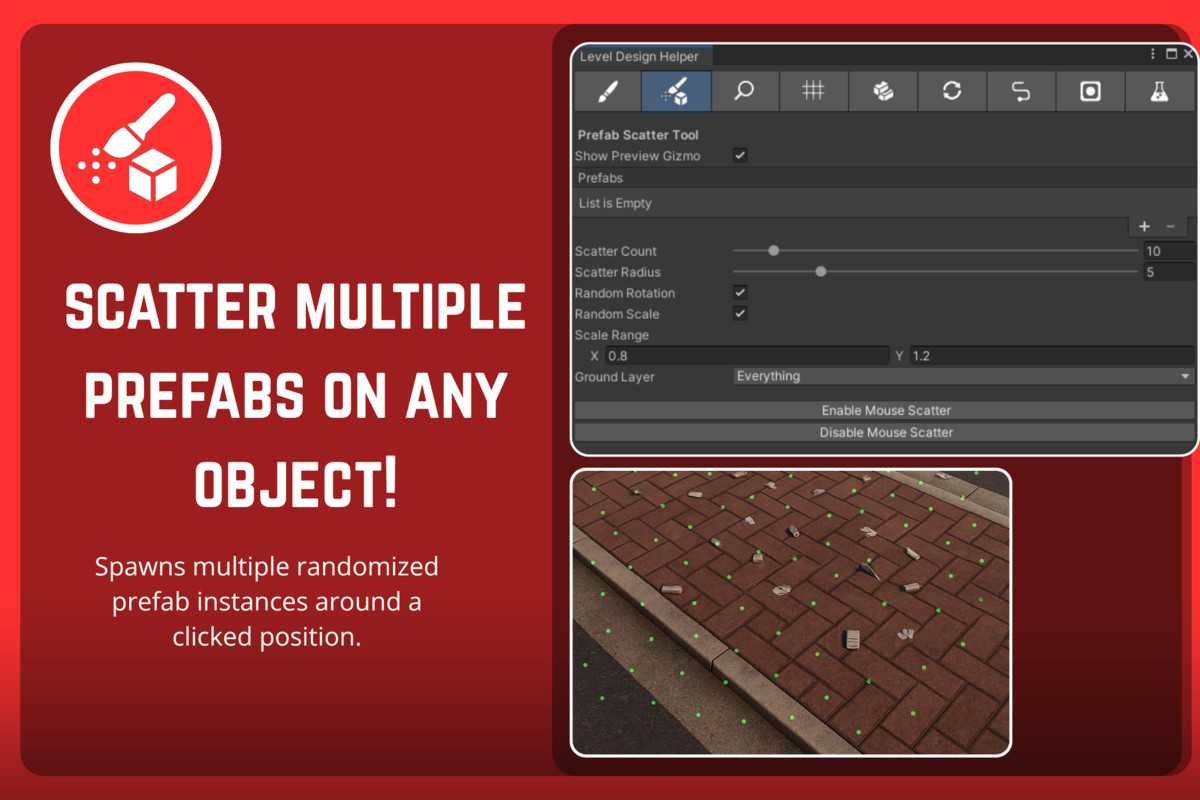
- 🌾 Prefab Scatter – Scatter multiple prefabs with random rotation/scale
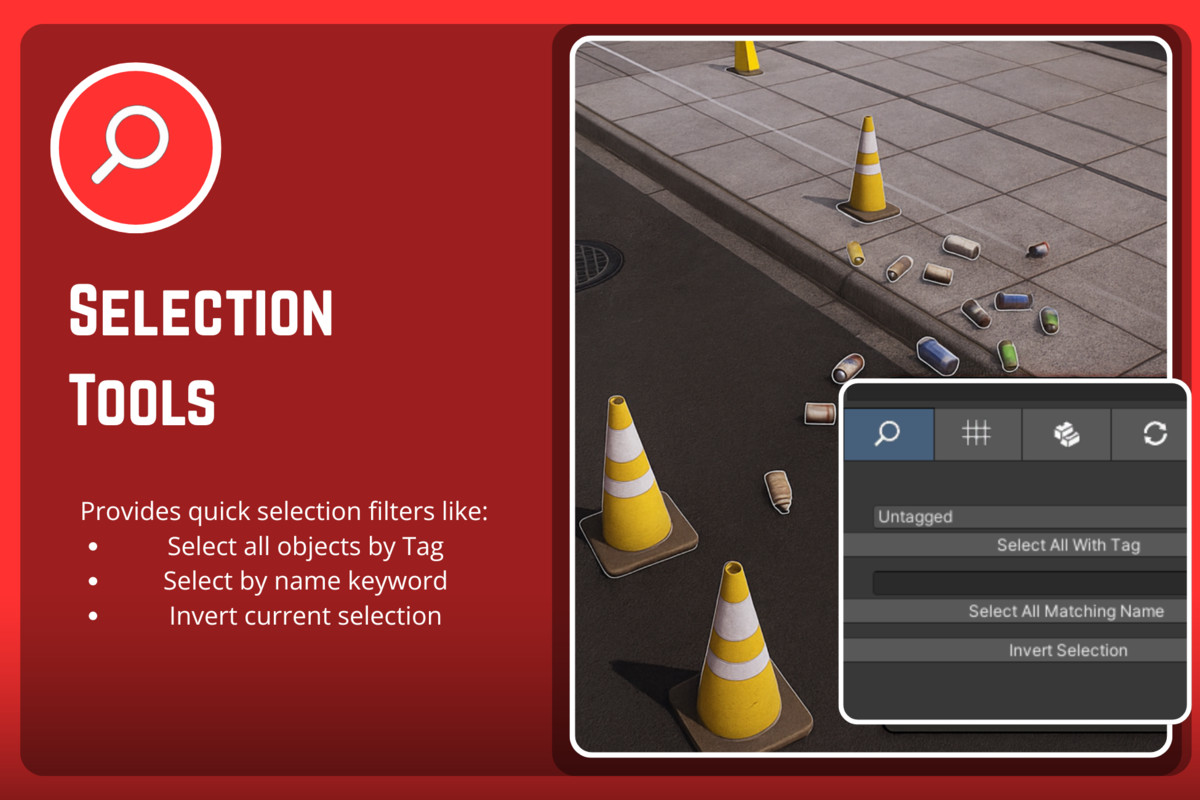
- 🔍 Selection Tools – Select by tag, name, or invert selection
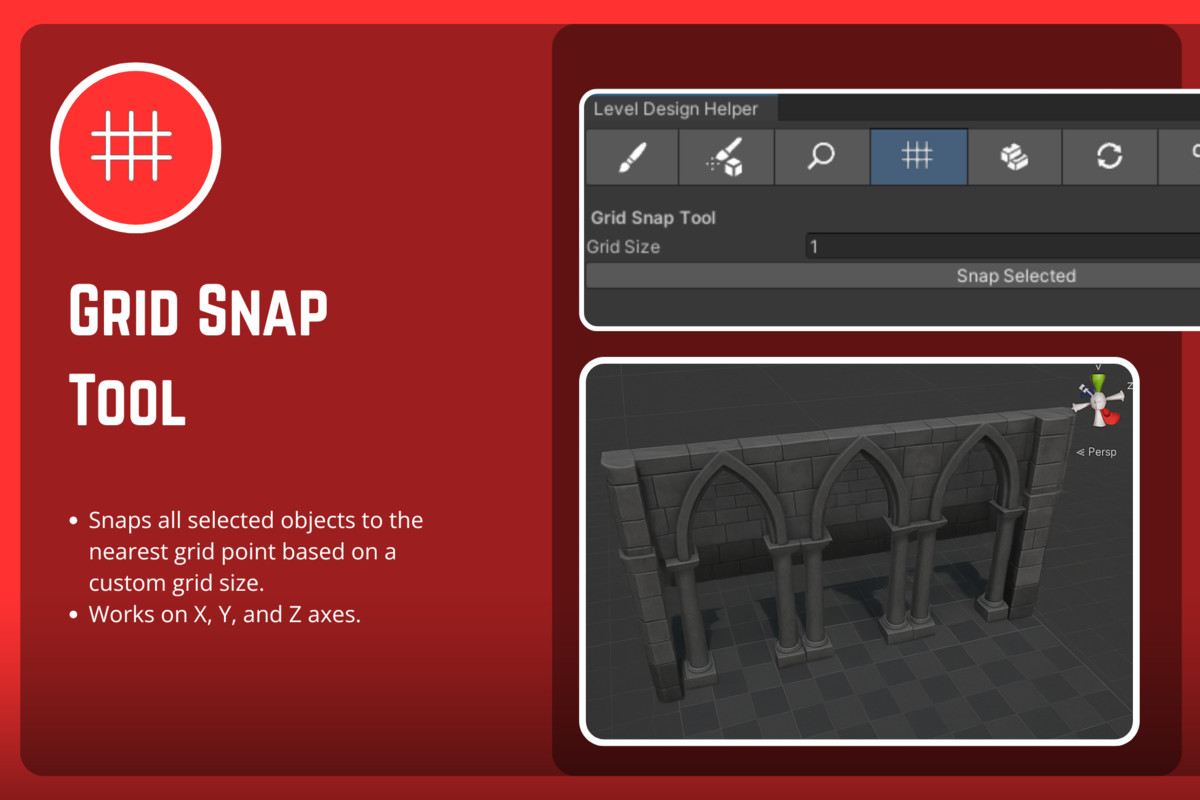
- 📏 Grid Snap – Snap objects to grid on all axes
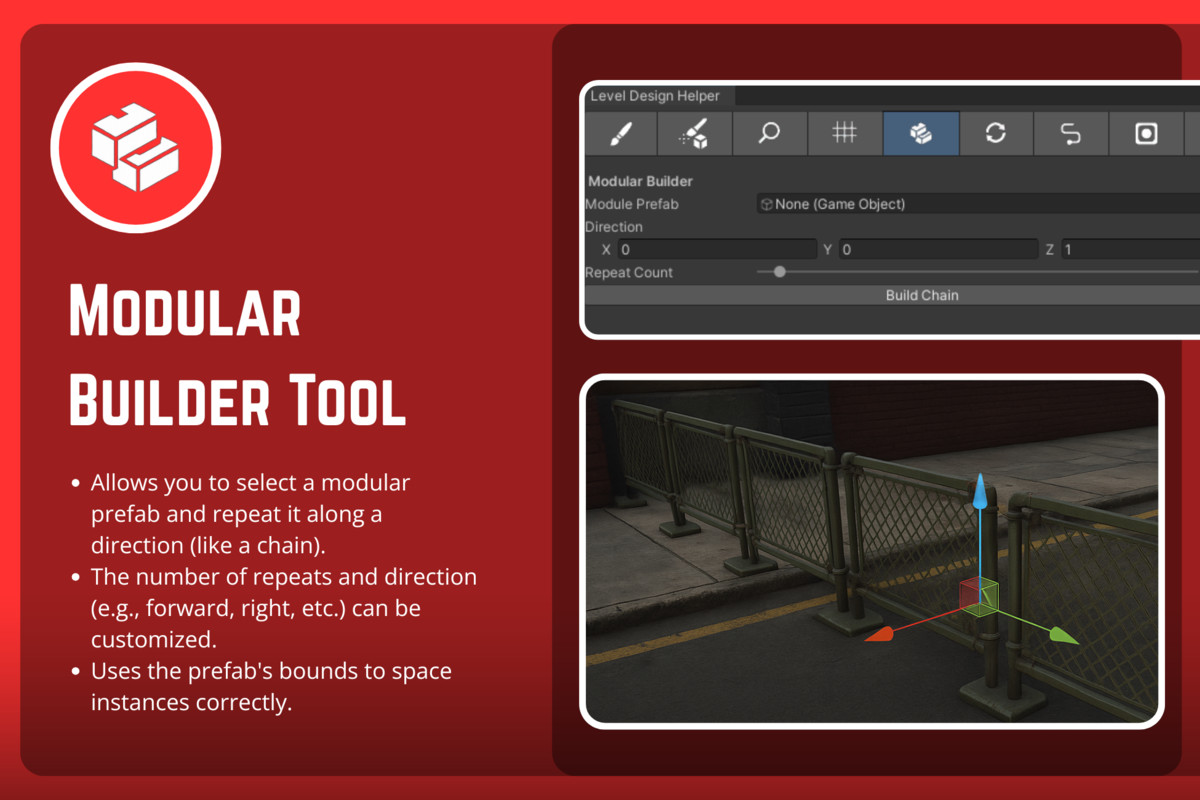
- 🧱 Modular Builder – Chain-spawn modular prefabs in any direction
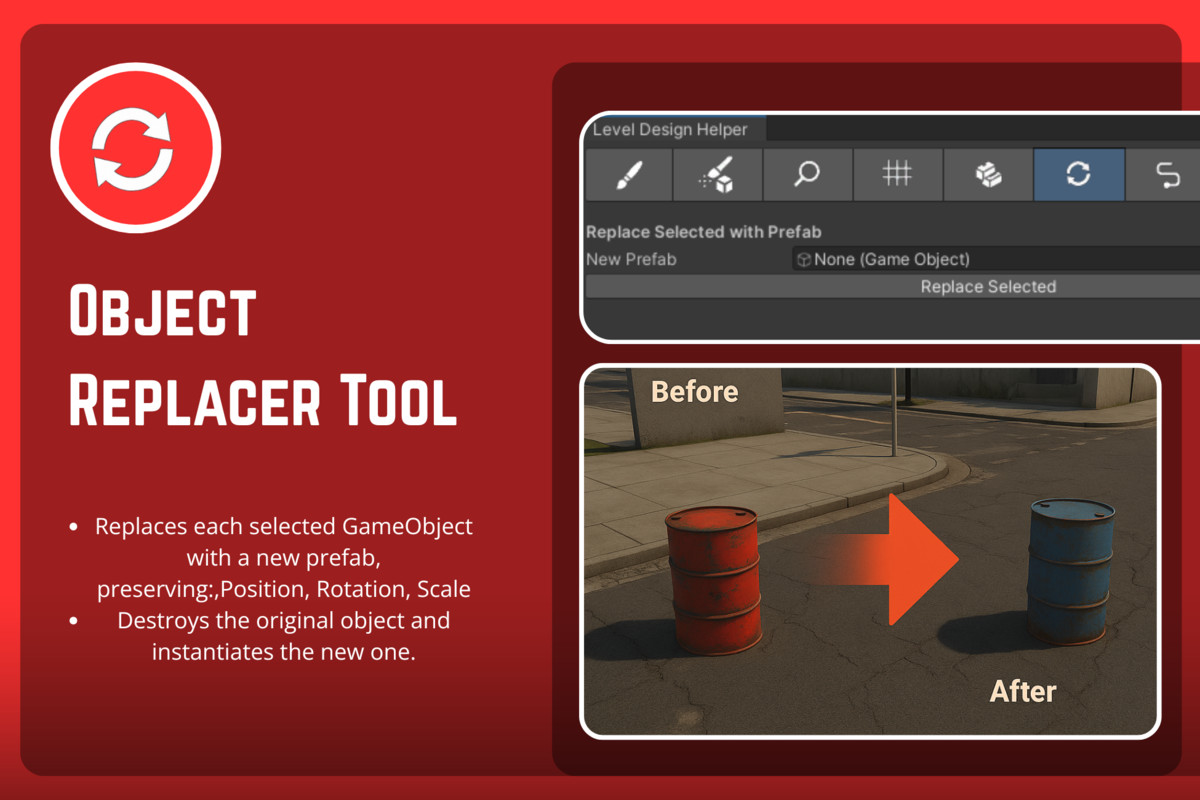
- ♻️ Object Replacer – Replace selected objects while preserving transform
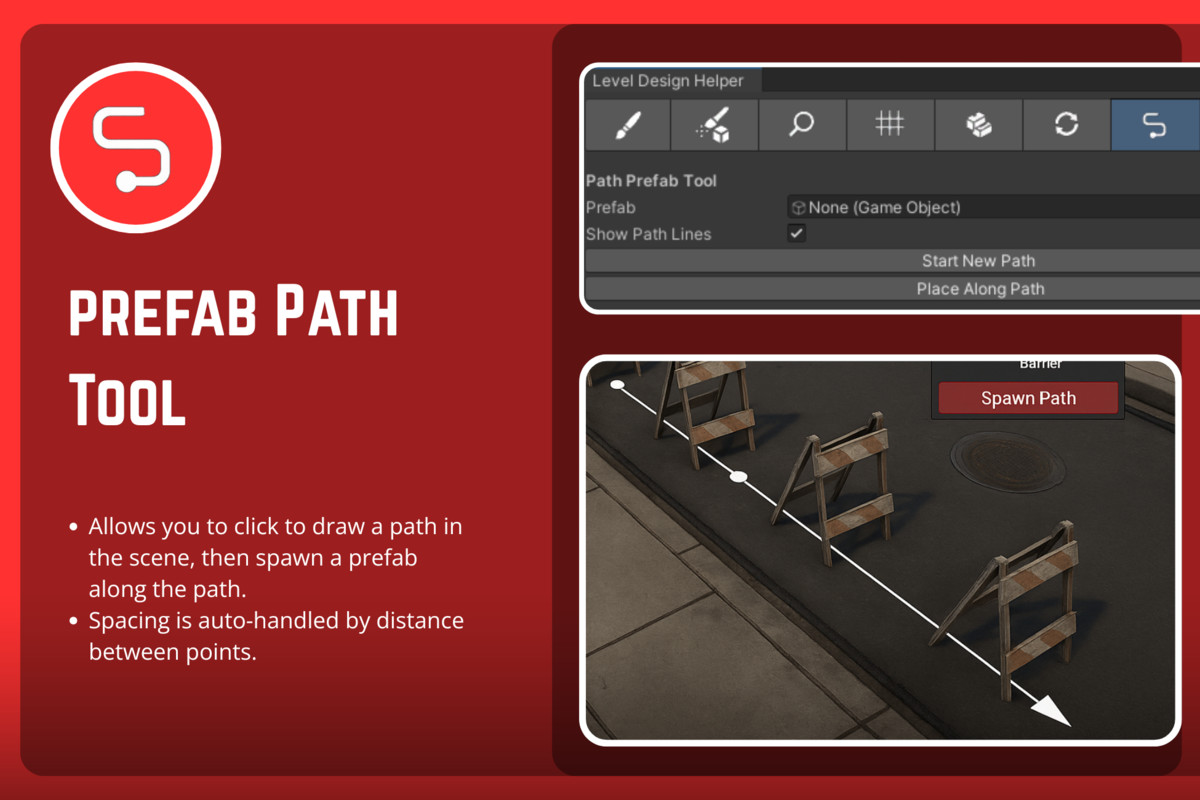
- ➰ Path Tool – Place prefabs along a linear path drawn in scene view
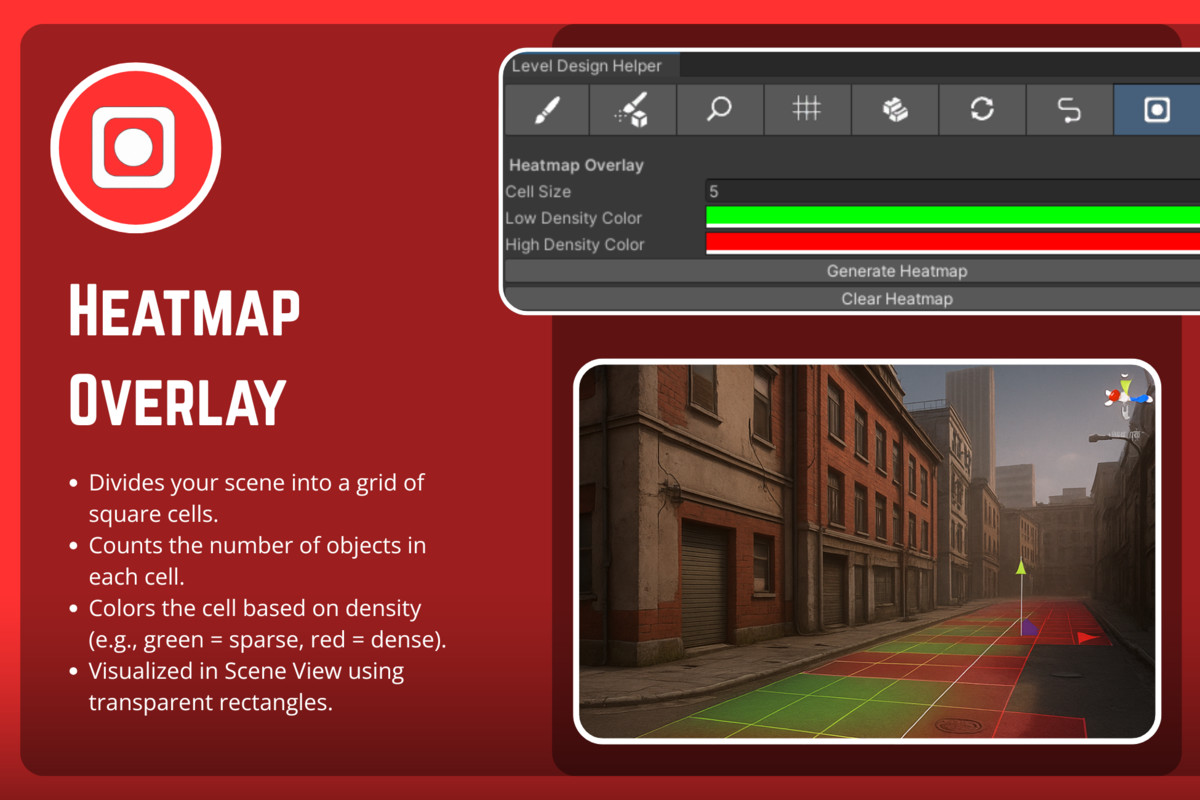
- 🌡 Heatmap Overlay – Visualize object density across the scene
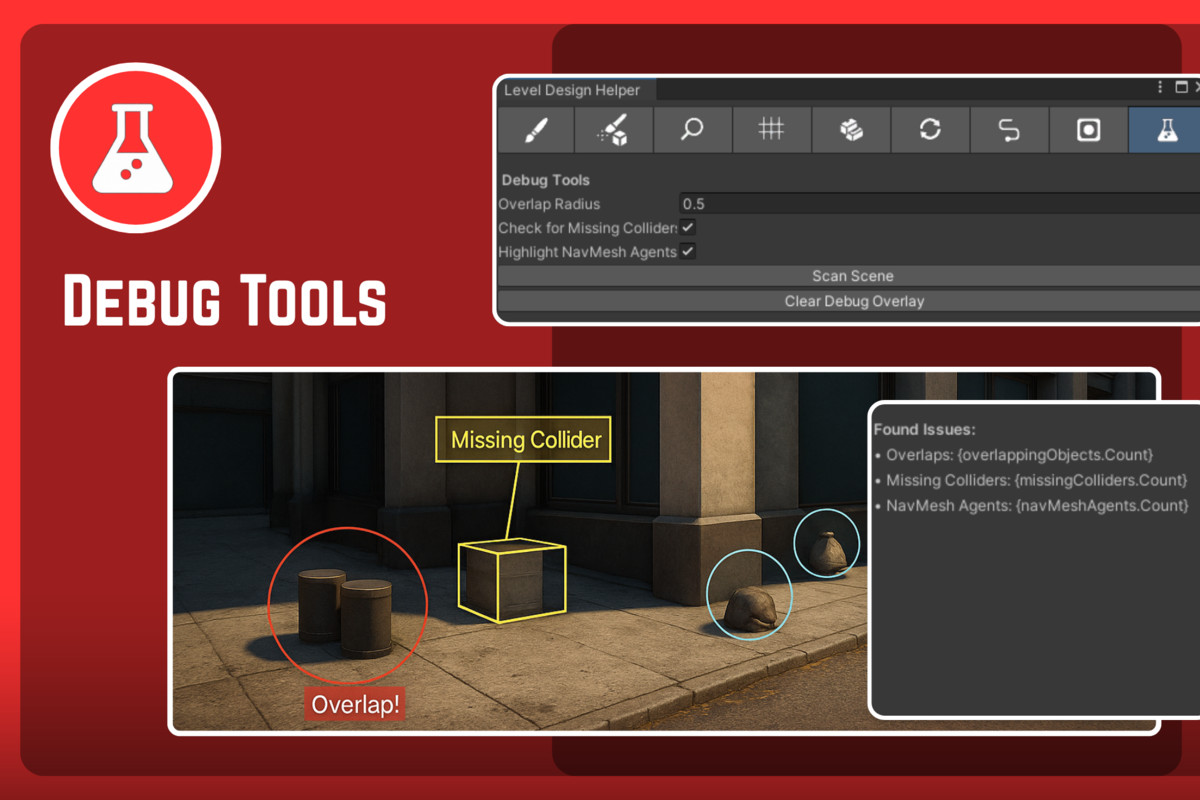
- 🧪 Debug Tools – Detect overlaps, missing colliders, and NavMesh agents
Features
- Custom toolbar UI with icons
- Scene view handles and visual gizmos
- Layer-based painting & snapping
- Smart prefab spacing via bounds
- Clean Undo support
- Minimal editor overhead (no runtime code)
- Fully commented, clean source code
- Demo scene included
Supported OS
- Windows
- macOS
- Linux
Documentation
Compatibility
| Unity version | Built-in | URP | HDRP |
|---|---|---|---|
| 2022.3.35f1 | Compatible | Compatible | Compatible |
As listed on the Asset Store.