
 View on Asset Store (opens in new tab)
Package details
- Latest version
- 1.0
- Last updated
- First released
- Unity version
- 2021.3.17 or later
- Package size
- 93 KB
- Files
- 10
- Favorites
- 6
- Views in the past week
- 12
Price tracking
- Last checked
- Tracked since
- Lowest recorded
- Free on
Keywords

Editor Notes Pro
- Price drop
Lightweight editor tool for attaching notes to Unity objects. Document functionality, track bugs, leave reminders, and improve team collaboration. Zero runtime impact.
Affiliate link · Purchases support this site
Price history
Last 6 months
USDAsset preview
1 / 3
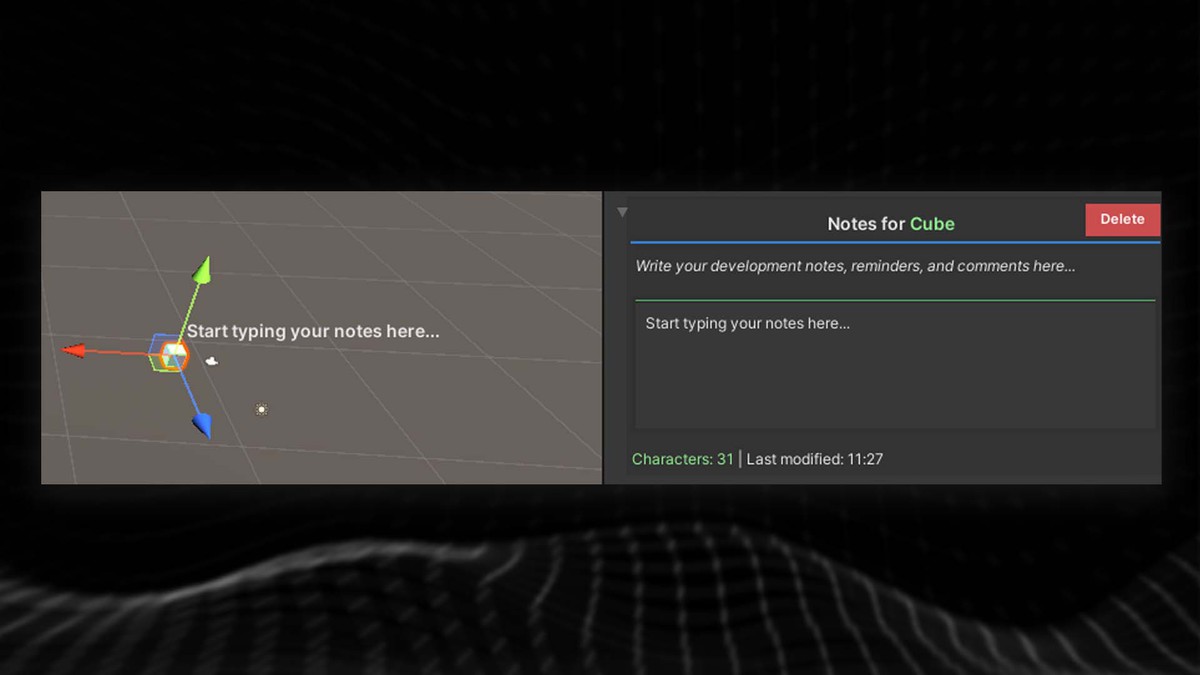
Editor Notes Pro screenshot 1
About this asset
Editor Notes - Unity Asset Store Package
What It Is
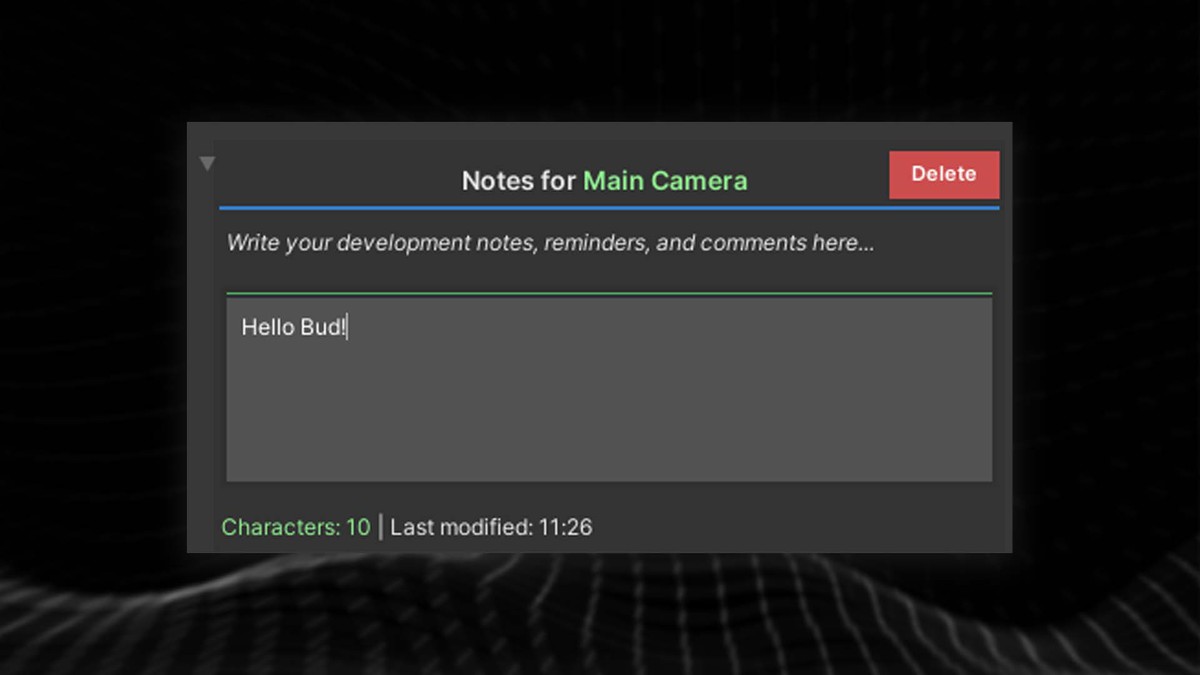
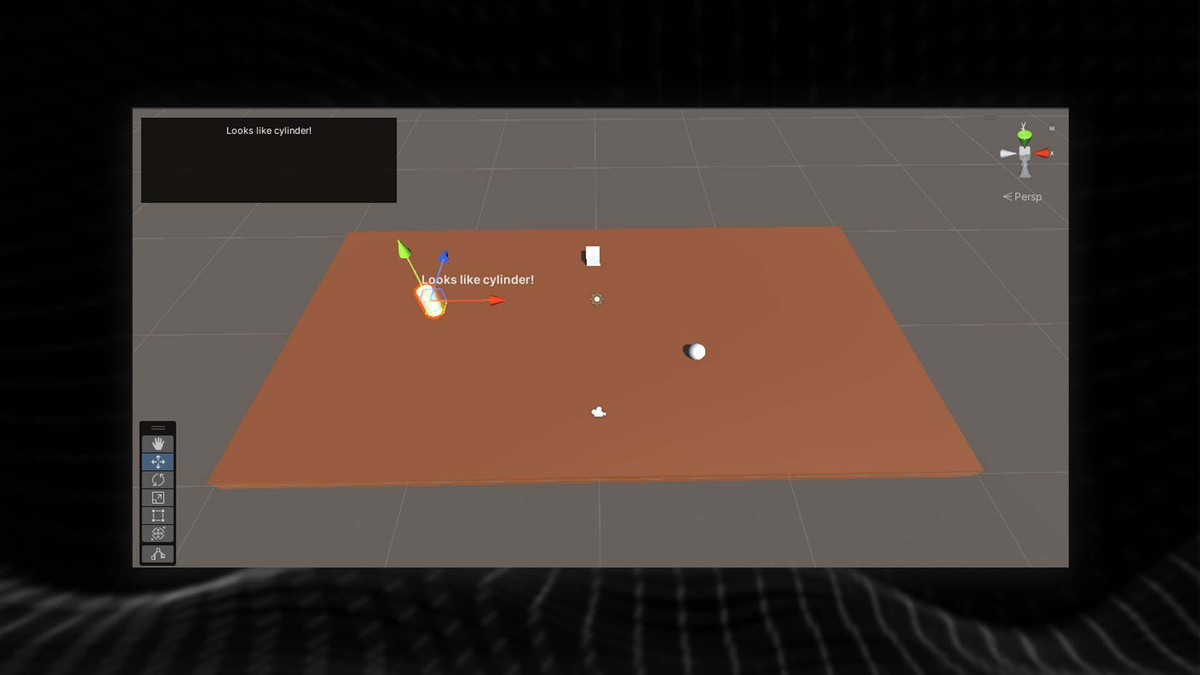
A lightweight Unity editor tool that lets you attach text notes directly to any object in your project. Think of it as digital sticky notes for your GameObjects - write reminders, document functionality, or leave notes for your team members.
Key Features
- Attach notes to any GameObject in your scene or project
- Persistent storage - notes save automatically and stay with your project
- Clean, simple interface - no complicated setup required
- Team-friendly - share project knowledge easily with collaborators
How It Helps Your Project
For Solo Developers
- Never forget your ideas - document complex logic as you build
- Track bugs and fixes - note issues you need to address later
- Remember design decisions - explain why you set things up a certain way
- Speed up development - quickly recall what each object does
For Teams
- Knowledge sharing - explain your work to other developers
- Onboarding - help new team members understand the project
- Code documentation - add context that comments can't provide
- Version control friendly - notes travel with your project files
Common Use Cases
- "This enemy AI needs balancing - too aggressive on level 3"
- "Door animation controller - linked to pressure plate script"
- "Performance note: This spawner can lag with 50+ objects"
- "Bug: Sound sometimes doesn't trigger - check audio source"
- "Remember to adjust lighting when scene is finalized"
Why Choose Editor Notes?
✅ Saves time - No more digging through code to remember what things do
✅ Improves organization - Keep your project well-documented
✅ Reduces errors - Remember important details and edge cases
✅ Enhances collaboration - Clear communication within your team
✅ Zero performance impact - Editor-only tool, doesn't affect your game
From the publisher's Asset Store listing.
Technical details
Editor Notes - Technical Features
Core Functionality
- GameObject Association - Notes linked to unique object identifiers
- Persistent File Storage - Notes saved to project files via EditorNotesFileHandler
- Serializable Data Structure - Clean, lightweight Note class implementation
- Editor-Only Operation - Zero runtime performance impact
Key Features
Data Management
- Unique Object Binding - Each note tied to specific GameObject via TargetObjectUniqueId
- Automatic Serialization - System.Serializable Note class for Unity compatibility
- File-Based Persistence - Notes stored in project directory structure
- Content Validation - Robust handling of note content and object references
Editor Integration
- Custom Inspector Support - Ready for editor GUI implementation
- Scene View Compatible - Can be extended for in-scene note display
- Asset Database Integration - Properly integrated with Unity's asset management
- Version Control Friendly - Note files work seamlessly with Git/Perforce
Architecture
- Modular Design - Separate file handling and data management layers
- Extensible Framework - Easy to add features like categories, tags, or search
- Memory Efficient - Lightweight objects with minimal memory footprint
- Thread Safe Operations - Safe file I/O operations for editor use
Technical Specifications
- Unity Version - Compatible with Unity 2019.4 LTS and newer
- Platform Support - All Unity-supported platforms (editor-only)
- File Format - Custom serialized format via EditorNotesFileHandler
- API Surface - Simple, clean public interface for easy integration
Developer Benefits
- No Runtime Dependencies - Pure editor tool with no game impact
- Minimal Setup - Drop-in solution requiring no configuration
- Clean Codebase - Well-structured, maintainable C# implementation
- Extensible Design - Easy to customize and extend functionality
Compatibility
| Unity version | Built-in | URP | HDRP | Custom |
|---|---|---|---|---|
| 2021.3.17f1 | Compatible | Compatible | Compatible | Compatible |
As listed on the Asset Store.