
 View on Asset Store (opens in new tab)
Package details
- Latest version
- 1.0
- Last updated
- First released
- Unity version
- 2022.3.61 or later
- Package size
- 598.9 MB
- Files
- 66
- Favorites
- 3
- Views in the past week
- 11
Price tracking
- Last checked
- Tracked since
- Lowest recorded
- $37.00 on
Keywords

AVIO-8 Cyberpunk Hover Taxi
- Price drop
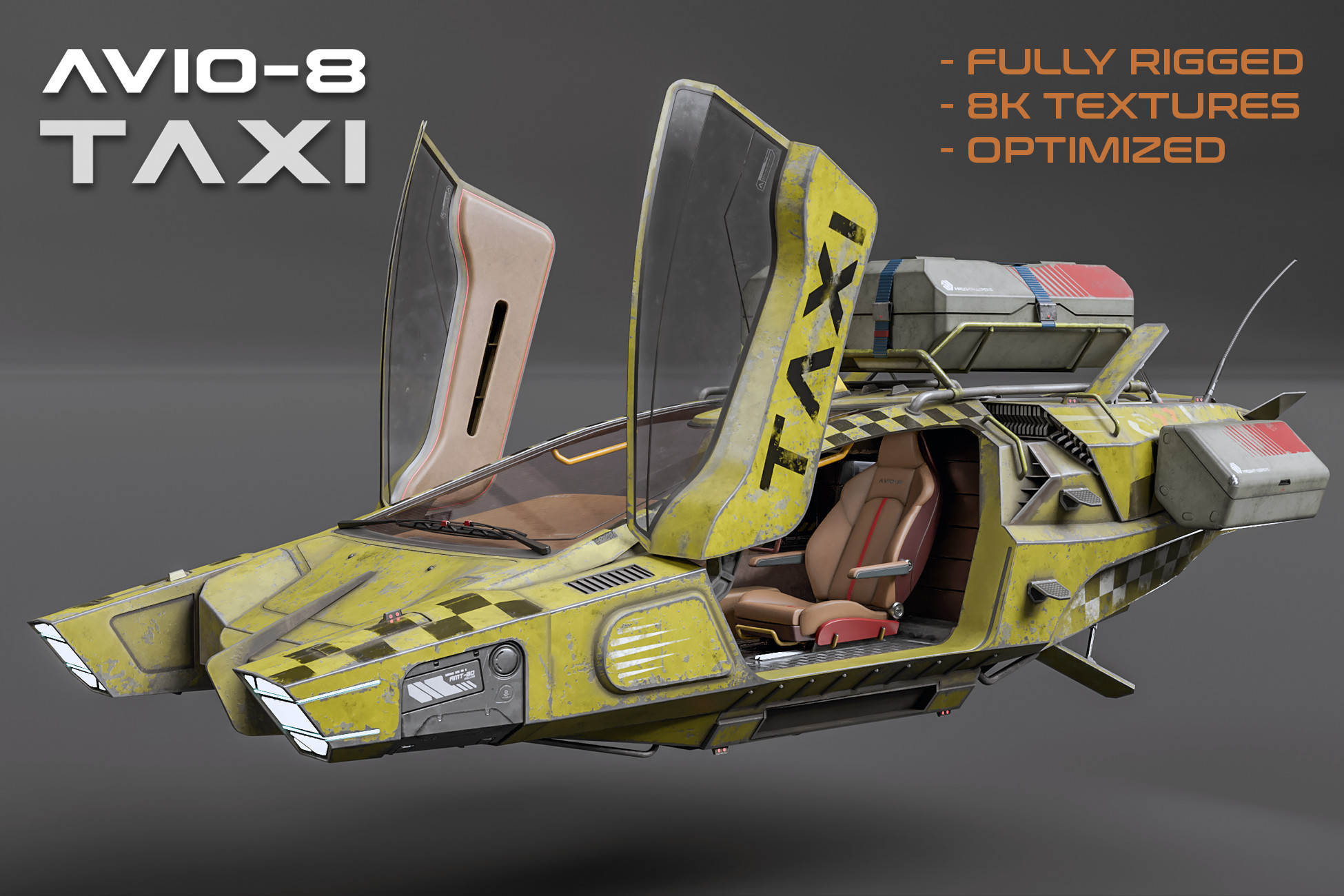
A very unique vehicle that went over many itertations until it became what it is: A fully high quality, game ready hover taxi with complete rigged elements inside and around the vehicle.
Lowest recorded price
Get 18% off on Asset Store (opens in new tab)Affiliate link · Purchases support this site
Price history
Last 6 months
USDAsset preview
1 / 14

AVIO-8 Cyberpunk Hover Taxi screenshot 1


About this asset
AVIO-8 Cyberpunk Hover Taxi /rigged /8k
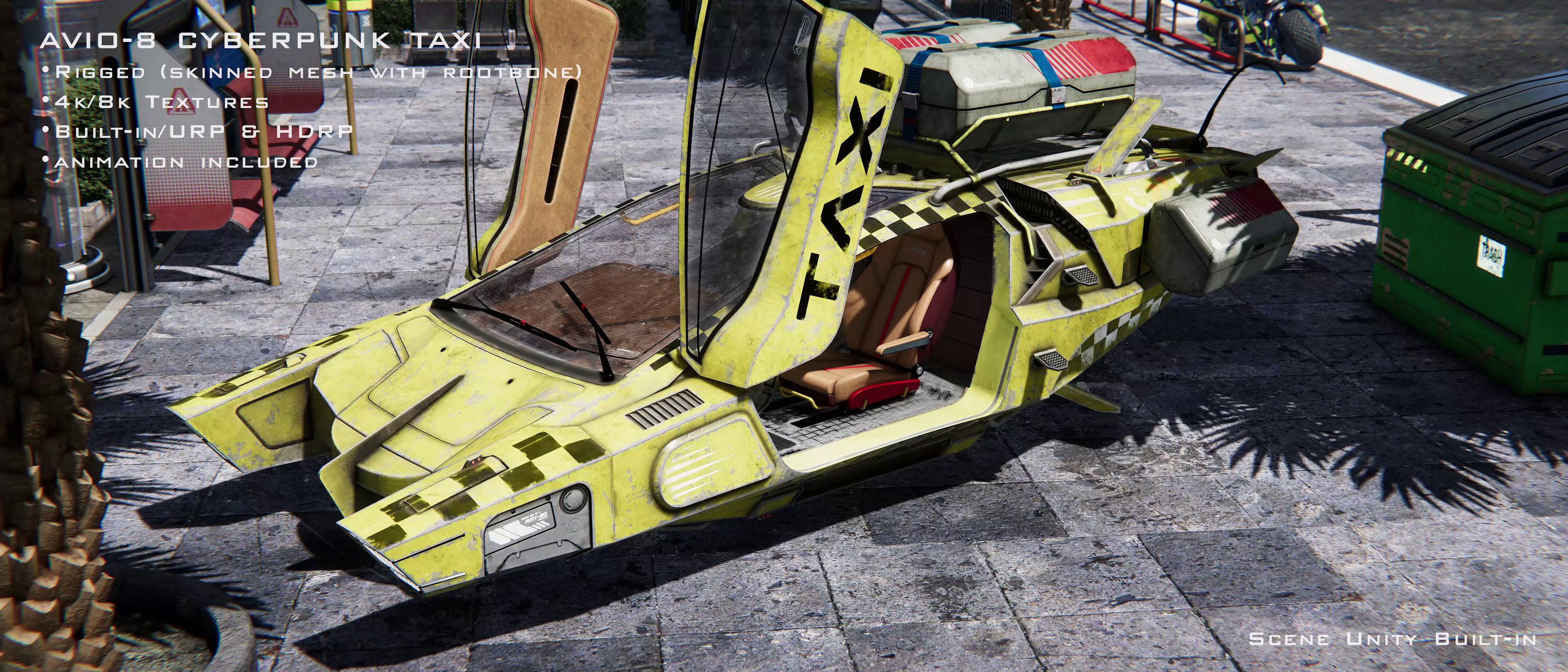
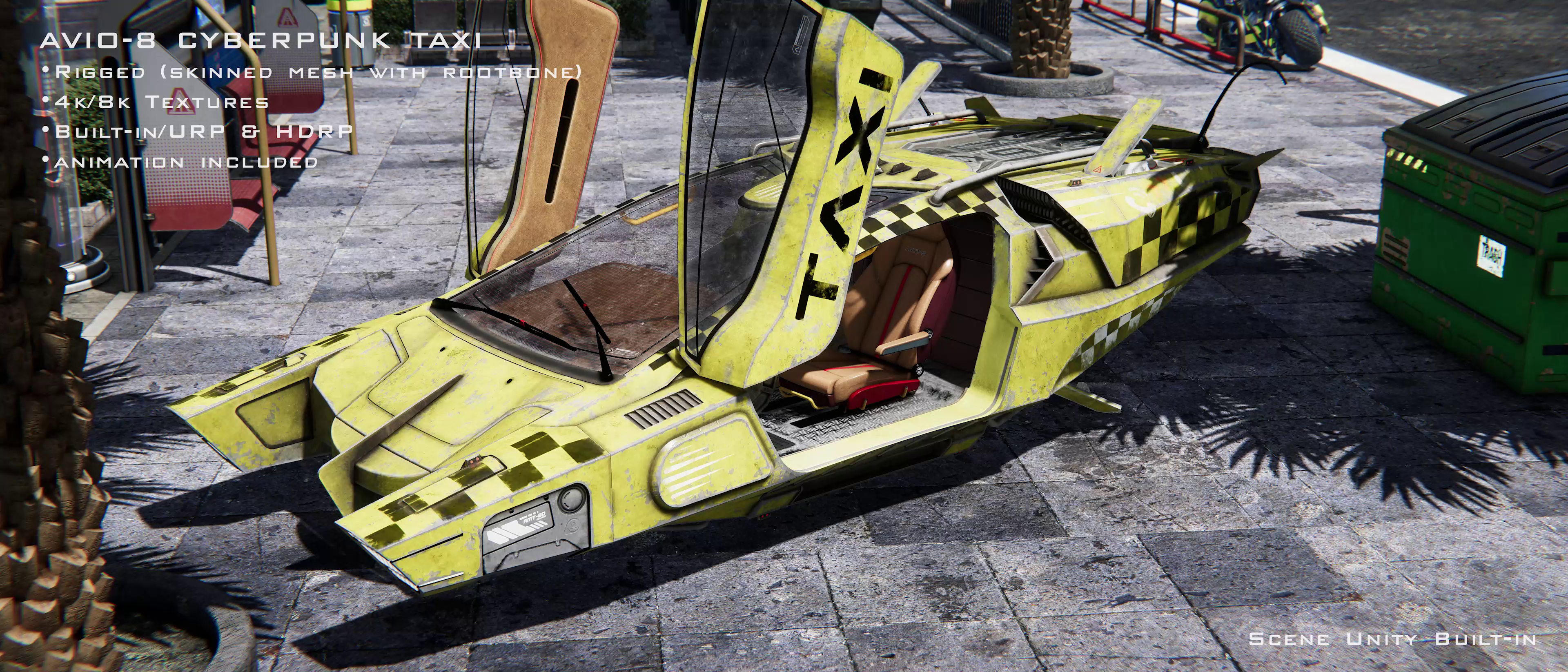
- 2 Versions included!: With and without attachments (top and side containers, footsteps, scaffolding) There are three replacement materials for the version without attachements. Both versions are ready as prefabs!
- The design, optimization, rigging and texturing took about four months of work = GAME READY TOPOLOGY
- The driving pult/display is empty for custom UI implementation in real-time or for rendering.
- Fully rigged with 8K PBR Textures:
- The whole vehicle is bound to a root bone!
- The 8K textures are only for close-ups! The Vehicle looks almost same as good with the 4K Textures!
- Component animation of the vehicle from the video included!
- The Materials are 8 in total, and it was pretty hard to manage the devision of the UAVs and also the painting, as this is the most complex object I ever managed!
- Ngon checked! (Clean!)
- A human should fit perfectly inside. Else, resize the source object in import settings!
Rigged Components:
- antenna (chain of bones to use it magica cloth2)
- windshield wipers
- L & R seat
- all seat backs 4x in total
- steering wheel: forward/backward
- steering wheel axis rotate up/down
- both doors
- Breaking flaps 4x in total
- footsteps on the L & R side of the vehicle: 4x in total
- L & R seats move forward/backward
- A root bone that holds all the other bones (full taxi moveable of the center/root bone)
Package content in short:
- 4k URP Textures
- TEXTURE_URLS.rtf Document for the download links of:
- URP 8K
- HDRP 8K
- HDRP 4K
- Replacement Materials for the naked version
- Prefabs ob both versions, with animator/anim on it
- Plain scene with both vehicle prefabs (no postprocessing)
- Animation from video, without 360 rotation, included
The raytraced screenhots where made with D5 Render.
The two videos are renderings from Unity Built-in with my screenspace filters, AO, radiosity, bloom and graded, which are not included.
TIP: Use animation rigging to IK the vehicle for comfortable animation/real-time usage!
From the publisher's Asset Store listing.
Technical details
- 8x Materials in total for each vehicle
- 3x Replacement Materials for naked version of the vehicle
- Fully rigged vehicle prefab, with animation
- Scene with both vehicle versions
TIP: I never use the AO maps, as it does look much better to use a small 32x32 black picture as a whole AO map for all materials. In the video I use exactly such a small squared black picture in all materials as AO map, with 80% coverage! Only then you get the proper depth! The AO maps are included, but I really advice to try your scene with such a small black picture, put it on all AO maps, and you will see you get more depth on the vehicle! The built-in rendered videos are done this way! Same counts for URP! Not HDRP!
Compatibility
| Unity version | Built-in | URP | HDRP |
|---|---|---|---|
| 2022.3.61f1 | Compatible | Compatible | Compatible |
As listed on the Asset Store.