
 View on Asset Store (opens in new tab)
Package details
- Latest version
- 1.0
- Last updated
- First released
- Unity version
- 2023.2.20 or later
- Package size
- 8.2 MB
- Files
- 69
- Favorites
- 3
- Views in the past week
- 4
Price tracking
- Last checked
- Tracked since
- Lowest recorded
- $20.00 on
Keywords
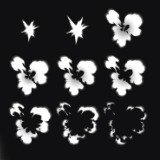
High-Quality 2D Effect Drawing — 20-Effect Package
A package of 20 high-quality smoke sequence effects, ready for immediate use in production.
Price $20.00
Buy on Asset Store (opens in new tab)
Affiliate link · Purchases support this site
Price history
Last 6 months
USDAsset preview
1 / 1
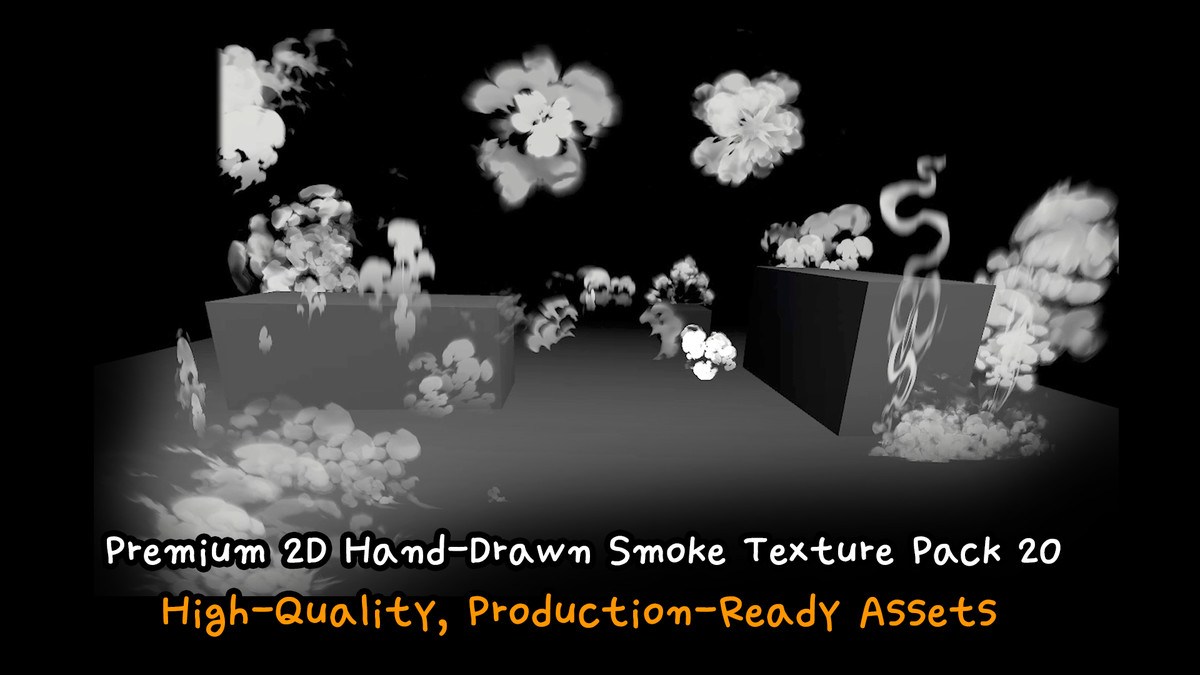
High-Quality 2D Effect Drawing — 20-Effect Package screenshot 1
About this asset
- Basic Particle Master Shader created with Amplify Shader
- 20 hand-drawn smoke sequence textures created in Photoshop
- 20 ready-to-use smoke particle prefabs already set up for immediate use
- This package includes 20 high-quality 2D effect images.
- Image Resolution: Between 1024x1024 and 2048x2048 pixels
- Color Format: RGBA
- Transparency: Yes (Alpha channel included)
From the publisher's Asset Store listing.
Technical details
- Basic Particle Master Shader created with Amplify Shader
- 20 hand-drawn smoke sequence textures created in Photoshop
- 20 ready-to-use smoke particle prefabs already set up for immediate use
- This package includes 20 high-quality 2D effect images.
- Image Resolution: Between 1024x1024 and 2048x2048 pixels
- Color Format: RGBA
- Transparency: Yes (Alpha channel included)
Compatibility
| Unity version | Built-in | URP | HDRP |
|---|---|---|---|
| 2023.2.20f1 | Not listed | Compatible | Not listed |
If Amplify Shader is available, you can use the included Particle Master Shader.
If not, you can implement the effect using Unity’s default Mobile Particle shader.
As listed on the Asset Store.