
 View on Asset Store (opens in new tab)
Package details
- Latest version
- 1.0
- Last updated
- First released
- Unity version
- 6000.2.13 or later
- Package size
- 5.5 MB
- Files
- 63
- Favorites
- 7
- Views in the past week
- 3
Price tracking
- Last checked
- Tracked since
- Lowest recorded
- $13.00 on
Keywords

Dashly Dashboard
Boost your productivity with Dashly a customizable editor dashboard that brings together scriptable objects, settings, tools, and more in one smart interface.
Affiliate link · Purchases support this site
Price history
Last 6 months
USDAsset preview
1 / 14

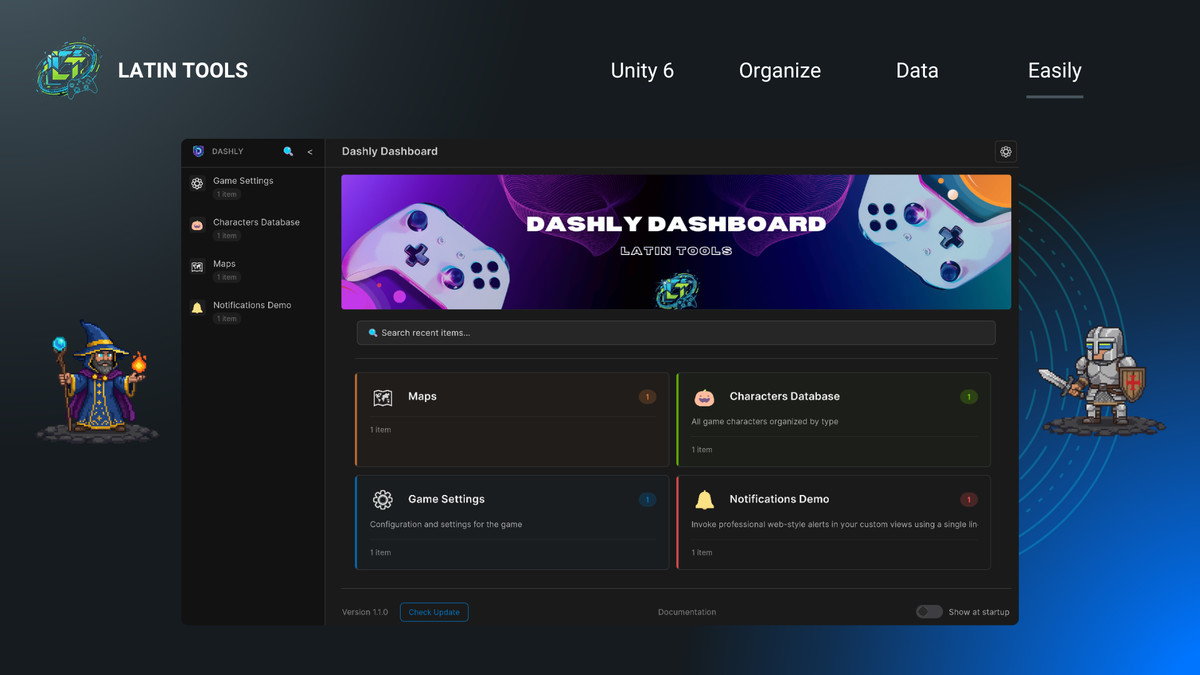
Dashly Dashboard screenshot 1


About this asset
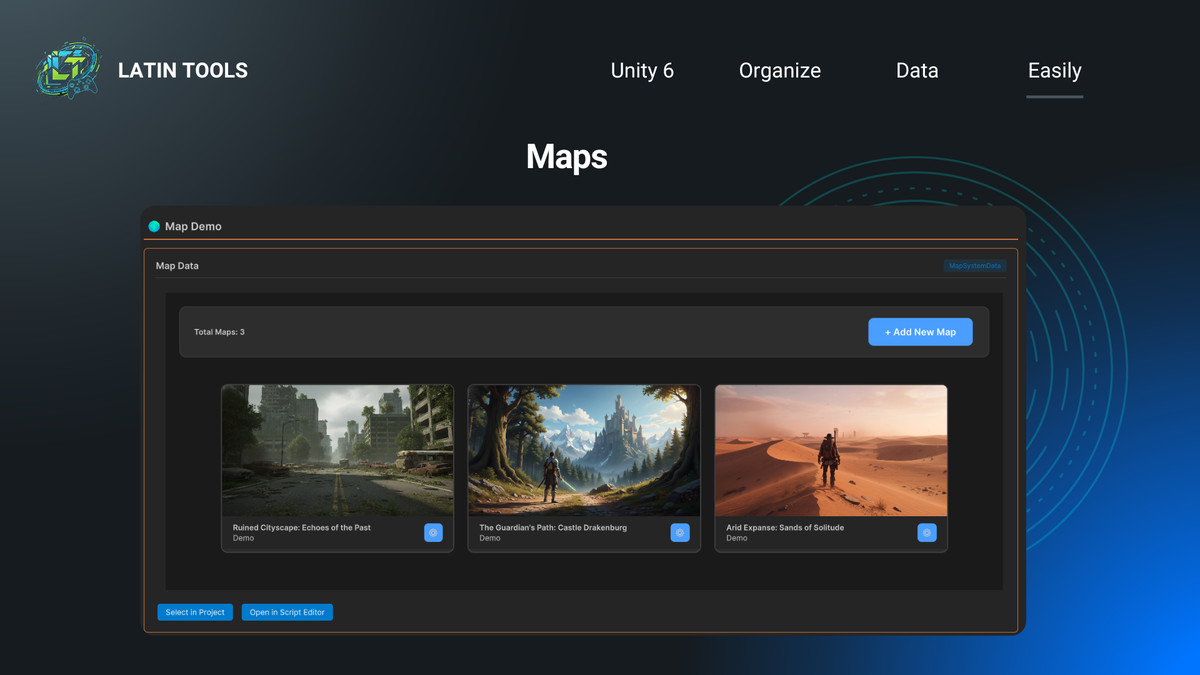
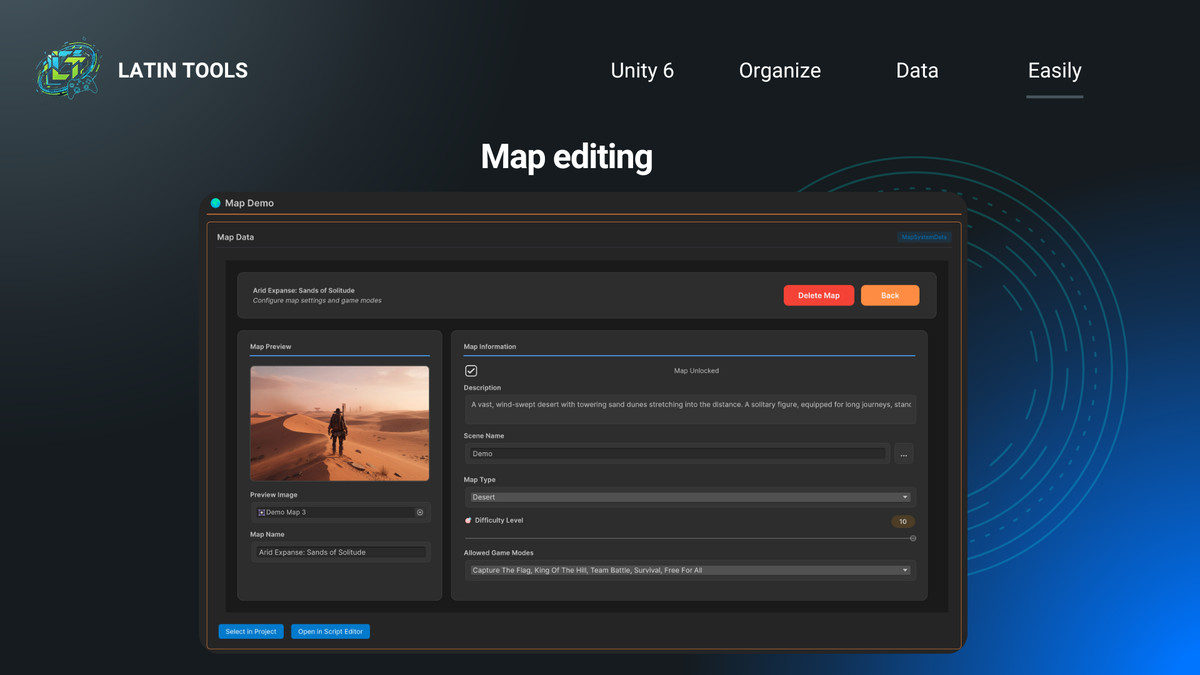
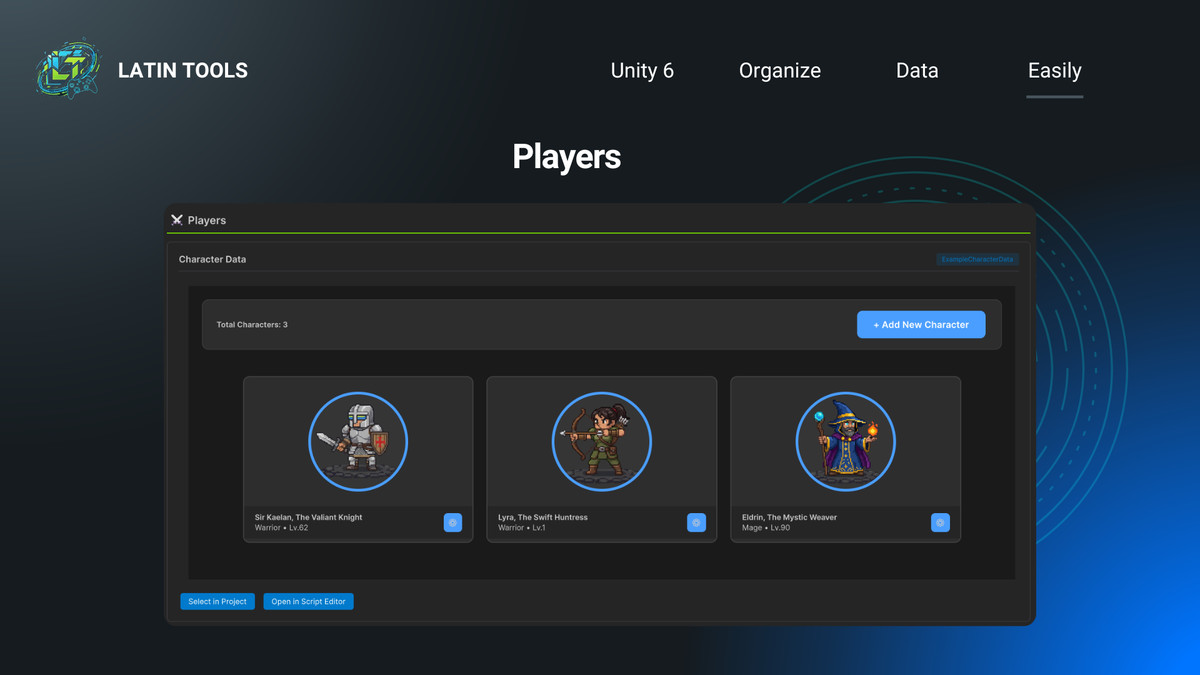
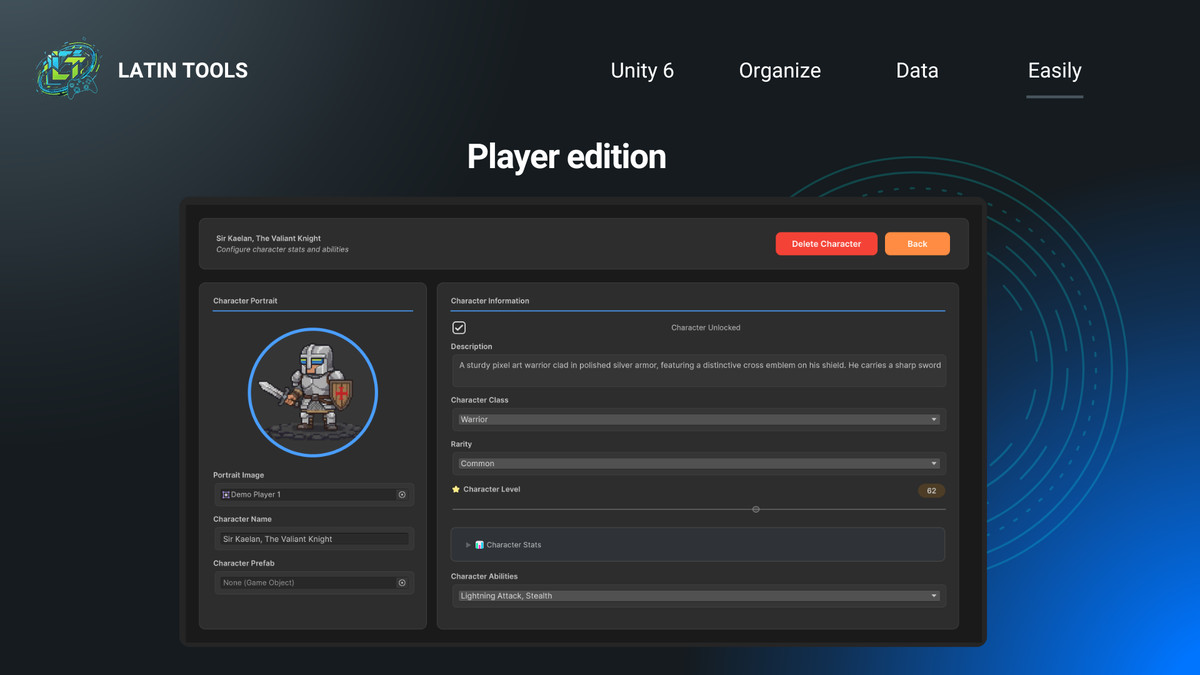
Dashly Dashboard is a professional Unity editor tool that revolutionizes how you organize and manage your project data and editor tools.
With a sleek, modern UI and intuitive workflow, it transforms your Unity Editor into a powerful, fully customizable dashboard for your project’s assets and custom interfaces.
🚀 Key Features
- Organized Structure: Group assets and tools into categories and sections for seamless navigation.
- Multi-Tab Workflow: Work with multiple categories at once — switch or duplicate tabs instantly.
- Real-Time Search: Instantly find assets or tools across your entire dashboard.
- Focus Mode: Enable "Show single section only" in preferences to keep your workspace clean and distraction-free.
- Theme Customization: Adjust colors, layout, and typography to fit your preferred style.
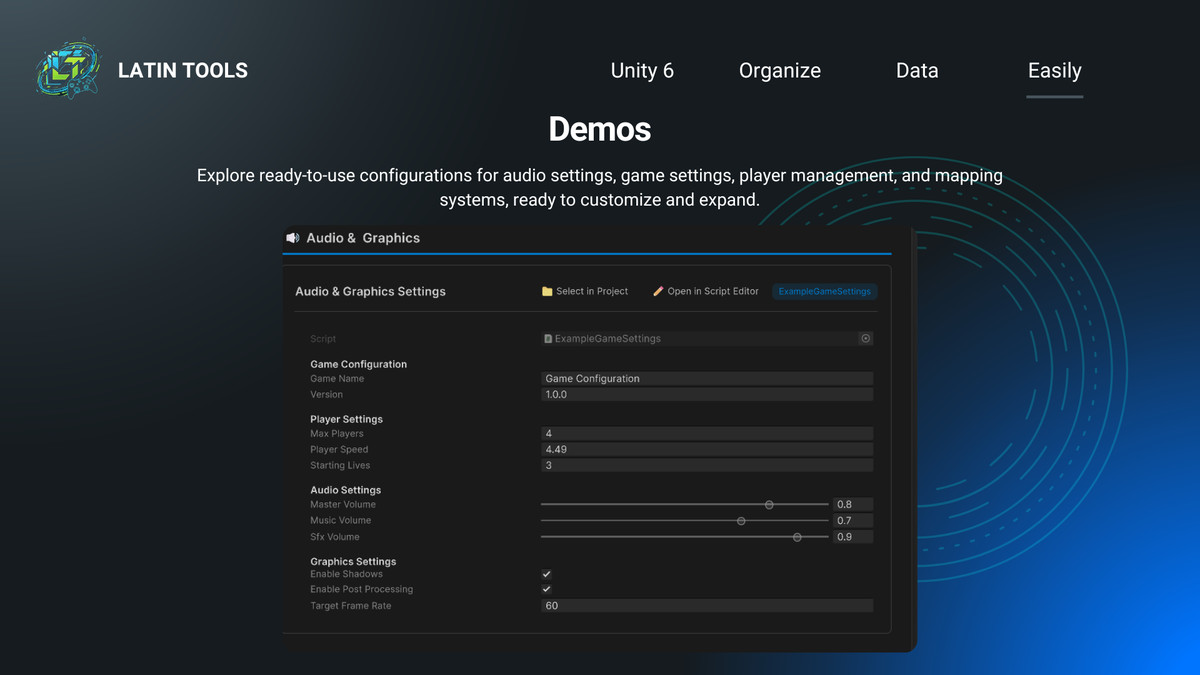
- Inline Editing: View and modify ScriptableObjects directly within the dashboard.
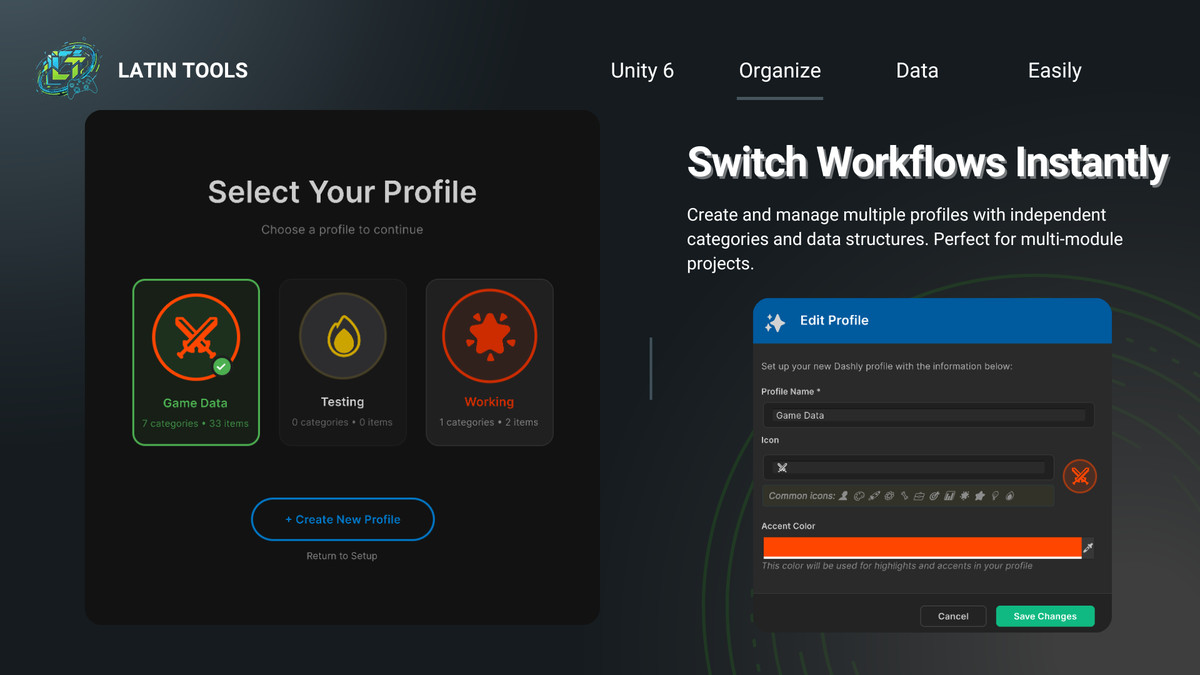
- Profile System: Create multiple profiles, each with its own independent categories, sections, and data structures.
- Notification System: Integrated web-style alerts (Success, Warning, Error) to provide real-time feedback within your custom tools.
- Advanced Custom Content: Now supports C# Scripting (EditorGUI, GUILayout, UI Toolkit). Display complex Editor Windows and advanced logic directly inside Dashly, going beyond simple ScriptableObjects.
🧩 Why Use Dashly
Dashly brings structure and style to your Unity projects — perfect for developers and technical artists who manage complex data or need a centralized hub for their custom editor tools. It saves time, improves focus, and makes asset management enjoyable.
🛠 Compatibility
- Unity: 2022.3 LTS or newer
- Pipelines: Built-in, URP, HDRP
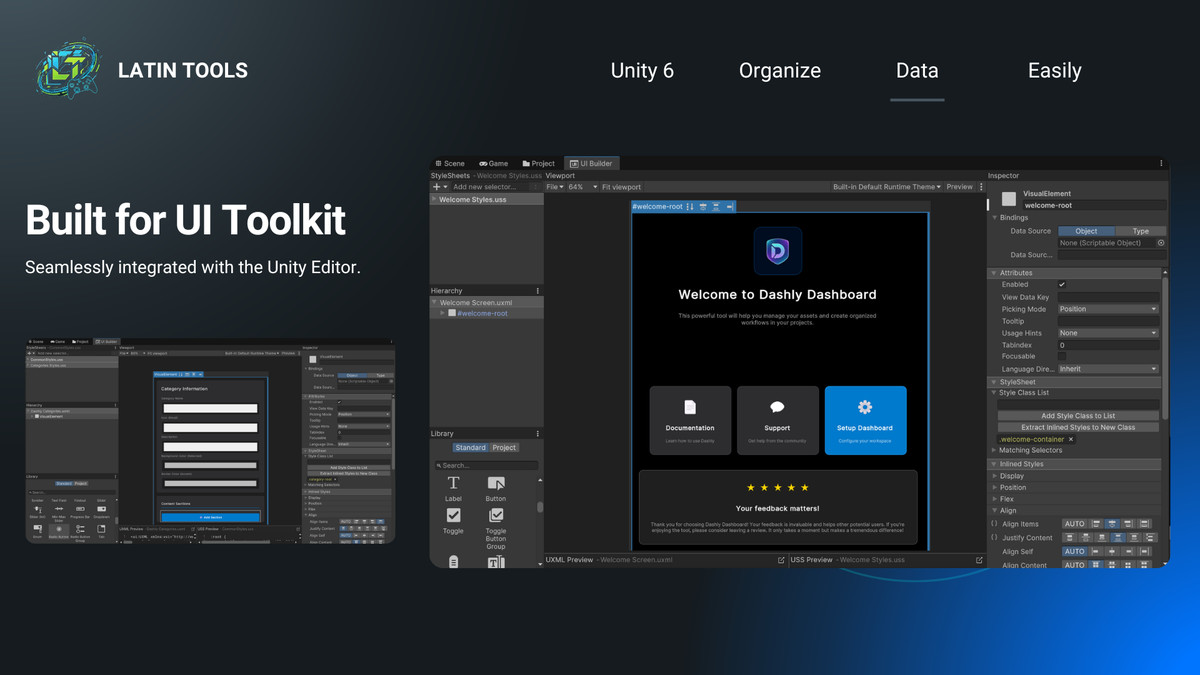
- UI Toolkit: Fully supported
💬 Support
For questions, feedback, or feature requests, contact: 📧 [email protected] 📘 Documentation: latin-tools.gitbook.io/latin-tools-docs
From the publisher's Asset Store listing.
Technical details
Features:
- Advanced Custom Content API: Support for full C# interfaces (EditorGUI, GUILayout, and UI Toolkit) allowing complex logic and custom Editor Windows inside Dashly.
- Smart Profile System: Multi-profile management for different project modules or workflows with independent data structures.
- Notification API: Built-in web-style notification system (Success, Warning, Error) accessible via code for custom tools.
- Automated Setup Assistant: Intelligent validation system that ensures project integrity and assists in initial configuration.
- Customizable Home Dashboard: Dynamic landing page with hero banner support, global search, and recent items tracking.
- Flexible UI Engine: Lightweight and modular code structure built on Unity UI Toolkit for maximum performance.
- Extensible Architecture: Easily create custom modules and templates to speed up dashboard creation.
How to Use:
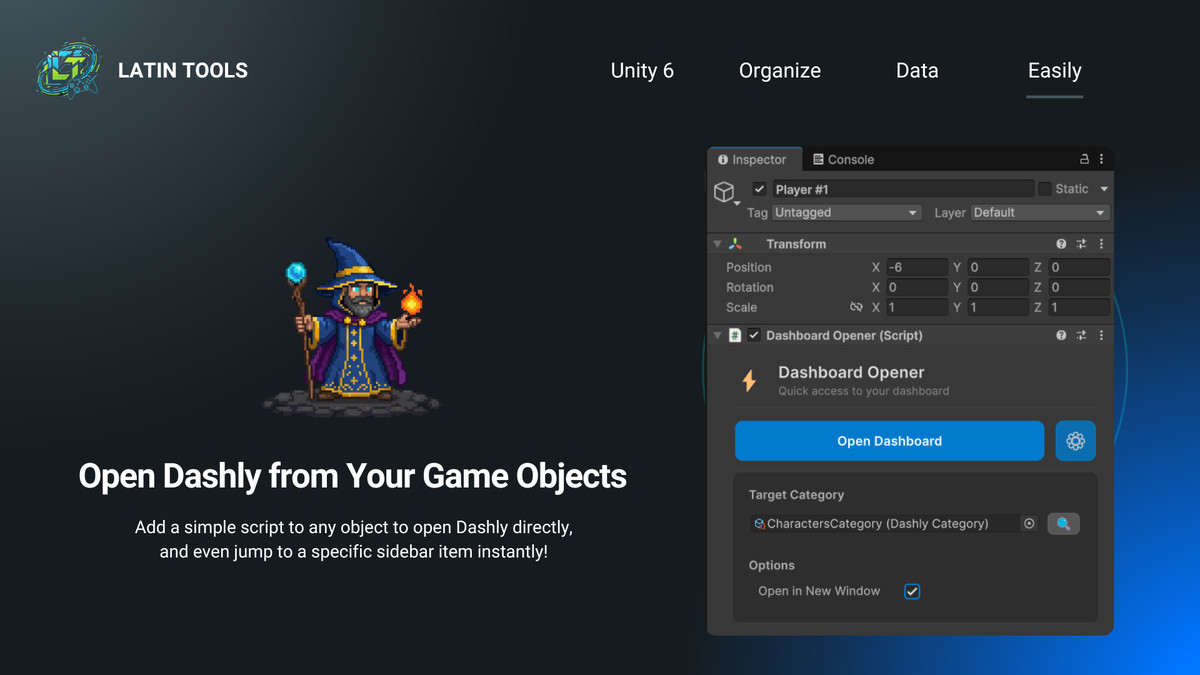
- Initialize: Open Dashly from the Unity toolbar; the Setup Assistant will guide you through your first profile creation.
- Configure: Add categories and sections (ScriptableObjects or Custom C# Views) via the intuitive drag-and-drop logic.
- Customize: Use the Preferences menu to toggle "Single Section View" or change the Home Dashboard banner.
- Develop: Use DashlyContentContext to trigger notifications or embed advanced Editor logic into your dashboard.
Compatibility:
- ✅ Unity 2022.3 LTS and above
- ✅ Supports URP, HDRP, and Built-in Pipelines
- ✅ Editor-only (Zero runtime overhead)
- ✅ Includes full C# source code
Compatibility
| Unity version | Built-in | URP | HDRP | Custom |
|---|---|---|---|---|
| 6000.2.13f1 | Compatible | Compatible | Compatible | Compatible |
As listed on the Asset Store.