
 View on Asset Store (opens in new tab)
Package details
- Latest version
- 1.0.1
- Last updated
- First released
- Unity version
- 6000.0.20 or later
- Package size
- 643 KB
- Files
- 58
- Favorites
- 1
- Views in the past week
- 8
Price tracking
- Last checked
- Tracked since
- Lowest recorded
- $6.99 on
Keywords
Gesture Manager
The fastest and easiest way to add gestures to your game. Editor/PC (mouse & keyboard) and Mobile (touch), old and new input system are covered instantly. Get the data with 1 line of code.
Affiliate link · Purchases support this site
Price history
Last 6 months
USDAsset preview
1 / 17

Gesture Manager screenshot 1






About this asset
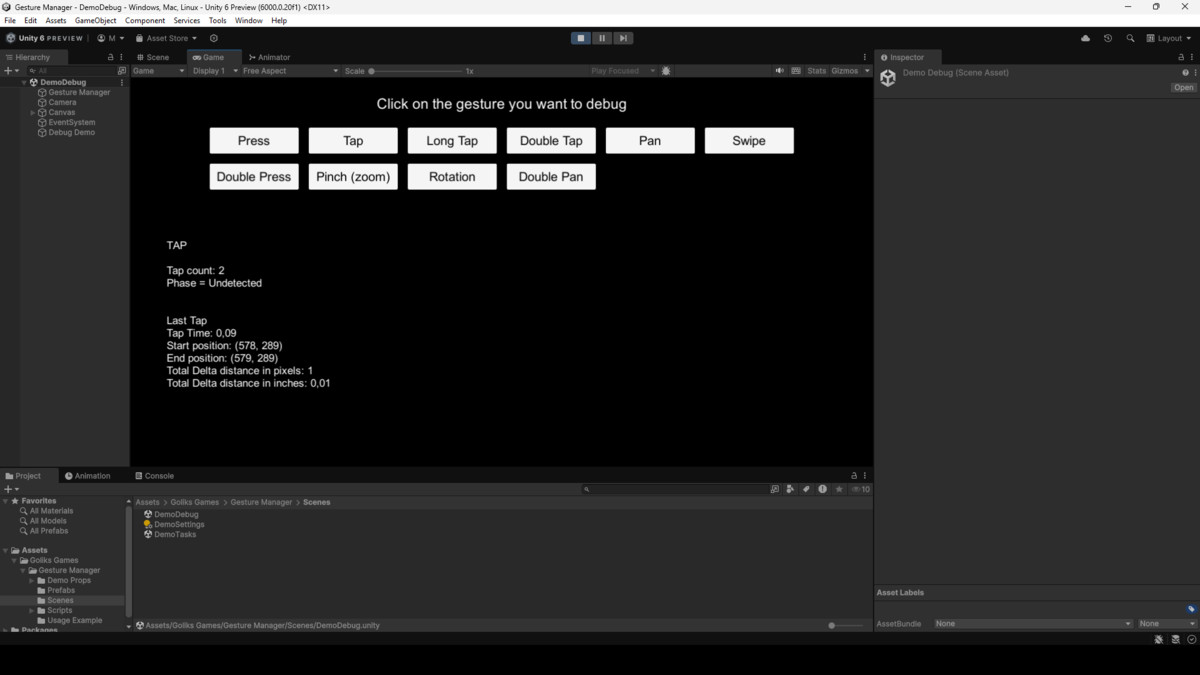
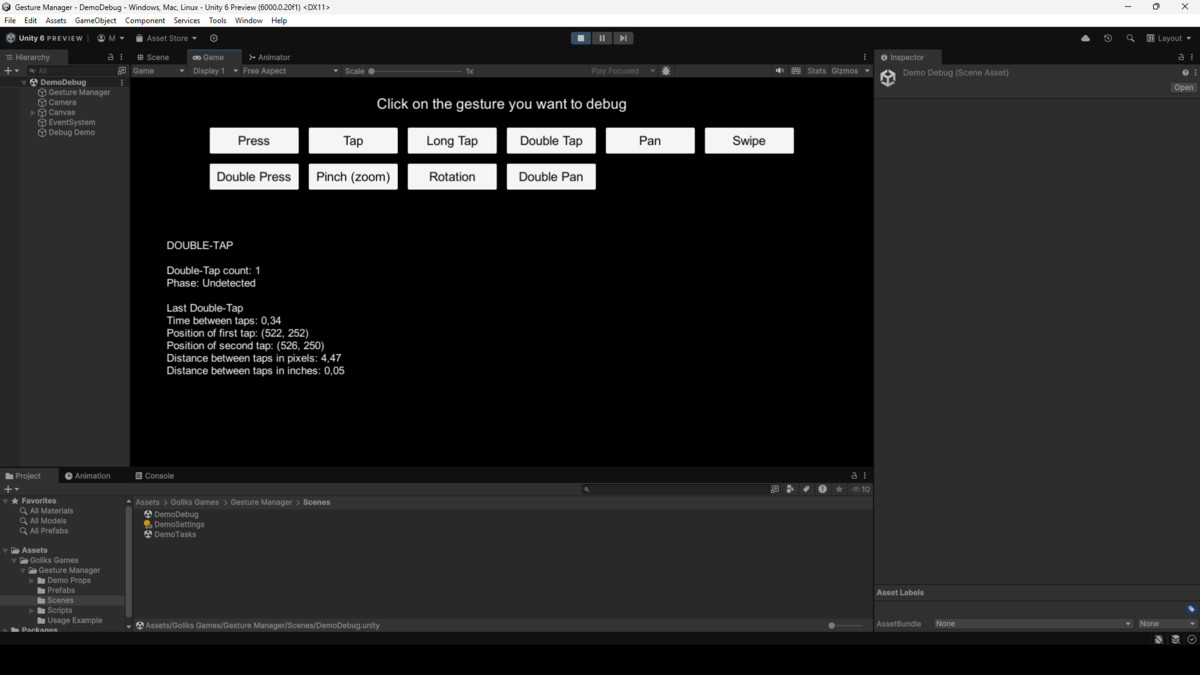
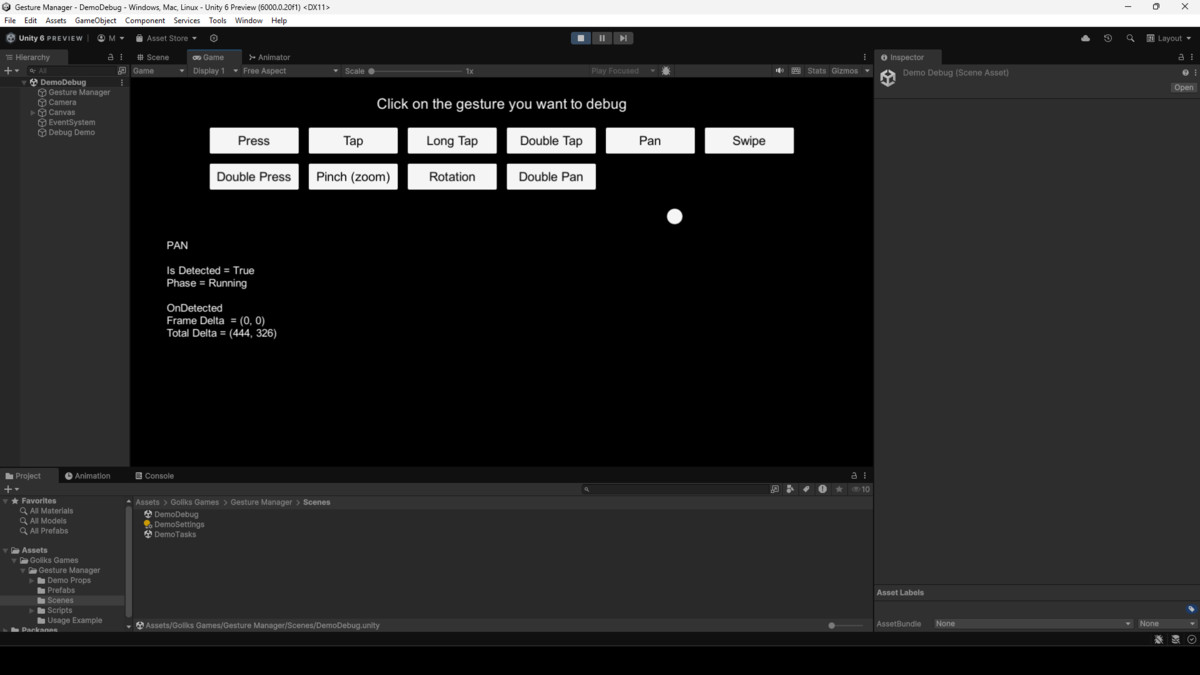
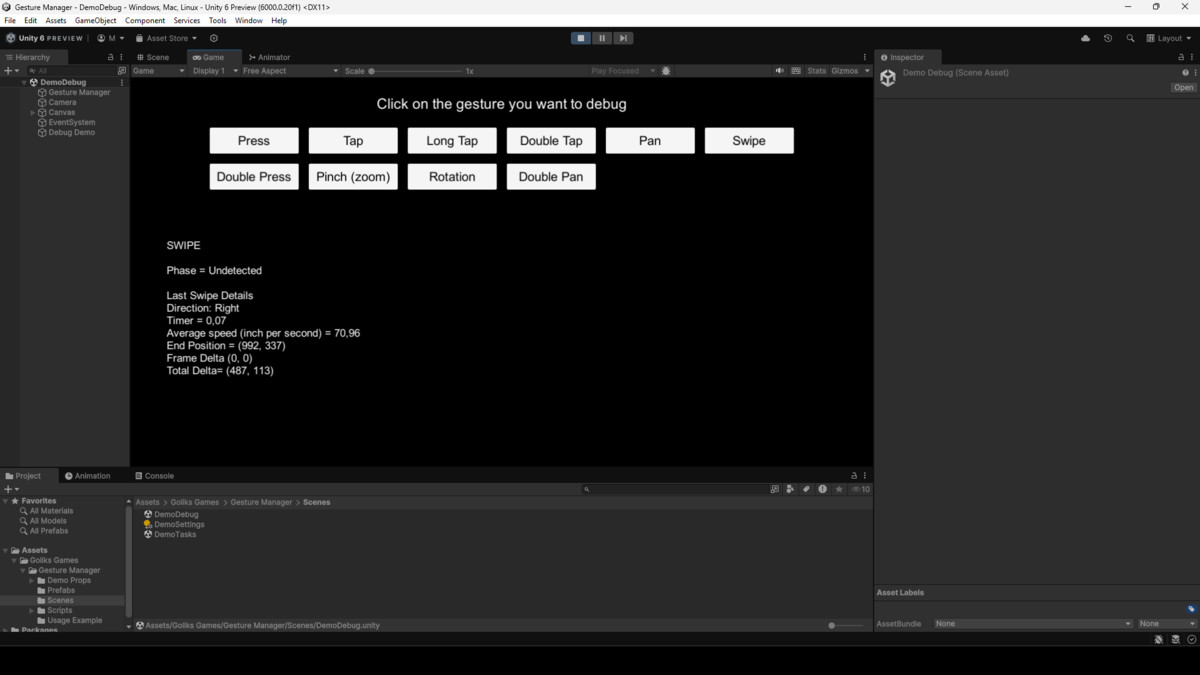
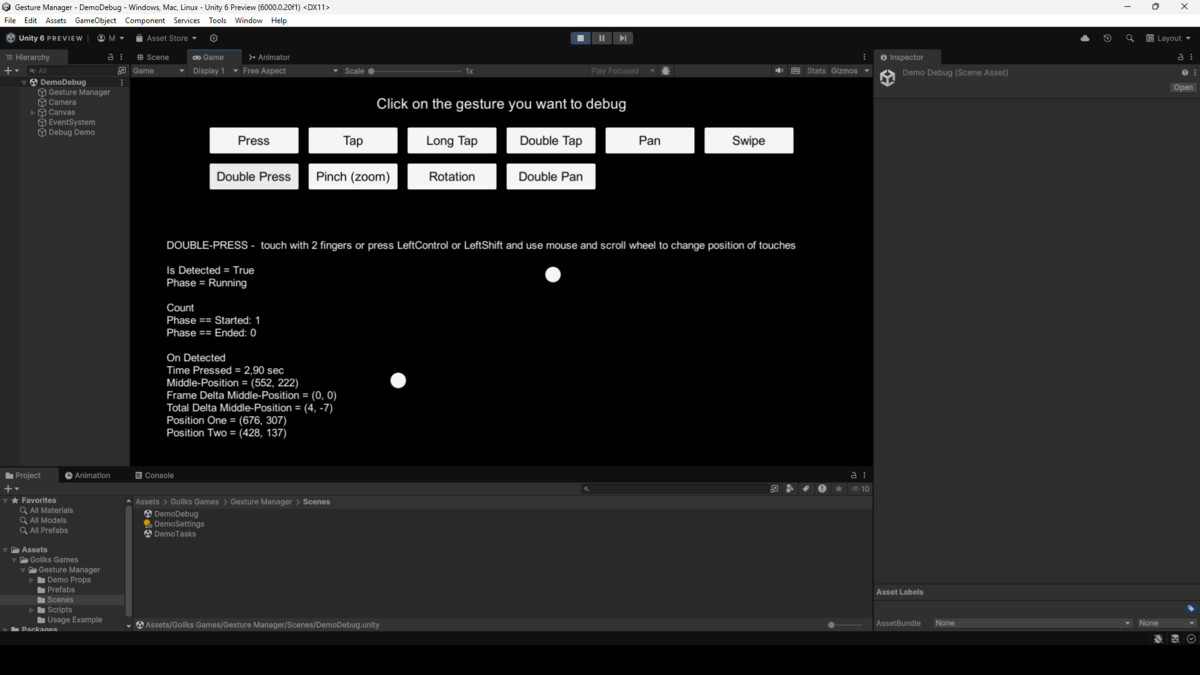
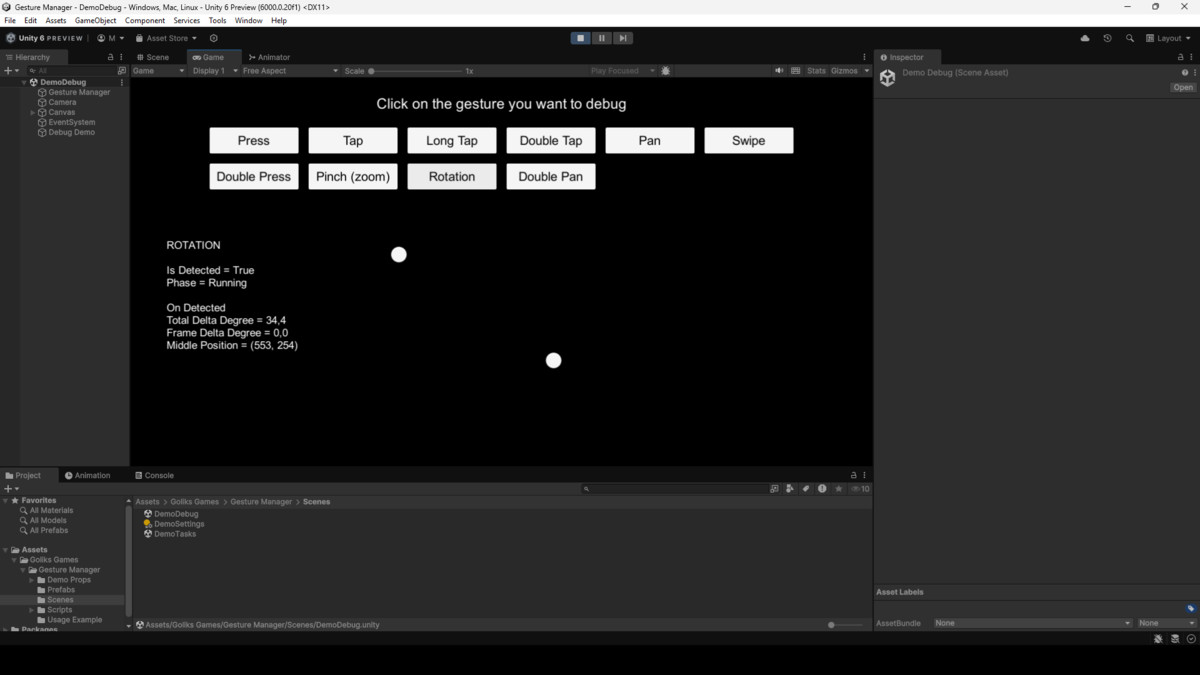
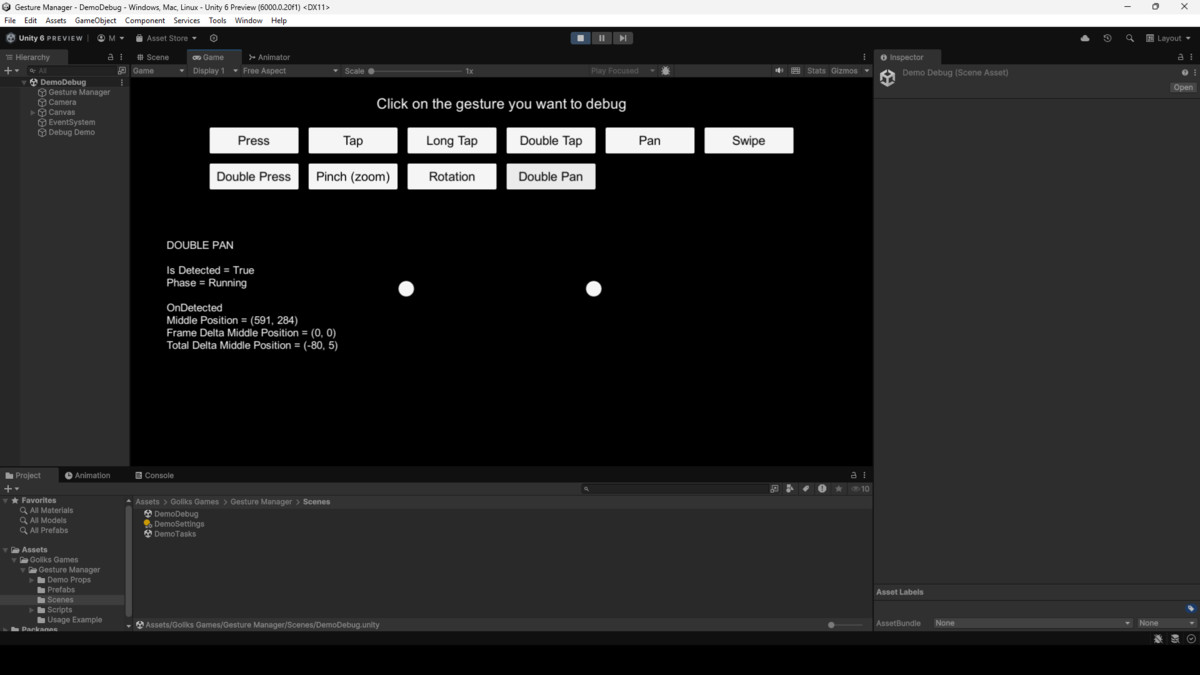
GestureManager is the ultimate plug & play solution for gesture detection – As easy as it gets. Just drop it into your scene and instantly access gestures like Swipe, Tap, Pinch, Rotate, Press and more — both on mobile devices and in the Unity Editor using mouse and keyboard, and both old or new Input System.
Designed for developers who want to skip the overhead and get straight to the action.
Read the gesture's data with 1 line of code.
Key features
- Zero setup: Drag the prefab in, you're ready to go
- Instant access to data: One line of code gets you gesture info
- No code required for configuration
- Supports both Unity Input Systems (old and new)
- Supports both touch and mouse input
- See gesture positions visually (optional UI helper included)
- Editor-compatible: Test gestures without building to device
- (positions, deltas, speed, angles, tap timing, and more) Highly readable gesture structure with rich data
Supported Gestures
- Swipe (with direction detection)
- Tap / Double Tap / Long Tap / Press / Double Press
- Pinch (with distances in pixels and inches)
- Rotation
- Pan / Double Pan
Additional Utilities
- Check if any touch is over UI
- Get touch positions or count
- Customize gesture settings in code or Inspector
From the publisher's Asset Store listing.
Technical details
Gestures Included
- Tap
- Long Tap
- Double Tap
- Press
- Double Press
- Swipe (with direction detection)
- Pan
- Double Pan
- Pinch (zoom)
- Rotation
Integration
- Just drop the GestureManager prefab into your scene — you're ready to go
- No scripting needed for configuration
- Optional: Add UIGestureManager if you want to visualize touch points
Compatibility
- Unity 2018 and above
- Supports Mouse, Touch, and both Old & New Input System
✅ WebGL
✅ Android
✅ iOS
✅ Windows
✅ macOS
Compatibility
| Unity version | Built-in | URP | HDRP | Custom |
|---|---|---|---|---|
| 6000.2.1f1 | Compatible | Compatible | Compatible | Compatible |
| 6000.0.20f1 | Compatible | Compatible | Compatible | Compatible |
As listed on the Asset Store.