
 View on Asset Store (opens in new tab)
Package details
- Latest version
- 1.0
- Last updated
- First released
- Unity version
- 2022.3.57 or later
- Package size
- 258 KB
- Files
- 6
- Favorites
- 3
- Views in the past week
- 3
Price tracking
- Last checked
- Tracked since
- Lowest recorded
- $5.99 on
Keywords
Borderless Window Toolkit – Drag & Control Windows Standalone Builds
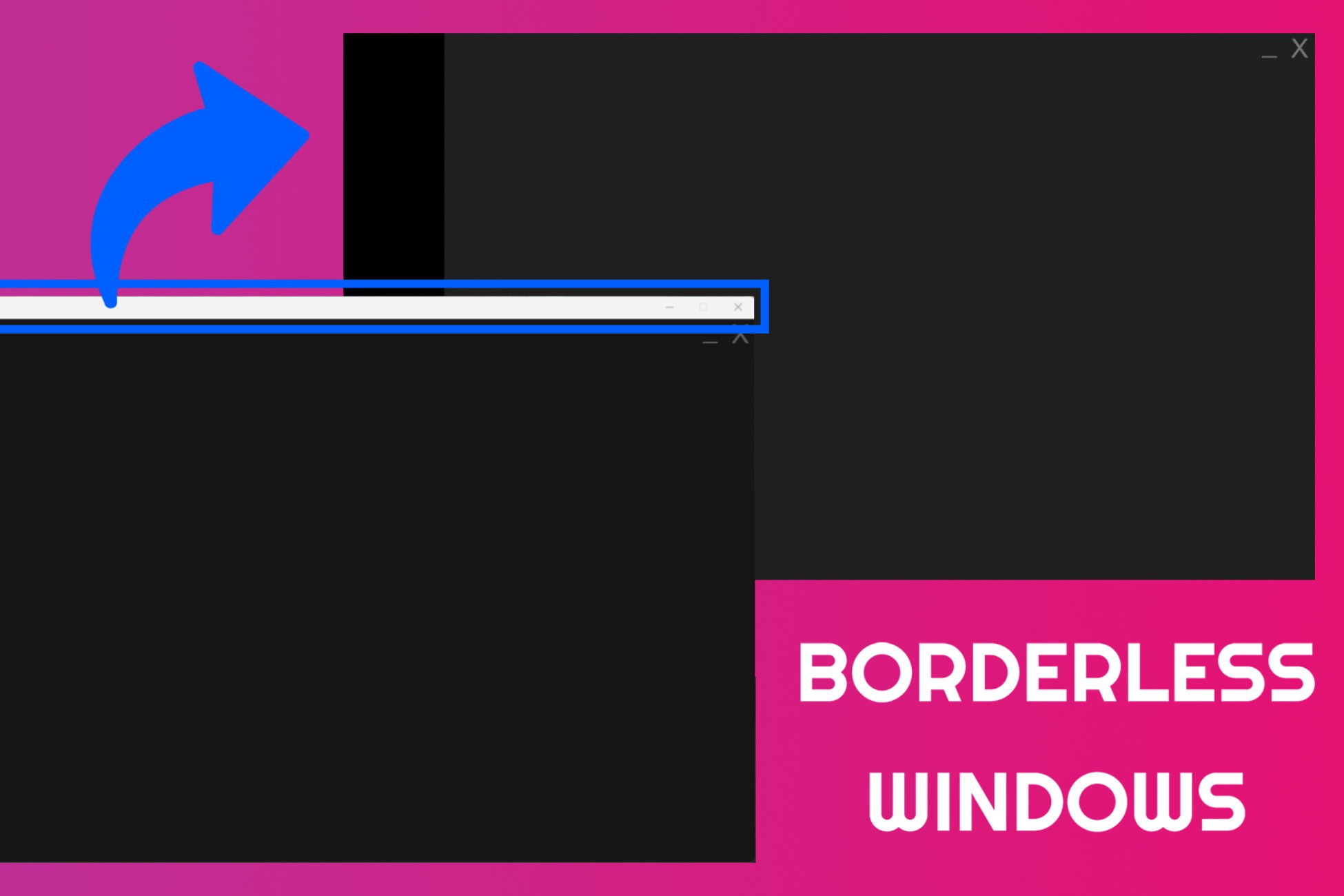
Create modern, frameless, and fully controllable windows for your Unity standalone builds.
Price $5.99
Buy on Asset Store (opens in new tab)
Affiliate link · Purchases support this site
Price history
Last 6 months
USDAsset preview
1 / 3
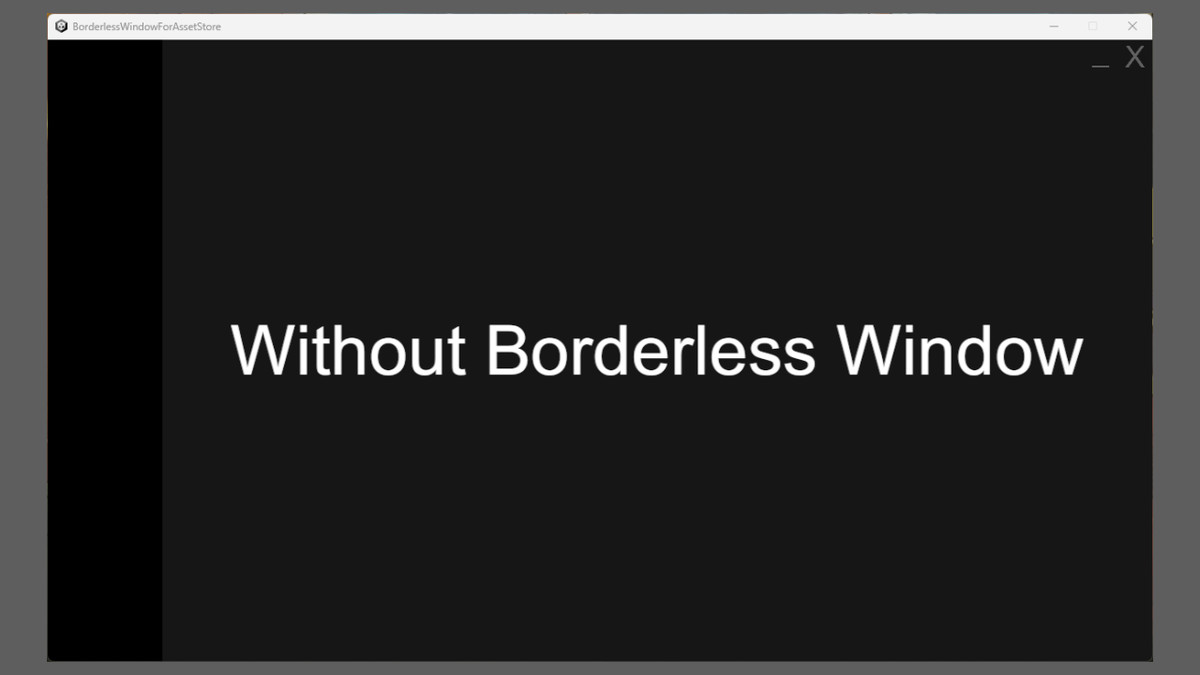
Borderless Window Toolkit – Drag & Control Windows Standalone Builds screenshot 1
About this asset
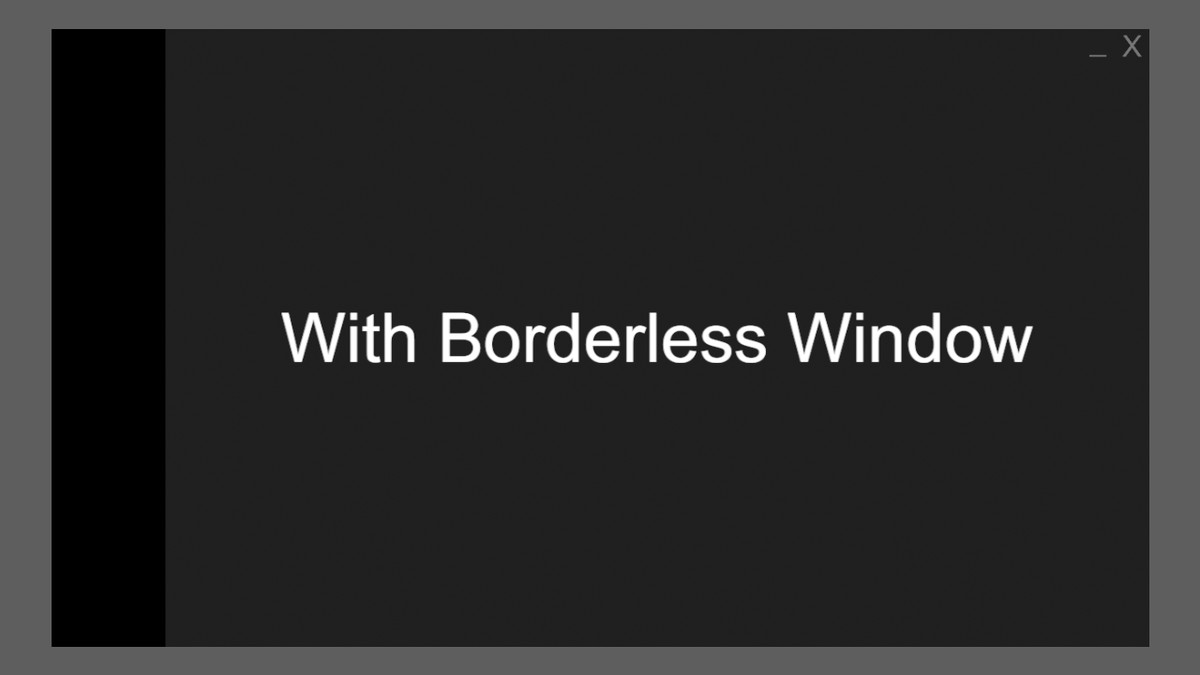
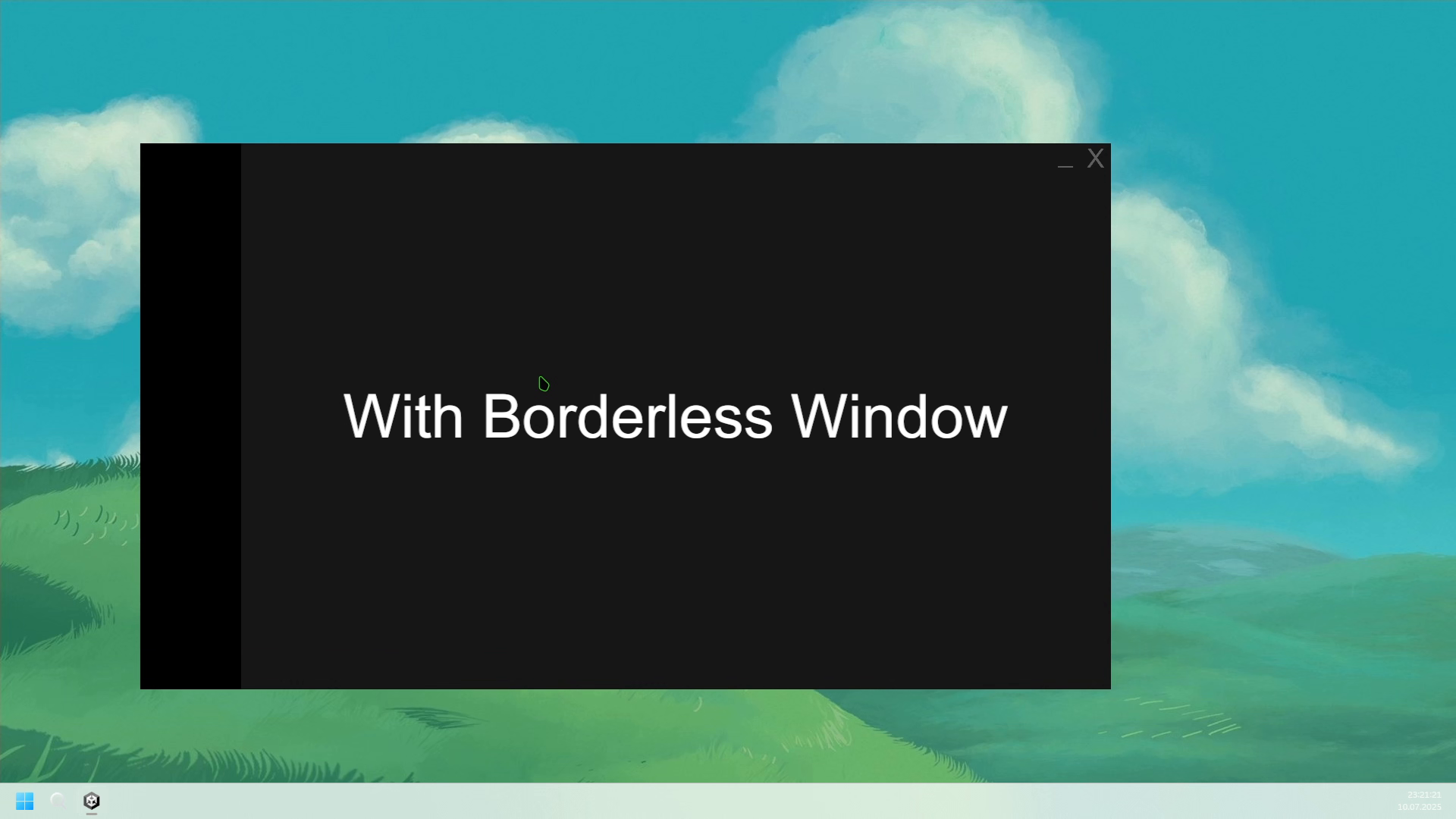
This lightweight utility gives you everything you need to remove the default Windows border and title bar, implement drag behavior, and add minimize/close functionality using your own UI.
Perfect for custom launchers, tools, or minimalist games.
✨ Features:
- Remove the default Windows frame and title bar on startup
- Make your window draggable by any UI element (RectTransform)
- Easily minimize or close the window via Unity UI buttons
- Clean, modern look with full user control
- Plug & play – no configuration needed
- Works with both Mono and IL2CPP builds
📦 What's Included:
- BorderlessWindow.cs – removes OS-level window borders
- WindowDrag.cs – allows dragging the window with UI
- WindowControls.cs – minimize & close methods for UI buttons
- README and usage instructions
From the publisher's Asset Store listing.
Technical details
🖥 Platform Support:
- ✅ Windows Standalone (x86/x64)
- ❌ Not supported on macOS or Linux
To use this tool, set your build’s fullscreen mode to Windowed in Player Settings.
Tested on Unity 2022+ and Windows 10/11.
Compatibility
| Unity version | Built-in | URP | HDRP | Custom |
|---|---|---|---|---|
| 2022.3.57f1 | Compatible | Compatible | Compatible | Compatible |
As listed on the Asset Store.