
 View on Asset Store (opens in new tab)
Package details
- Latest version
- 1.1.2
- Last updated
- First released
- Unity version
- 2022.3.62 or later
- Package size
- 64 KB
- Files
- 34
- Favorites
- 15
- Views in the past week
- 7
Price tracking
- Last checked
- Tracked since
- Lowest recorded
- $17.49 on
Keywords

SuperScenes - Components for scenes
- Price drop
SuperScenes gives you the ability to attach components to Unity scenes. You can use them to store data, or to run code when the scene loads or unloads.
Lowest in 6 months
Get 20% off on Asset Store (opens in new tab)Affiliate link · Purchases support this site
Price history
Last 6 months
USDAsset preview
1 / 4
SuperScenes - Components for scenes screenshot 1


About this asset
🔗 Documentation | Discord | Support
It's typical: you want something to happen "at the scene level", but you end up having to put a GameObject in the scene because GameObject + Component is the main Unity pattern. 🤔
💡 What if you could just add a component to a scene?
SuperScenes enables the concept of components for Scene assets. This way you can attach data and behaviour without the need to add new GameObjects.
No more "Do I have all the manager Prefabs in my scene – or did I forget something?"
⚙️ How does it work?
- You create a script that inherits from SceneComponent.
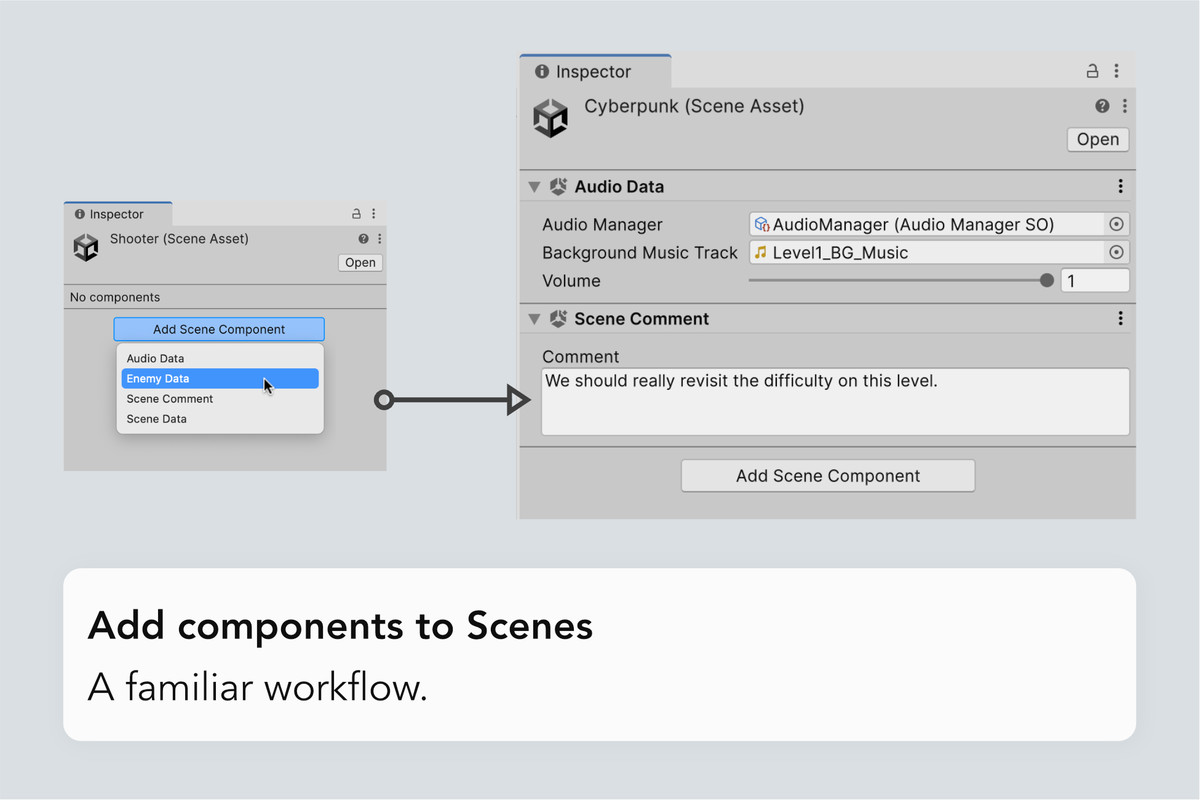
- You select a scene file, and add the Component like you would for a GameObject.
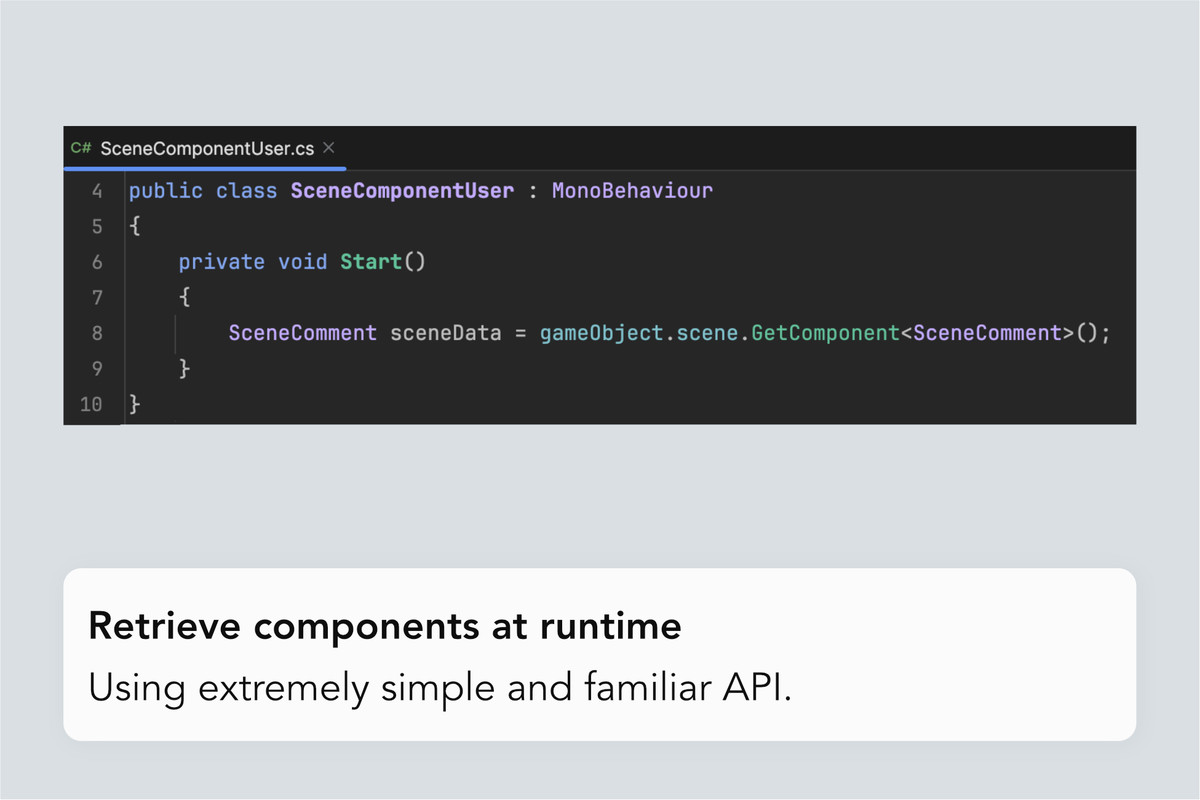
- At runtime, you can now access that data using the SuperScenes API.
It's very simple.
⚙️ What's the API like
To get a component of a specific type, you just need a reference to a Scene and then invoke GetComponent<T>( ), TryGetComponent<T>() on it. Or GetComponents( ) to get them all.
It will all feel very familiar.
⚙️ Where is the data?
The data/components for each scene sits on ScriptableObjects that are automatically created, indexed and managed by SuperScenes.
Because they are external to the Scene asset, you could add a component to a scene while someone else is working on it, and there won't be any conflict! 👌🏻
🈶️ CJK languages support
SuperScenes supports CJK languages for SceneComponent properties.
该工具支持中文。
このツールは日本語をサポートしています。
이 도구는 한국어를 지원합니다.
📘 Documentation
If you want to learn more about SuperScenes, you can browse the documentation website.
From the publisher's Asset Store listing.
Technical details
Supported Unity versions
Super Scenes works with Unity 2022, Unity 6, Unity 6.1 and Unity 6.2.
Compatibility
| Unity version | Built-in | URP | HDRP | Custom |
|---|---|---|---|---|
| 6000.3.7f1 | Compatible | Compatible | Compatible | Compatible |
| 6000.0.70f1 | Compatible | Compatible | Compatible | Compatible |
| 2022.3.62f3 | Compatible | Compatible | Compatible | Compatible |
As listed on the Asset Store.