
 View on Asset Store (opens in new tab)
Package details
- Latest version
- 1.0.0
- Last updated
- First released
- Unity version
- 2021.3.45 or later
- Package size
- 533 KB
- Files
- 67
- Favorites
- 4
- Views in the past week
- 8
Price tracking
- Last checked
- Tracked since
- Lowest recorded
- $9.99 on
Keywords
UITK VirtuaStick (Deprecated)
- Price drop
Professional Virtual Joystick for Unity's UI Toolkit
Lowest recorded price
Get 67% off on Asset Store (opens in new tab)Affiliate link · Purchases support this site
Price history
Last 6 months
USDAsset preview
1 / 4
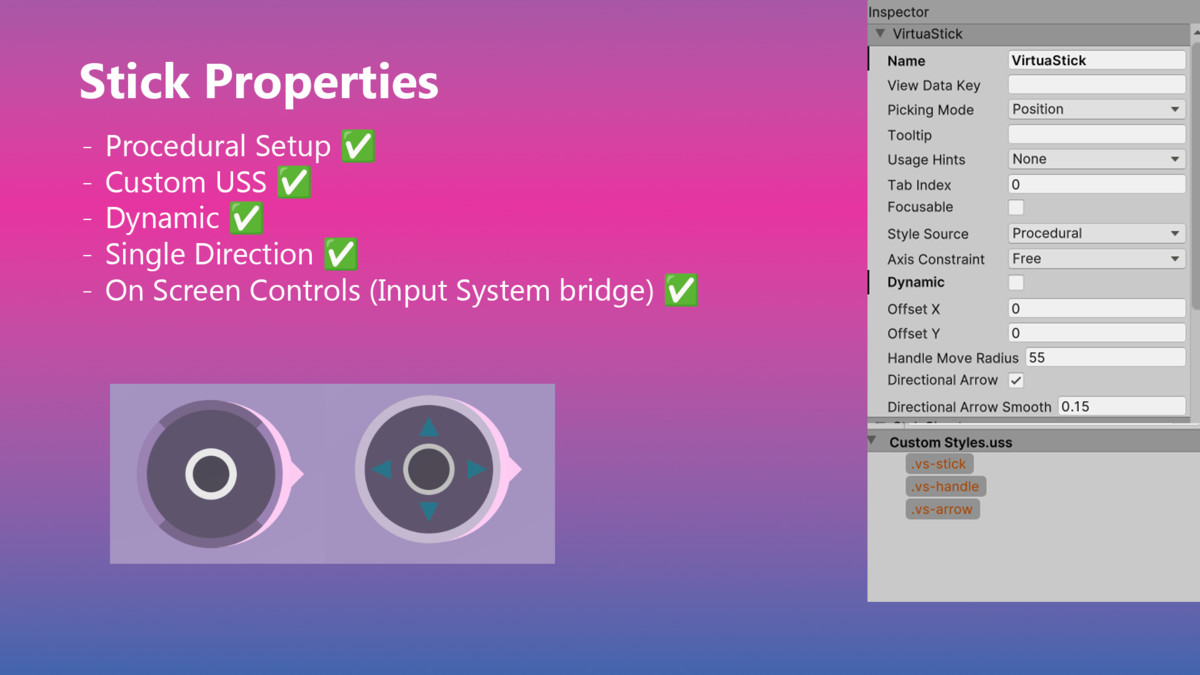
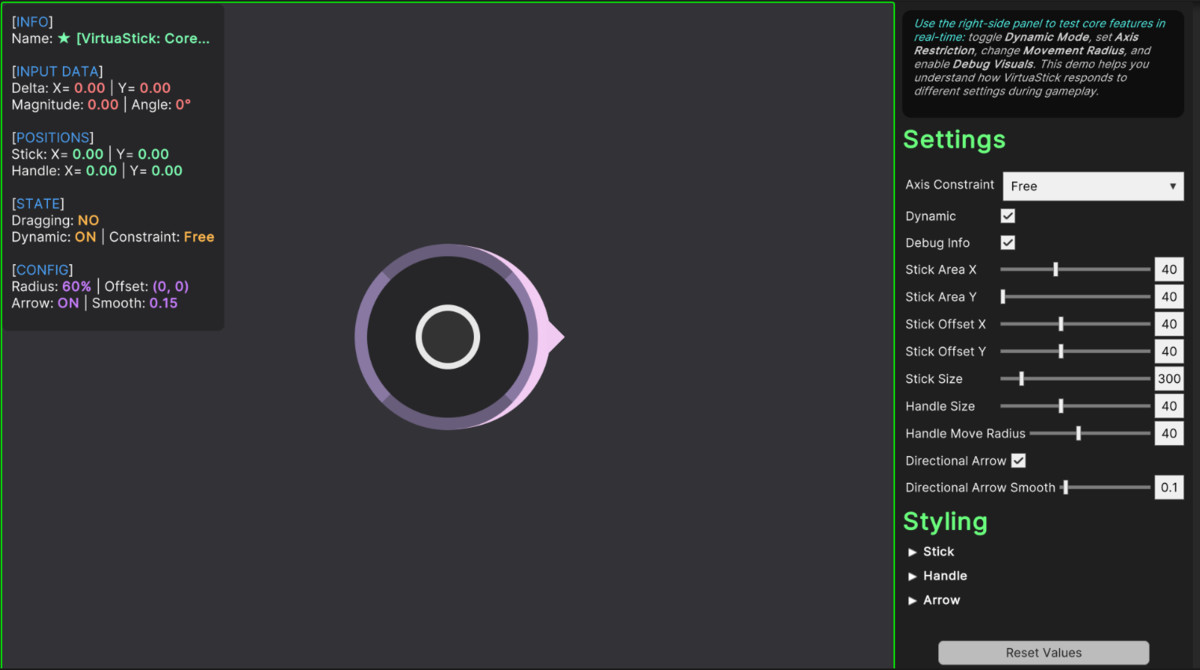
UITK VirtuaStick (Deprecated) screenshot 1

About this asset
🚨 IMPORTANT NOTICE: THIS ASSET IS BEING DEPRECATED 🚨
This asset will soon be retired from the Unity Asset Store as it is being replaced by Orion Controls, a massive, fully modular upgrade built from the ground up for UI Toolkit.
Note: Once Orion Controls is approved, this page will be officially marked as Deprecated and linked to the new version. Support for existing users will continue at [email protected].
A lightweight virtual joystick designed natively for Unity's UI Toolkit, offering plug-and-play touch controls with full Input System compatibility. Ideal for mobile games, editor tools, or any UITK-based project requiring precise input.
🎮 LIVE DEMOS
PC Standalone Demo | Android APK Download
🚀 Built for UITK Power Users
✅ True UITK Integration – No adapters or UGUI bridges
✅ Input System First – One-click binding to Vector2 actions
✅ Optimized for Mobile
✅ Dynamic or Fixed Joystick Modes
✅ 100% USS Customizable – Control all visuals via USS or runtime API
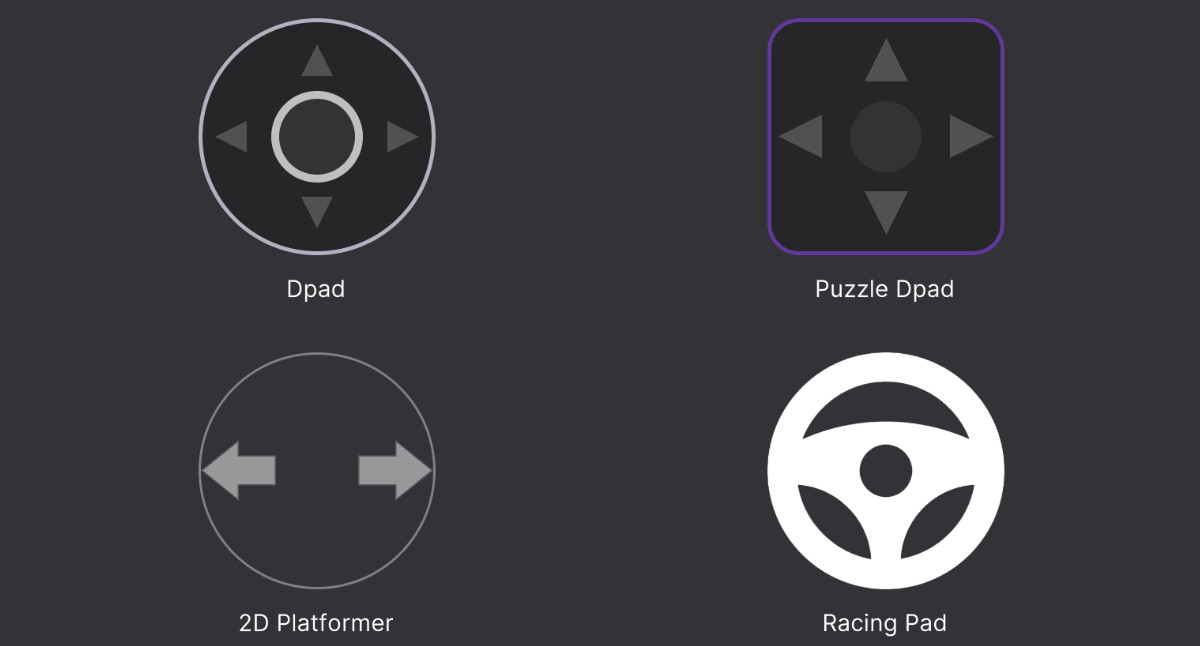
✅ Supports Direction Constraints – Omni / Horizontal / Vertical
🔍 Solve These UITK Pain Points
❌ "My joystick breaks on different screen sizes"
✅ Solution: Fully responsive USS layout that adapts to any resolution
❌ "Input System setup is too complex"
✅ Solution: Native InputAction support with one-click binding
❌ "My controls feel laggy on mobile"
✅ Solution: Input updates processed on touch phase with <1ms latency
⚙️ Installation Steps
- Import the package
- Add the VirtuaStick via UXML or attach VirtuaStickProcedural
- Add the OnScreenVirtuaStick component
- Assign your binding path and you're ready!
From the publisher's Asset Store listing.
Technical details
Core Components
- VirtuaStick.cs - VisualElement definition
- OnScreenVirtuaStick.cs - Handles Input System integration and binding path configuration.
Requirements
- Unity: 2021.3 or newer
- Input System Package: Version 1.4.0 or later
Compatibility
| Unity version | Built-in | URP | HDRP | Custom |
|---|---|---|---|---|
| 6000.1.15f1 | Compatible | Compatible | Compatible | Compatible |
| 2021.3.45f1 | Compatible | Compatible | Compatible | Compatible |
As listed on the Asset Store.