
 View on Asset Store (opens in new tab)
Package details
- Latest version
- 1.2
- Last updated
- First released
- Unity version
- 6000.5.10 or later
- Package size
- 22.0 MB
- Files
- 431
- Favorites
- 37
- Views in the past week
- 119
Price tracking
- Last checked
- Tracked since
- Lowest recorded
- Free on
Keywords

Paddle Ball | ScriptableObject Sample Project
This educational sample project demonstrates how you can use ScriptableObjects in design patterns and game architecture to make your project more modular and artist-friendly.
Affiliate link · Purchases support this site
Price history
Last 6 months
USDAsset preview
1 / 8
Paddle Ball | ScriptableObject Sample Project screenshot 1
About this asset
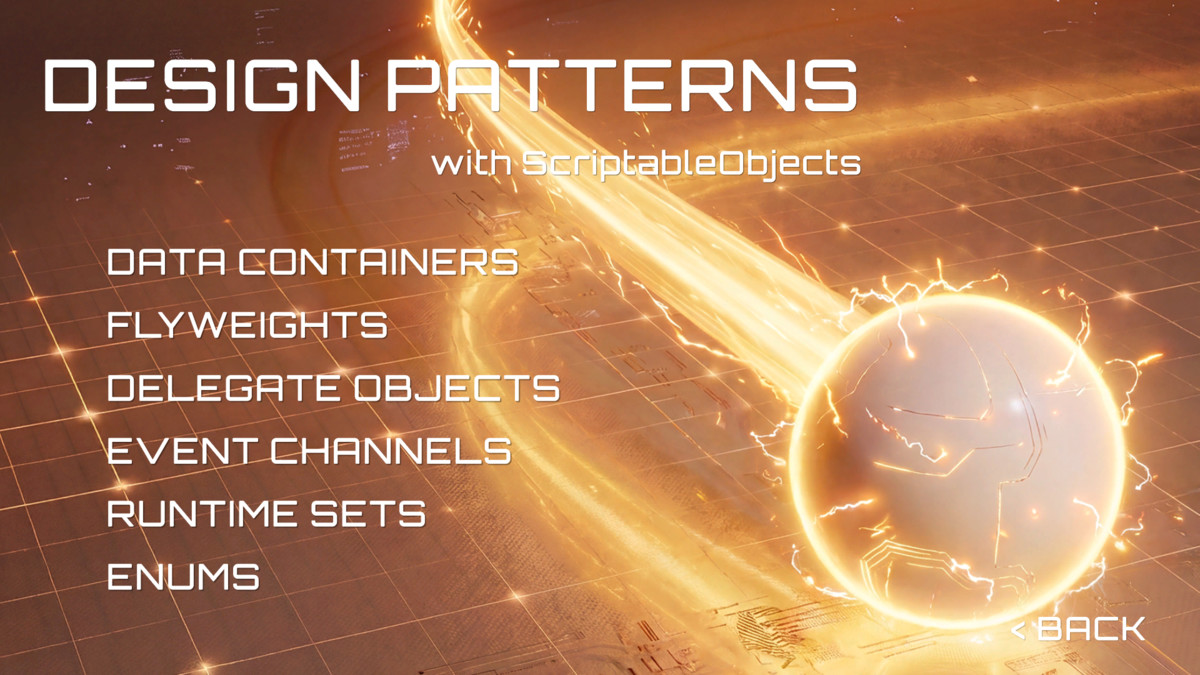
The Paddle Ball sample project demonstrates how ScriptableObjects can be used to create modular, scalable, testable, and designer-friendly game systems.
Designed to accompany the free e-book Create modular game architecture in Unity with ScriptableObjects, the project combines focused design pattern examples with several playable paddle and ball mini-games.
Core Features:
- ScriptableObjects as data containers
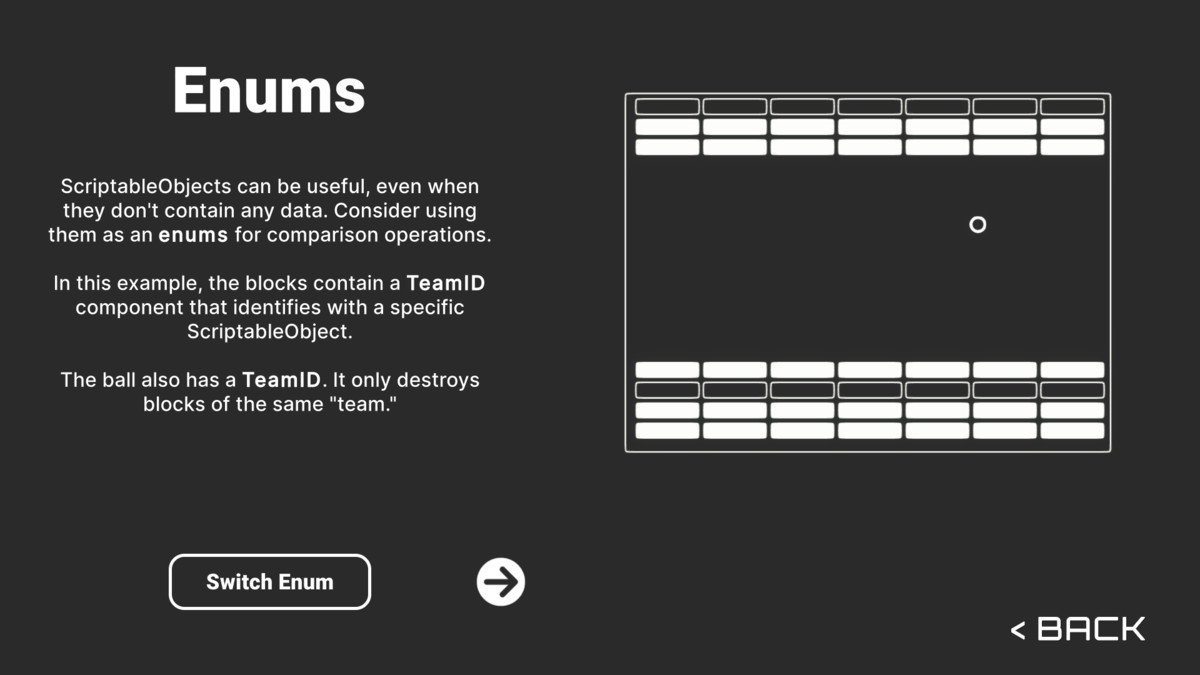
- ScriptableObject-based enums
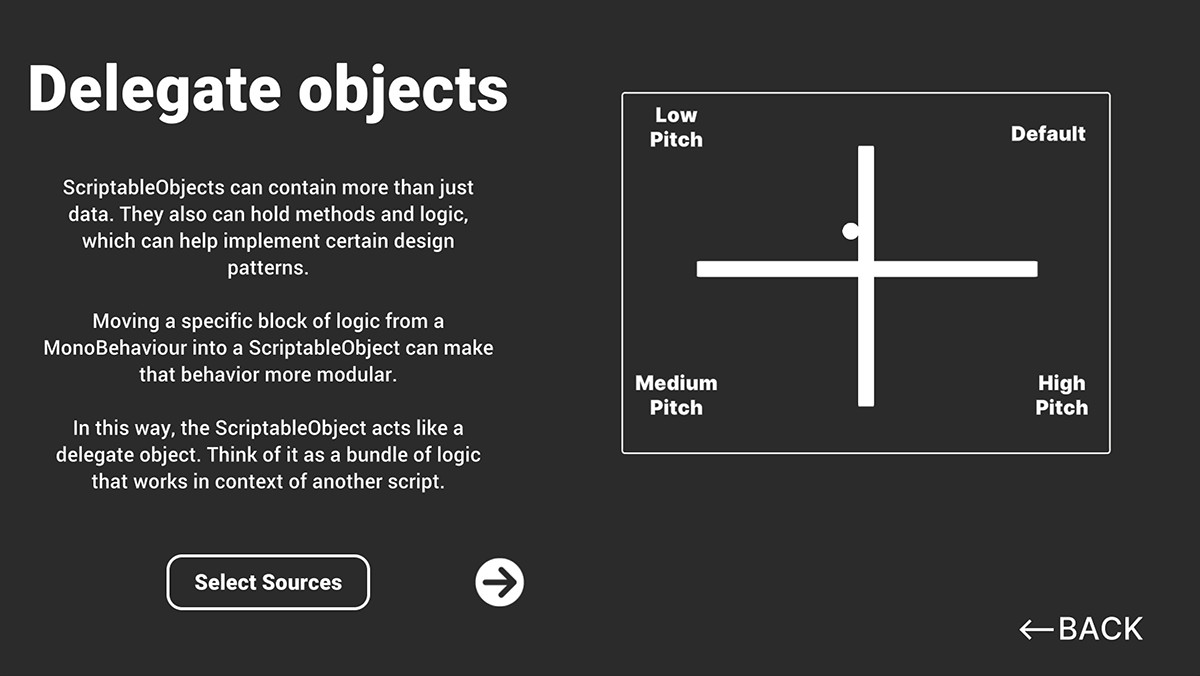
- Delegate objects for reusable logic
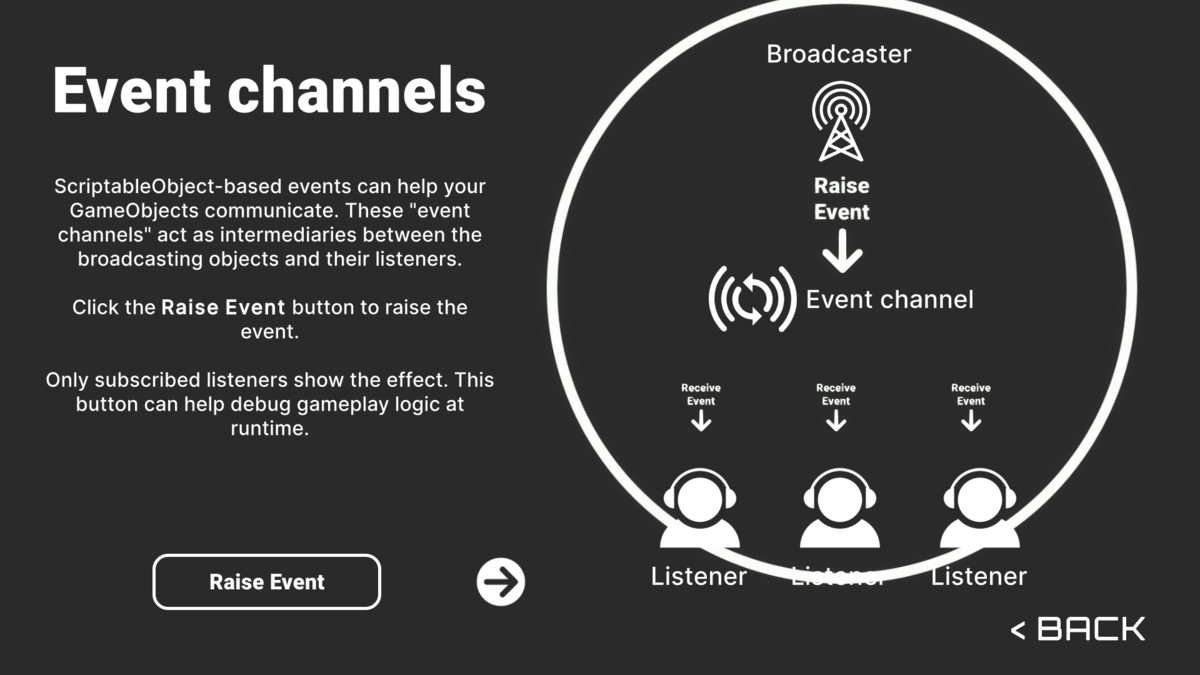
- Event channels for communication between systems
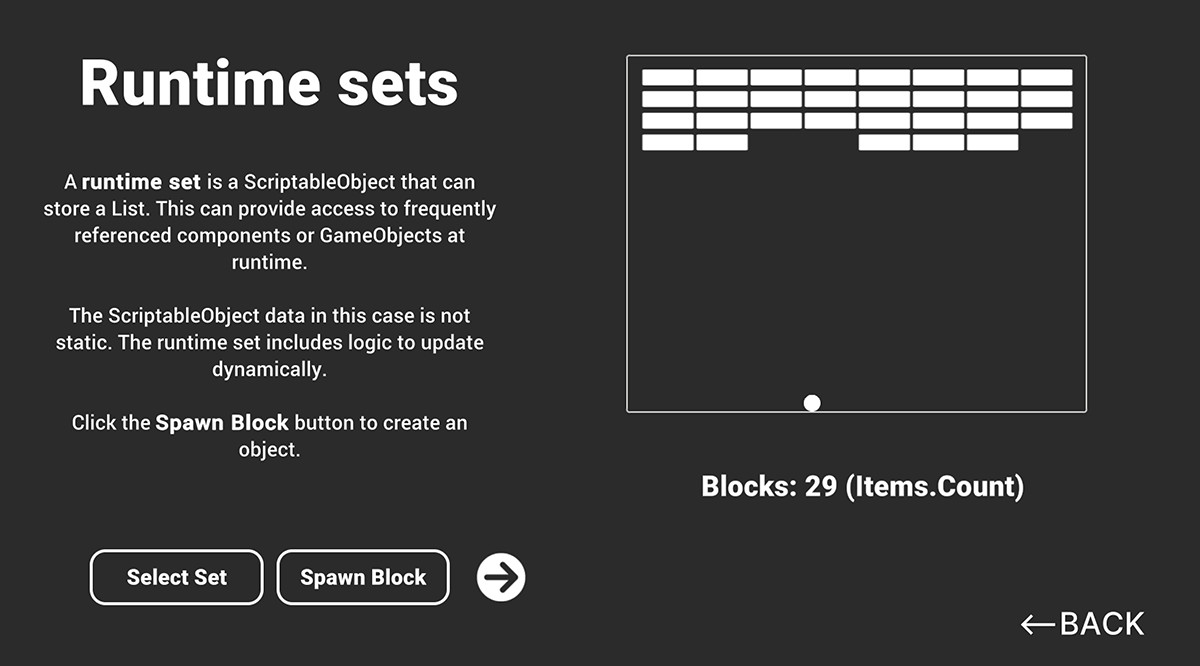
- Runtime sets for tracking objects and components
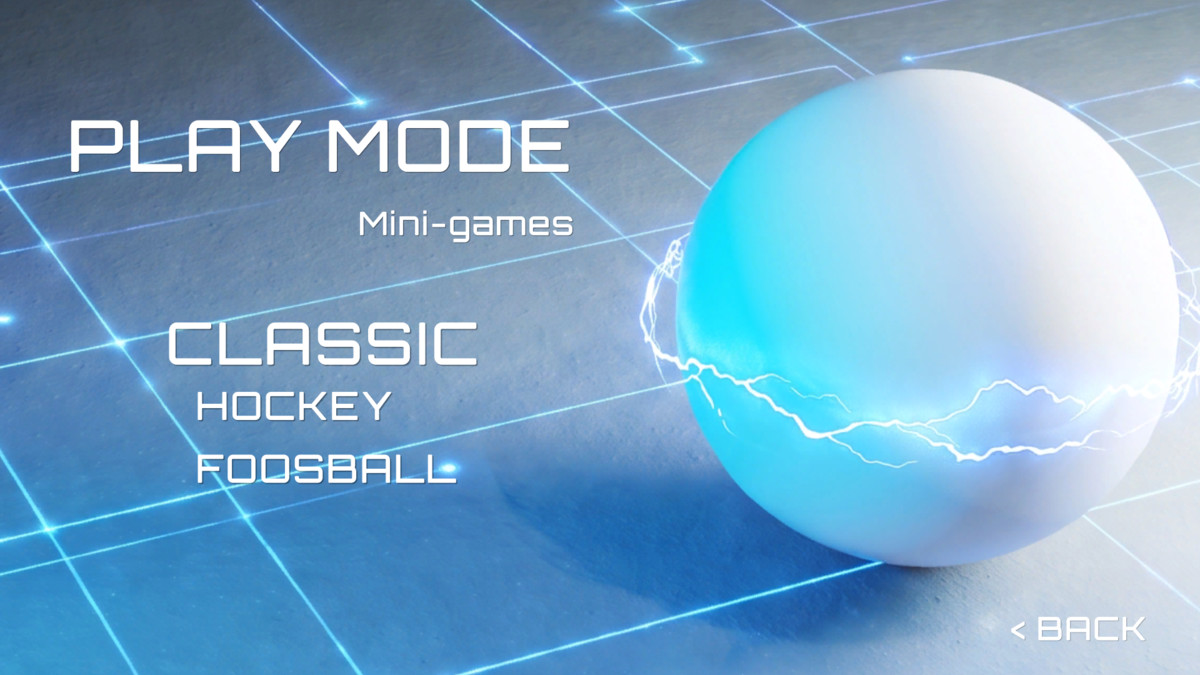
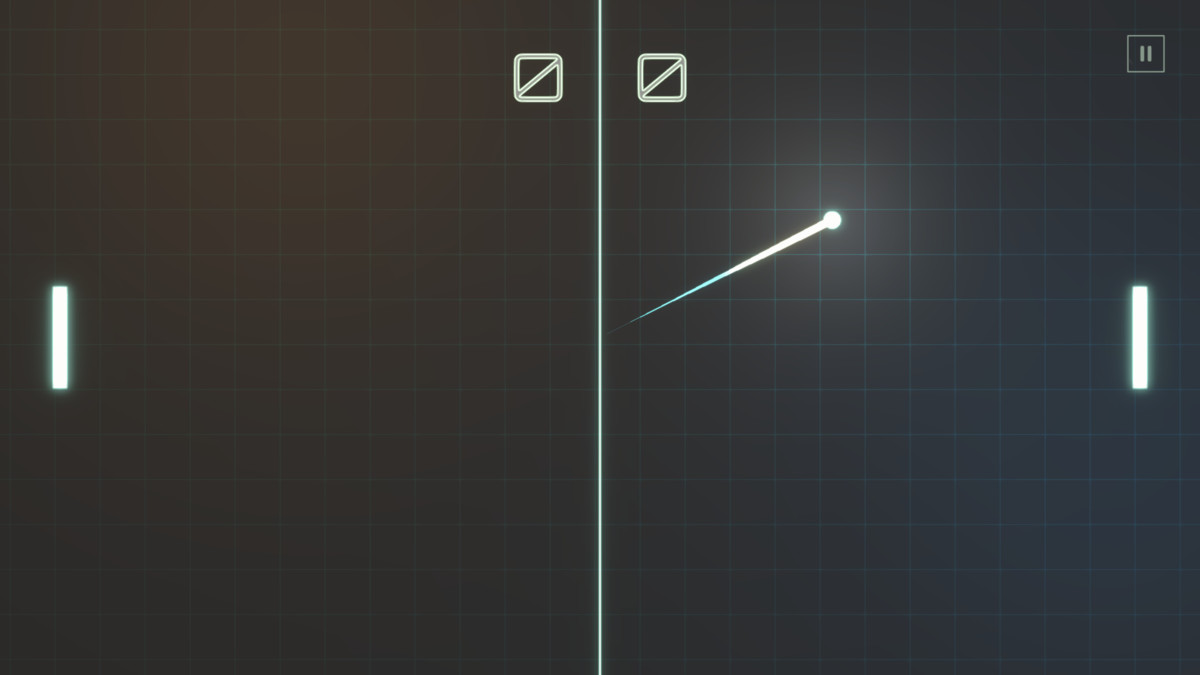
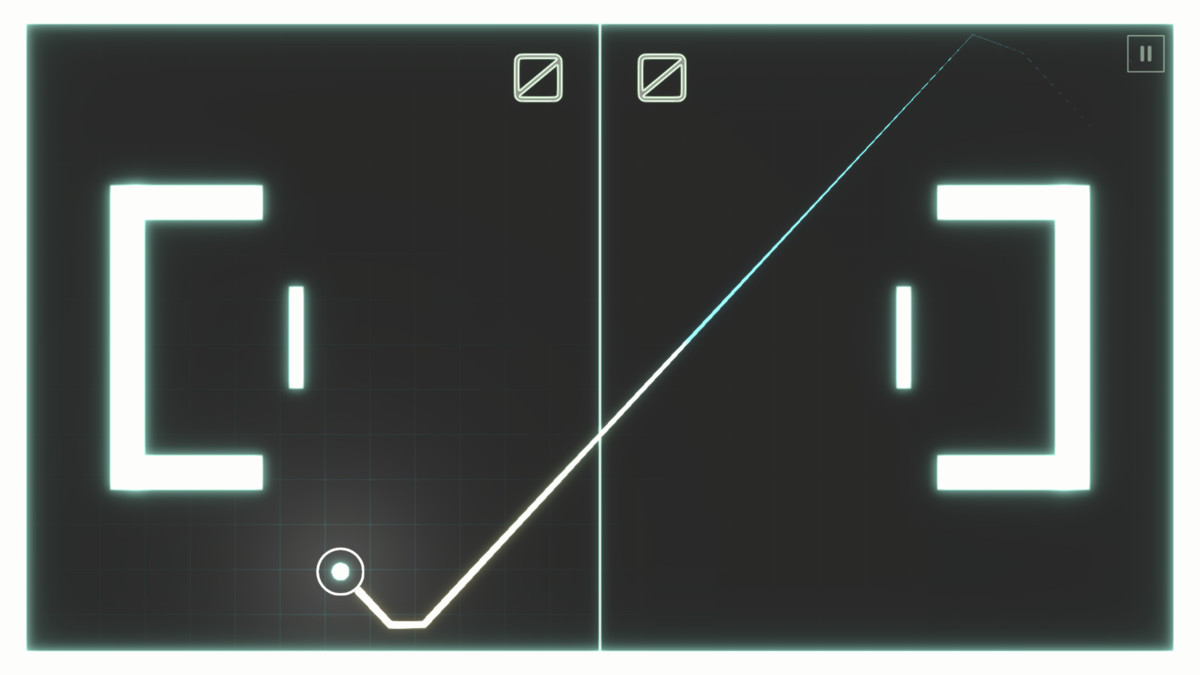
- Classic, Hockey, and Foosball mini-game examples
- Educational code examples designed for clarity
Download the e-book: Create modular game architecture in Unity with ScriptableObjects
Requirements
- Unity 6000.5.10f1 or newer, in a Universal Render Pipeline project. Import into the Universal 3D or 2D (URP) template.
- Required packages: Input System, 2D Sprite, Visual Effect Graph. Tools > GameSystems > Check Required Packages installs what is missing.
Supporting Guides:
- Get started with the ScriptableObjects demo
- Separate game data and logic with ScriptableObjects
- Use ScriptableObject-based enums
- Use ScriptableObjects as delegate objects
- Use ScriptableObjects as event channels
- Use a ScriptableObject-based runtime set
Getting Started:
Open the Bootloader_Scene scene to explore the examples and mini-games.
More Resources:
- Game Architecture with ScriptableObjects
- Overthrowing the MonoBehaviour Tyranny in a Glorious ScriptableObject Revolution
- Create a C# style guide: Write cleaner code that scales
- Level up your code with design patterns and SOLID
Licensing:
All the assets can be repurposed and added to your own projects. Review the full licence for usage and redistribution terms: Unity Companion License
From the publisher's Asset Store listing.
Compatibility
| Unity version | Built-in | URP | HDRP |
|---|---|---|---|
| 6000.5.10f1 | Not listed | Compatible | Not listed |
As listed on the Asset Store.