
 View on Asset Store (opens in new tab)
Package details
- Latest version
- 1.0
- Last updated
- First released
- Unity version
- 6000.1.5 or later
- Package size
- 1.7 MB
- Files
- 7
- Views in the past week
- 4
Price tracking
- Last checked
- Tracked since
- Lowest recorded
- $4.99 on
Keywords
- Search for multiple camera screenshot
- Search for screenshot with sound
- Search for Android permission screenshot
- Search for screenshots
- Search for Android
- Search for Android screen capture
- Search for Save screenshot to gallery
- Search for capture screenshot Android
- Search for Screenshot Tool
- Search for toast message Android
- Search for screenshot button Unity
- Search for exclude UI layers screenshot

Phone Screenshot Capture
Easily capture high-quality Android screenshots in Unity with sound, camera control, layer exclusion, and more!
Affiliate link · Purchases support this site
Price history
Last 6 months
USDAsset preview
1 / 5
Phone Screenshot Capture screenshot 1
About this asset
🚀 Take Phone Screenshots in Unity with Power and Precision!
Need to take screenshots directly from your Unity project on Phone—fast, clean, and hassle-free?
Phone Screenshot Capture is the tool you’ve been waiting for!
Platform Support : Android (SDK 21+)
Whether you’re building games, prototypes, or mobile utilities, this plugin makes capturing screenshots as easy as clicking a button—literally. No messy setups. No bloated libraries. Just drop the prefab, hook it to a UI button, and you’re ready to go!
But that’s not all...
💥 Core Features:
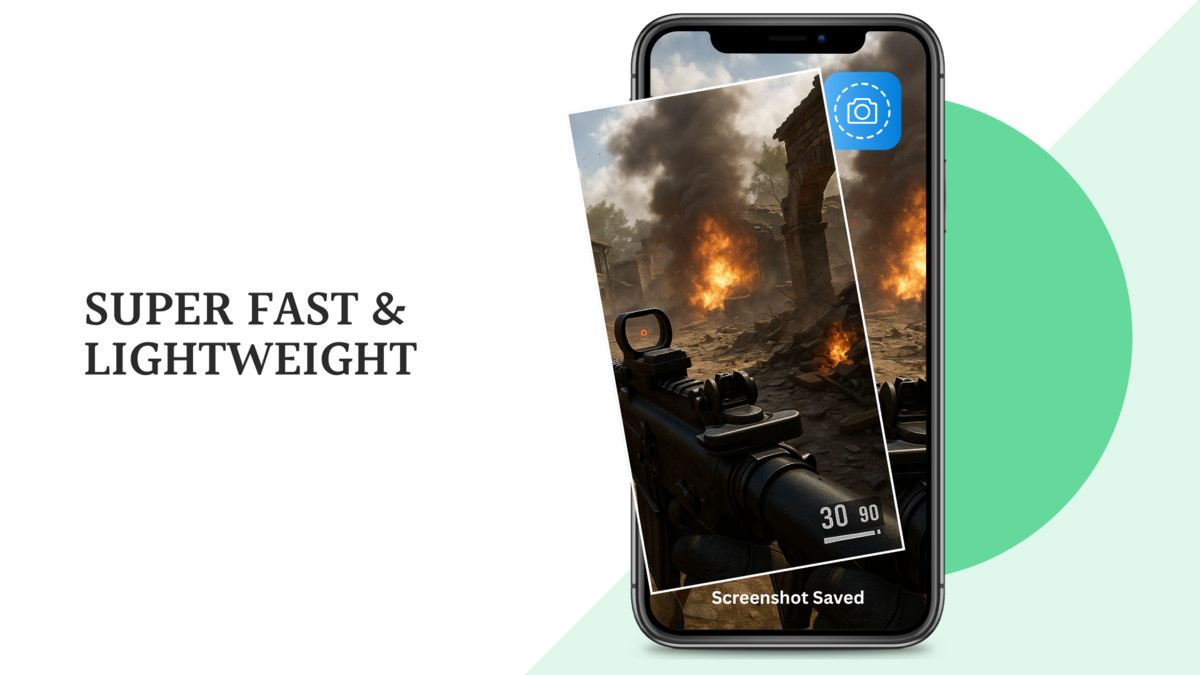
- 🖼️ Capture High-Quality Screenshots – From any scene with a single tap.
- 🔊 Add Sound Effects – Optional click sound when screenshots are taken.
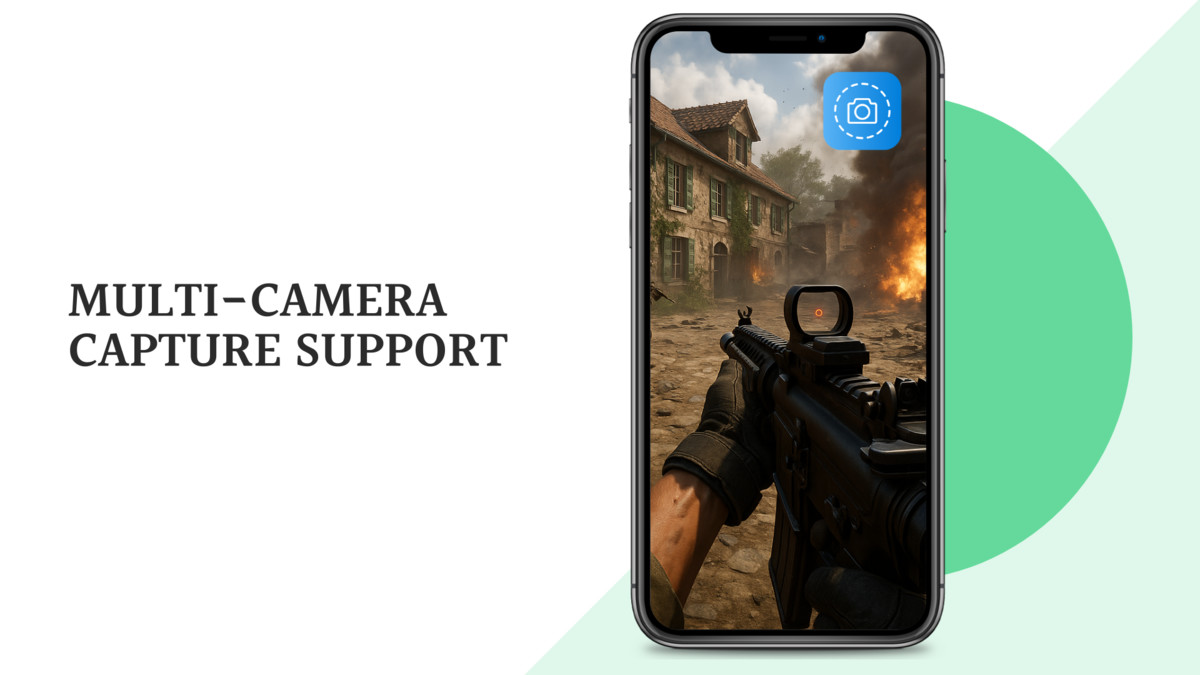
- 🎥 Multi-Camera Support – Choose exactly which cameras to render. Leave blank? It’ll smartly default to the Main Camera.
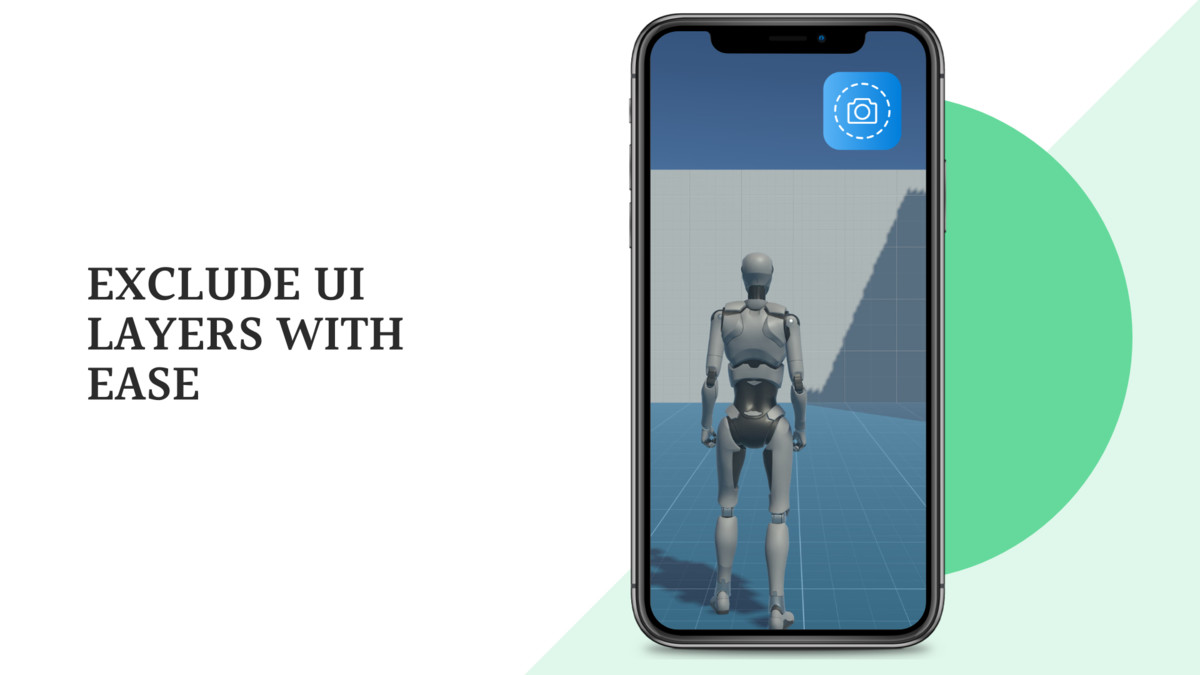
- ✂️ Exclude UI Layers – Don’t want buttons or overlays in your screenshot? Just list the layers to ignore.
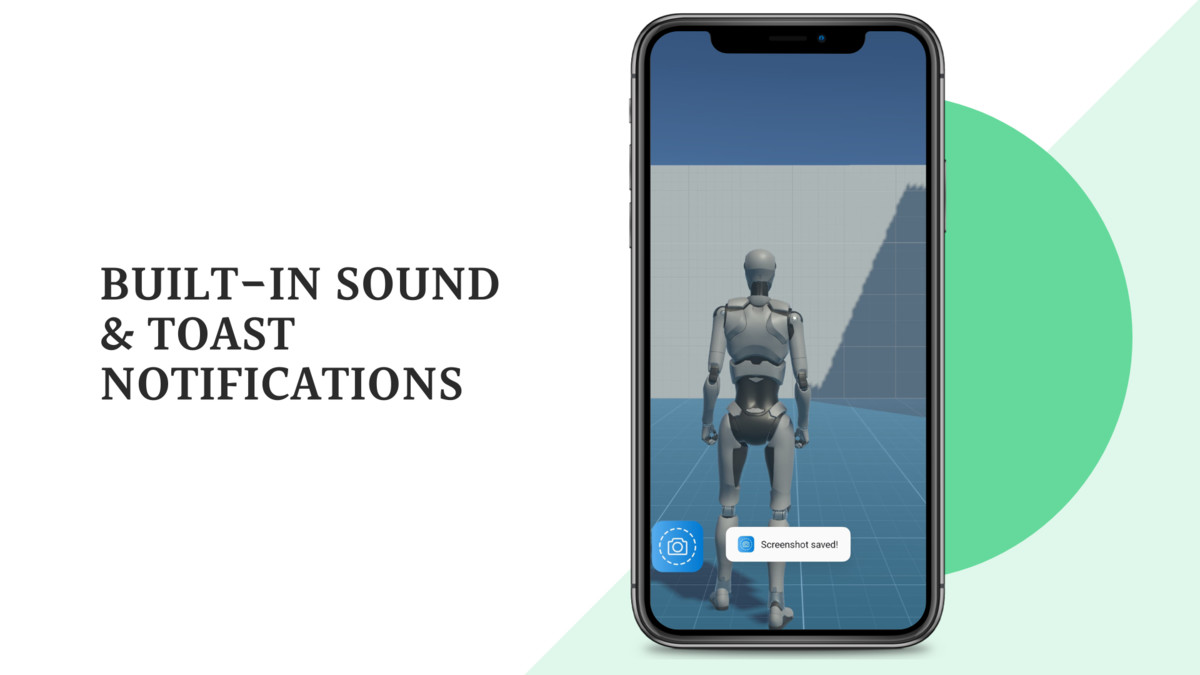
- 📣 Android Toast Notifications – Display success or error messages with customizable duration and text.
- 🛠️ Minimal Setup – Plug-and-play prefab-based workflow with full flexibility.
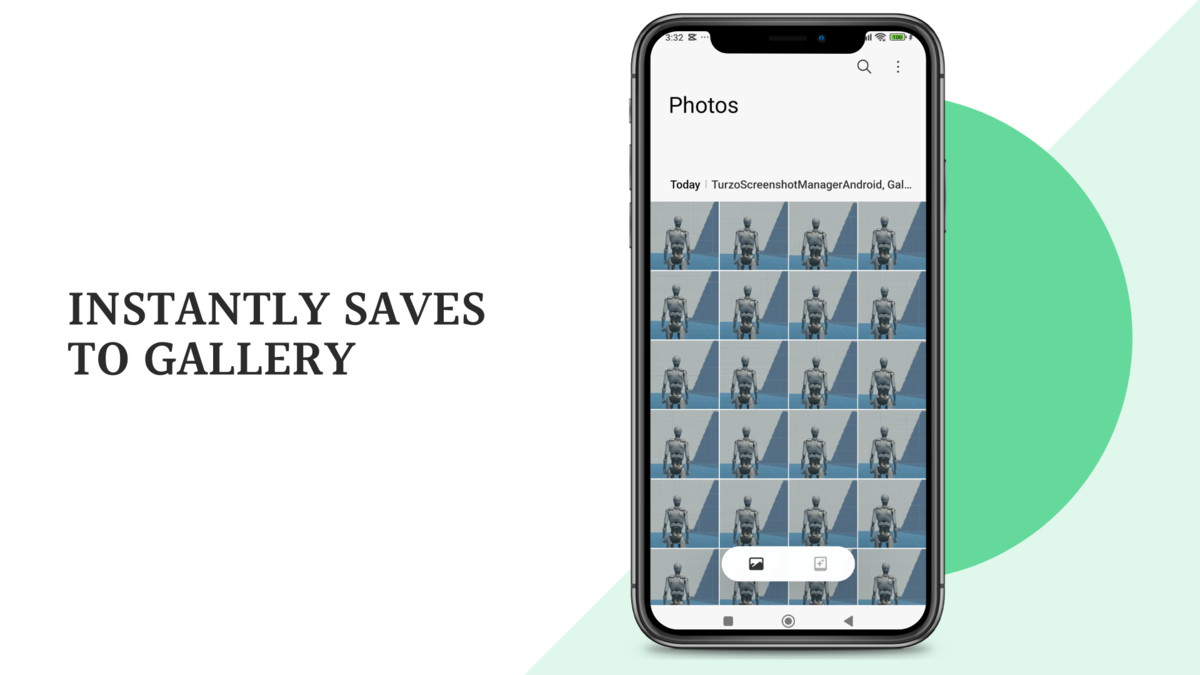
- 📁 Saves to Android Gallery – Easily view screenshots from the device’s default gallery app.
- 🧪 Demo Scene Included – Quickly test and learn how everything works.
No coding needed—ideal for both beginners and pros.
From promo content to in-game camera systems, this plugin gives you screenshot superpowers right inside Unity!
From the publisher's Asset Store listing.
Technical details
- Platform Support : Android (SDK 21+)
- Unity Version Tested: Compatible with Unity: 6.1.0 (6000.1.5f1) and up
- Supported Platforms: Android
- File Size: Lightweight (<1MB)
- Includes: Prefab, C# Script, Demo Scene, Setup Instructions
- Dependencies: None (Unity-native only)
- Setup Time: Under 10 minutes
Compatibility
| Unity version | Built-in | URP | HDRP |
|---|---|---|---|
| 6000.1.5f1 | Compatible | Compatible | Compatible |
As listed on the Asset Store.