
 View on Asset Store (opens in new tab)
Package details
- Latest version
- 1.0
- Last updated
- First released
- Unity version
- 2022.3.62 or later
- Package size
- 538 KB
- Files
- 27
- Favorites
- 4
- Views in the past week
- 6
Price tracking
- Last checked
- Tracked since
- Lowest recorded
- Free on
Keywords

TweenAction
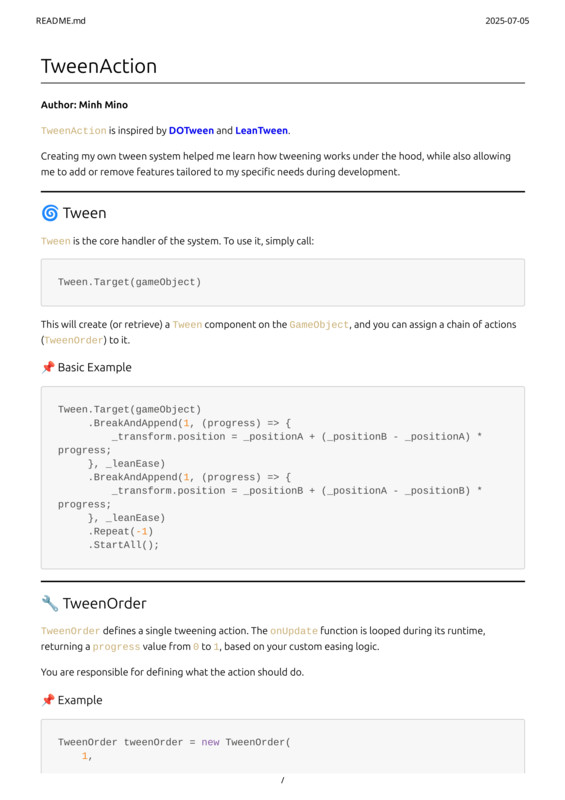
TweenAction is a customizable tweening system for creating animations. It helps animate game objects by chaining actions to run concurrently or sequentially, tailored to your project's needs.
Affiliate link · Purchases support this site
Price history
Last 6 months
USDAsset preview
1 / 4
TweenAction screenshot 1
About this asset
Customization and Genre
Yes, the package is highly customizable. The author created it specifically to "add or remove features tailored to my specific needs". The system requires you to define the animation's logic within each
TweenOrder, giving you full control over its behavior.
TweenAction is not limited to a particular genre. The examples show basic animations like changing an object's position and scale, which are fundamental tools needed for any genre, from animating UI to creating character movements or visual effects.
From the publisher's Asset Store listing.
Technical details
Key Features of TweenAction
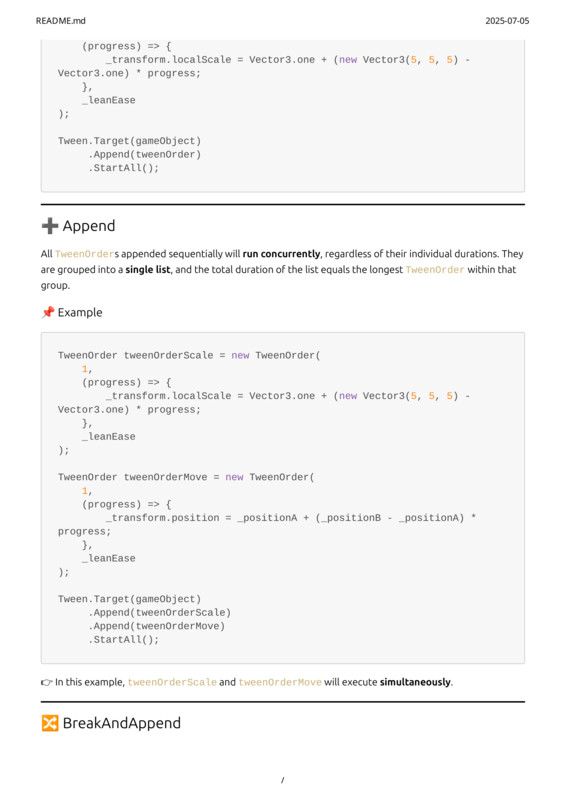
- Tween Handler: The system's core is the Tween handler. You attach it to a GameObject to manage animations.
- TweenOrder: This defines an individual animation action. You are responsible for defining what the action does by providing the update logic.
- Concurrent Actions (Append): Multiple TweenOrders added with .Append() will run at the same time. The duration for this group of actions is equal to the longest
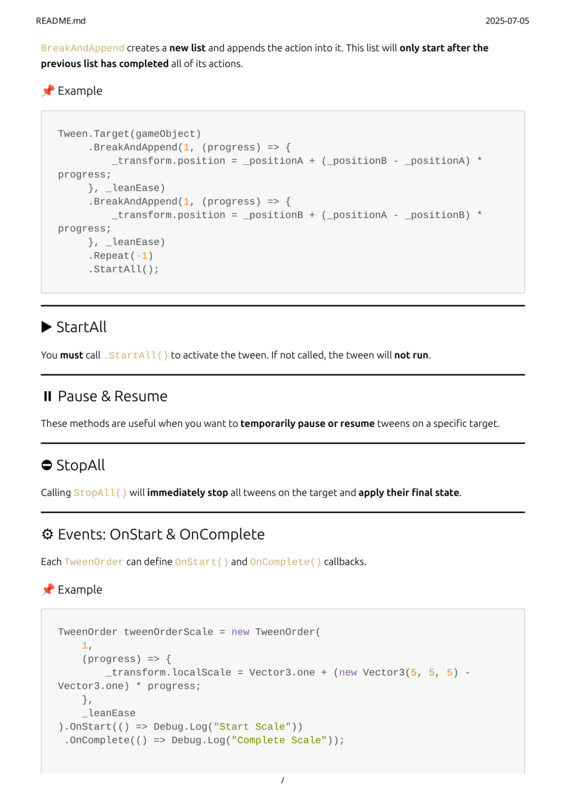
TweenOrder in it. - Sequential Actions (BreakAndAppend): Using .BreakAndAppend() creates a new sequence. This new list of actions will only begin after all actions in the previous list are complete.
- Playback Control: The package offers full control over the animation lifecycle.
- StartAll(): You must call this method to activate the tween; otherwise, it will not run.
- Pause & Resume: You can temporarily pause and resume tweens on a target.
- StopAll(): This will immediately stop all active tweens on a target and apply their final state.
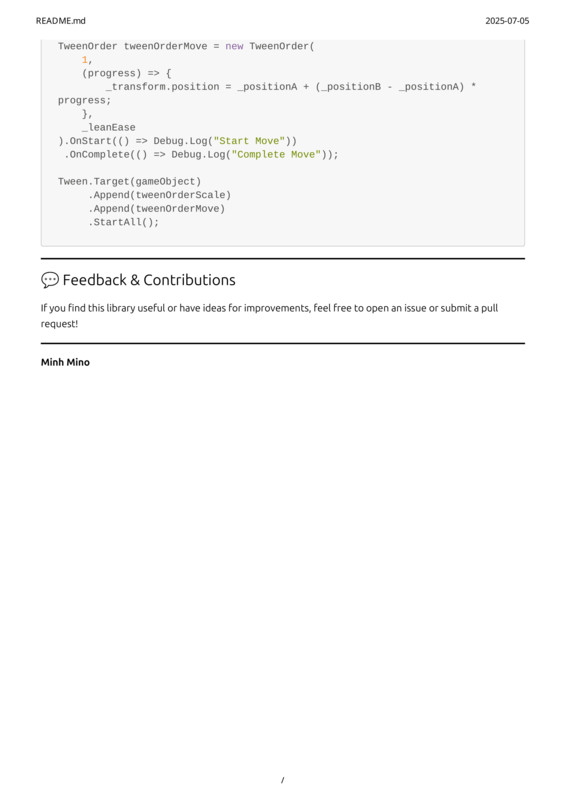
- Event Callbacks: Each TweenOrder can define .OnStart() and .OnComplete() callbacks to execute code when the action begins or finishes.
Looping: Animations can be repeated, including indefinitely.
Doc Link: https://github.com/lhminh120/TweenAction
Compatibility
| Unity version | Built-in | URP | HDRP | Custom |
|---|---|---|---|---|
| 2022.3.62f1 | Compatible | Compatible | Compatible | Compatible |
As listed on the Asset Store.