
 View on Asset Store (opens in new tab)
Package details
- Latest version
- 1.0.2
- Last updated
- First released
- Unity version
- 6000.0.25 or later
- Package size
- 140 KB
- Files
- 39
- Favorites
- 5
- Views in the past week
- 6
Price tracking
- Last checked
- Tracked since
- Lowest recorded
- $13.99 on
Keywords
Outliner And Selection Toolkit
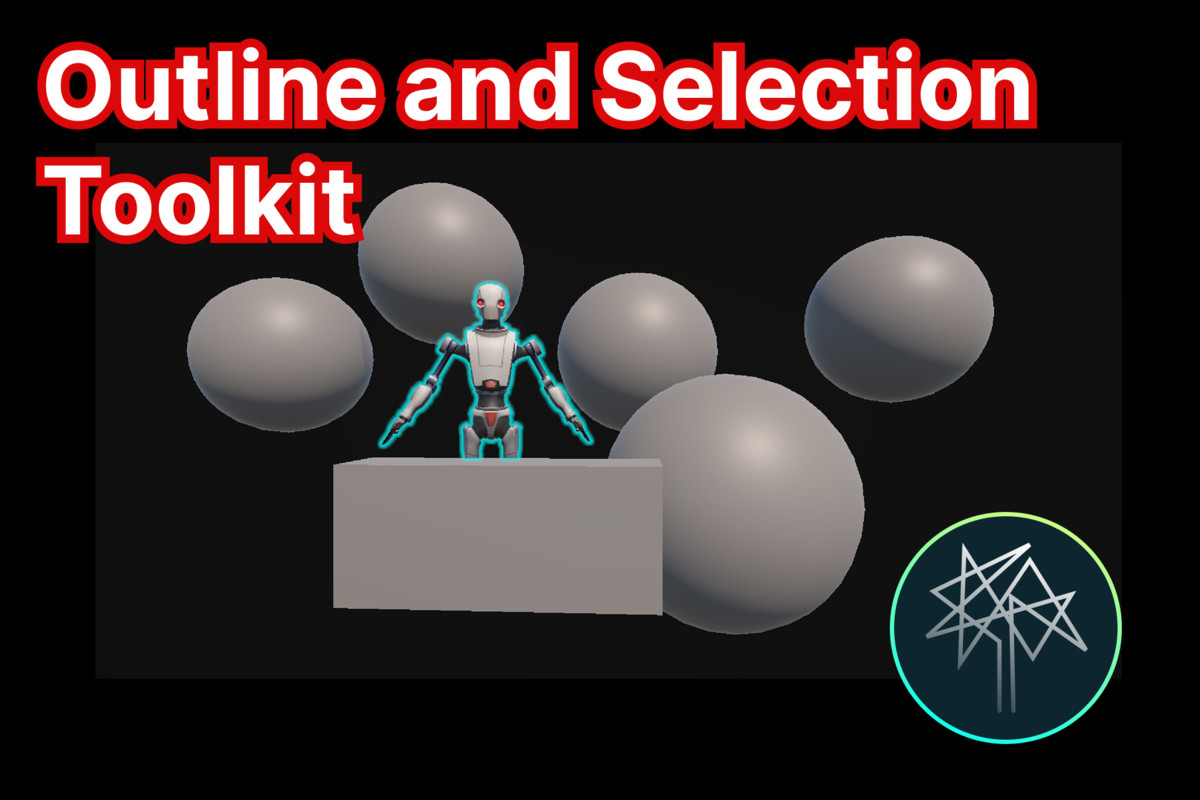
The Outliner And Selection Toolkit is a professional-grade object highlighting system. This comprehensive toolkit transforms your game's visual feedback by providing smooth, customizable outlines.
Affiliate link · Purchases support this site
Price history
Last 6 months
USDAsset preview
1 / 10
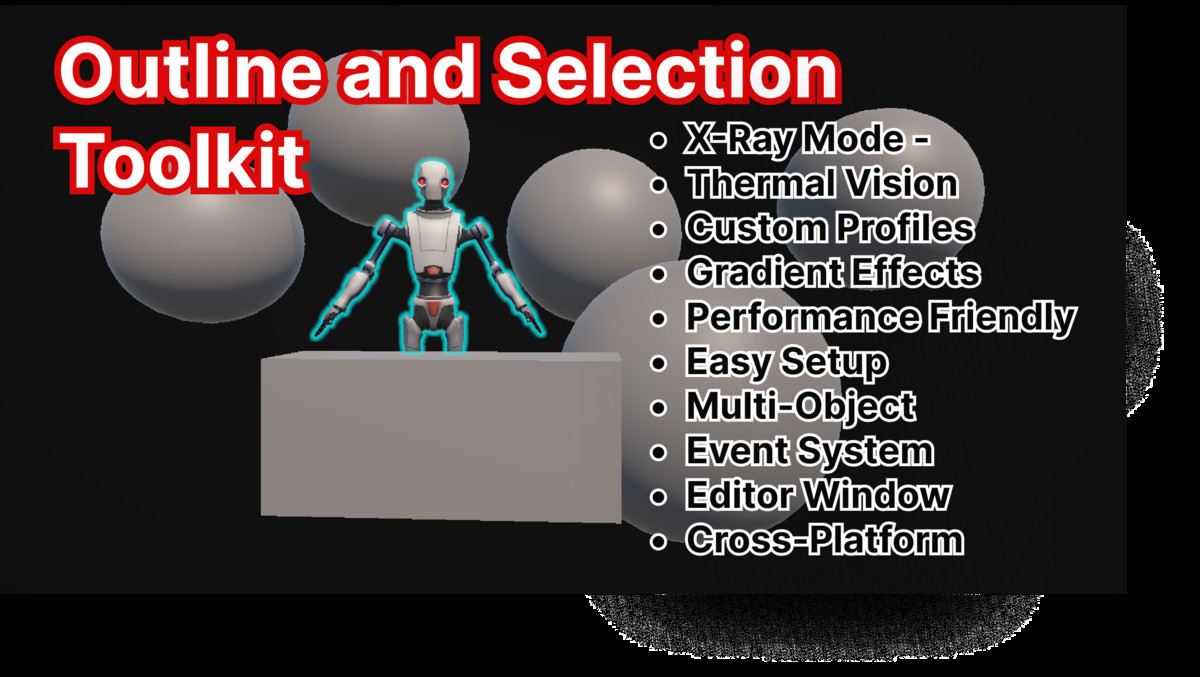
Outliner And Selection Toolkit screenshot 1
About this asset
This toolkit provides everything needed to implement professional-quality object outlining in your URP projects, from simple highlight effects to complex thermal vision systems, all while maintaining excellent performance and ease of use.
Fast and Ready-to-Use Installation: Get up and running in minutes with our streamlined setup process. Simply add the URP Renderer Feature, and you're ready to start outlining objects. No complex configuration, no shader compilation issues, no lengthy setup procedures - just import and start creating beautiful outlines immediately.
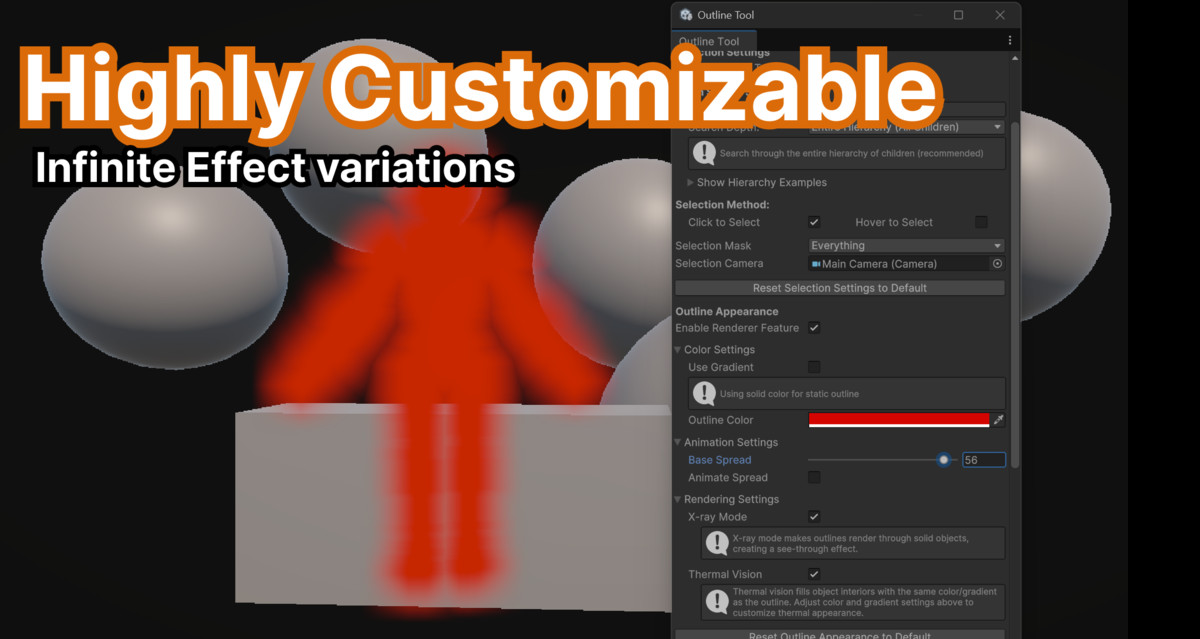
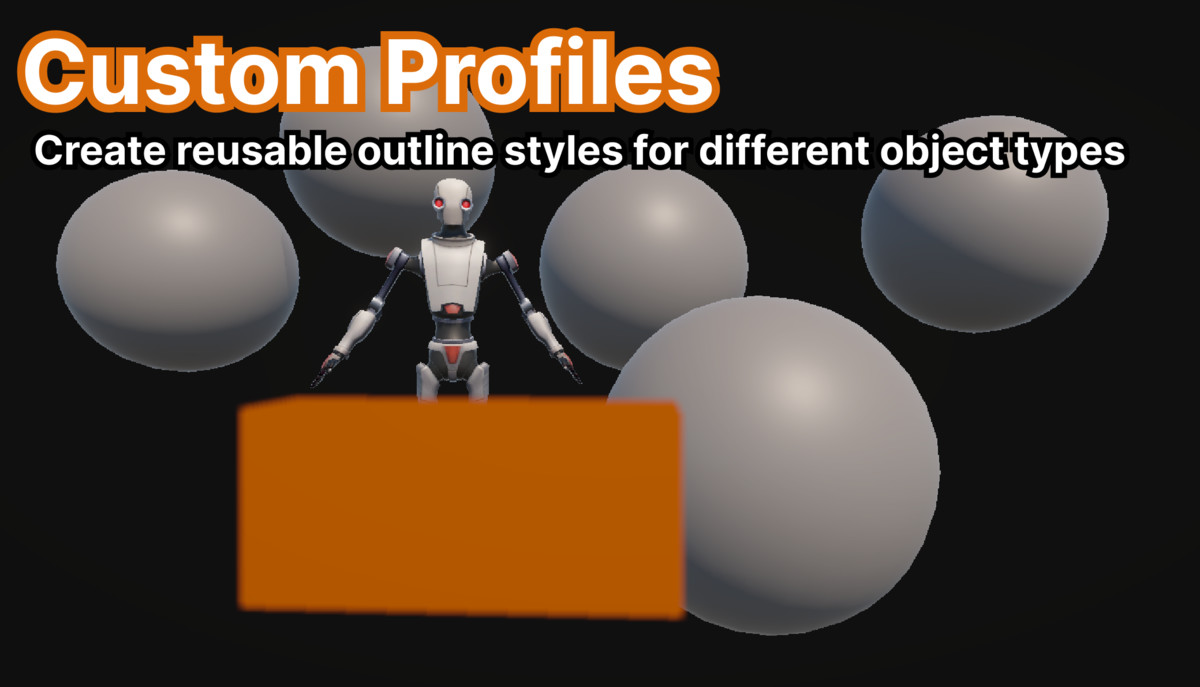
Highly Customizable: Create unique outline styles for different object types using the comprehensive profile system. Configure everything from simple solid colors to complex animated gradients with multiple distribution modes.
Genre Versatile:
- RPG/Adventure: Highlight interactive objects, quest items, and NPCs
- FPS/Action: Enemy targeting, weapon pickups, and interactive elements
- Strategy/RTS: Unit selection, building highlighting, and tactical overlays
- Puzzle/Casual: Object interaction hints and solution guidance
- Horror/Thriller: Atmospheric effects with thermal vision and X-ray modes
Performance Optimized: Efficient multi-object rendering with smart caching ensures smooth gameplay even with multiple outlined objects. The system automatically manages renderer cleanup and provides configurable performance settings.
Developer Friendly: Comprehensive API with simple one-line selection methods, extensive documentation, and a unified editor window for setup and management. No complex shader knowledge required - everything works out of the box.
From the publisher's Asset Store listing.
Technical details
Core Rendering Features
- Multi-Object Outlining: Efficiently outline multiple objects simultaneously with minimal draw calls
- Anti-Aliased Outlines: Smooth, high-quality outlines that look great at any resolution
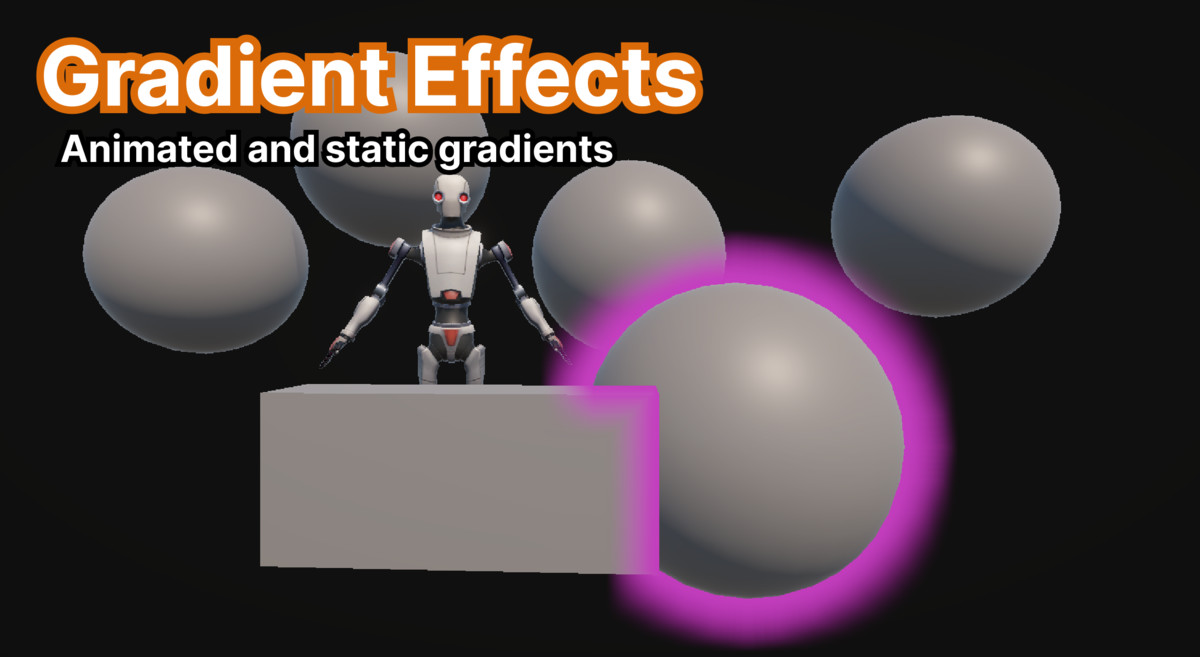
- Flexible Gradient System: Support for both animated and static gradients with multiple distribution modes
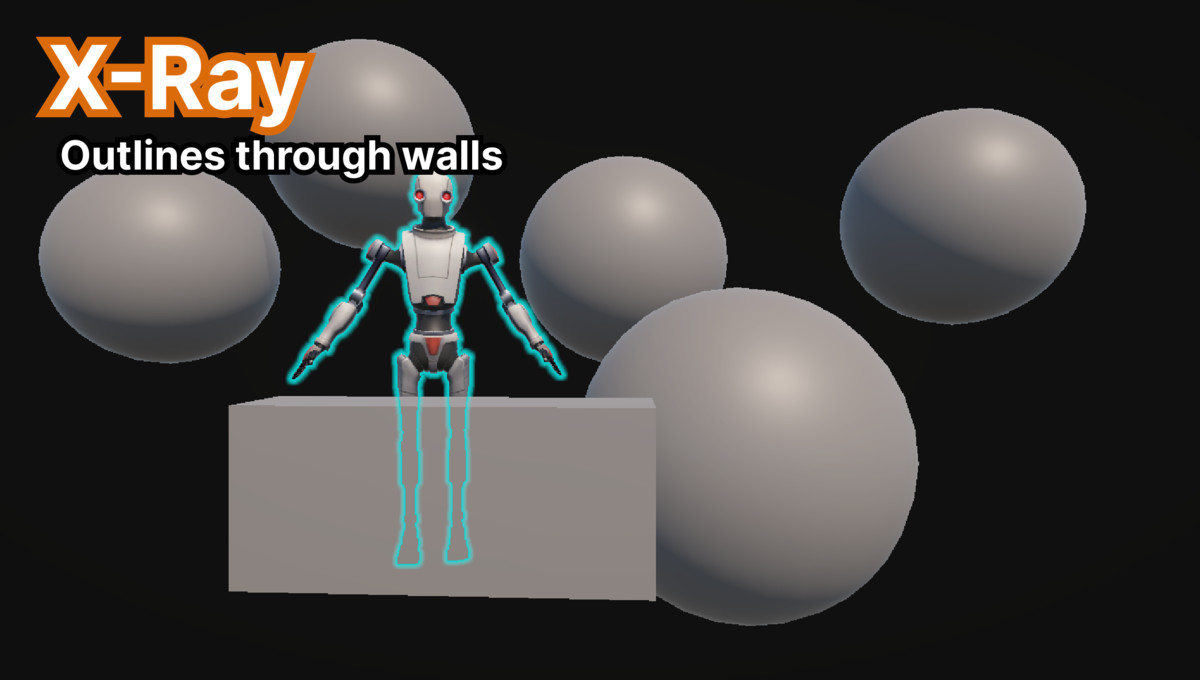
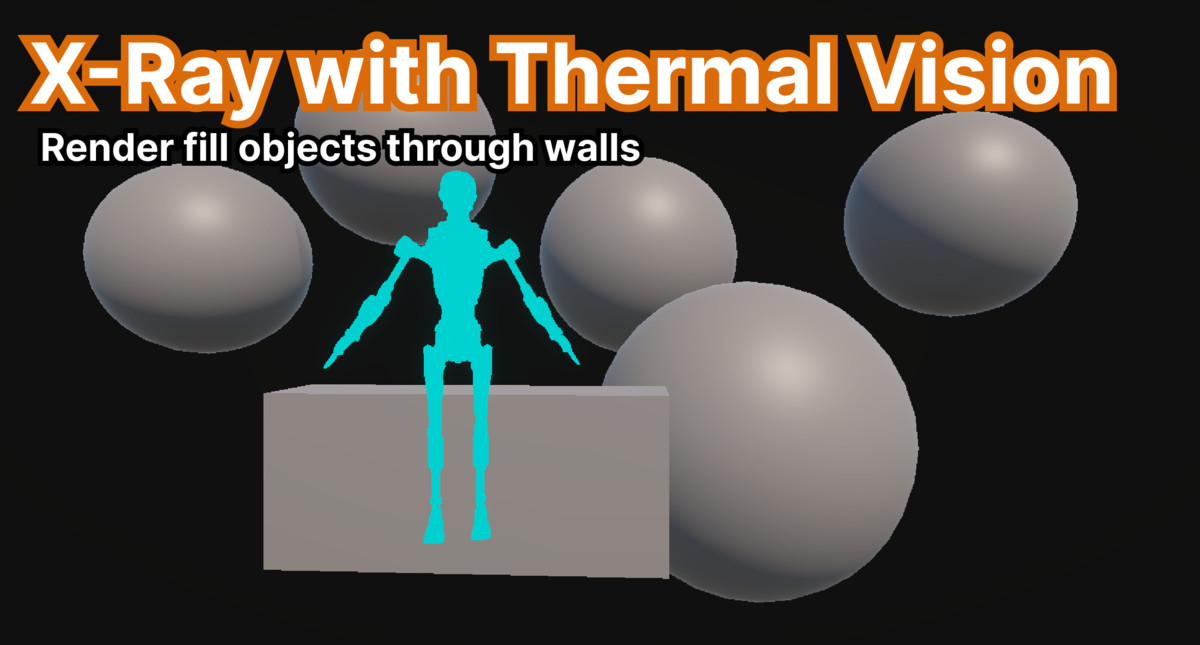
- X-Ray Mode: See-through outlines that remain visible behind walls and other objects
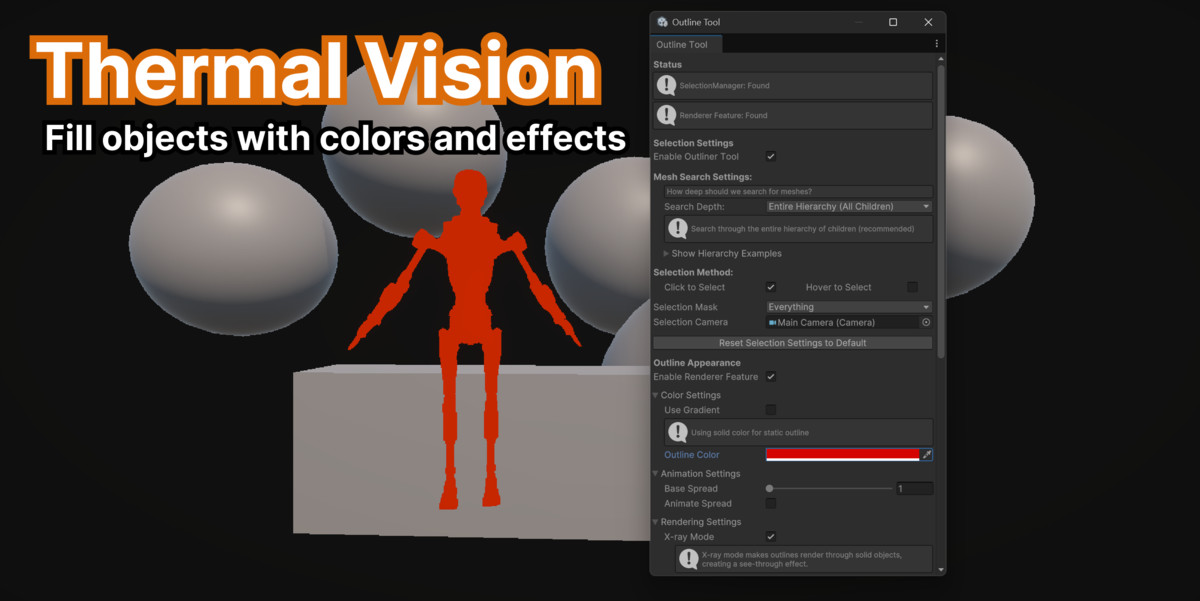
- Thermal Vision: Fill object interiors with heat-map style coloring effects
- Customizable Thickness: Fine-tune outline spread from subtle highlights to bold emphasis
Advanced Gradient System
- Animated Gradients: Traditional time-based color cycling with customizable speed
- Static Gradients: Position-based gradients using world coordinates, screen position, or camera distance
- Distribution Modes: WorldPosition, ScreenPosition, DistanceFromCamera, and Animated
- Unity Gradient Editor: Full integration with Unity's gradient editor for maximum flexibility
Profile-Based Configuration
- Outline Profiles: Create reusable configurations for different object types
- Selective Overrides: Override only specific settings per profile while maintaining global defaults
- Runtime Profile Switching: Dynamically change outline styles based on game state
- Pre-configured Examples: Ready-to-use profiles for common scenarios
Selection & Interaction Systems
- Simple API: Outliner.Select(), Outliner.Clear(), Outliner.Toggle() methods
- Profile-Based Selection: ProfiledOutliner.SelectWithProfile() for advanced control
- Mouse Selection: Built-in click and hover selection with configurable layers
- Proximity Detection: Automatic outlining based on player distance
- Unity Events Integration: Trigger custom logic on outline state changes
Performance & Optimization
- URP Native Integration: Built as a proper URP Renderer Feature for optimal performance
- Smart Caching: Automatic renderer component caching and cleanup
- Configurable Search Depth: Control hierarchy traversal for performance tuning
- Mobile Optimized: Adjustable settings for mobile and low-end devices
- Batch Operations: Efficient multi-object selection and clearing
Editor Tools & Workflow
- Unified Editor Window: Single access point for all outlining tools via Tools → Outliner → Outline Tool Window
- Material Creation Utilities: One-click creation of all required materials
- Setup Validation: Automatic verification of URP configuration and material assignments
- Live Preview: Real-time outline preview during development
- Performance Monitoring: Built-in performance metrics and optimization suggestions
Compatibility & Requirements
- Unity 2022.3+ (LTS recommended)
- Universal Render Pipeline 12.0+
- All Platforms: Desktop, Mobile, Console, VR/AR support
Technical Architecture
- Renderer Feature Based: Integrates seamlessly with URP rendering pipeline
- Component System: Modular design with SelectionManager and OutlineProfiler components
- Event-Driven: Loose coupling through Unity Events and custom event system
- Memory Efficient: Automatic cleanup and smart object lifecycle management
This toolkit provides everything needed to implement professional-quality object outlining in your URP projects, from simple highlight effects to complex thermal vision systems, all while maintaining excellent performance and ease of use.
Compatibility
| Unity version | Built-in | URP | HDRP |
|---|---|---|---|
| 6000.2.2f1 | Not listed | Compatible | Not listed |
| 6000.0.25f1 | Not listed | Compatible | Not listed |
As listed on the Asset Store.