
 View on Asset Store (opens in new tab)
Package details
- Latest version
- 1.0.0
- Last updated
- First released
- Unity version
- 6000.0.23 or later
- Package size
- 733 KB
- Files
- 12
- Favorites
- 10
- Views in the past week
- 6
Price tracking
- Last checked
- Tracked since
- Lowest recorded
- Free on
Keywords
NimbleFX 2D - Sprite & UI Animations
A lightweight Unity package with customizable UI and sprite animations. Easy setup, event-driven, and perfect for polished game interactions.
Affiliate link · Purchases support this site
Price history
Last 6 months
USDAsset preview
1 / 2
NimbleFX 2D - Sprite & UI Animations screenshot 1
About this asset
NimbleFX 2D (UI + Sprite)
Lightweight, code-driven animations for UGUI and 2D sprites — no Animator, no DOTween. Includes 7 effects, loop/delay controls, and designer-friendly callbacks. Perfect for menus, HUDs, and juicy 2D feedback.
———
HIGHLIGHTS
• Two components: UIAnimations (UGUI) & SpriteAnimations (SpriteRenderer)
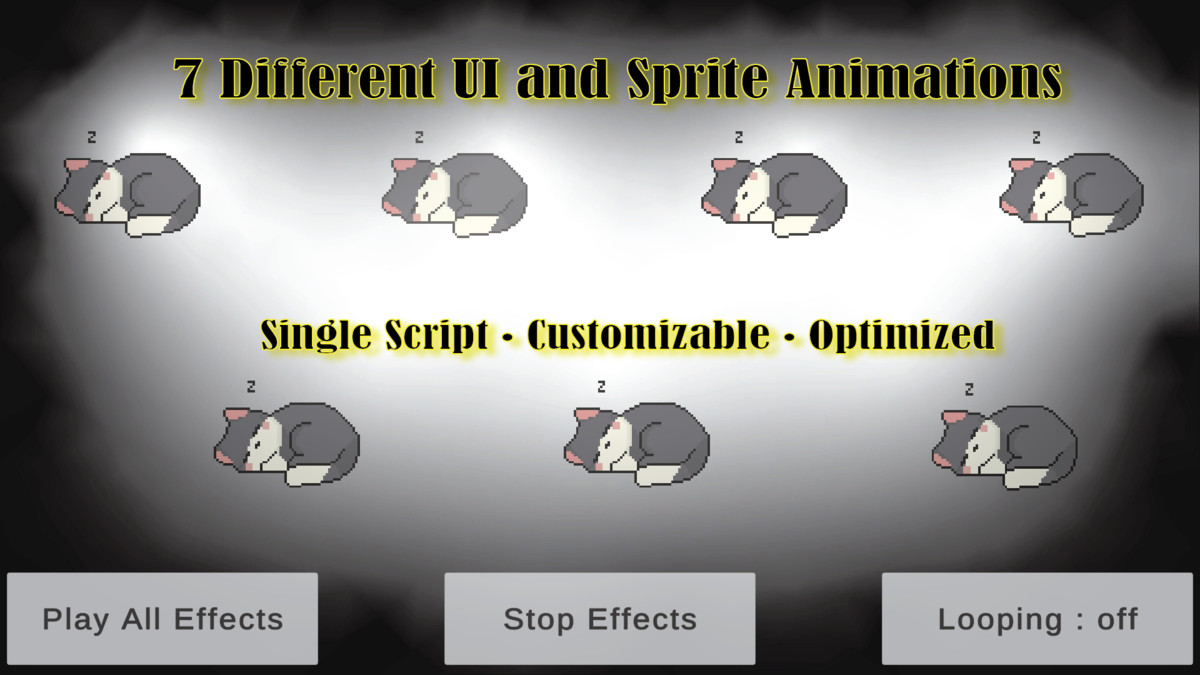
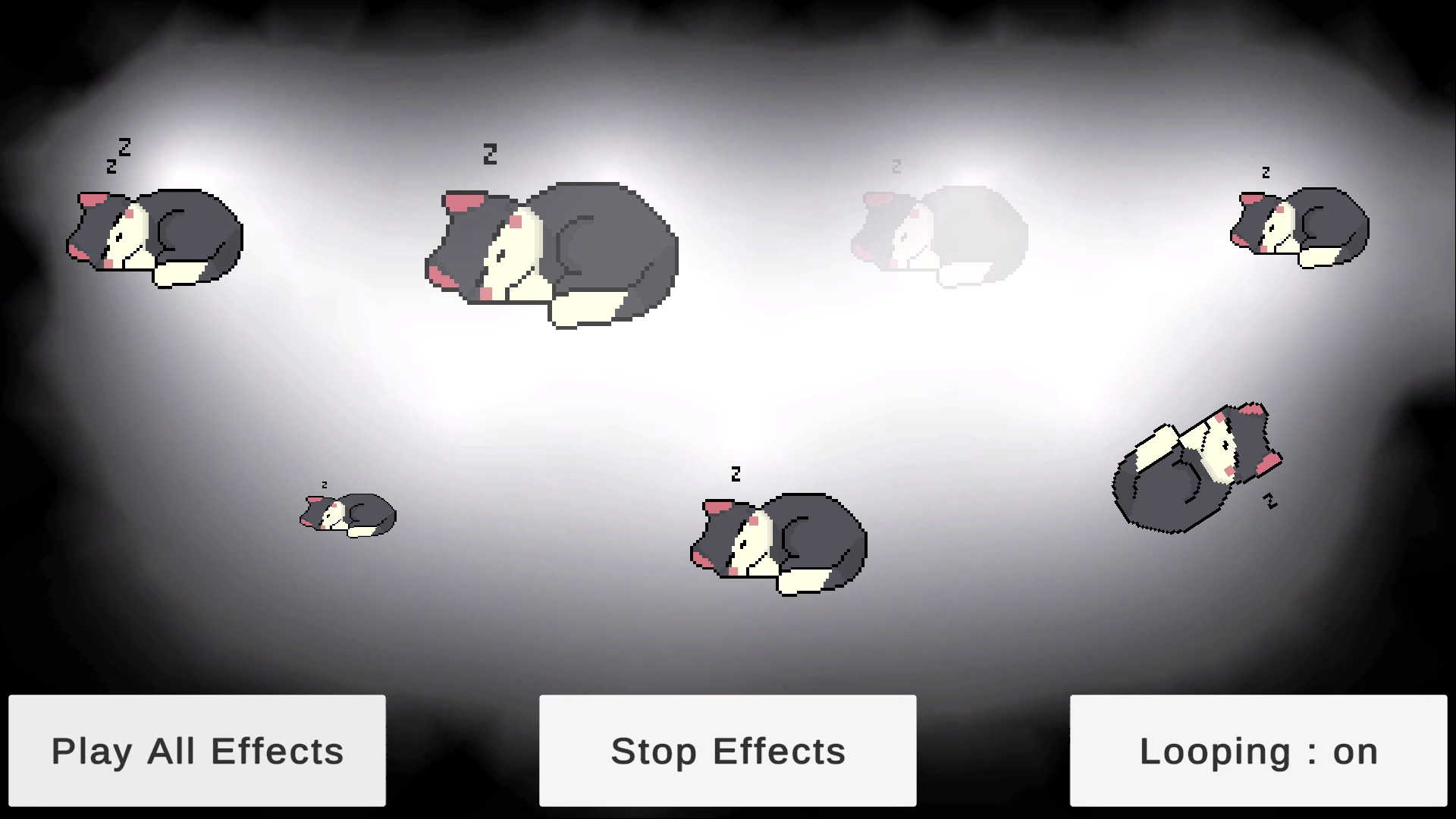
• 7 effects: Sprite Sheet, Bounce, Glow (alpha), Scale, Shake, Rotate, Elastic Resizing
• Looping + per-loop delay
• Auto Start or one-line API
• UI: UnityEvent onComplete | Sprite: Action onComplete
• Minimal GC, early-out when idle
• Full C# source
WHAT’S INCLUDED
• Runtime scripts: UIAnimations.cs, SpriteAnimations.cs
• (Optional) Editor scripts / demo scene if provided by you
• README with quick start and examples
HOW TO USE
1) Add the component to your object (UI: needs RectTransform + Image; Sprite: needs SpriteRenderer).
2) Assign “Targetted Sprite” reference.
3) Pick an Animation Type and tweak settings.
4) Press Play or call: StartSelectedEffect(); StopSelectedEffect();
REQUIREMENTS
• Unity 2021.3 LTS+ (recommended)
• UGUI for UIAnimations; SpriteRenderer for SpriteAnimations
• Works in Built‑in/URP/HDRP
KNOWN NOTES
• UI Glow modifies Image.color.a; custom shaders may ignore alpha.
• LayoutGroups can fight scaling; consider ignoreLayout for the animated child.
• Shake uses localPosition; be mindful of animated parents.
SUPPORT
From the publisher's Asset Store listing.
Technical details
- ✅ Customizable: Easily modify sprites, animations, and UI to fit your game’s style.
- ⚡ Lightweight & Optimized: Minimal performance impact, designed for smooth integration.
- 🛠️ Editor Tools Included: Comes with Editor scripts for easy setup and quick adjustments.
- 🎨 Event-Driven Animations: Trigger and control animations through Unity events.
- 🔗 Plug-and-Play Setup: Drag-and-drop components into your project with minimal configuration.
- 📄 Clear Structure: Organized folders for scripts, editor tools, and assets.
- 🌐 Cross-Platform: Works seamlessly across PC, Mobile, and Web builds.
Compatibility
| Unity version | Built-in | URP | HDRP | Custom |
|---|---|---|---|---|
| 6000.0.23f1 | Compatible | Compatible | Compatible | Compatible |
As listed on the Asset Store.