
 View on Asset Store (opens in new tab)
Package details
- Latest version
- 3.0
- Last updated
- First released
- Unity version
- 6000.0.68 or later
- Package size
- 38 KB
- Files
- 24
- Favorites
- 11
- Views in the past week
- 5
Price tracking
- Last checked
- Tracked since
- Lowest recorded
- Free on
Keywords
SoundManager
SoundManager ToolKit
Affiliate link · Purchases support this site
Price history
Last 6 months
USDAsset preview
1 / 3
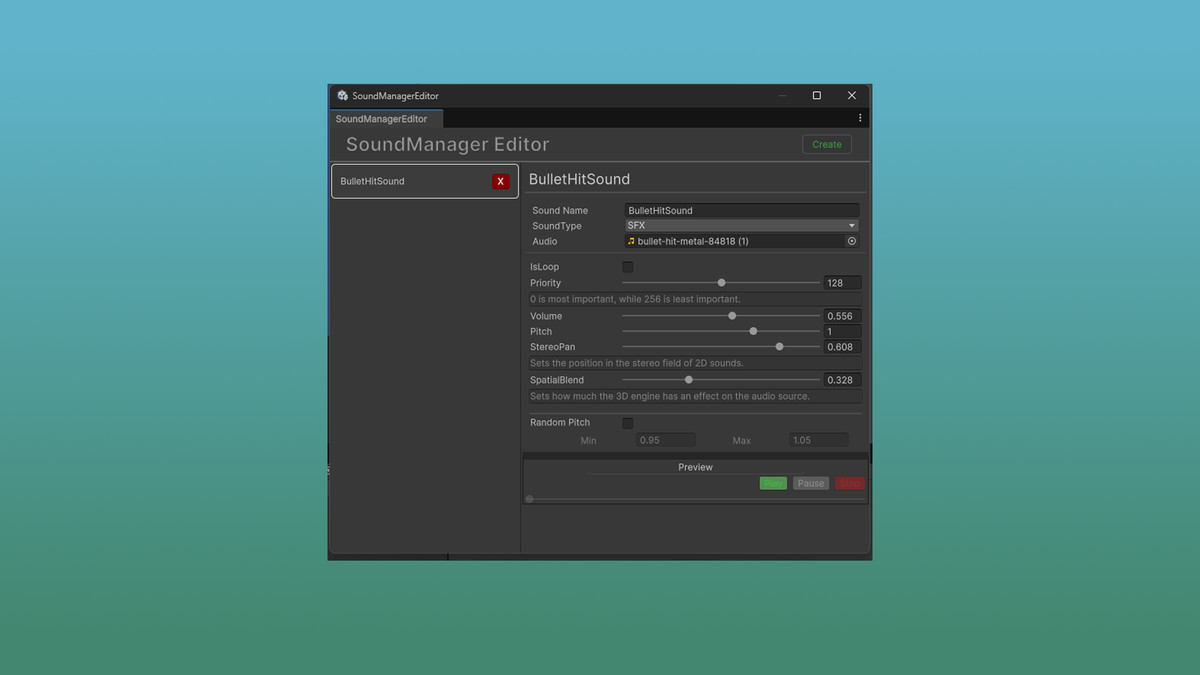
SoundManager screenshot 1
About this asset
SoundToolKit – Easy and Lightweight Audio Manager
With this package, you will get an easy-to-use and lightweight audio system to manage and play sounds in your Unity project.
This tool is designed to help developers implement sound effects quickly, with minimal setup.
Useful for various types of projects – especially casual, mobile, and FPS games – where fast and flexible sound playback is essential.
The system supports random pitch variation, making repeated sounds feel more natural and less robotic.
You can also control the pitch range manually, allowing for greater flexibility in your sound design.
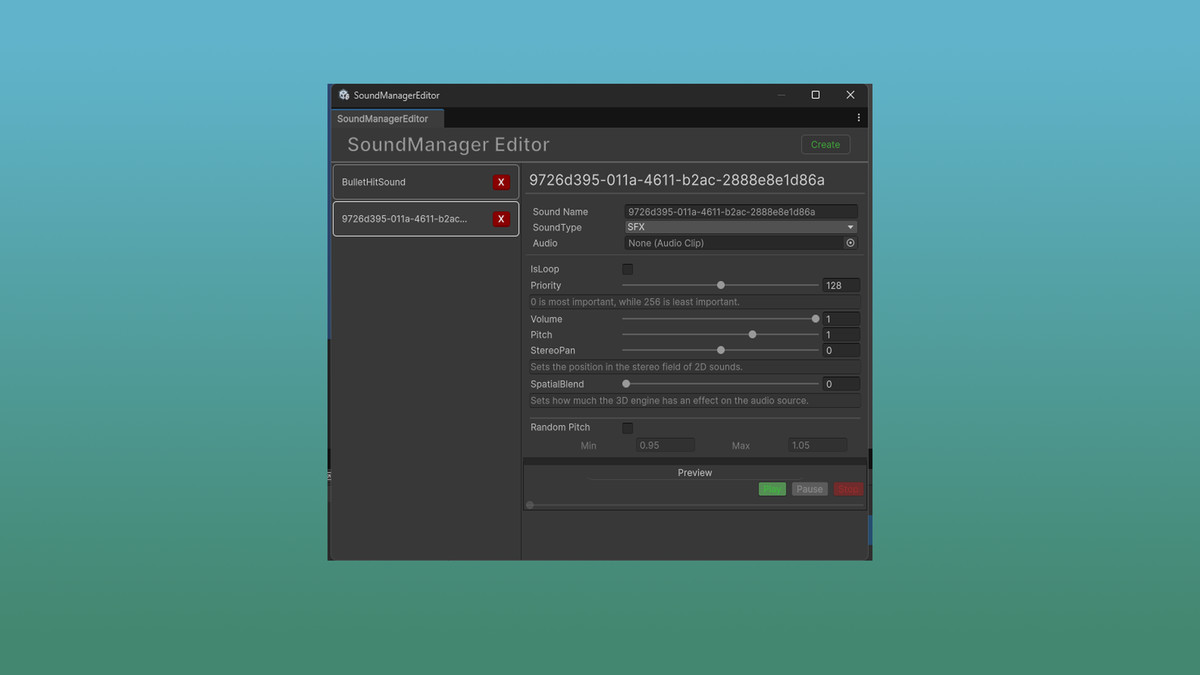
It also includes an in-editor preview feature, so you can test and listen to your audio clips without entering Play Mode.
Key Features:
- Simple sound playback with minimal code
- Random pitch playback with adjustable range
- In-editor sound preview
- Lightweight and optimized for all platforms
- Easy integration into existing projects
Perfect for developers who want a clean and efficient way to add dynamic sound behavior to their games.
From the publisher's Asset Store listing.
Technical details
You can open the SoundManager window by navigating to [Window] > [CSILib] > [SoundManager].
To play sounds within your game, a few setup steps are required.
1. First, create a new GameObject in your scene and add the SoundManager script to it as a component.
2. Next, you will need to assign the AudioMixer and SoundListSO assets to the SoundManager component in the Inspector. You can find these assets located in the `csiimnida/CSILib/SoundManager` folder. Drag the AudioMixer to the "Mixer" field and the SoundListSO to the "SoundListSo" field.
3. Finally, you can play a sound from your code by calling: `SoundManager.Instance.PlaySound(/*SoundName*/);`
Compatibility
| Unity version | Built-in | URP | HDRP | Custom |
|---|---|---|---|---|
| 6000.1.3f1 | Compatible | Compatible | Compatible | Compatible |
| 6000.0.68f1 | Compatible | Compatible | Compatible | Compatible |
As listed on the Asset Store.