
 View on Asset Store (opens in new tab)
Package details
- Latest version
- 1.0
- Last updated
- First released
- Unity version
- 2021.3.5 or later
- Package size
- 118.0 MB
- Files
- 573
- Favorites
- 6
- Views in the past week
- 9
Price tracking
- Last checked
- Tracked since
- Lowest recorded
- $20.00 on
Keywords
Area FX Generator
- Price drop
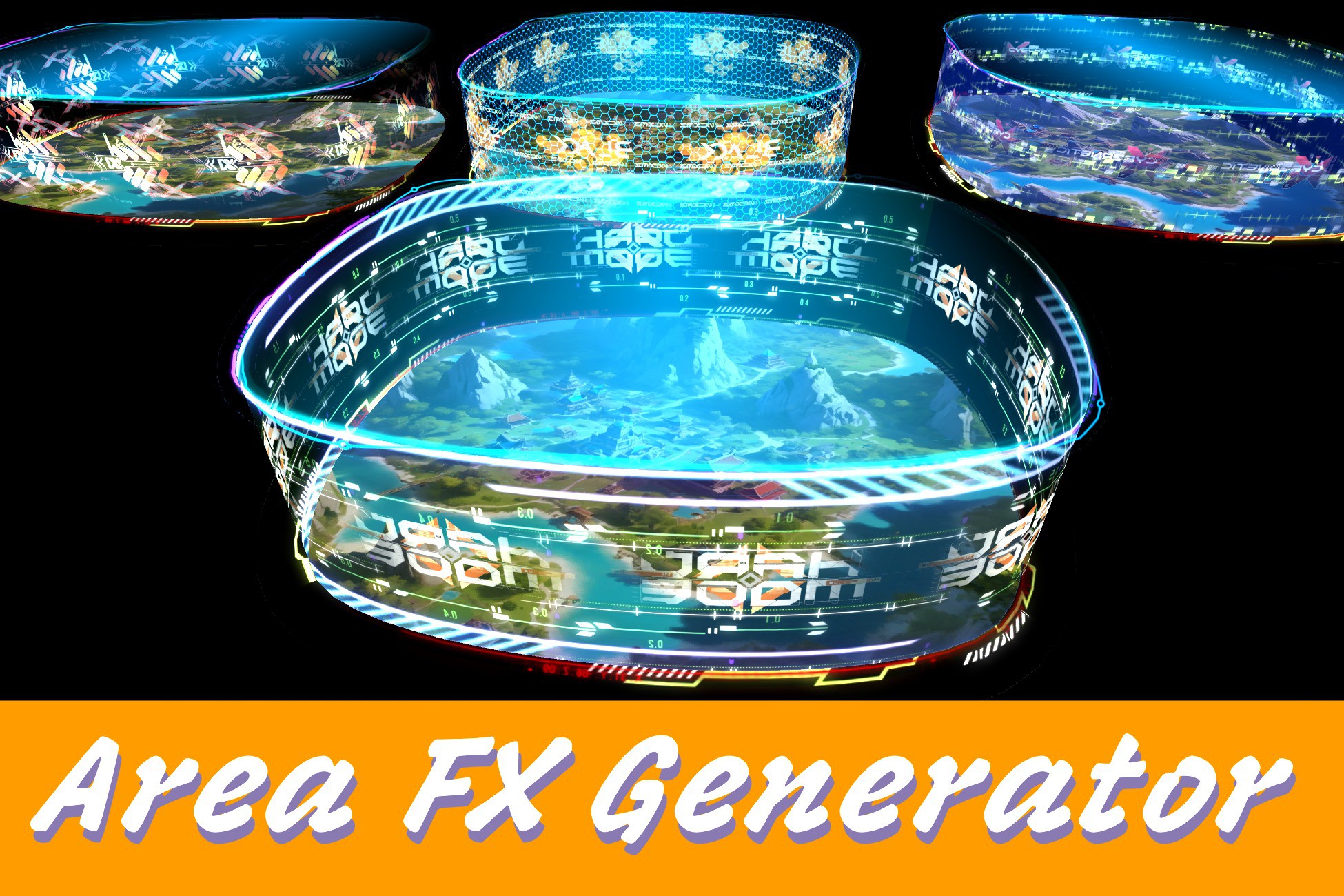
Effortlessly create dynamic and scalable area effects using Unity’s built-in Spline and LineRenderer systems — no code or modeling required!
Lowest recorded price
Get 60% off on Asset Store (opens in new tab)Affiliate link · Purchases support this site
Price history
Last 6 months
USDAsset preview
1 / 25
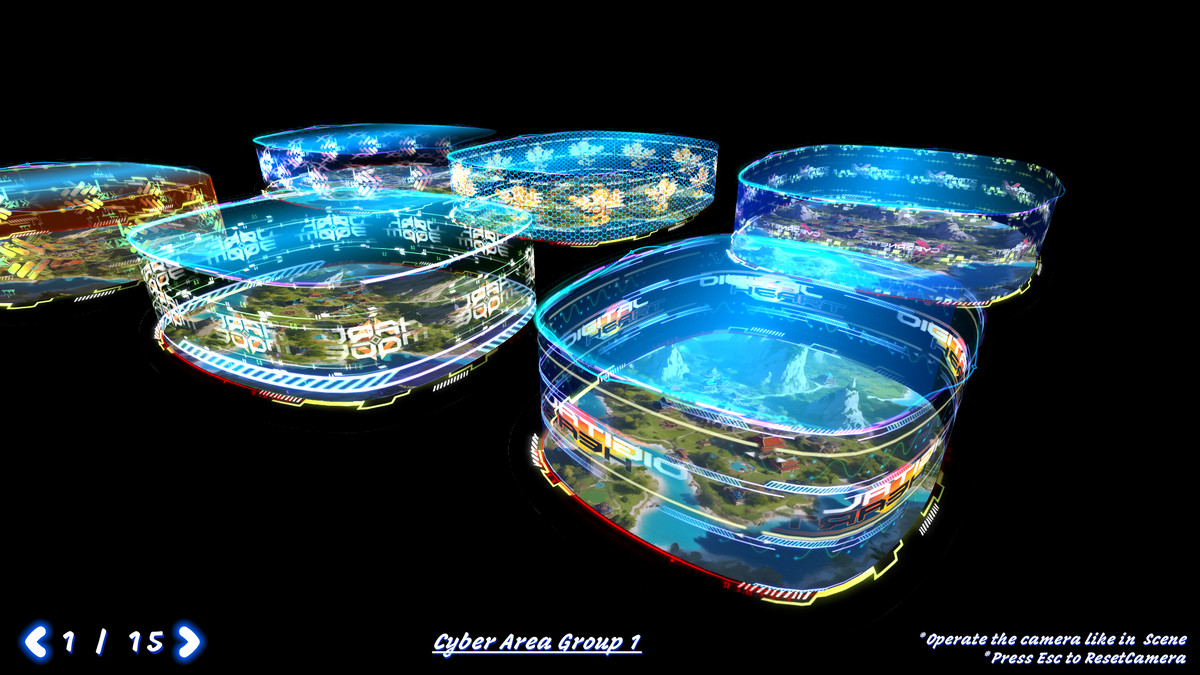
Area FX Generator screenshot 1

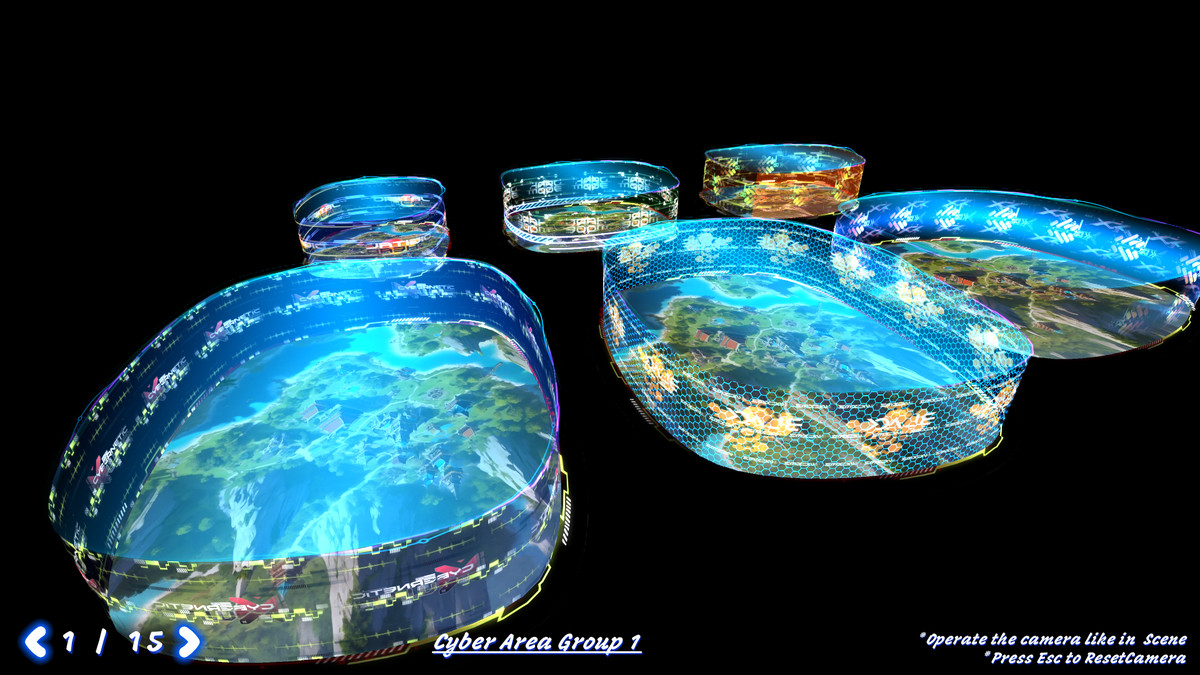
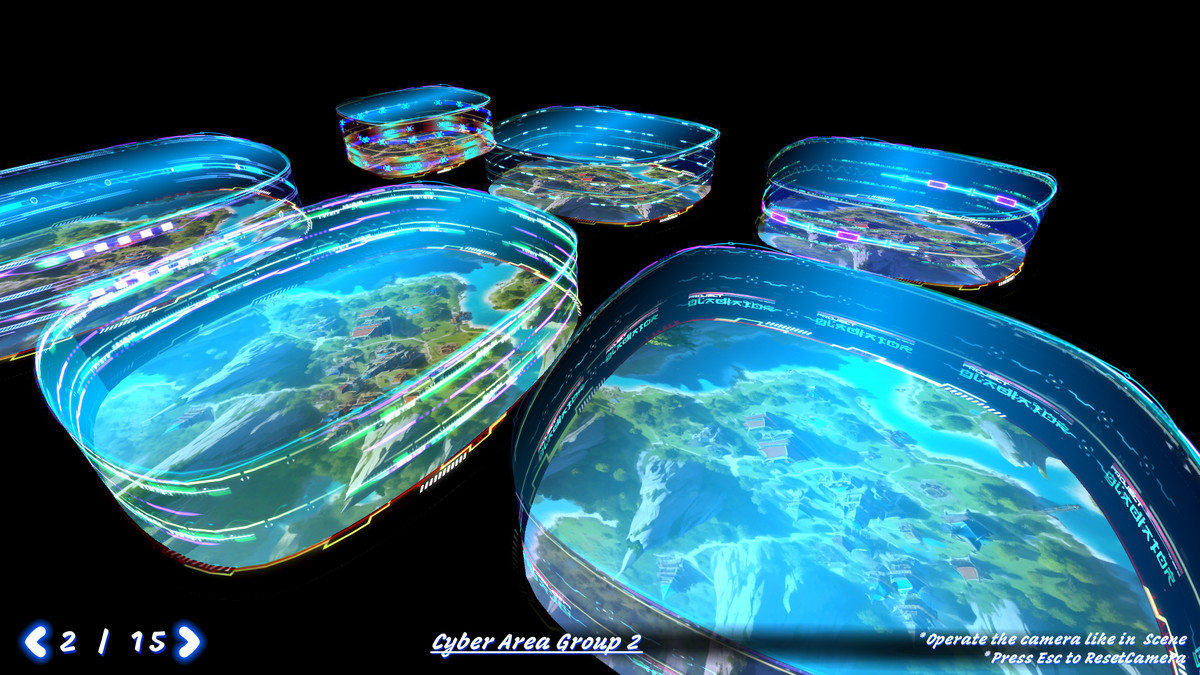
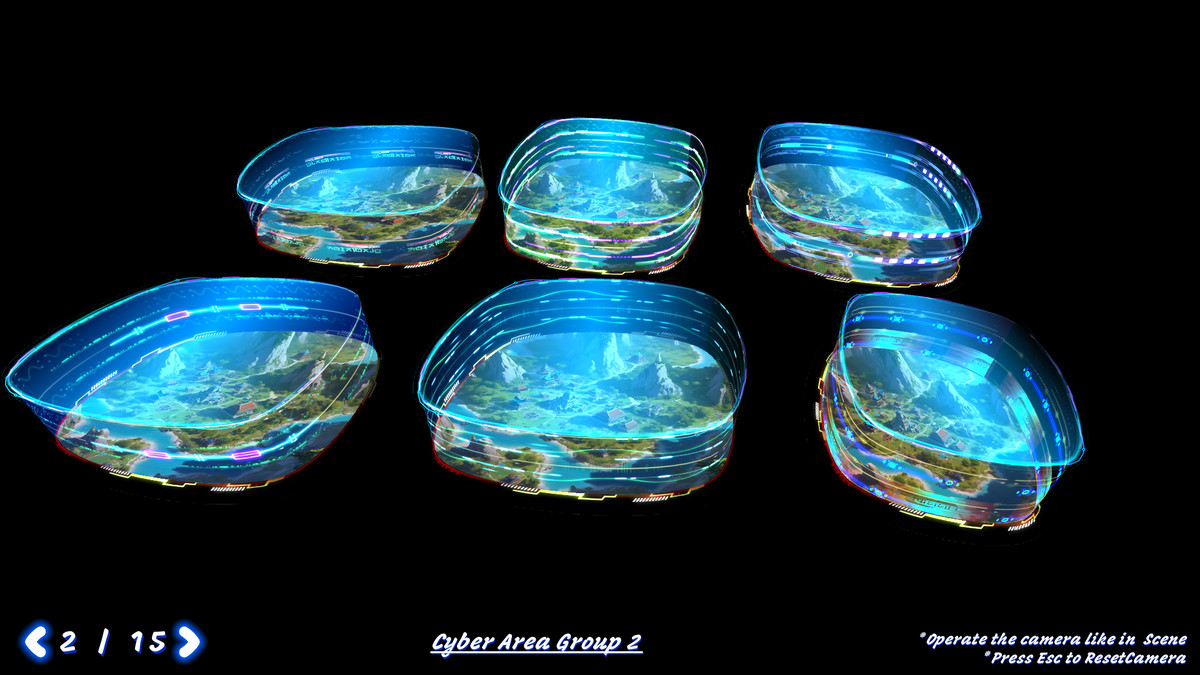
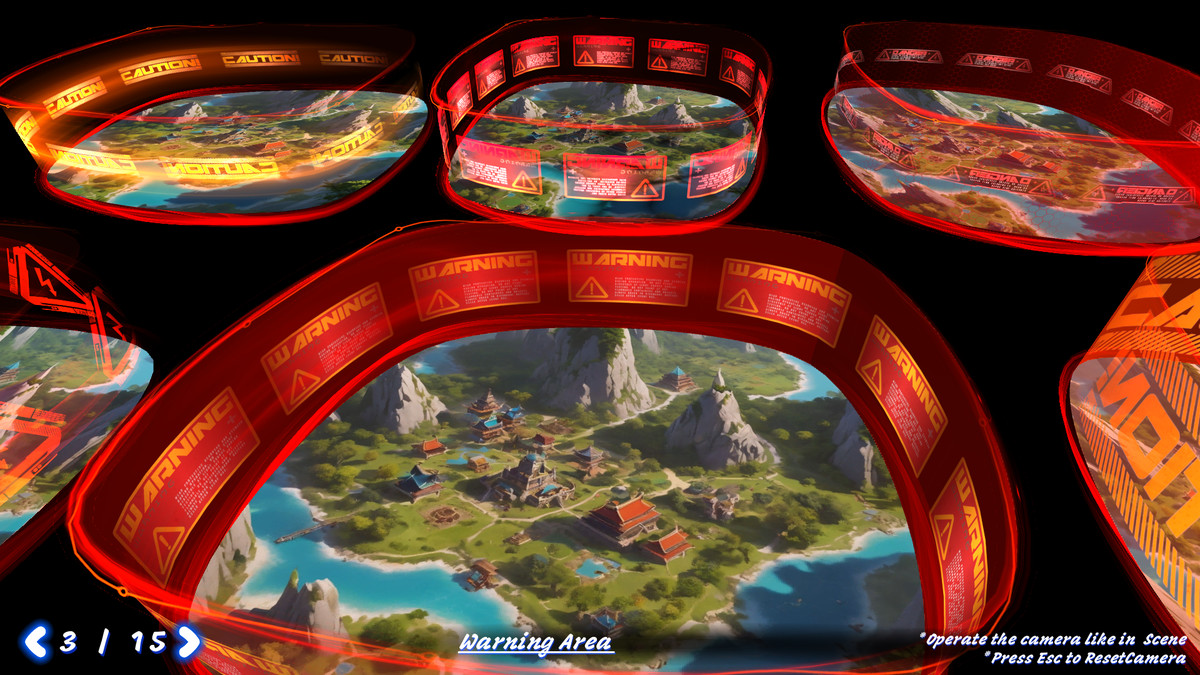
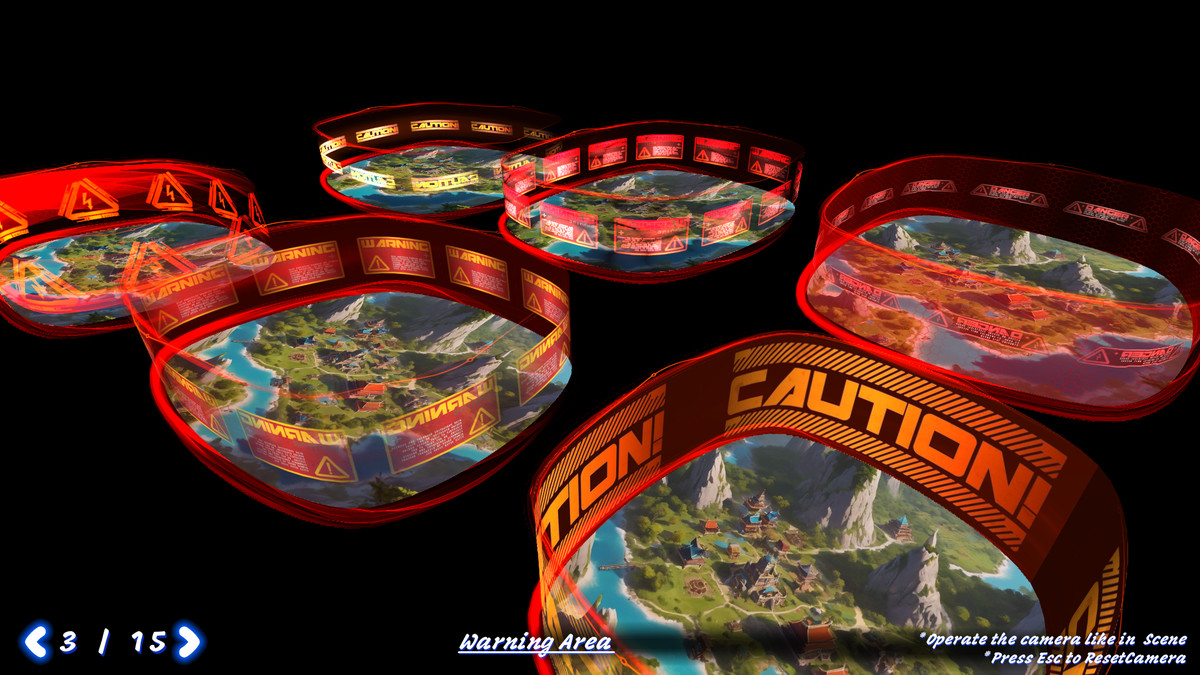
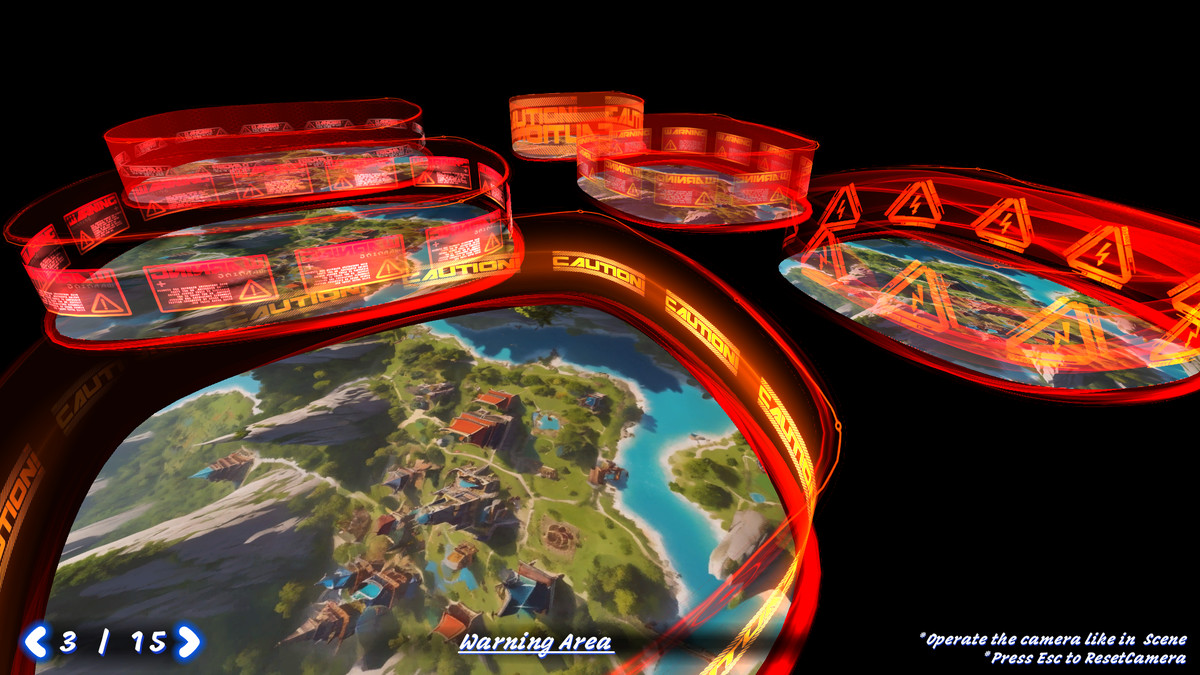
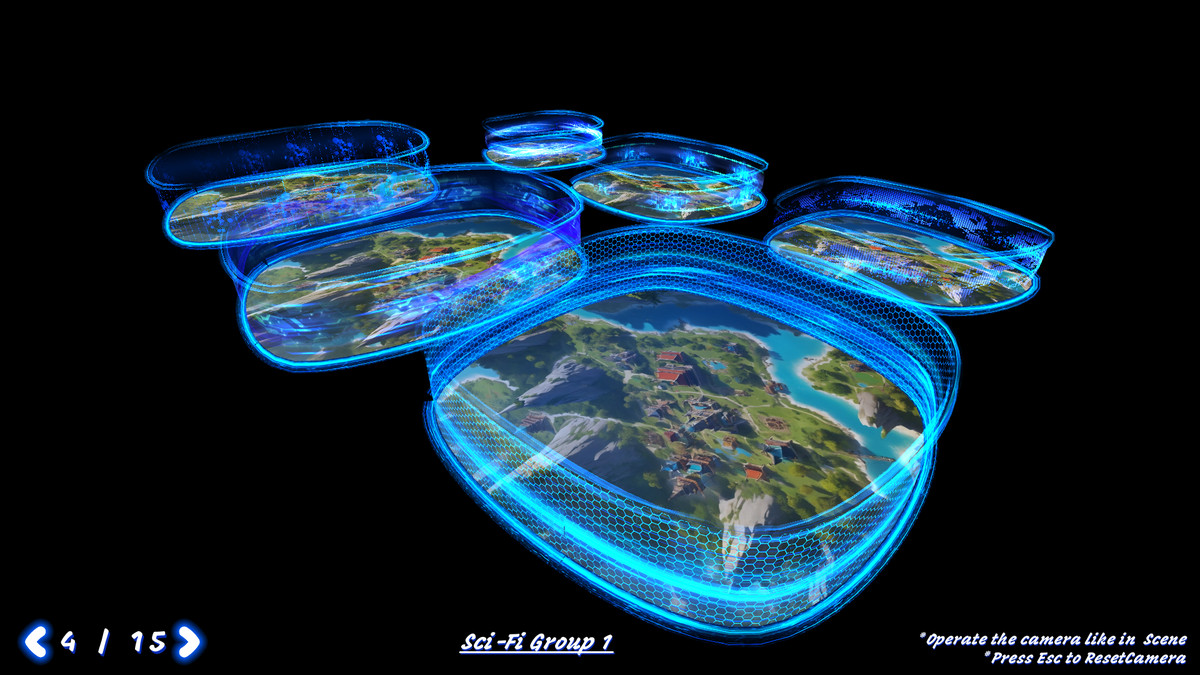
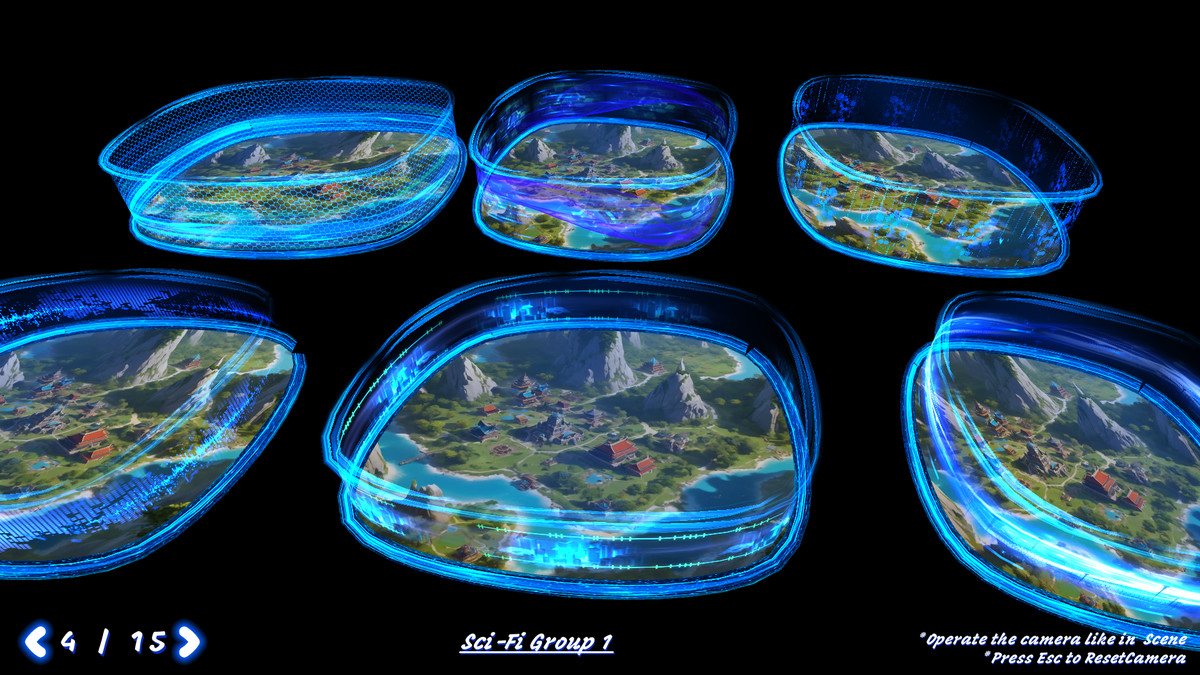
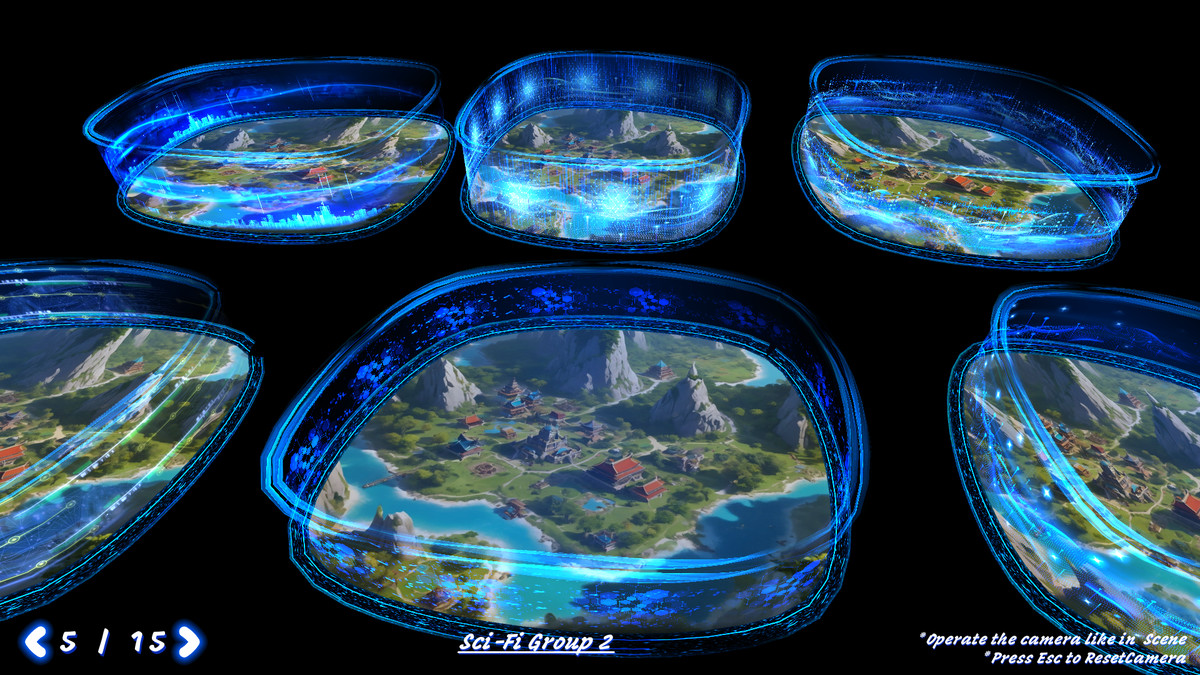
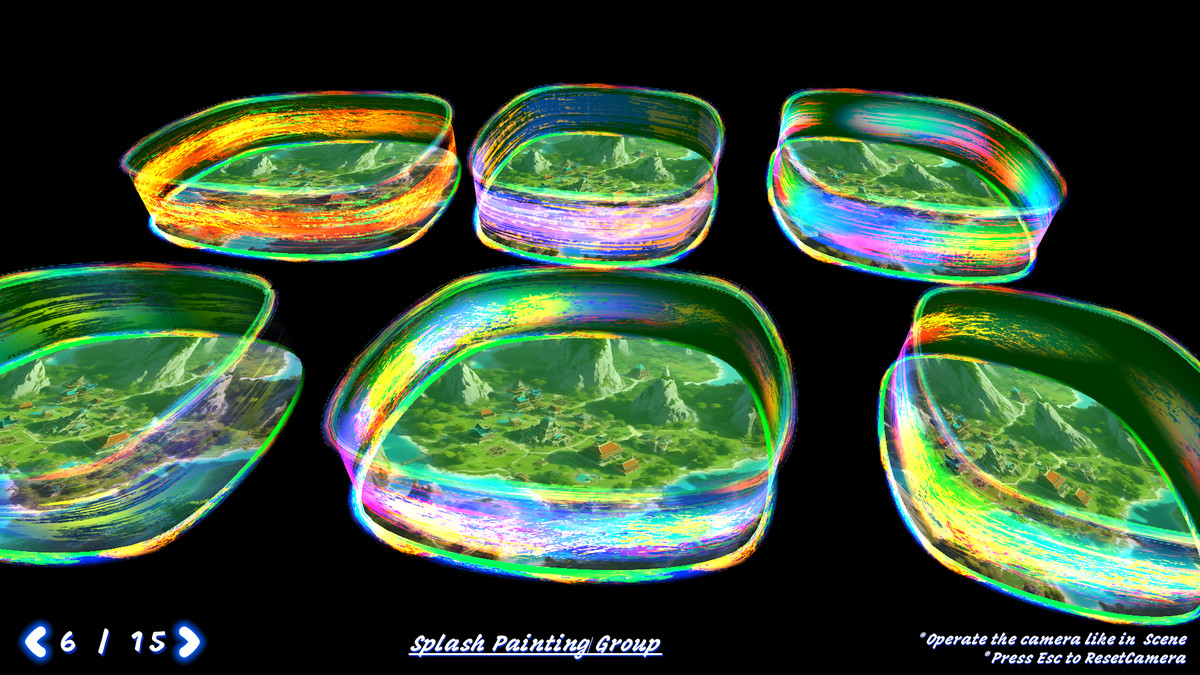
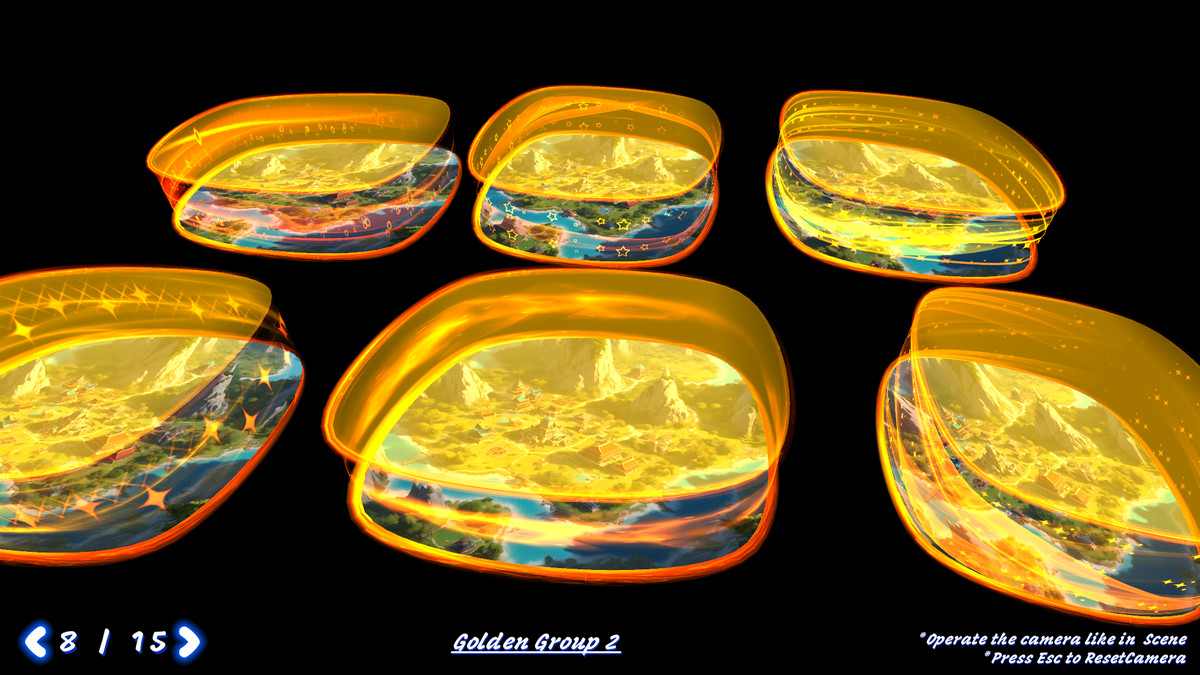
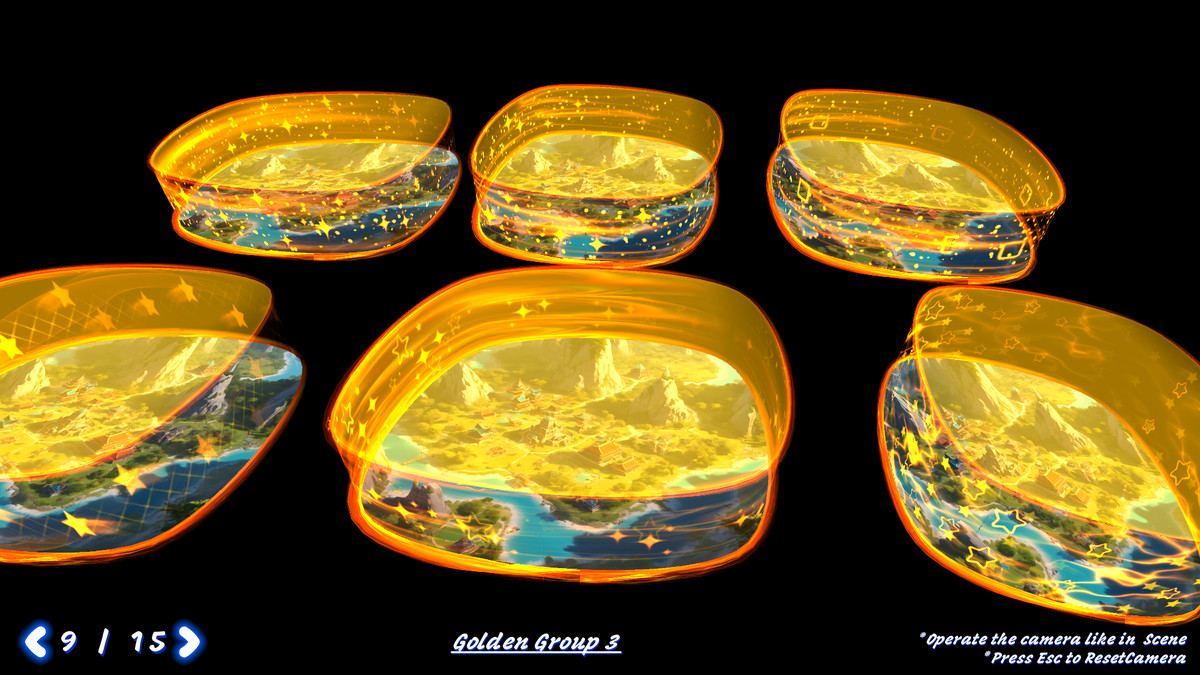
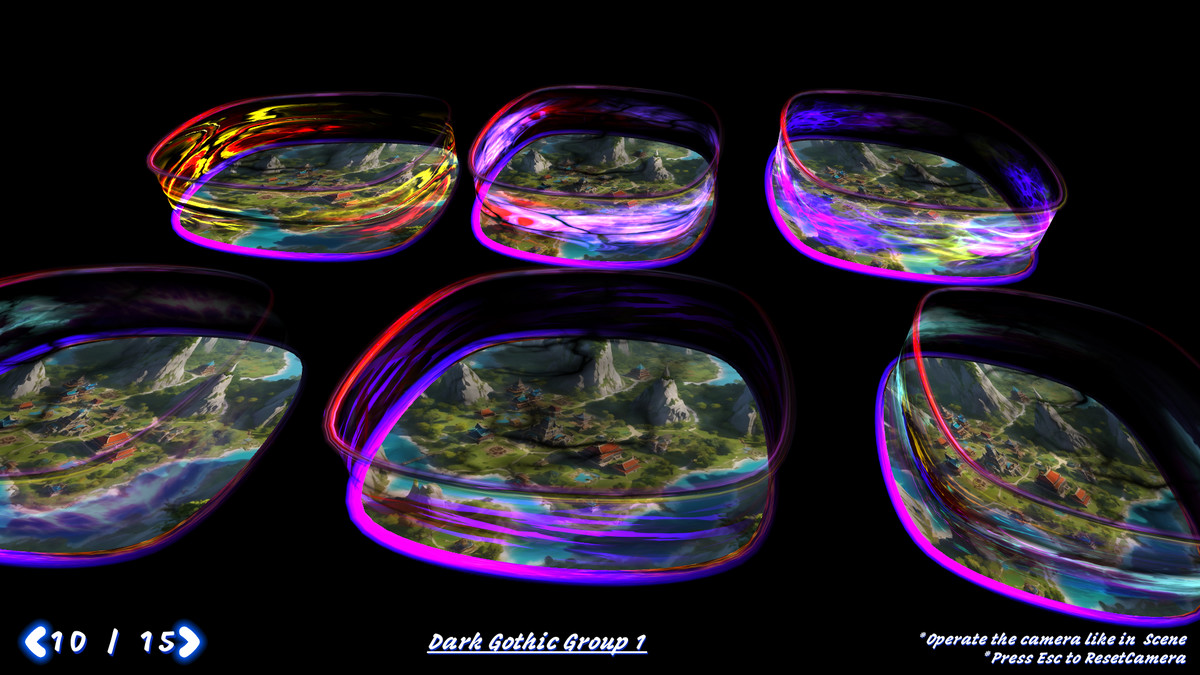
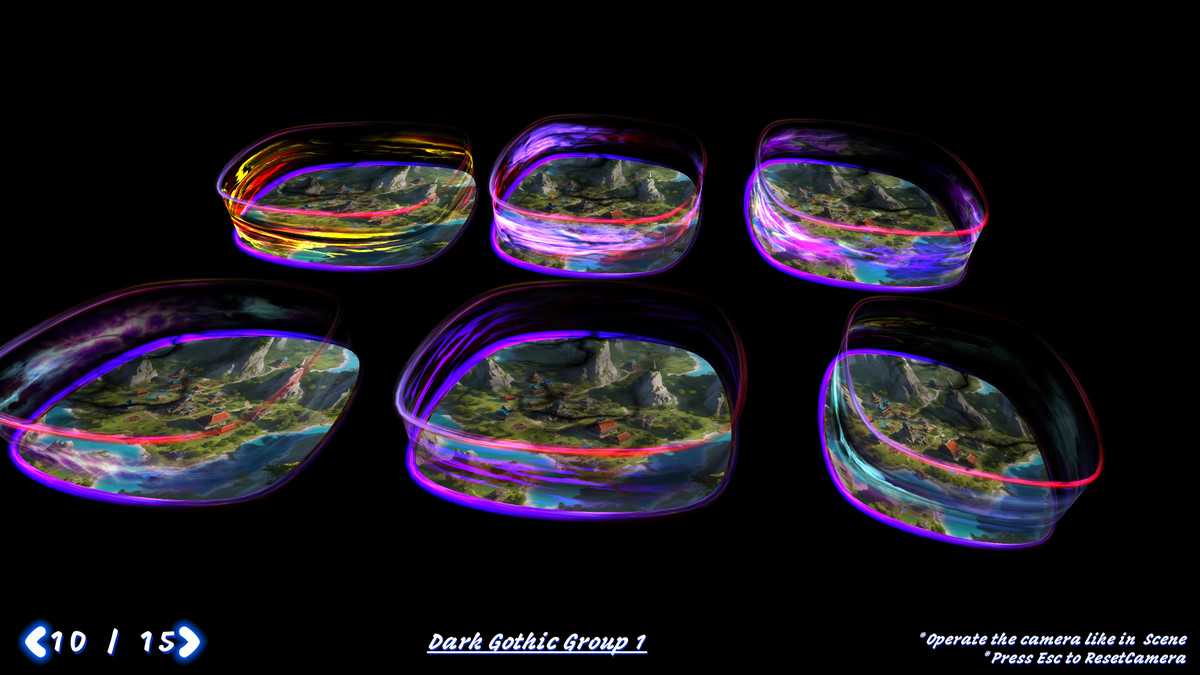
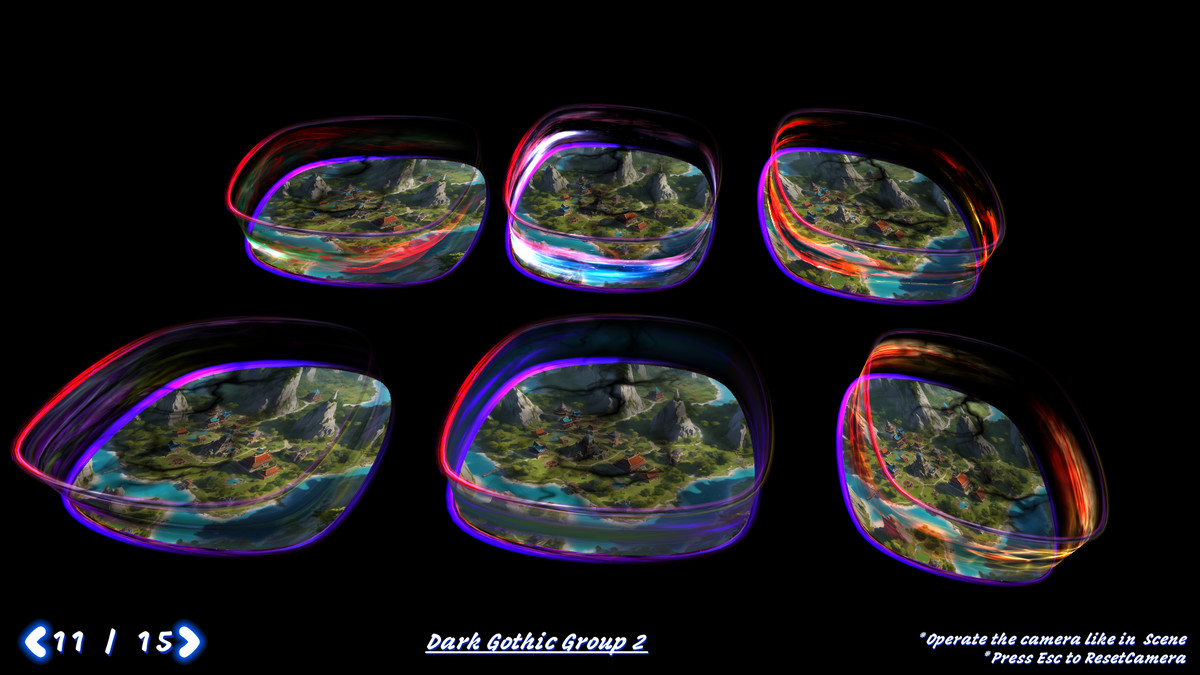
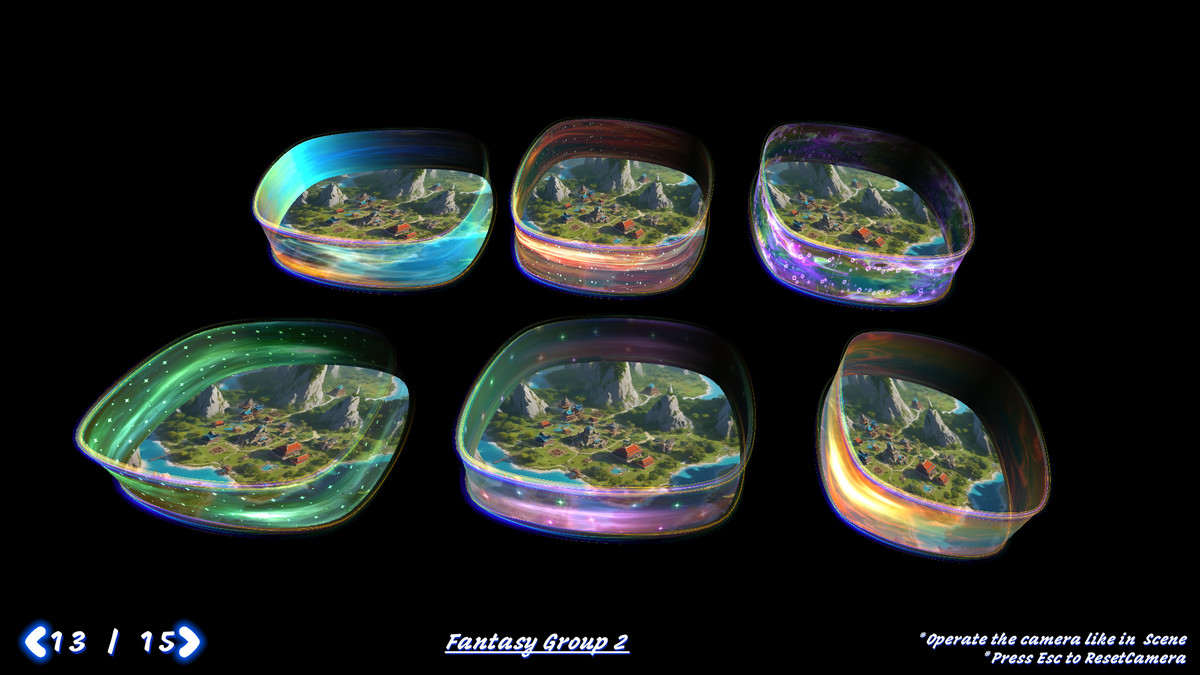
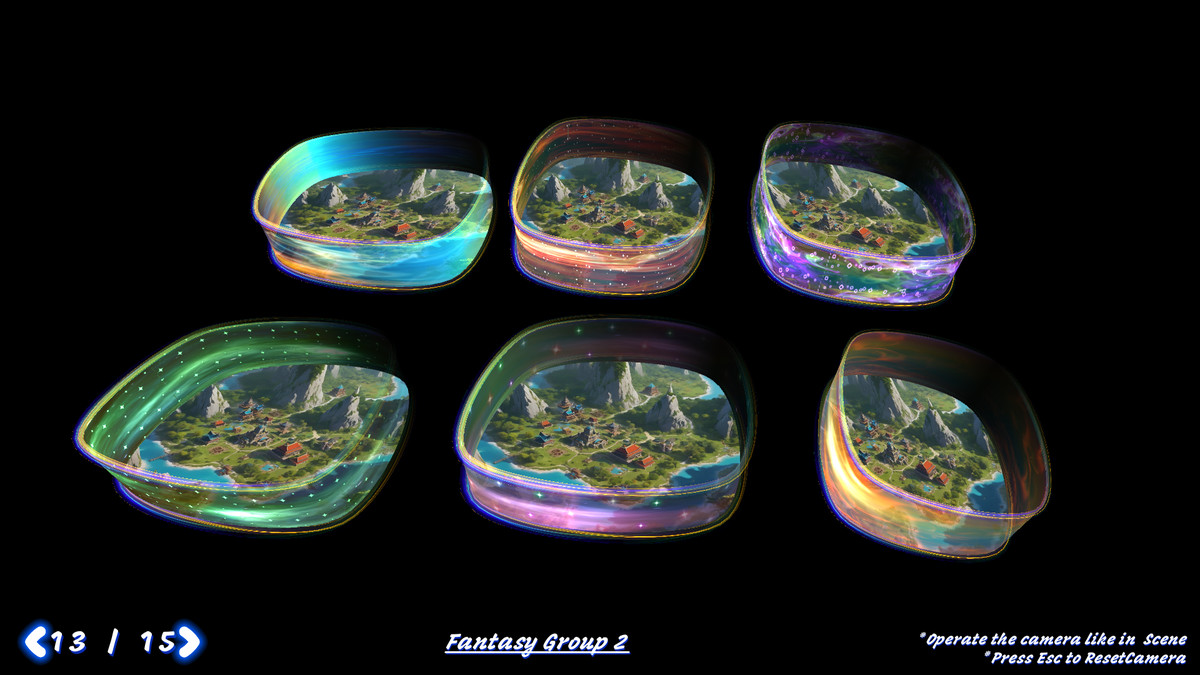
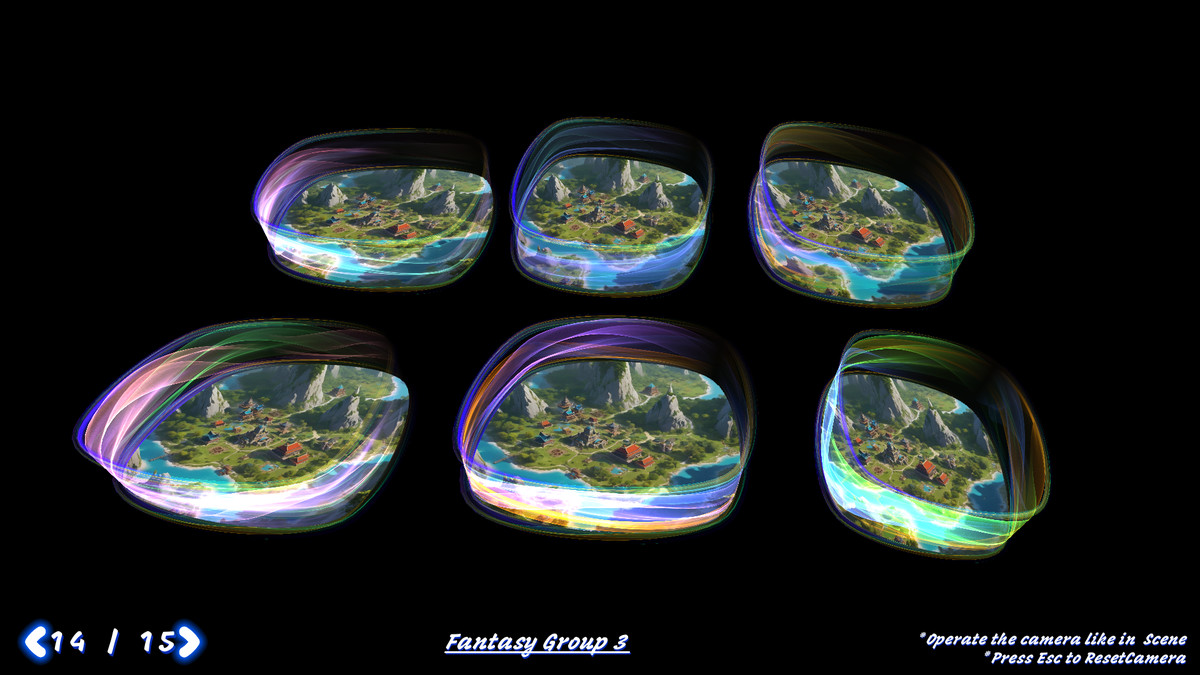
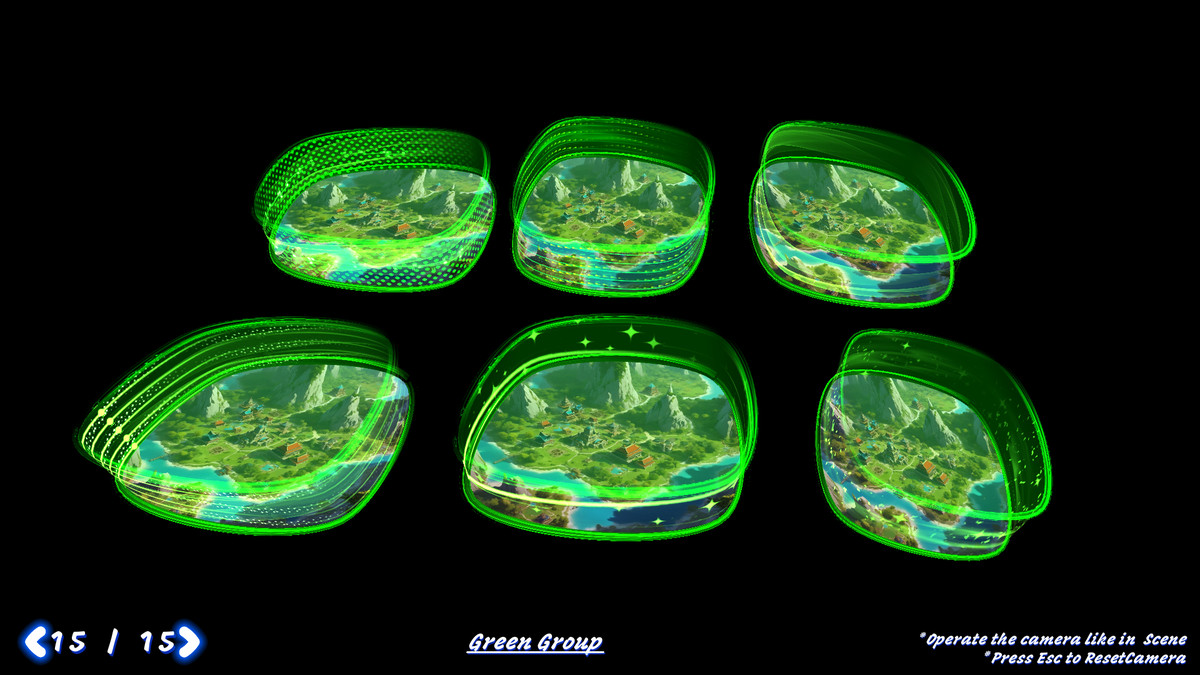
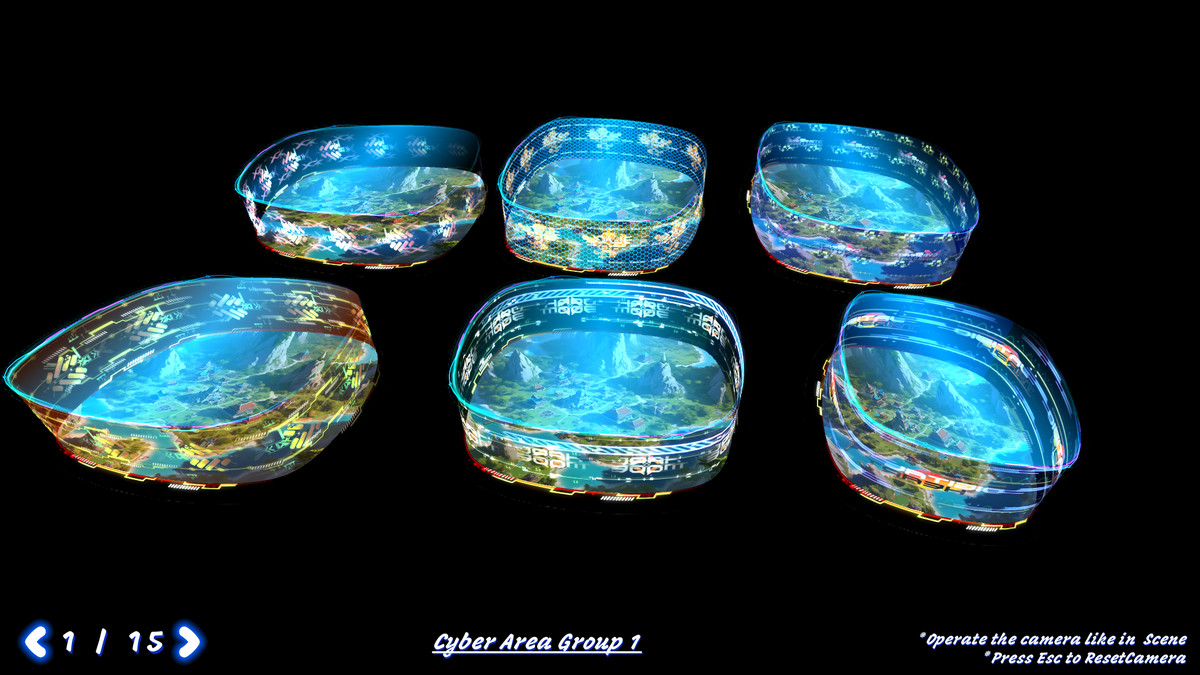
About this asset
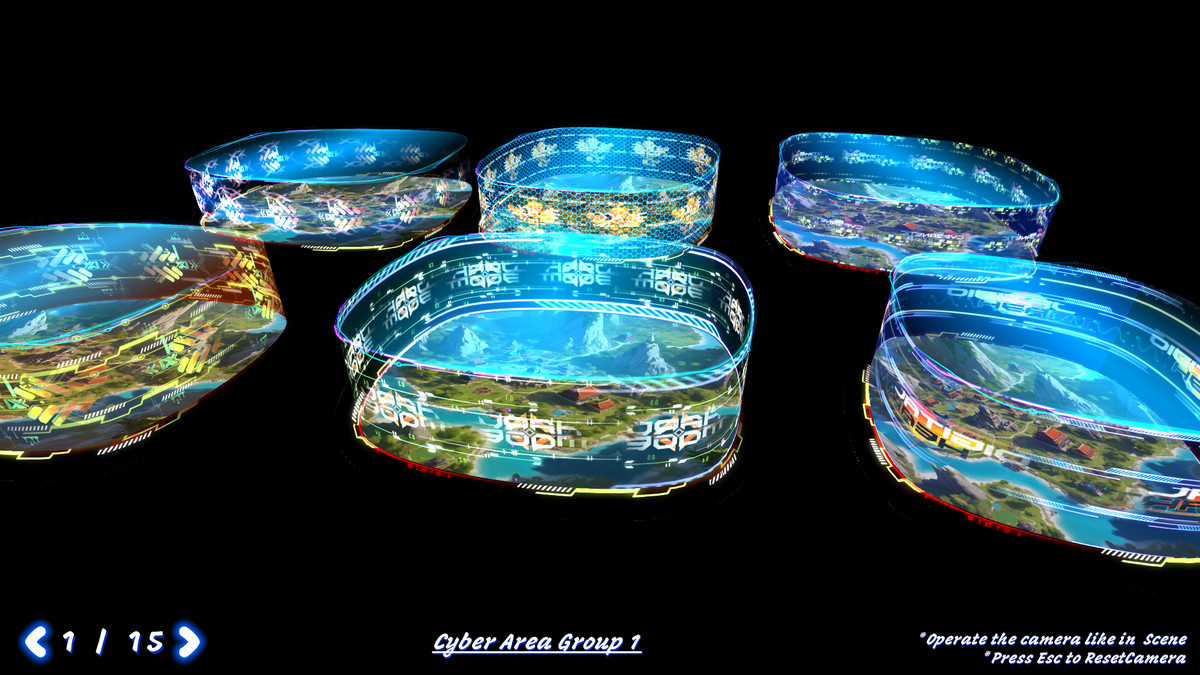
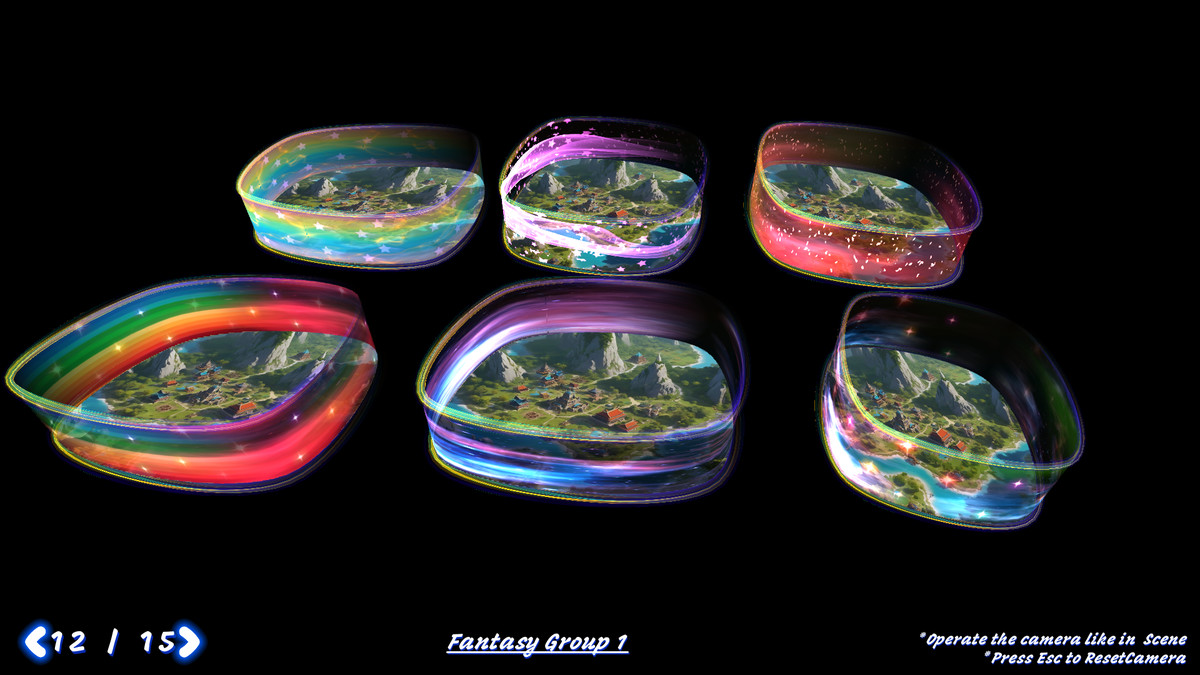
Area FX Generator allows you to build complex area-based effects by simply editing a spline and assigning materials. It automatically generates top, bottom, and side mesh surfaces, while rendering edge effects using LineRenderers. With built-in support for multi-layer animated shaders, this tool makes creating stylized zones, magic circles, force fields, or sci-fi zones quick and flexible.
✨ Key Features
- 🎯 Spline-Based Editing: Define any shape by editing a Spline — no 3D modeling required.
- 🌀 Auto-Generated Geometry: Instantly creates top, bottom, and side meshes along with top/bottom LineRenderers.
- 🌈 Multi-Layer Shaders: All FX elements support customizable, multi-layer UV animations for rich visual detail.
- 🧩 Drag & Drop Ready: Includes 100+ FX-ready materials and 400+ stylized textures across various themes.
- ⚙️ Easy Customization: Fully exposed parameters for size, mesh height, material tiling, and more.
- 🧠 Learn in Minutes: Designed with simplicity in mind — go from zero to effects in just 3 steps!
🚀 Quick Start in 3 Simple Steps
1️⃣ Edit the Spline
- Select the spline GameObject
- Switch Scene view mode from Object (cube icon) to Spline (curve icon)
- Move the knots to define your area
2️⃣ Generate the FX
- Select the Area FX Generator component
- Adjust parameters like height, material tiling, offset, etc.
- Click Generate or Clear & Generate to apply changes
3️⃣ Customize Materials
- Tweak the shader properties in the Inspector
- Swap or layer textures for unique animated effects
- All changes apply in real time — iterate fast!
🔥 Perfect For
- Magic circles, traps, or healing zones
- Sci-fi barriers or detection areas
- Tactical or strategy area indicators
- Stylized region effects in 2D/3D games
Whether you're building an RPG, RTS, or stylized sci-fi world — Area FX Generator gives you fast, flexible tools to enhance your environments with stunning area effects.
Try it now and build magical zones like a pro!
From the publisher's Asset Store listing.
Technical details
Textures Info :
--- Resolution Statistics ---
Low Resolution (< 1024x1024): 267
Medium Resolution (1024x1024 to 2048x2048): 155
High Resolution (> 2048x2048): 0
--- Color Depth Statistics ---
Compressed: 422
Uncompressed: 0
--- Transparency Statistics ---
With Transparency: 4
Without Transparency: 418
--- Power of Two Statistics ---
Images with Power of Two dimensions (width & height): 417
Images without Power of Two dimensions (width & height): 5
----------------------------
Compatibility
| Unity version | Built-in | URP | HDRP | Custom |
|---|---|---|---|---|
| 2021.3.5f1c1 | Compatible | Compatible | Compatible | Compatible |
As listed on the Asset Store.