
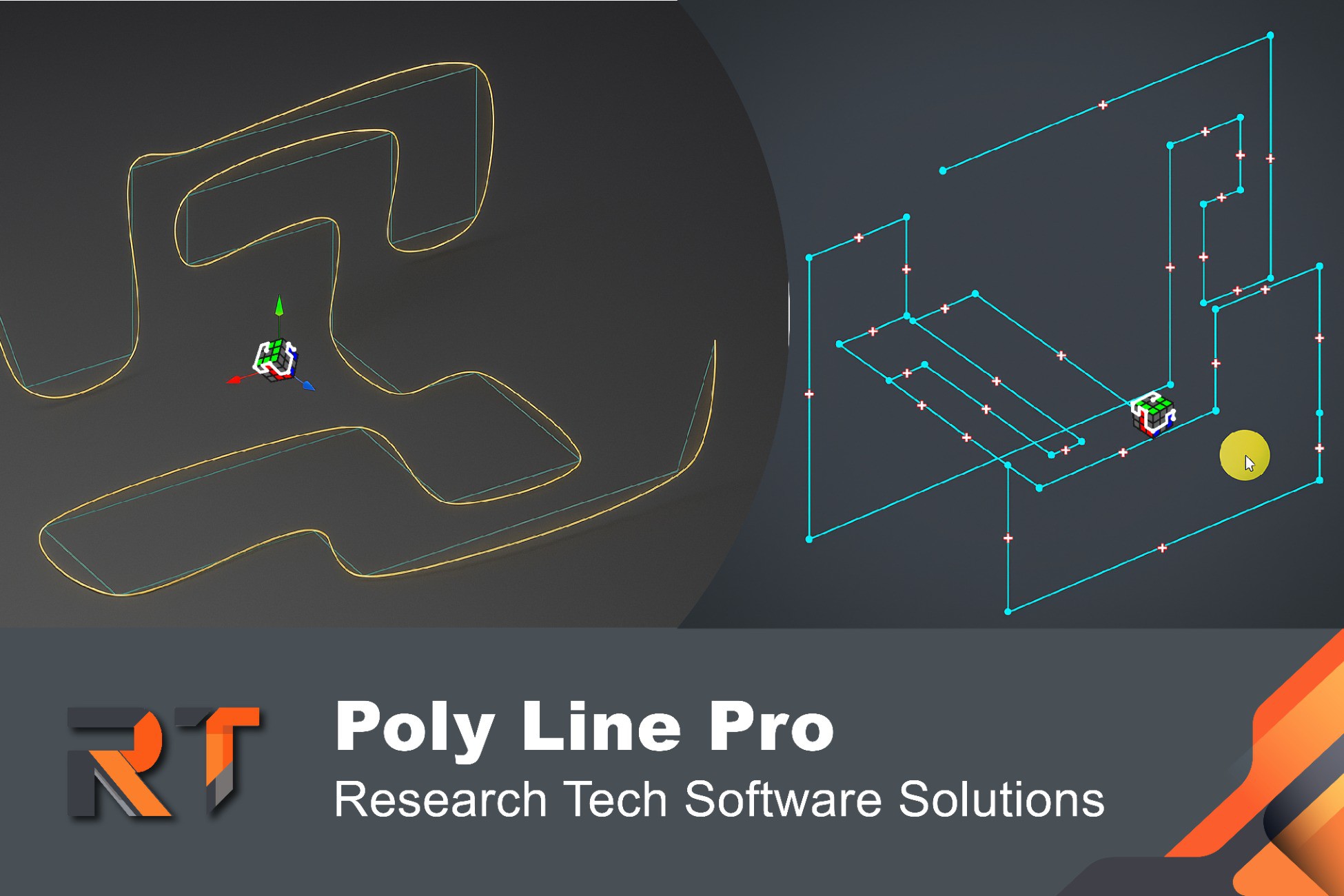
 View on Asset Store (opens in new tab)
Package details
- Latest version
- 1.1
- Last updated
- First released
- Unity version
- 6000.0.47 or later
- Package size
- 325 KB
- Files
- 14
- Favorites
- 9
- Views in the past week
- 7
Price tracking
- Last checked
- Tracked since
- Lowest recorded
- $11.19 on
Keywords

PalaPlay Polyline Pro
The powerful and elegant tool that revolutionizes how you create and edit paths in Unity. Built for speed and precision.
Affiliate link · Purchases support this site
Price history
Last 6 months
USDAsset preview
1 / 7
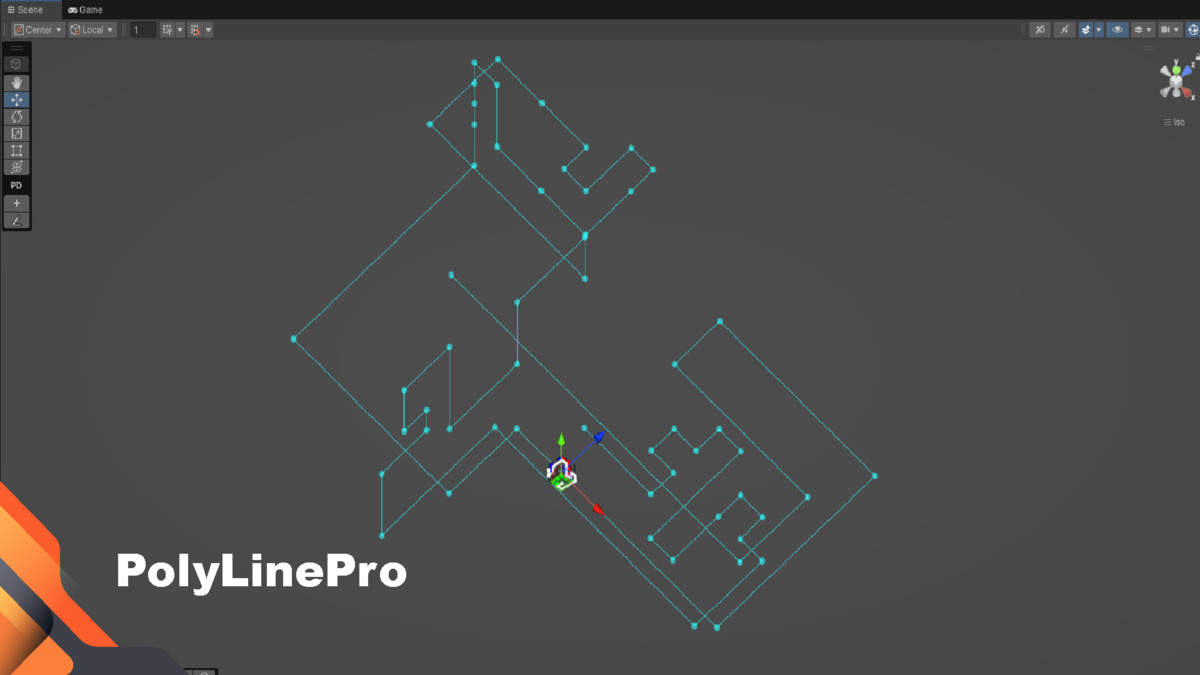
PalaPlay Polyline Pro screenshot 1


About this asset
Polyline Pro: The Ultimate In-Editor Path Creation Tool
Tired of manually tweaking Vector3 arrays in your code? Wish you could just draw your paths, fences, and patrol routes directly in the scene, visually and intuitively?
Stop coding paths. Start drawing them!
Introducing Polyline Pro, the powerful and elegant tool that revolutionizes how you create and edit paths in Unity. Built for speed and precision, Polyline Pro integrates seamlessly into your workflow, allowing you to design complex lines and curves in seconds, not hours. Whether you're a level designer, a programmer, or a VFX artist, this tool will become an essential part of your toolkit.
Core Features
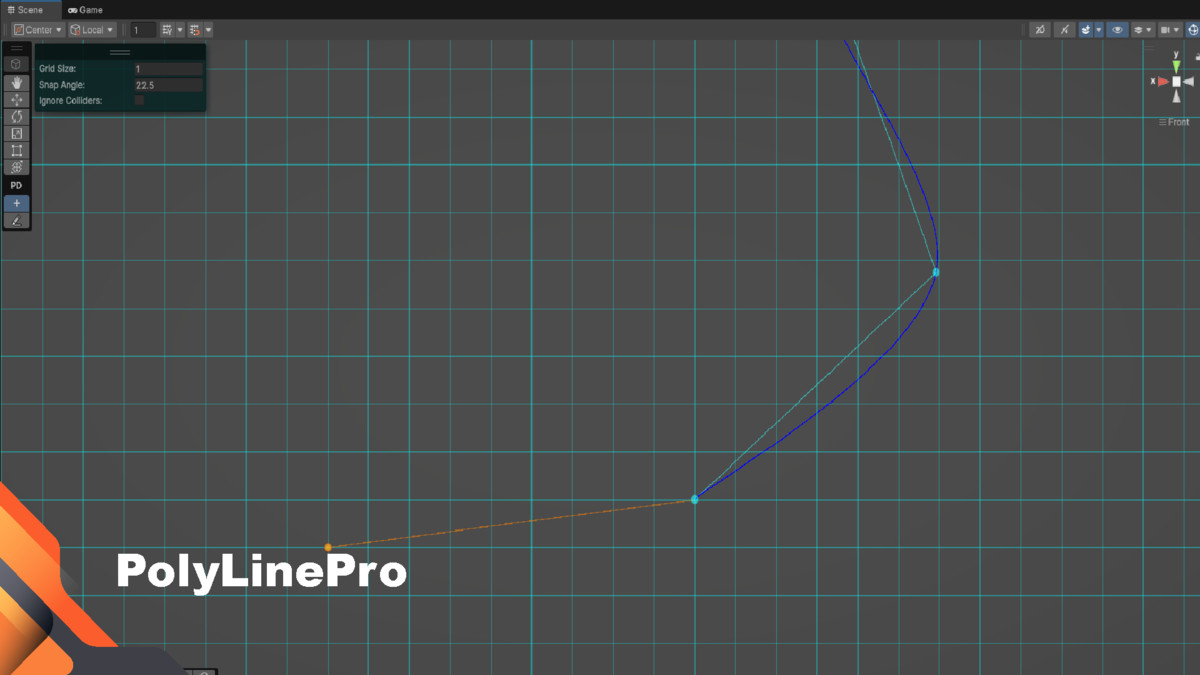
- ✍️ Intuitive Visual Drawing: Forget scripts and inspectors. Click directly on colliders or in empty space to place points. The smart construction plane aligns with your camera view, making 3D drawing feel natural and effortless.
- Delete with Ease: ALT+Click is all it takes to remove a point.🛠️ Powerful Editing Suite: Your paths are fully editable.
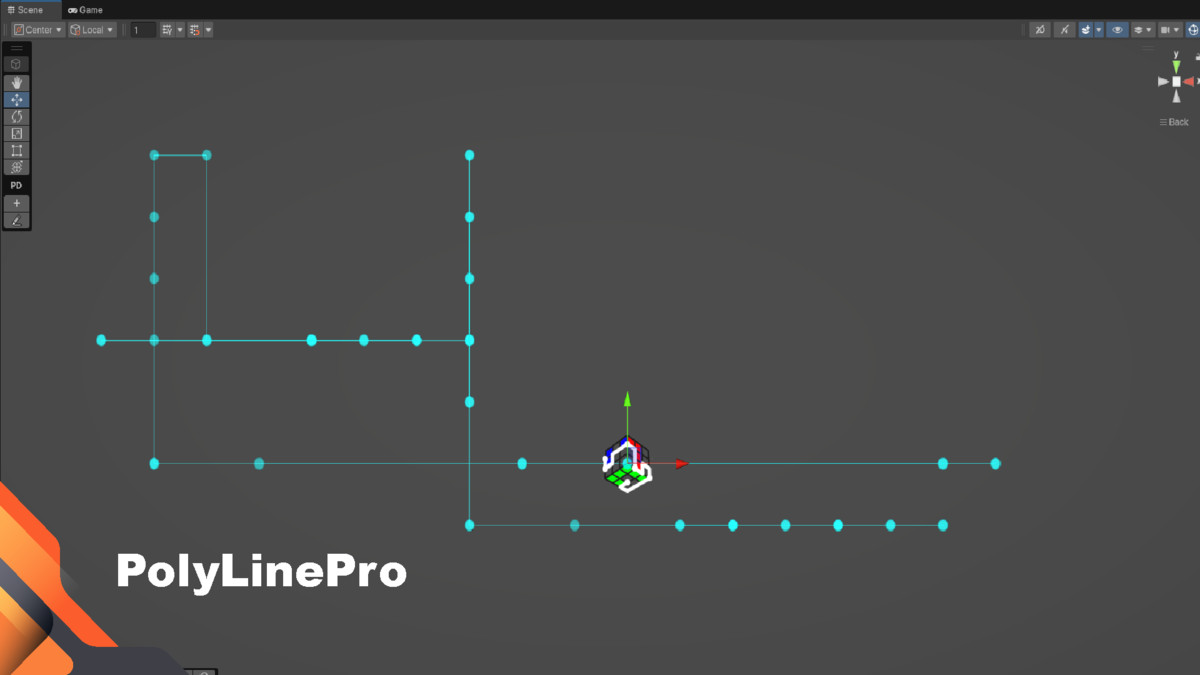
Insert Points: Click the + icon on any line segment to instantly add a new point for more detail.
Move & Adjust: Simply select and drag points to modify your path on the fly.
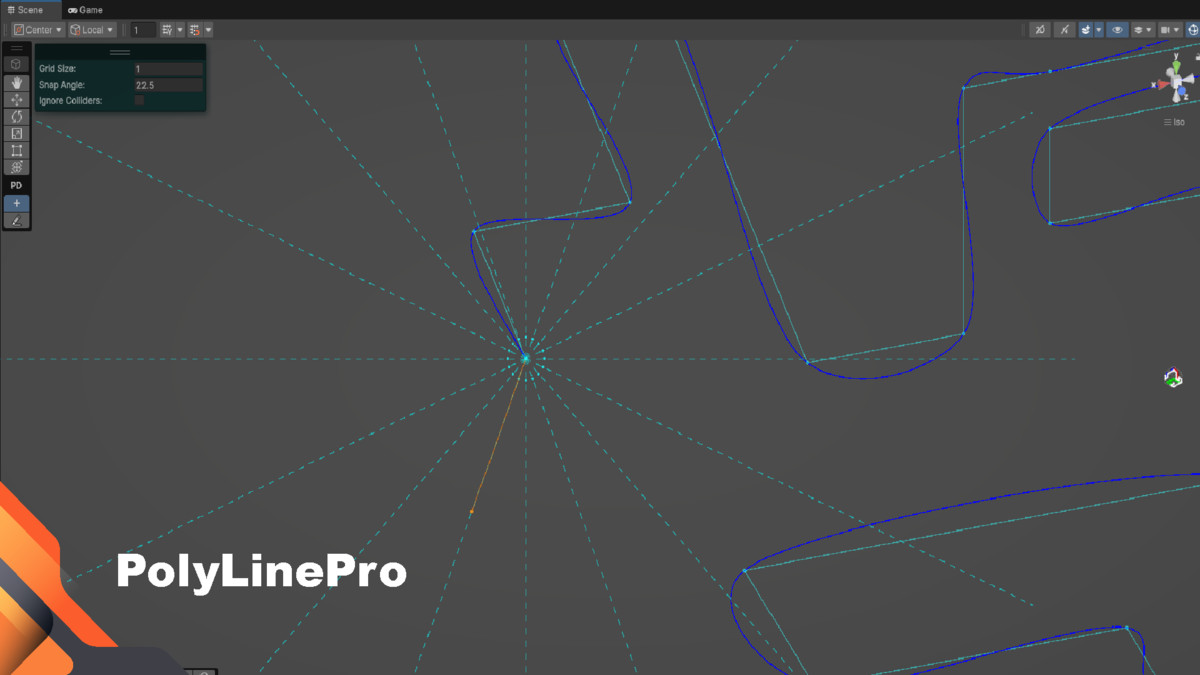
Advanced Selection: Use a draggable selection box, add to your selection with CTRL+Click, and remove from it with SHIFT+CTRL+Click. - Customizable Snapping: Take full control of your workflow. Adjust the grid size and snap angle directly from the inspector to match your project's specific needs.⚙️ Dynamic Events & Full Customization:
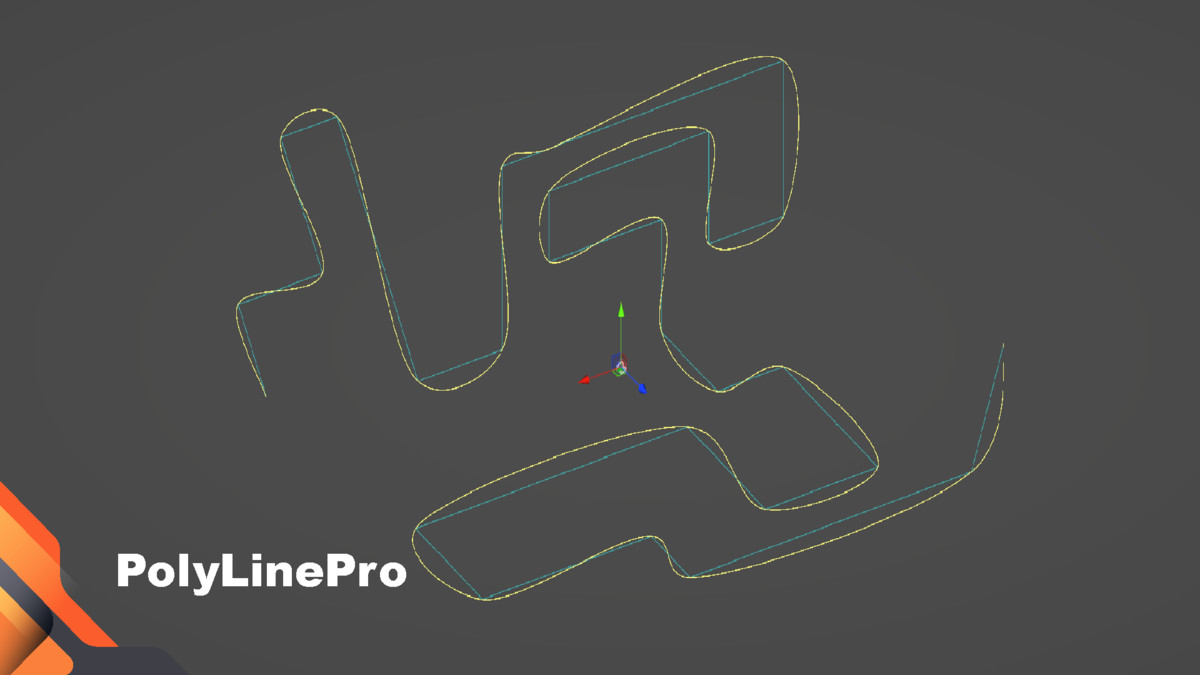
Live UnityEvent: A built-in OnPathChanged event is triggered automatically with every modification. Instantly update procedural meshes, trigger sound effects, or recalculate AI logic the moment your path changes. - 💻 Developer-Friendly Output: At its core, Polyline Pro gives you what you need: a clean List<Vector3> or Vector3[]. Feed these points directly into your scripts for AI pathfinding, procedural mesh generation, particle systems, and more. No complex dependencies, just pure data.
Powerful Use Cases
Unleash your creativity with paths for any system:
- AI & NPCs: Design precise patrol routes that update dynamically.
- Level Design: Effortlessly draw outlines for roads, rivers, fences, and walls.
- Cinematics & Cutscenes: Create smooth camera paths for stunning fly-throughs.
- VFX & Particle Systems: Guide the flow of particles or create lightning effects that react to path changes.
- Gameplay Mechanics: Draw paths for moving platforms, projectiles, or puzzle elements.
- Procedural Generation: Use your drawn lines as a foundation to generate meshes like tubes and wires that update in real-time.
- Draw Spline in 3D World: You can effectively integrate Polyline Pro with Unity Spline to draw intricate 3D splines in your virtual world, allowing for a more dynamic and visually appealing design process without any limitations on your creativity or the complexity of the shapes you wish to create.
Boost your workflow, save countless hours, and bring your ideas to life faster than ever before. Get Polyline Pro today!
From the publisher's Asset Store listing.
Technical details
- ✍️ Intuitive Visual Drawing: Forget scripts and inspectors. Click directly on colliders or in empty space to place points. The smart construction plane aligns with your camera view, making 3D drawing feel natural and effortless.
- 🛠️ Powerful Editing Suite: Your paths are fully editable. Insert Points: Click the + icon on any line segment to instantly add a new point for more detail. Move & Adjust: Simply select and drag points to modify your path on the fly. Advanced Selection: Use a draggable selection box, add to your selection with CTRL+Click, and remove from it with SHIFT+CTRL+Click. Delete with Ease: ALT+Click is all it takes to remove a point.
- ⚙️ Dynamic Events & Full Customization: Live UnityEvent: A built-in OnPathChanged event is triggered automatically with every modification. Instantly update procedural meshes, trigger sound effects, or recalculate AI logic the moment your path changes. Customizable Snapping: Take full control of your workflow. Adjust the grid size and snap angle directly from the inspector to match your project's specific needs.
- 💻 Developer-Friendly Output: At its core, Polyline Pro gives you what you need: a clean List<Vector3> or Vector3[]. Feed these points directly into your scripts for AI pathfinding, procedural mesh generation, particle systems, and more. No complex dependencies, just pure data.
Compatibility
| Unity version | Built-in | URP | HDRP | Custom |
|---|---|---|---|---|
| 6000.2.6f2 | Compatible | Compatible | Compatible | Compatible |
| 6000.0.47f1 | Compatible | Compatible | Compatible | Compatible |
It supports Unity 2022, 6000, and newer.
Tested on Unity 2022.3.62f2, 6000.0.47f1, 6000.2.6f2.
As listed on the Asset Store.