
 View on Asset Store (opens in new tab)
Package details
- Latest version
- 1.2.2
- Last updated
- First released
- Unity version
- 6000.0.60 or later
- Package size
- 779 KB
- Files
- 24
- Favorites
- 34
- Views in the past week
- 33
Price tracking
- Last checked
- Tracked since
- Lowest recorded
- $6.00 on
Keywords

Hapthicks
Design haptics/vibrations with a powerful yet easy-to-use editor. Unified playback on iOS & Android. Includes ready-to-use patterns. Try them instantly with our free companion app.
Affiliate link · Purchases support this site
Price history
Last 6 months
USDAsset preview
1 / 5
Hapthicks screenshot 1
About this asset
Documentation • Tutorial Videos • Download Companion App
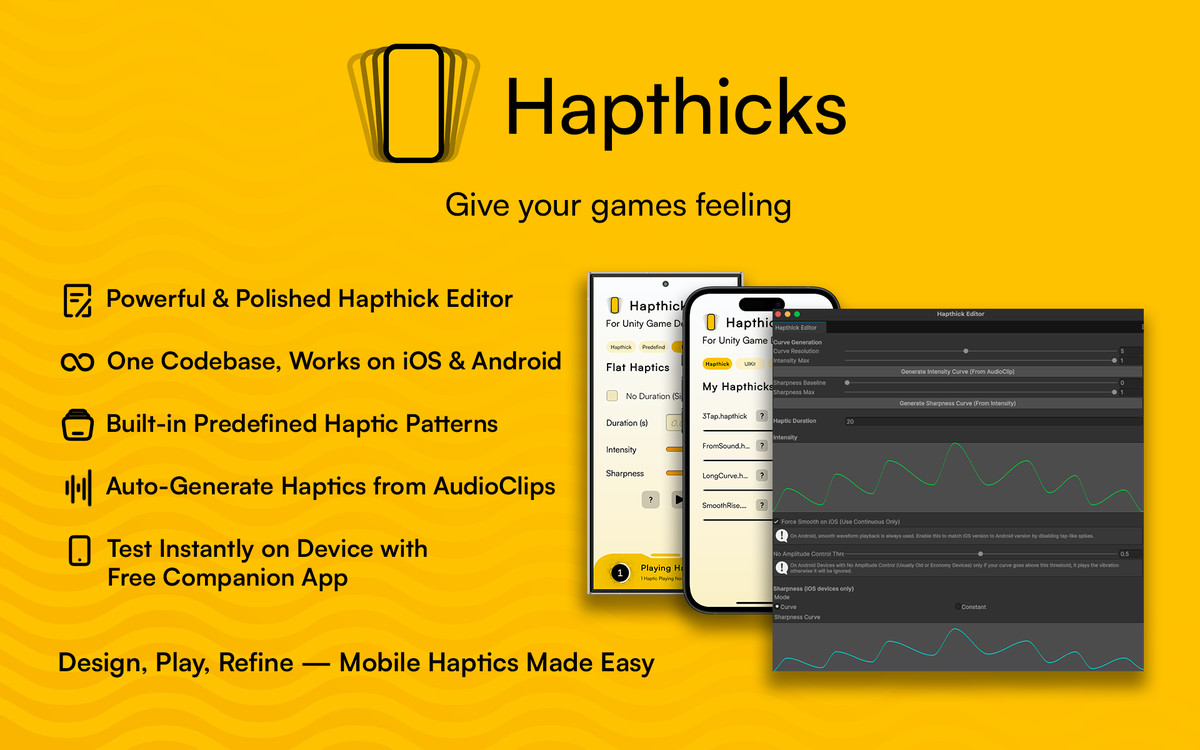
Hapthicks is a complete haptics and vibration toolkit for Unity — designed to help you create rich, precise, and responsive tactile feedback for mobile games and interactive apps.
🚀 Key Features
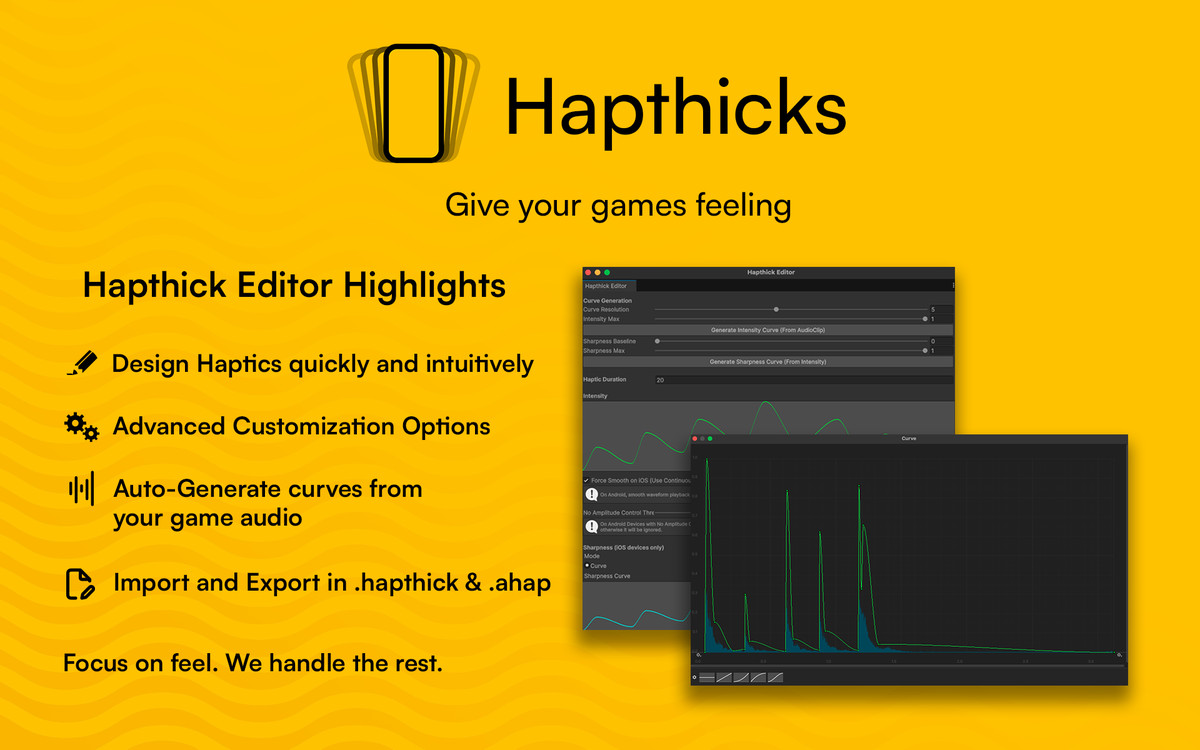
• Hapthick Editor - Build custom haptic curves with an advanced visual editor. Adjust detailed parameters to give players exactly the feeling you have in mind.
• Generate From Audio - Automatically generate haptic curves from your game’s audio. Let players feel what they hear.
• Unified Playback - Implement once, play everywhere. Your haptics will feel consistent across iOS and Android.
• Predefined Haptics - Need something quick? Use built-in presets, including Android's predefined vibrations and Apple’s UIKit feedback styles.
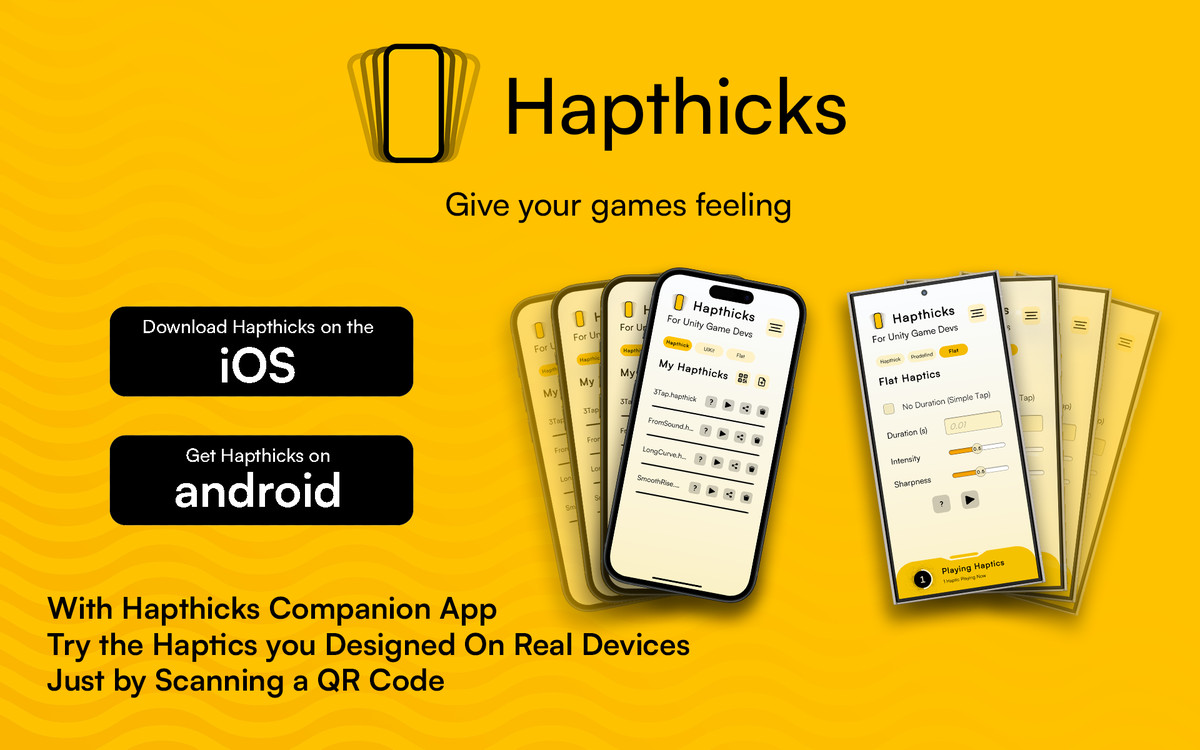
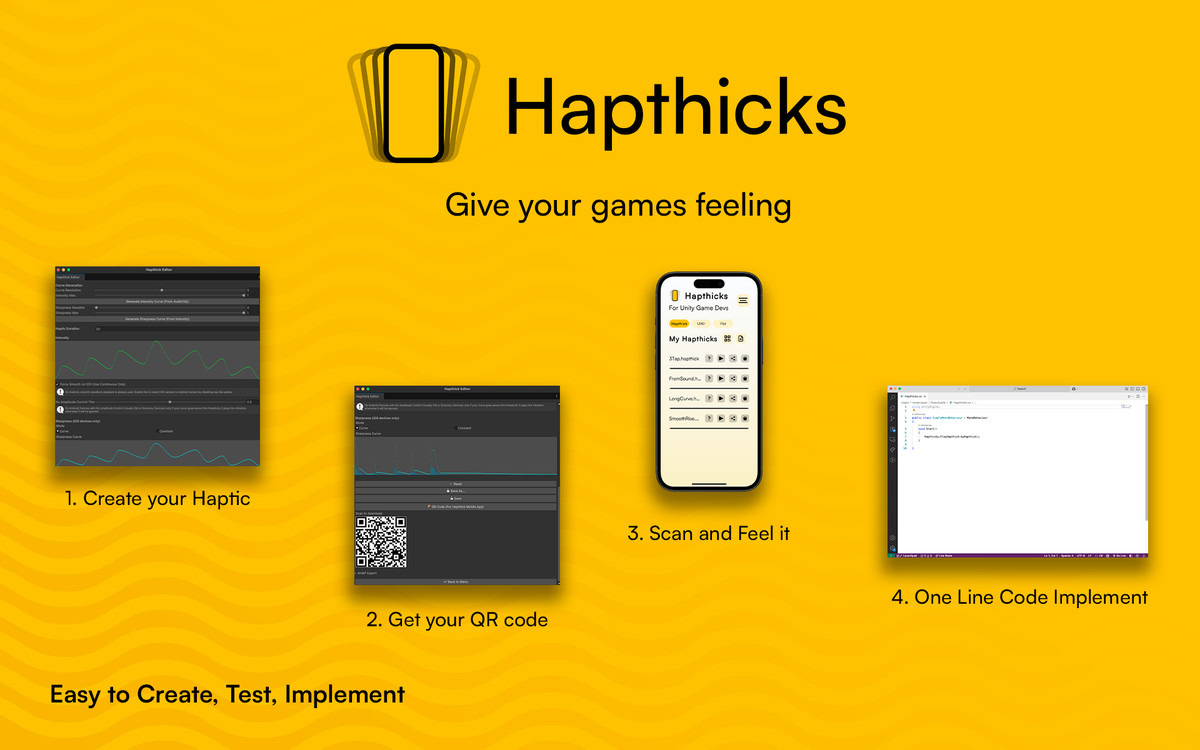
• Free Companion App - Instantly test your haptics on a real device using the free iOS or Android Hapthicks app available on the App Store and Google Play. Import .hapthick files or just scan a QR code from your Unity Editor.
🍼Easy To Use
1. Download & Import - Get Hapthicks from the Unity Asset Store and import it into your project.
2. Create your Haptics - Use the Hapthick Editor to design from scratch or start with built-in presets.
3. Test your Haptics -Scan a QR code to preview your haptics on your mobile device with the companion app.
4. Add it to your game - Trigger haptics with one line of code using the Hapthicks API.
🖥️Helpful Links
💬 Learn More
Hapthicks is actively maintained and evolving — with frequent updates, new features, and improvements.
Have a question or suggestion? Reach out via the contact form on my website or email me directly.
No third-party dependencies — just drop it into your project and start feeling the difference.
Hapthicks - Give your games feeling
From the publisher's Asset Store listing.
Technical details
Unity Version Compatibility
Minimum supported unity version is 2019.4 LTS and above but for the best experience 2020.3 LTS and above is recommended.
Supported Platforms (Hapthick Editor):
- MacOs (Intel and Apple Silicon)
- Windows
- Linux
Supported Platforms (Haptic Playback):
- iOS
- Android
Haptic Playback iOS Notes:
- Custom .hapthick files playback require iOS 13.0+
- UIKit haptics require iOS 10.0+
- UIKit Soft/Rigid styles require iOS 13.0+
Haptic Playback Android Notes:
- Sharpness is always ignored on Android, Sharpness in only applied on iOS Playback.
- Amplitude control requires Android 8.0+ (API 26) and hardware support. Devices without amplitude control will fall back to basic vibration on/off behavior.
- Android Predefined Vibrations requires Android 10.0+ (API 29)
- Some Android devices may not support all predefined effects
Compatibility
| Unity version | Built-in | URP | HDRP | Custom |
|---|---|---|---|---|
| 6000.0.60f1 | Compatible | Compatible | Compatible | Compatible |
As listed on the Asset Store.