
 View on Asset Store (opens in new tab)
Package details
- Latest version
- 1.0.0
- Last updated
- First released
- Unity version
- 6000.1.15 or later
- Package size
- 6.3 MB
- Files
- 13
- Favorites
- 5
- Views in the past week
- 9
Price tracking
- Last checked
- Tracked since
- Lowest recorded
- $9.99 on
Keywords
Advanced Texture Assign Tool
Affiliate link · Purchases support this site
Price history
Last 6 months
USDAsset preview
1 / 4
Advanced Texture Assign Tool screenshot 1

About this asset
Documentation | Video Tutorial | Contact
What is ATA?
AdvancedTextureAssignTool is a Unity editor tool that helps you quickly set up and assign textures to your materials. Instead of doing everything by hand, the tool finds, matches, and packs the right textures for you, no matter what shader you’re using. I use it when making my assets, and you should use it for yours too. It saves time and ensures your materials always look great.
Why use ATA?
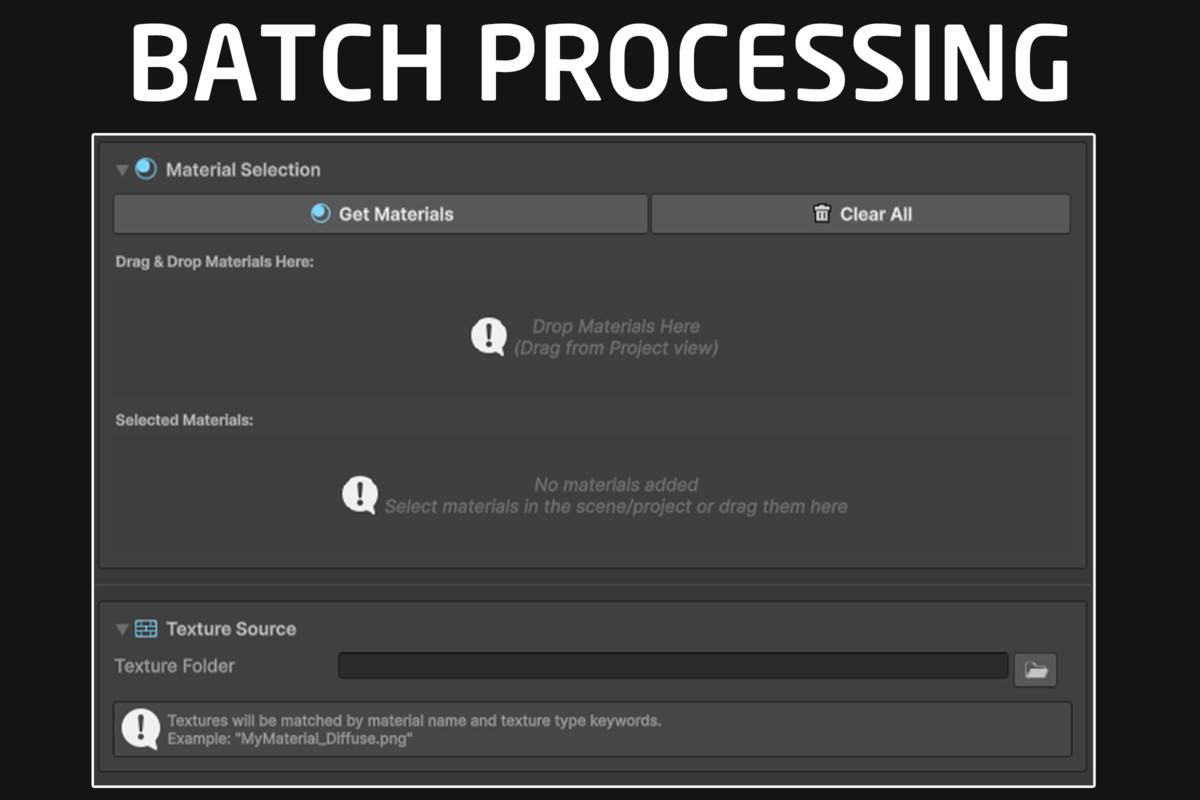
Setting up textures for many materials can be slow and confusing. With this tool, just put your textures in a folder, and it will automatically match them to the right slots on your materials. It even knows how to handle special texture types (like metallic, roughness, and mask maps) and can batch process many materials at once. You can also make your own rules for how textures are matched.
How Works
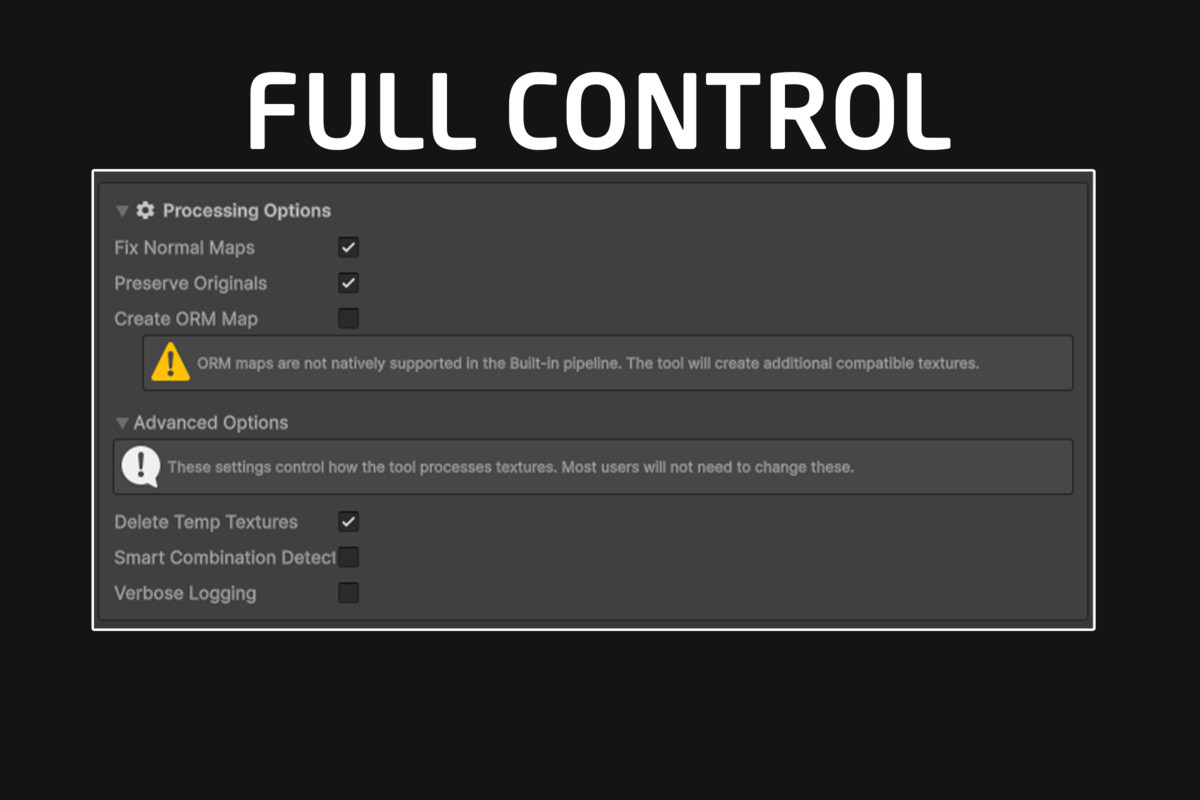
- Inverts Roughness Maps: If your workflow requires a smoothness map (like Unity Standard) but you only have a roughness map, the tool automatically inverts the roughness texture to create a smoothness map.
- Packs Metallic + Smoothness: Combines metallic and smoothness into a single texture channel if your shader requires it (for example, Unity Standard and HDRP).
- Creates Mask and ORM Maps: Automatically creates HDRP Mask Maps (metallic, occlusion, detail mask, smoothness) and glTF ORM Maps (occlusion, roughness, metallic) when needed.
- Combines Alpha and Color: Can merge a separate alpha (opacity) map into your color texture so transparency just works.
- Fixes Normal Maps: Detects and marks normal maps properly so Unity recognizes them as such.
- Deletes or Keeps Originals: You can choose to delete processed textures or keep the originals for safety.
- Smart Detection: The tool uses advanced rules to figure out texture types by filename and packs or assigns them accordingly.
More Features
- Automatic Texture Matching: Finds and assigns textures to your materials by looking at their names.
- Smart Map Packing: Can combine different textures into one (like metallic and smoothness) for better performance and shader support.
- Batch Processing: Set up lots of materials at once with just a few clicks.
- Custom Rules: You can add your own keywords or rules to match unique texture names.
- Works With All Shaders: Supports Unity’s Standard, URP, HDRP, and even custom shaders.
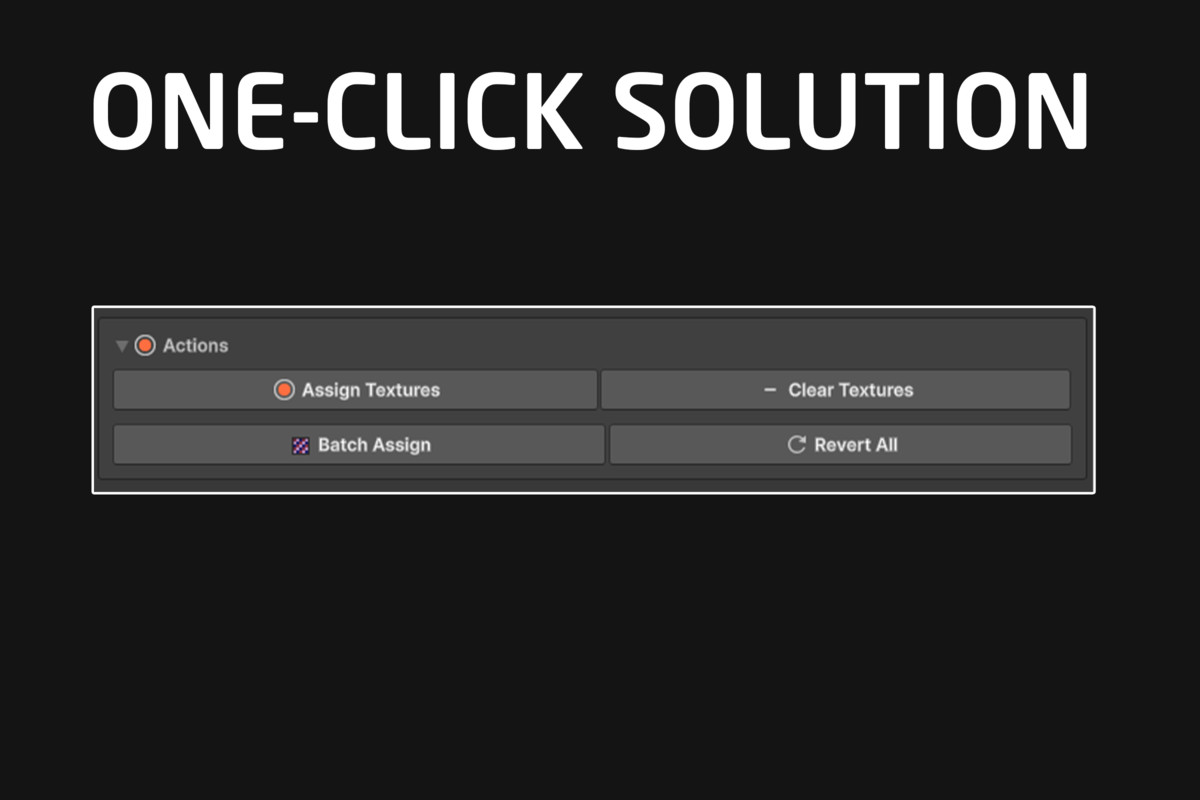
- One-Click Revert: Go back to your original textures anytime if you want.
- Handles Transparency: Automatically combines alpha and color maps if needed.
- Helpful Logs: Shows you clear messages about what’s happening.
Contact
If you have any questions, issues or an idea for a new feature do not hesitate and get in touch via Email.
From the publisher's Asset Store listing.
Technical details
- Script Type: Editor Utility
- Supported Texture Formats: PNG, JPG, TGA
- Height/DisplacementRender Pipeline Compatibility: Built-in Render Pipeline - Universal Render Pipeline (URP) -High Definition Render Pipeline (HDRP)- Custom
- Unity Version Compatibility: 2021.3 and above
- Platform Compatibility: Windows, macOS
- Dependencies: None
- Supported Texture Types:
- Albedo/Base Color/Diffuse
- Normal/Bump Maps
- Metallic/Metalness
- Roughness/Smoothness/Gloss (also handles conversion/inversion)
- Ambient Occlusion
- Emission/Emissive
Compatibility
| Unity version | Built-in | URP | HDRP | Custom |
|---|---|---|---|---|
| 6000.1.15f1 | Compatible | Compatible | Compatible | Compatible |
As listed on the Asset Store.