
 View on Asset Store (opens in new tab)
Package details
- Latest version
- 1.0.1
- Last updated
- First released
- Unity version
- 6000.0.67 or later
- Package size
- 101.2 MB
- Files
- 68
- Favorites
- 30
- Views in the past week
- 19
Price tracking
- Last checked
- Tracked since
- Lowest recorded
- Free on
Keywords

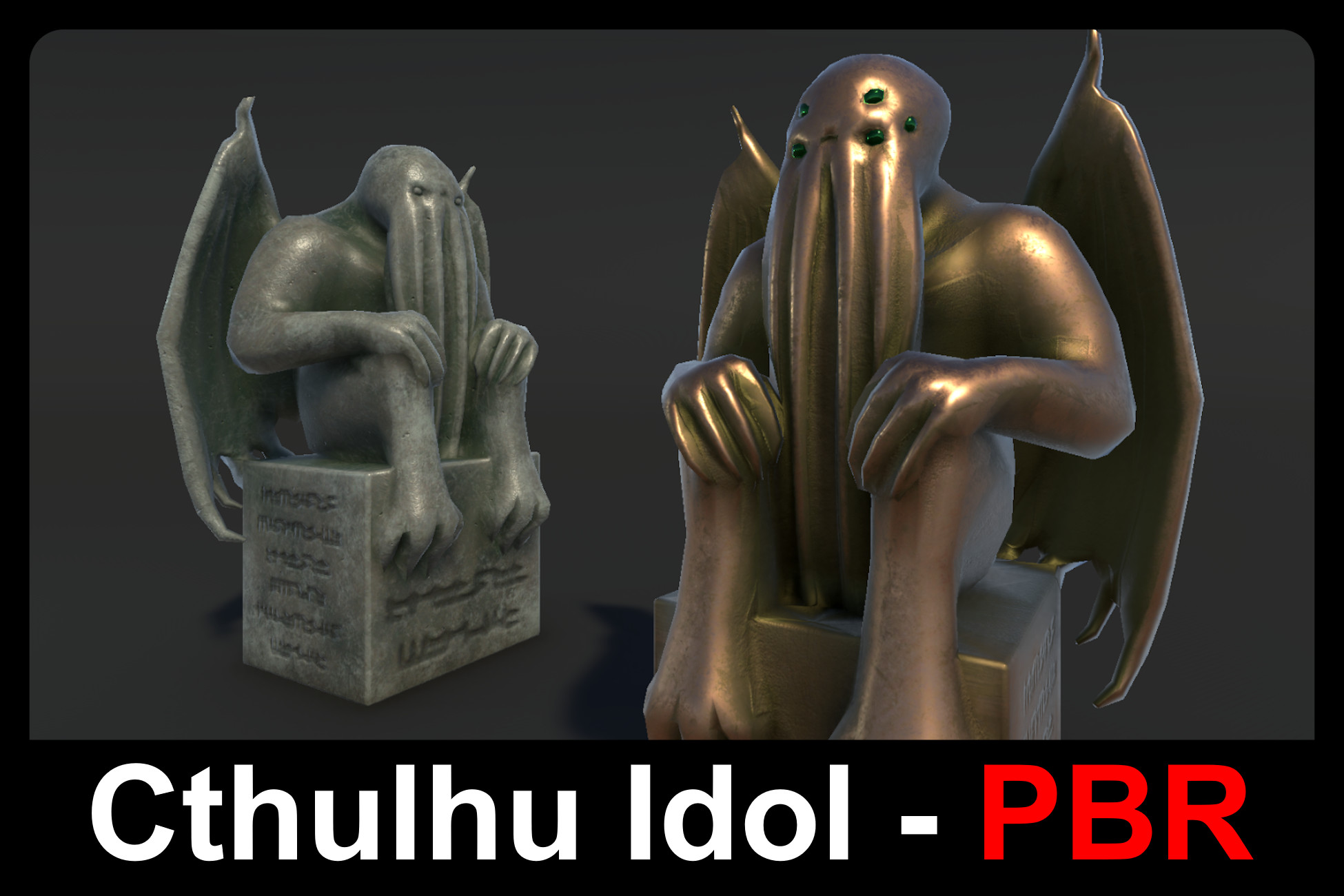
Cthulhu Idol - PBR
A customizable alien idol inspired by the works of H. P. Lovecraft.
Affiliate link · Purchases support this site
Price history
Last 6 months
USDAsset preview
1 / 5
Cthulhu Idol - PBR screenshot 1
About this asset
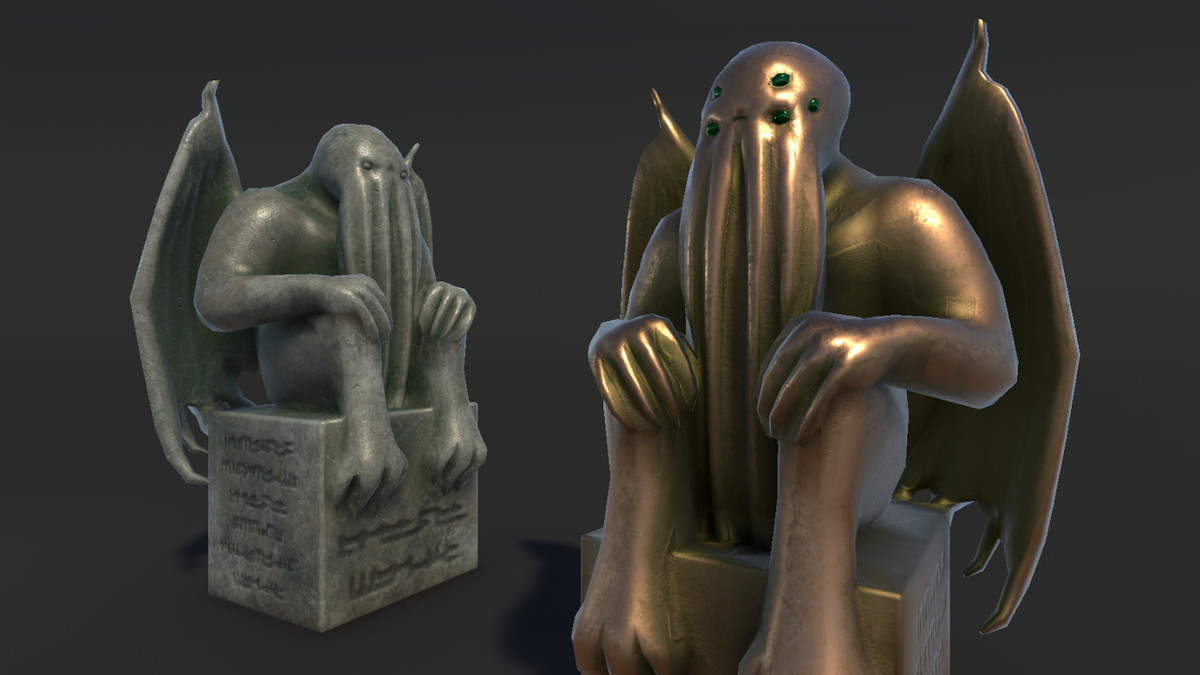
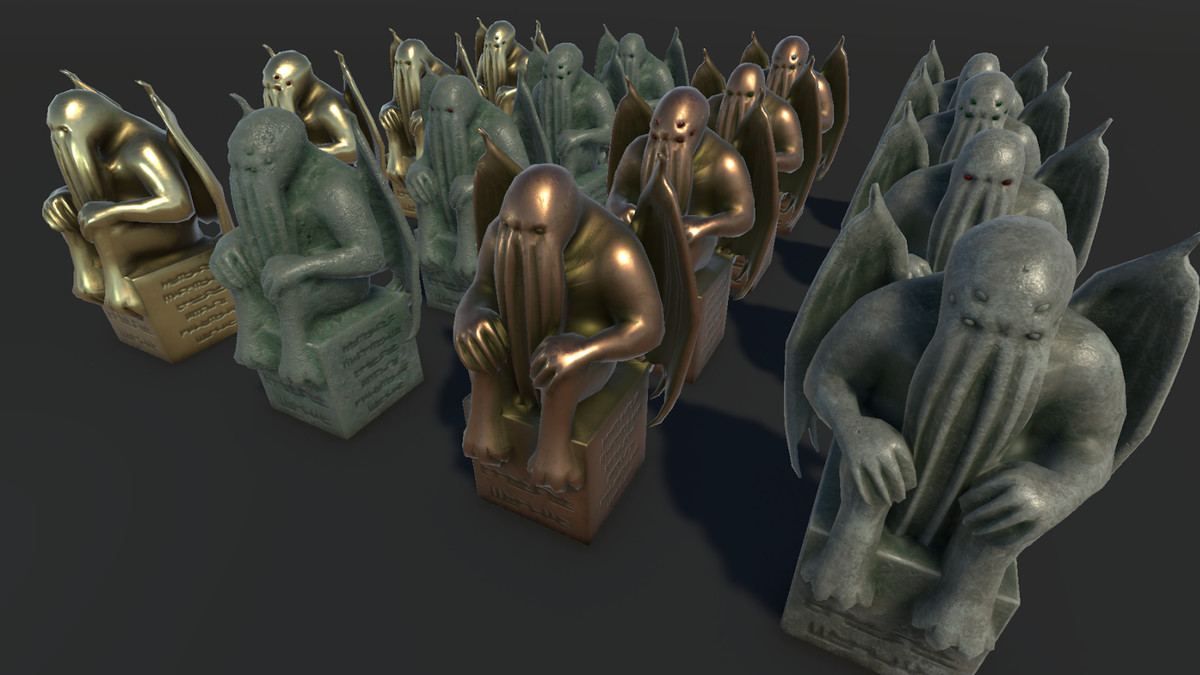
Cthulhu Idol - PBR is a detailed and atmospheric 3D prop perfect for dark temples, cursed altars, or any otherworldly scene. Whether you're crafting a haunted dungeon, an ancient ruin, or a cosmic horror ritual site, this idol is ready to bring mystery and menace to your project!
Key Features:
- Realistic PBR style made to fit seamlessly with other assets.
- Includes 2 different meshes designed to match with Cthulhu - PBR
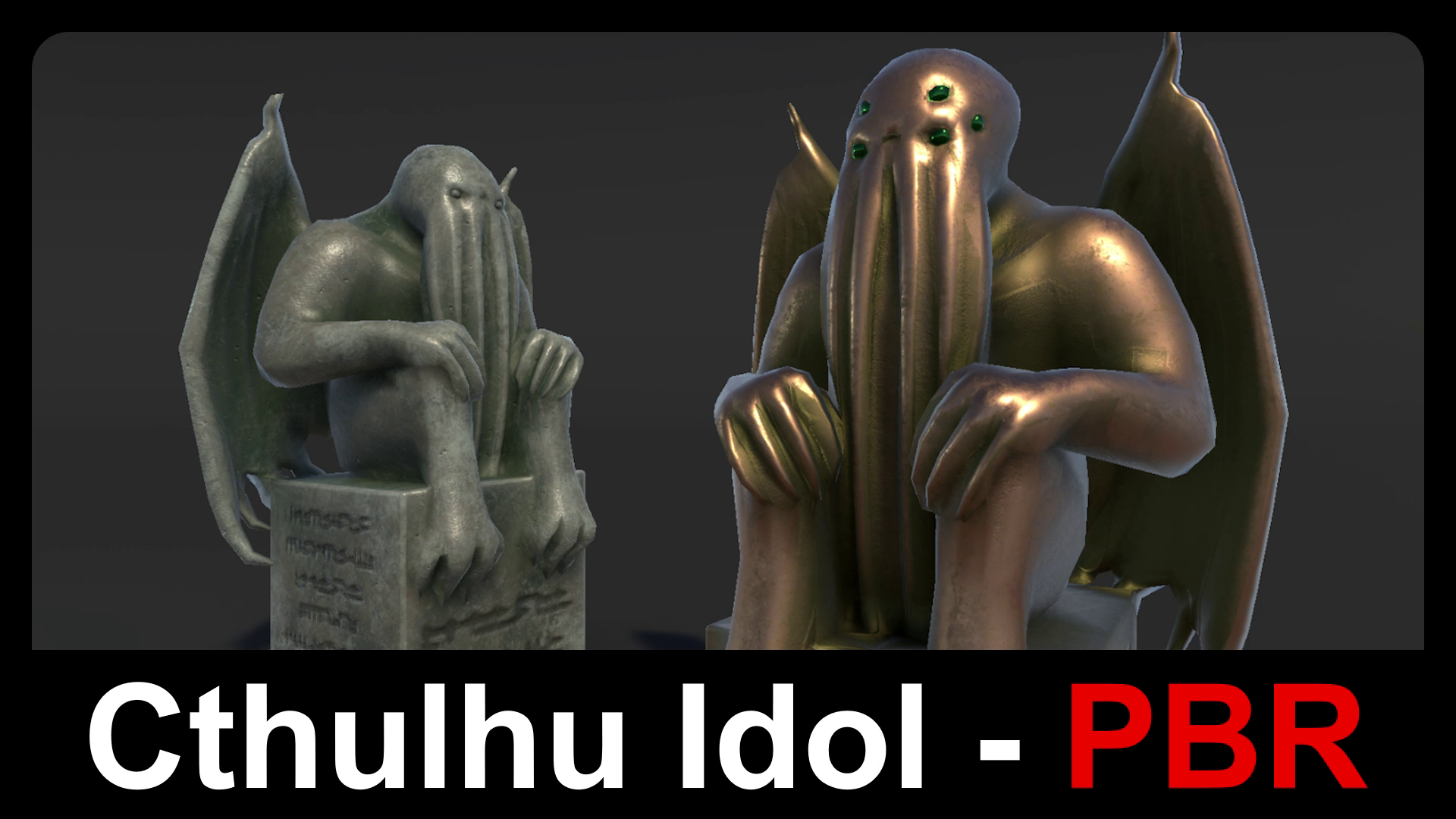
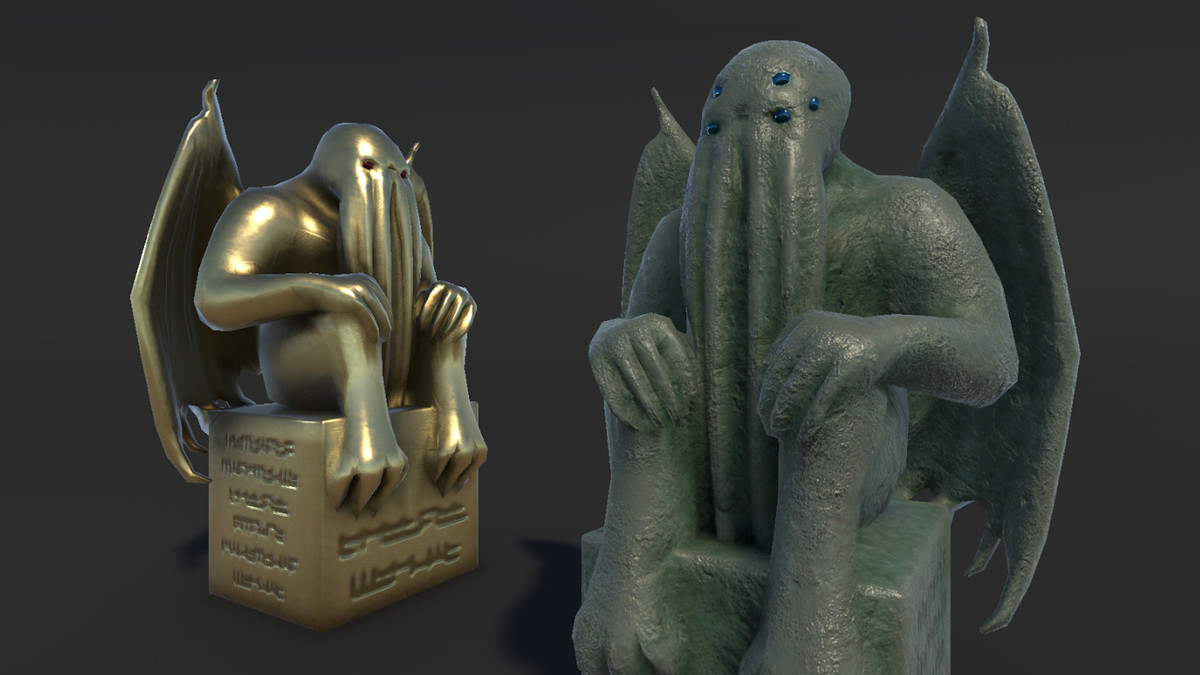
- Customizable with 16 PBR materials: Stone x4, Smooth x4, Gold x4, Bronze x4
🐙Want more eldritch horrors?🐙
Check out the Call of the Deep – PBR Bundle
Get Cthulhu, Cultists, Fishmen, and Tentacles — customizable and game-ready!
This asset comes in two versions:
From the publisher's Asset Store listing.
Technical details
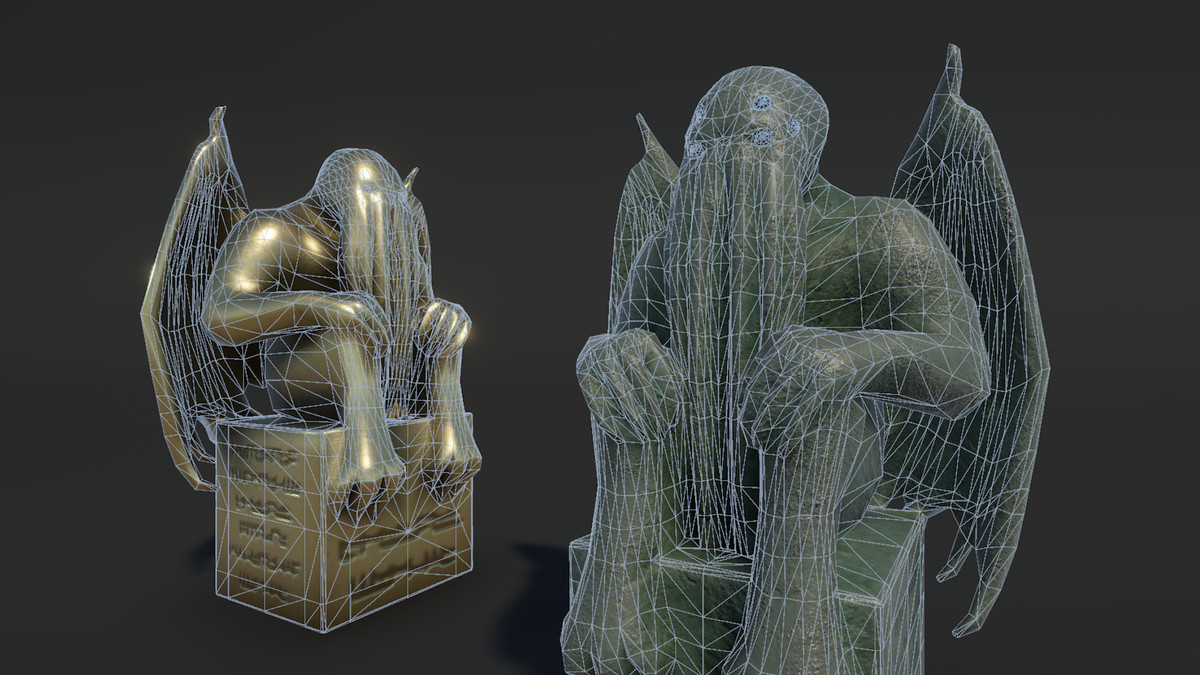
Number of textures: 32
Texture dimensions: 2048x2048
Number of meshes: 2
Mesh List:
- Idol_V1
- Idol_V2
Polygon count (Idol_V1):
Triangles - 4338
Faces - 2310
Vertices - 2186
Polygon count (Idol_V2):
Triangles - 4684
Faces - 2476
Vertices - 2334
Compatibility
| Unity version | Built-in | URP | HDRP |
|---|---|---|---|
| 6000.0.67f1 | Compatible | Compatible | Compatible |
Render Pipeline Setup:
If you are using the Built-In Render Pipeline:
- No additional setup is needed.
If you are using URP or HDRP:
1. Import the assets as usual to your URP or HDRP project.
2. Go to the "RP Support" folder within the asset pack.
3. Import either the URP or HDRP Conversion package depending on your render pipeline.
As listed on the Asset Store.