
 View on Asset Store (opens in new tab)
Package details
- Latest version
- 1.0
- Last updated
- First released
- Unity version
- 2021.3.1 or later
- Package size
- 11.3 MB
- Files
- 95
- Favorites
- 6
- Views in the past week
- 9
Price tracking
- Last checked
- Tracked since
- Lowest recorded
- $14.00 on
Keywords

Modular AR Furniture
- Price drop
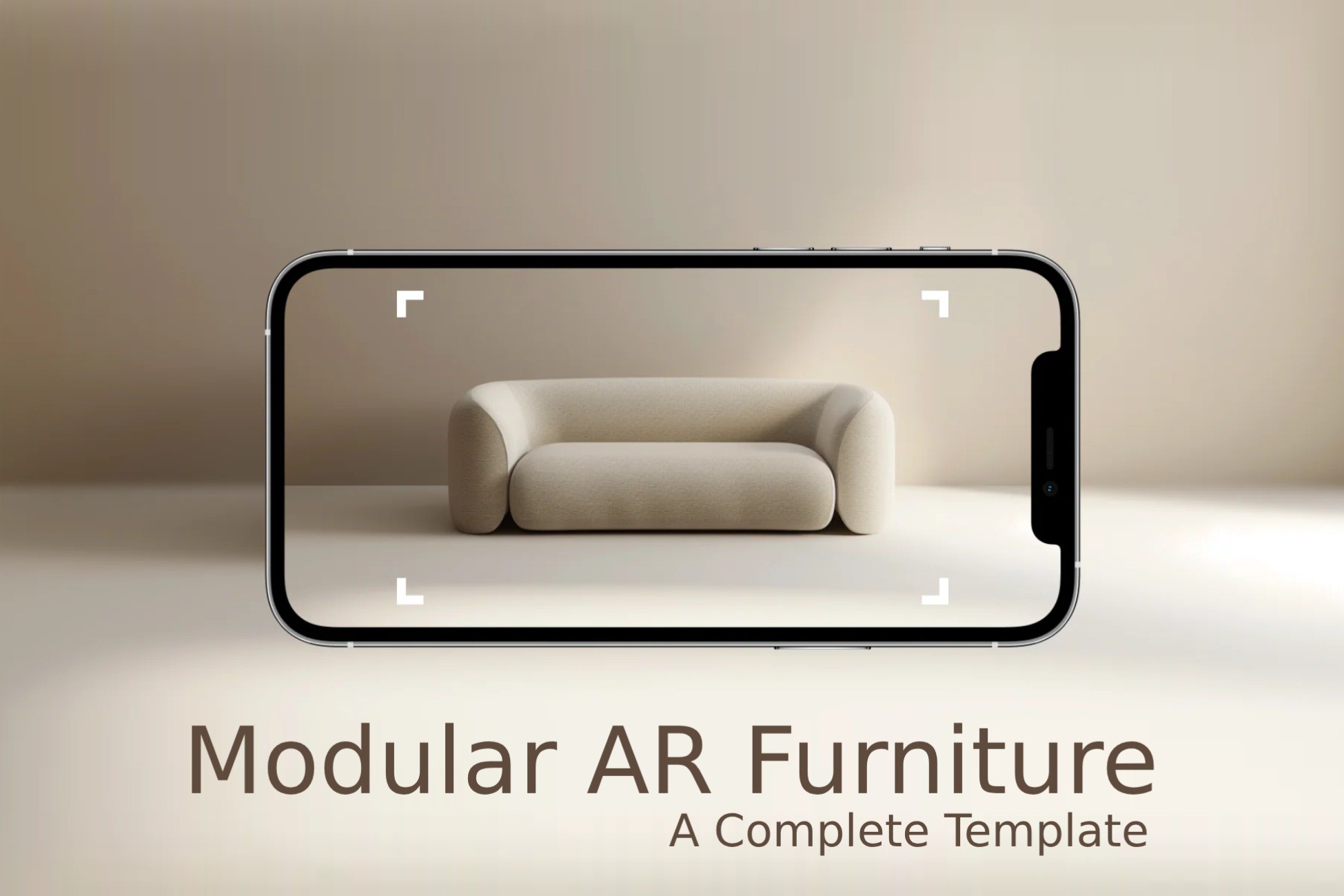
A ready-to-use AR furniture placement template. Place, rotate, and delete multiple items to visualize room layouts using Unity AR Foundation.
Lowest in 6 months
Get 70% off on Asset Store (opens in new tab)Affiliate link · Purchases support this site
Price history
Last 6 months
USDAsset preview
1 / 4

Modular AR Furniture screenshot 1


About this asset
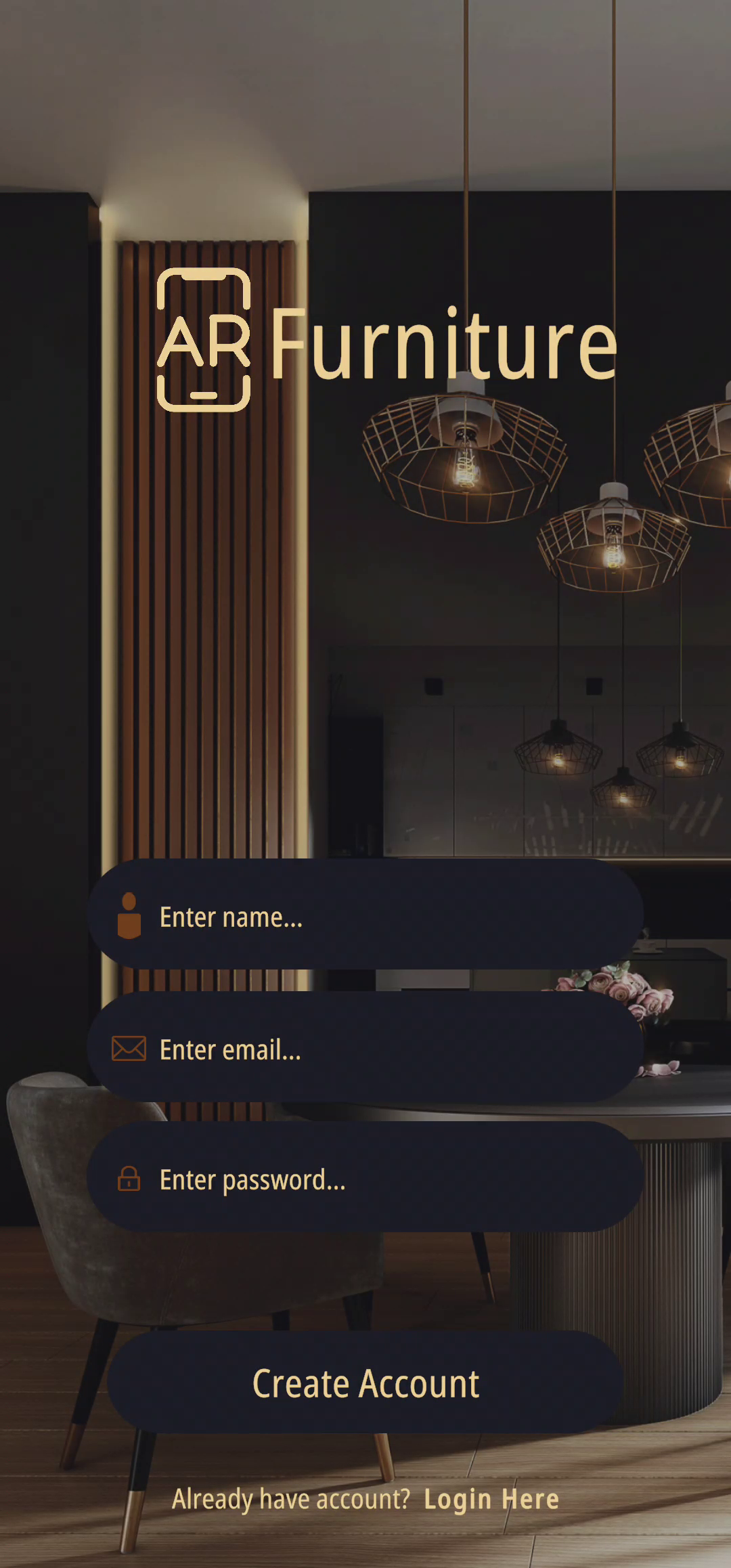
Modular AR Furniture is a fully functional AR template built with Unity AR Foundation that allows users to place, rotate, and delete multiple furniture items in augmented reality. It's perfect for creating interior design previews, AR shopping apps, or room planning tools.
With intuitive tap-based interaction, horizontal swipe rotation, and modular object selection UI, this template makes it easy to visualize complete room layouts in real-world environments — no coding required to get started.
Whether you're prototyping or building a production-ready AR experience, this template gives you a solid foundation to customize and expand.
✅ Key Features
- Tap to place multiple items in AR space and create realistic room layouts.🪑 Place Multiple Furniture Objects
- Rotate selected objects using horizontal finger swipes — no sliders needed.🔁 Swipe to Rotate
- Instantly remove any placed object with a single tap.👆 Tap to Delete
- Switch between chairs, tables, poufs, shelves, and sofas using simple buttons.🎛️ Modular Object Selection UI
- Lock placement mode and restart as needed to refine the layout.✅ Done & Restart Controls
- Real-time visual indicator for accurate surface placement using AR Foundation.🔍 Placement Indicator
- MeshColliders added at runtime to enable interaction without prefab setup.⚙️ Auto Collider Setup
- Easy-to-read and well-commented scripts for fast customization.🧠 Clean, Beginner-Friendly Code
🧰 Package Includes
- ✅ One complete AR placement scene
- ✅ Five furniture model prefabs
- ✅ Modular and editable UI
- ✅ Full source code for placement, rotation, and deletion
- ✅ Ready to build and deploy for AR Foundation
📦 Best For
- AR Interior Design Prototypes
- Furniture Try-Before-You-Buy Apps
- Real Estate Visualization Tools
- Home Staging Experiences
- Educational AR Templates for Architecture
From the publisher's Asset Store listing.
Technical details
✅ Key Features
- 🪑 Place Multiple Furniture Objects
Tap to place multiple items in AR space and create realistic room layouts. - 🔁 Swipe to Rotate
Rotate selected objects using horizontal finger swipes — no sliders needed. - 👆 Tap to Delete
Instantly remove any placed object with a single tap. - 🎛️ Modular Object Selection UI
Switch between chairs, tables, poufs, shelves, and sofas using simple buttons. - ✅ Done & Restart Controls
Lock placement mode and restart as needed to refine the layout. - 🔍 Placement Indicator
Real-time visual indicator for accurate surface placement using AR Foundation. - ⚙️ Auto Collider Setup
MeshColliders added at runtime to enable interaction without prefab setup. - 🧠 Clean, Beginner-Friendly Code
Easy-to-read and well-commented scripts for fast customization.
Compatibility
| Unity version | Built-in | URP | HDRP |
|---|---|---|---|
| 2021.3.1f1 | Compatible | Not listed | Not listed |
As listed on the Asset Store.