
 View on Asset Store (opens in new tab)
Package details
- Latest version
- 1.1
- Last updated
- First released
- Unity version
- 6000.1.0 or later
- Package size
- 3.4 MB
- Files
- 34
- Favorites
- 5
- Views in the past week
- 4
Price tracking
- Last checked
- Tracked since
- Lowest recorded
- $5.99 on
Keywords
LowPoly Creator
- Price drop
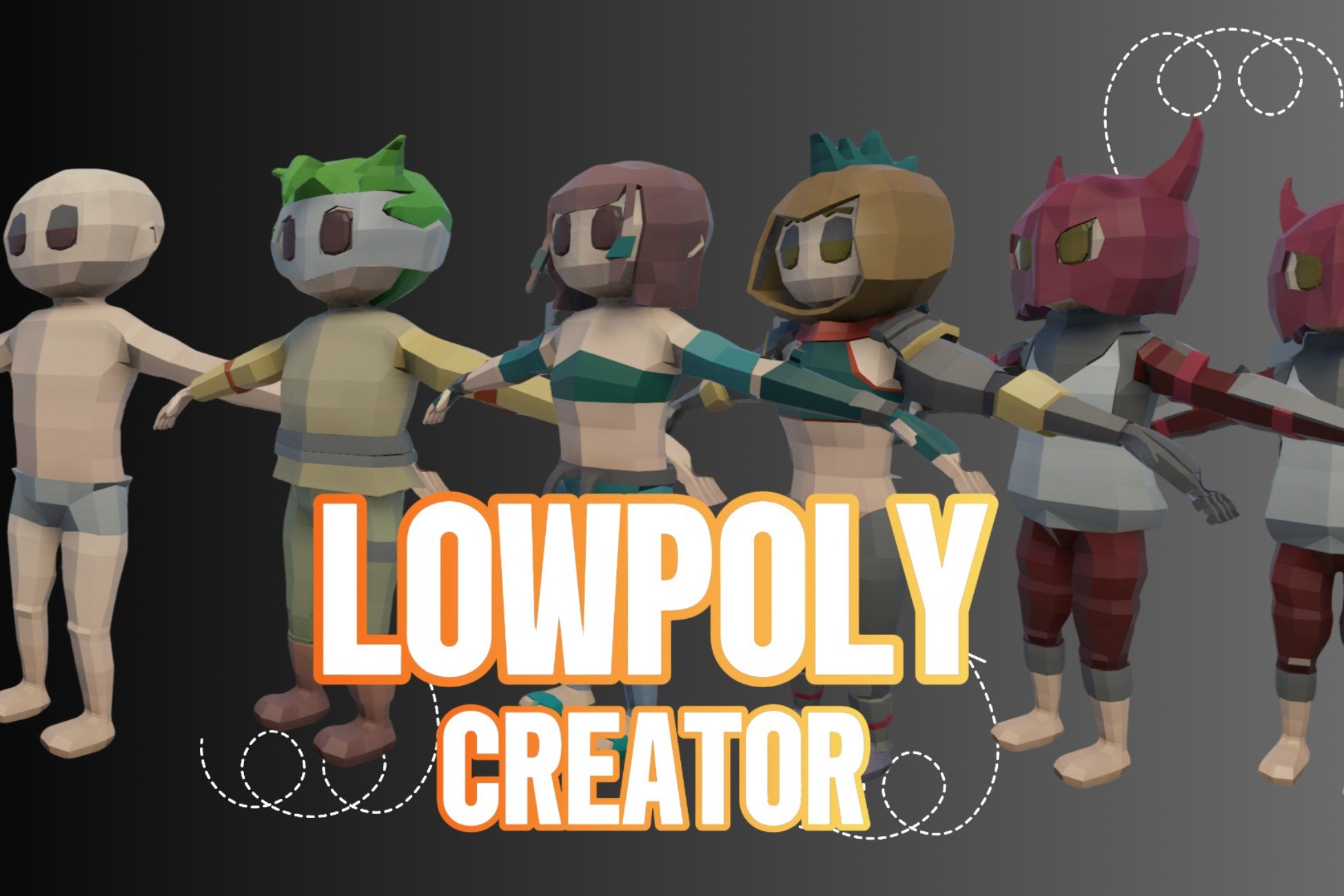
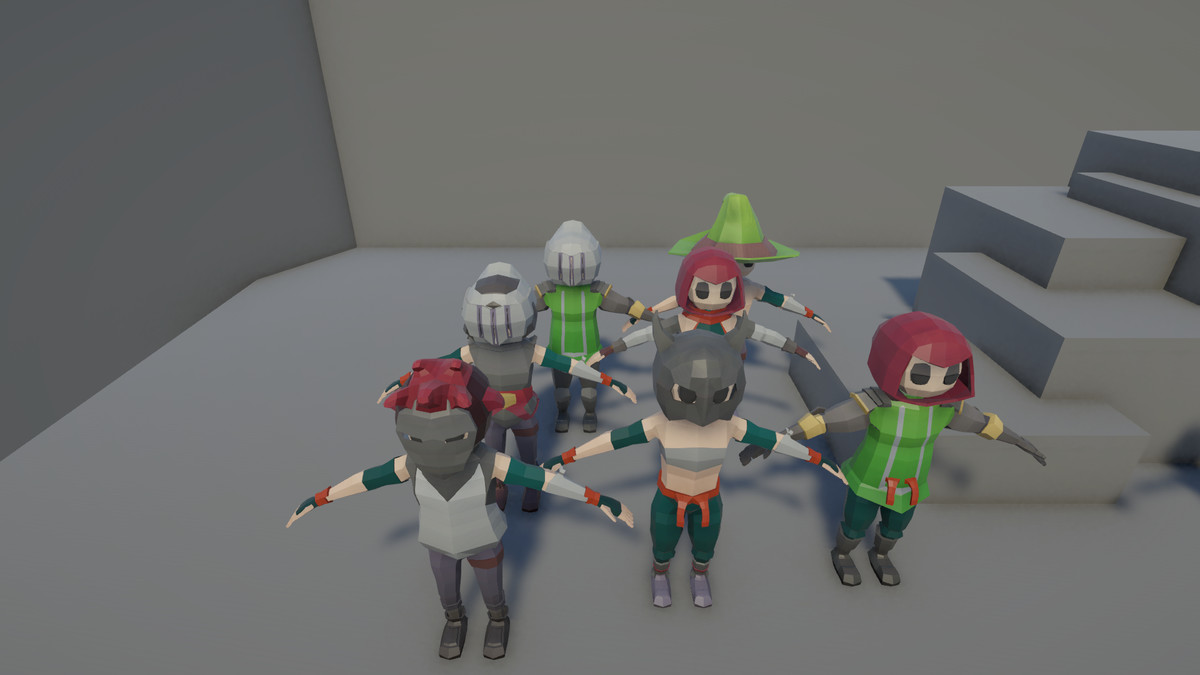
LowPoly Creator is a simple and powerful tool in Unity for creating customizable low poly characters, speeding up the development of NPCs, enemies, and protagonists.
Lowest recorded price
Get 40% off on Asset Store (opens in new tab)Affiliate link · Purchases support this site
Price history
Last 6 months
USDAsset preview
1 / 11
LowPoly Creator screenshot 1
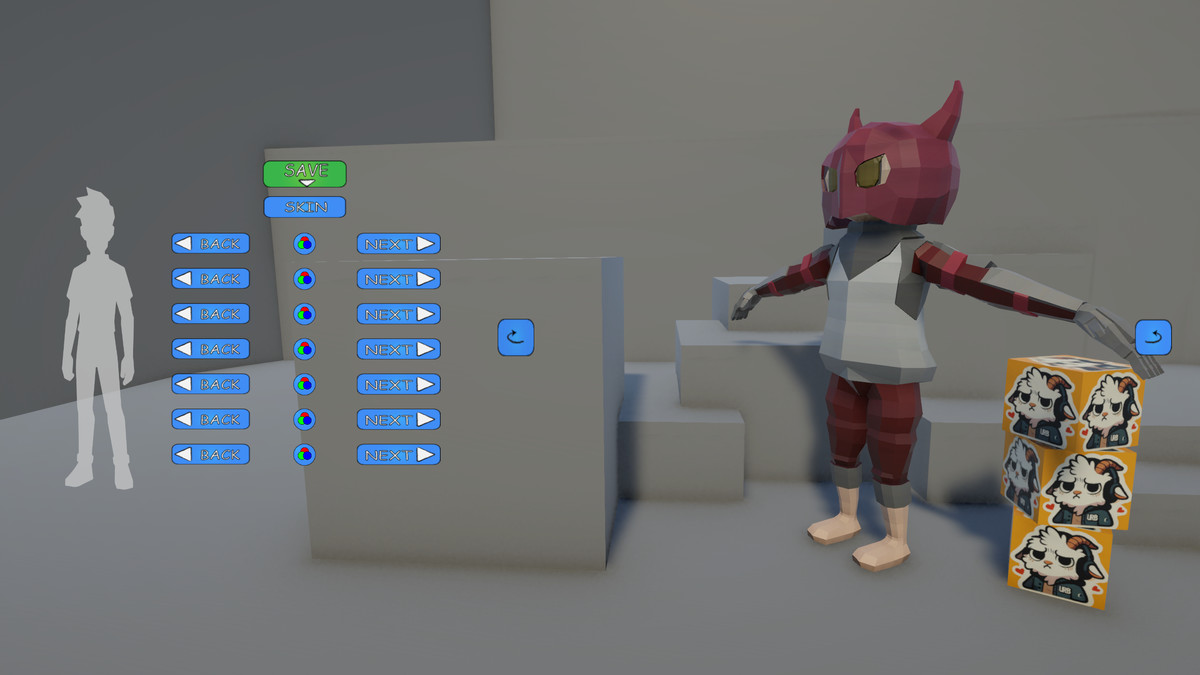
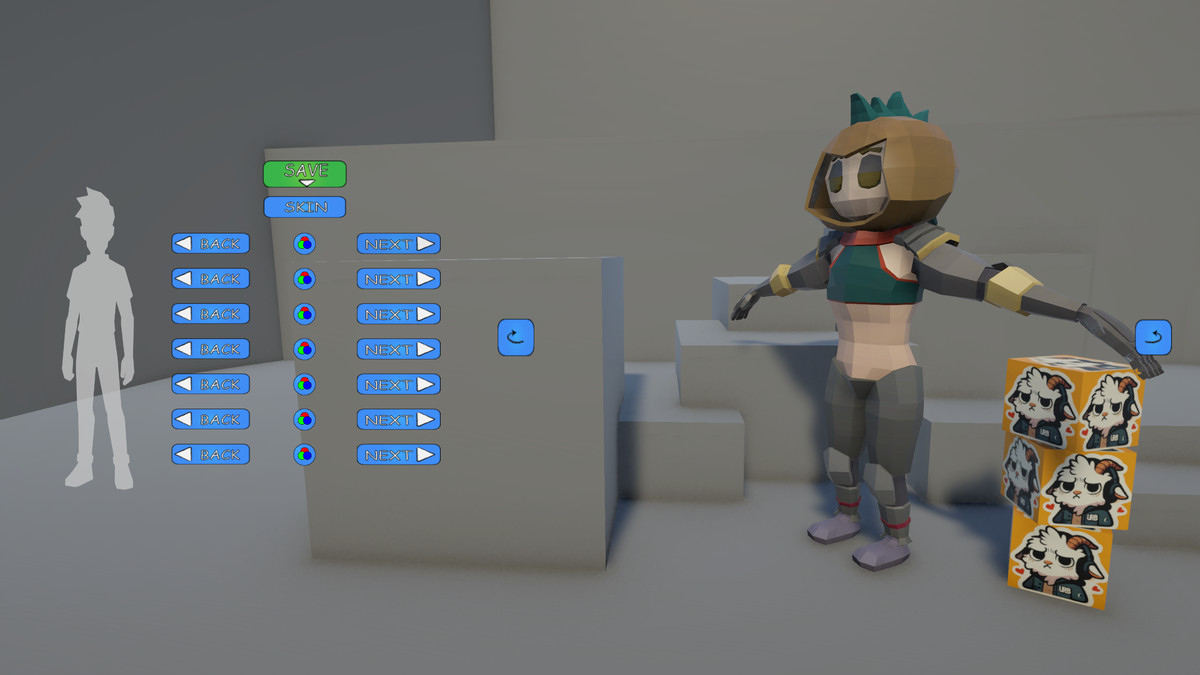
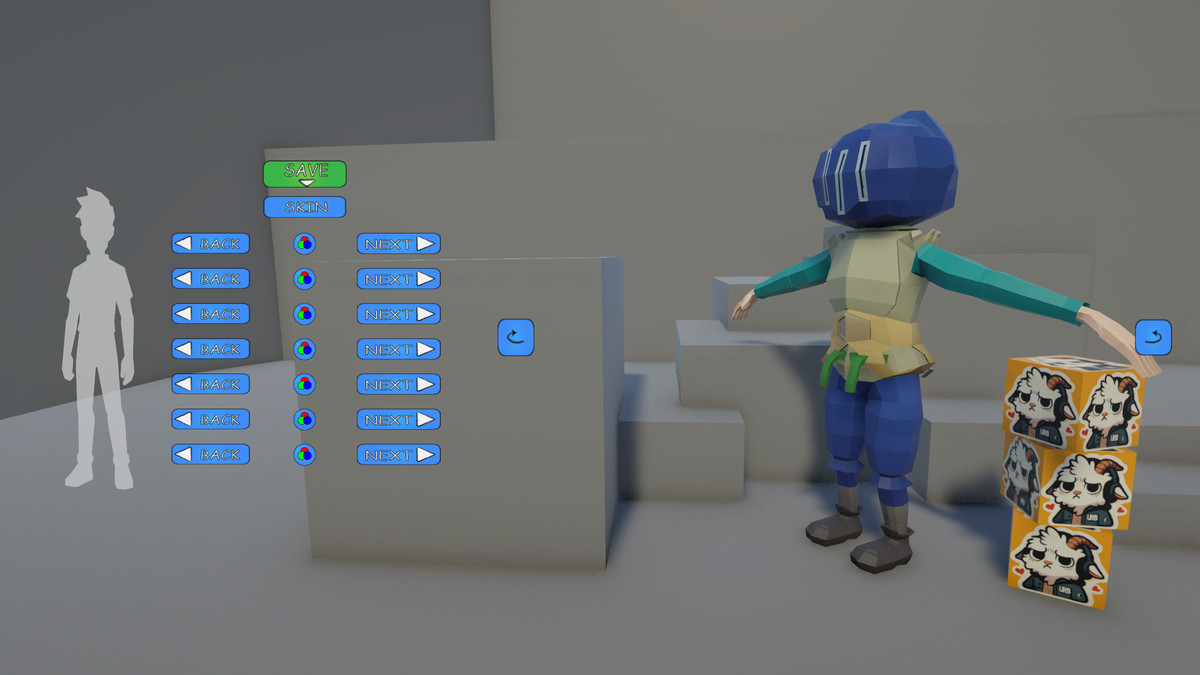
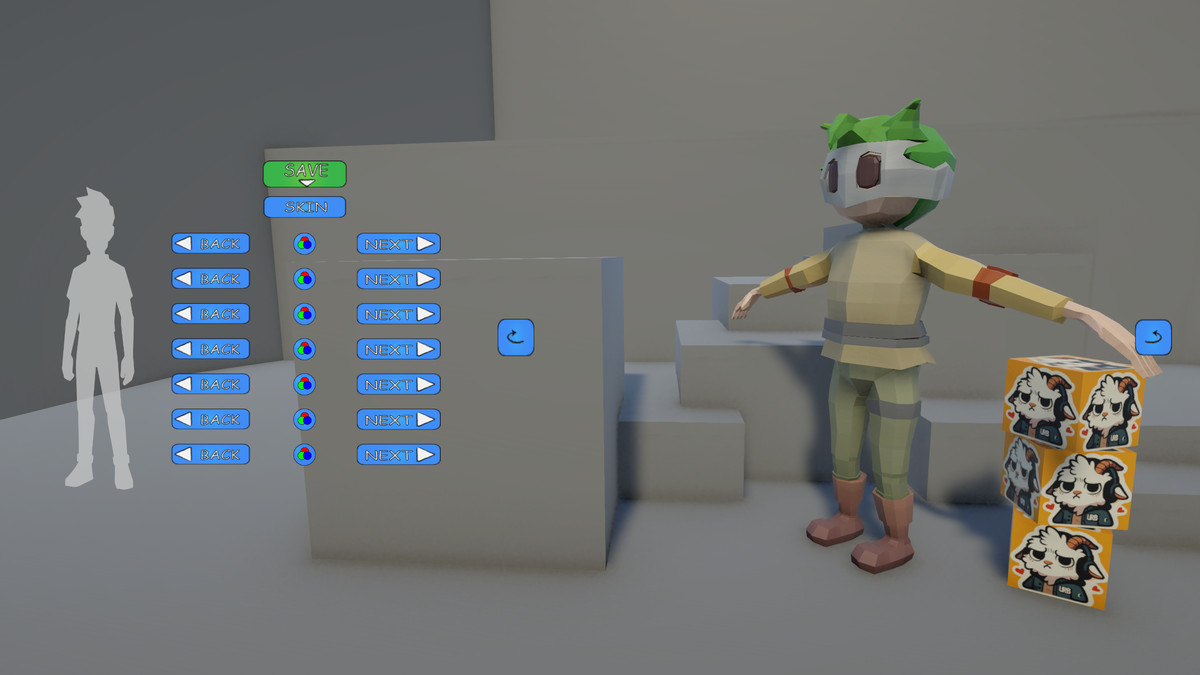
About this asset
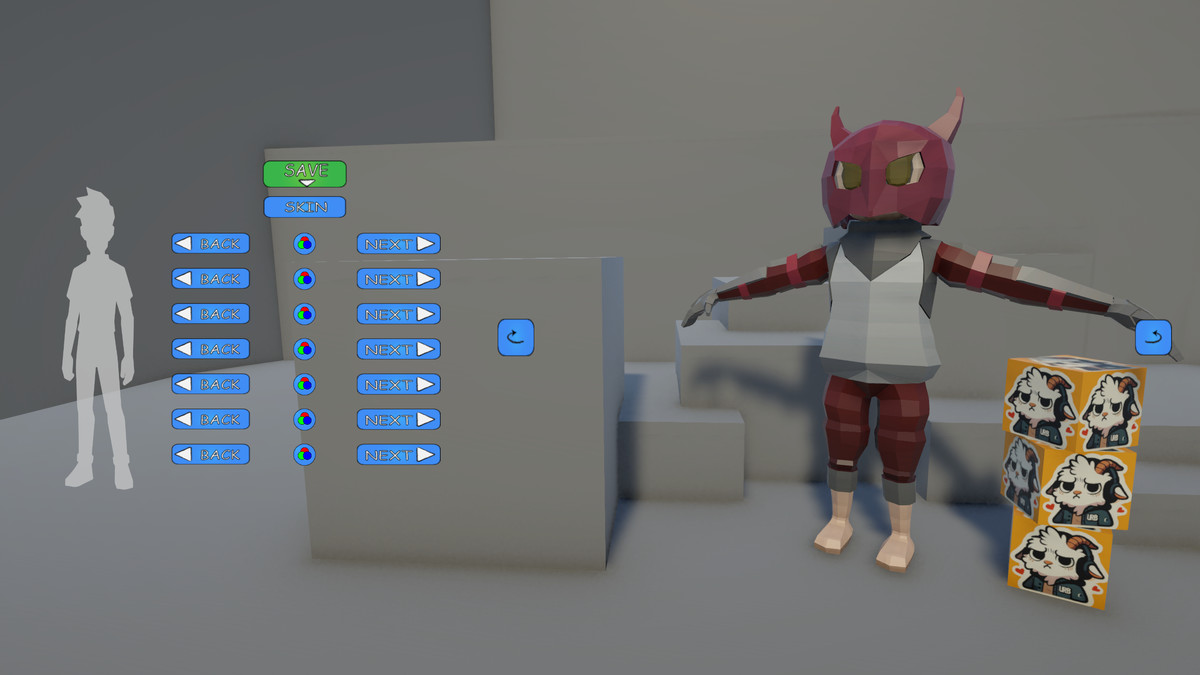
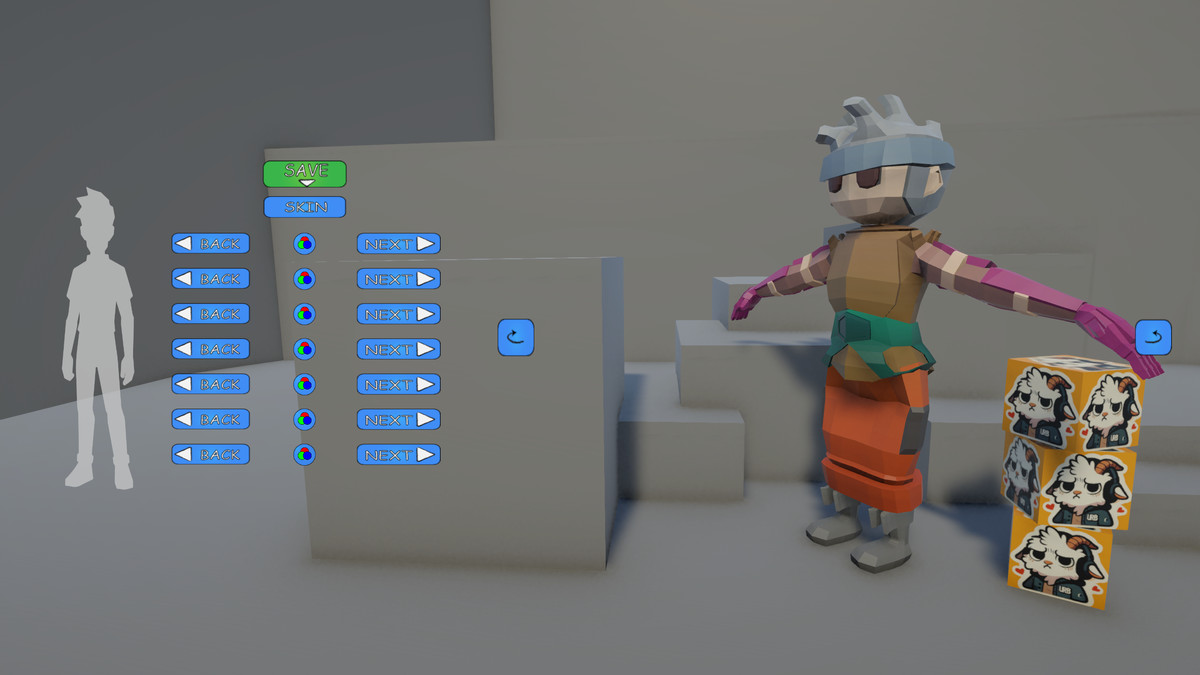
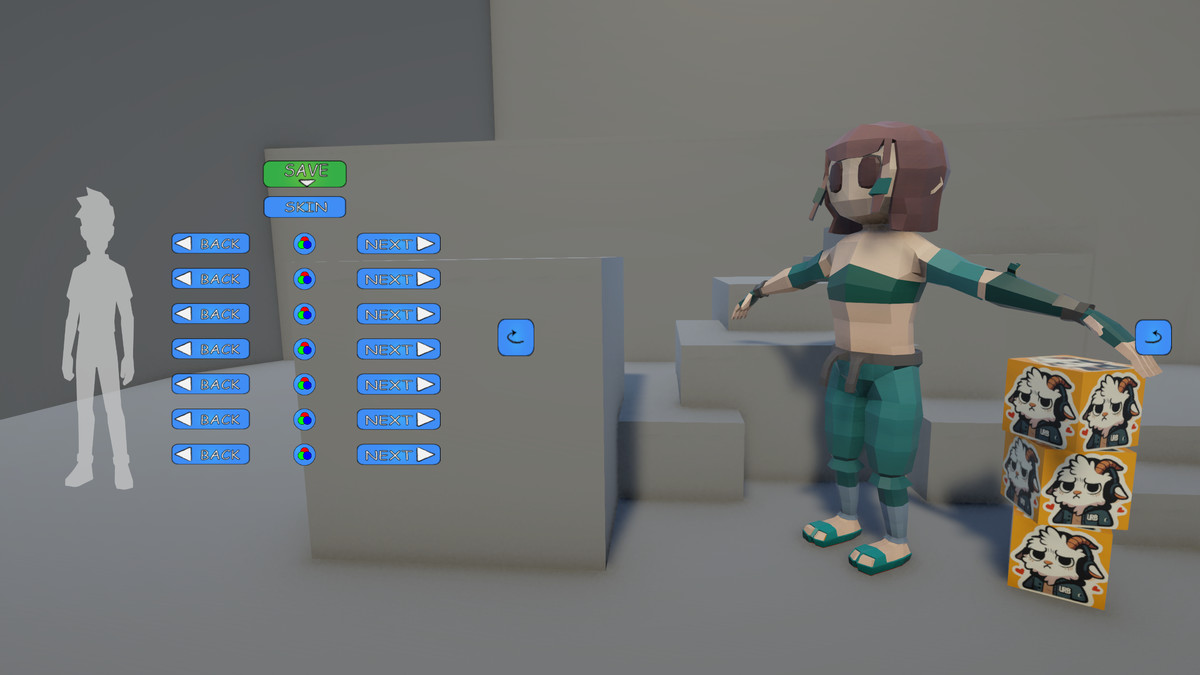
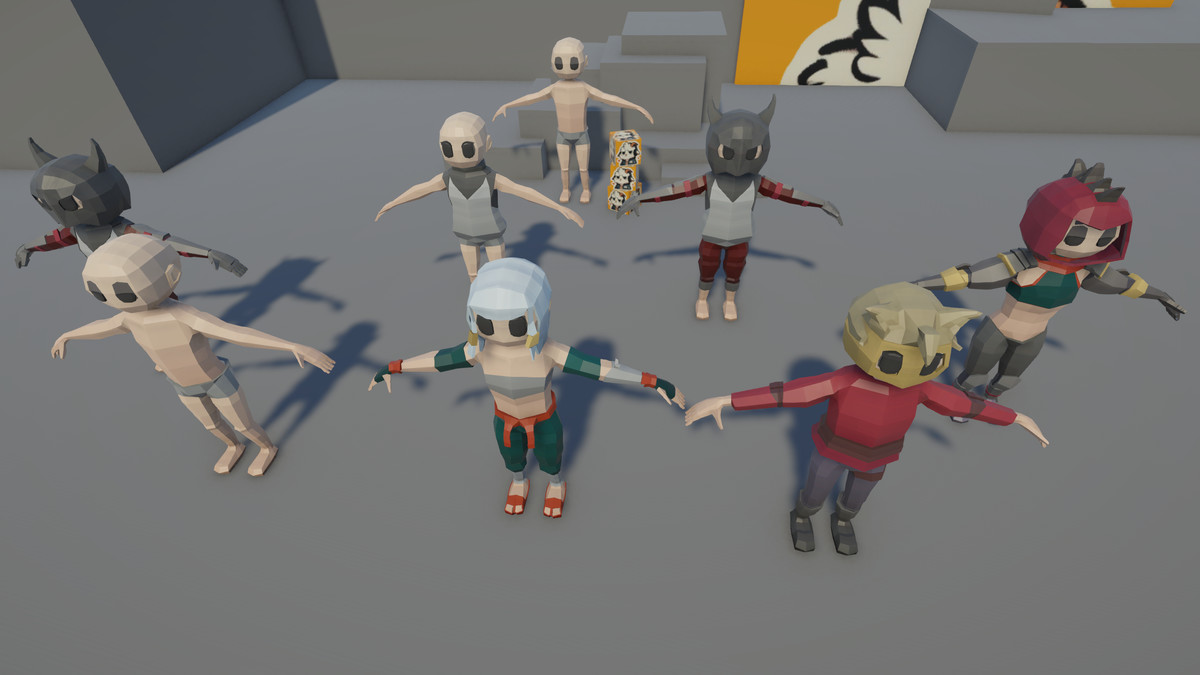
LowPoly Creator gives you complete control over the creation of low poly characters — perfect for stylized games.
With a real-time editor, you can mix and match body parts, adjust colors, and generate fully rigged prefabs ready for animation.
Designed to work seamlessly with animation platforms like Mixamo, this tool helps you save time and focus on building your game.
Version 1.1 includes:
(The video shows the old version with fewer modifications.)
- Full in-editor character creation system
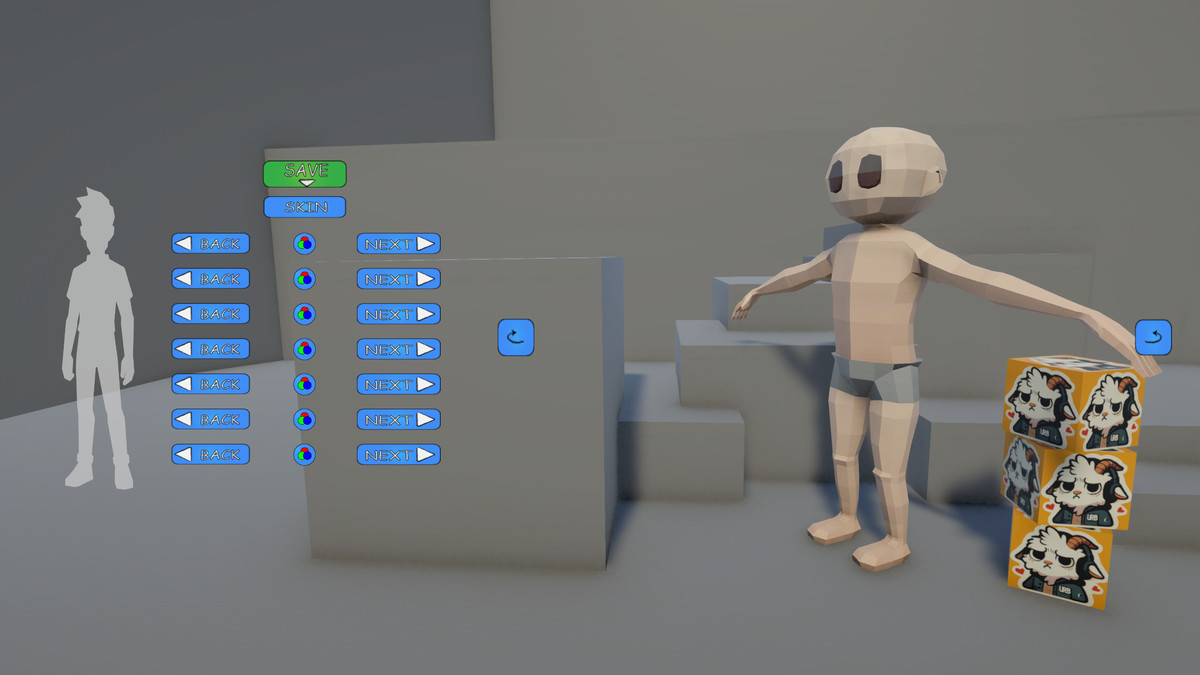
- Global skin tone management
- Part-by-part customization (helmet, hair, eyes, body, arms, legs, boots)
- One-click prefab export with rigging
- Compatibility with multiple target build platforms
From the publisher's Asset Store listing.
Technical details
POSSIBLE COMBINATIONS
197,568 possible combinations – color not included
VARIATIONS PER SLOT
10x hair styles
3x eye variations
7x helmets and hats (1 “None” option included)
8x body and armor types
7x arm types
7x leg types
7x feet types
15x colors
5x skin colors
TEXTURES
1 texture for all colors – 16000x8000
1 PNG for HUD – 845x812
MESH DETAILS
Triangles: between 306 and 1908 per piece
Full character averages about 3608 polygons
Compatibility
| Unity version | Built-in | URP | HDRP |
|---|---|---|---|
| 6000.1.0f1 | Not listed | Compatible | Not listed |
Just Extract In your Project
As listed on the Asset Store.