
 View on Asset Store (opens in new tab)
Package details
- Latest version
- 1.0.0
- Last updated
- First released
- Unity version
- 6000.1.5 or later
- Package size
- 126.1 MB
- Files
- 23
- Views in the past week
- 4
Price tracking
- Last checked
- Tracked since
- Lowest recorded
- $4.99 on
Keywords
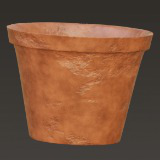
Ancient Clay Pots Pack
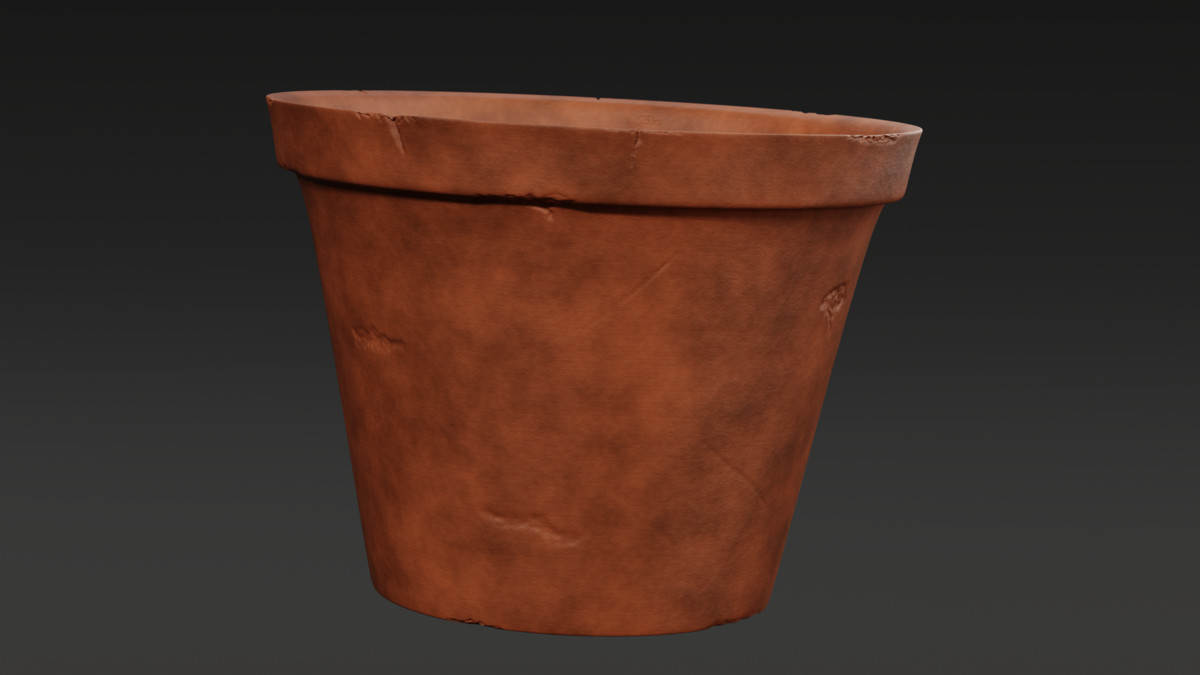
A fully optimized, low-poly terracotta pot set — includes 3 models with realistic damage and aging variations. Clean quad topology and 4K PBR textures ensure stunning visuals and top-tier performance.
Affiliate link · Purchases support this site
Price history
Last 6 months
USDAsset preview
1 / 8
Ancient Clay Pots Pack screenshot 1
About this asset
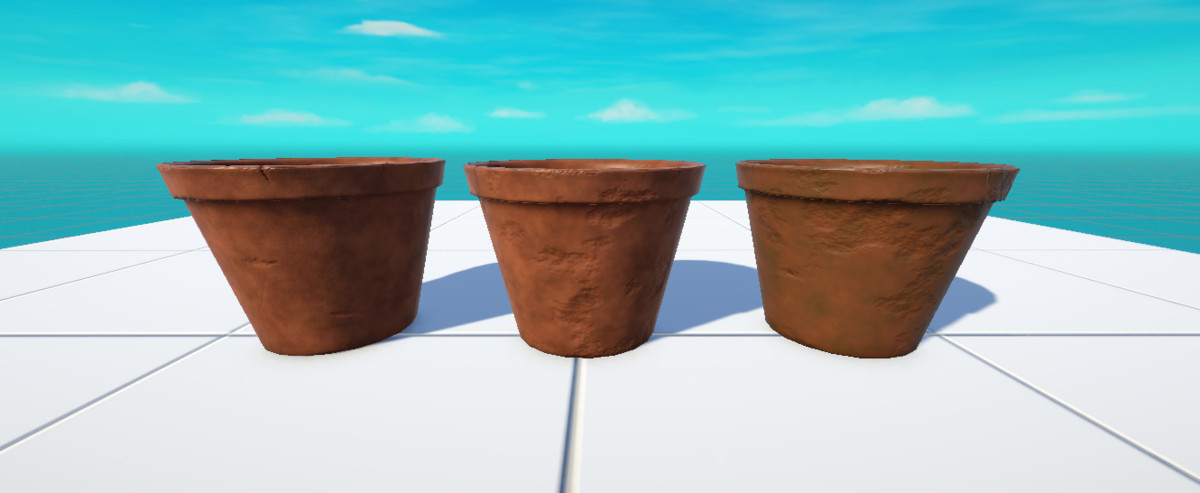
Clay pots - 3 different terracotta PBR materials and models pack.
---
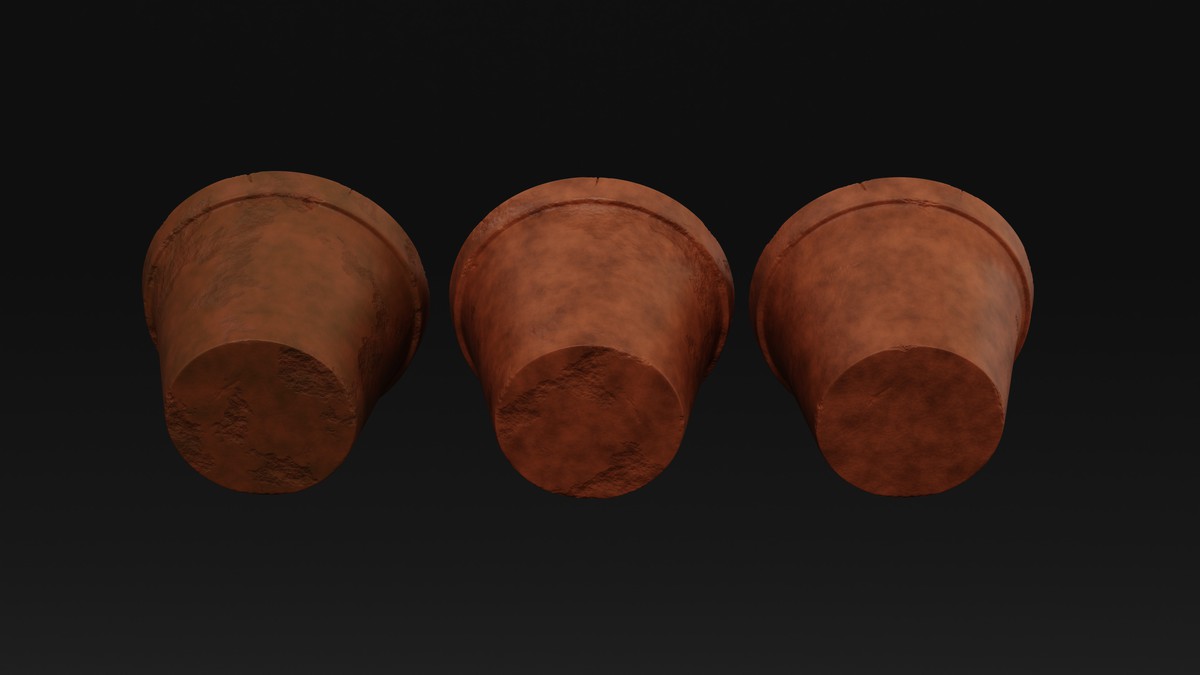
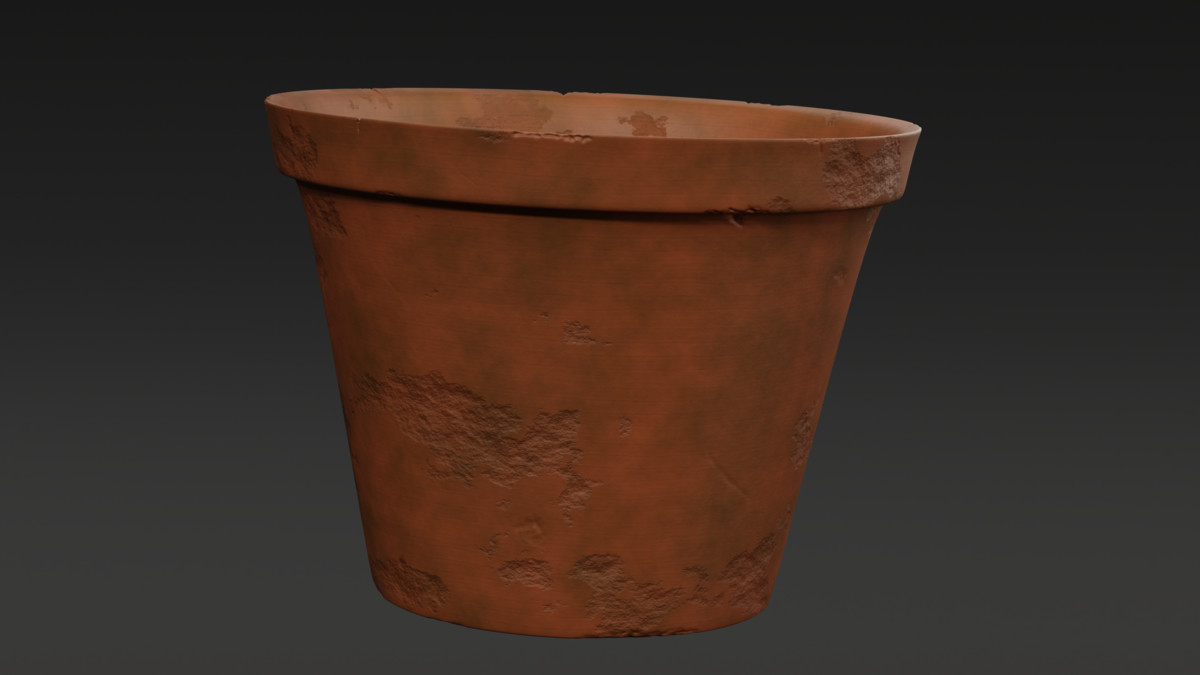
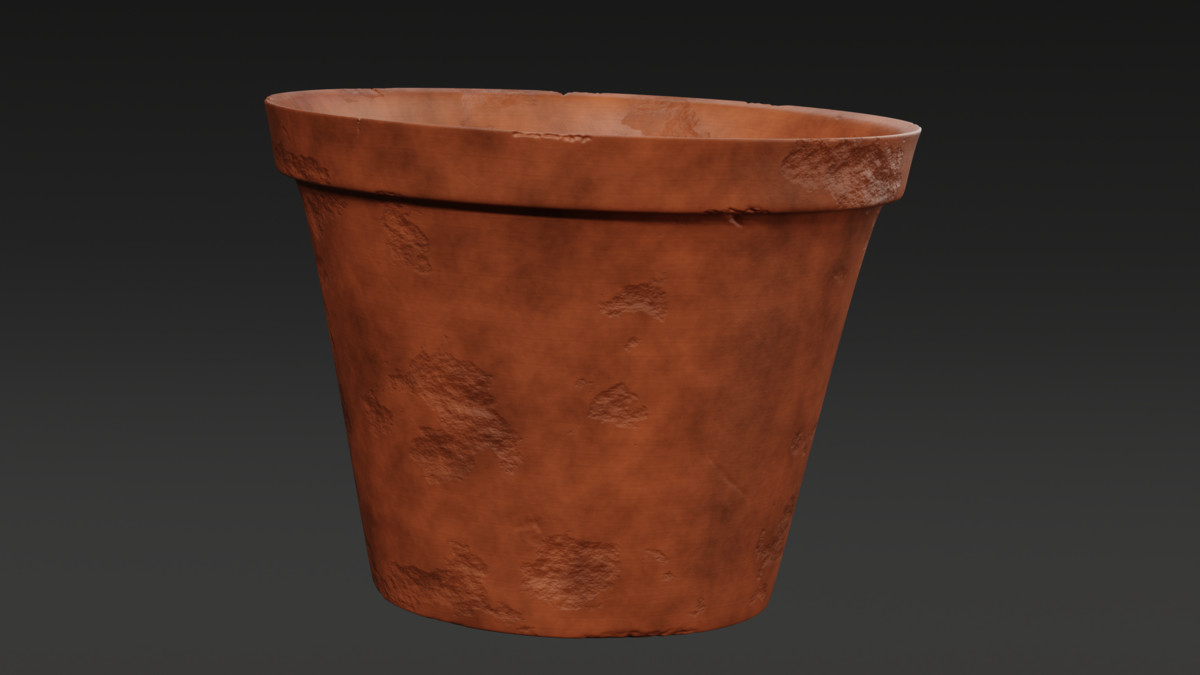
This terracotta pot asset pack offers a beautifully crafted set of 3 game-ready models, each with its own distinct texture and surface damage level, representing different stages of aging and use. From lightly worn to heavily eroded, these pots bring life and story to any scene.
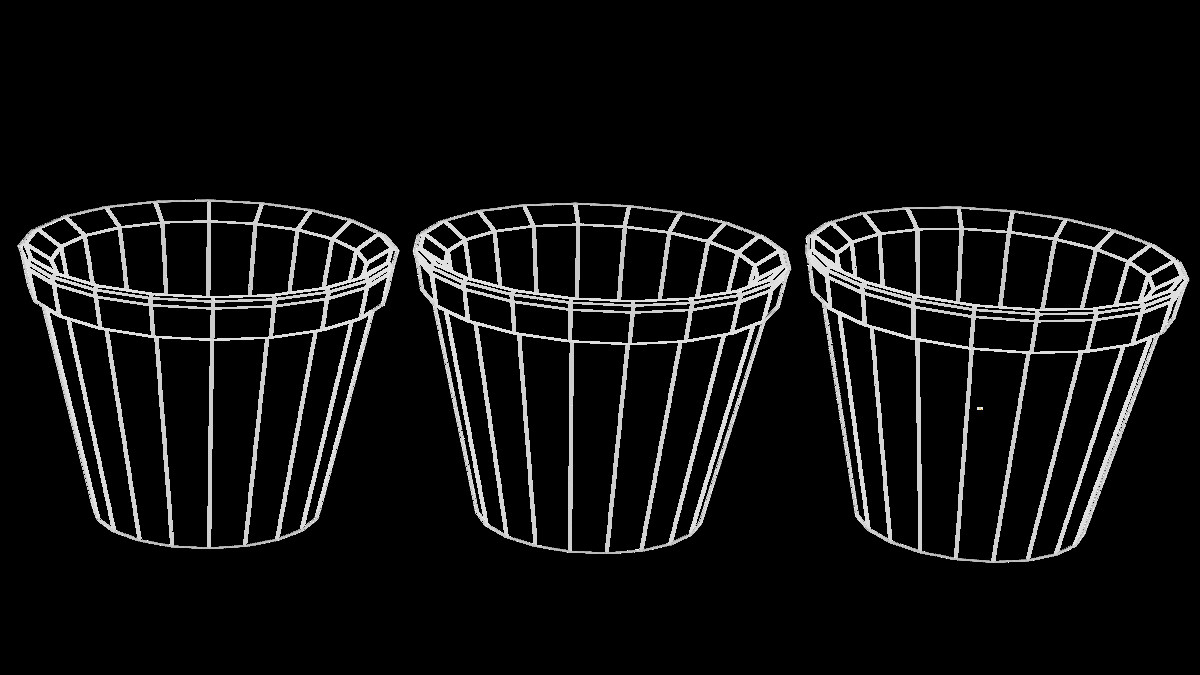
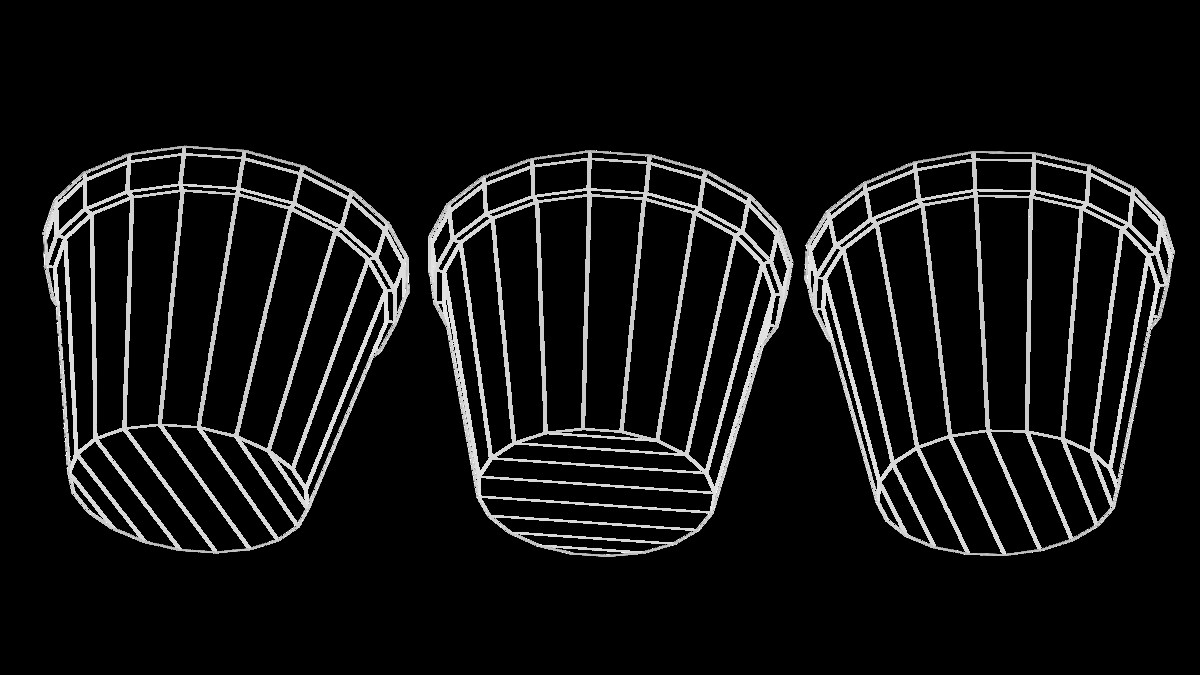
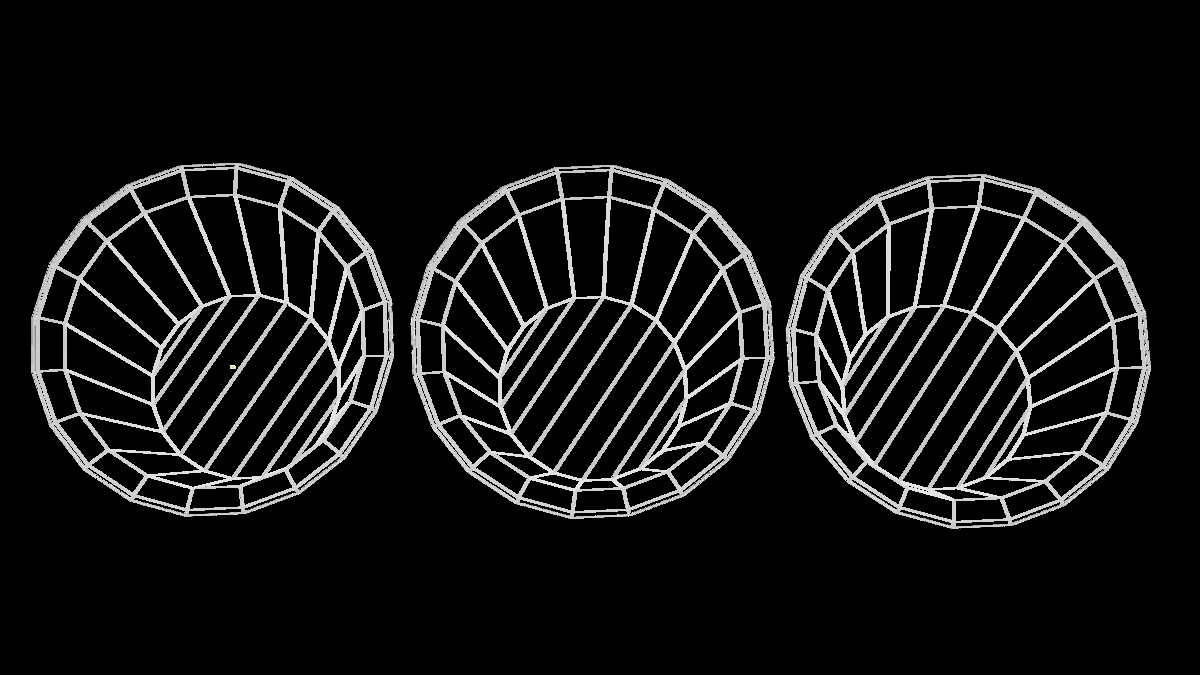
Designed with performance in mind, all models use the lowest poly count possible without sacrificing quality. Clean, quad-only topology, non-overlapping UVs, and professional 4K PBR textures make this asset ideal for games, VR/AR, archviz, simulators, or any real-time application.
Whether you're building a garden scene, post-apocalyptic world, or ancient ruin, this set will fit right in — delivering realistic detail with ultra performance.
- Key Features :
- 3 Meshes (3 variations of damage/wear)
- 3 Unique Materials (12 textures)
- 160 Vertices, 158 Faces, 316 Triangles
- Quad-only topology (no tris, no ngons)
- Clean, non-overlapping UVs
- Game-Ready & Fully Optimized
- 4K Textures
- Textures :
- Base Color
- Roughness Map
- Normal Map
- Ambient Occlusion Map
From the publisher's Asset Store listing.
Technical details
Normal Map Note:
- In Unity, if the normal appears inverted, simply make sure you set the image type as normal map.
- In Unreal Engine, open normal image, enable “Flip Green Channel” in the texture settings.
"These are common steps you should follow when importing models with baked textures made in Blender to game engines (without getting into the details), so I wanted to clarify this upfront to save you time and ensure everything looks right."
That’s it!
If you face any issue with this model or any of my assets, don’t hesitate to reach out. I’m happy to help — follow the link --> https://linktr.ee/Drelith.
Compatibility
| Unity version | Built-in | URP | HDRP |
|---|---|---|---|
| 6000.1.5f1 | Compatible | Compatible | Compatible |
Unity version: 2021.3 or higher
Platforms: Windows, macOS, WebGL, Mobile
The materials made for prefabs use Unity’s URP shader system and should work with any render pipeline (Built-in, URP, or HDRP). since the base model and the textures are included in this package. you may assign your own materials or shaders to the models for any pipeline you want.
As listed on the Asset Store.