
 View on Asset Store (opens in new tab)
Package details
- Latest version
- 1.0
- Last updated
- First released
- Unity version
- 6000.1.5 or later
- Package size
- 15.9 MB
- Files
- 39
- Favorites
- 2
- Views in the past week
- 6
Price tracking
- Last checked
- Tracked since
- Lowest recorded
- $7.99 on
Keywords

StrikeSense: AAA FPS Damage Indicator System
- Price drop
Strike Sense offers 2D edge indicators, center pips, off-screen arrows, on-screen markers, screen tints and 3D hemisphere arrows—fully customizable, toggleable, drop-in Unity package for FPS games.
Lowest recorded price
Get 60% off on Asset Store (opens in new tab)Affiliate link · Purchases support this site
Price history
Last 6 months
USDAsset preview
1 / 5
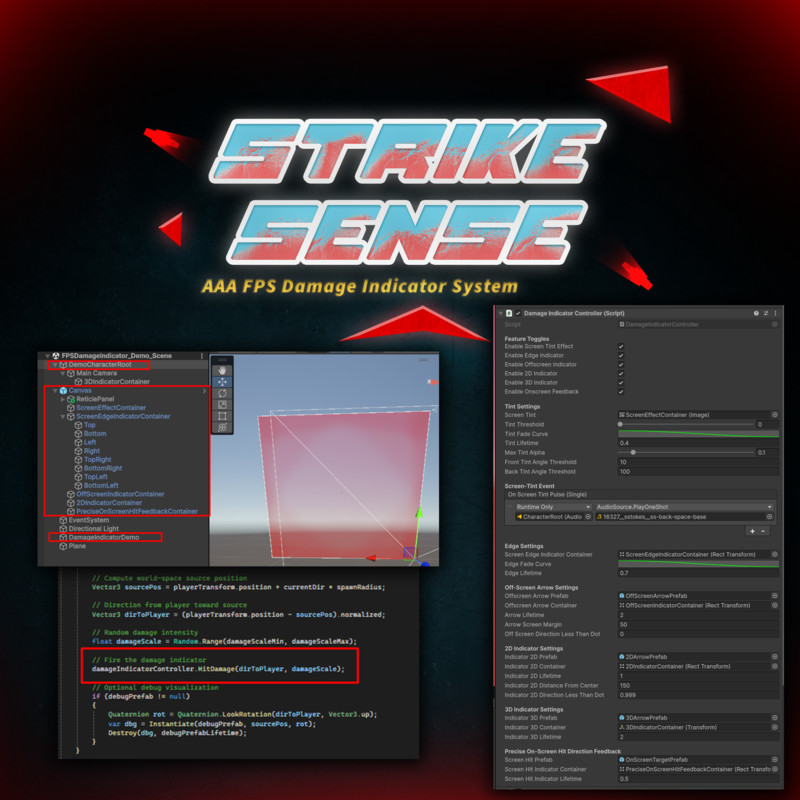
StrikeSense: AAA FPS Damage Indicator System screenshot 1

About this asset
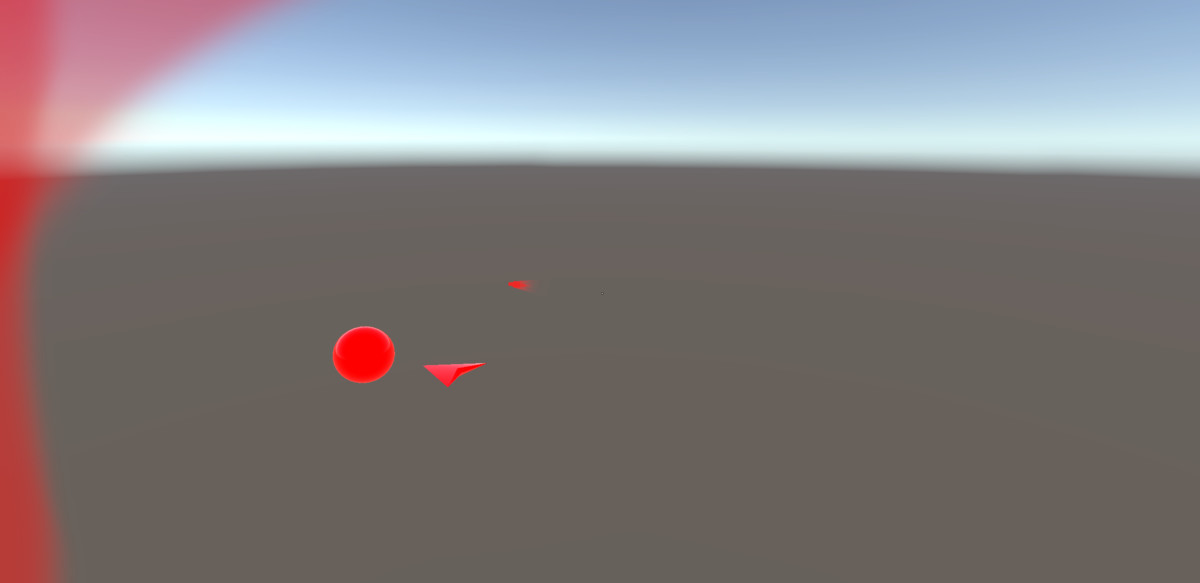
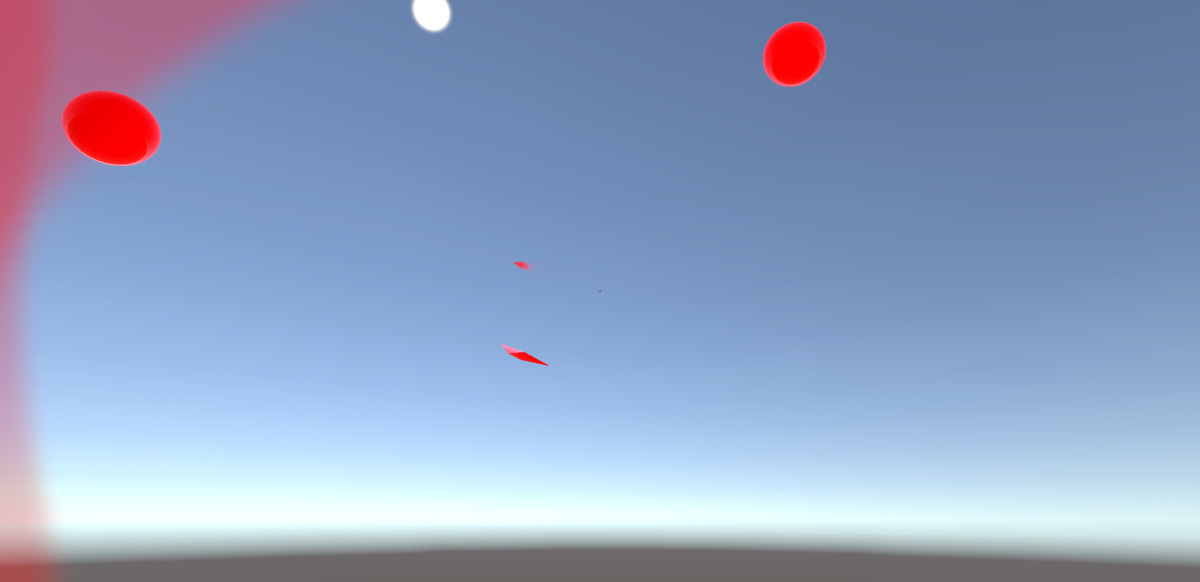
StrikeSense is a drop-in Unity package that delivers polished, multi-modal hit feedback for FPS games. It includes 2D screen-edge indicators, center pips, off-screen arrows, on-screen hit markers, full-screen tint flashes and 3D hemisphere arrows. Every module is fully toggleable and customizable via AnimationCurves, with built-in pooling, demo scenes and UnityEvents for easy audio/haptic integration. Compatible with Unity 2020.3+ and requires no external dependencies.
From the publisher's Asset Store listing.
Technical details
Technical Details
- Unity Compatibility: 2020.3 LTS or newer (tested through Unity 6.1)
- Language: C#, .NET 4.x runtime
- Dependencies: None (all code self-contained)
- UnityEvents (OnEdgePulse, OnPipPulse, OnScreenTintPulse, etc.) hook into audio/hapticsArchitecture:
DamageIndicatorController drives all modules via modular, toggleable components
EdgeIndicator, PipIndicator, OffscreenArrowIndicator, OnScreenHitIndicator, DamageIndicator3D scripts implement individual feedback modes
Object pooling for pips and arrows to minimize GC and instantiation spikes - Full control over lifetimes, thresholds, radii, ellipsoid shape (center offset, base radius, axis scale), latitude clampCustomization:AnimationCurves for fade and scale on every module
Inspector toggles to enable/disable: edge octants, center pips, off-screen arrows, on-screen markers, screen tint, 3D arrows - Includes example UI setup and prefab referencesDemo:DamageIndicatorDemo.cs scene spawns randomized hits for rapid iteration
Key Features
- 2D Screen-Edge Octants: Pulsing UI strips in 8 directions
- Center Pips: Circular markers around screen center pointing at damage sources
- Off-Screen Arrows: Clamped arrows at screen border for rear hits
- On-Screen Hit Markers: Markers at the precise viewport impact point with fade/scale
- Full-Screen Tint: Quick red flash for heavy hits within front/rear cones
- 3D Hemisphere Arrows: World-space arrows orbiting a customizable ellipsoid in front of the camera
- Pooling & Performance: Reuse objects, minimal runtime overhead
- Audio & Haptic Hooks: Exposed UnityEvents for seamless integration
- Demo Scene & Documentation: Ready-to-run example and comprehensive README.
Compatibility
| Unity version | Built-in | URP | HDRP |
|---|---|---|---|
| 6000.1.5f1 | Not listed | Compatible | Not listed |
As listed on the Asset Store.