
 View on Asset Store (opens in new tab)
Package details
- Latest version
- 1.0
- Last updated
- First released
- Unity version
- 6000.0.41 or later
- Package size
- 4.6 MB
- Files
- 8
- Favorites
- 9
- Views in the past week
- 13
Price tracking
- Last checked
- Tracked since
- Lowest recorded
- Free on
Keywords

Hierarchy Pro
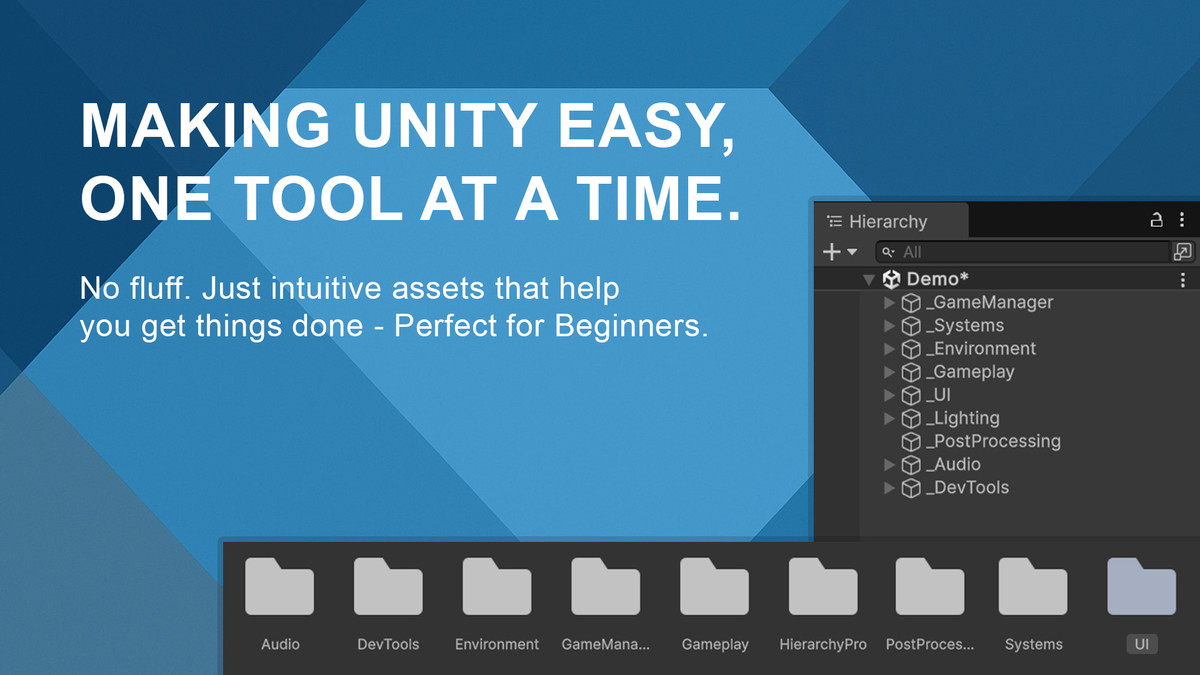
HierarchyPro is a Unity tool that auto-generates a clean scene hierarchy and folders to speed up project setup.
Affiliate link · Purchases support this site
Price history
Last 6 months
USDAsset preview
1 / 2

Hierarchy Pro screenshot 1
About this asset
HierarchyPro is a powerful Unity Editor extension designed to streamline the early stages of game development. It automatically generates a well-organized scene hierarchy and asset folder structure, helping developers maintain clean project organization from the start. The tool is fully customizable—users can select which starter scene objects to include (like a Camera, Directional Light, or Post Processing Volume), and choose when to regenerate the structure.
This asset is genre-agnostic, making it ideal for developers of any type of project—whether it's 2D, 3D, VR, or AR. It’s especially useful for indie developers, studios with multiple collaborators, or anyone aiming for a more professional and standardized workflow.
From the publisher's Asset Store listing.
Technical details
- ✅ One-Click Hierarchy & Folder Generation – Instantly create a clean and professional scene hierarchy and folder layout.
- 🎯 Customizable Starter Objects – Choose to add a Camera, Directional Light, and Post Processing Volume via simple toggle checkboxes.
- 🔁 Regenerate Tool – Easily rebuild your project structure without manual cleanup.
- 🧠 Beginner-Friendly UI – Clear labels, intuitive layout, and tooltips designed for new Unity users.
- 🖼️ Custom Icons – Stylish editor UI with icon support to enhance readability and appeal.
- 📂 Scenes Folder Creation – Prepares a dedicated folder for user-created scenes.
- 🧰 Editor Integration – Seamlessly integrates into the Unity Editor under the “Tools” menu.
- 🚫 Demo Scene – Lets users see a scene with the hierarchy and folder structure plus additional assets.
- 🌐 No External Dependencies – 100% self-contained; works out-of-the-box in any Unity project.
- 📝 Documentation Included – Step-by-step setup guide and reference included in PDF format.
Compatibility
| Unity version | Built-in | URP | HDRP |
|---|---|---|---|
| 6000.0.41f1 | Not listed | Compatible | Not listed |
As listed on the Asset Store.