
 View on Asset Store (opens in new tab)
Package details
- Latest version
- 1.1.0
- Last updated
- First released
- Unity version
- 2022.3.55 or later
- Package size
- 250 KB
- Files
- 22
- Favorites
- 92
- Views in the past week
- 103
Price tracking
- Last checked
- Tracked since
- Lowest recorded
- Free on
Keywords
FREE Low Poly Sci-Fi Station Environment Demo / Cosmic Retro
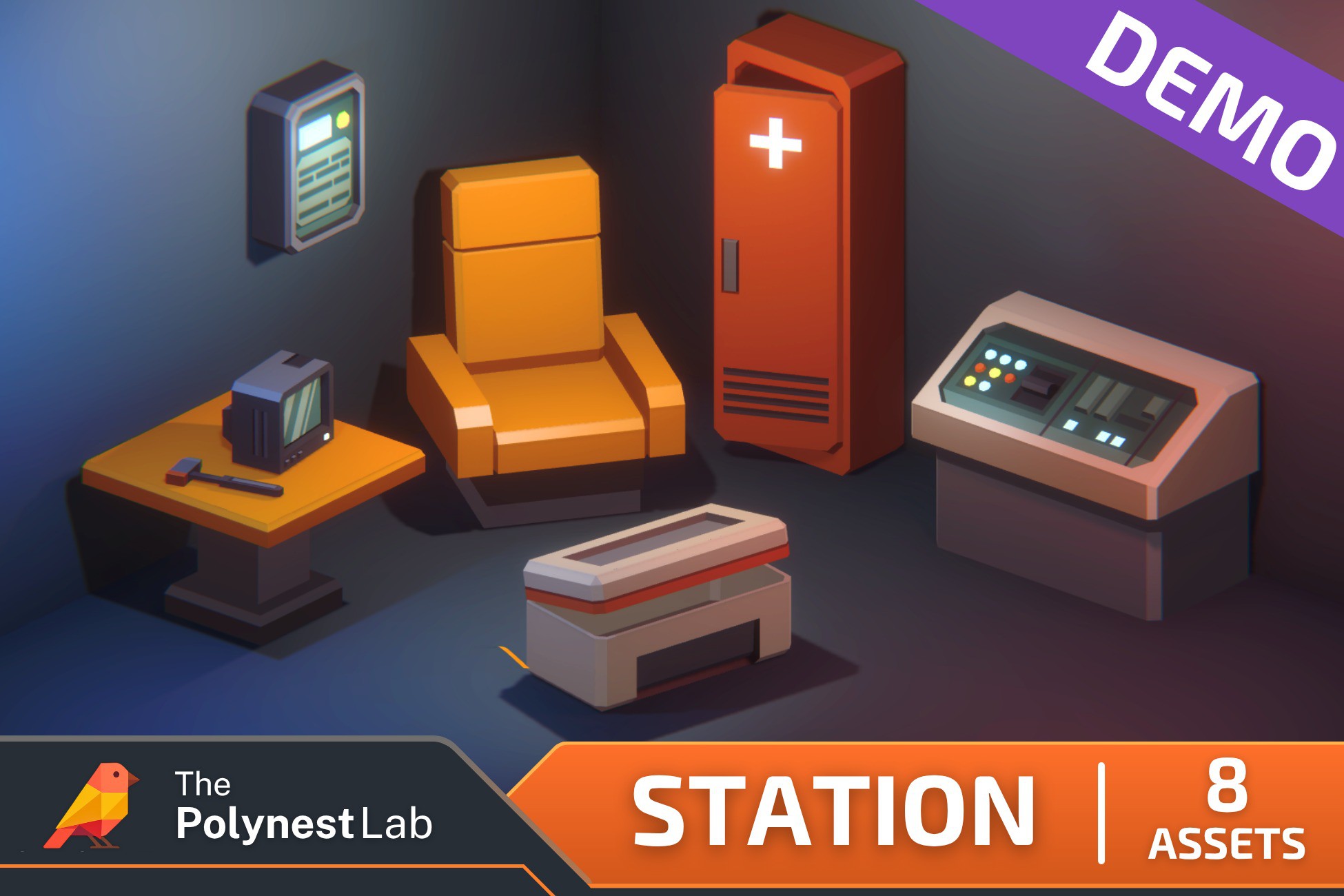
Free low-poly sci-fi station demo with 8 models and prefabs, colliders and a URP demo scene. Test the Cosmic Retro style and workflow before getting the full Station pack.
Affiliate link · Purchases support this site
Price history
Last 6 months
USDAsset preview
1 / 16
FREE Low Poly Sci-Fi Station Environment Demo / Cosmic Retro screenshot 1
About this asset
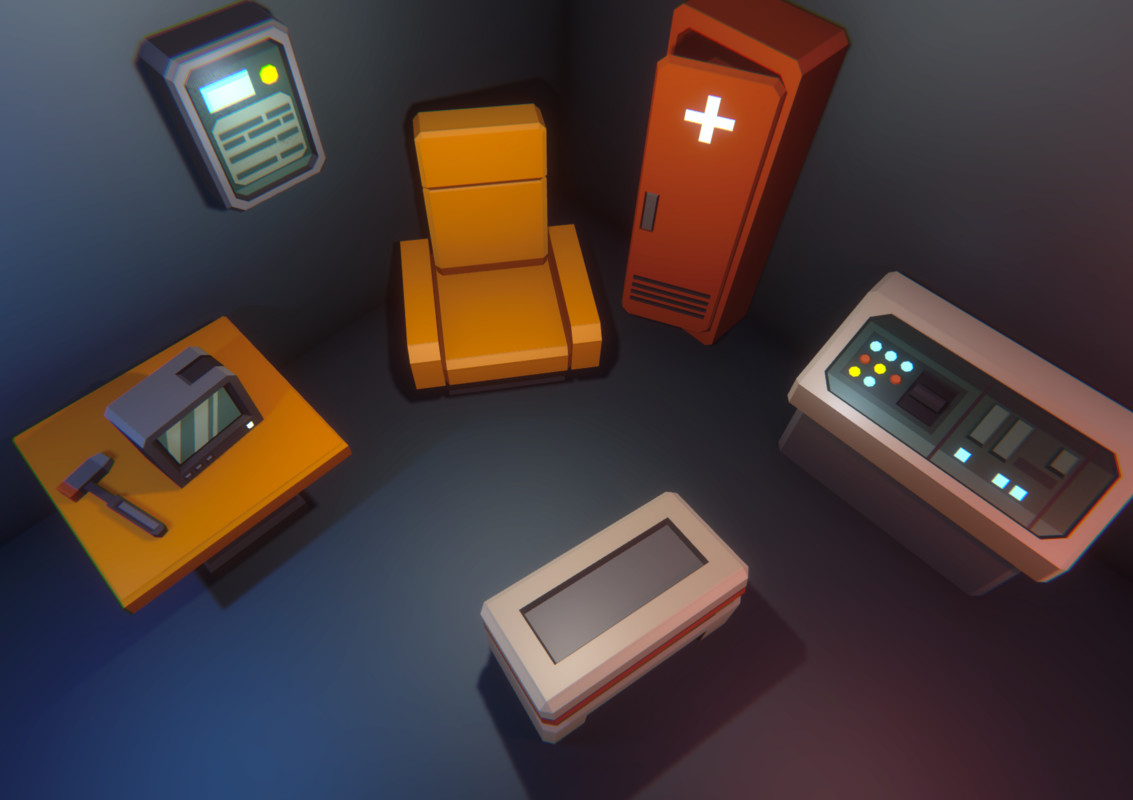
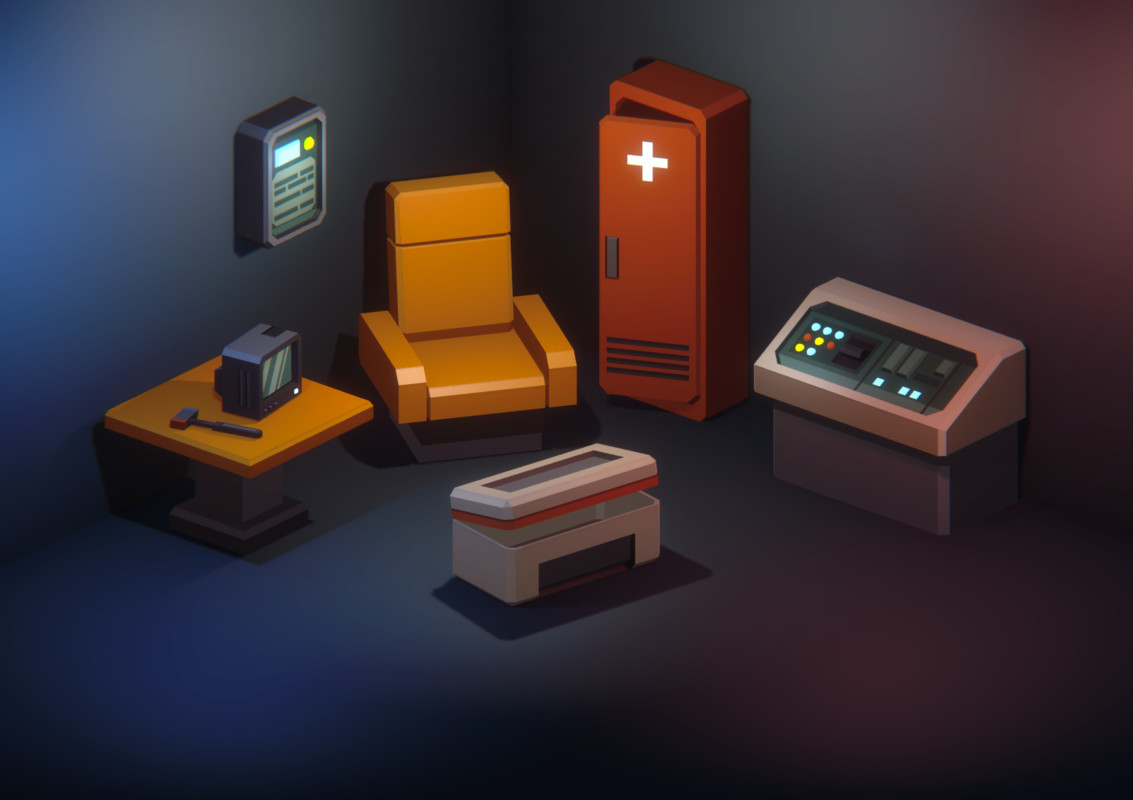
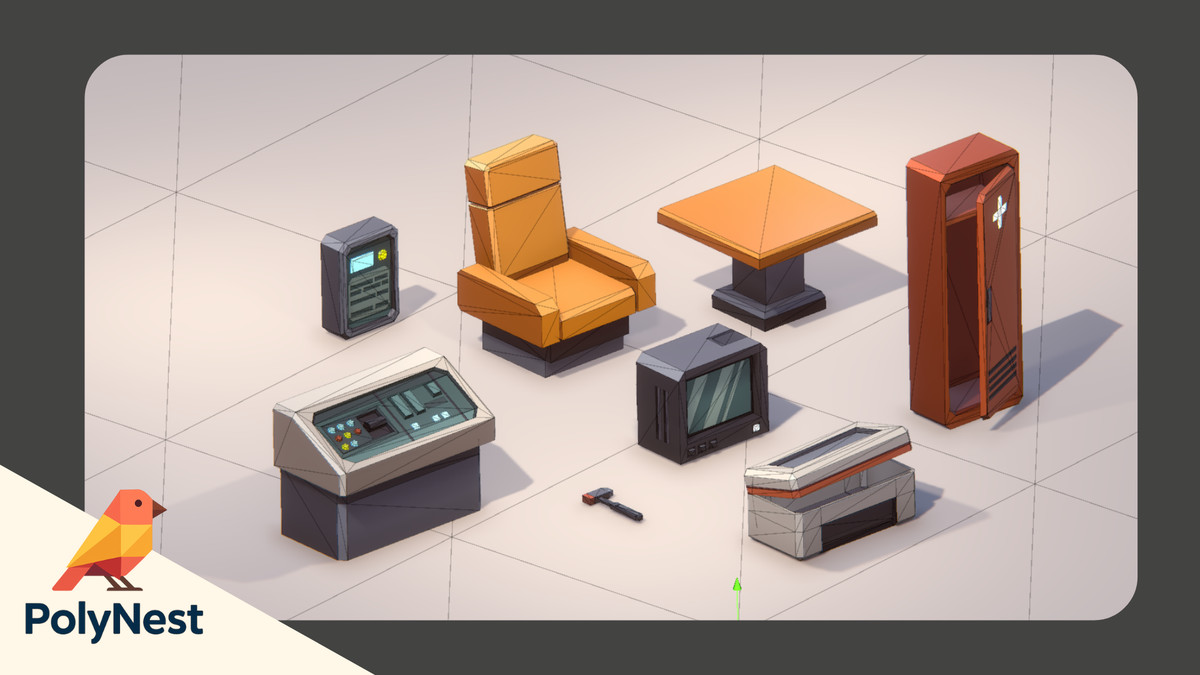
This FREE Station Demo is a functional sample of the Cosmic Retro Station environment, designed to let you test the visual style, scale, workflow, and asset quality directly inside your own Unity project.
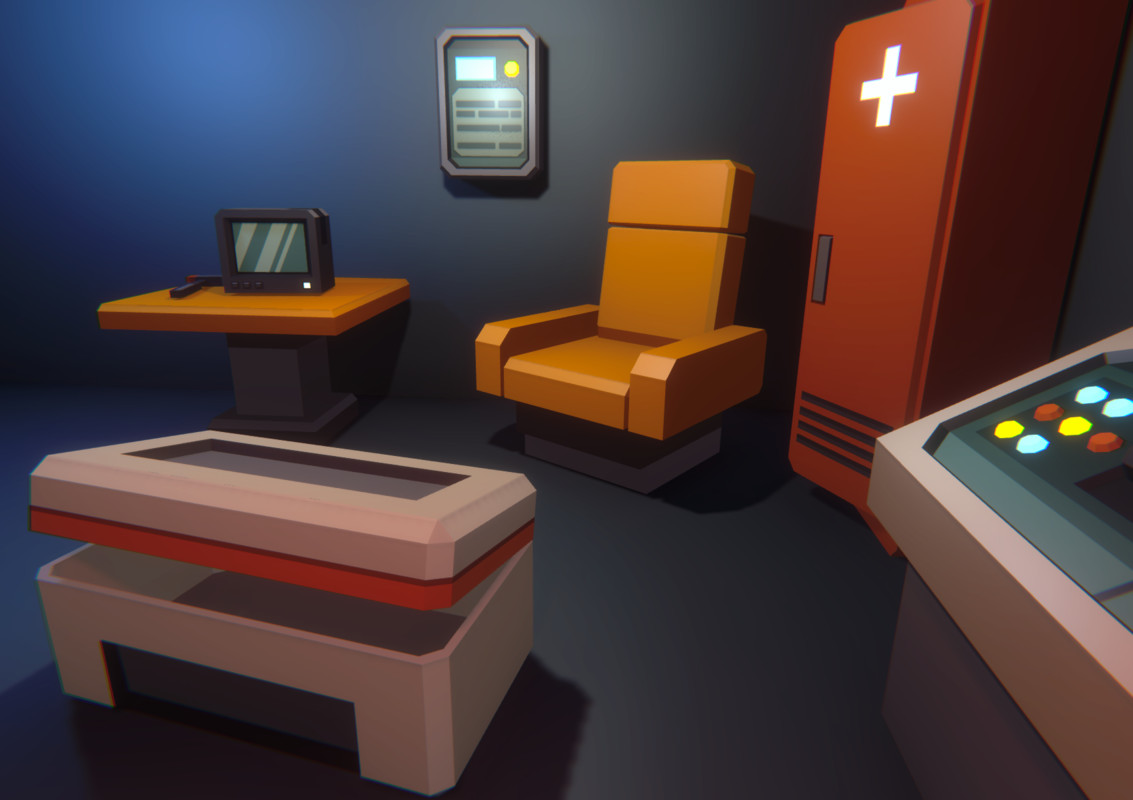
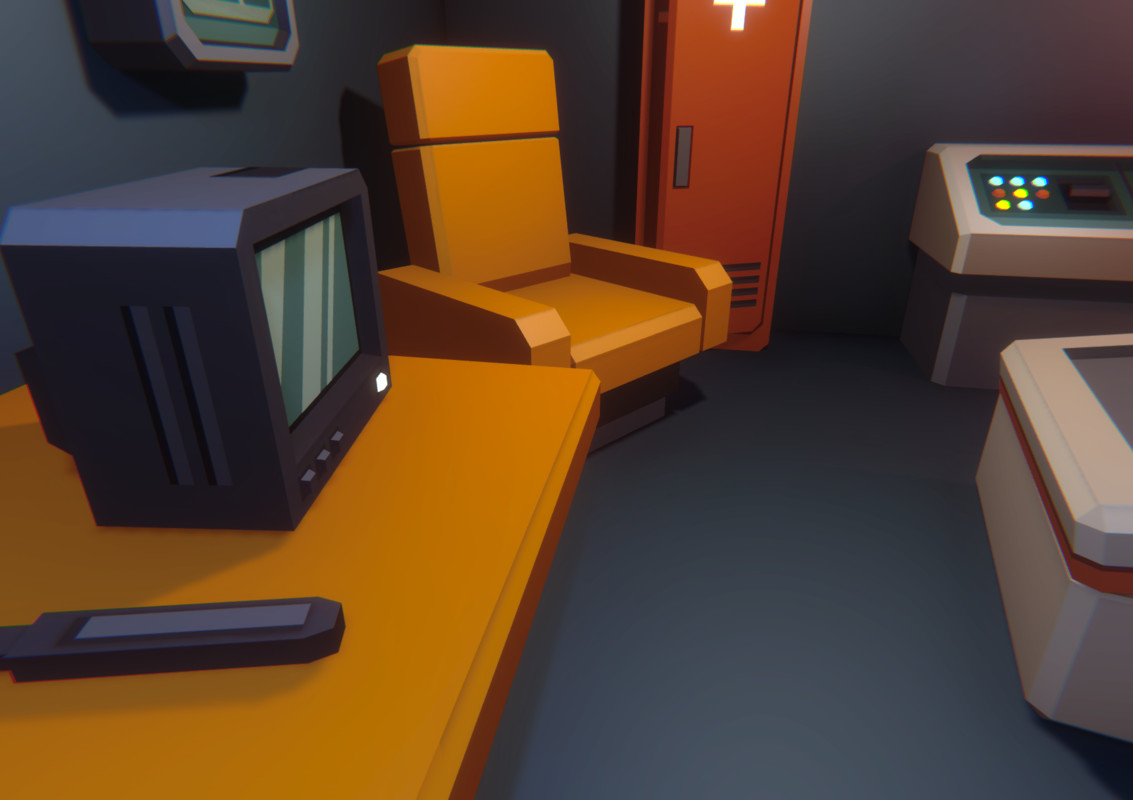
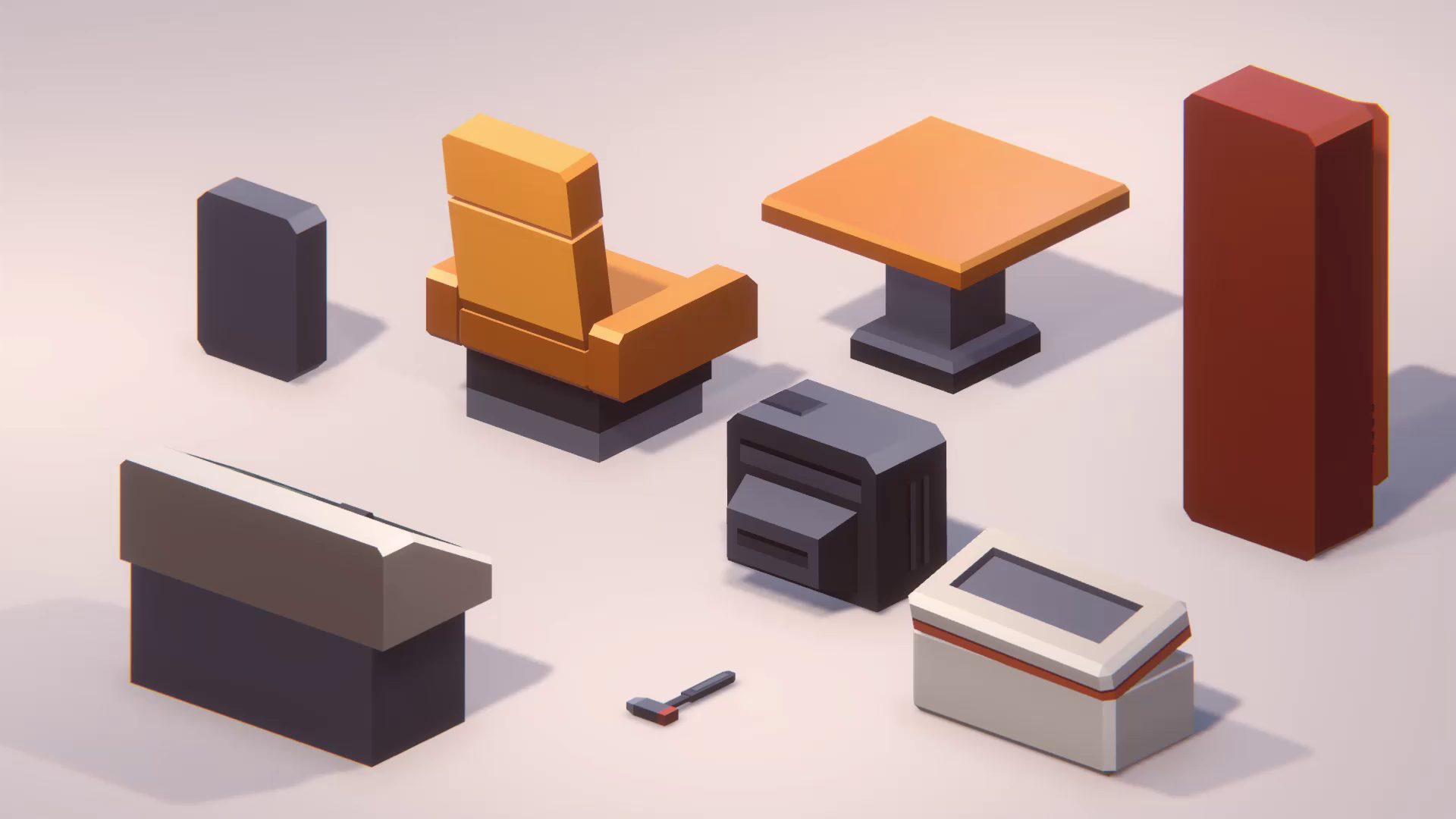
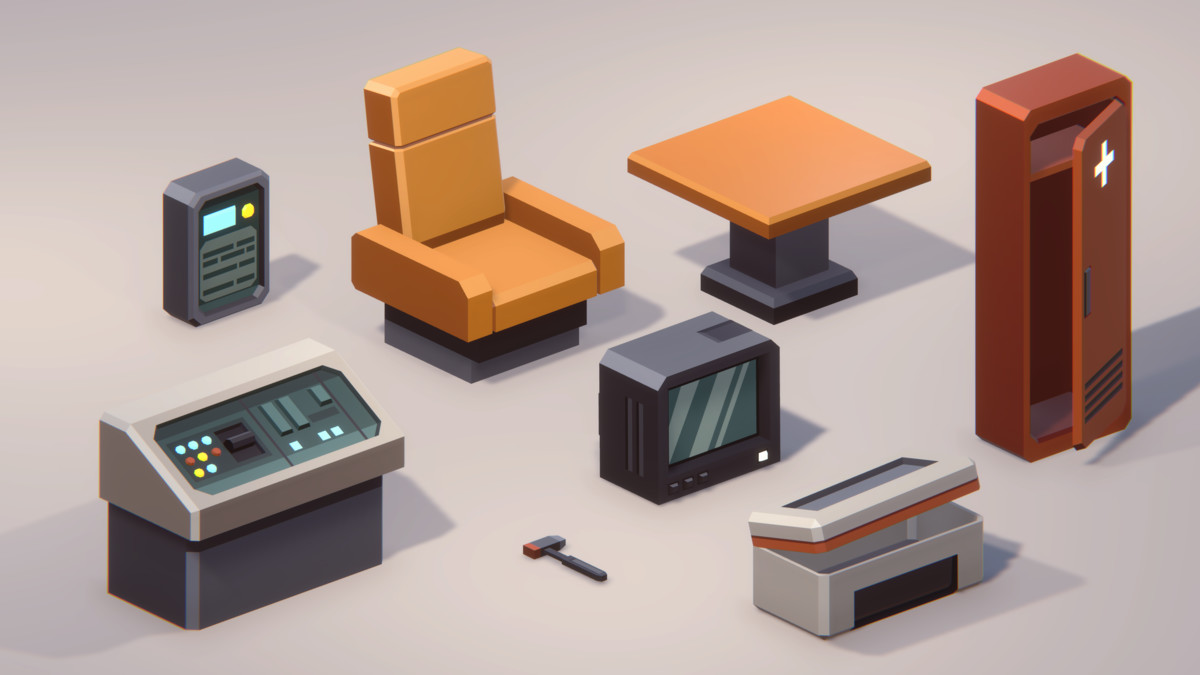
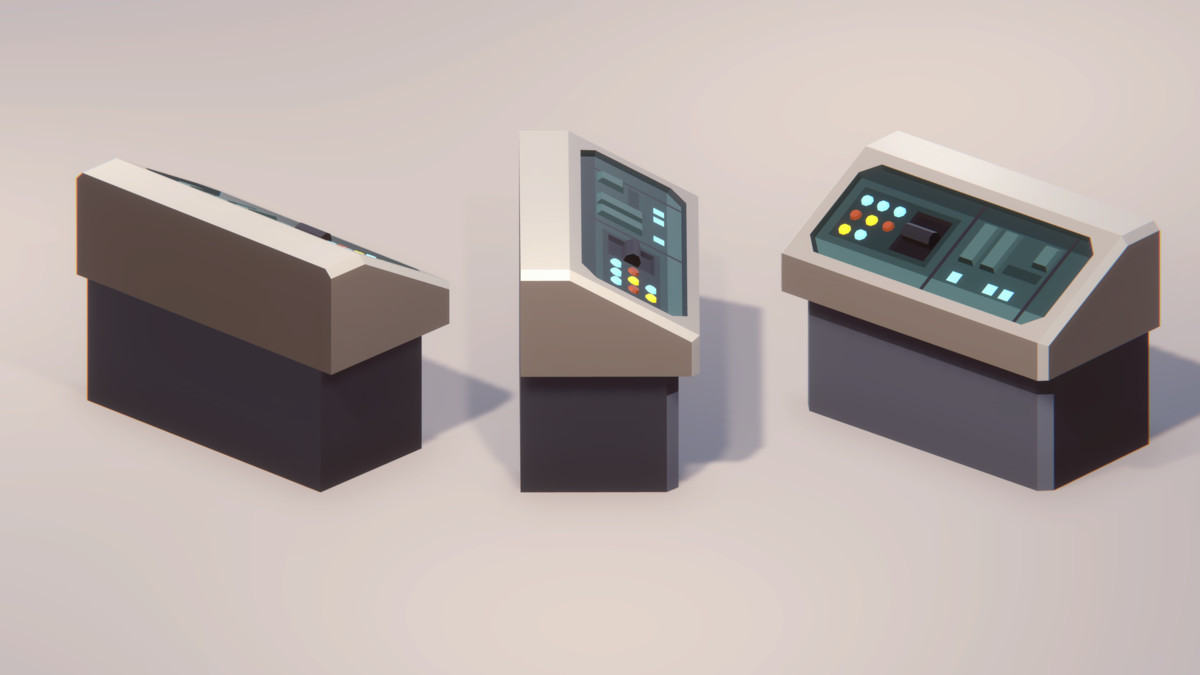
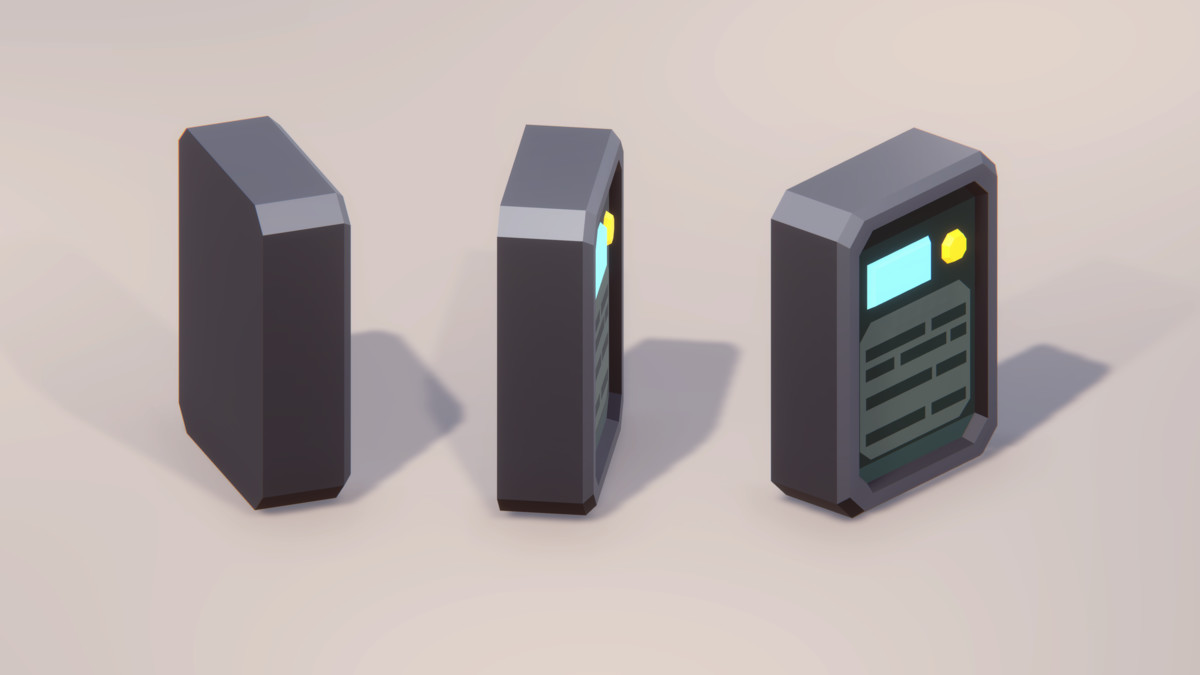
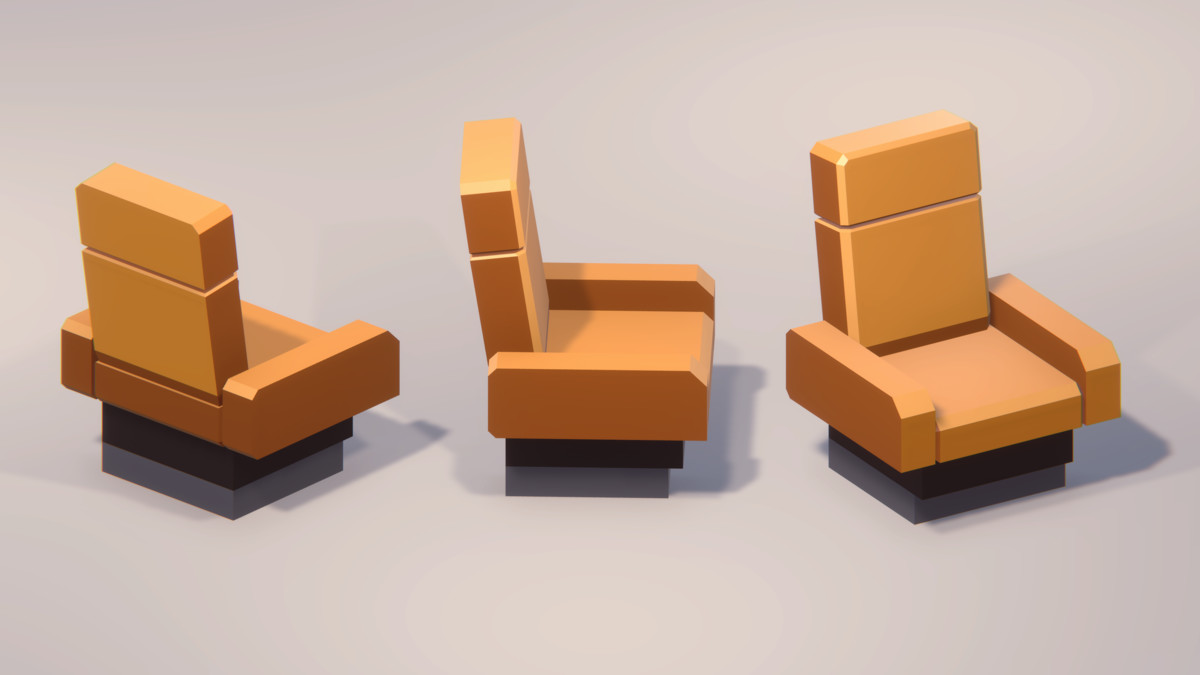
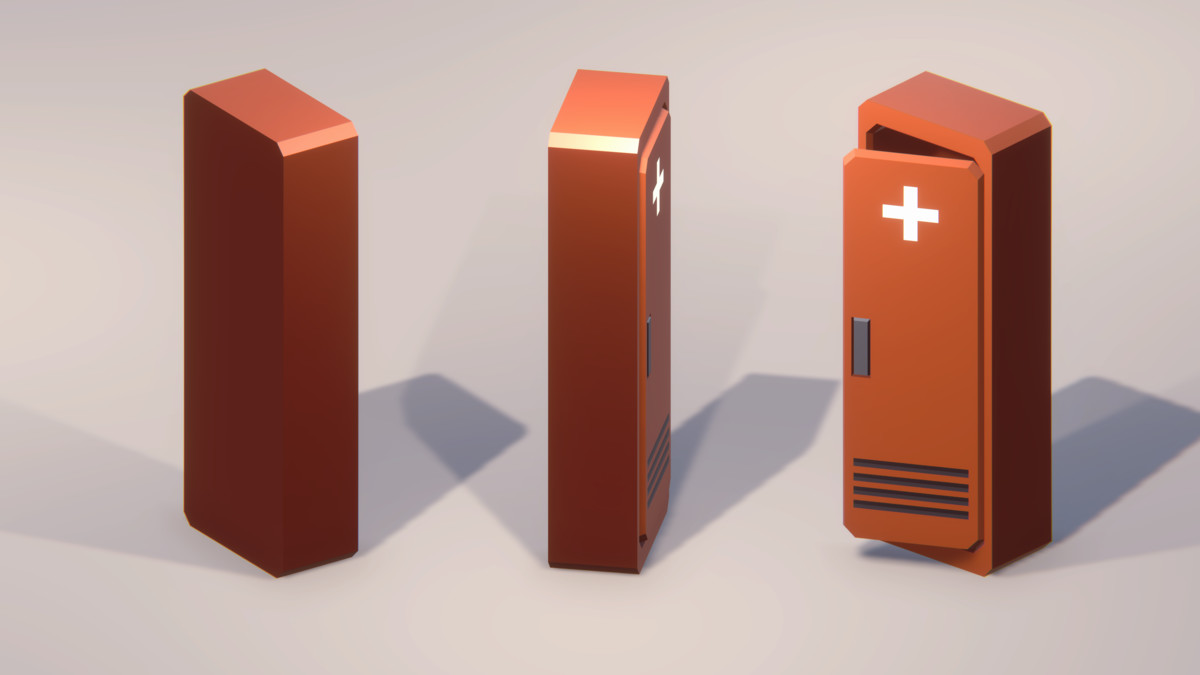
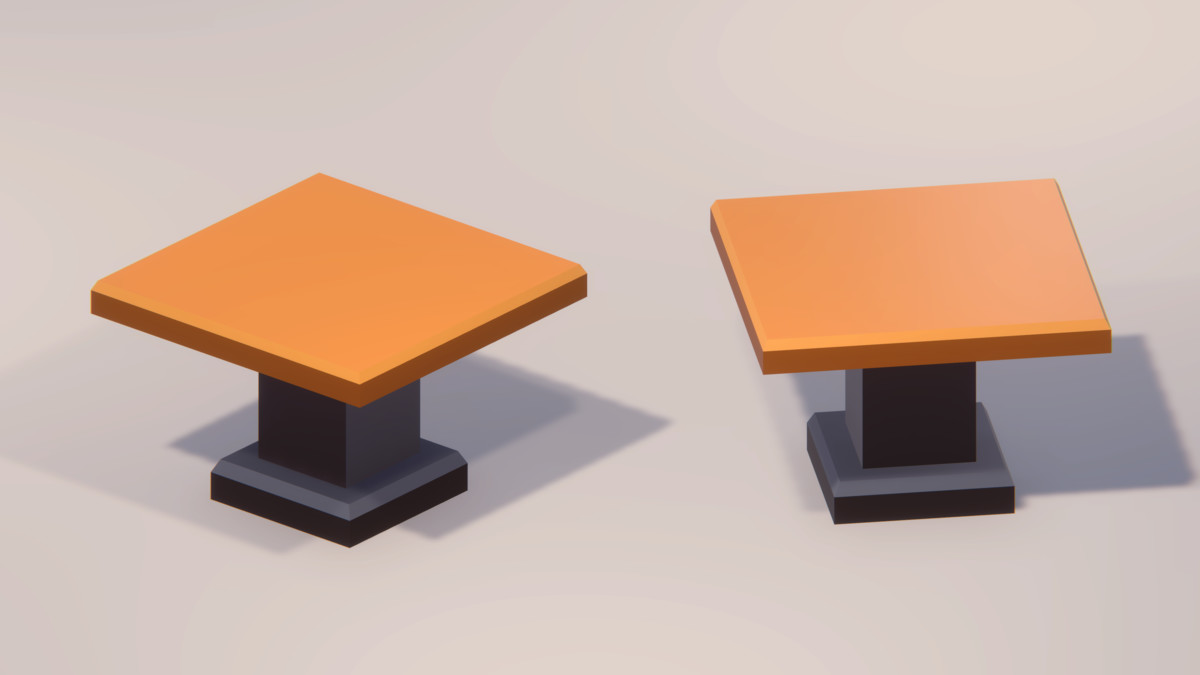
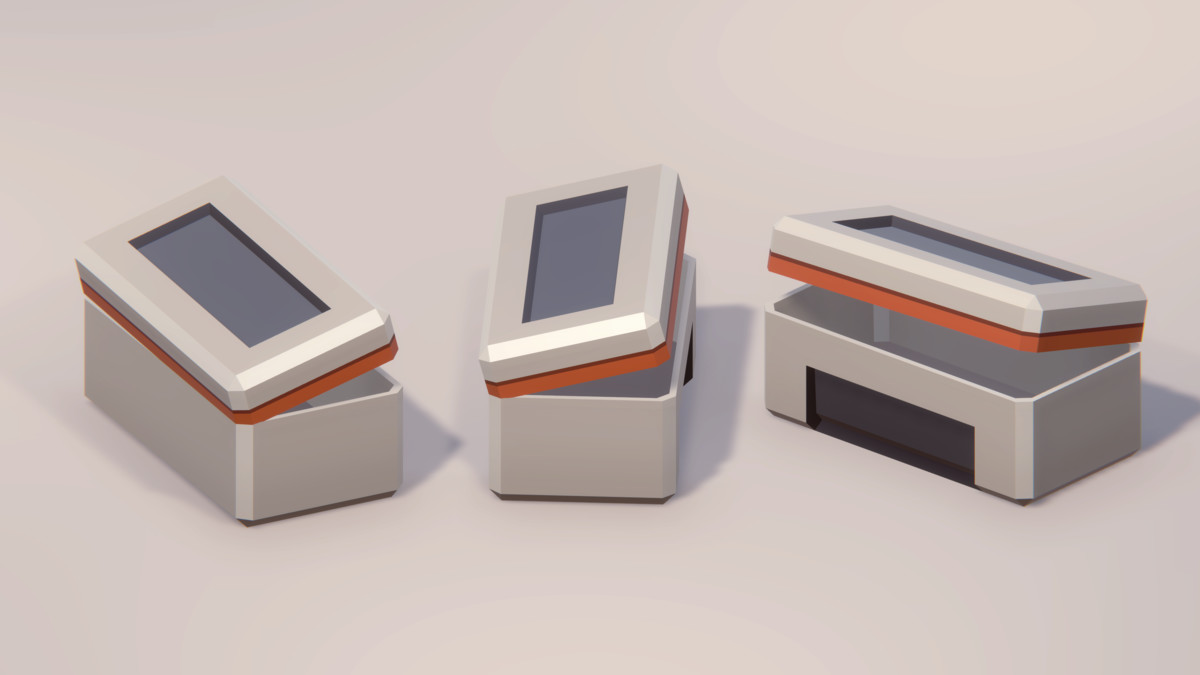
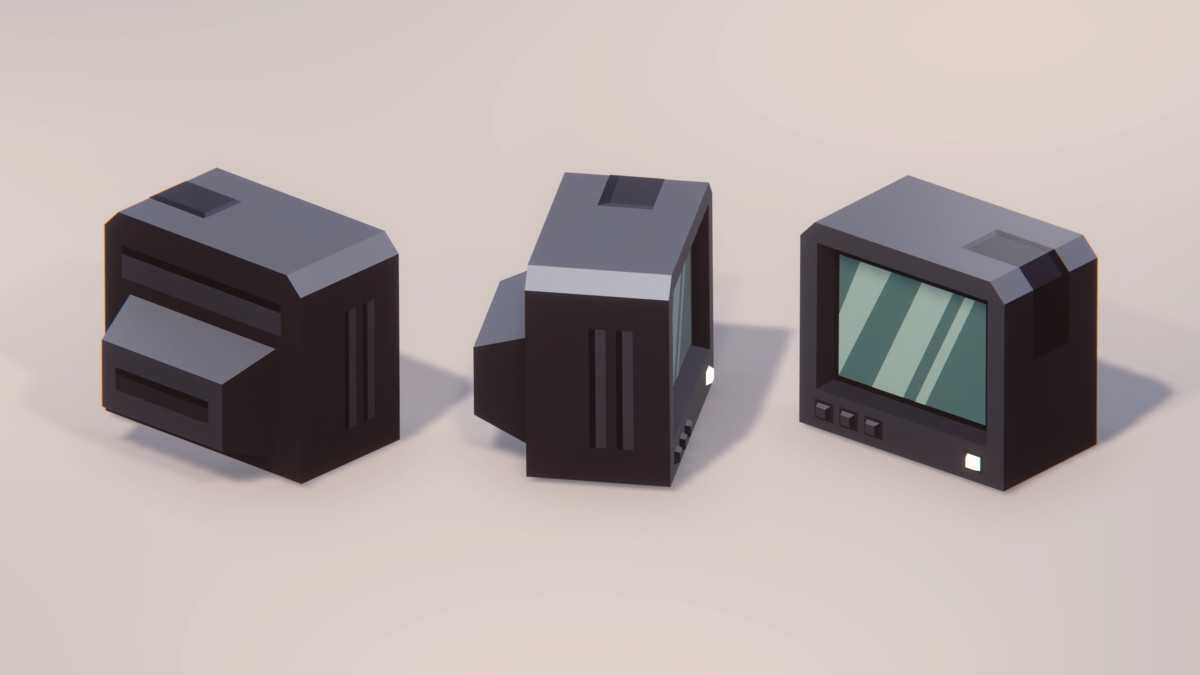
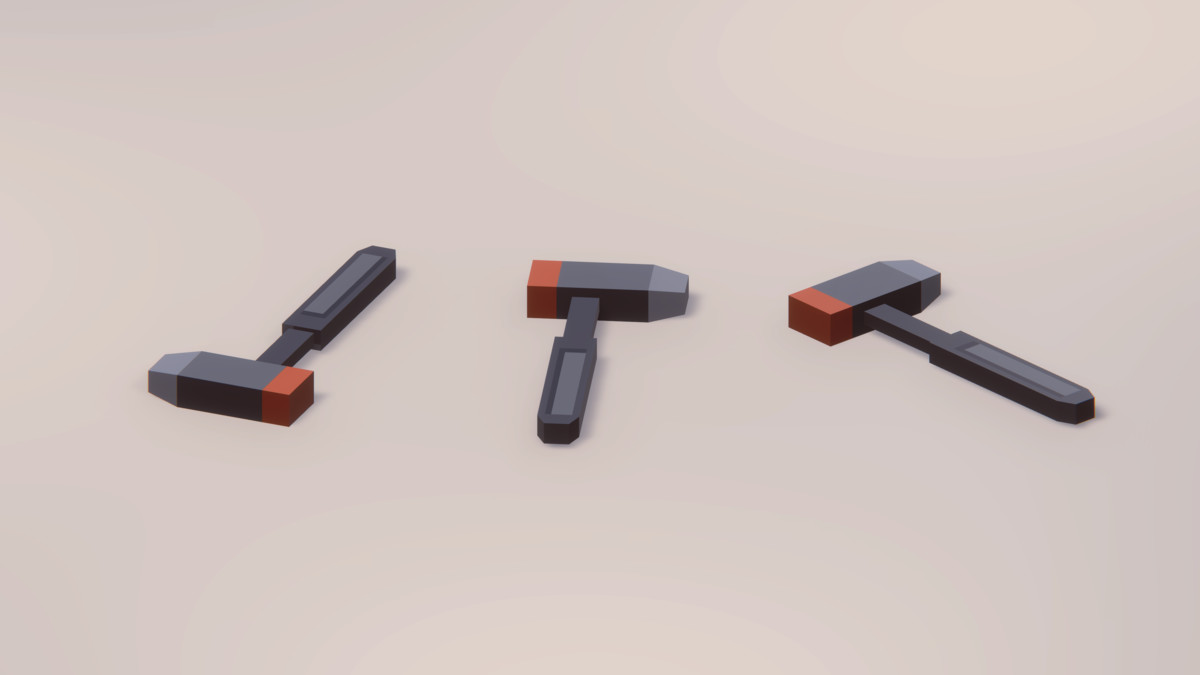
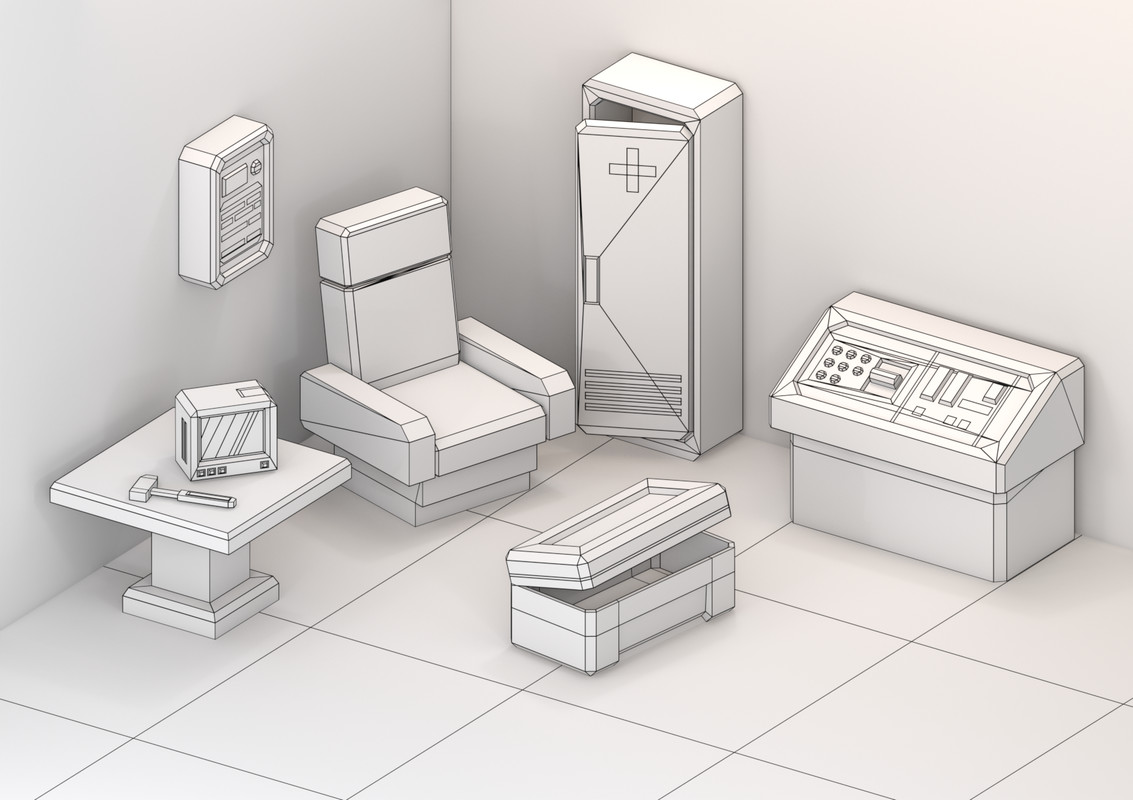
The demo includes 8 original low-poly models and 8 ready-to-use prefabs, including a command console, medical cabinet, monitor, and other station props representative of the full environment.
▶ Explore the Full Station Environment
Like the style and workflow? Continue with the complete Station pack:
View the Full Cosmic Retro Station Pack
◼ What’s Included in the FREE Demo ◼
- 8 Original Models: A curated selection of stylized sci-fi station props.
- 8 Ready-to-Use Prefabs: Prepared for quick placement directly in Unity.
- Built-in Colliders: All included meshes have colliders configured for immediate testing and prototyping.
- Game-Ready Workflow: Clean low-poly geometry, practical pivots, and organized assets make it easy to test the workflow in your own project.
- Compact Material Setup: Uses a single material and one 8x8 px texture.
- Demo Scene Included: Preview and test the assets directly inside Unity.
- Unity 2022.3 LTS: Compatible with Built-in, URP, and HDRP.
- Unity 6: Dedicated version compatible with URP.
- No Additional Dependencies: No additional Asset Store packages are required.
◼ What You Can Test ◼
- Visual style and asset scale
- Prefab placement and workflow
- Collider setup
- Material and texture workflow
- Lighting inside your own environments
- Performance in your project
- Compatibility with your scene setup
◼ Perfect For ◼
- Testing the Cosmic Retro style before purchasing
- Sci-fi station and colony prototypes
- Space station interiors
- Control rooms and technical areas
- First-person and third-person projects
- Top-down and isometric games
- Mobile, VR, and AR prototypes
◼ Explore the Cosmic Retro Universe ◼
Continue building your colony with other environments from the Cosmic Retro series:
Laboratory 2 | Laboratory | Recreation | Hangar | Mess Hall | Bedroom
◼ Cosmic Retro Collections ◼
Core Duo — Station + Mess Hall
Expanded Colony — Station + Mess Hall + Laboratory
Grand Colony Collection — 5-module Cosmic Retro collection
Enjoyed the FREE demo?
If it has been useful for testing your project, leaving a short review helps support future Cosmic Retro updates. Thank you! 💛
From the publisher's Asset Store listing.
Technical details
Number of textures: 1
Texture dimensions: 8x8
Minimum polygon count: 58 tris
Maximum polygon count 1012 tris
Number of meshes/prefabs: 8
Colliders already configured on all meshes for immediate use
Rigging: No
Types of materials and texture maps (e.g., PBR): png
Compatibility
| Unity version | Built-in | URP | HDRP |
|---|---|---|---|
| 6000.3.7f1 | Not listed | Compatible | Not listed |
| 2022.3.55f1 | Compatible | Compatible | Compatible |
As listed on the Asset Store.