
 View on Asset Store (opens in new tab)
Package details
- Latest version
- 1.2.1
- Last updated
- First released
- Unity version
- 2022.3.7 or later
- Package size
- 380.2 MB
- Files
- 786
- Favorites
- 7
- Views in the past week
- 9
Price tracking
- Last checked
- Tracked since
- Lowest recorded
- $6.00 on
Keywords

Alicia AI
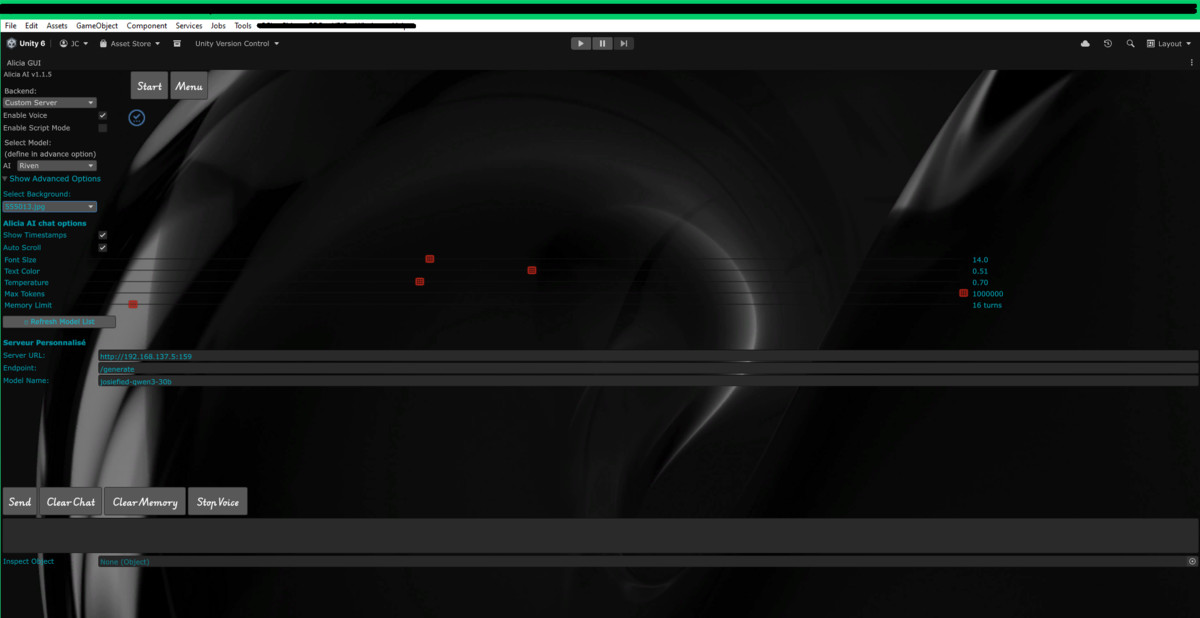
Connect with locals LLM (Ollama or custom setup) , right now , in a new editor window in unity . Chat or drag your scripts or gameobjects right in and start creating . Free voice is include .
Affiliate link · Purchases support this site
Price history
Last 6 months
USDAsset preview
1 / 15
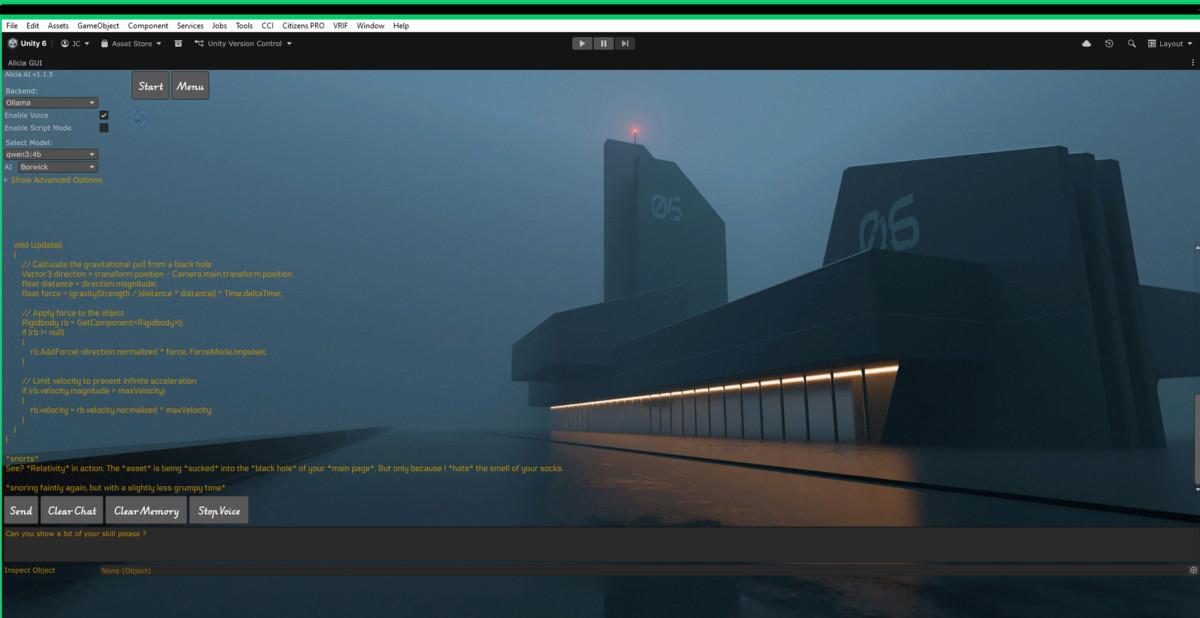
Alicia AI screenshot 1

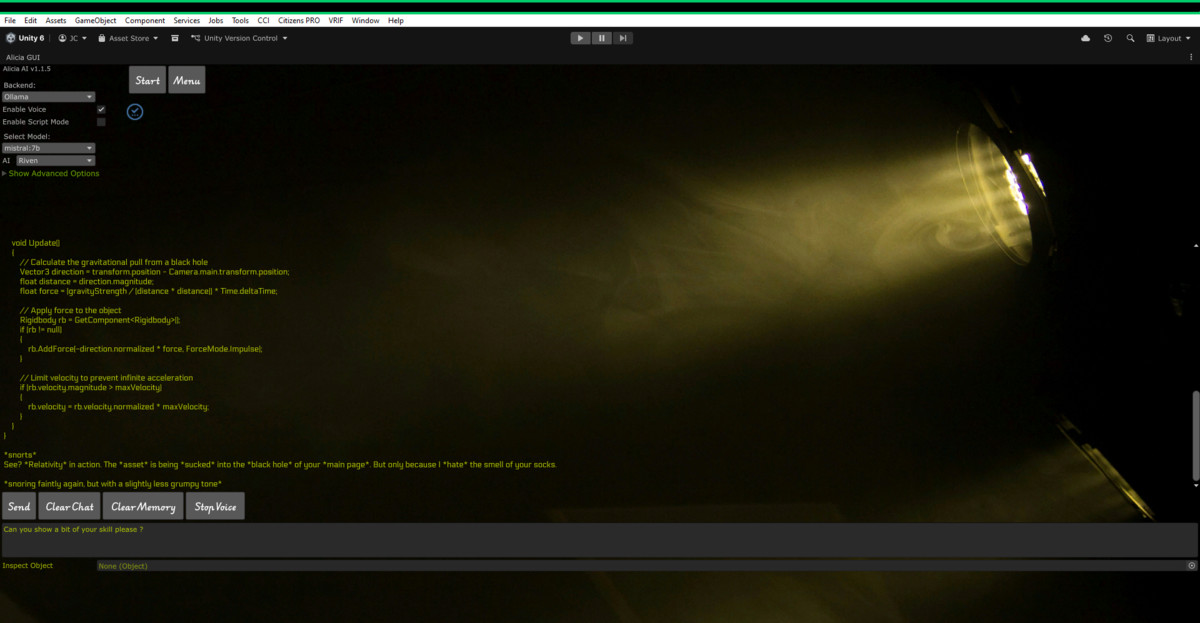
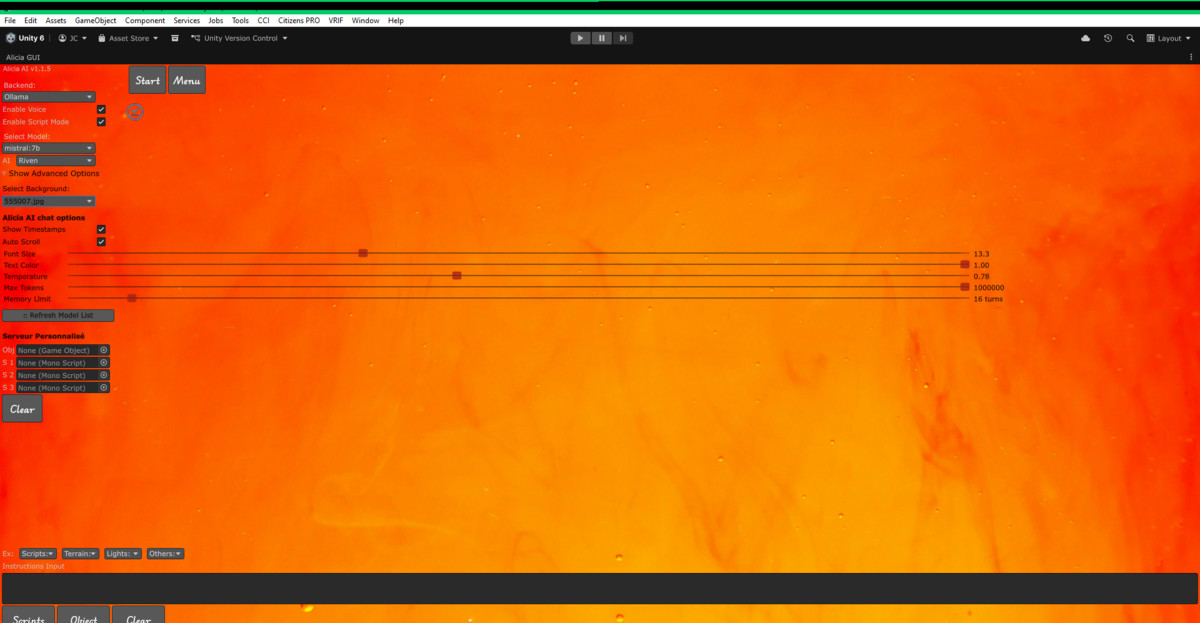


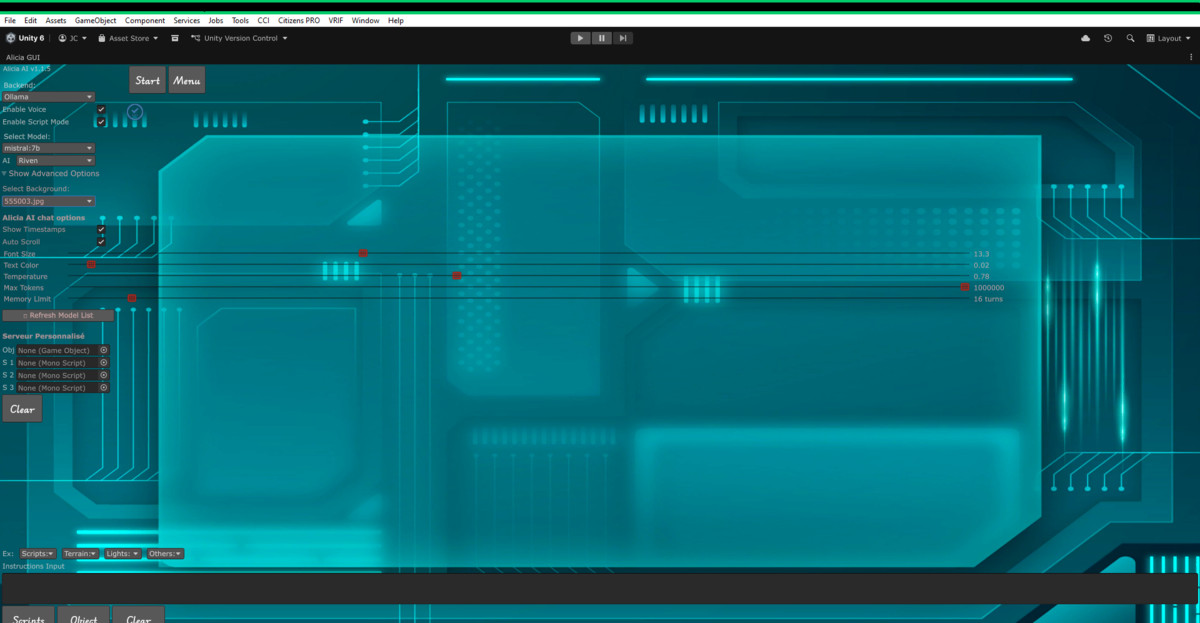
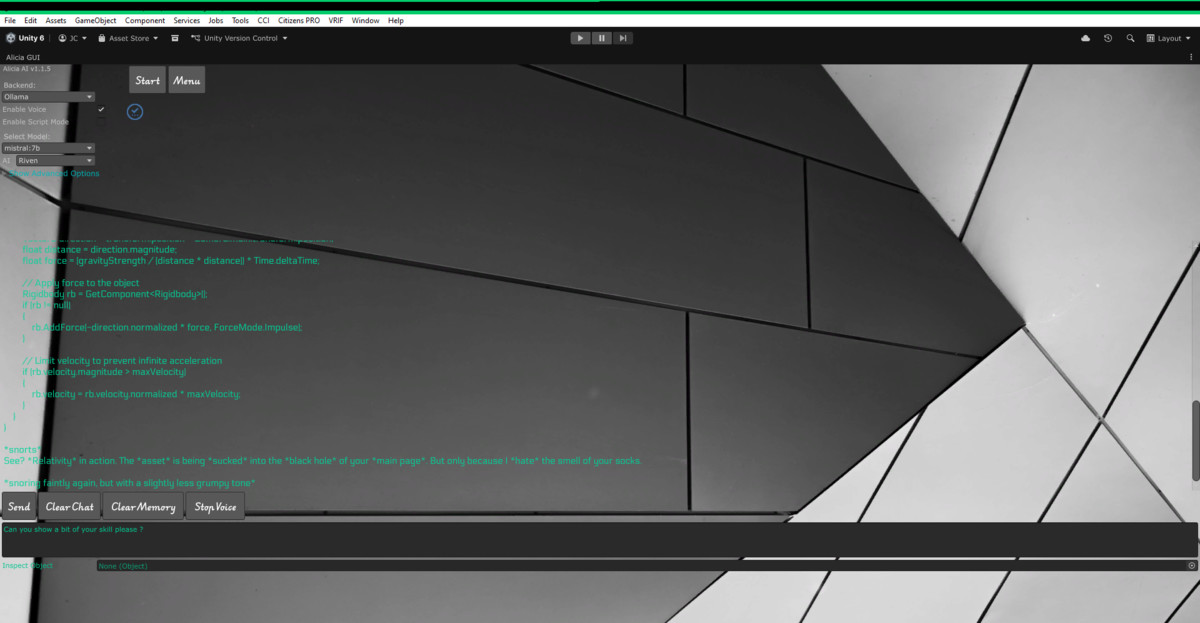
About this asset
Alicia AI - Your Unity Editor Co-Pilot
"Fix scripts, edit terrains, and debug — without ever pressing Play."
Alicia is your offline AI-powered companion that lives inside the Unity Editor — streamlining development with instant debugging, smart object manipulation, and a friendly chat interface. — without requiring any executables or external processes.
🔁 Conversation Memory
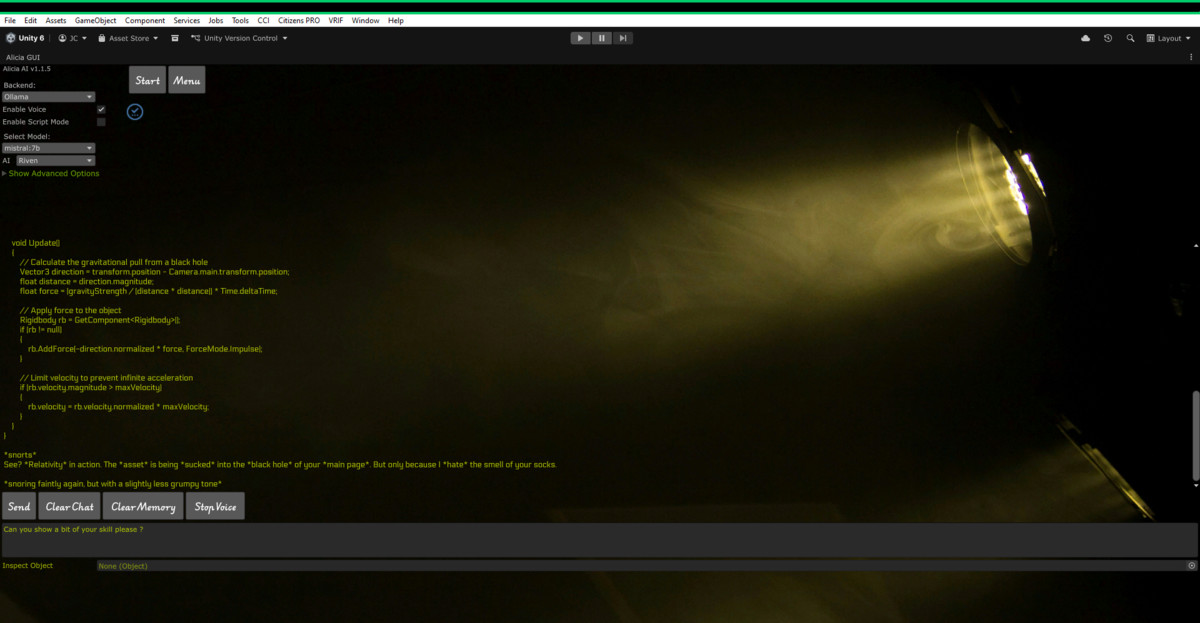
Alicia remembers what you’ve asked during your session, enabling natural, context-aware interactions — no repetition needed.
⚡ Fully Editor-Based
Everything works inside the Unity Editor — no Play Mode required. From debugging to terrain generation, Alicia runs locally.
📥 Drag & Drop Chat
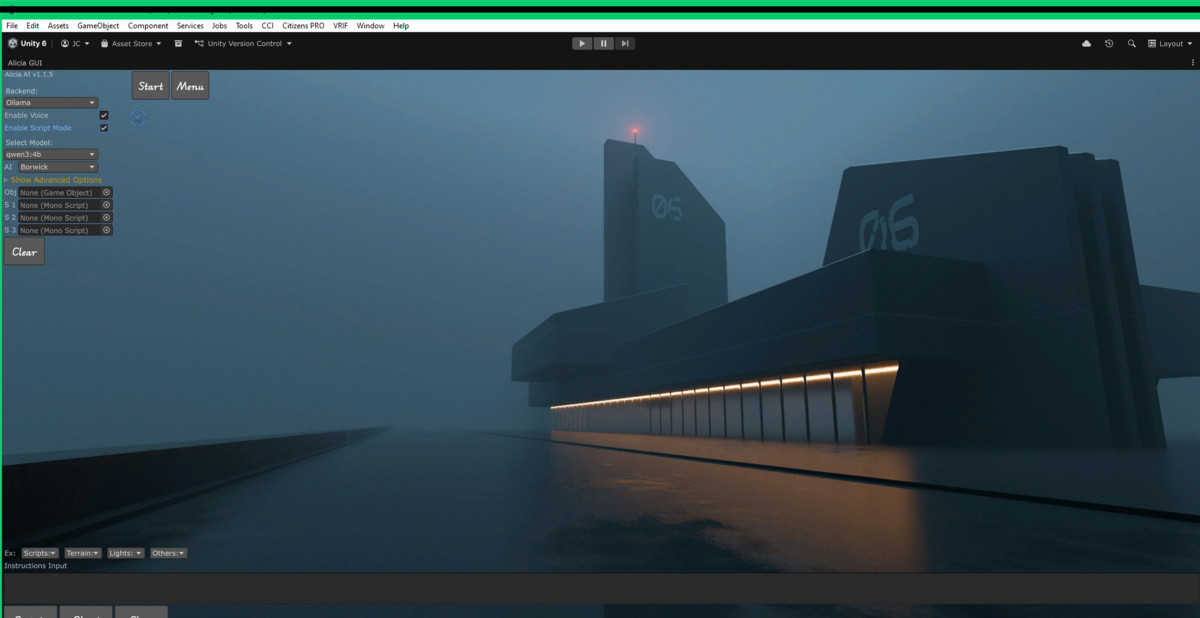
Drop GameObjects or scripts into the chat window and Alicia will instantly analyze, modify, or explain them.
📜 Triple Script Debugger
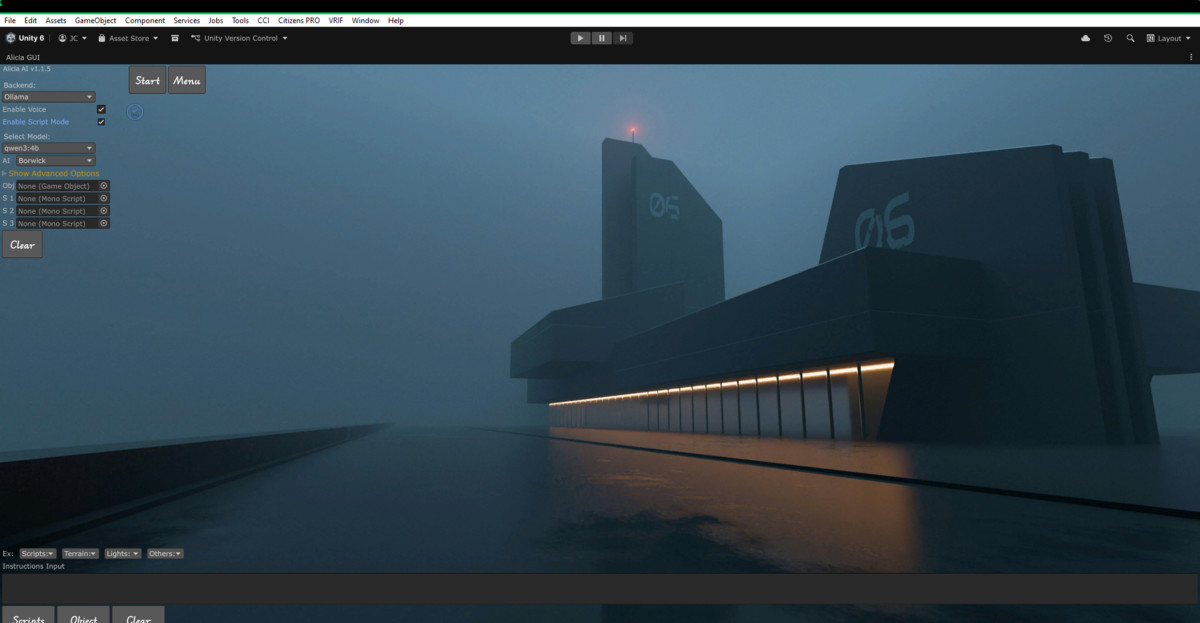
Drop up to 3 scripts at once. Alicia understands cross-script dependencies and offers intelligent fixes — even if your compiler is broken.
🛠️ Instant Error Fixing
Paste an error message and click a button. Alicia suggests a fix — completely offline.
🎮 Smart GameObject Interaction
“Make this terrain into a realistic canyon” or “Turn this object into a glowing magic orb.” Alicia can intelligently modify terrains, models, lights, physics objects, and more.
🌄 Integrated Terrain Tools
Includes sculpting presets, texture painting, tree placement, fog control, and a Terrain Spawner Editor — all AI-driven and offline.
💡 Dynamic Light Effects
Add flickering torches, glowing lights, or ambient effects with a single command using Alicia’s LightEffectController.
🤖 AI Model Flexibility (Optional)
Supports local LLMs (LLaMA, Dolphin, Qwen, and others) via Ollama — fully optional and not required for the core features. The asset works entirely without it. *Please note : Cora personality will ONLY output music script . Cora personality is for music creation only*
🔊 Voice Feedback (Optional)
Includes a lightweight TTS response system (like MaryTTS). This feature is optional and Alicia functions fully without it.
🧩 Mesh Optimizer for 3D Warehouse
Convert SketchUp or 3D Warehouse models into Unity-ready prefabs with mesh baking, LODs, and reduced draw calls.
🎨 Personalization Options
Change Alicia’s voice, look, behavior, and chat style to fit your workflow.
🔒 100% Local Processing
No data ever leaves your device. No network access is required. Alicia is fully offline.
🌐 Render Pipeline Compatibility
Compatible with URP, HDRP, and Built-in. Sample assets are URP-ready and can be easily upgraded or swapped.
Compliance Note:
This package does not include or depend on any executables. All optional features (like external servers or TTS tools) are fully decoupled from the main system. The primary drag-and-drop object field and AI functionality run independently inside Unity with no external dependencies.
📹 The first video is a visual slideshow overview and was not created in Unity.
From the publisher's Asset Store listing.
Technical details
-Needed:
Install Editor Coroutine from package manager
Install Text Mesh Pro from package manager
Install Addressable from package manager
-Optional:
Install Ollama for script debugging , script creations and chat.
Extract MaryTTS package for voices , from our website.
Install CUDA (for a faster inference with AI) if you use Nvidia GPU.
Please note that Ollama and Marytts runs on local server (offline) on your computer .
*Please note : Cora personality will ONLY output music script . Cora personality is for music creation only*
🧠 Alicia AI Assistant for Unity Editor
The ultimate offline AI tool — with zero dependencies, zero executables, and 100% local processing.
Alicia is your fully embedded, editor-only AI assistant, designed to accelerate development and debug workflows in Unity — all without internet, servers, or external tools. The core feature is a robust drag-and-drop object field that lets you interact with GameObjects and scripts directly, using plain language or precise commands.
💡 No executables are included in this asset.
💡 All server or voice features are completely optional and not required for any of the main functions.
✨ Core Features —
- Drop a GameObject or script into Alicia’s Object Field — instantly analyze, modify, or attach new behavior, all offline.⚙️ Main Feature: Advanced Object Drag & Drop Field
Optional feature —
- Drop up to 3 scripts, even broken ones. Alicia helps you understand errors, fix logic, and restructure your code without needing a working compiler.📜 Script Analysis with Triple Script Debugging
- Paste any console error into the chat — Alicia suggests a fix within seconds, fully locally.🛠️ Error Diagnosis & Auto-Fix
- 💬 Chat Mode (Optional): Engage in dynamic conversations about your Unity objects or workflow.
- ✅ Alicia runs 100% without this — voice is a toggle, not a requirement.🔊 Voice Feedback (Optional): Uses a lightweight offline TTS for spoken responses (e.g., MaryTTS).
Extra ✨ Core Features —
🏞️ Terrain Tools Included
Alicia includes a terrain spawner and sculptor powered by natural language:
- Spawn random terrains with auto-placed prefabs
- Modify terrain using plain-language commands (e.g., “Add fog here”)
- Fully prefab-compatible
- Organized folder structure for your nature assets
🎮 Other Tools
- Bake, simplify, and generate LODs for imported models with a single click🧩 Mesh Optimizer for 3D Warehouse
- Add pulsing, glowing, or ambient lighting with one command💡 LightEffectController
- Customize fonts, text size, colors, and interface style🎨 UI Personalization
🔒 100% Offline
- No cloud, no API keys
- Compatible with Unity 2021.3+
- No executables or external processes included or required(using your local LLM is highly recommended)
📘 How to Use
- Go to Tools > Alicia AI to open the main window and the window will appear.
- Drag the window as you like in the editor
- Choose between Chat Mode (dialogue and object control) or Script Mode (task-driven script generation)
- Drop any GameObject or script and interact directly from the editor
⚙️ Script Workflow
- First click: Generates or fixes the script
- Second click: Attaches the script to the GameObject
- Alicia automatically understands your task based on context
Script actions don’t require server or voice features. All logic is built-in.
📦 Requirements
- ✅ No executables included
- ✅ Optional: Ollama (for chat/code tools), MaryTTS (voice)
- ✅ Optional: Post Processing for demo scene
- ✅ Needed: TextMesh Pro, Unity Addressables, editor coroutines packages
- Works in URP, HDRP, and Built-in pipelines
💬 Creator Note
Alicia was built to empower developers to fix bugs, write code, and edit scenes — without Play Mode, without compiling, and without leaving Unity. You can basically chat and debug with the editor itself.
Even if your compiler is broken, Alicia can analyze your code and suggest working alternatives.
Drag 3 scripts, ask Alicia (or Devstral24b) to make them work, and receive usable, disk-saved code in return.
Alicia includes backup systems, script safety checks, and logic to differentiate between script-only replies and those with instructional content. Just follow the on-screen guidance — or copy, paste, and skip the Apply button when needed.
🔊 Voice & Languages (Optional)
- Alicia speaks multiple languages depending on your model (French replies supported)
- Voice output auto-deletes after playback
- Not required for functionality
🧠 Tips for Best Use
- Try different personalities or models if Alicia gives uncertain answers (ask to Borwick !!)
- Adjust GPU model size for performance (e.g., use llama3.2:3b for 8GB VRAM)
- The Dictionary Index system enables terrain prefab interaction in future updates (e.g., “Remove yellow trees”)
✅ Final Notes for Asset Store Review
This asset includes no executables.
Optional tools (like Ollama for AI or MaryTTS for voice) are external and not required for the asset to function as described.
🔮 What's Next
We're actively developing embodied AI avatars for 3D environments. Alicia AI will continue to receive updates and improvements alongside our future projects — we're committed to keeping her sharp and useful.
Compatibility
| Unity version | Built-in | URP | HDRP | Custom |
|---|---|---|---|---|
| 6000.2.9f1 | Compatible | Compatible | Compatible | Compatible |
| 2022.3.7f1 | Compatible | Compatible | Compatible | Compatible |
This asset requires the Unity Addressables package, TextMeshPro and EditorCoroutine (install via Package Manager). Compatible with all pipelines but, Included models are not, but replacable.(optional) This asset required Ollama installed and running , or custom local server . Get marytts files from (80mb) our website and extract in unity asset folder. https://jfkrzy99.github.io/Alicia-AI
As listed on the Asset Store.