
 View on Asset Store (opens in new tab)
Package details
- Latest version
- 2.2.1
- Last updated
- First released
- Unity version
- 6000.3.4 or later
- Package size
- 10.9 MB
- Files
- 15
- Favorites
- 58
- Views in the past week
- 12
Price tracking
- Last checked
- Tracked since
- Lowest recorded
- Free on
Keywords
- Search for Hierarchy
- Search for editor tool
- Search for productivity
- Search for Team Collaboration
- Search for folder structure
- Search for File management
- Search for asset management
- Search for prefab organizer
- Search for script organizer
- Search for asset organizer
- Search for Workflow
- Search for Project Organization
Project Organizer
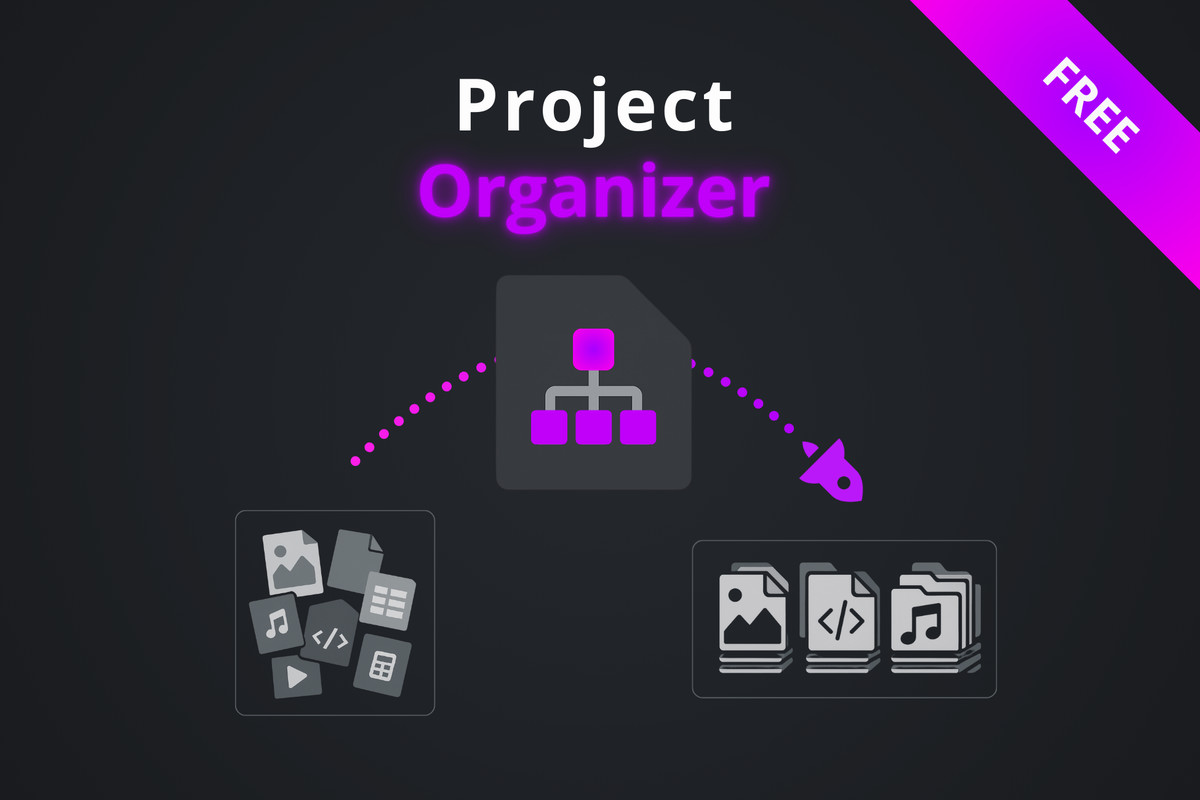
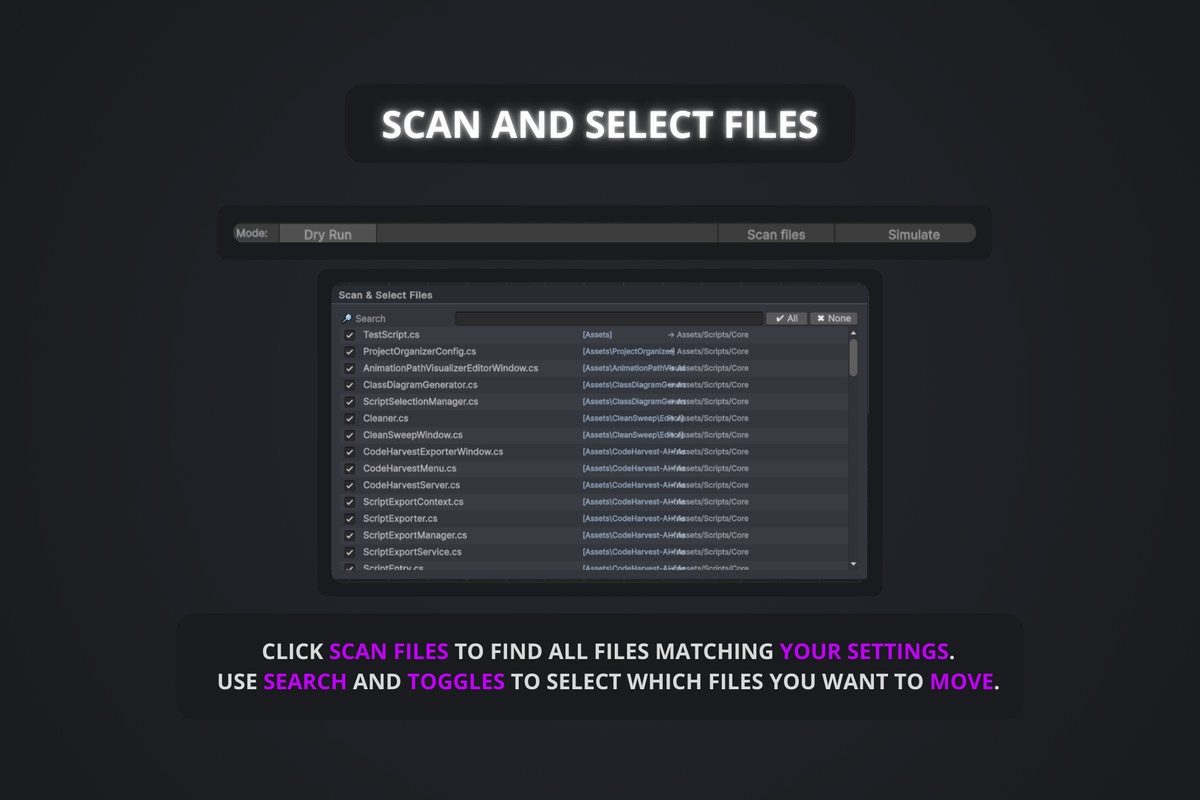
Project Organizer is an editor tool for organizing Unity project. It lets you scan, preview, and safely move assets based on extension mappings, with full dry-run and undo support.
Affiliate link · Purchases support this site
Price history
Last 6 months
USDAsset preview
1 / 10
Project Organizer screenshot 1
About this asset
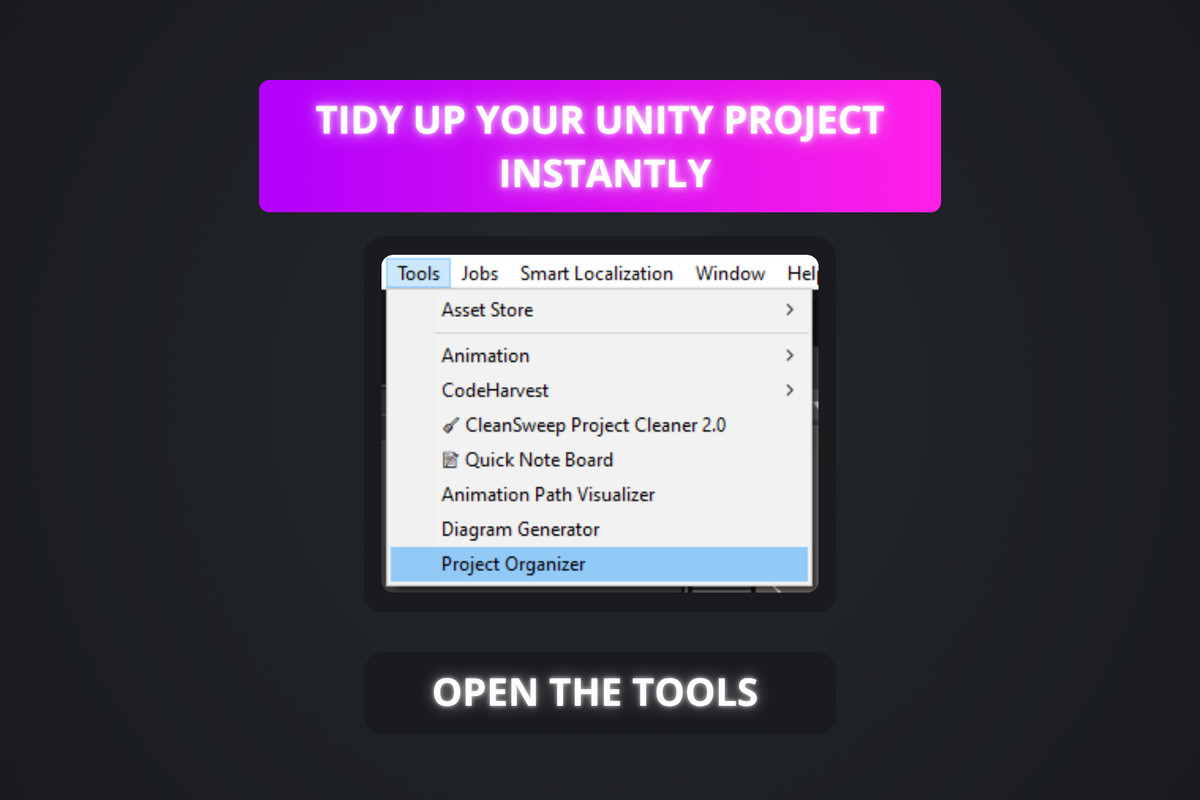
Project Organizer helps you keep large Unity projects clean and maintainable by organizing assets automatically using configurable rules.
Assets are scanned using Unity’s AssetDatabase (not direct disk access), ensuring safe and reliable behavior even on large projects and version-controlled repositories.
Organization rules are stored in profiles, allowing multiple setups depending on project needs (prototype, production, client delivery, etc.). Each profile defines:
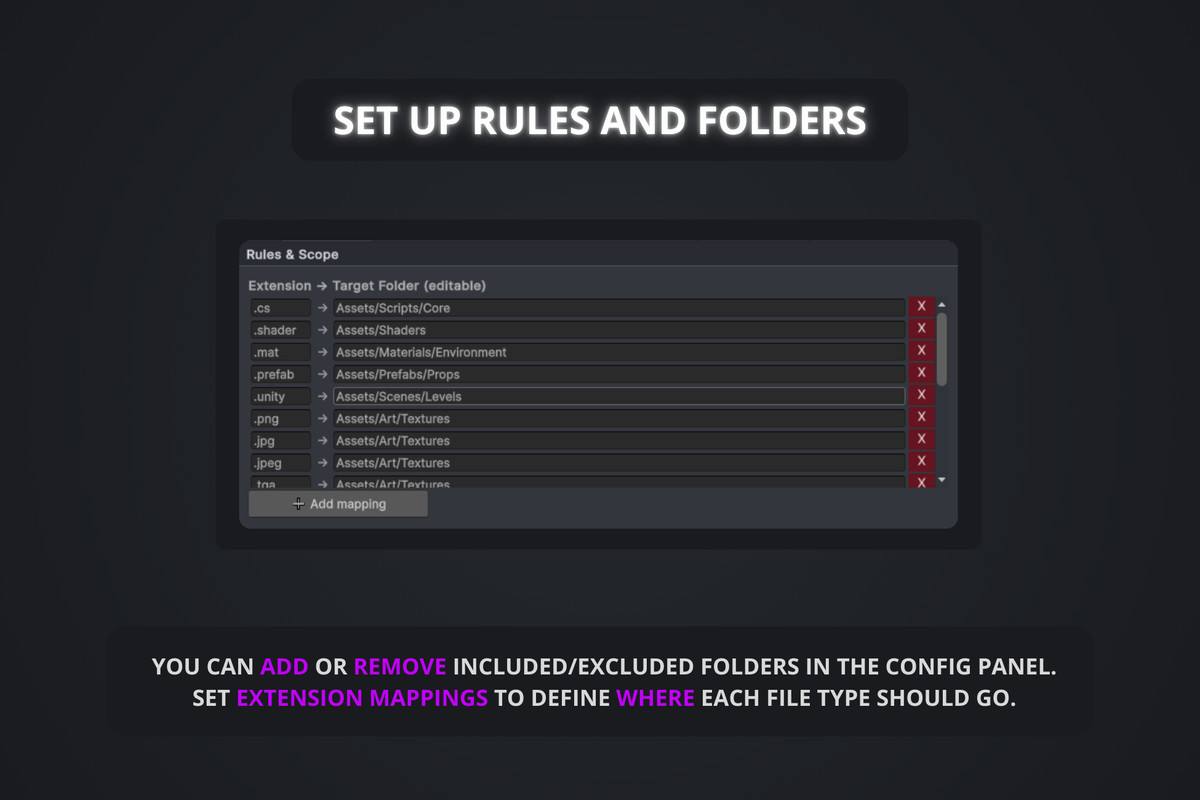
- Extension-to-folder mappings
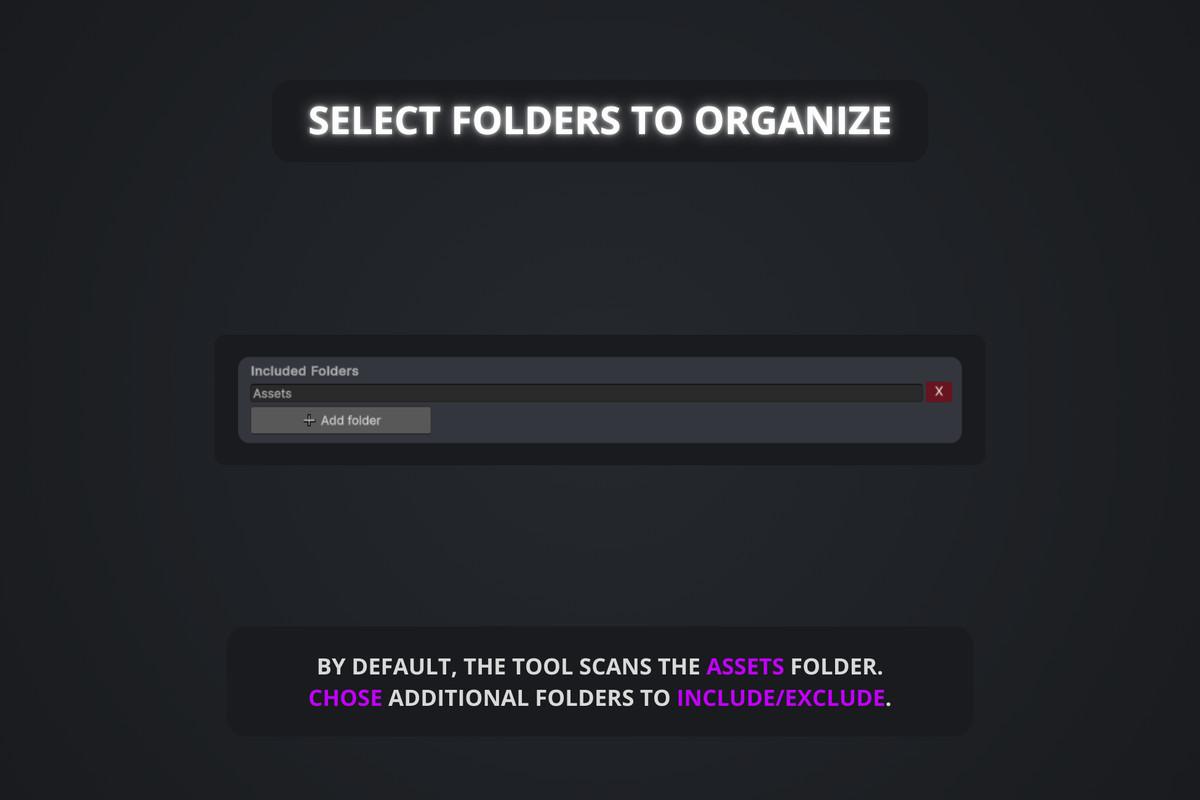
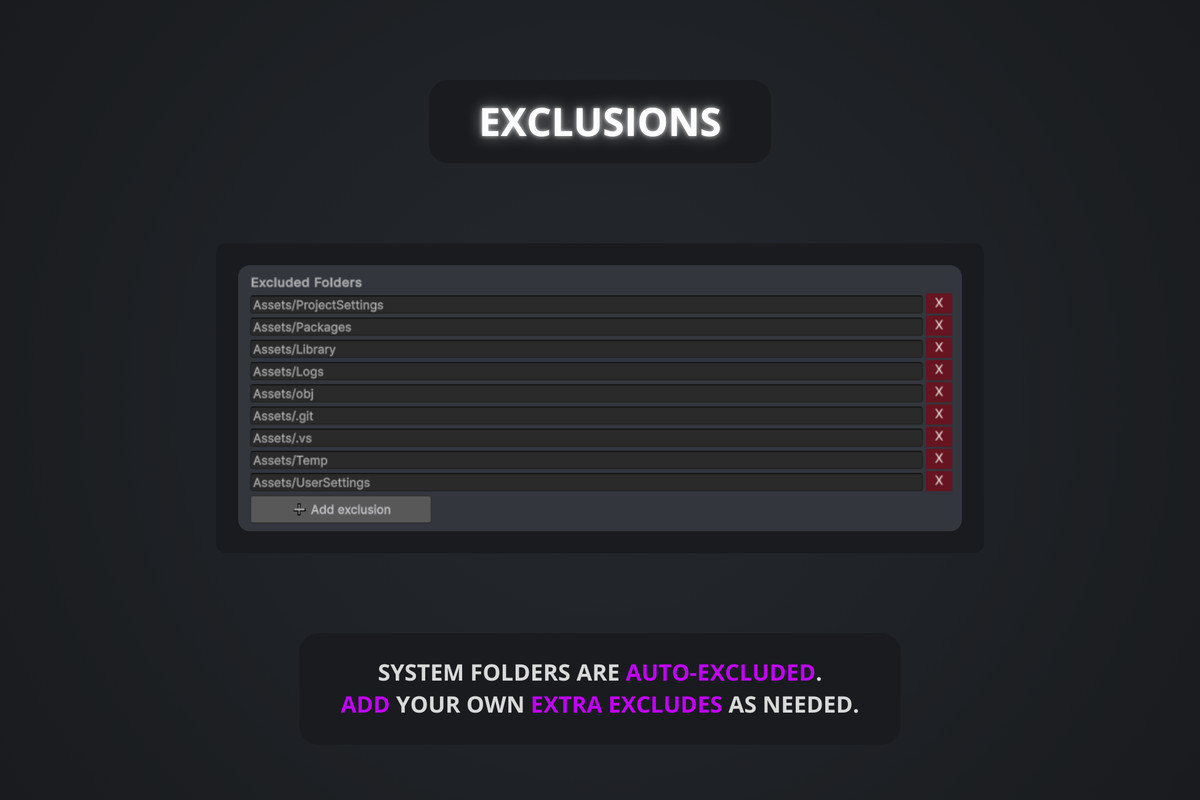
- Included and excluded folders
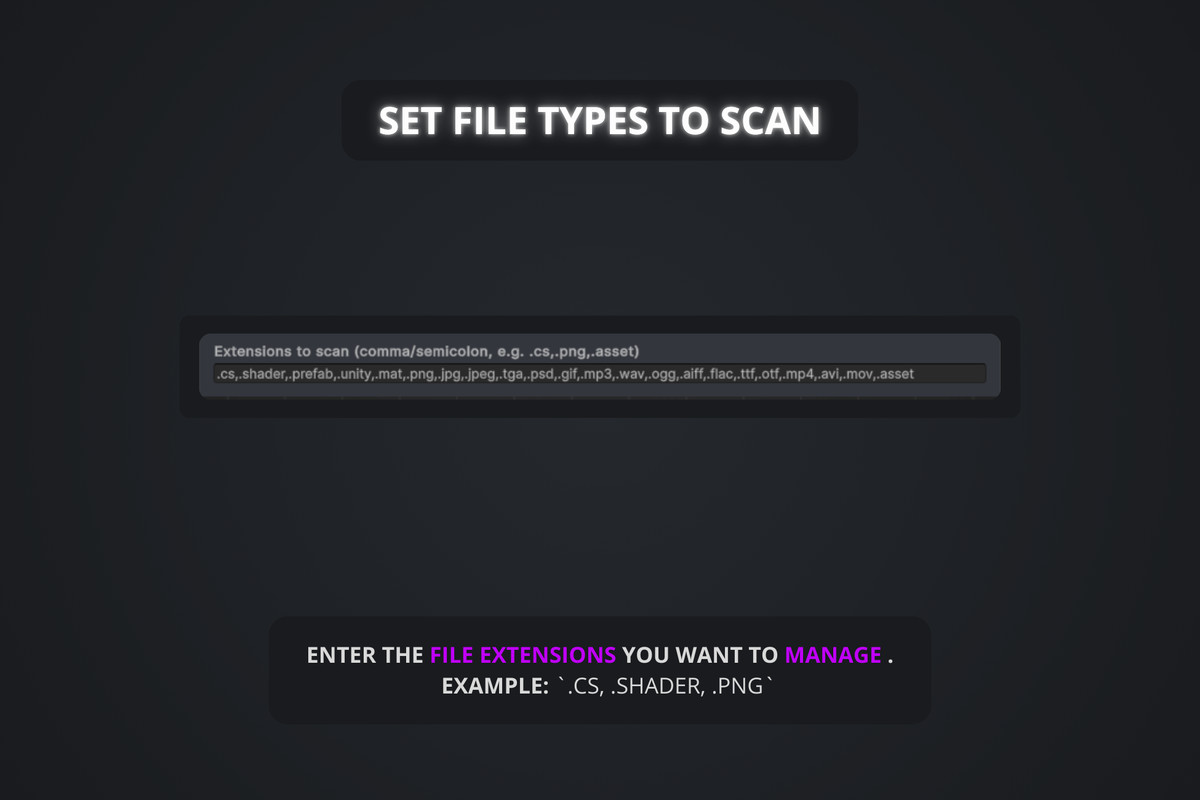
- File extensions to scan
- Folder templates created automatically before organizing
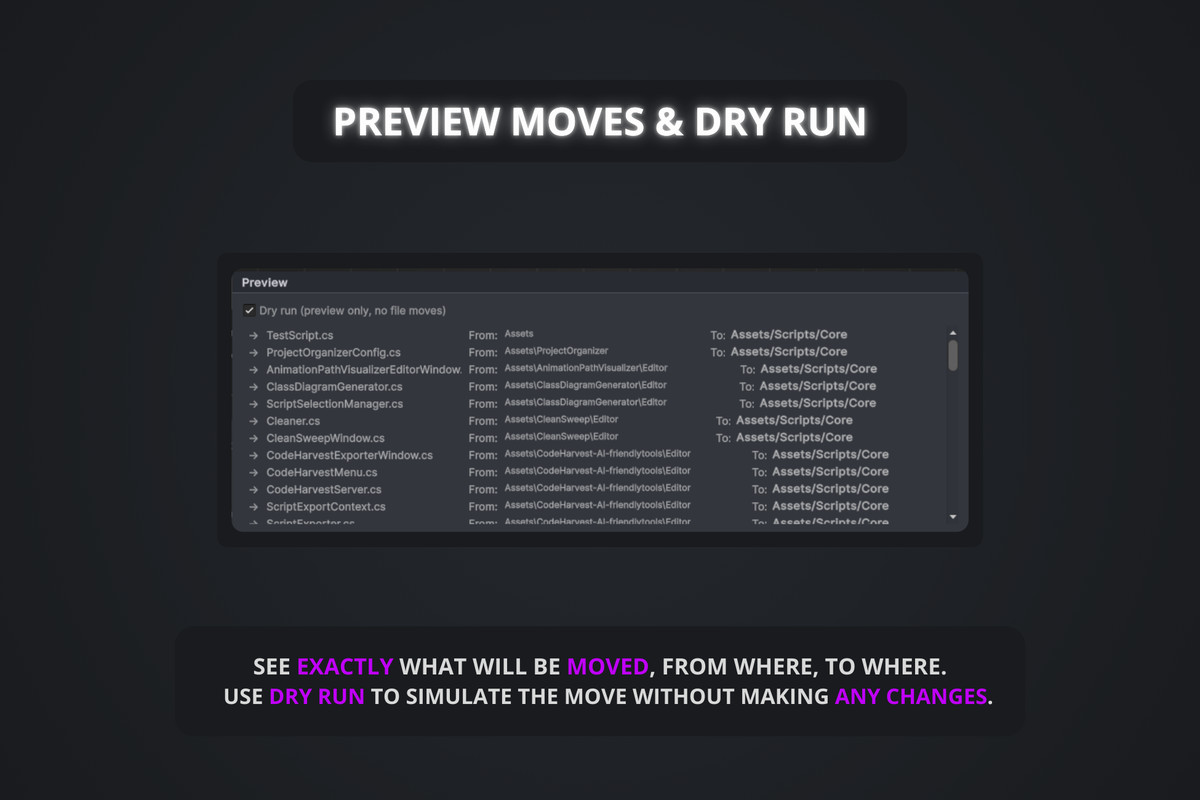
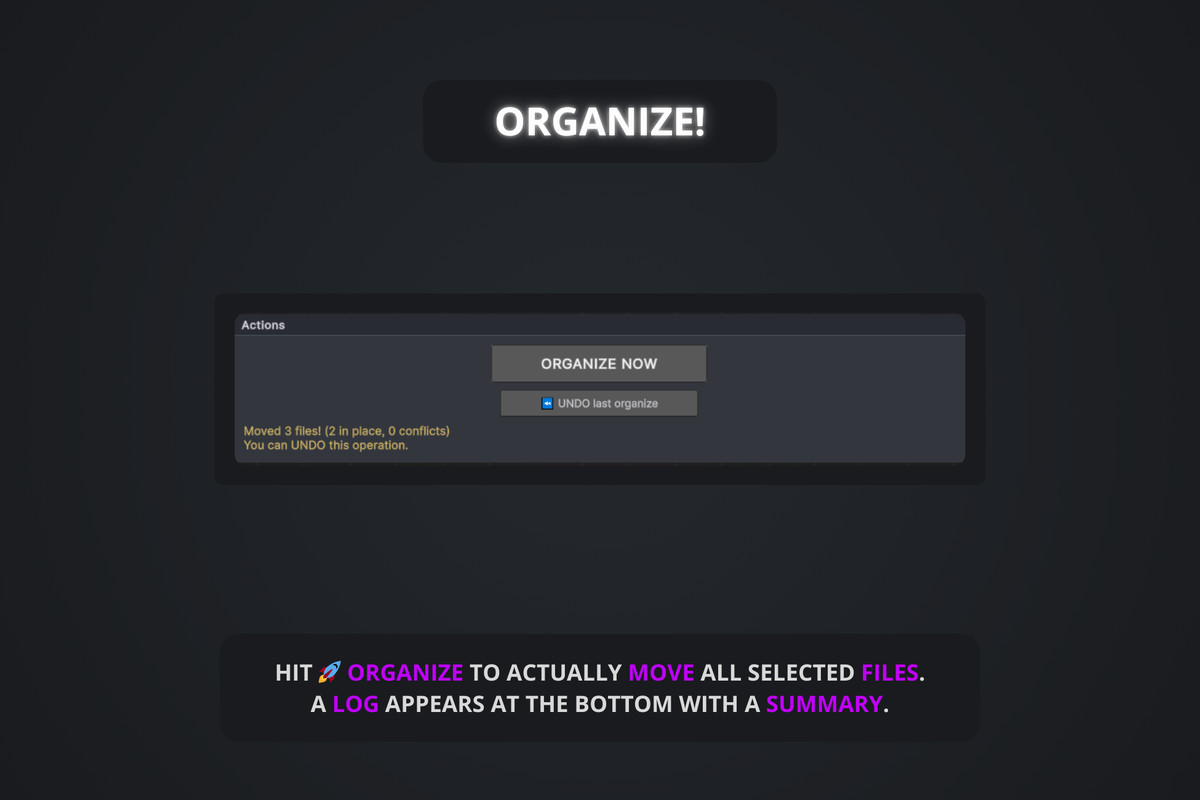
The tool includes a Dry Run mode to preview changes before applying them, and a robust Undo system to safely revert the last organization operation if needed.
Designed as a pure Editor tool, Project Organizer focuses on safety, predictability, and performance:
- No runtime impact
- No fragile filesystem operations
- No irreversible actions without preview
This package also includes Roadmap Play, a companion tool to correctly launch Play Mode in multi-scene projects using a bootstrap and additive scenes setup.
Full documentation available here: https://julestools.gitbook.io/julestools-docs/documentation/tools/project-organizer
From the publisher's Asset Store listing.
Technical details
• Editor-only asset organization tool for Unity
• Safe asset scanning using AssetDatabase.FindAssets
• Rule-based organization using extension → target folder mappings
• Profile system based on ScriptableObjects
• Multiple profiles supported per project
• Configurable include and exclude folders (Unity paths)
• Configurable file extensions to scan
• Automatic creation of template folders before organizing
• Dry Run mode to preview changes without moving files
• Robust conflict detection before asset moves
• Reliable Undo system to revert the last organization operation
• Progress bars and cancellation support for large projects
• Capped logging to prevent editor freezes
• Designed for large projects and version-controlled repositories
• Compatible with Unity 2021.3 LTS and above
Compatibility
| Unity version | Built-in | URP | HDRP | Custom |
|---|---|---|---|---|
| 6000.3.4f1 | Compatible | Compatible | Compatible | Compatible |
As listed on the Asset Store.