
 View on Asset Store (opens in new tab)
Package details
- Latest version
- 1.1.0
- Last updated
- First released
- Unity version
- 6000.1.3 or later
- Package size
- 241 KB
- Files
- 9
- Favorites
- 2
- Views in the past week
- 0
Price tracking
- Last checked
- Tracked since
- Lowest recorded
- $59.00 on
Keywords

Live Constraints
- Price drop
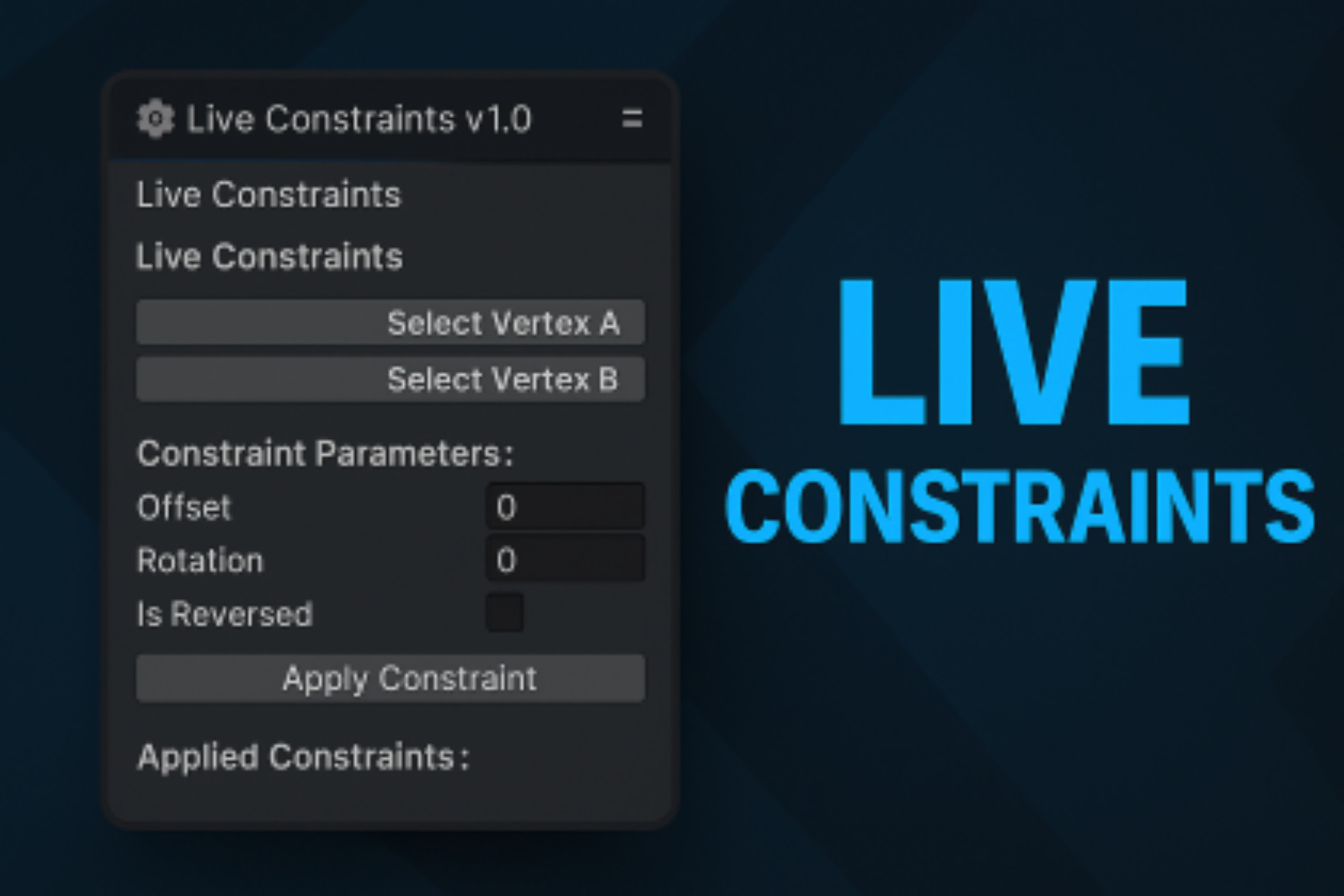
Live Constraints is a powerful editor extension for Unity that allows you to create live, parametric constraints between meshes similar to CAD tools like Autodesk Inventor.
Lowest recorded price
Get 40% off on Asset Store (opens in new tab)Affiliate link · Purchases support this site
Price history
Last 6 months
USDAsset preview
1 / 7

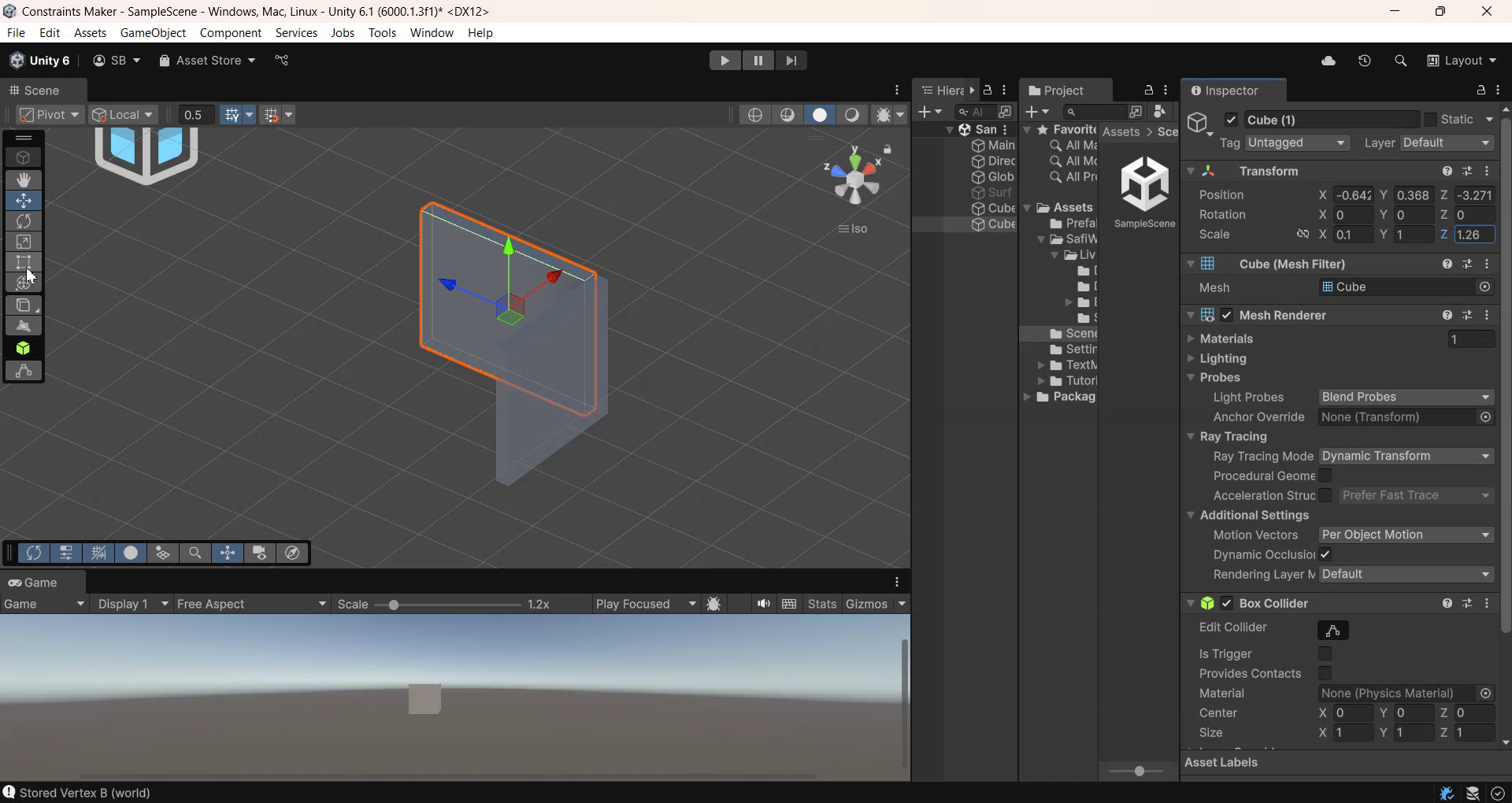
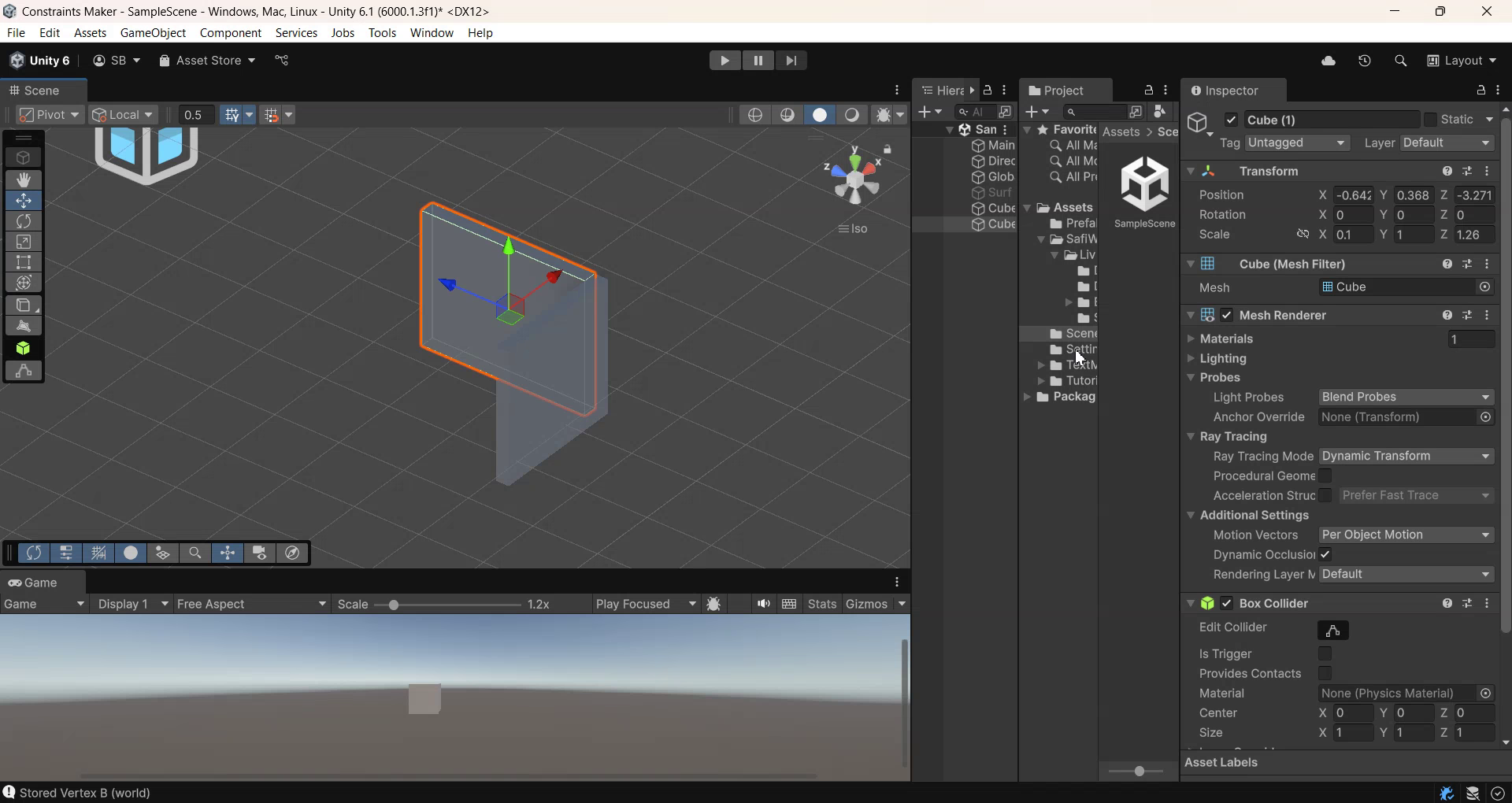
Live Constraints screenshot 1

About this asset
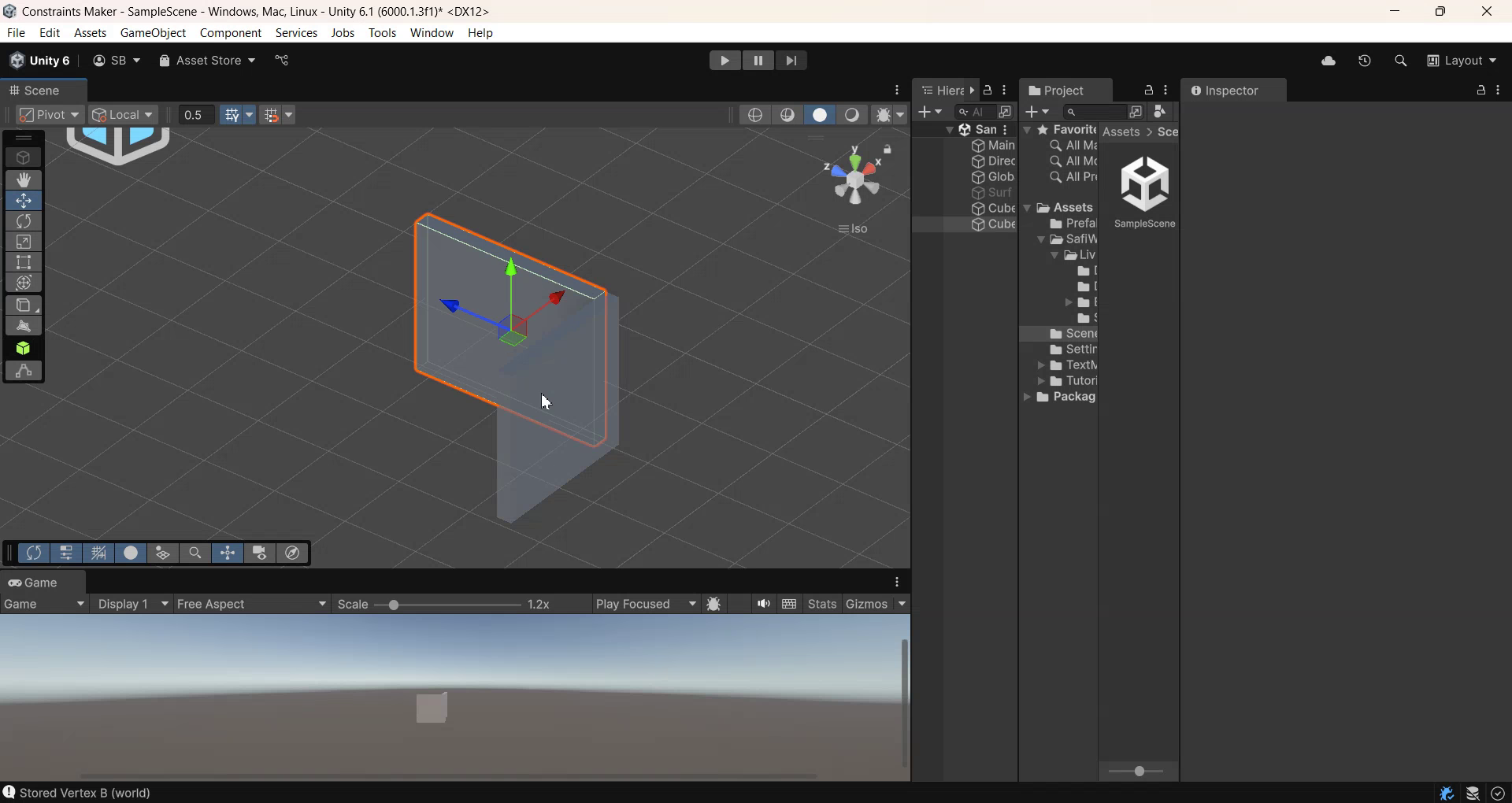
Live Constraints bridges the gap between mechanical precision and Unity's flexible object system. Designed for developers who want CAD-like control over mesh alignment, this tool lets you snap objects together by aligning specific vertices and surface normals. Whether you're building a level made of modular parts or prototyping a robot arm with jointed pieces, Live Constraints ensures everything fits just right.
From game designers to simulation developers, anyone needing consistent, repeatable object alignment will find Live Constraints invaluable. It’s as simple as selecting two vertices -Live Constraints handles the rotation, positioning, and axis-aligned orientation live.
-Parametric constraints handles scaling ratios between the selected objects in their selected axes.
From the publisher's Asset Store listing.
Technical details
- Constraint Types Supported: Mate Constraint, Parametric Constraint (More planned).
- Live Update Support: Automatically syncs on transform changes at runtime and in Edit mode
- Custom Editor Tools: Interactive vertex selection using scene view handles
- Data Tracking: Tracks vertex index, triangle index, normals, and local pivot transforms
- Visual Feedback: Scene view arrow indicators for constraint normals
- Extensible: Easily extend with custom constraint types
- Performance: Optimized for editor use, minimal runtime overhead
- Compatibility: Unity 2020.3+ (Tested on Unity 6.1)
- No Dependencies: Works out of the box—no third-party packages needed
Compatibility
| Unity version | Built-in | URP | HDRP |
|---|---|---|---|
| 6000.1.3f1 | Compatible | Compatible | Compatible |
As listed on the Asset Store.