
 View on Asset Store (opens in new tab)
Package details
- Latest version
- 1.2
- Last updated
- First released
- Unity version
- 2021.3.5 or later
- Package size
- 101.6 MB
- Files
- 454
- Favorites
- 23
- Views in the past week
- 12
Price tracking
- Last checked
- Tracked since
- Lowest recorded
- $49.99 on
Keywords

Spline Path FX
3D Path Effects with Mesh Rendering & UI Path FX
Affiliate link · Purchases support this site
Price history
Last 6 months
USDAsset preview
1 / 23
Spline Path FX screenshot 1


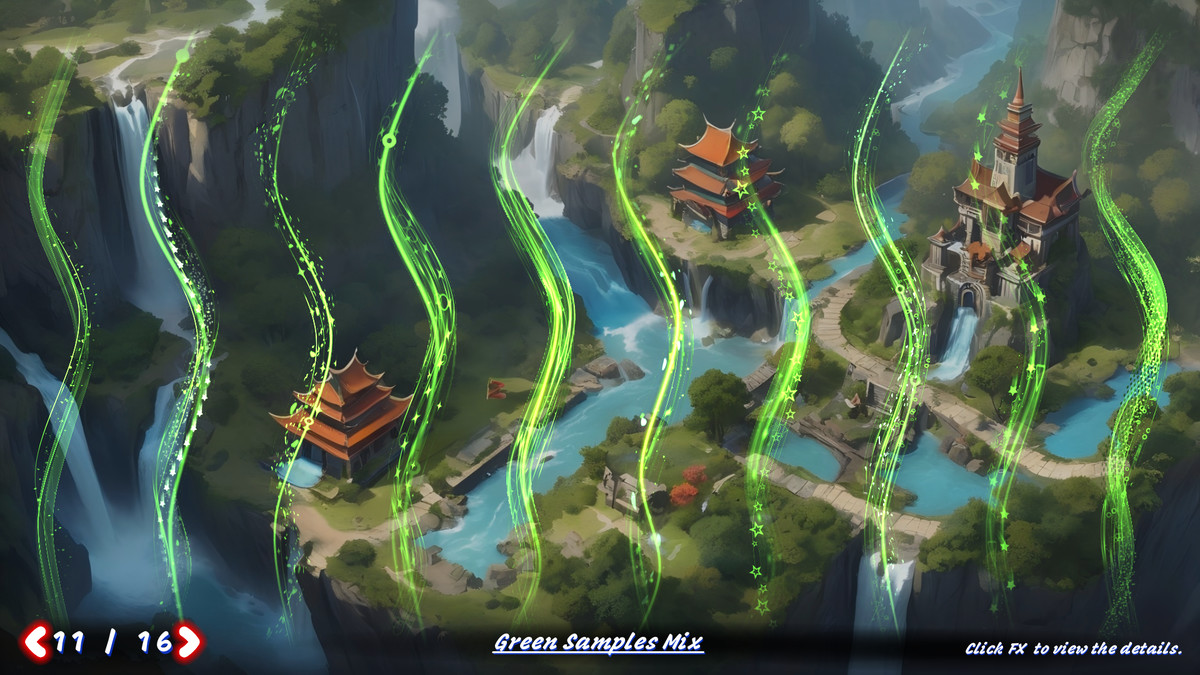
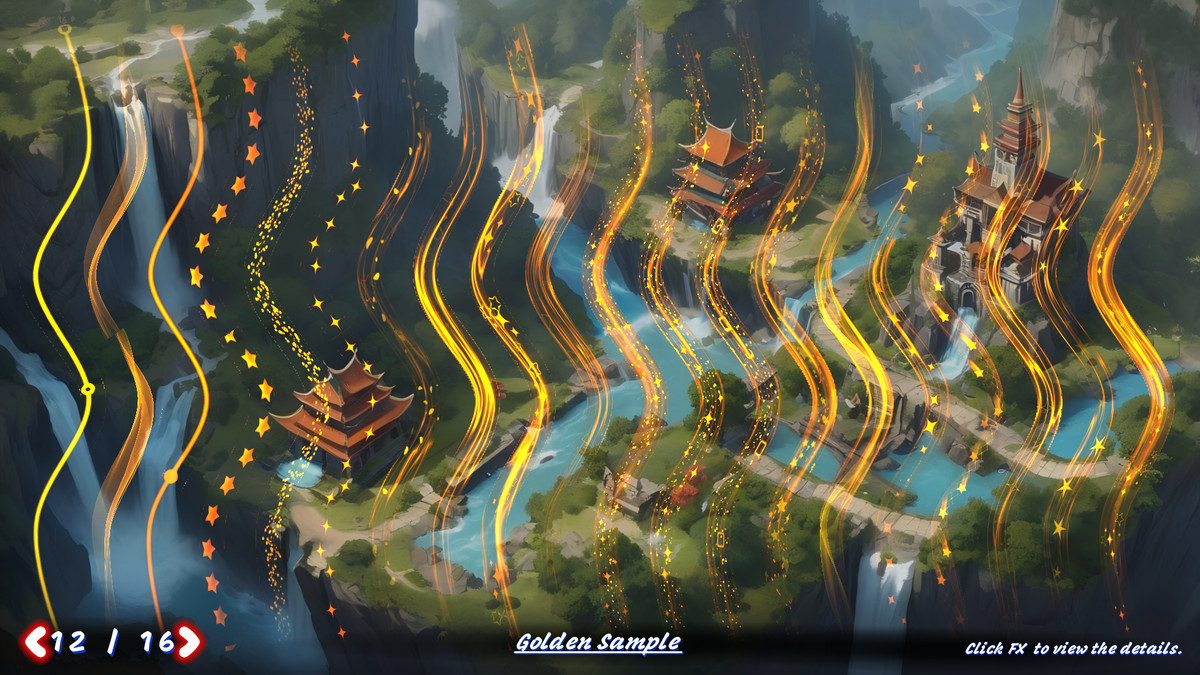
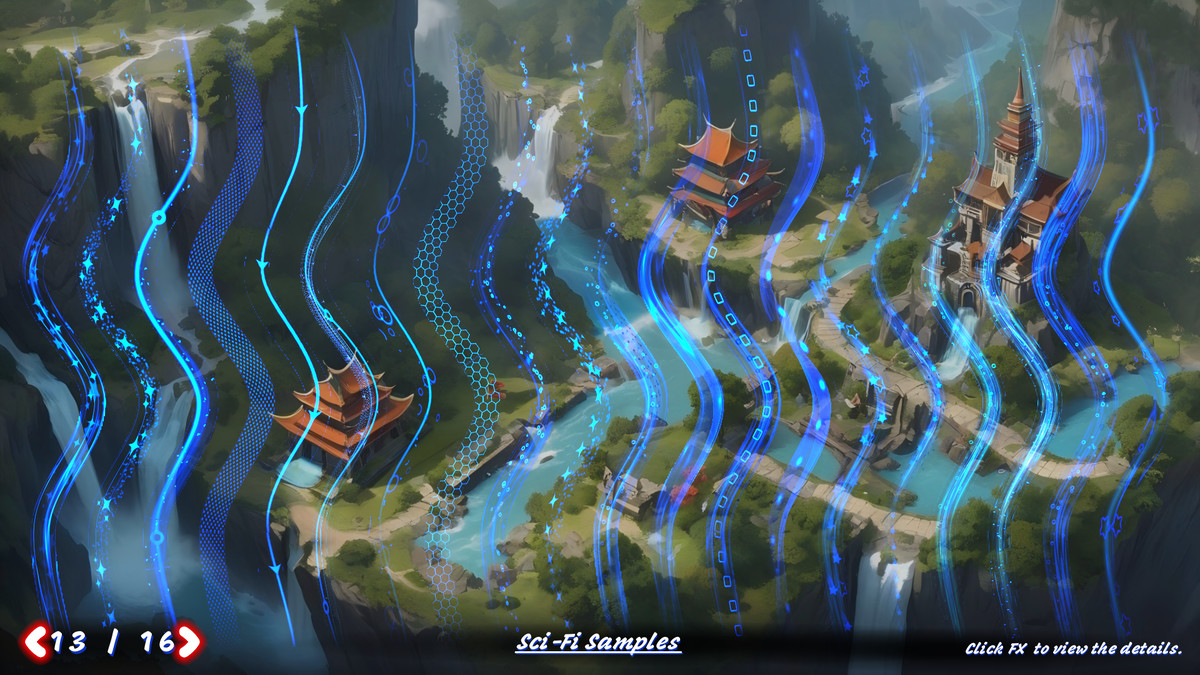
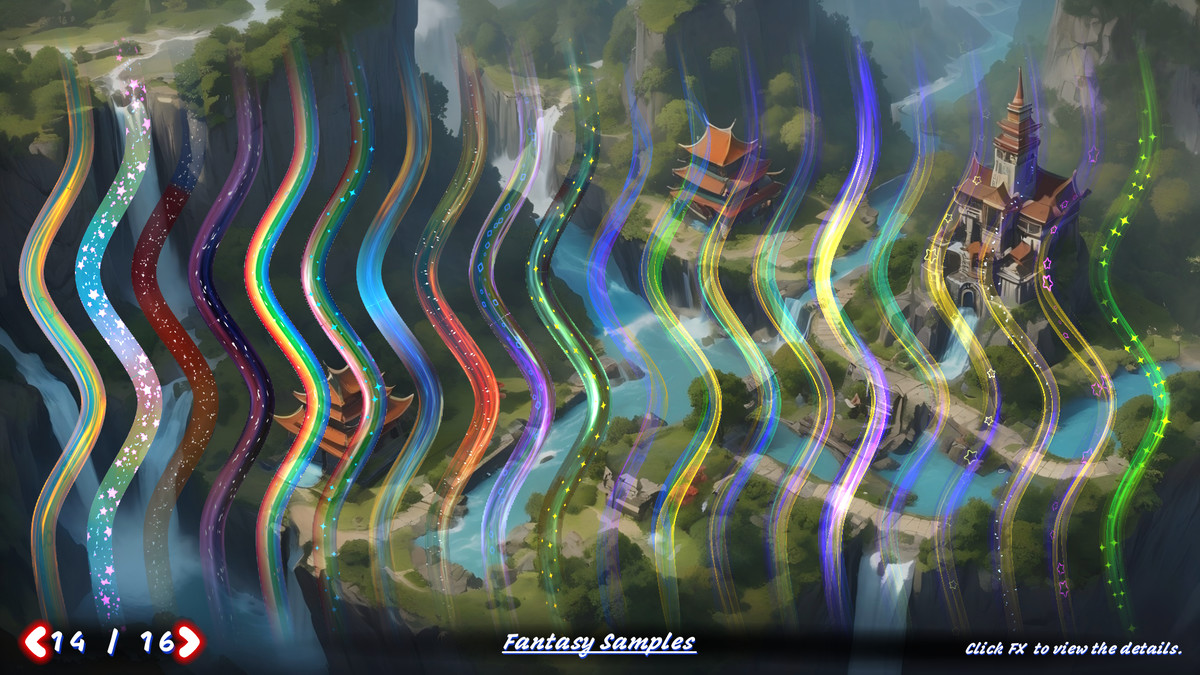
About this asset
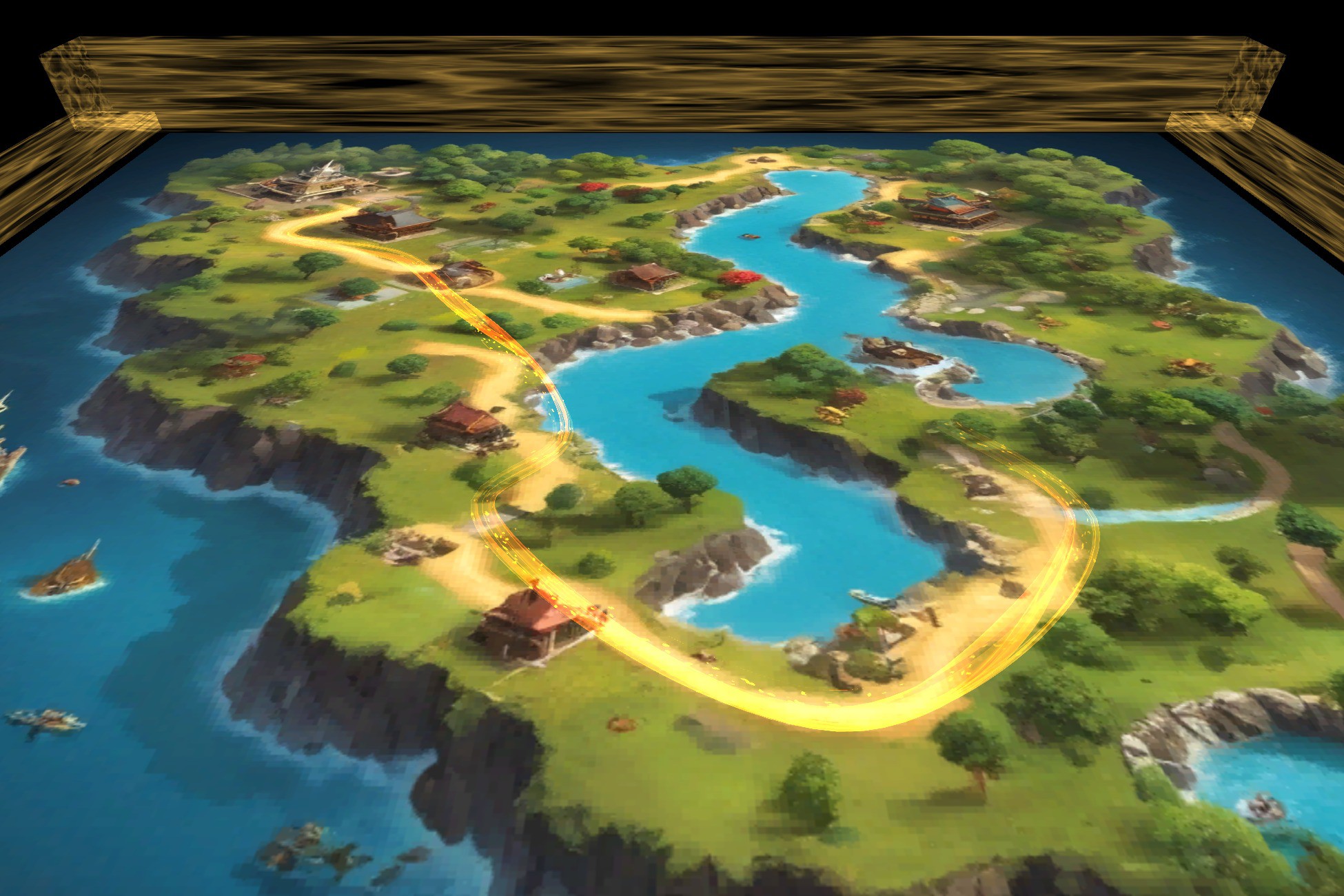
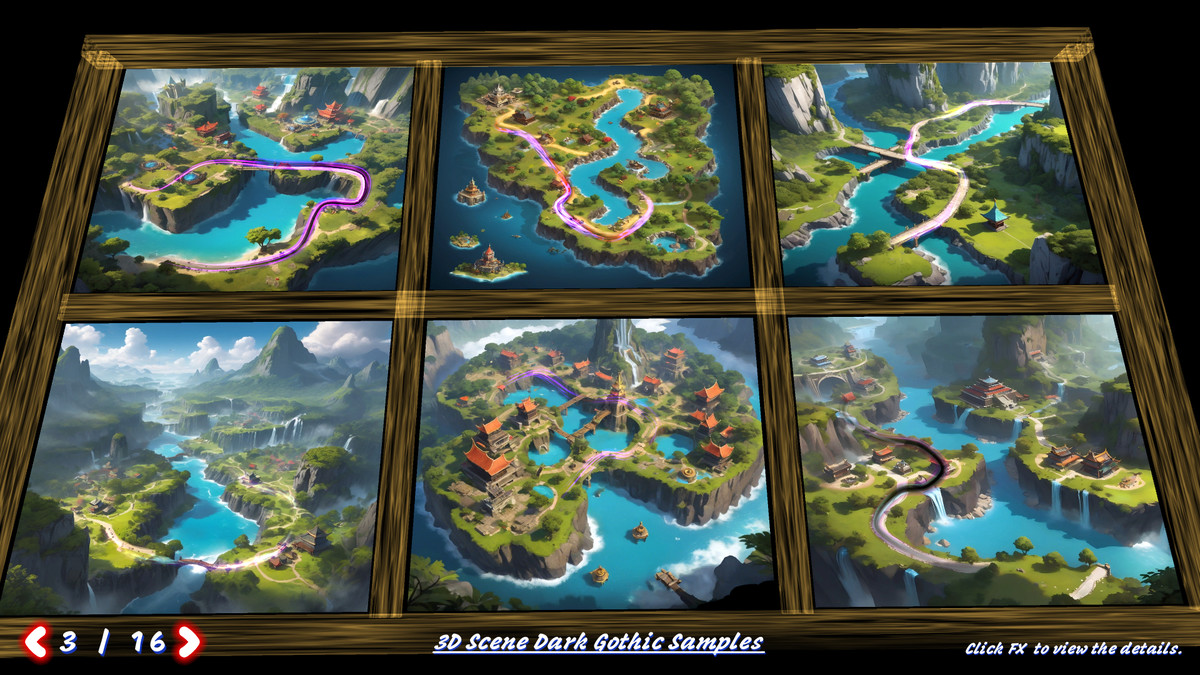
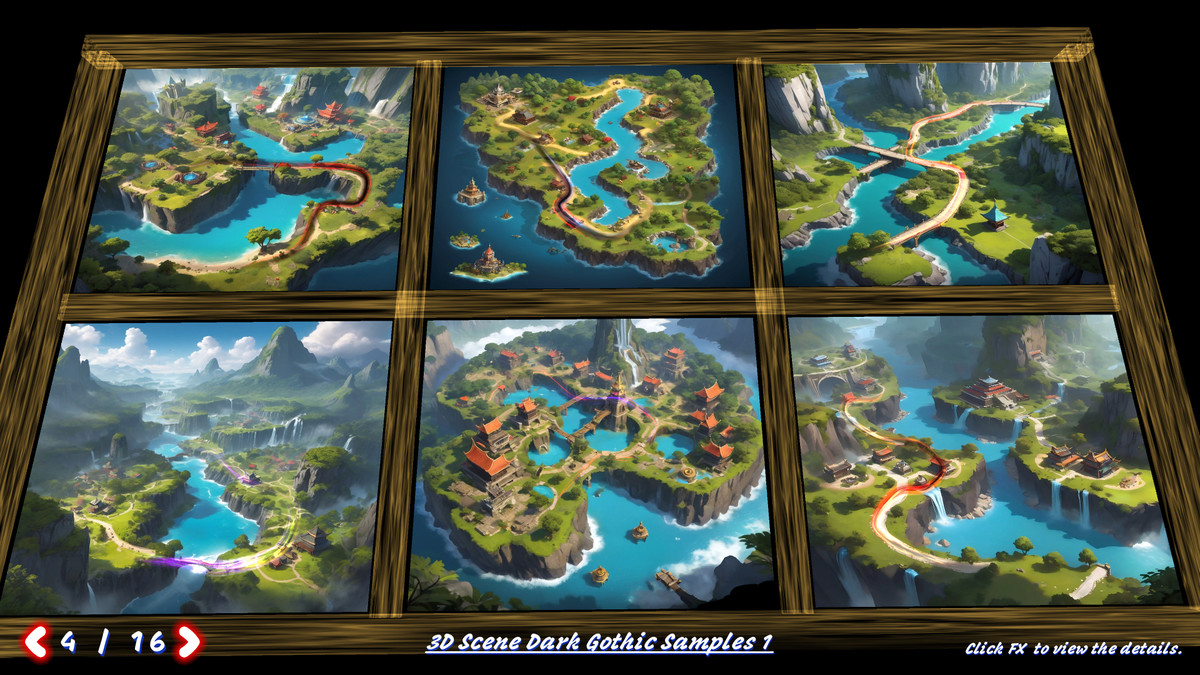
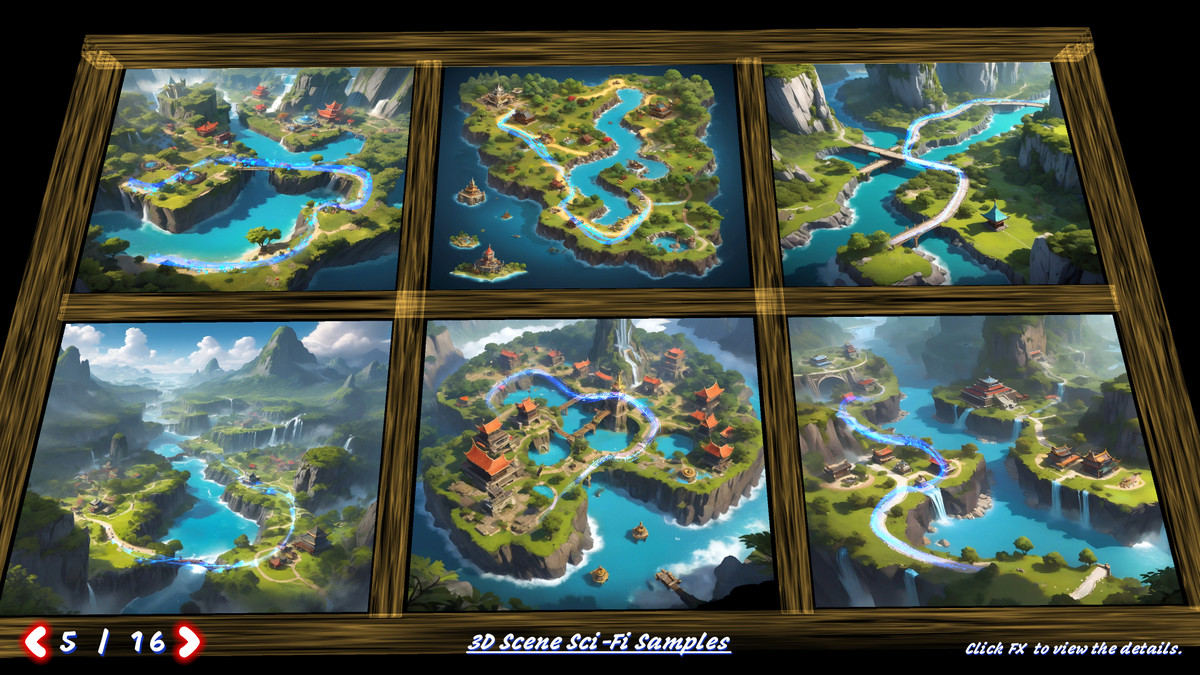
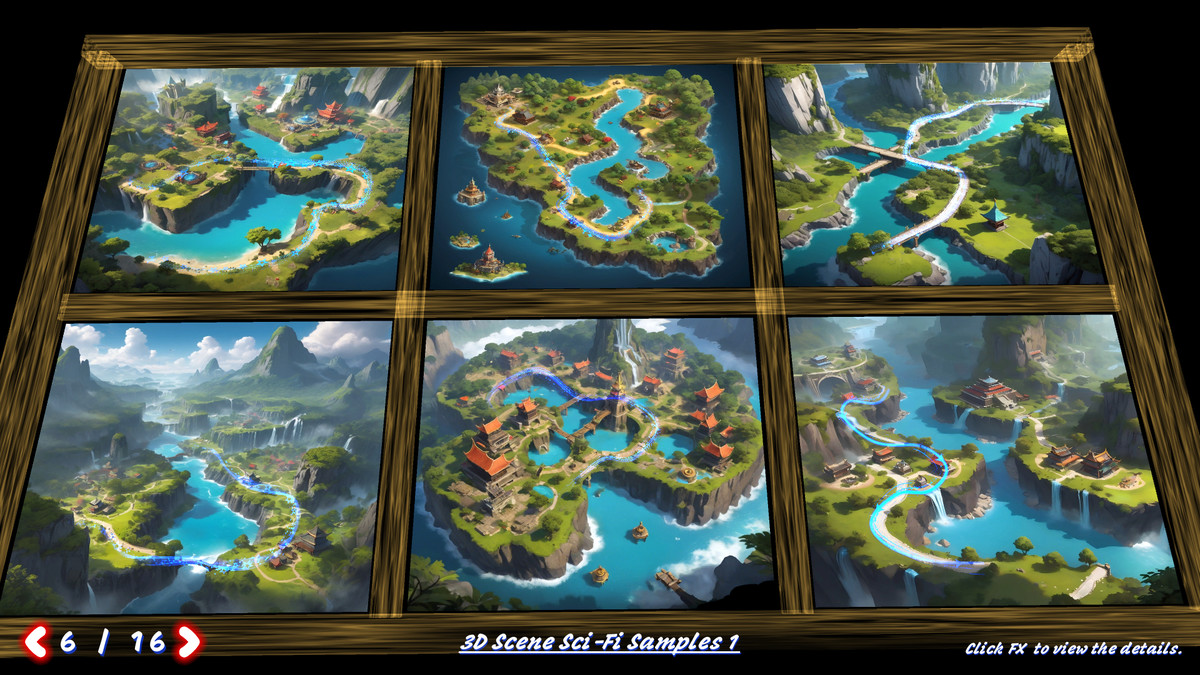
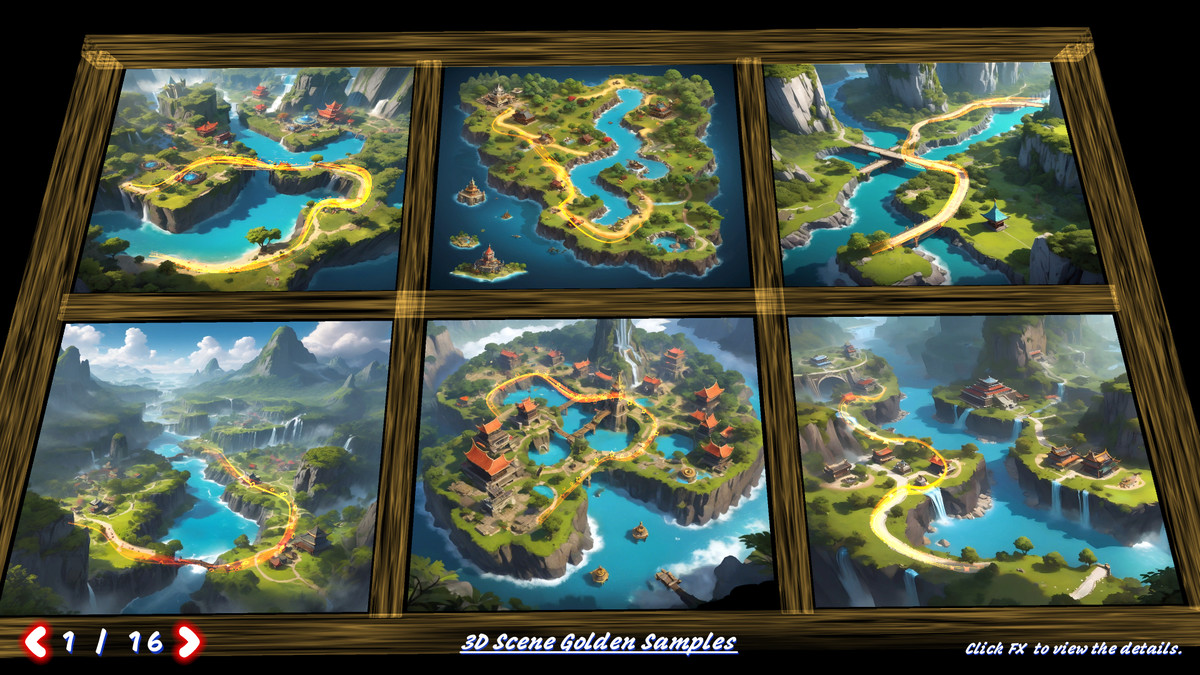
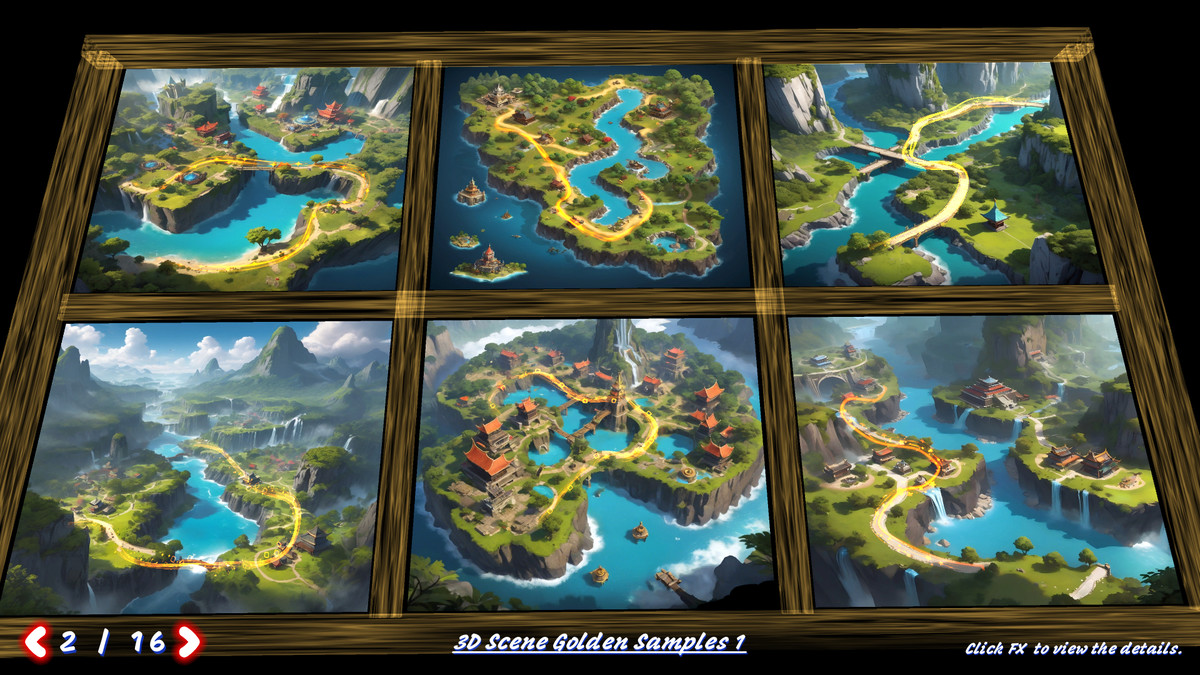
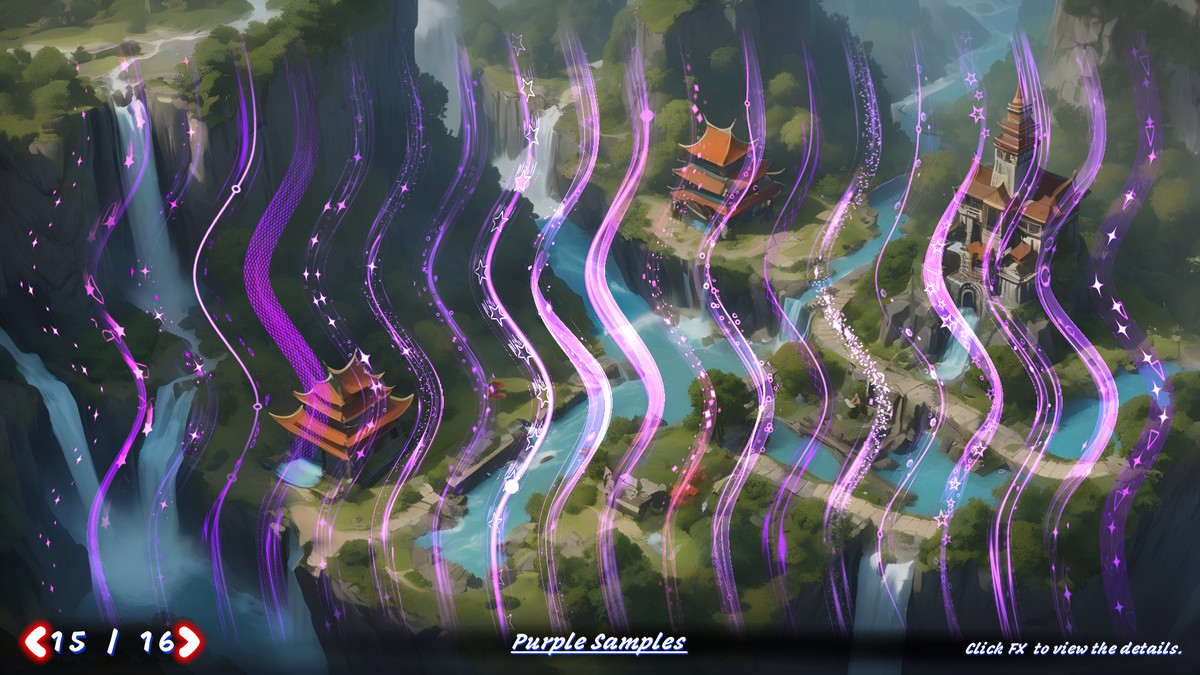
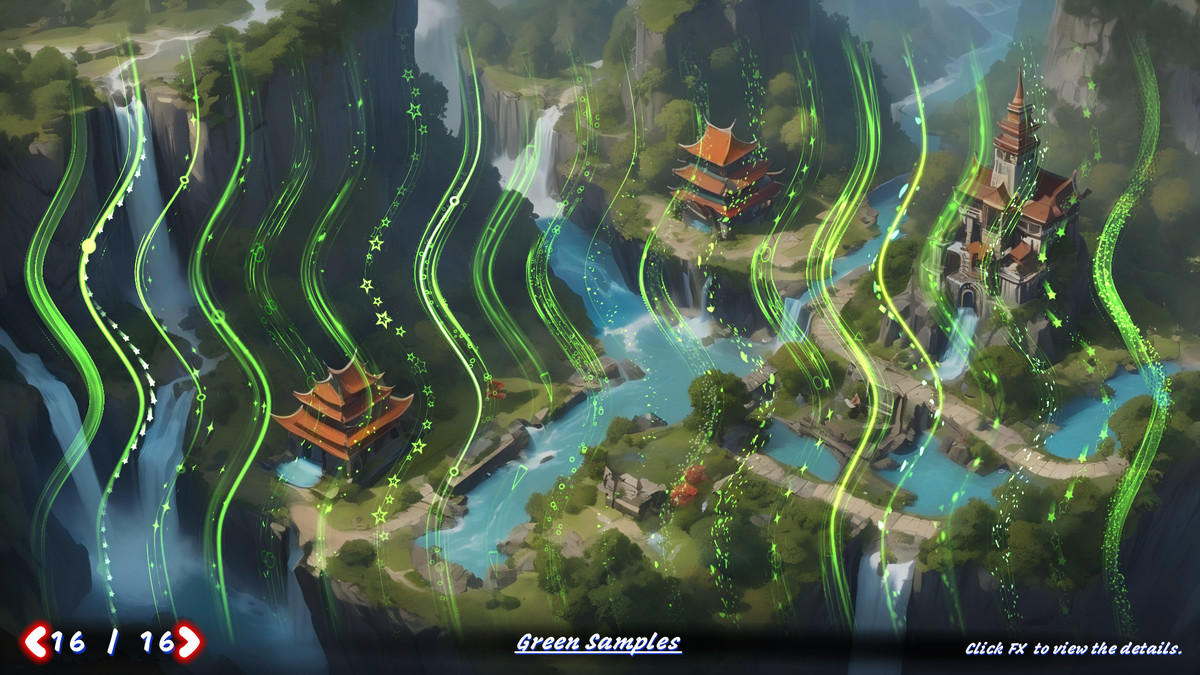
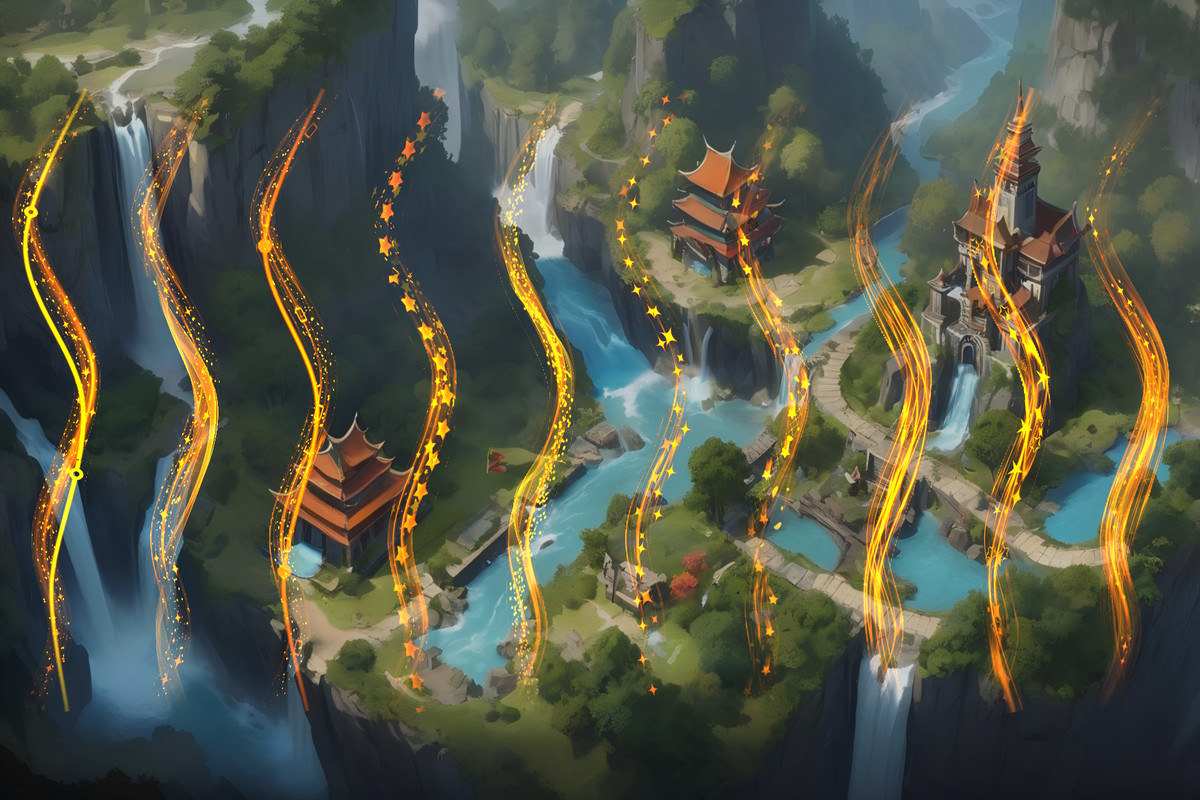
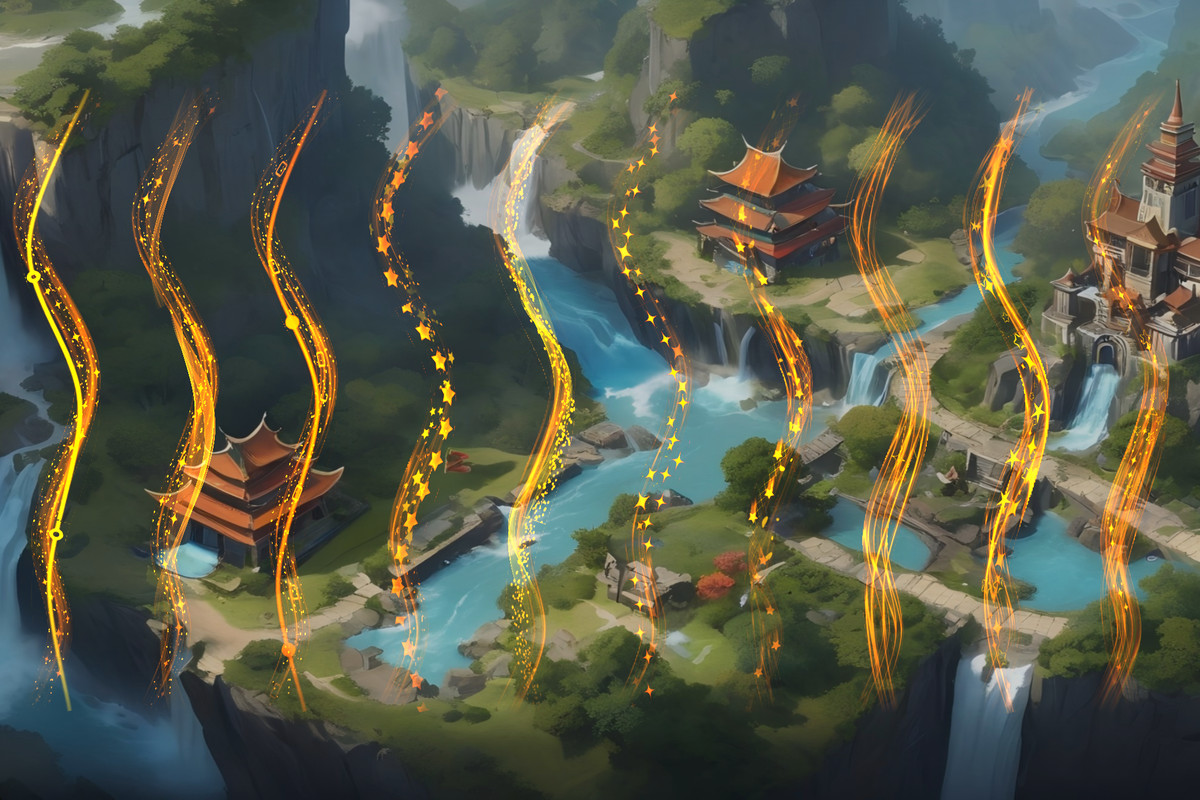
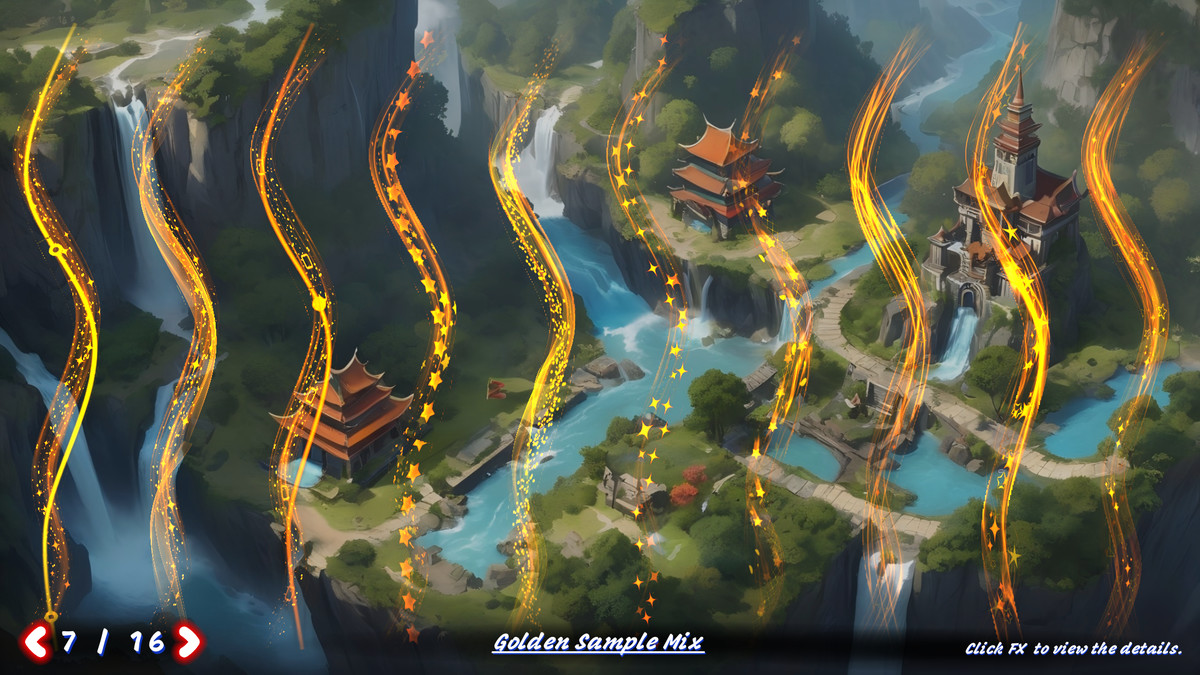
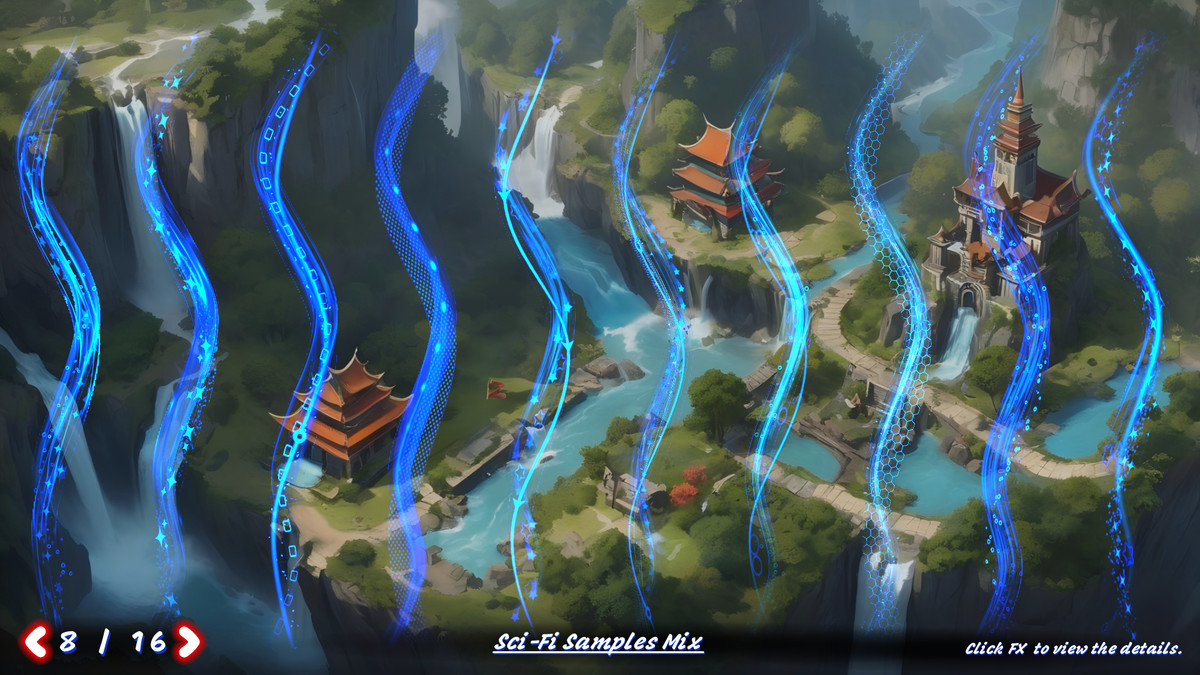
Spline Path FX brings stunning, animated path-based effects to 3D space using Unity's official Spline system and high-performance shaders. Whether you're creating sci-fi trails, energy flows, magic beams, or stylized UI transitions in 3D, this plugin lets you do it all — no code required.
This package includes all features from UI Path FX, and expands them into full 3D support with MeshRenderer-based workflows And LineRender-based workflows .
🔧 How It Works
Built on Unity’s Spline system, Spline Path FX dynamically generates mesh geometry along spline paths and applies multi-layered animated textures with fine-tuned UV control.
Each shader allows:
- Independent UV speed/direction per layer
- Global edge fading for better compatibility with non-uniform or irregular textures
- HDR color overlays for vibrant, customizable visual styles
All shaders share a unified logic, so you can learn one and easily adapt the rest — with a Quick Start Guide scene that gets you up and running in under 10 minutes.
✨ Key Features
- Generate dynamic 3D mesh trails or ribbons that follow any spline path in your scene.🌀 Spline-Based Mesh Trails
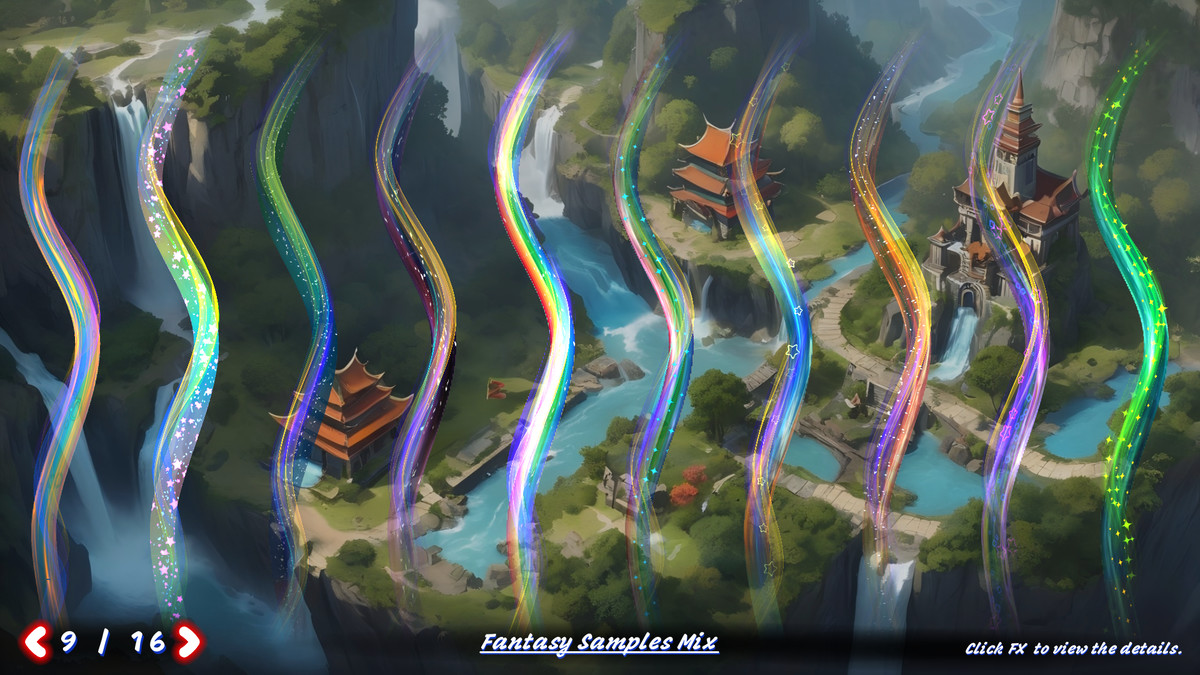
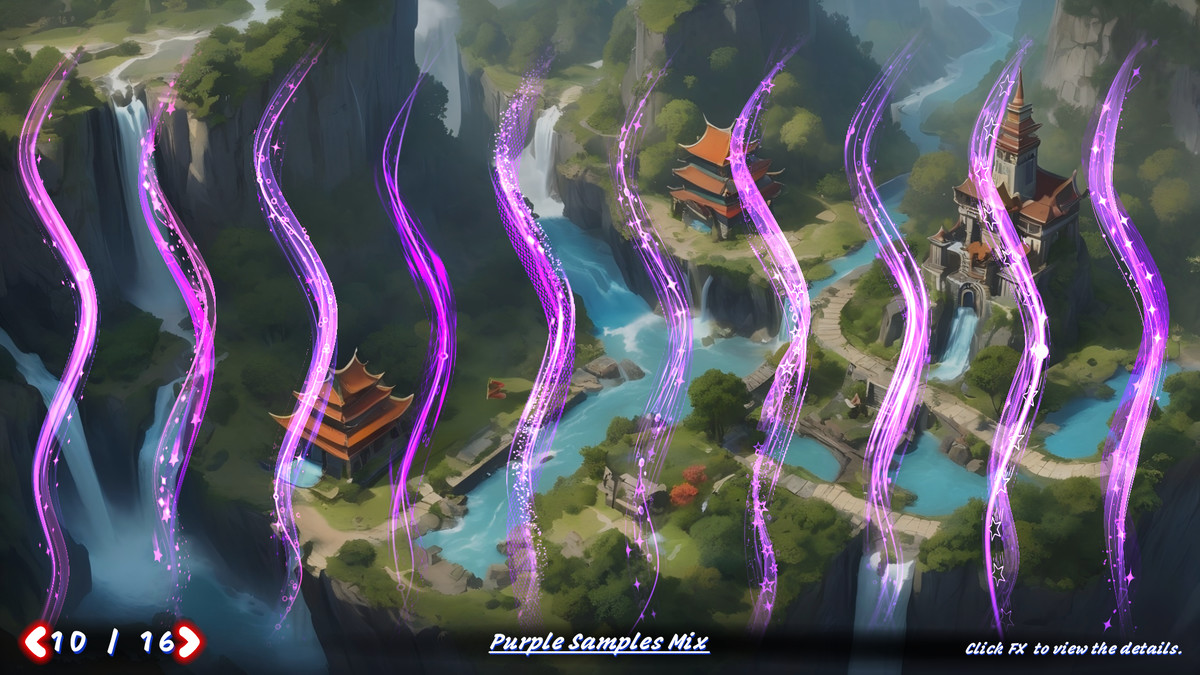
- Ready-made path effects for immediate use and inspiration.🎨 186 Pre-Built FX Samples
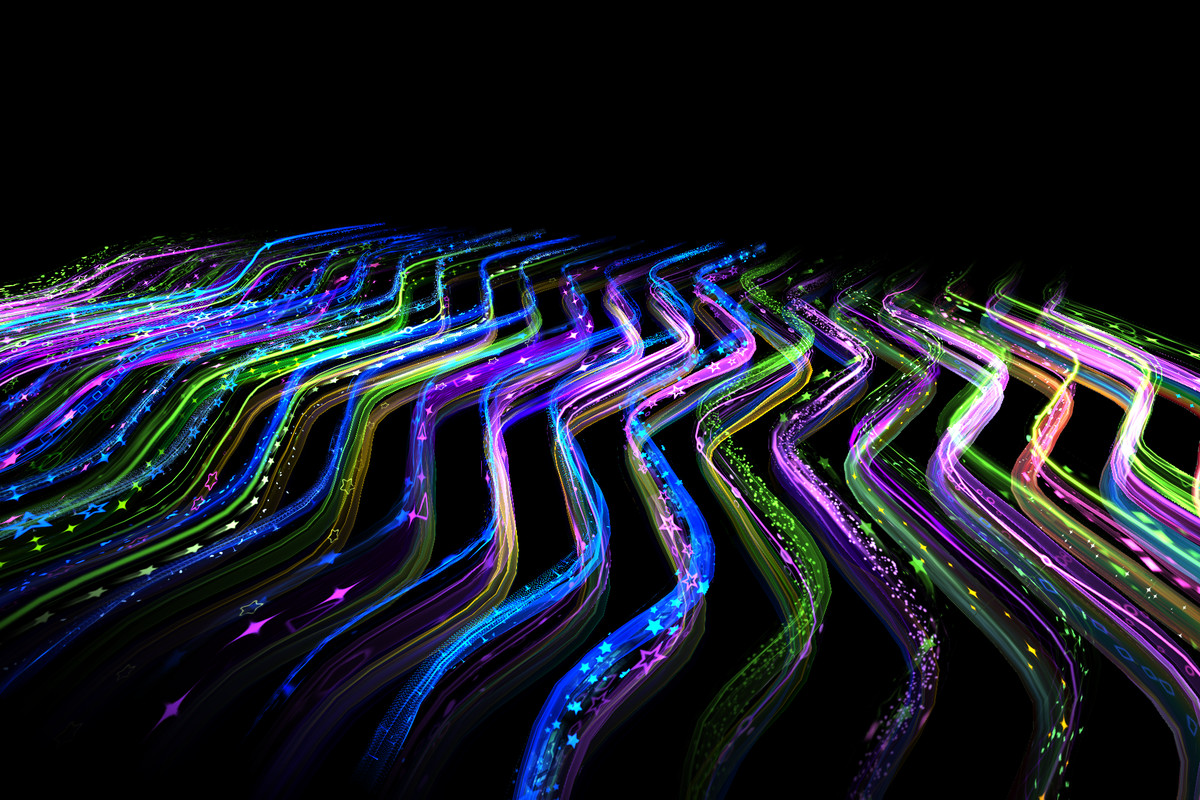
- Carefully curated textures with HDR blending support — ideal for energy lines, beams, magic trails, and more.🖼️ 270+ Stylized Texture Assets
- Blend and animate multiple textures per effect using intuitive material settings.🧩 Multi-Layer Texture Animation
- Ensures clean results even when using textures with rough or non-transparent borders.🌈 Edge Fade System
- Easily switch between included shaders under the UVAnim/ directory to test different animation styles like flow, pulse, distortion, swirl, etc.⚙️ Flexible Shader Variants
- Designed for both visual designers and technical users — minimal learning curve, maximum visual payoff.🧠 Artist & Developer Friendly
🎮 How to Get Started
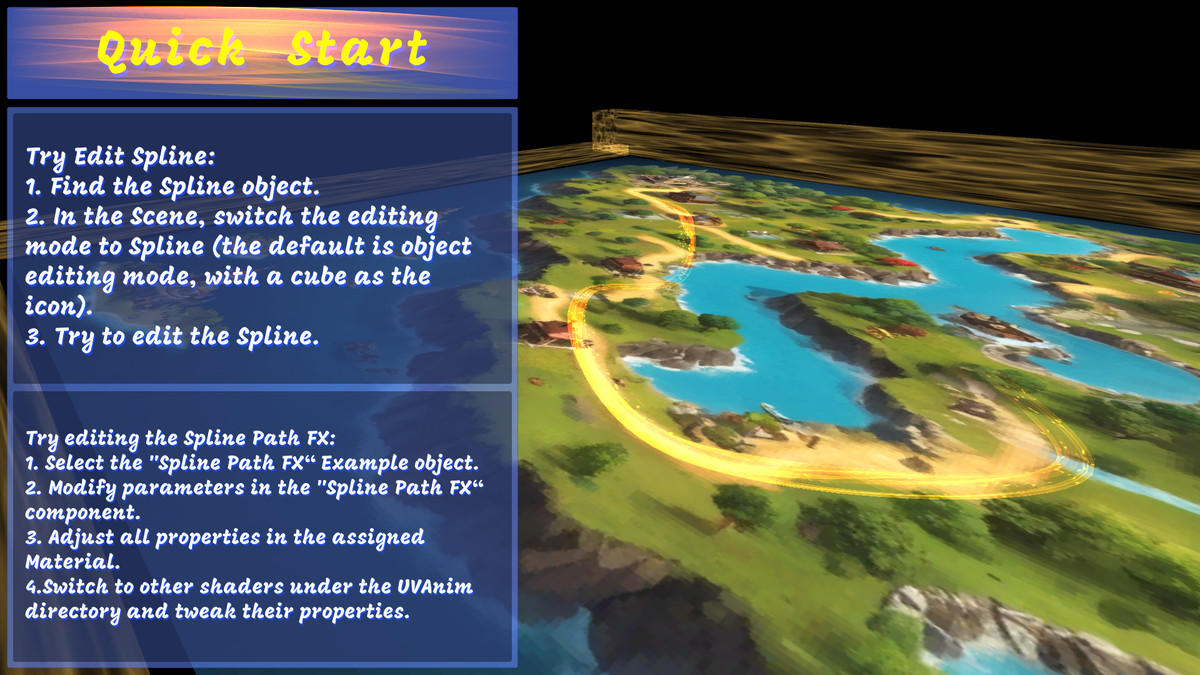
- Look for GameObjects with a Spline component in your scene.Find the Spline Object
- In Scene View, switch to Spline Edit Mode and manipulate control points to define your desired curve.Edit the Spline Path
- Modify the included prefab and review its Spline Path FX component.Select the Spline Path FX Example Object
- In the Material Inspector, adjust UV animation parameters and test different shaders from the UVAnim/ folder.Tweak Shader Settings
🚀 Build Stunning 3D Path FX in Minutes
Whether you’re developing immersive VFX trails for gameplay or stylish visual cues in 3D UIs, Spline Path FX gives you the tools to create beautiful, animated path effects — with full control, no code, and rapid results.
From the publisher's Asset Store listing.
Compatibility
| Unity version | Built-in | URP | HDRP | Custom |
|---|---|---|---|---|
| 6000.3.2f1 | Compatible | Compatible | Compatible | Compatible |
| 6000.0.53f1 | Compatible | Compatible | Compatible | Compatible |
| 2022.3.58f1c1 | Compatible | Compatible | Compatible | Compatible |
| 2021.3.5f1c1 | Compatible | Compatible | Compatible | Compatible |
As listed on the Asset Store.