
 View on Asset Store (opens in new tab)
Package details
- Latest version
- 1.2
- Last updated
- First released
- Unity version
- 2022.3.31 or later
- Package size
- 407 KB
- Files
- 47
- Favorites
- 58
- Views in the past week
- 6
Price tracking
- Last checked
- Tracked since
- Lowest recorded
- Free on
Keywords
proTools - Colorful Folder
Organize your project with colored folders, custom icons, and smart auto-assign marks.
Price $4.99
Buy on Asset Store (opens in new tab)
Affiliate link · Purchases support this site
Price history
Last 6 months
USDAsset preview
1 / 5
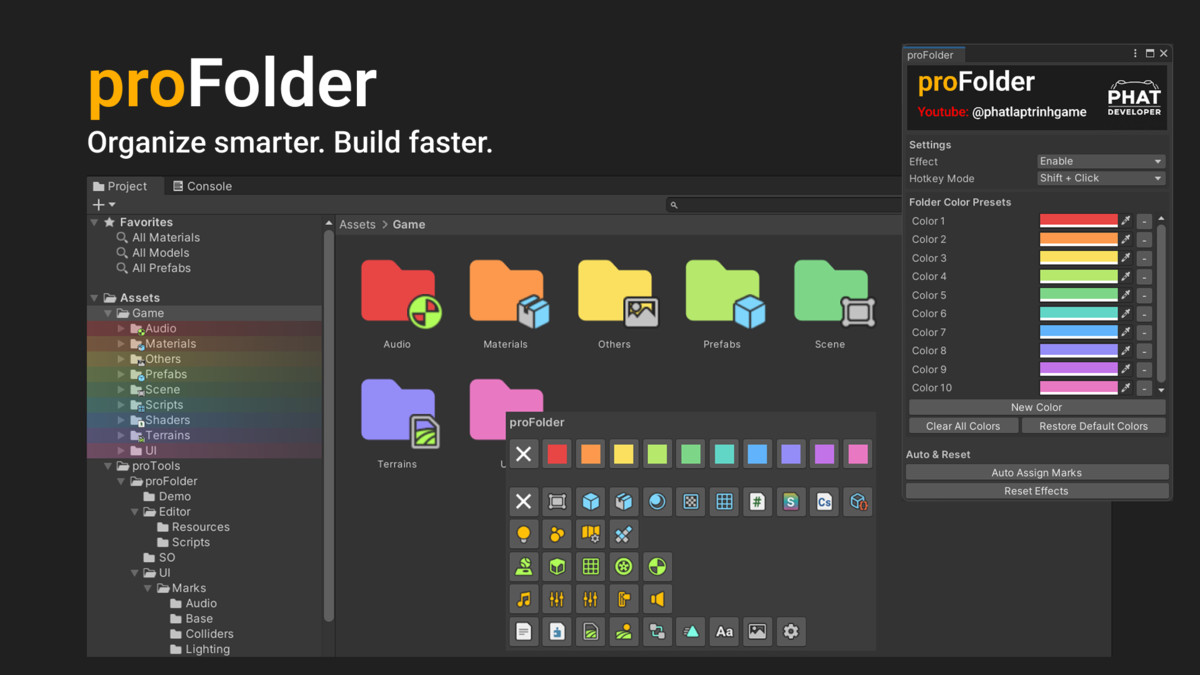
proTools - Colorful Folder screenshot 1
About this asset
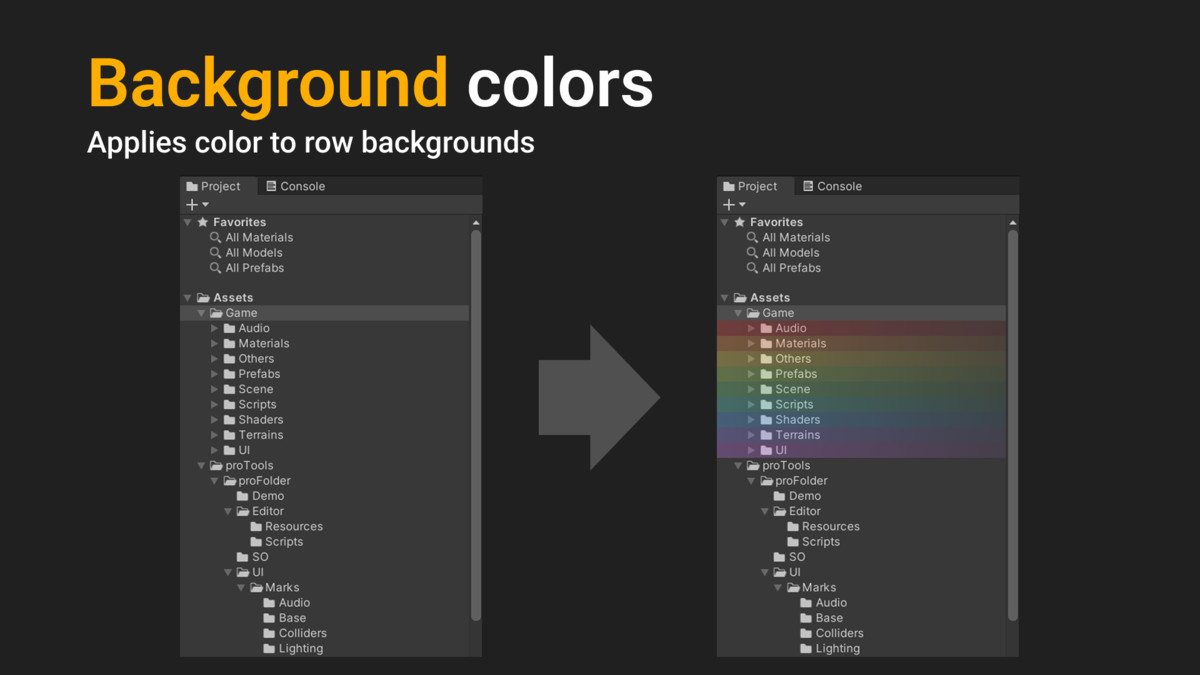
proFolder is a fully customizable editor extension that enhances folder organization in the Unity Project window.
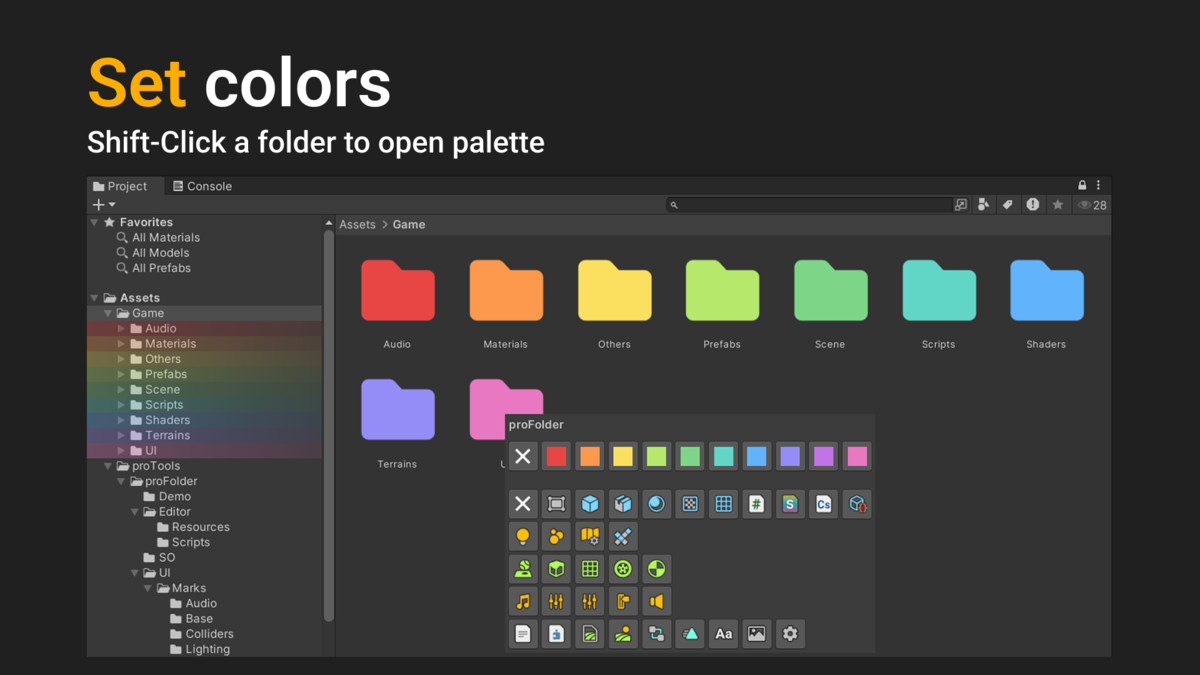
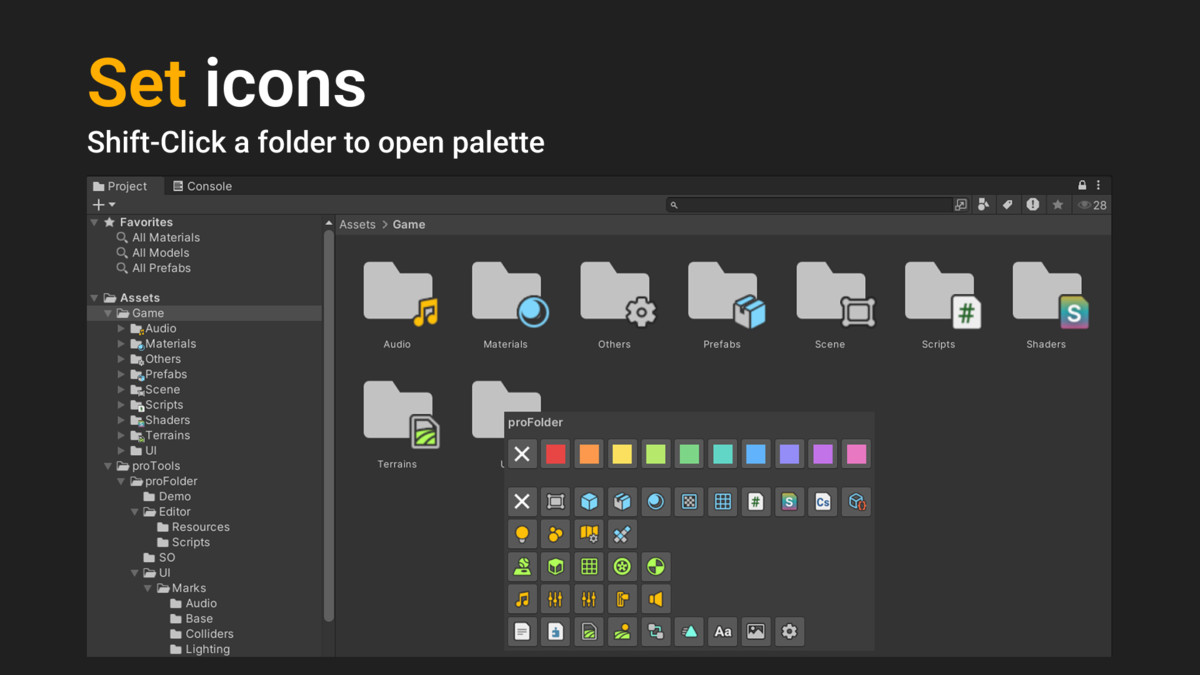
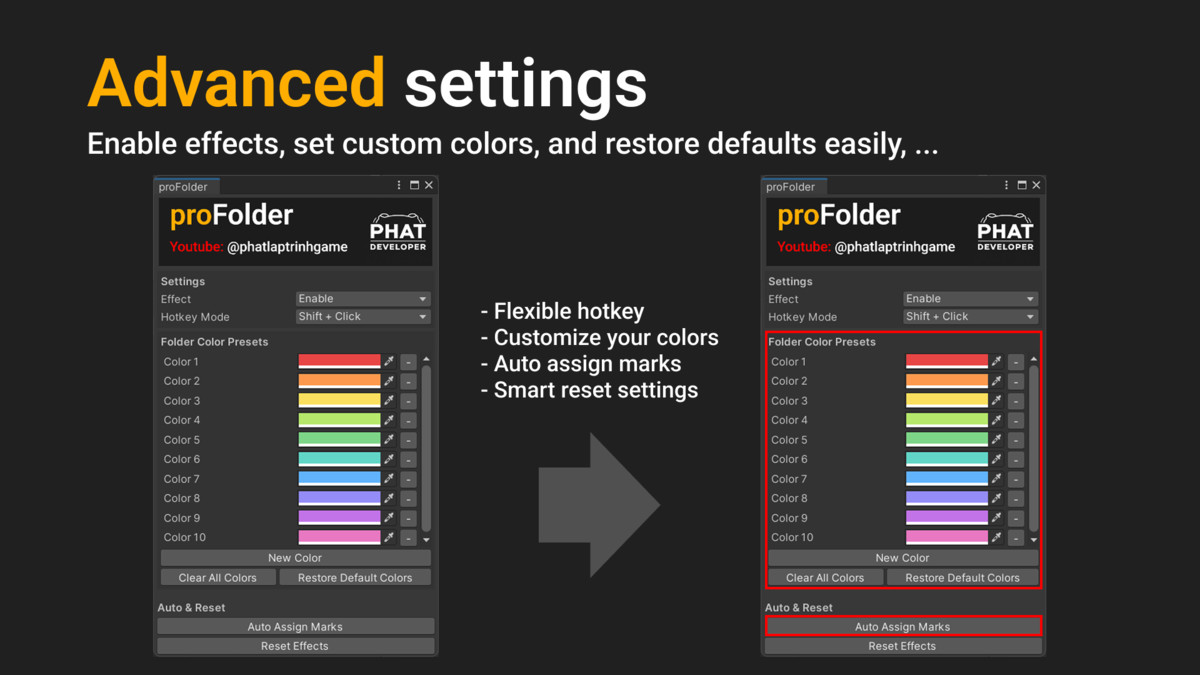
It’s genre-agnostic and works with any type of Unity project. You can assign preset colors, choose from a variety of folder icons, or let the tool auto-assign icons based on folder content.
All visuals are customizable to fit your personal or team workflow.
From the publisher's Asset Store listing.
Technical details
- 🎨 Folder Coloring: Assign preset colors to folders for better visual organization.
- 🏷️ Folder Icons: Add icons to folders for quick identification.
- ⚙️ Auto Icon Assignment: Automatically detects folder content (e.g., scripts, textures, prefabs) and assigns matching icons.
- 🧩 Customizable: Easily extend or replace color and icon sets to match your style.
- 📁 Non-destructive: Works entirely in the Editor without modifying actual folder structure or files.
- 🧠 Lightweight & Fast: Minimal performance impact, designed for large projects.
- ☁️ Persistent Settings: Uses JSON-based saving for easy version control and team sharing.
- 🧰 Editor Integration: Seamlessly integrated into the Unity Project window with alt-click context menus.
Compatibility
| Unity version | Built-in | URP | HDRP | Custom |
|---|---|---|---|---|
| 2022.3.31f1 | Compatible | Compatible | Compatible | Compatible |
As listed on the Asset Store.