
 View on Asset Store (opens in new tab)
Package details
- Latest version
- 1.0
- Last updated
- First released
- Unity version
- 6000.1.2 or later
- Package size
- 2.6 MB
- Files
- 12
- Favorites
- 7
- Views in the past week
- 6
Price tracking
- Last checked
- Tracked since
- Lowest recorded
- Free on
Keywords

IconCraft
Quickly assign custom icons
Affiliate link · Purchases support this site
Price history
Last 6 months
USDAsset preview
1 / 1

IconCraft video 1
About this asset
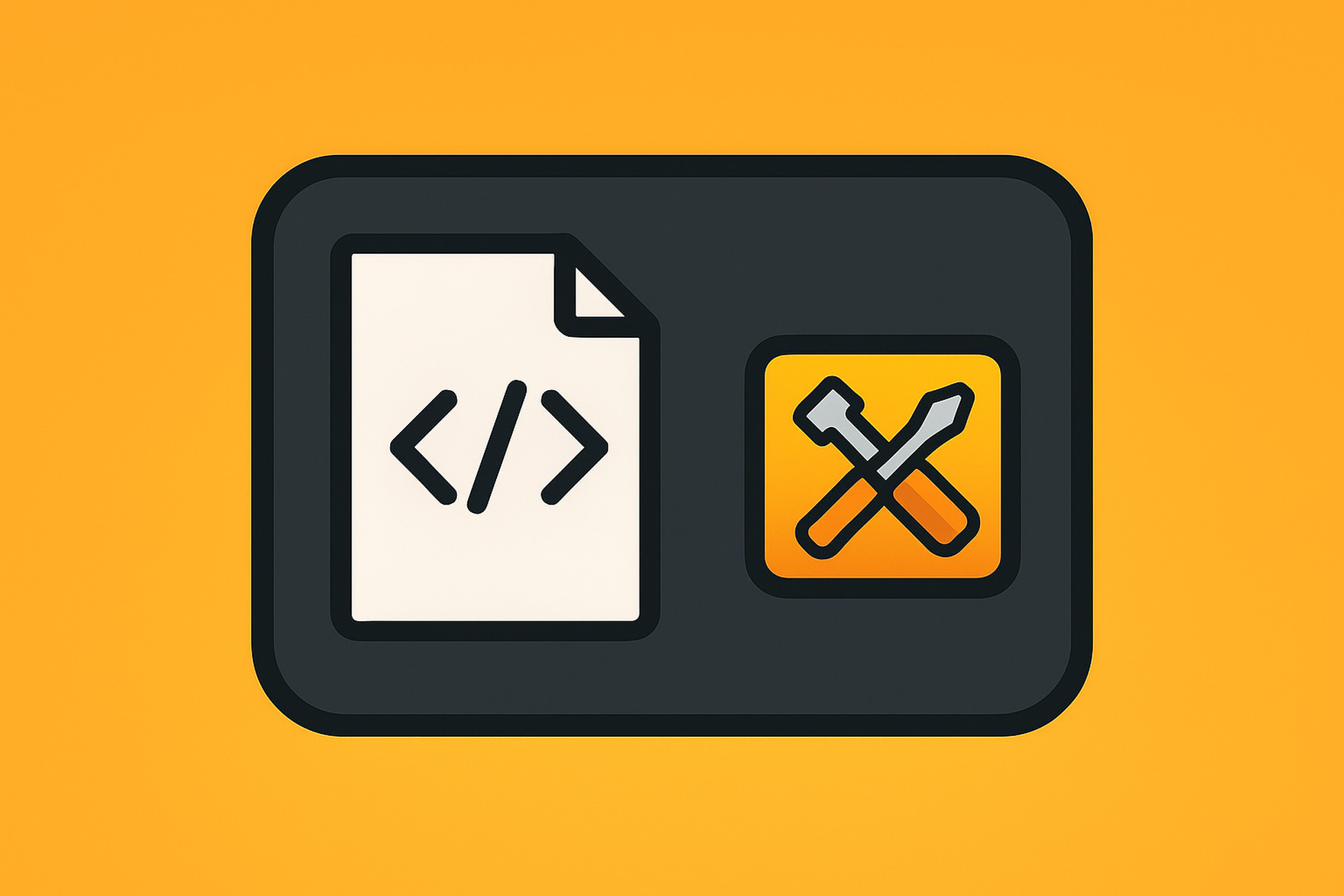
IconCraft can assign custom icons to your C# scripts, making it easy to visually organize your assets in the Project window.
It includes a built-in 64×64 icon scaler for optimal appearance and a persistent rollback system so you can safely revert any icon change.
From the publisher's Asset Store listing.
Technical details
- Editor-only utility (no build impact)
- Assign custom icons to C# scripts
- Drag-and-drop support for bulk selection
- Rollback system with persistent backup
- Built-in 64×64 icon scaler
- Compatible with Built-in, URP, HDRP, and custom SRPs
- No scripting define symbols or extra packages required
- Supports Unity 2020 LTS ~ Unity 6+
Compatibility
| Unity version | Built-in | URP | HDRP | Custom |
|---|---|---|---|---|
| 6000.1.2f1 | Compatible | Compatible | Compatible | Compatible |
Pure Editor-only tool—adds no shaders, materials, runtime code, or build size.
Works unchanged with Built-in, URP, HDRP, and custom SRPs; it never touches Pipeline Assets, Cameras, Shader Graphs, or Graphics Settings.
Requires no extra packages or scripting-define symbols, so it’s safe to import at any stage of production.
As listed on the Asset Store.