
 View on Asset Store (opens in new tab)
Package details
- Latest version
- 1.0
- Last updated
- First released
- Unity version
- 2022.3.42 or later
- Package size
- 212 KB
- Files
- 3
- Favorites
- 6
- Views in the past week
- 0
Price tracking
- Last checked
- Tracked since
- Lowest recorded
- $4.99 on
Keywords
- Search for Unity QA tools
- Search for editor validation
- Search for auto fix tools
- Search for QA validator
- Search for auto rename objects
- Search for scene checker
- Search for Unity optimization
- Search for game object scanner
- Search for Missing Script Finder
- Search for scene validator
- Search for game polish
- Search for hierarchy cleanup

QA & Polish Validator - Quick Fix Tools for Unity Projects
- Price drop
Boost quality with one click! QA & Polish Validator auto-finds and fixes common Unity issues—perfect for fast cleanup and final polish. Save time and improve your game’s stability!
Lowest recorded price
Get 38% off on Asset Store (opens in new tab)Affiliate link · Purchases support this site
Price history
Last 6 months
USDAsset preview
1 / 2

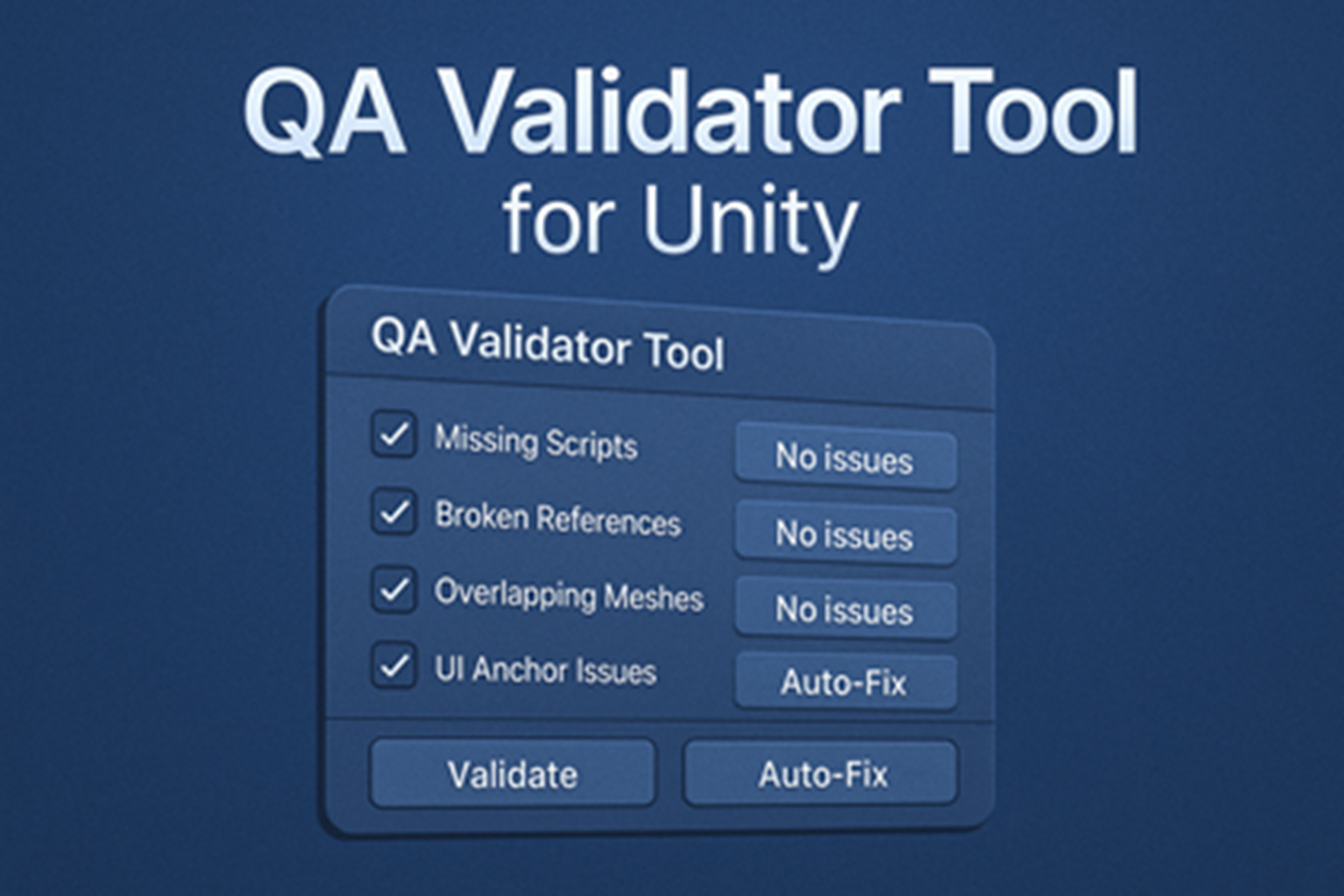
QA & Polish Validator - Quick Fix Tools for Unity Projects screenshot 1

About this asset
Boost Your Game’s Quality & Performance – Instantly!
QA & Polish Validator is a powerful Unity Editor tool designed to scan, detect, and fix common issues in your Unity scenes and prefabs with a single click. Perfect for both indie developers and AAA teams, this asset helps you maintain clean, optimized, and error-free projects – ready for final build or store submission.
Whether you're working on PC, Mobile, VR, or Console games, QA & Polish Validator ensures your project passes quality assurance (QA) quickly while also improving performance optimization.
Key Features
One-Click Scene & Prefab Validation – Automatically detect missing scripts, duplicate objects, unused components, and more.
Performance Optimization Checks – Identify overlapping meshes, unused lights, unused cameras, and other performance bottlenecks.
Prefab & Asset Cleanup – Remove unused components, hidden objects, and unnecessary data.
Quick Fix Buttons – Instantly resolve detected issues without manual searching.
Customizable Scan Options – Choose which categories to validate for faster QA cycles.
Works on Any Platform – PC, Mobile, WebGL, VR, AR, Console.
Editor-Friendly UI – Simple, fast, and beginner-friendly.
Why Developers Love It
✅ Save Hours of manual scene cleanup.
✅ Ensure bug-free and optimized builds.
✅ Reduce file size & improve game performance.
✅ Catch issues before submitting to stores.
Perfect For:
Game developers preparing for Unity Asset Store or Google Play/App Store submission.
Teams wanting faster iteration and production-ready scenes.
Developers aiming for smooth FPS and optimized builds.
Tags / Keywords for Ranking: Unity Editor Tools, Scene Cleanup, Prefab Validator, QA Tool, Unity Optimization, Missing Script Finder, Performance Booster, Game Polishing, Unity Productivity, Build Validator, Scene Validator, Unity Tools for Developers.
From the publisher's Asset Store listing.
Technical details
Features
- 🔍 Automatic Scan for QA Issues
Detect:
Missing Scripts & References
Overlapping Meshes
Unused Lights & Cameras
Bad UI Anchors
Empty or Default-Named GameObjects - 🛠️ Quick Fix ButtonsRemove all missing scripts
Clear broken references
Delete unused lights and cameras
Rename default-named objects
Auto-separate overlapping meshes - ✅ Supports Disabled Objects
Optional toggle to include inactive GameObjects in scans. - 📄 Exportable QA Report
Save findings to a clean, readable .txt file for documentation or team review.
Compatibility
| Unity version | Built-in | URP | HDRP | Custom |
|---|---|---|---|---|
| 2022.3.42f1 | Compatible | Compatible | Compatible | Compatible |
As listed on the Asset Store.