
 View on Asset Store (opens in new tab)
Package details
- Latest version
- 3.5
- Last updated
- First released
- Unity version
- 6000.0.37 or later
- Package size
- 1.0 MB
- Files
- 70
- Favorites
- 52
- Views in the past week
- 34
Price tracking
- Last checked
- Tracked since
- Lowest recorded
- Free on
Keywords

Folder Customizer
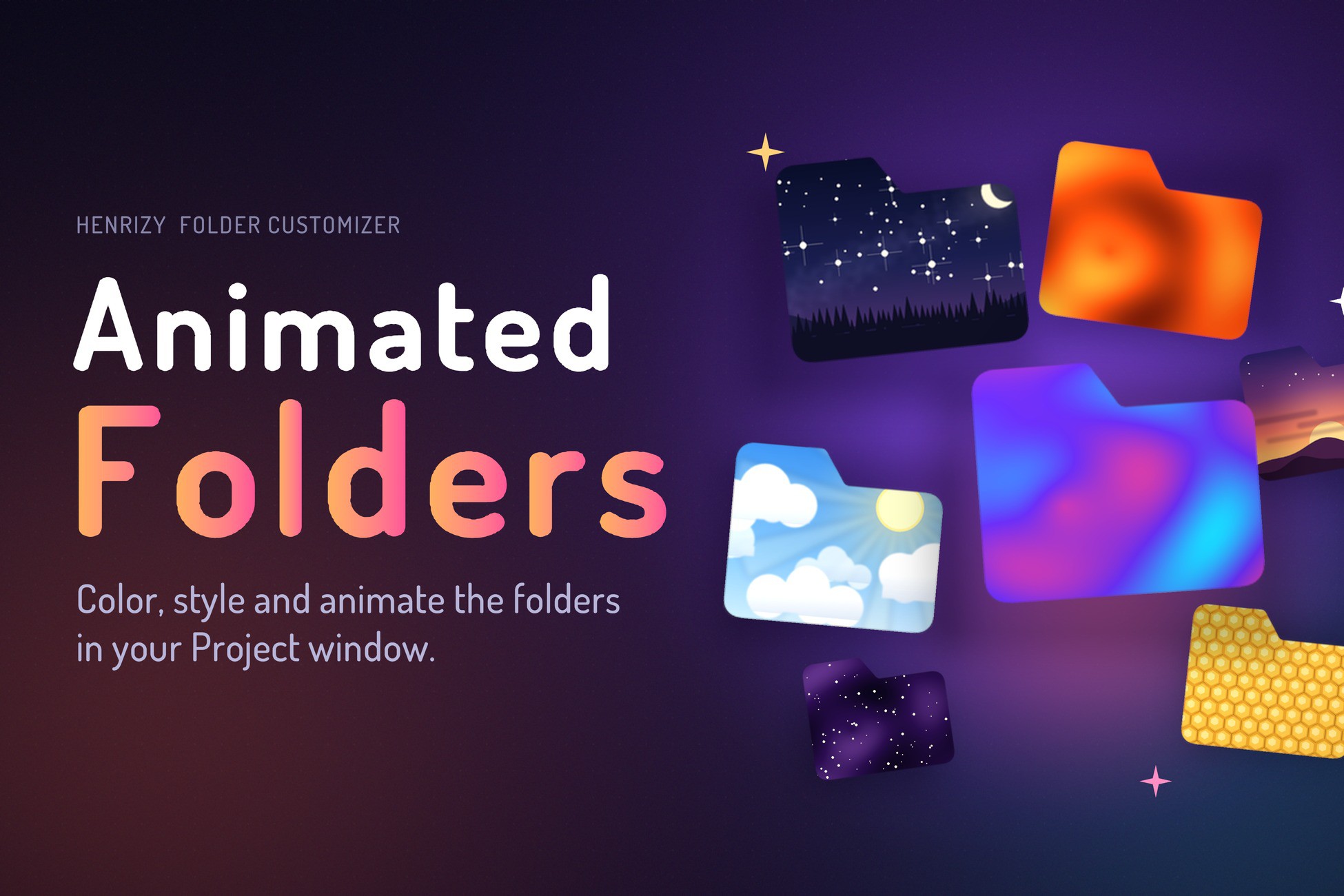
Folder Customizer is a lightweight Unity Editor tool that lets you color-code folders and style their names (bold, italic) in the Project view.
Affiliate link · Purchases support this site
Price history
Last 6 months
USDAsset preview
1 / 13
Folder Customizer screenshot 1



About this asset
📁 Folder Customizer: Color & Animate Your Project View
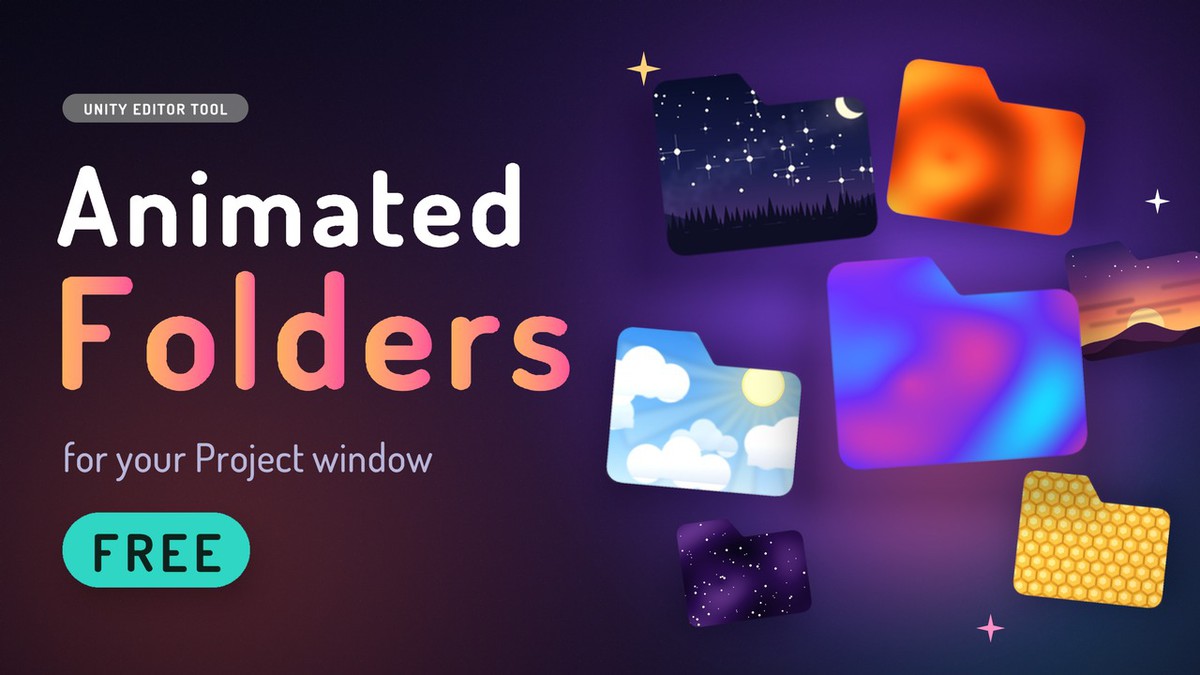
Folder Customizer is a lightweight Unity Editor extension that lets you style your folders in the Project window with custom colors, font styles and animated cards.
Visually organize your project structure, highlight key folders and bring some life to your workflow, all without affecting builds or project assets.
✨ What’s new
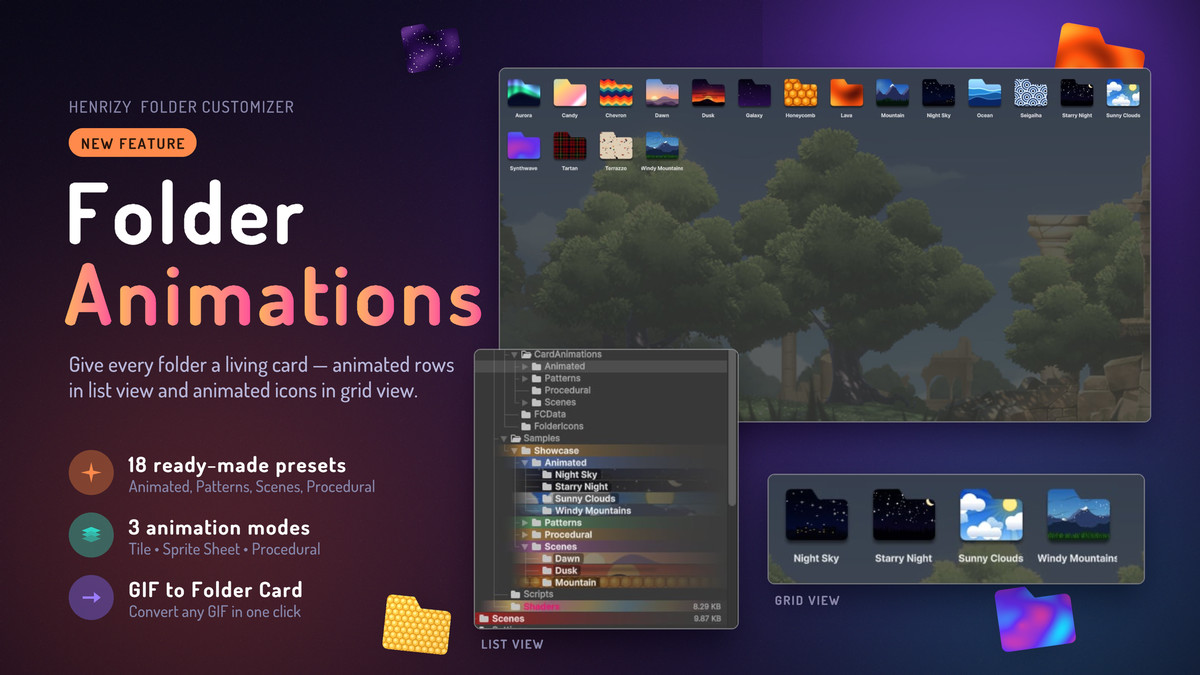
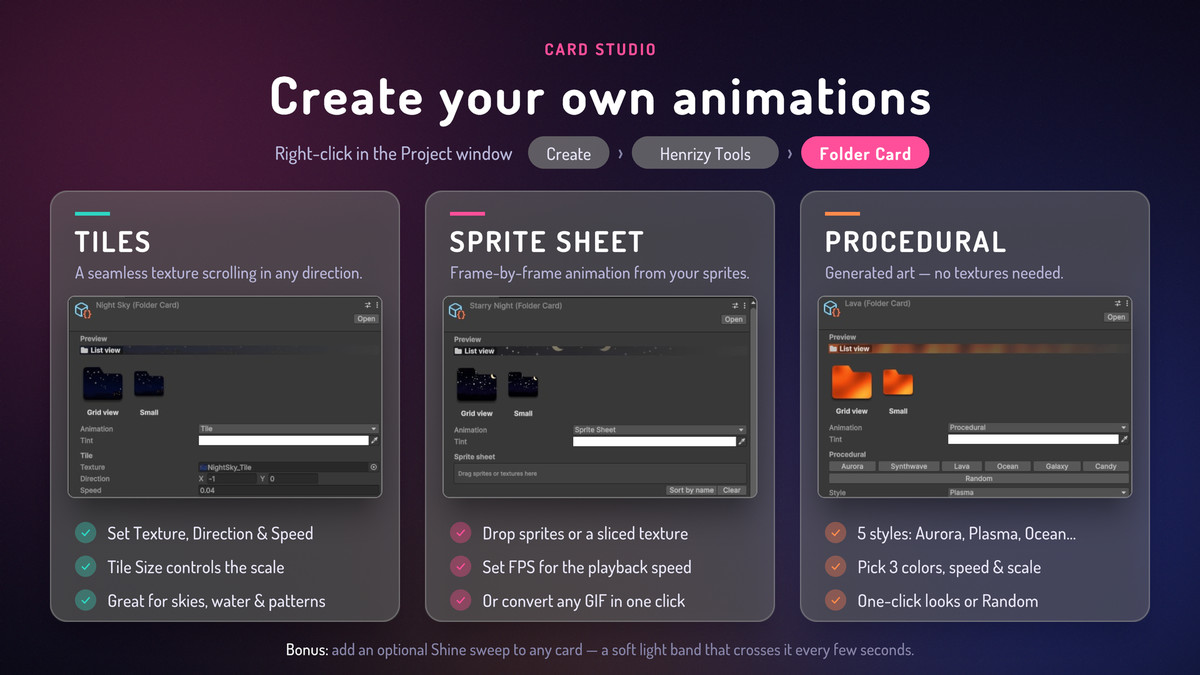
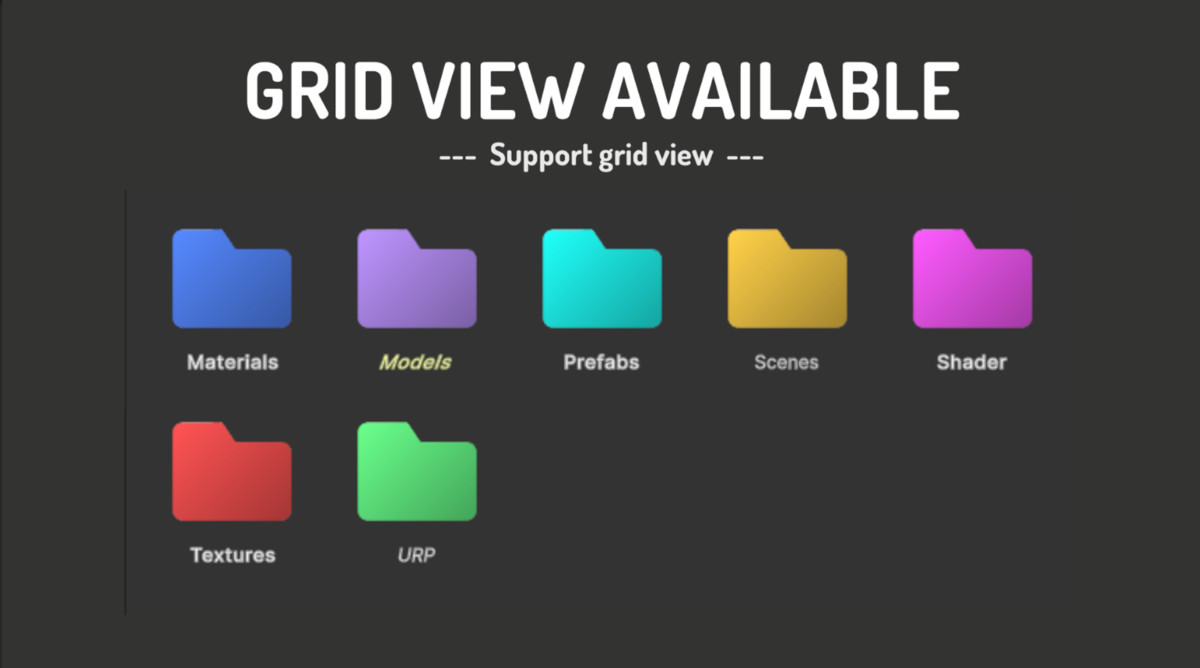
- [NEW FEATURE] Folder animations: give any folder an animated card in list and grid view
- 18 ready made presets: Animated, Patterns, Scenes and Procedural
- Create your own cards in 3 modes: Tiles, Sprite Sheet and Procedural
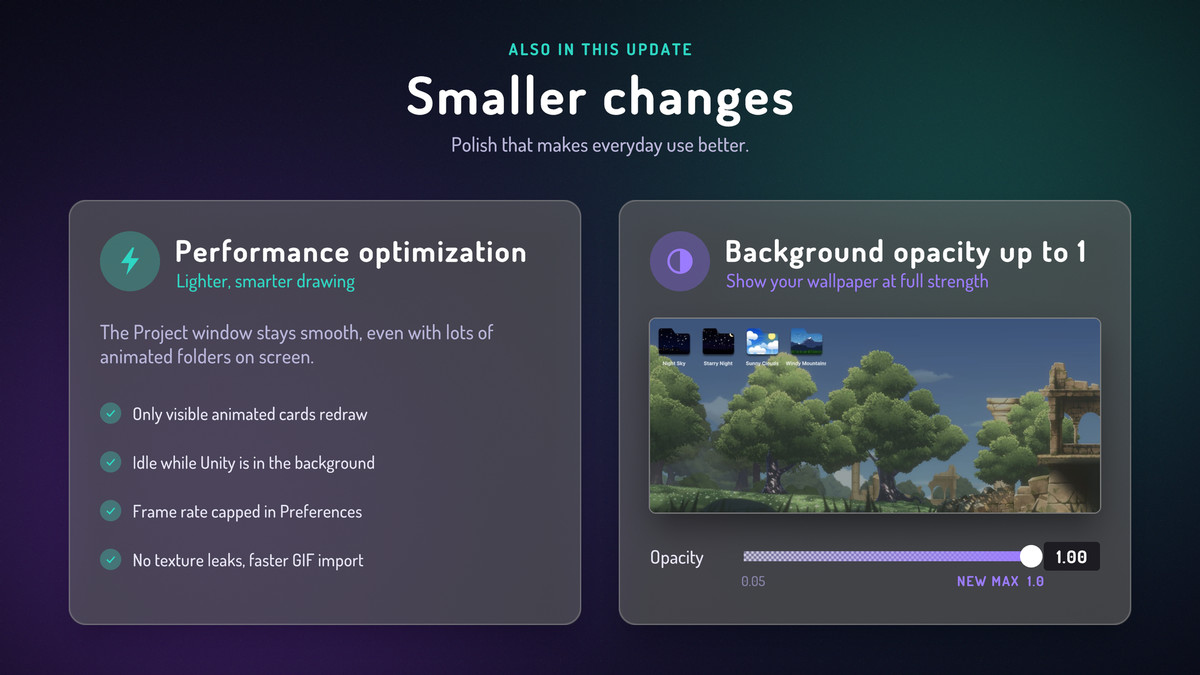
- Performance optimization
- Background opacity range expanded to 1
✨ Features
- 🎬 [NEW] Animated folder cards, with presets or your own art
- 🎨 Add solid background colors to any folder in the Project view
- 🖋️ Customize folder name appearance: Bold, Italic, or Bold + Italic
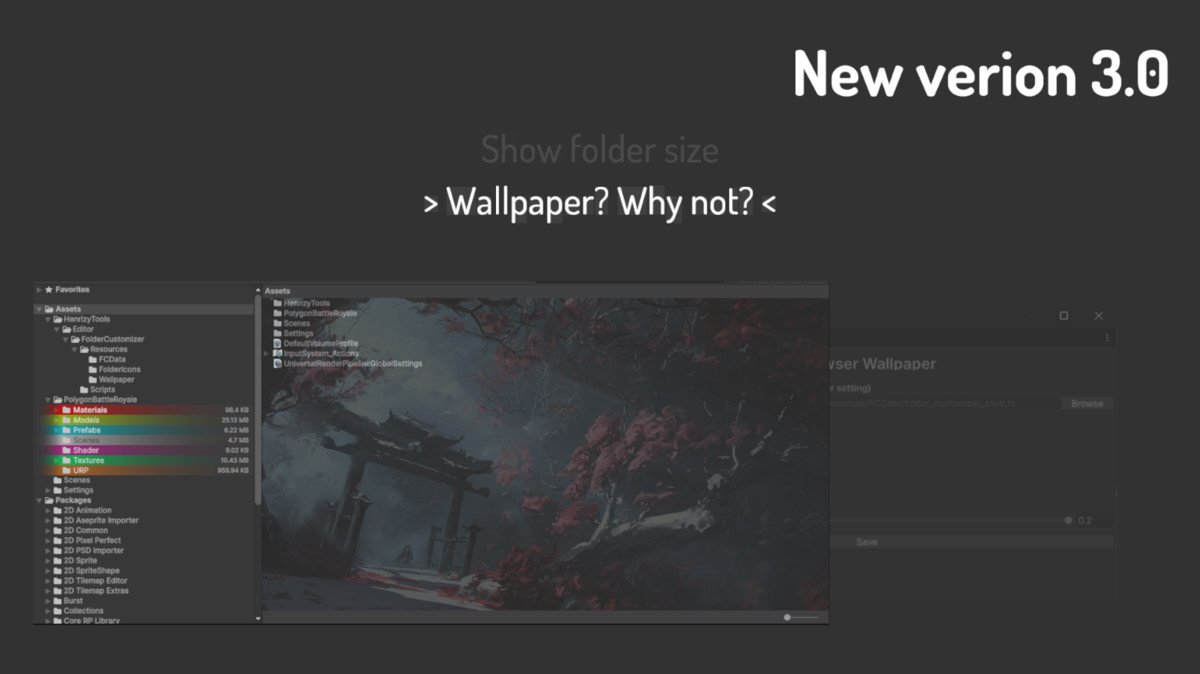
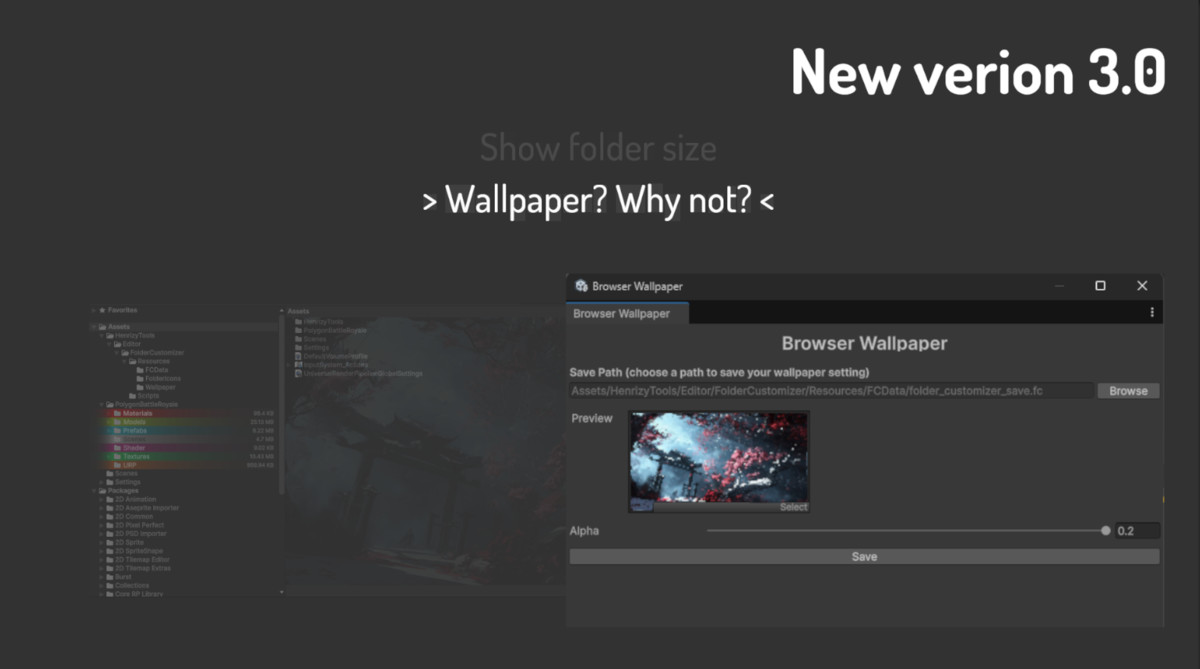
- 🖼️ Set a wallpaper behind your Project browser
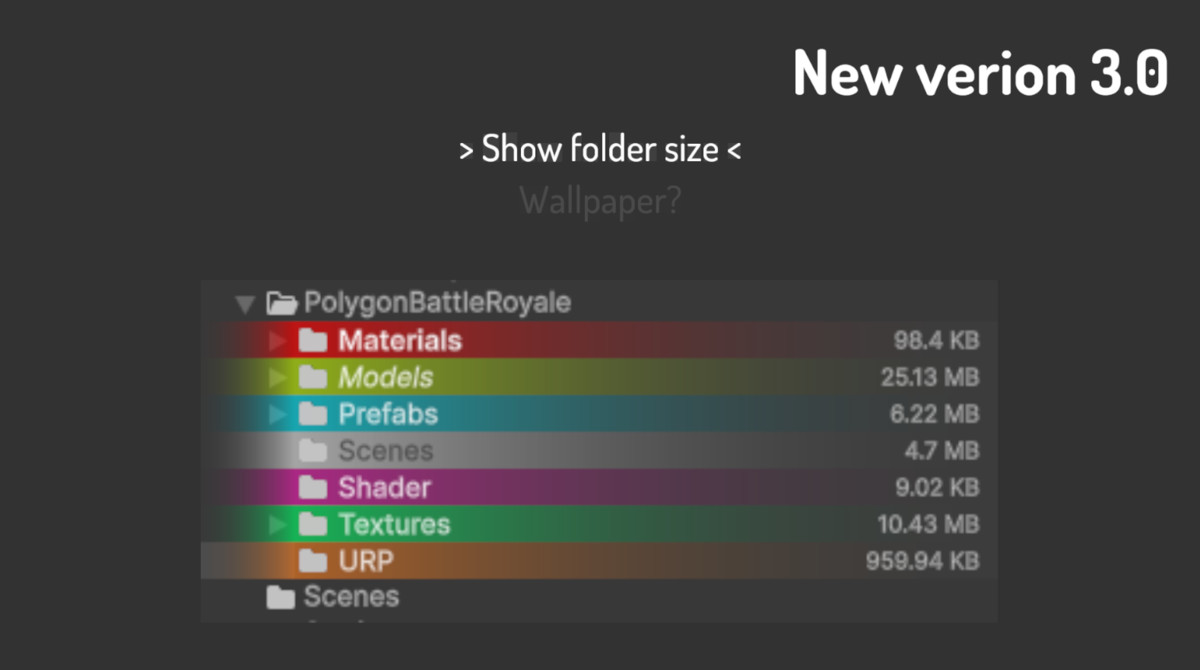
- 📂 Show folder size (list view)
- 🧠 Automatically remembers settings using Unity’s asset metadata
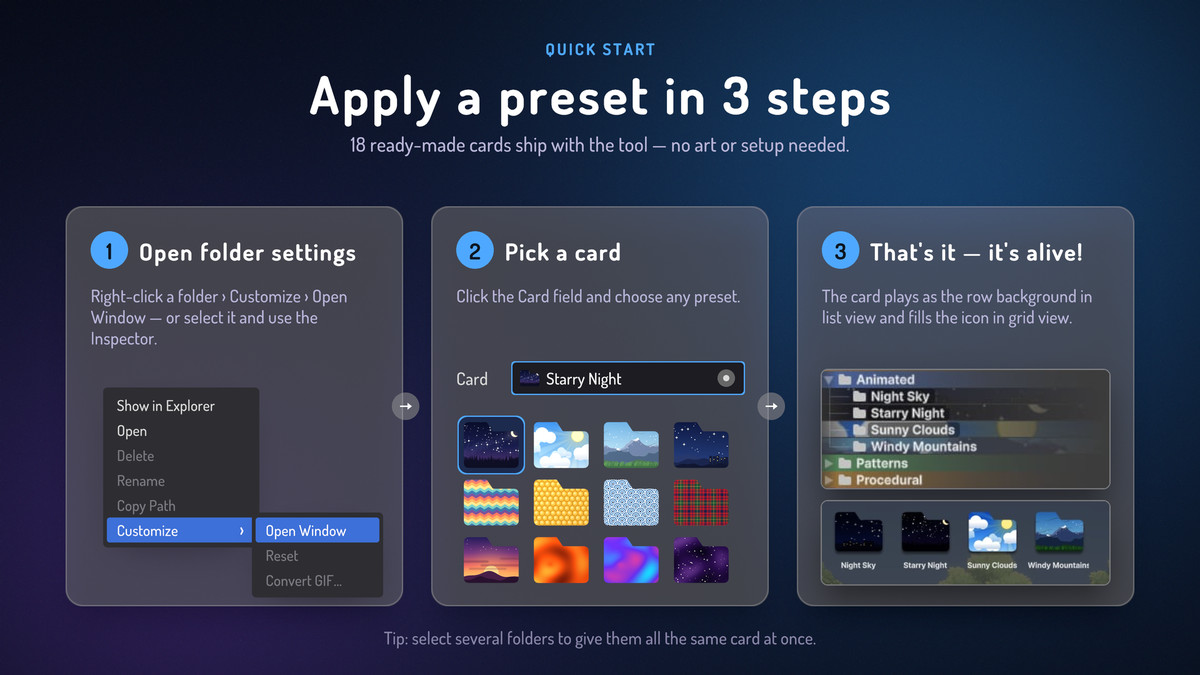
- 💼 Seamlessly integrated into the right click context menu
- 🚀 Editor only, no runtime impact or dependencies
📌 Perfect For
- Large projects with complex folder structures
- Teams who want visual cues in shared repositories
- Developers who love tidy, readable workspaces
Style your folders. Focus your workflow.
Make Unity feel a little more yours.
From the publisher's Asset Store listing.
Technical details
This package makes use of field "userData" in .meta folder to store styling data.
This behaviour is supposed not to affect anything in your project unless you already made use of this field before importing this package.
Compatibility
| Unity version | Built-in | URP | HDRP | Custom |
|---|---|---|---|---|
| 6000.6.7f1 | Compatible | Compatible | Compatible | Compatible |
| 6000.0.46f1 | Compatible | Compatible | Compatible | Compatible |
| 6000.0.37f1 | Compatible | Compatible | Compatible | Compatible |
As listed on the Asset Store.