
 View on Asset Store (opens in new tab)
Package details
- Latest version
- 1.6
- Last updated
- First released
- Unity version
- 2022.3.62 or later
- Package size
- 10.3 MB
- Files
- 235
- Favorites
- 12
- Views in the past week
- 6
Price tracking
- Last checked
- Tracked since
- Lowest recorded
- $19.99 on
Keywords

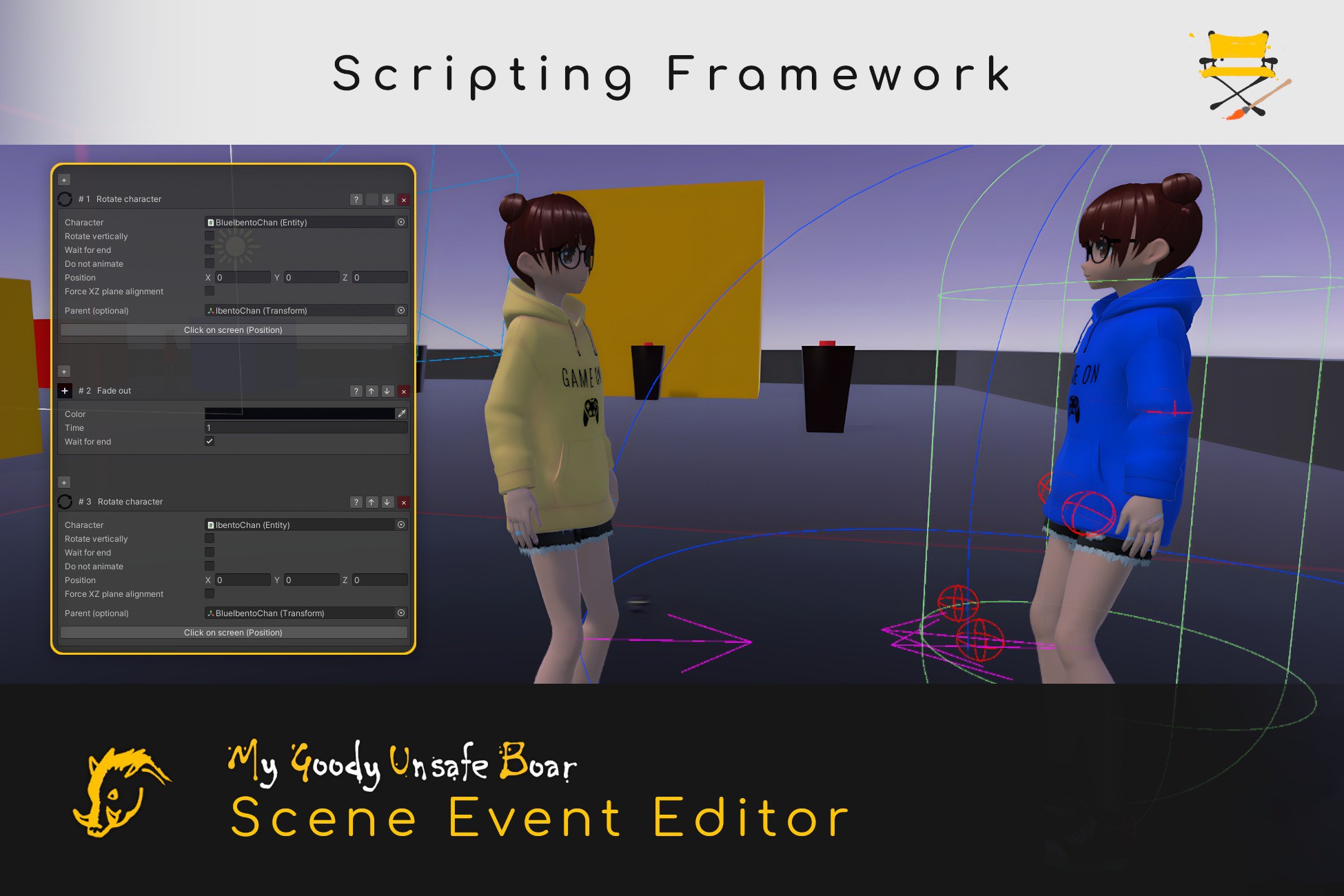
Scene Event Editor - Scripting Framework
Create story-driven games with pace and ease. This RPG Maker-inspired Unity asset lets you build customizable events, cutscenes, and scriptable actions in a fast, flexible, and editor-integrated way.
Affiliate link · Purchases support this site
Price history
Last 6 months
USDAsset preview
1 / 5

Scene Event Editor - Scripting Framework screenshot 1


About this asset
This Unity asset is designed to streamline the creation of story-driven games, taking inspiration from tools like RPG Maker. At its core is the Scene Event system, which allows developers to chain together a series of customizable actions, such as displaying dialogue, moving characters, moving the camera, or triggering popups, to build events and cutscenes.
Events can be configured to trigger under specific conditions, and multiple types are supported, including automatic area-based triggers and player-initiated interactions. While the asset includes a core set of general-purpose actions and conditions, it is built to be extended and customized to your needs, allowing developers to implement their own gameplay-specific logic.
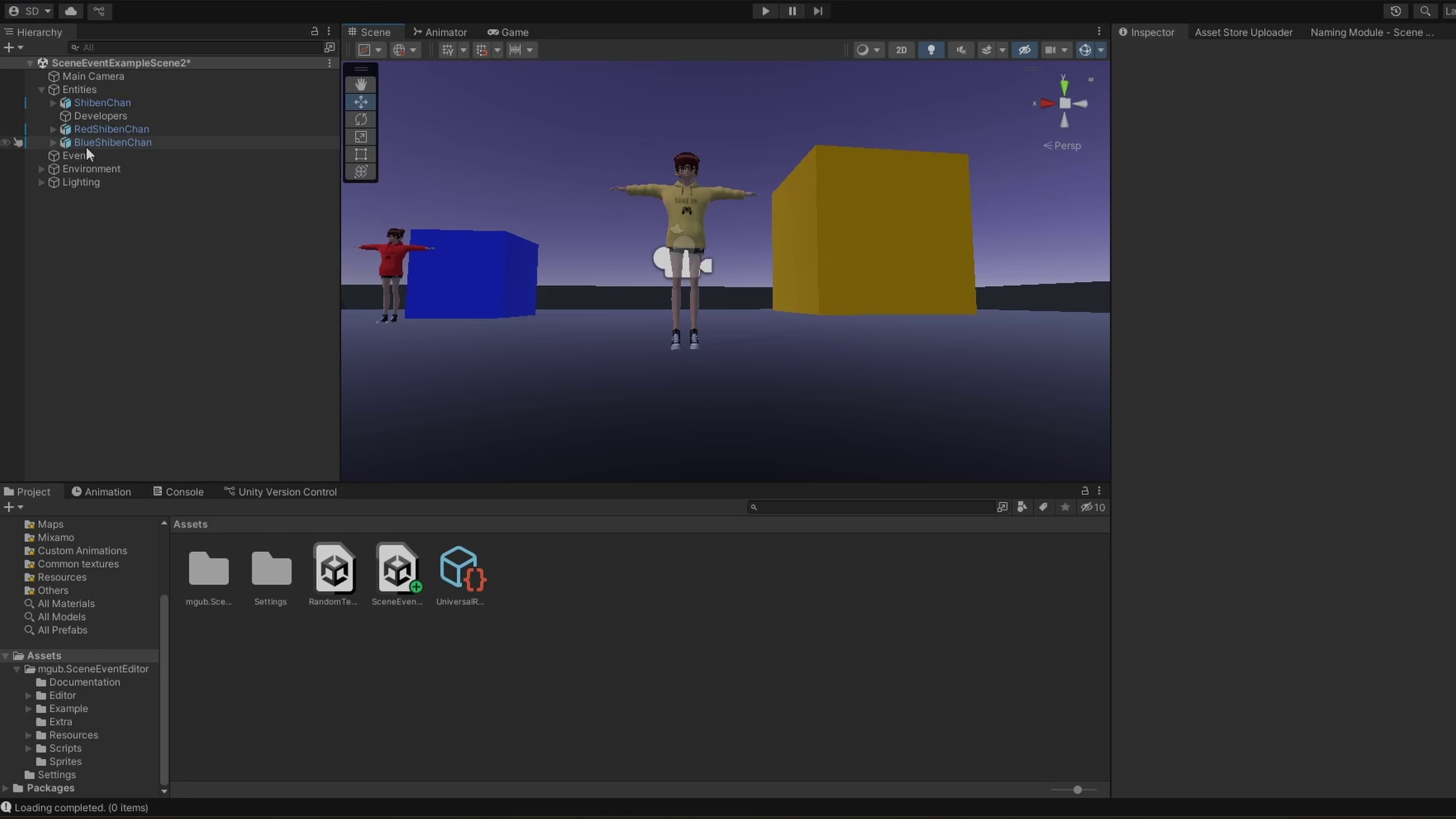
To speed up development, the system integrates tightly with the Unity Editor. For example, some built-in actions can use the editor's current state to define parameters, such as selecting positions with a click on the screen or camera angles directly from the scene view.
A clean and organized UI helps developers quickly find actions, conditions, and manage events, using search bars, icons and user-friendly popups. Making it easier to design complex interactive sequences with minimal friction, and speeding up development of long story-driven videogames.
To speed up the creation of Scene Events, copy, cut, and paste operations are also supported, including multi-selection for copying or cutting multiple actions at once. It's also allowed to copy actions directly from runtime back into the editor for fast tweaking.
An earlier version of this system have been used to develop the videogame Ternion.
- Asset uses VRoid Studio default assets (as "IbentoChan") under the VRoid Studio license; see Third-Party Notices.txt for details.
- Asset uses Comfortaa-Bold font under the SIL Open Font License 1.1; see Third-Party Notices.txt for details.
- Asset uses Flaticon icons (Free License) under Flaticon’s license; see Third-Party Notices.txt for details.
From the publisher's Asset Store listing.
Technical details
Scene Events are composed of a series of actions that run sequentially and can be controlled using conditions. By default, they run one at a time, but they can also be configured to loop or run in parallel. Each Scene Event implementation is triggered differently. A documentation file is included with the asset, providing detailed information on how the system works and how to integrate Scene Event Editor into your project.
The asset comes with a wide range of built-in generic actions you can freely customize, edit, or remove to suit your project:
- Active Object
- Add To Variable
- Animate
- Appear Letterboxing
- Call Event
- Camera Look
- Change Ambient Light
- Change Emission Color
- Change Fog Color
- Change Scene
- Change Skybox
- Condition If
- Condition While
- Debug Message
- Detach Transform
- Dialogue
- Enable Component
- Enable Movement
- End Event
- ExecuteUnityEvent
- Fade In
- Fade Out
- Fade To Color
- Go To Animation State
- Instantiate
- Invoke Component Function
- Label
- Message Box
- Move Camera
- Move Character
- Random Block Break
- Remove Letterboxing
- Rename Entity
- Reset Event
- Restore Camera
- Rotate Character
- Set Component Variable
- Set Switch
- Set Time Scale
- Set Variable
- Set Variable To Random
- Show Decision
- Show Message
- Start Playable Director
- Start Sound
- Stop Animation
- Stop Movement
- Teleport
- Update Animator Variable
- Wait
- Wait For Action Button
- Wait For Audio Time
Also, you can:
- Copy/paste actions.
- Write a custom Scene Event implementation that does a custom behaviour when the scene event starts/ends/advances to the next action, or is triggered by a new specific type of interaction, so that you can avoid adding the same actions in multiple places.
- Write any number of custom actions and custom conditions without the need of touching any of the core scripts.
Compatibility
| Unity version | Built-in | URP | HDRP | Custom |
|---|---|---|---|---|
| 2022.3.62f3 | Compatible | Compatible | Compatible | Compatible |
The example map was made using URP, but the asset itself is compatible with any render pipeline.
As listed on the Asset Store.