
 View on Asset Store (opens in new tab)
Package details
- Latest version
- 3.0.2
- Last updated
- First released
- Unity version
- 2022.3.62 or later
- Package size
- 513 KB
- Files
- 49
- Favorites
- 62
- Views in the past week
- 63
Price tracking
- Last checked
- Tracked since
- Lowest recorded
- Free on
Keywords

PieTabs
- Price drop
PieTabs | Save your time on finding or creating assets with smart bookmarks, asset creators, and a smart Address bar.
Affiliate link · Purchases support this site
Price history
Last 6 months
USDAsset preview
1 / 11
PieTabs screenshot 1





About this asset
PieTabs speeds up your workflow to work with project browser and hierarchy.
Save your time in larger projects. Do fewer clicks, have larger work.
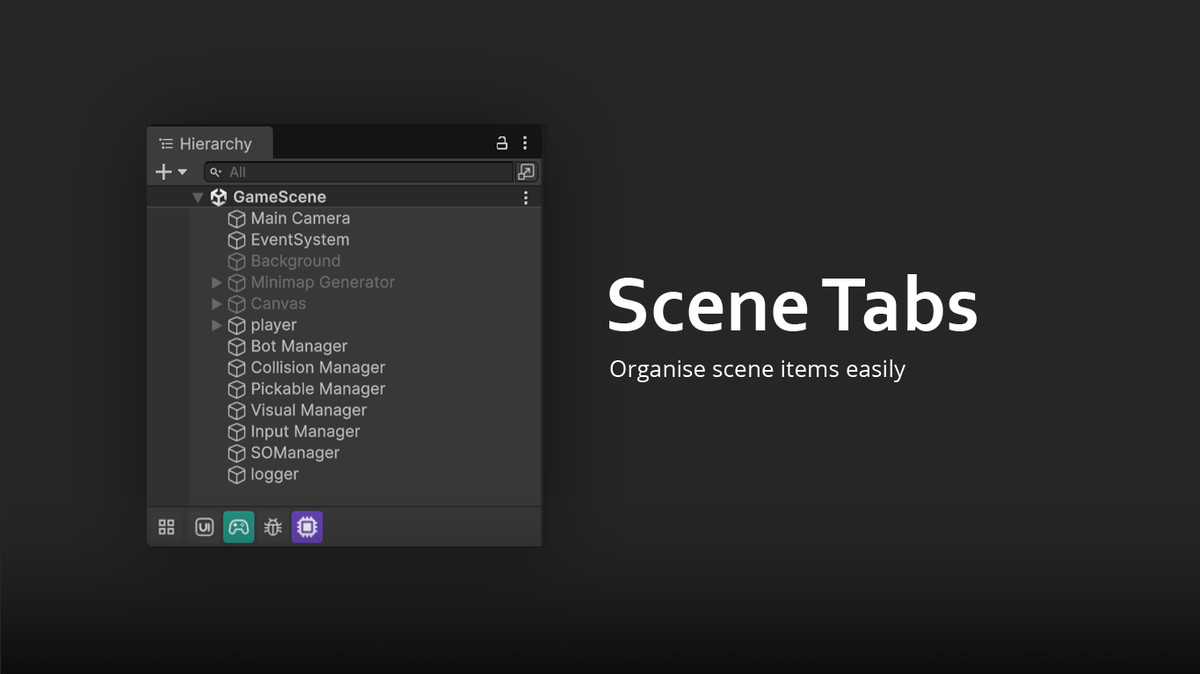
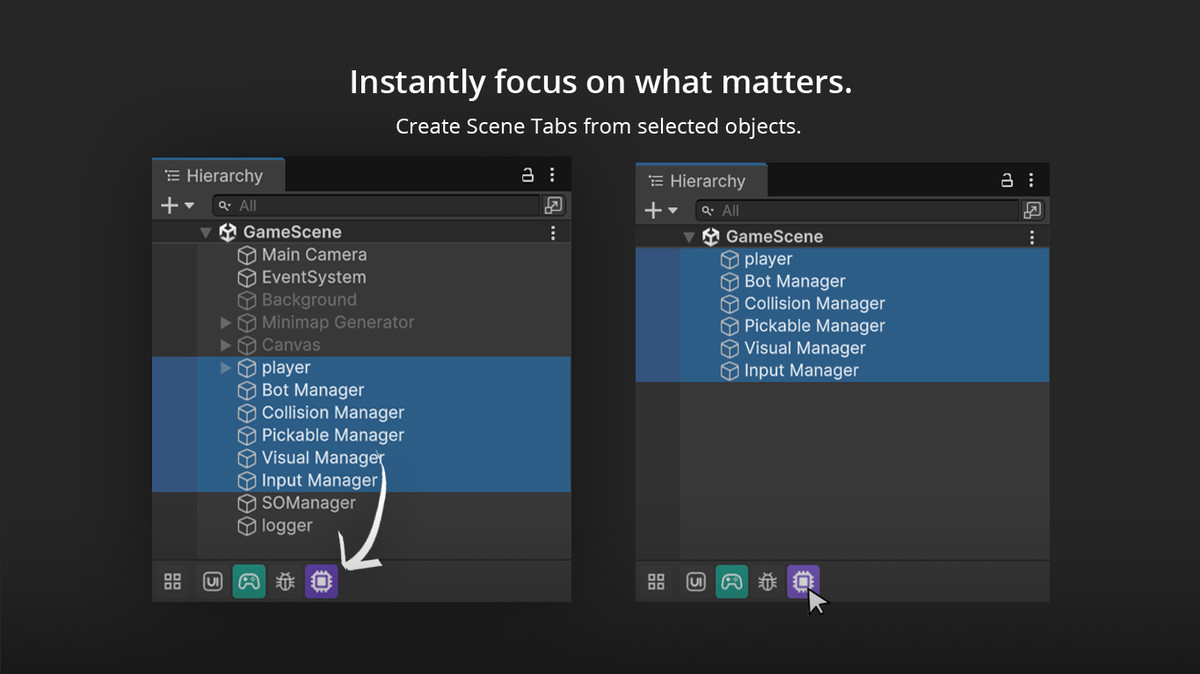
Scene tabs to organise scene hierarchy.
Asset shortcut tabs for quick access (even open or drag to use).
Create assets in single click.
Copy address right through the address bar click.
Note: demo scene in package is only for following guidelines, To use the tool in right way, consider reading manual or description below.
Scene Tabs - organise gameobjects in hierarchy window
Organize and group gameobjetct acrroding to you needs.
- Drag & Drop any asset into this area to create a scene tab.
- Fully reorderable.
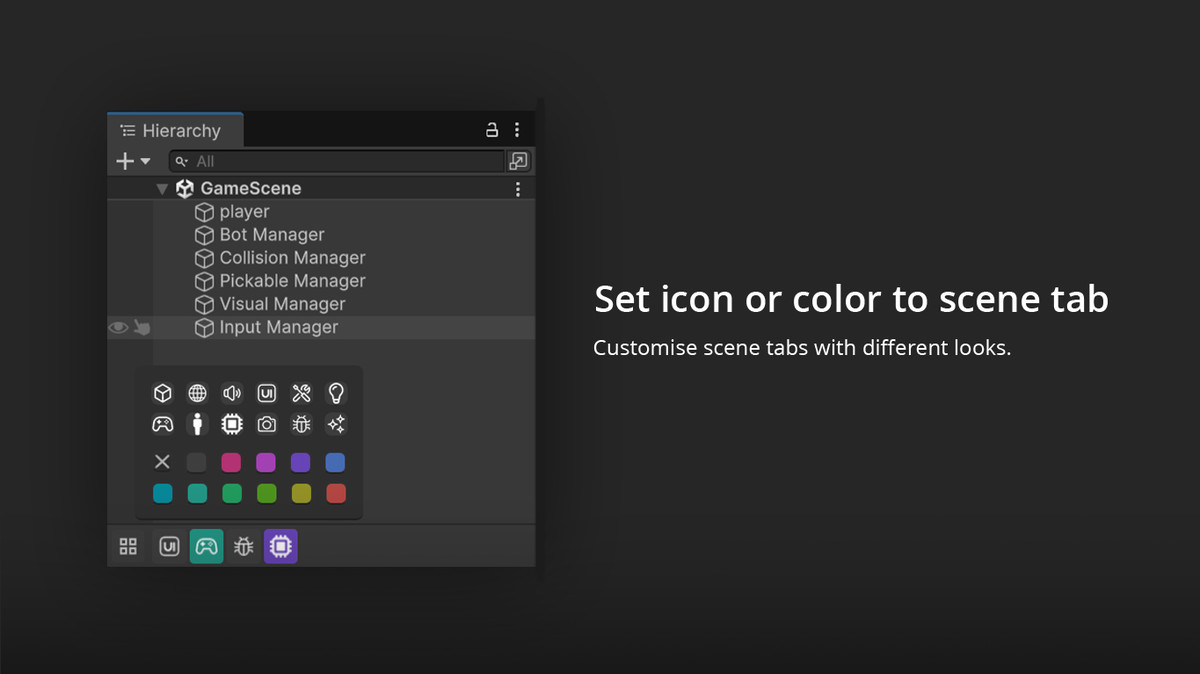
- Alt+click to change color or icons.
Shortcut Buttons Area – “QuickPins”
Organize and jump to your most-used assets or folders with ease:
- Drag & Drop any asset into this area to create a visual bookmark.
- Buttons show the asset’s icon only in minimal mode (Shift+left click to toggle).
- Fully reorderable, like Chrome bookmarks.
Interactions:
- Single-click: Opens the asset’s directory in the Project window.
- Ctrl+click: Opens the asset directly (e.g., a prefab, script, image).
- Shift+click: Toggles minimal mode (hides label for icon-only button).
- Alt+click: Set a custom background color for better visual grouping.
- Right-click: Instantly remove the shortcut.
- Drag: Behaves like any Project window item (for use in other tools or hierarchy).
Creator Buttons Area – “CreateCaps”
Quickly spawn new assets or files using customized buttons,
instead of finding it inpopup:
Interactions:
- 🖱️ Single-click: Instantly creates a new asset using the assigned menu command (e.g., “Create > Script”).
Smart Address Bar
A compact utility packed with quick-access logic:
- 📋 Click (empty bar) → Copies current folder path.
- 📋 Click (text present) → Copies entered text.
- 🖱️ Right-click → Copies selected item’s file name with extension.
- Resizable sections via splitters.
- Minimalist design.
- Focus on usability, speed, and customization.
---- Best for large projects
More from PinePie:
- PieDesk 2 — Customisable Colorful folders look with tagging, folder history navigation, a scene selector, and a built-in notes/devlog manager, all in the project browser.
From the publisher's Asset Store listing.
Technical details
🔧 Tech Stack & Compatibility
- Tested on Unity 6.2.
- Compatible with Fancier and Notes&DevLog.
- Unity Editor 2021.3+
- Built using UI Toolkit.
- Lightweight, fully native, no external dependencies
- Non-intrusive, clean and simple UI Overlay.
Compatibility
| Unity version | Built-in | URP | HDRP | Custom |
|---|---|---|---|---|
| 2022.3.62f2 | Compatible | Compatible | Compatible | Compatible |
As listed on the Asset Store.