
 View on Asset Store (opens in new tab)
Package details
- Latest version
- 1.0.0
- Last updated
- First released
- Unity version
- 6000.1.1 or later
- Package size
- 158 KB
- Files
- 2
- Favorites
- 3
- Views in the past week
- 7
Price tracking
- Last checked
- Tracked since
- Lowest recorded
- $5.00 on
Keywords
Model2Icon - Generate Icons from 3D Model
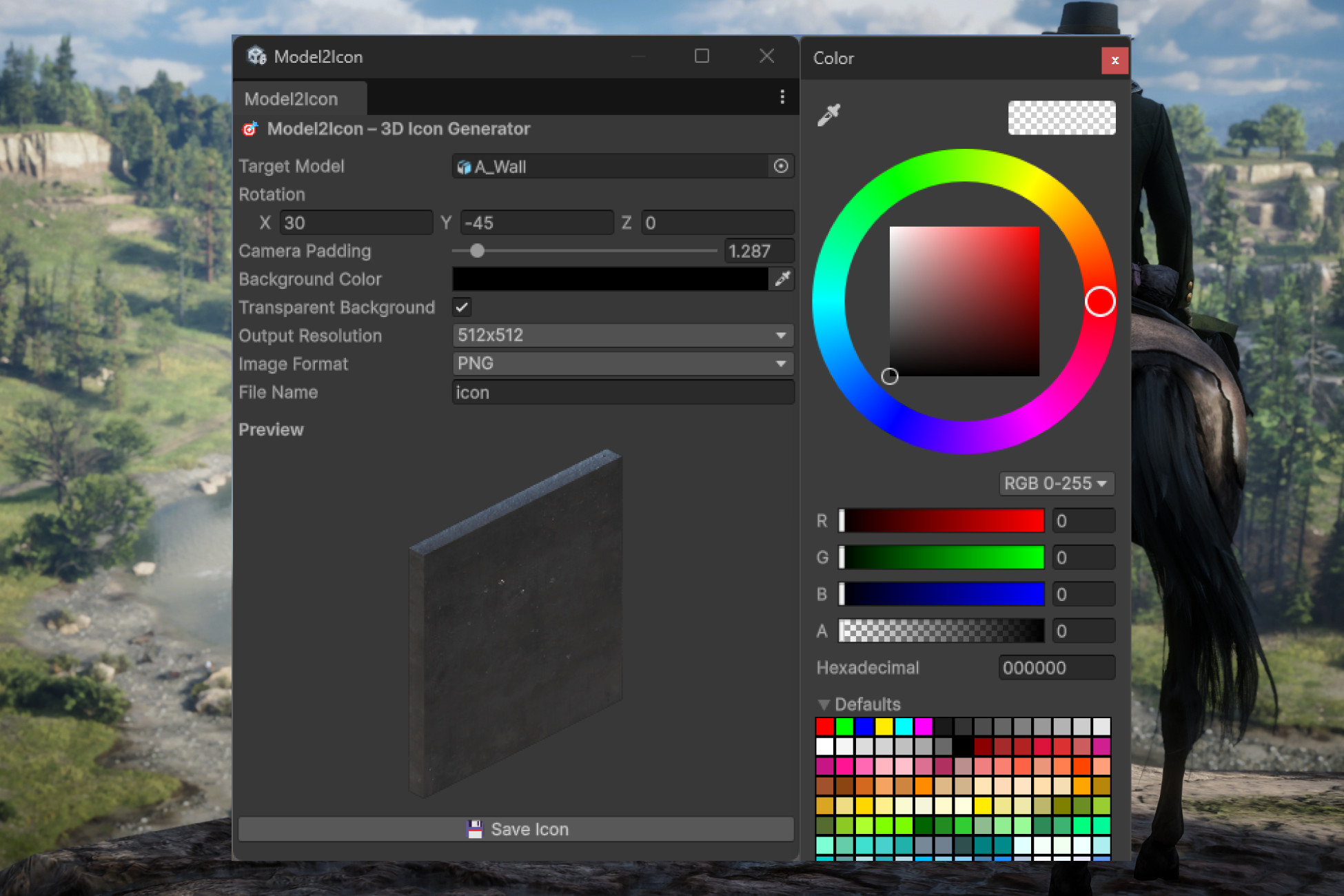
Model2Icon lets you convert any 3D GameObject into high-quality PNG or JPG icons with custom rotation, background, and resolution—all from within the Unity Editor.
Affiliate link · Purchases support this site
Price history
Last 6 months
USDAsset preview
1 / 1
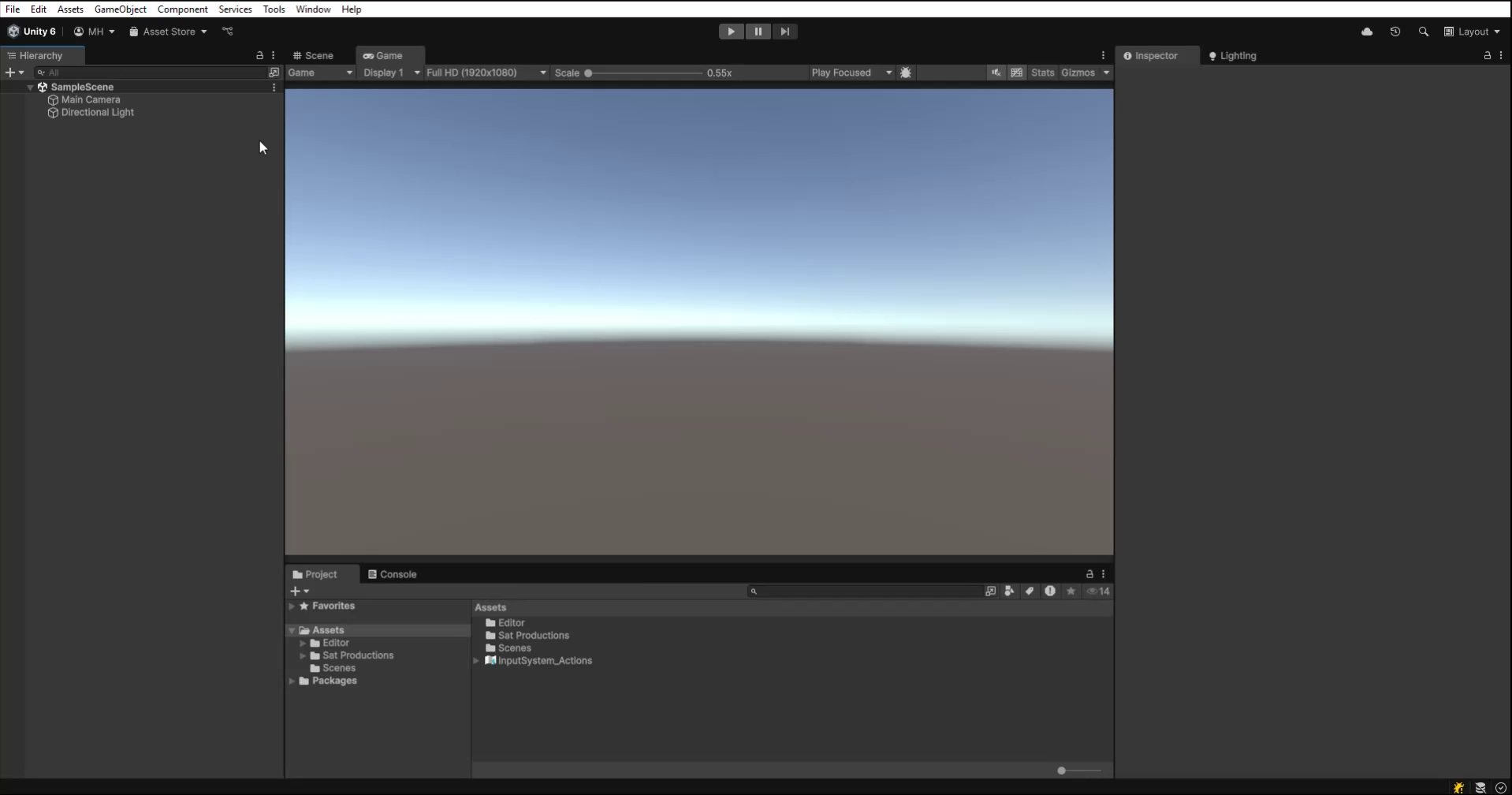
Model2Icon - Generate Icons from 3D Model video 1 (plays on the Asset Store)
About this asset
Tired of switching between Unity and external tools just to make icons? Model2Icon lets you generate perfect 2D icons from your 3D models — all without ever leaving the Unity Editor.
Whether you're building inventory systems, character selection screens, or a custom asset browser, Model2Icon gives you full control over the rendering process with an elegant and simple UI.
🛠️ Customization Options:
- Set exact rotation angles for isometric or orthographic views
- Adjust zoom/framing via camera padding
- Choose solid or fully transparent backgrounds (RGBA)
- Output to either PNG or JPG format
- Auto-import saved images as Sprites ready for UI use
🧩 Use Cases:
- Inventory icons
- Equipment thumbnails
- Custom asset previews
- Character portraits
- UI elements from 3D models
📁 Installation
- Import the tool into your project via the Asset Store
- Navigate to Tools > Model2Icon in the Unity Editor menu
- Select a 3D model, adjust settings, and click Generate or Save Icon
📦 Package Includes
- Fully optimized source code
- Editor window for icon generation
- Scene-independent render setup (no prefab dependencies)
- README and quick-start instructions
From the publisher's Asset Store listing.
Technical details
🎯 Key Features:
- 🧱 Convert any 3D GameObject into a high-resolution PNG or JPG icon
- 🎨 Supports transparent backgrounds for clean UI integration
- 🖼️ Built-in real-time icon preview window
- 🔄 Adjustable camera rotation, framing padding, and background color
- 📐 Choose from multiple resolutions: 32x32 up to 4096x4096
- 💾 Automatically imports generated icons as Sprites
- 🧠 User-friendly EditorWindow — perfect for beginners and pros alike
Compatibility
| Unity version | Built-in | URP | HDRP |
|---|---|---|---|
| 6000.1.1f1 | Compatible | Compatible | Compatible |
As listed on the Asset Store.