
 View on Asset Store (opens in new tab)
Package details
- Latest version
- 1.0.1
- Last updated
- First released
- Unity version
- 2022.3.34 or later
- Package size
- 4.8 MB
- Files
- 28
- Favorites
- 8
- Views in the past week
- 8
Price tracking
- Last checked
- Tracked since
- Lowest recorded
- Free on
Keywords

Scene Compass
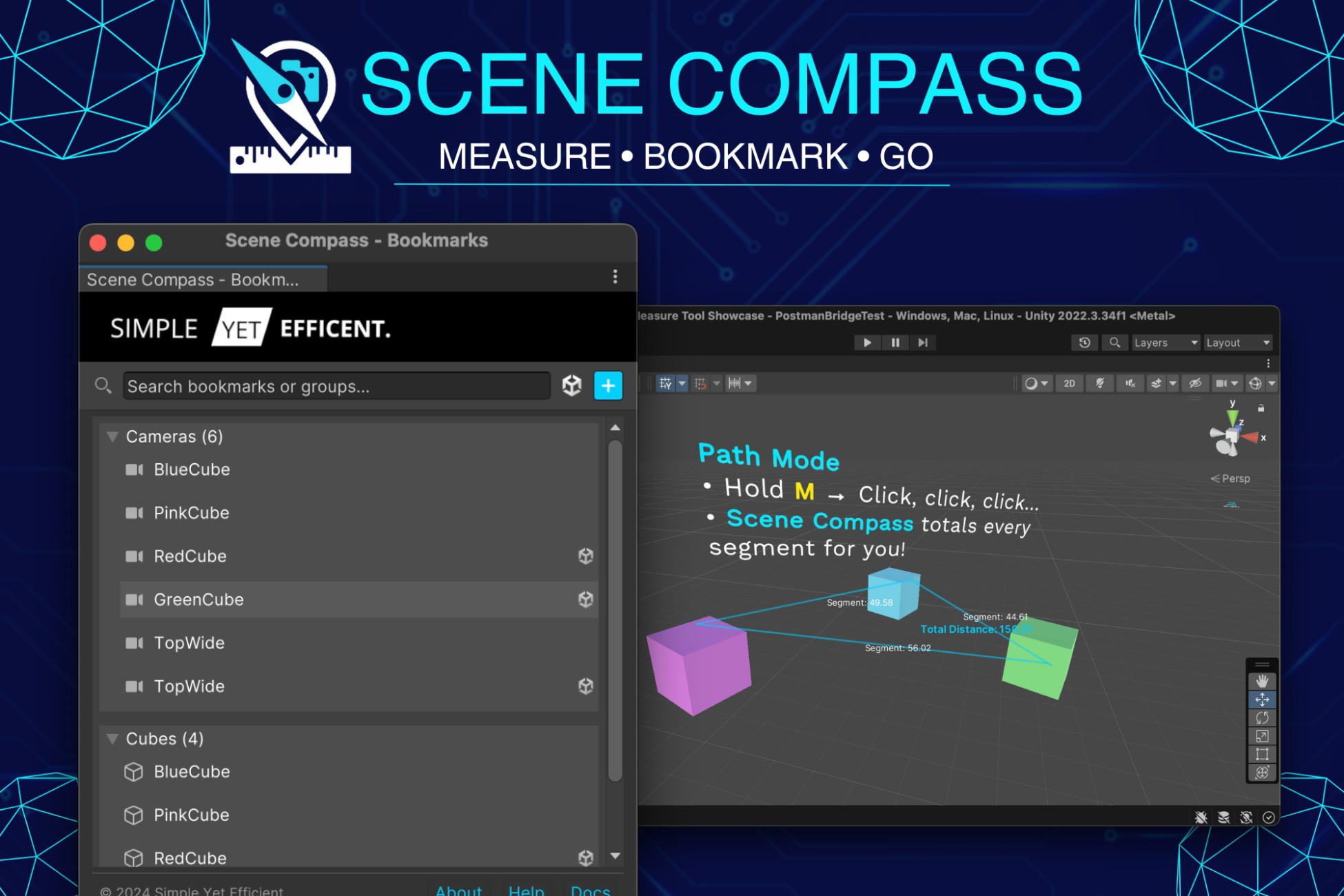
A lightweight Unity editor tool for precise scene measurements and smart bookmarking. Perfect for level designers and environment artists who need accurate spatial tools and quick scene navigation.
Affiliate link · Purchases support this site
Price history
Last 6 months
USDAsset preview
1 / 1

Scene Compass video 1
About this asset
Scene Compass is a professional-grade Unity editor extension that seamlessly integrates into your development workflow. Whether you're building expansive open worlds, intricate level designs, or detailed architectural visualizations, Scene Compass provides the tools you need to work efficiently and precisely.
The package is highly customizable and suitable for any genre or project type. Its intuitive interface and keyboard shortcuts ensure you can focus on your creative work without breaking your flow. The measurement tool helps you maintain precise distances and proportions, while the bookmark system lets you save and organize important scene locations and GameObjects for quick access.
From the publisher's Asset Store listing.
Technical details
Key Features:
- 🔍 Advanced Measurement Tool
- Hold 'M' key for precise distance measurements
- Shift+M for connected path measurements
- Real-time distance calculations
- Visual measurement guides with clear distance labels
- 📌 Comprehensive Bookmark System
- Save camera views and GameObject positions
- Create and manage bookmark groups
- Cross-scene bookmark support
- Quick search and filtering capabilities
- Keyboard shortcuts for efficient navigation
- 🎯 User-Friendly Interface
- Clean, modern UI design
- Customizable keyboard shortcuts
- Seamless integration with Unity's native tools
- Context menu support in the Hierarchy window
- ⚡ Performance Optimized
- Lightweight implementation
- Minimal impact on editor performance
- Efficient memory usage
- Developer-Friendly
- Easy installation via Package Manager
- Comprehensive documentation
- Regular updates and support
- Compatible with Unity 2020.3 and newer
Compatibility
| Unity version | Built-in | URP | HDRP | Custom |
|---|---|---|---|---|
| 2022.3.34f1 | Compatible | Compatible | Compatible | Compatible |
As listed on the Asset Store.