
 View on Asset Store (opens in new tab)
Package details
- Latest version
- Body Poser 1.5
- Last updated
- First released
- Unity version
- 6000.2.15 or later
- Package size
- 68.3 MB
- Files
- 44
- Favorites
- 57
- Views in the past week
- 40
Price tracking
- Last checked
- Tracked since
- Lowest recorded
- $4.99 on
Keywords
- Search for poser
- Search for static pose
- Search for Unity Editor Tools
- Search for scene dressing
- Search for DEAD BODIES
- Search for High Performance
- Search for lightweight posing
- Search for performance optimization
- Search for no animation
- Search for ragdoll replacement
- Search for Occlusion Culling
- Search for cinematic pose

Body Poser – Ragdoll Posing & Scene Dressing
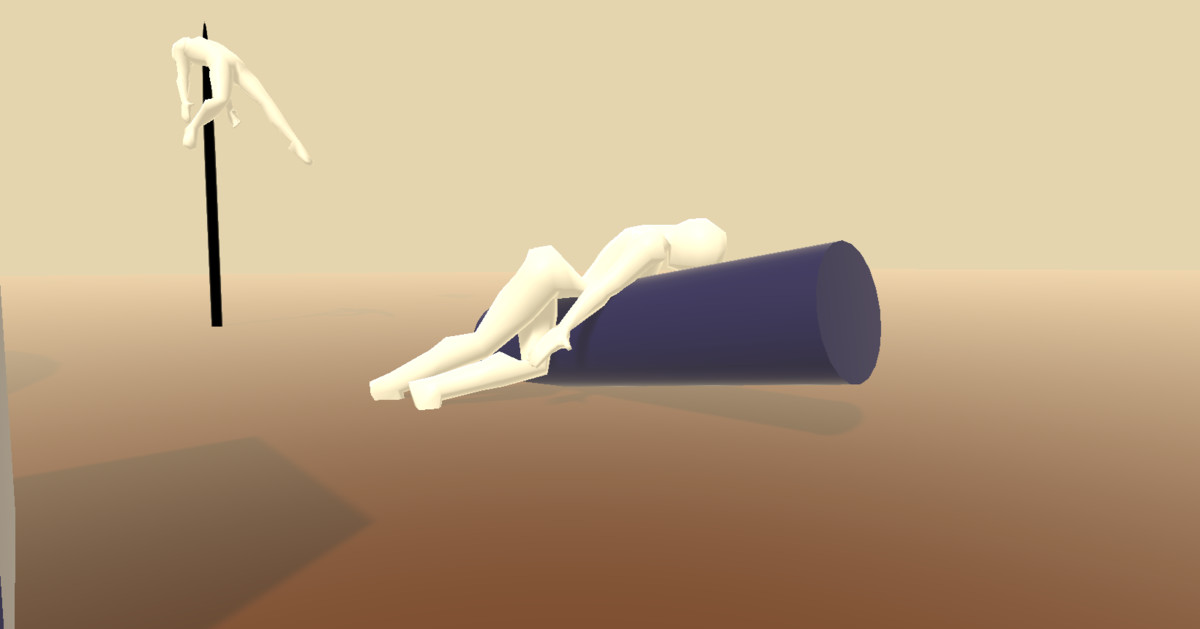
Death poses, dramatic scenes, dead simple. Pose rigged characters in Unity, capture ragdoll results, filter bone handles, and use batch tools to prepare static scene dressing.
Affiliate link · Purchases support this site
Price history
Last 6 months
USDAsset preview
1 / 7
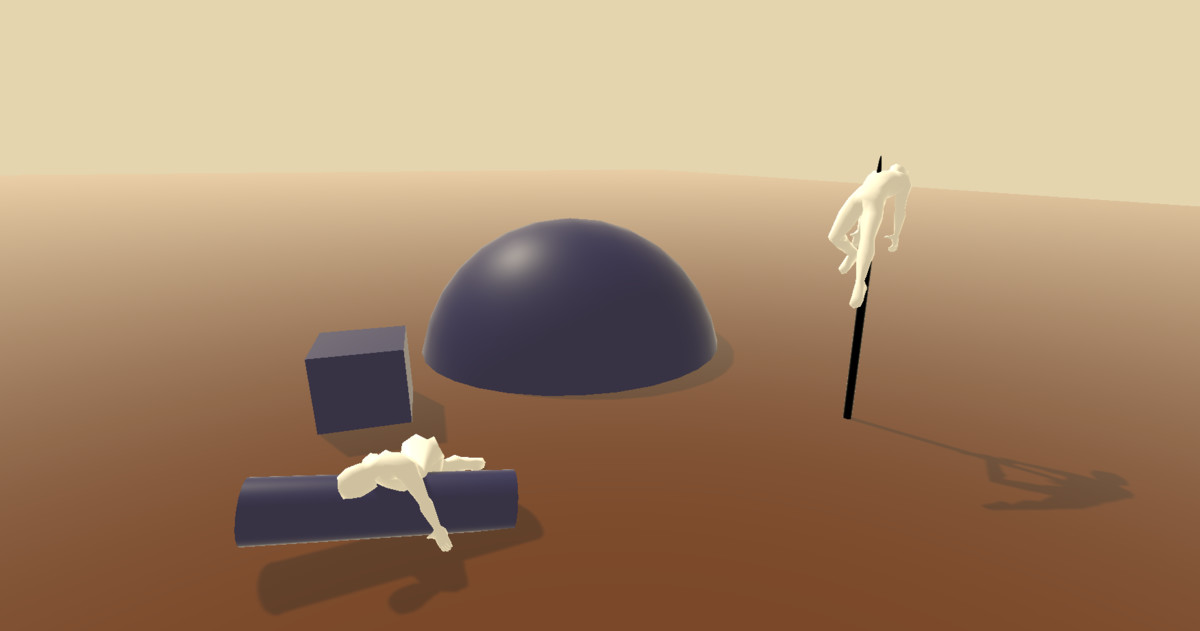
Body Poser – Ragdoll Posing & Scene Dressing screenshot 1
About this asset
BodyPoser – Fast, Simple, and Performance-Friendly Scene Posing Tool
While working on my own game, I ran into a common but frustrating problem: I needed dead bodies and static poses to dress my scenes—but using ragdolls was far too expensive for performance, and setting up animations or IK rigs was overkill.
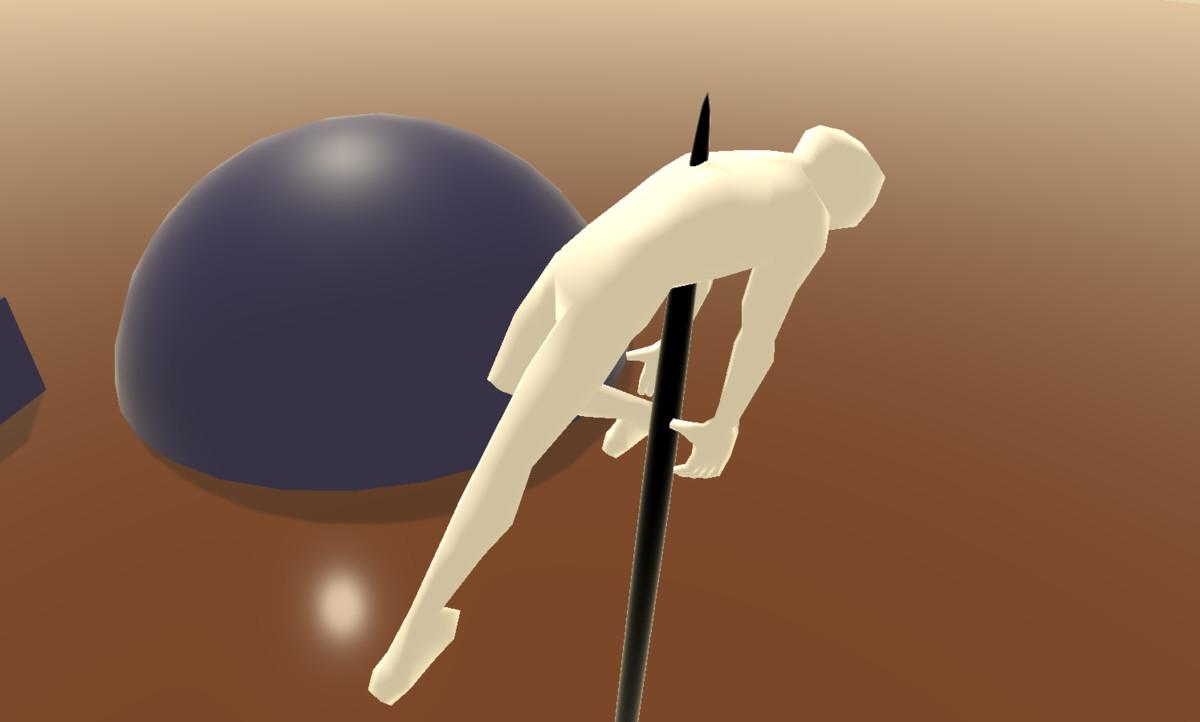
That’s why I created BodyPoser—a lightweight, editor-focused tool that makes it incredibly easy to manually pose humanoid models and keep them in a fixed pose for scene dressing. Originally built for corpse placement, but flexible enough for anything: background characters, statues, cinematic moments, and more.
Key Benefits:
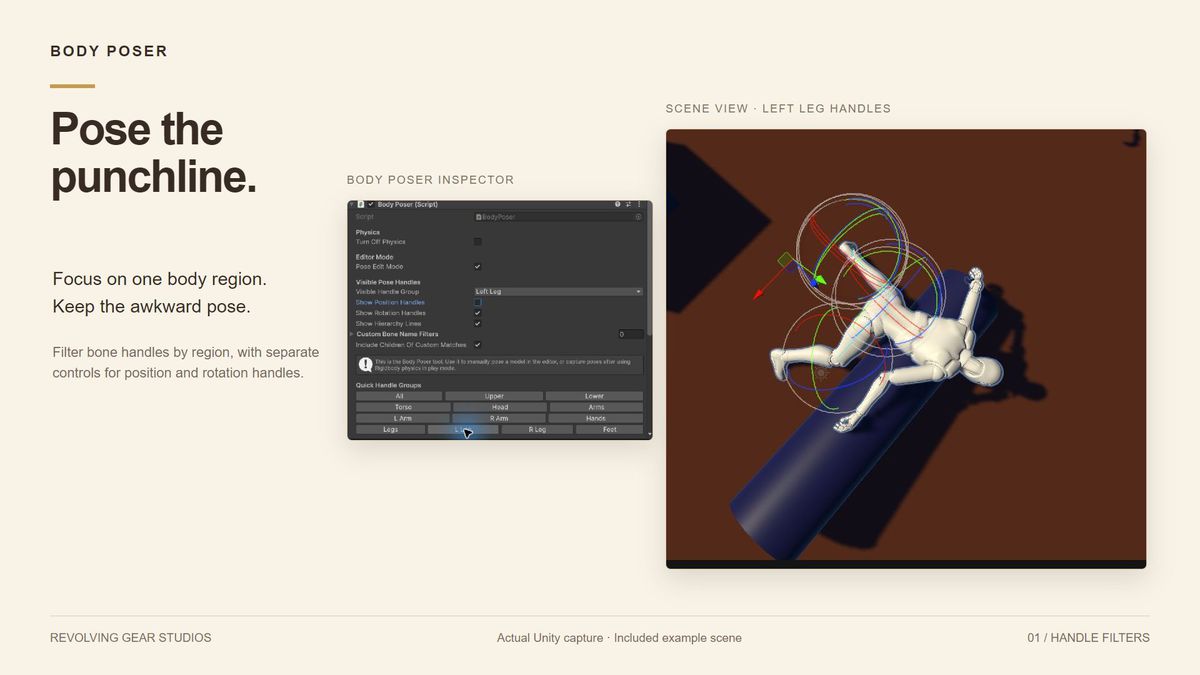
- Quickly pose models directly in the Scene View—no animations or complex rigging tools required.
- Capture ragdoll poses after simulation or pose entirely by hand.
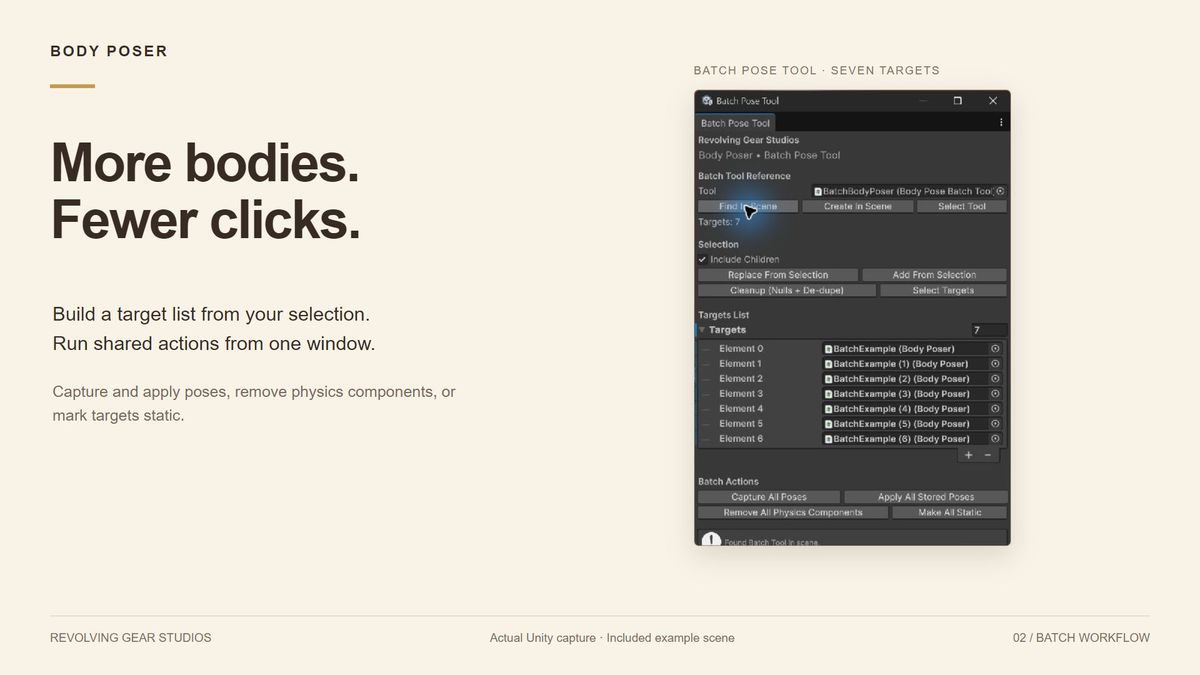
- Remove physics components and mark objects static to prepare posed characters for scene dressing.
- Perfect for scene dressing, cinematic compositions, and static environmental storytelling.
- Simple by design—no need for heavy IK systems or animation controllers.
Keep the drama. Cut the overhead. For characters that no longer need to move, capture a pose and prepare them as static scene dressing. Removing unnecessary physics components avoids ongoing ragdoll simulation. Compared with keeping full animation and physics active, a fixed pose can reduce runtime work. Savings depend on your character setup; posing alone does not remove skinning or rendering costs.
Support:
https://revolvinggearstudios.carrd.co/
From the publisher's Asset Store listing.
Technical details
- Pose rigged characters using Scene View position and rotation handles.
- Filter handles by body region or custom bone-name filters.
- Capture poses as temporary JSON files in Assets/BodyPoser/TempPoseData/. Successfully applying a pose clears its file.
- Pose matching uses transform names; this is not animation retargeting.
- Batch tools collect targets from selections, capture/apply poses, remove physics components, and mark targets static.
- Optional startup setting disables remaining rigidbody simulation and colliders.
- Current editor workflow verified on Windows with Unity 6000.2.15f1.
- Sample materials use the Built-in Render Pipeline; other pipelines may require material conversion.
- Does not bake skinned characters into static meshes. Performance savings depend on the remaining animation, physics, and rendering setup.
Compatibility
| Unity version | Built-in | URP | HDRP | Custom |
|---|---|---|---|---|
| 6000.2.15f1 | Compatible | Compatible | Compatible | Compatible |
To view the example scene in URP,HDRP or a Custom RP correctly you must convert the materials to that particular pipeline. Standard Built-In is default. Alternatively you can simply use the tool in your own environment that has already been set up. Simply drag and drop on your model. For Rigidbody posing the model must have a Rigidbody.
As listed on the Asset Store.