
 View on Asset Store (opens in new tab)
Package details
- Latest version
- 1.7
- Last updated
- First released
- Unity version
- 2021.3.45 or later
- Package size
- 41.5 MB
- Files
- 640
- Favorites
- 5
- Views in the past week
- 31
Price tracking
- Last checked
- Tracked since
- Lowest recorded
- $24.99 on
Keywords
Journey – UI Kit & Puzzle Demo
Journey – Game UI Kit is a colorful, cartoon-style UI pack designed for casual, puzzle, adventure, and puzzle games.
Affiliate link · Purchases support this site
Price history
Last 6 months
USDAsset preview
1 / 24
Journey – UI Kit & Puzzle Demo screenshot 1
About this asset
Welcome to Island Journey – Mobile Game UI Kit!
This friendly and colorful UI collection is designed to help you create a polished mobile game without building every screen from scratch.
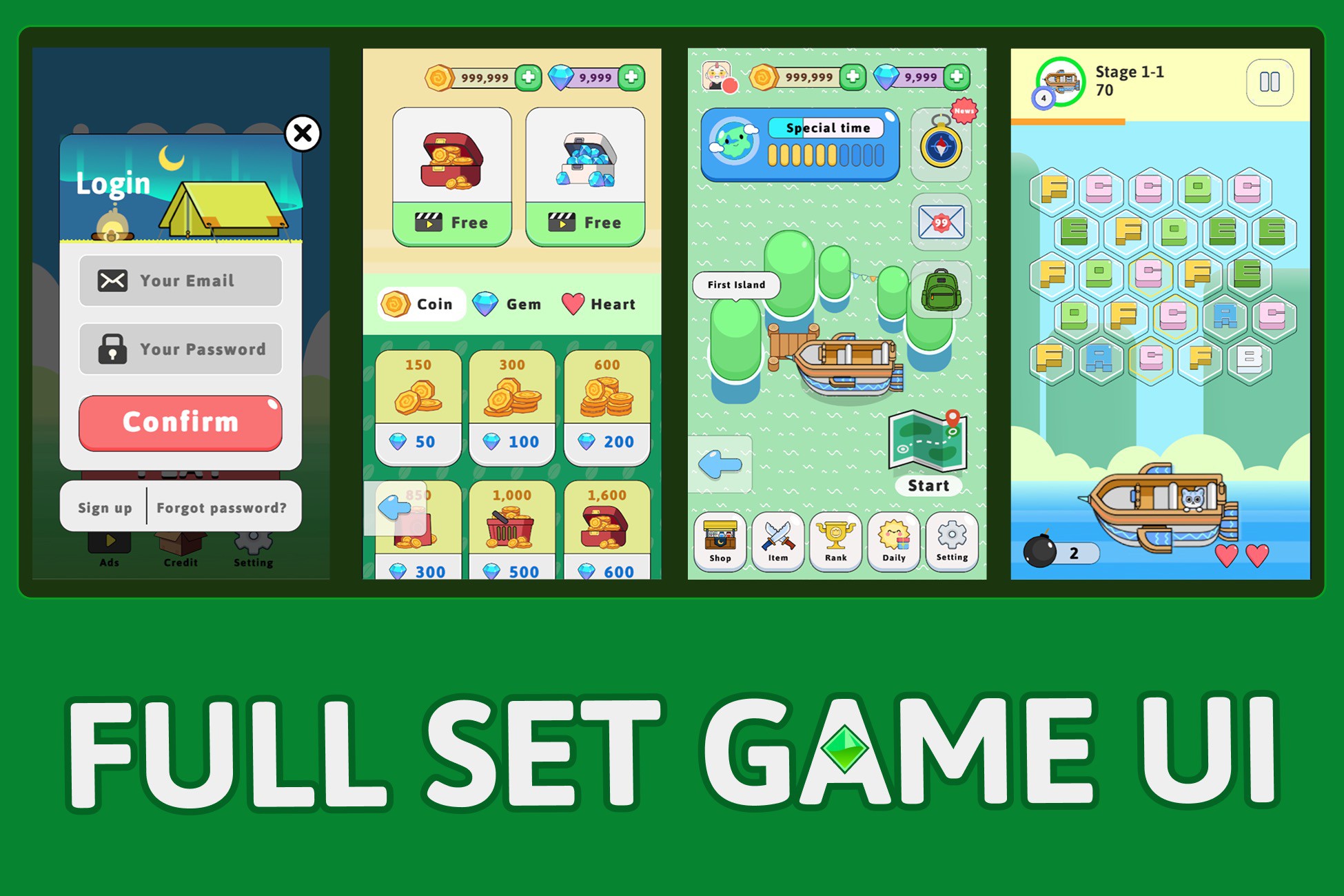
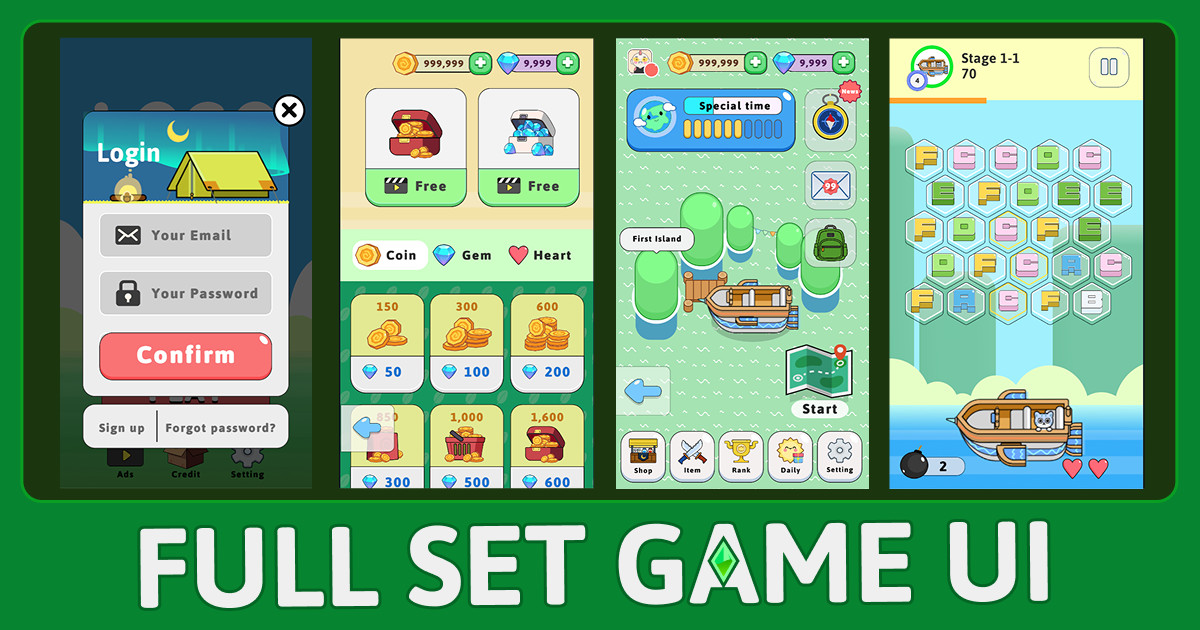
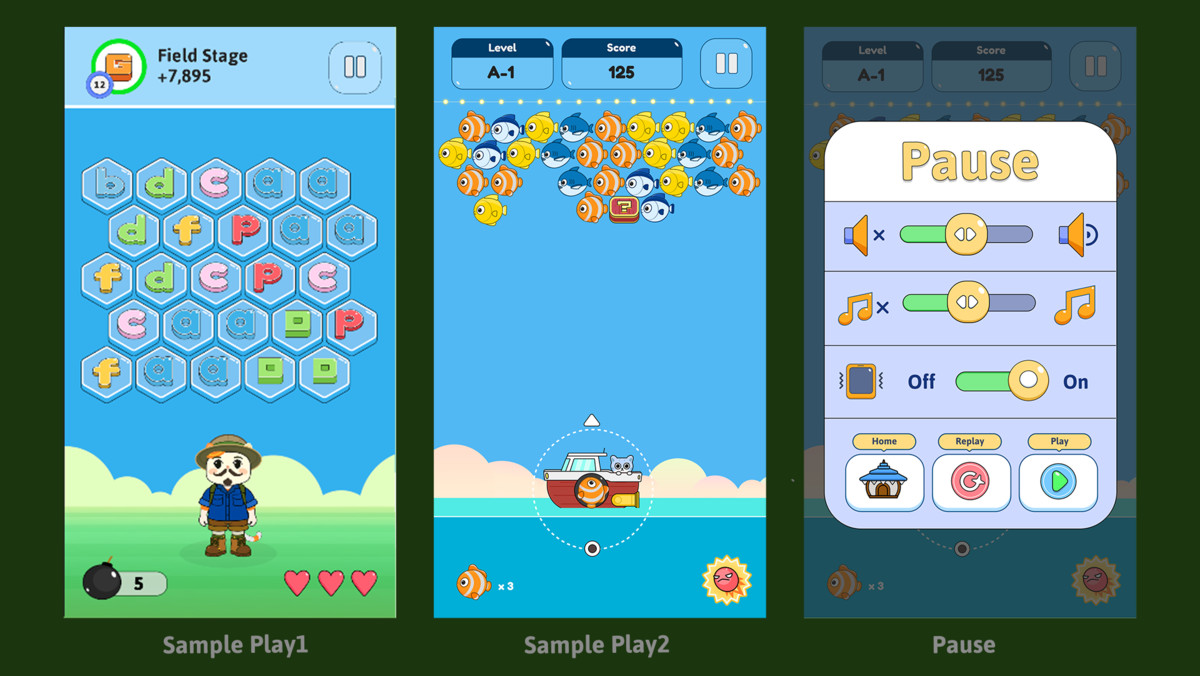
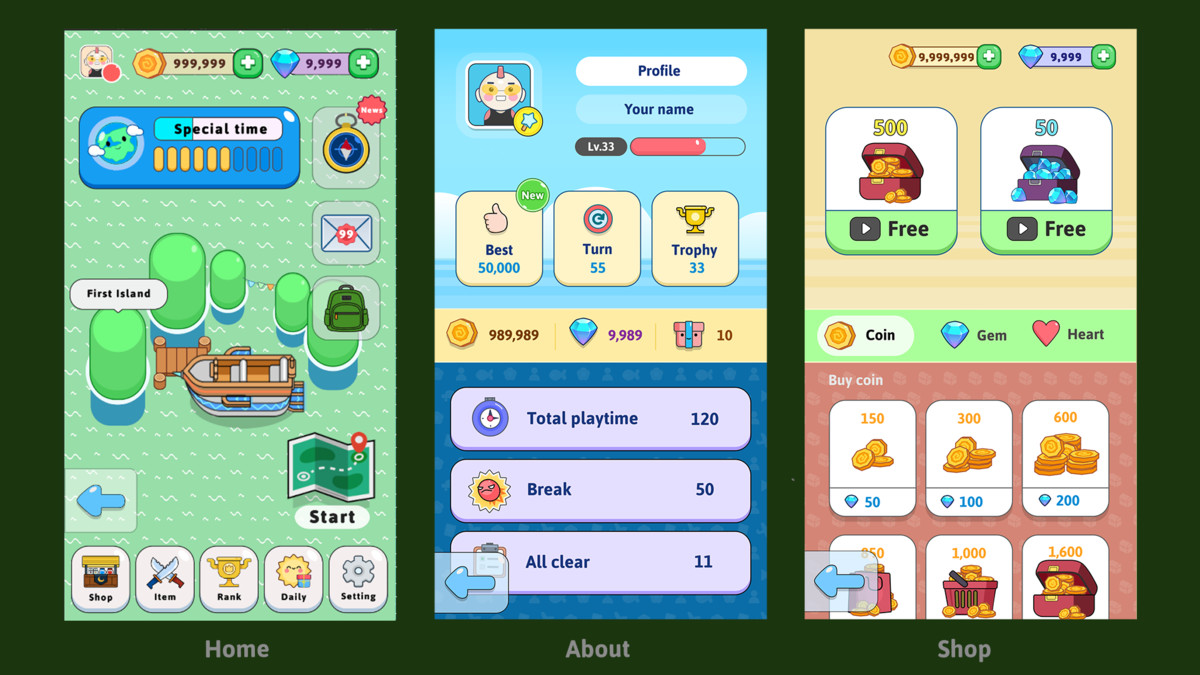
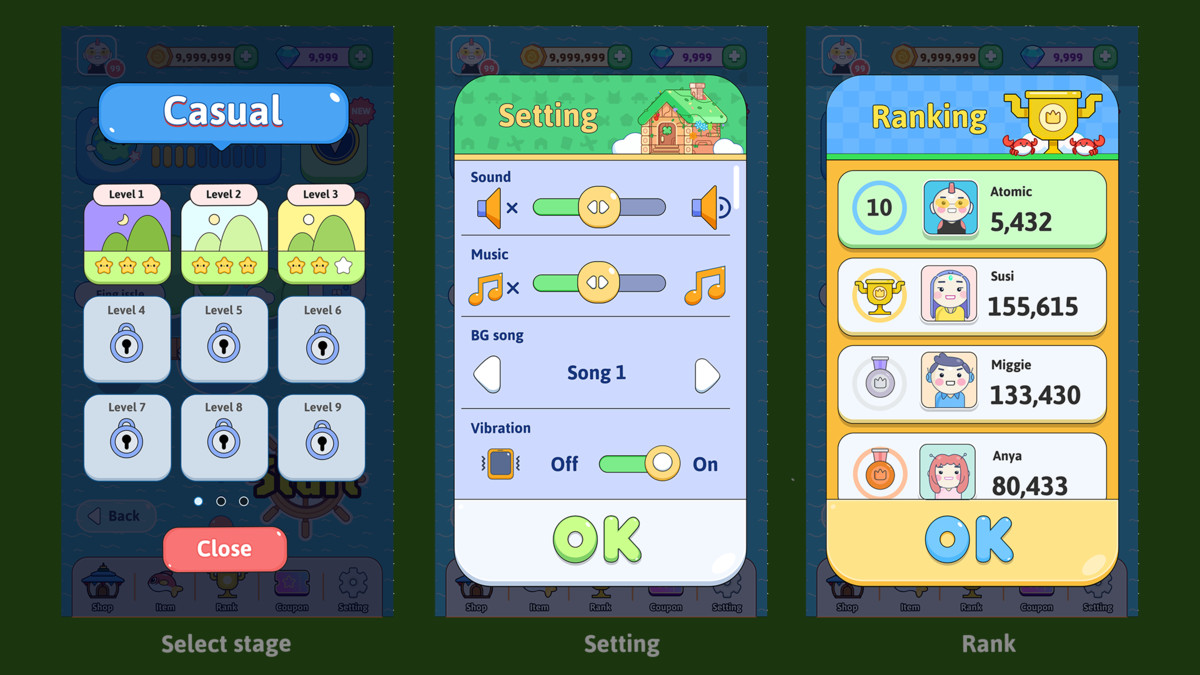
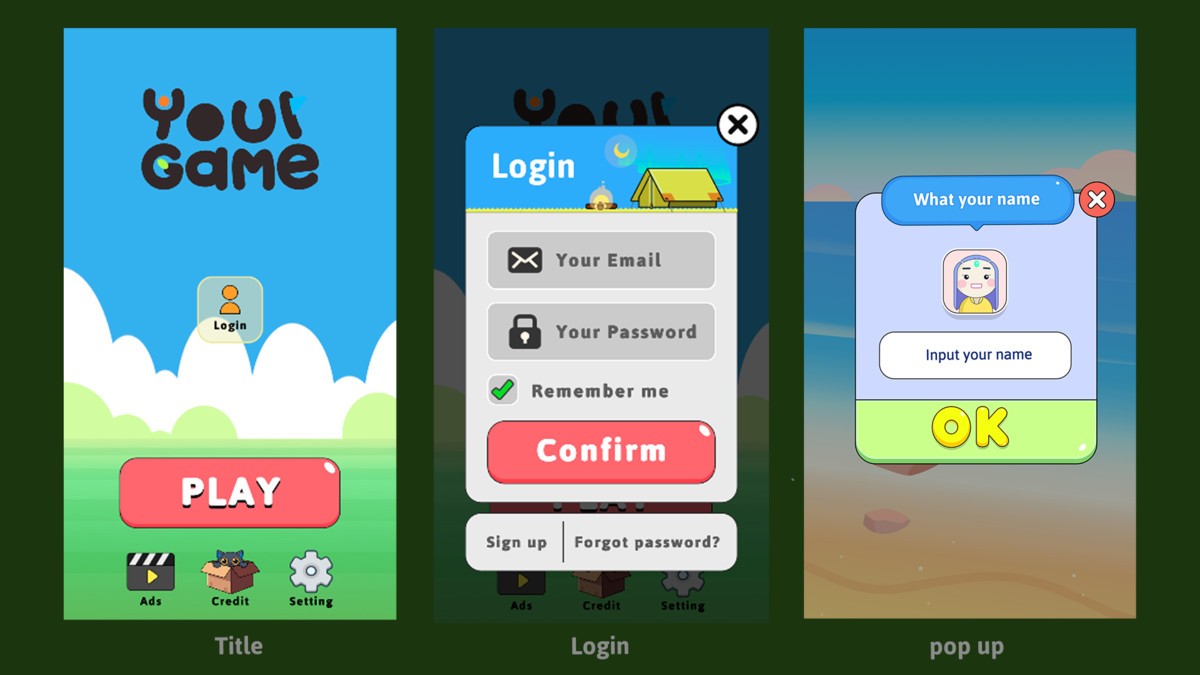
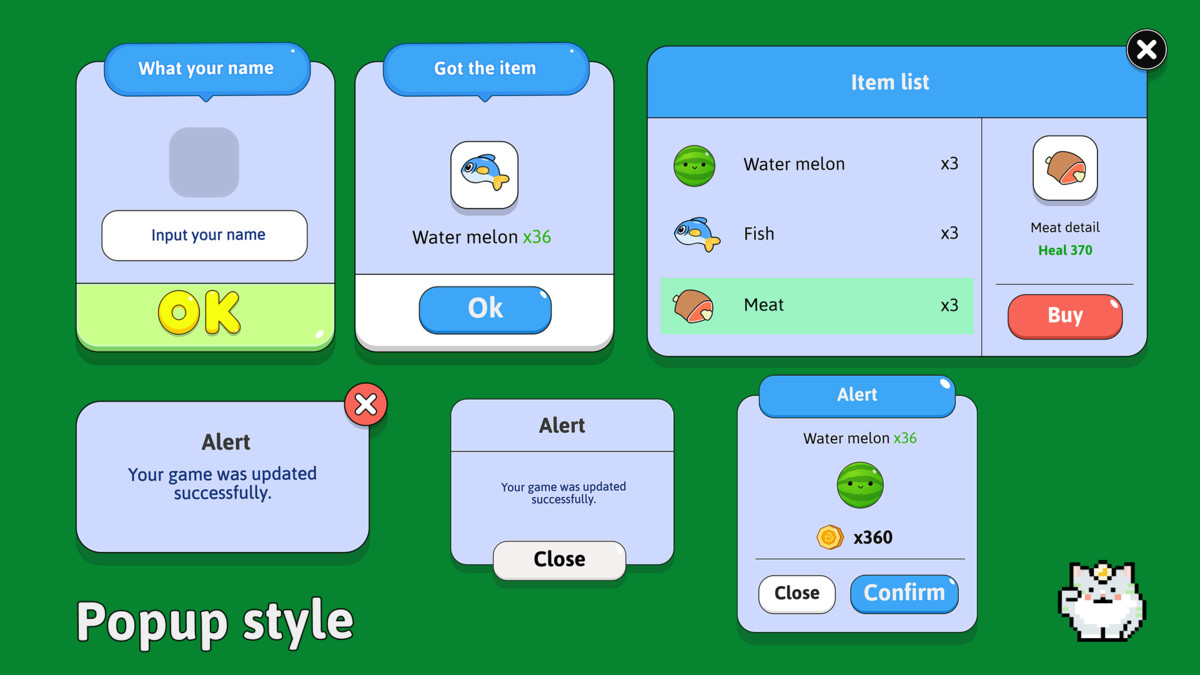
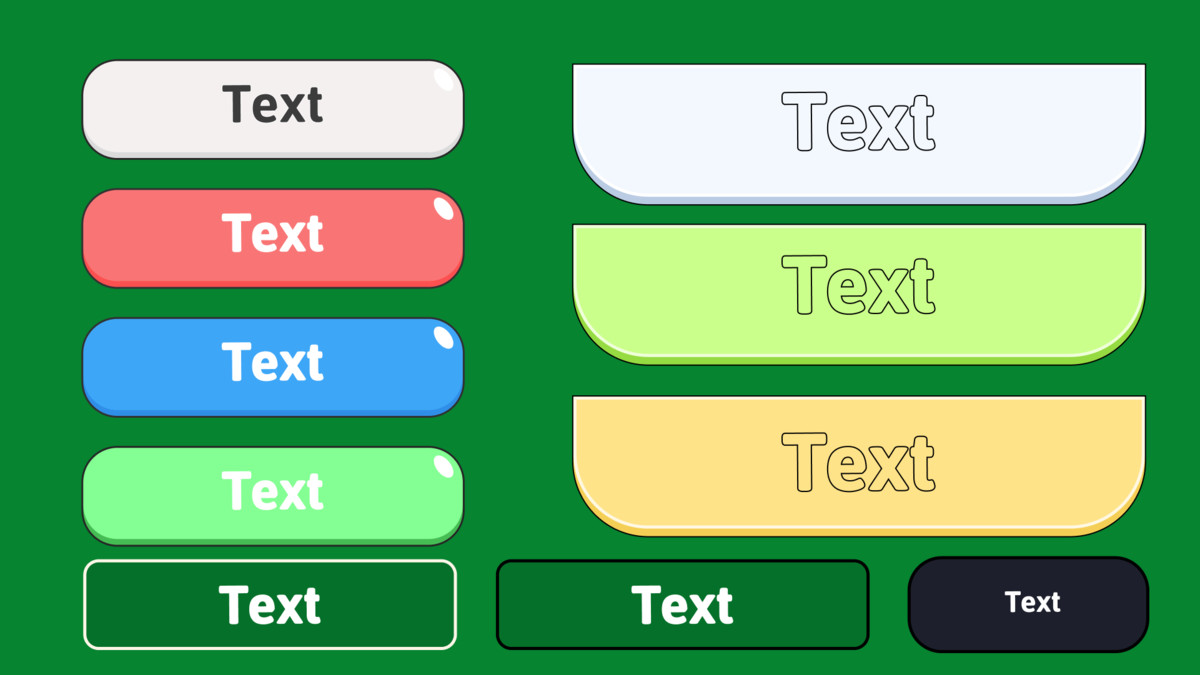
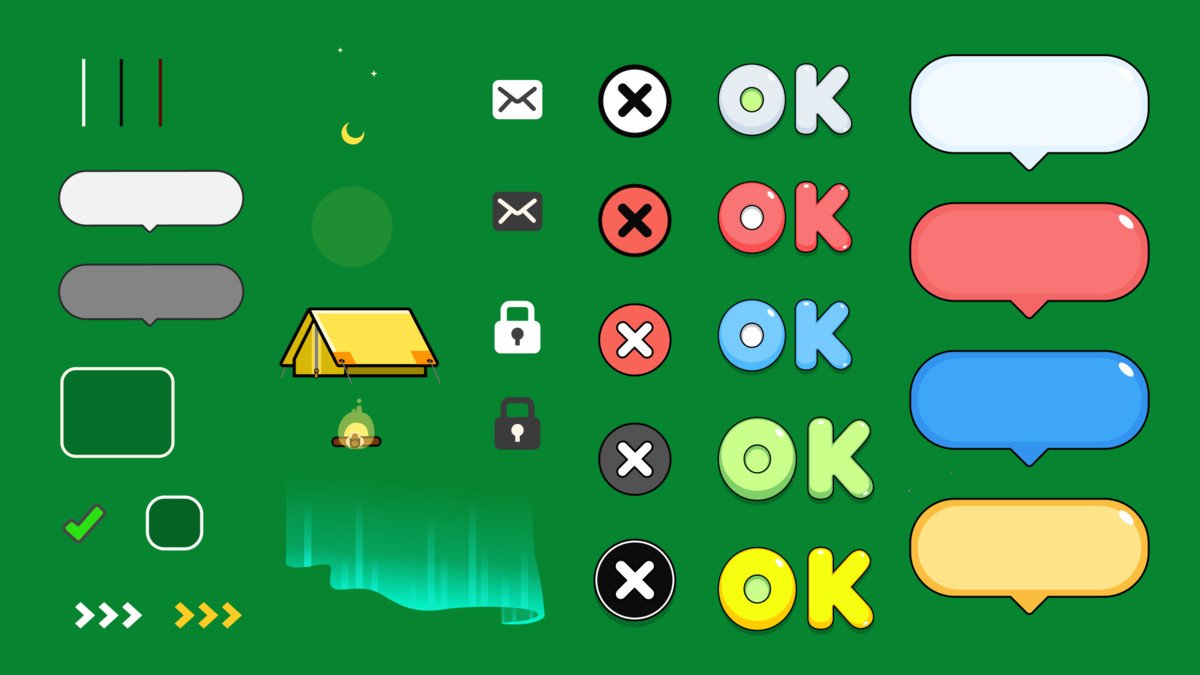
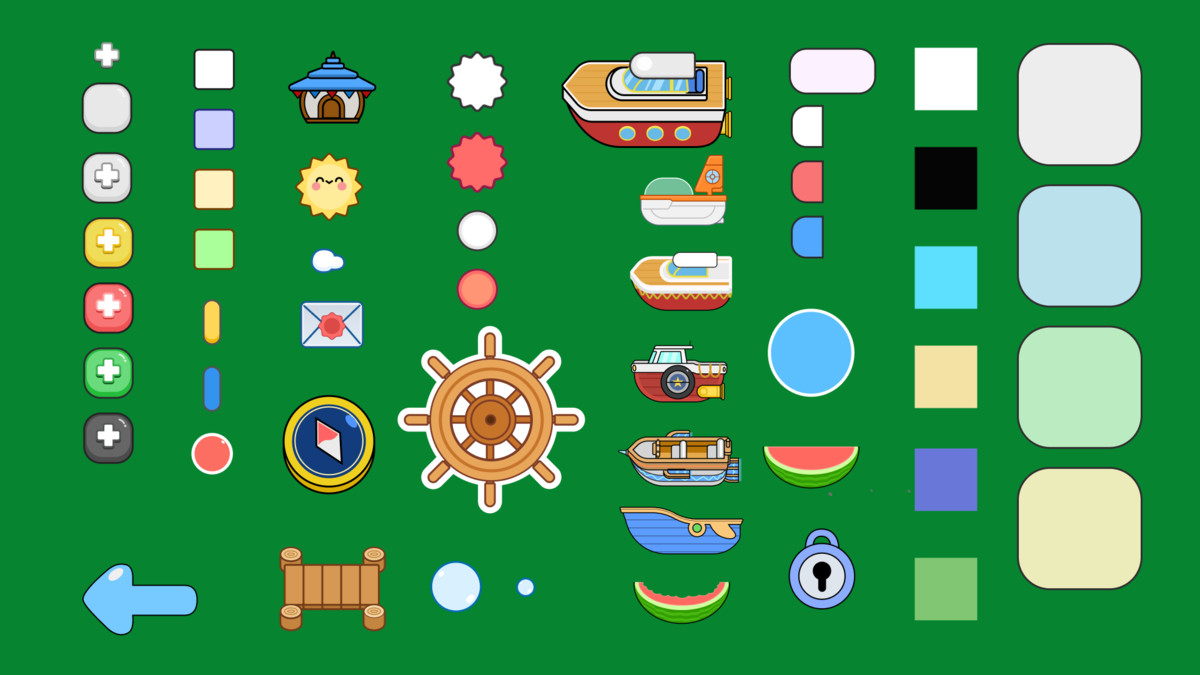
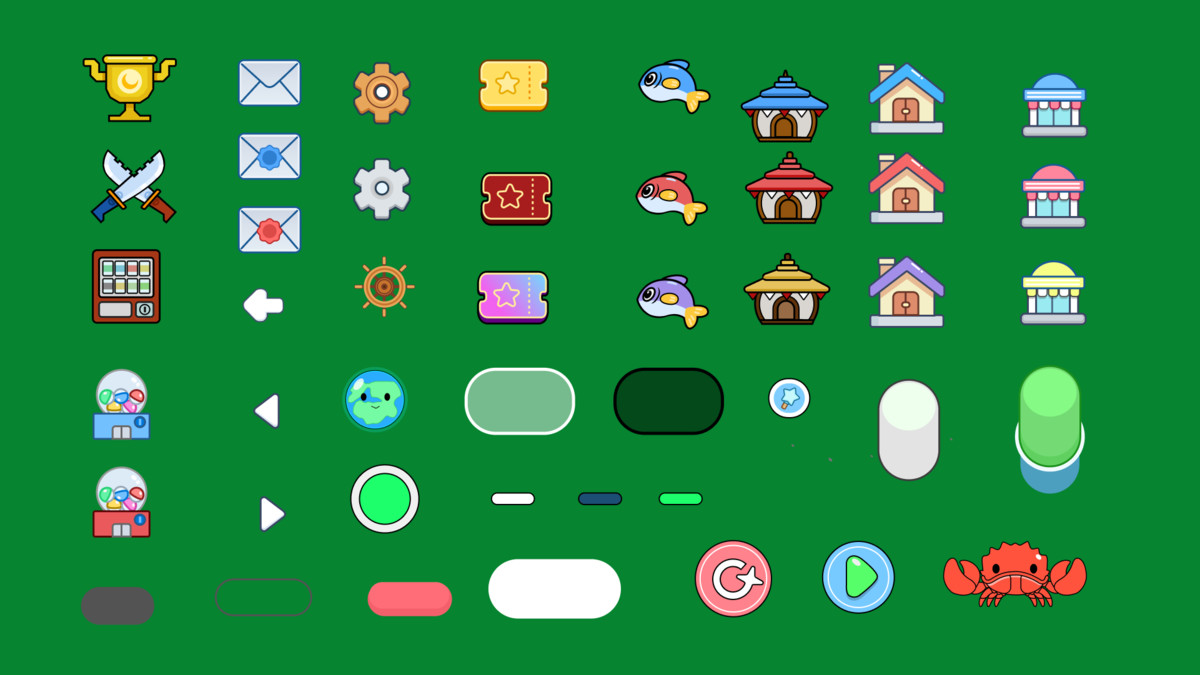
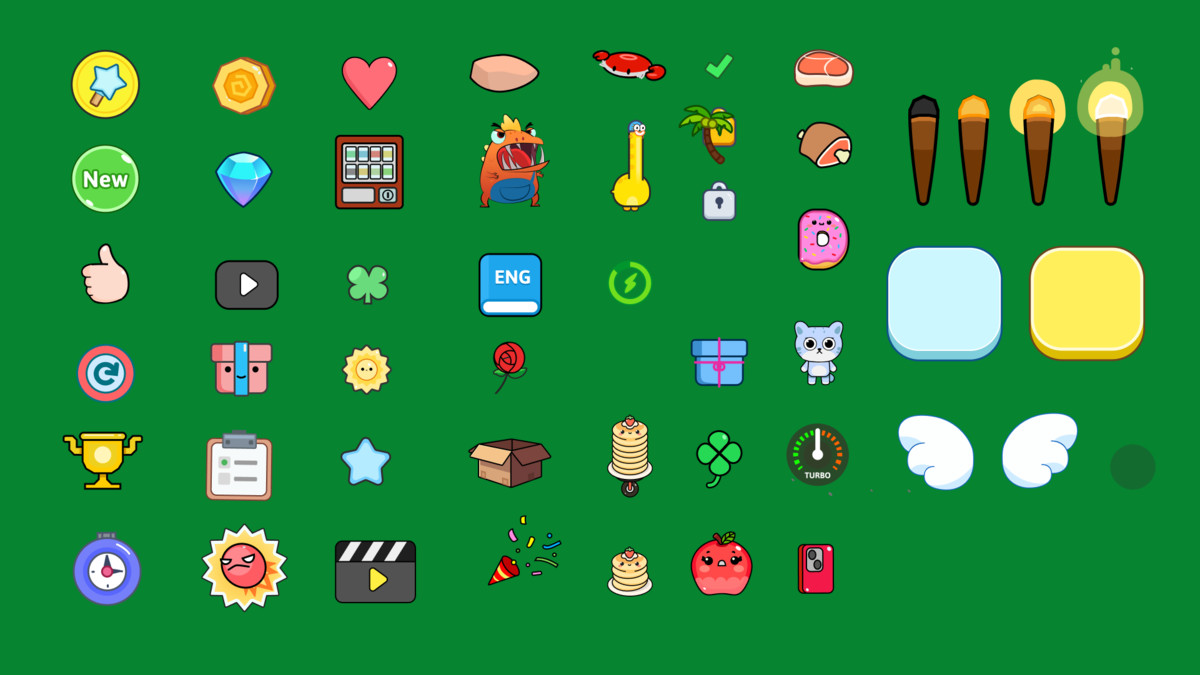
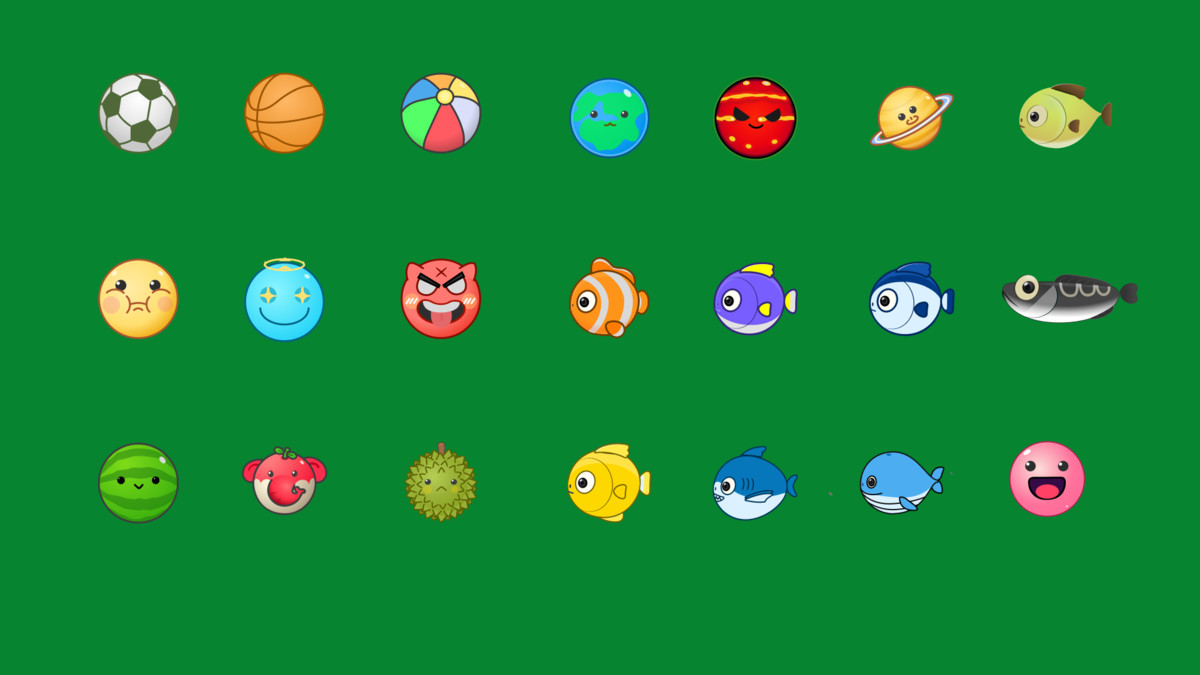
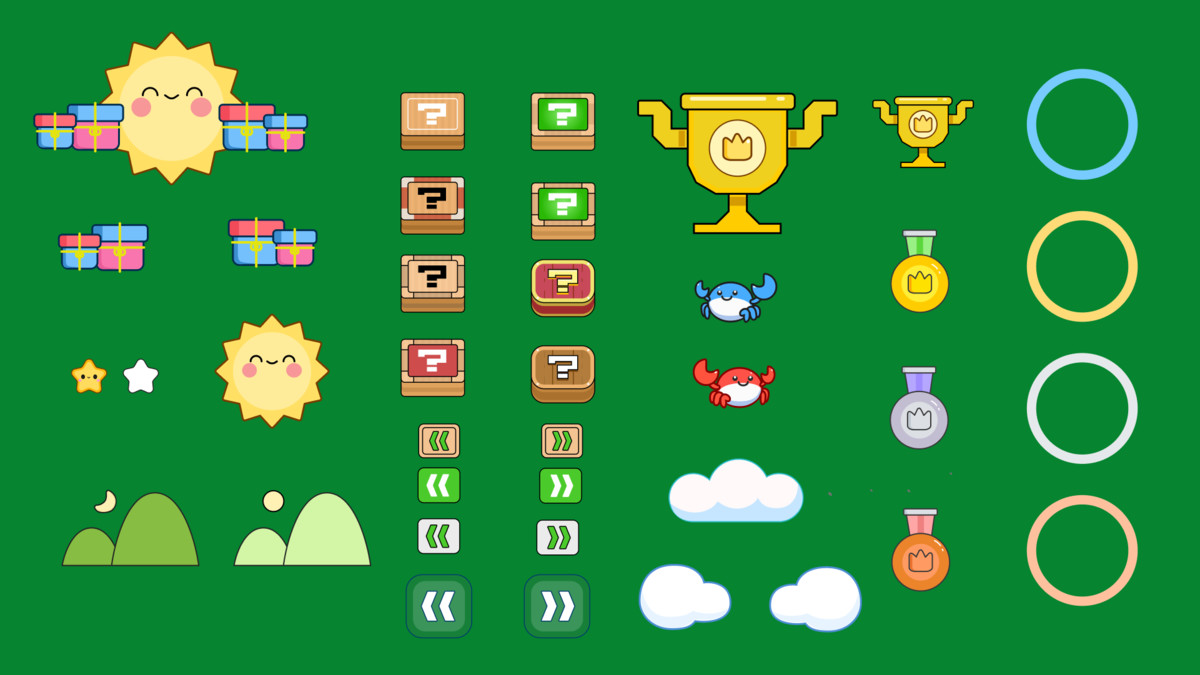
The package includes buttons, panels, icons, avatars, backgrounds, shop interfaces, profile screens, ranking layouts, settings, popups, gameplay HUD elements, and result screens—all organized into connected demo scenes.
Most example settings can be adjusted directly through the Unity Inspector, making the package approachable for designers and developers who prefer an easy visual workflow.
Why You’ll Love This Pack
- A complete UI flow from Splash to Result
- More than 500 ready-to-use PNG assets
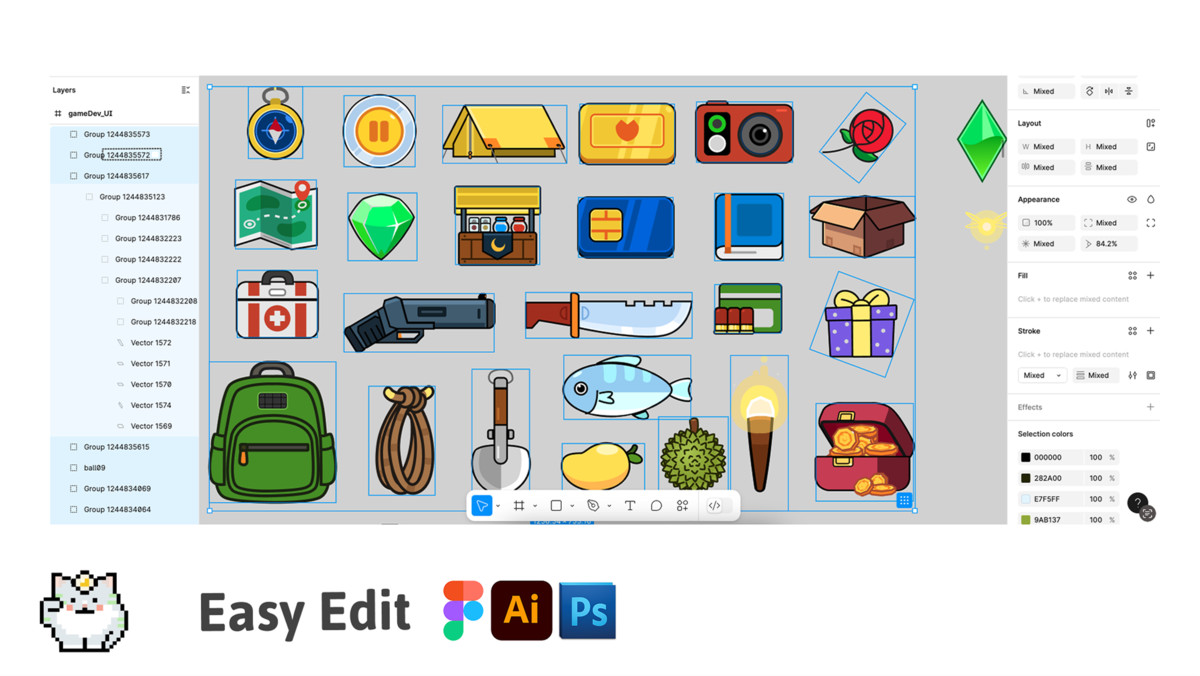
- Editable SVG source files included
- Designed for portrait mobile games
- Functional UI examples—not only static layouts
- Inspector-friendly values and references
- Includes a playable puzzle game example
- Suitable for casual, puzzle, adventure, educational, and children’s games
- WebGL demo available before purchasing
- Easy to recolor, resize, replace, and expand
What’s Included
UI and Art Assets
- 500+ standalone PNG assets
- Editable SVG source files
- 4+ colorful backgrounds
- 10+ character avatars
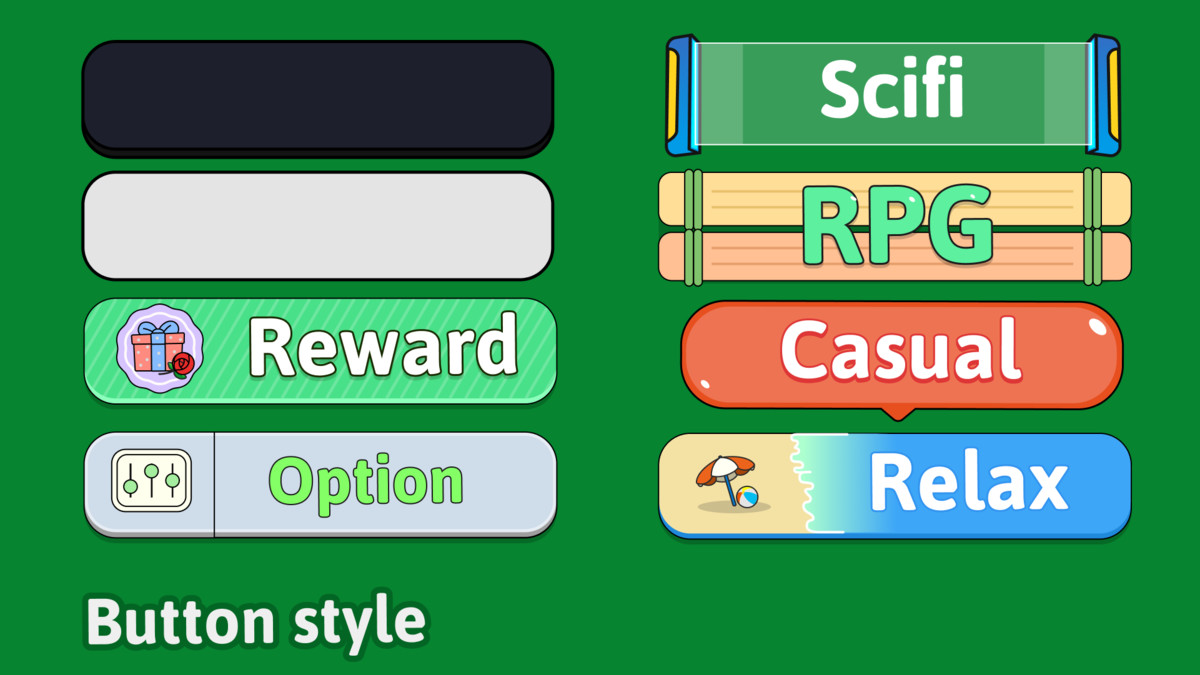
- 160+ button and control variations
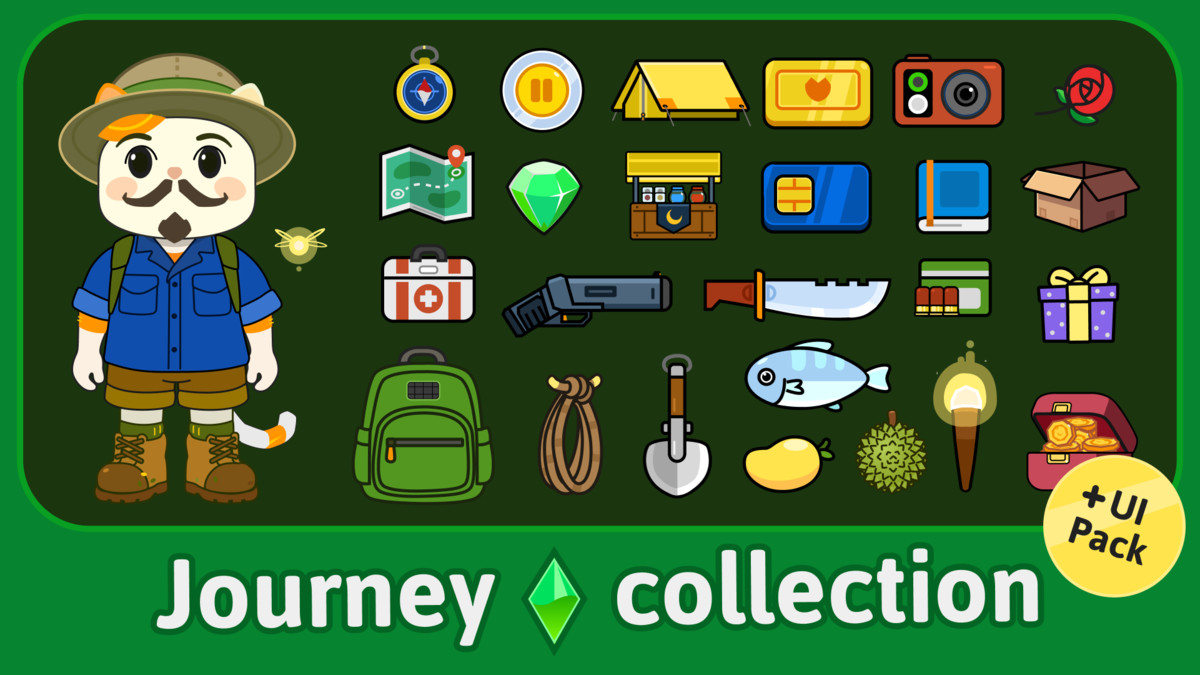
- 250+ icons and item graphics
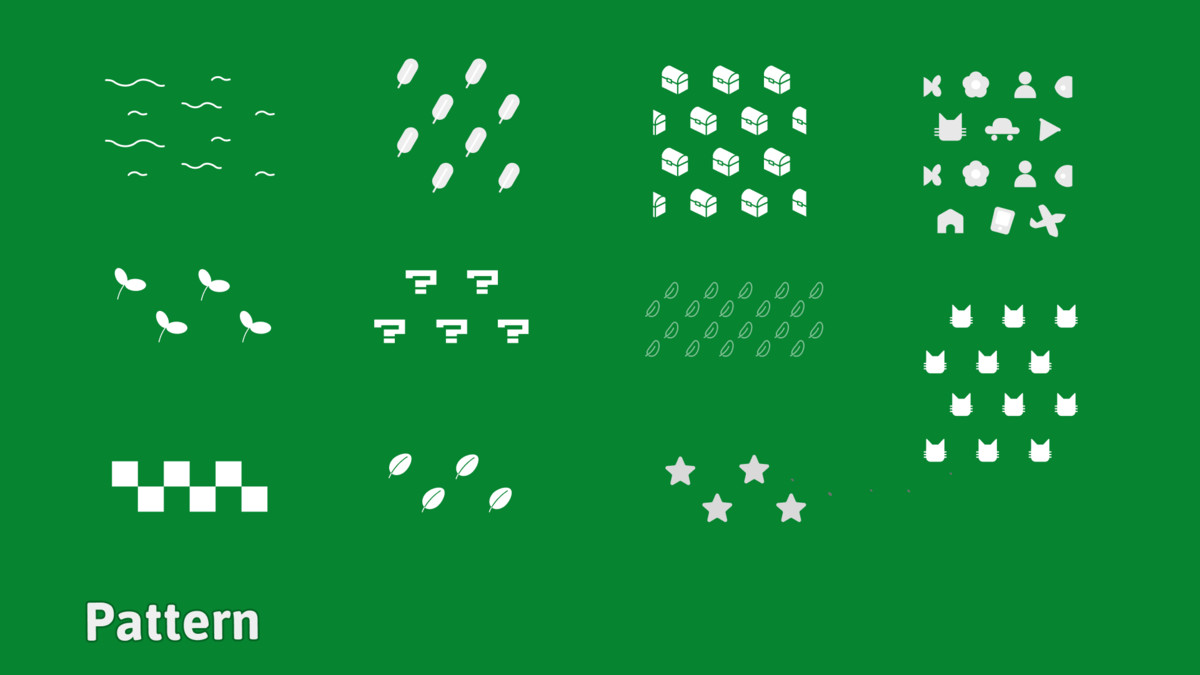
- 10+ pattern designs
- Multiple panels, boards, popups, headers, and navigation elements
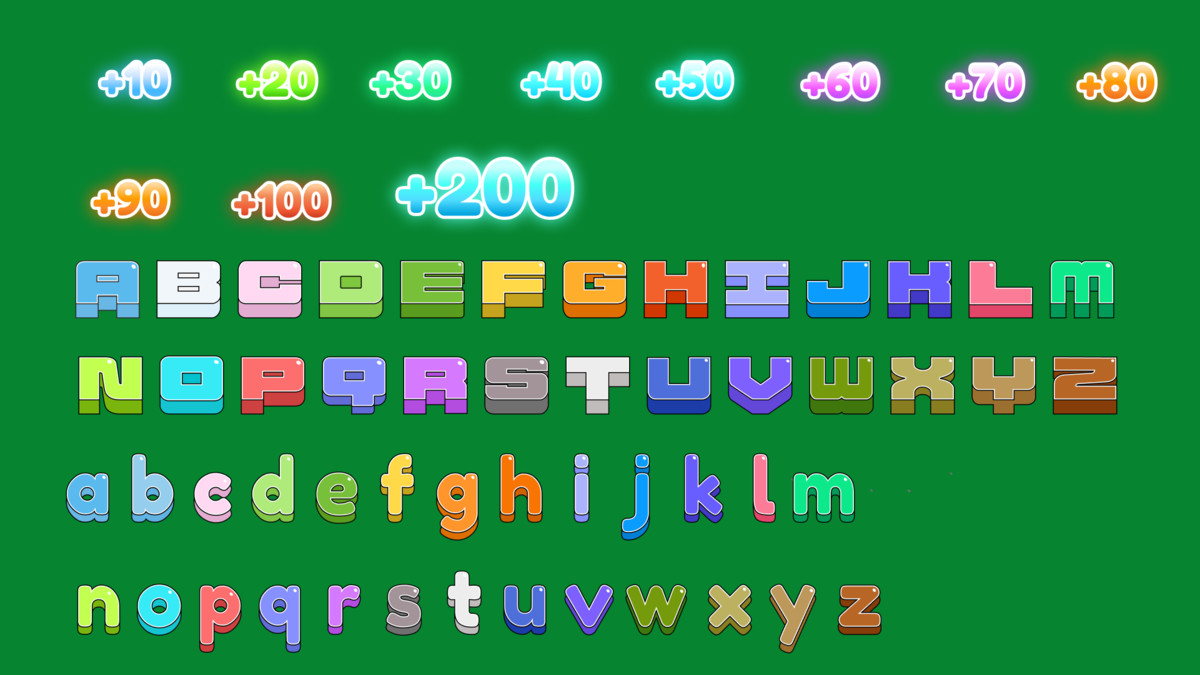
- Image-based font and number designs
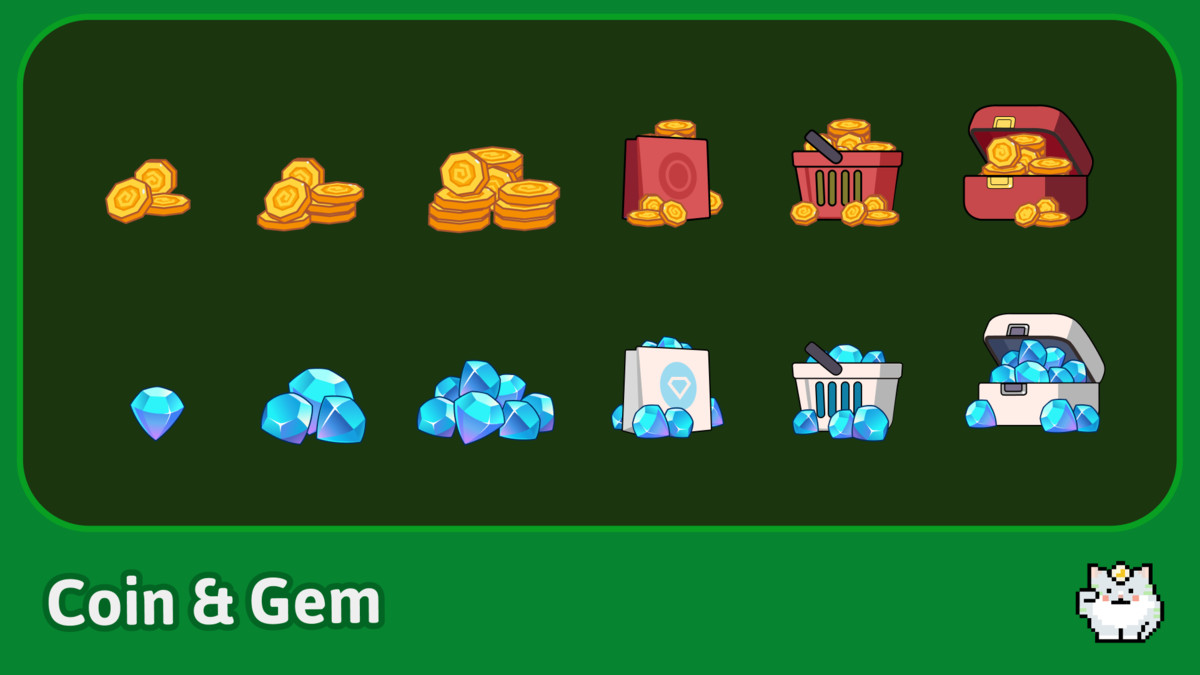
- Coin, Gem, Heart, Bomb, Reward, Rank, Shop, and Profile elements
- Transparent 32-bit PNG files
- Mobile-friendly cartoon art style
Five Connected Demo Scenes
- SplashText-based intro with fade-in and fade-out transition.
- TitleAnimated scene transition, Play navigation, Login, Sign Up, Credits, Ads preview, and functional Settings popup.
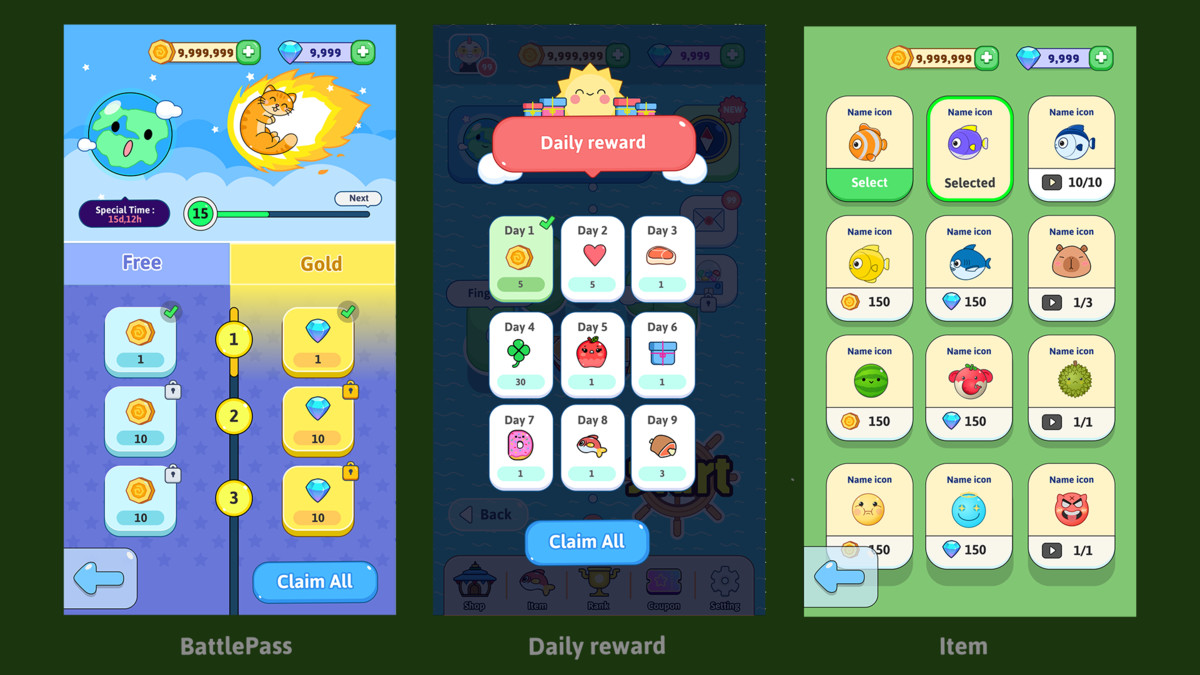
- Home / LobbyProfile, Shop, Items, Ranking, Daily Reward, Settings, Start panel, scrolling content, tab switching, highlights, and advertisement preview examples.
- PlayA complete playable Hex Letter Blast mini-game with score, stages, lives, countdown timer, boosters, sound effects, and responsive game-board generation.
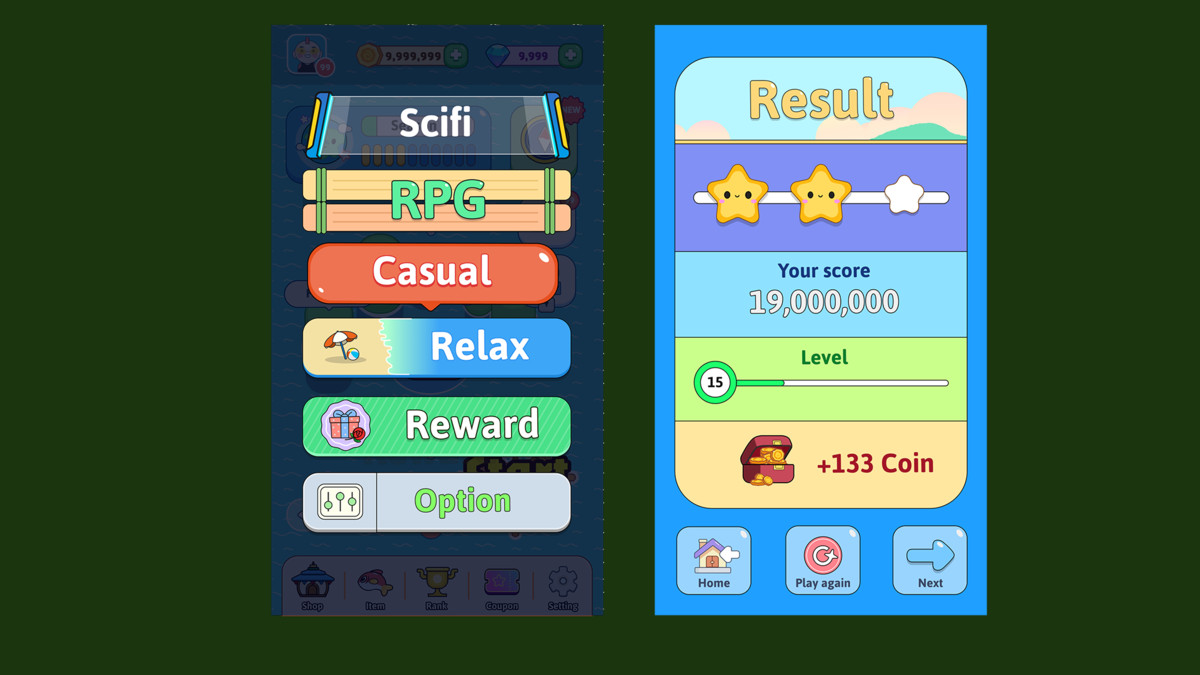
- ResultSequential result presentation with animated score counting, stage progress, star rating, earned Coins, sound effects, and looping result music support.
Playable Hex Letter Blast Demo
The included sample game demonstrates how the UI can be used in a real gameplay flow.
Players tap matching connected letters on a hexagonal board. Groups of three or more letters can be selected and destroyed to earn points and additional time.
Included gameplay examples:
- Configurable 5×5 hexagonal board
- Expandable support for 6×6, 7×7, and 8×8 boards
- Connected-letter group detection
- Tap once to select and tap again to destroy
- Tile explosion and refill animations
- Random letter generation
- Score calculation
- Stage names such as Stage 1-1, 1-2, 1-3, and 1-4
- Increasing board difficulty
- Countdown progress bar
- Green, yellow, and red time states
- Maximum time limit
- Time bonuses when clearing tiles
- Three-heart life system
- Bomb helper item
- Ready-Go introduction
- Gameplay and result audio flow
- Score transfer from Play to Result
- Result stars and Coin reward examples
The gameplay system is included as an example and can be customized or replaced with your own game logic.
Functional UI Examples
Shop
- Coin, Gem, and Heart tabs
- Active-tab highlights
- Immediate content switching
- Fade transitions
- Free Coin and Free Gem advertisement preview popups
- Closeable example ad banner
Profile and Item Screens
- Vertical scrolling for long Profile content
- Scrollable Item collection
- Consistent item arrangement
- Select and Selected visual states
Ranking
- Scrollable player list
- Fixed personal ranking board
- Supports longer ranking lists
Settings
- Sound-volume slider
- Music-volume slider
- Vibration toggle
- Song name display
- Previous and next song controls
- Saved settings using PlayerPrefs
- Shared button-tap sound system
- Settings can be reused across scenes
Audio Flow
- Scene-specific looping background music support
- Button tap sounds
- Ready-Go sound
- Match and score sound
- Timeout and heart-loss sound
- End-game sound
- Result reveal sound
- Result background music
- Music and sound volumes controlled from Settings
Audio references can easily be replaced through the Inspector.
Result and Reward System
The Result scene includes an animated presentation sequence:
- Score counts from zero to the final score
- Reached stage and progress bar appear
- Earned stars are revealed one by one
- Coin rewards count from zero to the final amount
Default reward values can be changed through the Inspector:
- 100 points: 1 Star
- 300 points: 2 Stars
- 600 points: 3 Stars
- Every 10 points: 1 Coin
These values are provided as examples and can be adjusted without modifying the UI layout.
From the publisher's Asset Store listing.
Technical details
Technical Details
- Built and tested with Unity 2022.3.61f1 LTS
- Recommended portrait resolution: 1080 × 1920
- PNG with transparent backgrounds
- Editable SVG source files
- 32-bit color
- Uses Unity UI
- Uses TextMesh Pro
- Uses 2D Sprite
- Uses DOTween
- 9-sliced UI elements included
- Colors, sizes, text, sprites, audio, animation timings, and reward values can be adjusted through the Inspector
- Suitable for Android, iOS, desktop, and WebGL projects
Dependencies
- Unity 2022.3.61f1 LTS
- TextMesh Pro — available through Unity Package Manager
- 2D Sprite — available through Unity Package Manager
- DOTween Free — available on the Unity Asset Store
Please import and set up DOTween before opening the demo scenes.
What Is Not Included
The package provides functional UI and gameplay examples, but it does not include:
- Backend authentication
- Real user accounts
- Online databases
- Real advertisements
- In-app purchases
- Payment processing
- Multiplayer networking
- Server-side leaderboards
- Production-ready virtual economy
Login, Shop, Ads, Daily Reward, and Ranking screens are visual and workflow examples intended to be connected to your preferred services.
Try Before You Buy
Explore the connected scenes and playable mini-game directly in your browser:
Use the demo to test the navigation, popups, settings, scrolling interfaces, gameplay flow, score system, stage progress, stars, and Result screen.
Bring your mobile game to life faster with a cheerful UI collection that is easy to understand, customize, and expand!
Compatibility
| Unity version | Built-in | URP | HDRP |
|---|---|---|---|
| 2022.3.61f1 | Compatible | Not listed | Not listed |
| 2021.3.45f1 | Compatible | Not listed | Not listed |
As listed on the Asset Store.