
 View on Asset Store (opens in new tab)
Package details
- Latest version
- 1.01
- Last updated
- First released
- Unity version
- 2022.3.50 or later
- Package size
- 2.4 MB
- Files
- 147
- Favorites
- 10
- Views in the past week
- 5
Price tracking
- Last checked
- Tracked since
- Lowest recorded
- $8.95 on
Keywords

Tiny StatForge - Effortless Stat & Modifier Control
Manage stats and stat modifiers for any kind of stat-driven game, without writing a single line of code. Configure item effects, buffs, etc. in the inspector and apply them with a simple method call.
Affiliate link · Purchases support this site
Price history
Last 6 months
USDAsset preview
1 / 5
Tiny StatForge - Effortless Stat & Modifier Control screenshot 1
About this asset
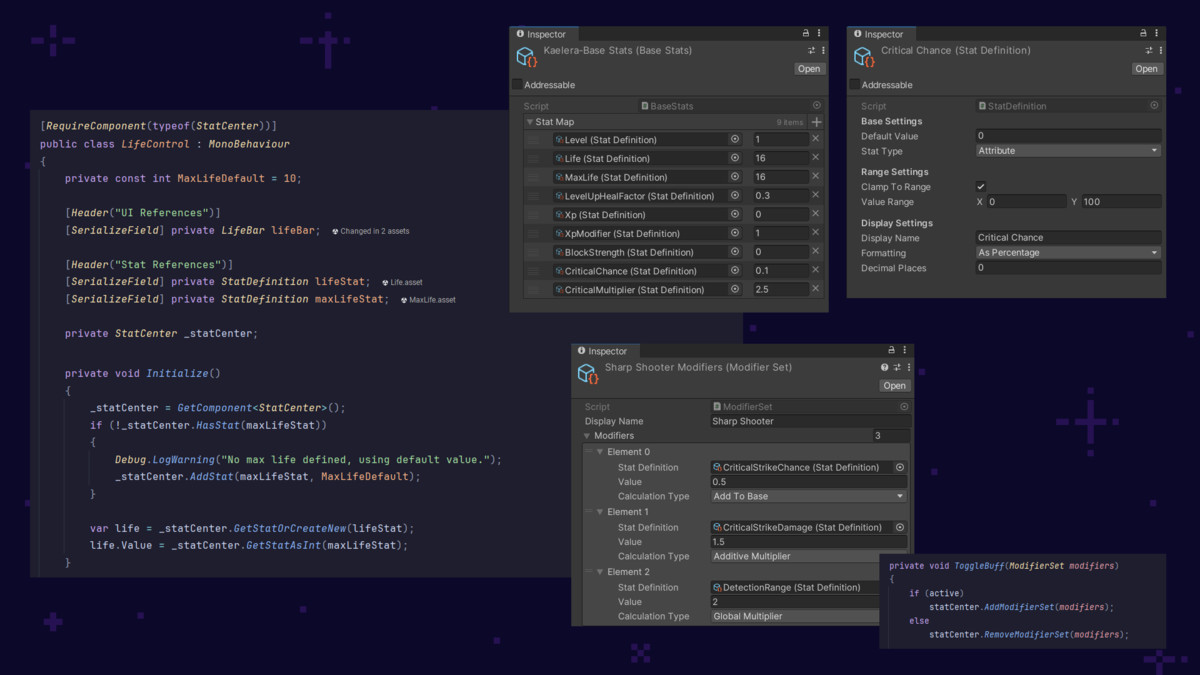
Whether you're building an RPG, roguelike, survival sim, or resource management game, this lightweight stat system gives you full control over how stats are calculated, modified, and scaled. Easy and fast setup — start designing your stats and modifiers in just a few clicks.
Configurable Stat and Modifier Panels
Included in the package are configurable UI prefabs that display current active stats and modifiers of a selected entity.
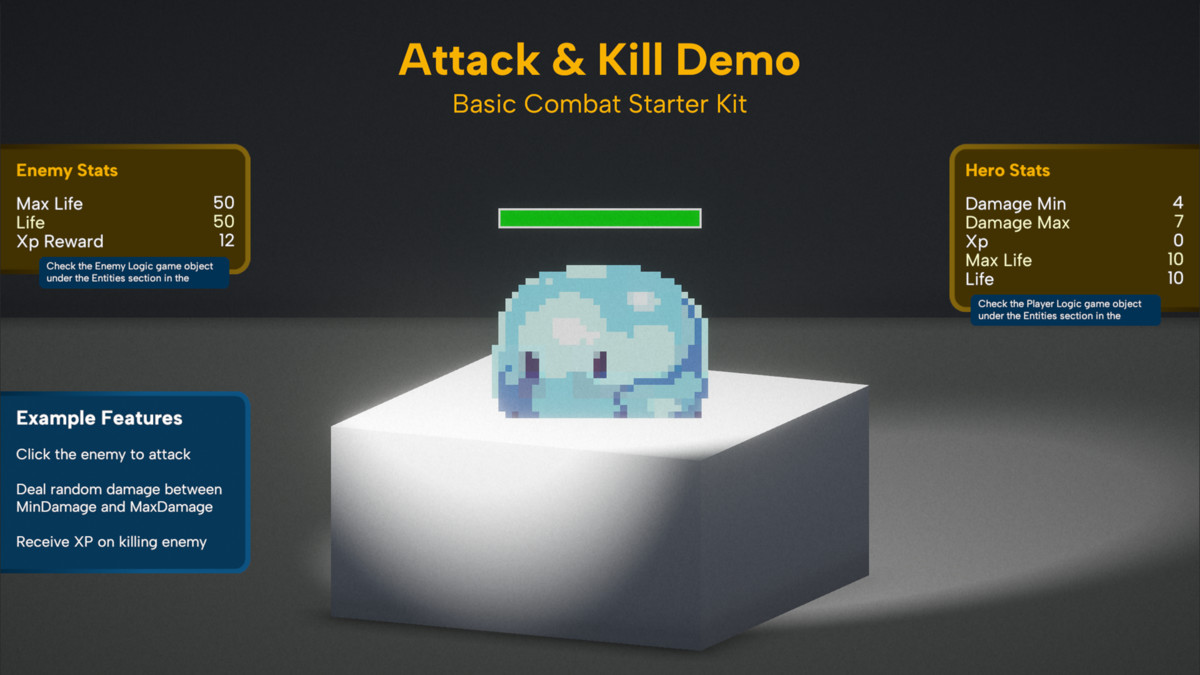
Basic Combat Starter Kit
The package comes with an example scene with basic combat mechanics - attacking and killing enemies for XP, that you can easily extend and modify to suite your needs for your own game.
Advanced Examples
More advanced examples show
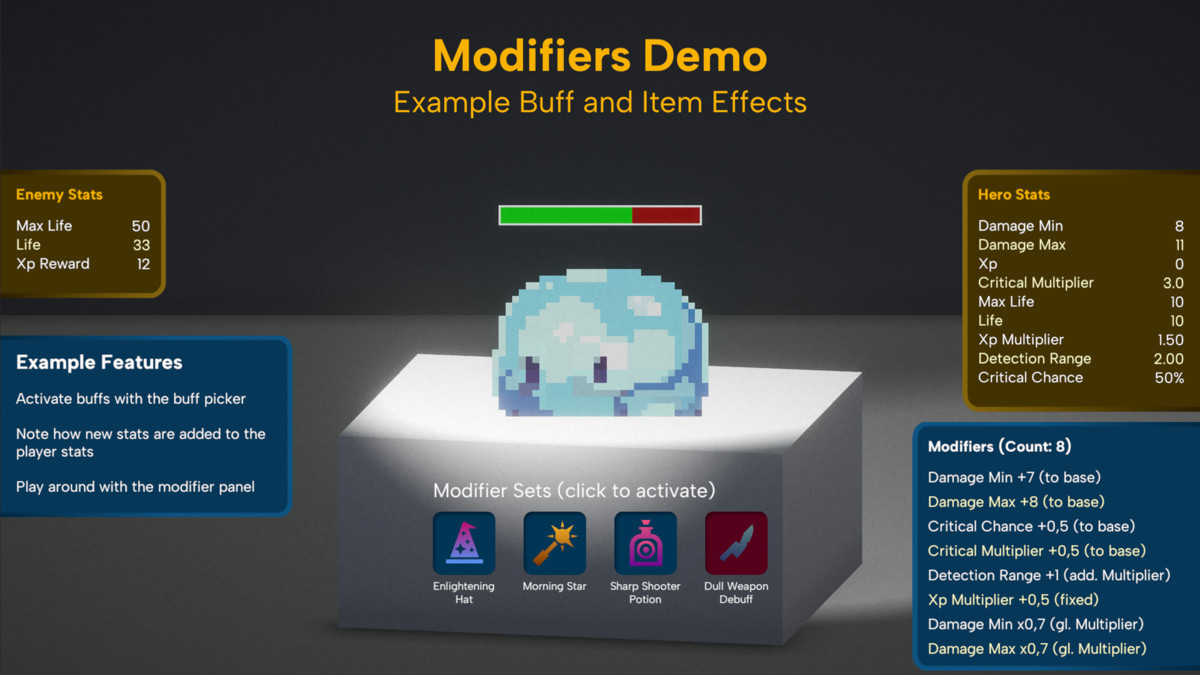
- how to apply stat modifiers from hero items, buffs, debuffs, and similar sources
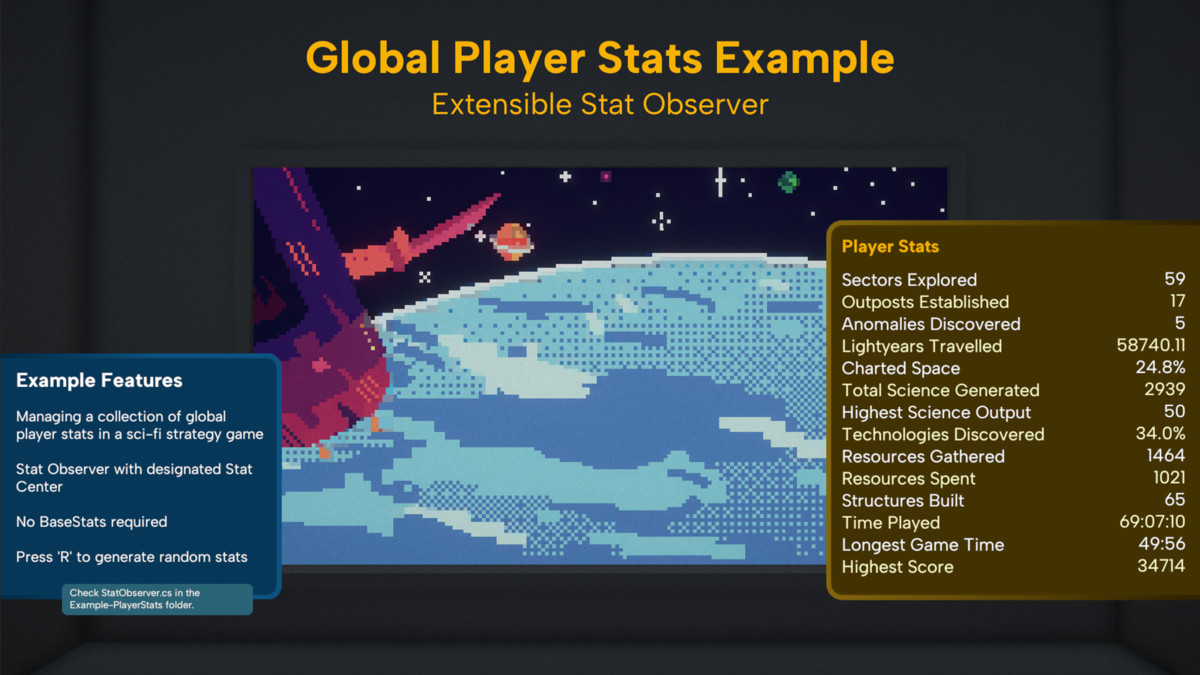
- how to observe and display global player stats using a stat observer
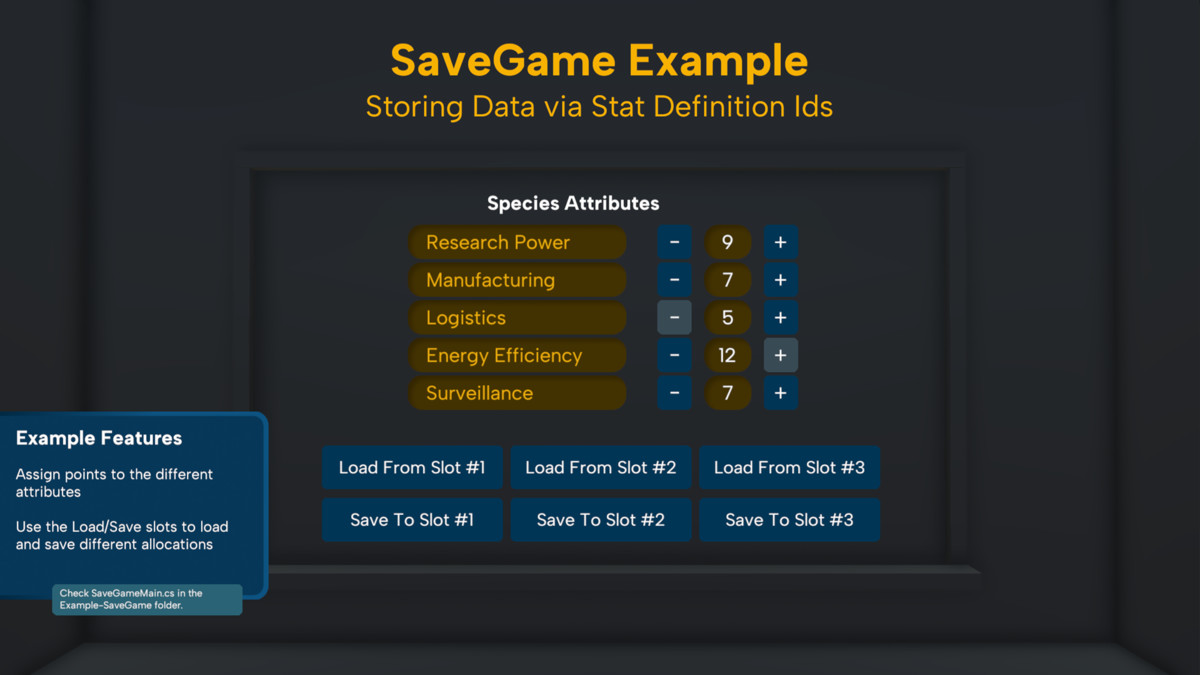
- how to persist stat data through a practical save game example
From the publisher's Asset Store listing.
Technical details
Key concepts:
Stat Definitions
Configure each stat with a set of properties:
- stat type
- default value
- optional Min/Max limits
- display name
- display format (number, percentage, time)
- decimal precision (0 for integers)
Base Stats
Optionally define a set of starting stats for an entity and their initial values.
Stat Types
- Pools represent resources like health, mana, and stamina and are freely modifiable from outside; modifiers apply directly and are discarded.
- Attributes represent traits like strength, agility, intelligence; modifiers are stored and attributes are recalculated whenever modifiers change.
Modifier Types
- AddToBase: Modify the base value before scaling
- AdditiveMultiplier: Add percentage-based bonuses that stack linearly
- AddFixed: Flat bonuses added after scaling
- GlobalMultiplier: A final global multiplier on the result
- Override: Force the stat to a specific value, ignoring all other modifiers
which cover the vast majority of stat mechanics found in modern stat-driven games.
Stat Center
The central place for managing and instantiating stats for an entity with a comprehensive set of methods for manipulating stats and modifiers.
Dynamic Stat Management
Apply modifiers even before the target stats exist—stats are lazily instantiated with a configurable default and immediately updated.
Event Handling
Subscribe to an exhaustive set of events triggered when stats or modifiers change.
This package uses the 'Albert Sans' font under the SIL Open Font License (OFL). The license is included in the package.
Compatibility
| Unity version | Built-in | URP | HDRP | Custom |
|---|---|---|---|---|
| 6000.0.48f1 | Compatible | Compatible | Compatible | Compatible |
| 2022.3.50f1 | Compatible | Compatible | Compatible | Compatible |
When running the package examples in a Unity 6 Built-in project, make sure ‘Active Input Handling’ is set to ‘Both’ under Project Settings > Player > Other Settings > Configuration to avoid errors related to the input system.
As listed on the Asset Store.