
 View on Asset Store (opens in new tab)
Package details
- Latest version
- 1.1
- Last updated
- First released
- Unity version
- 2022.3.61 or later
- Package size
- 1.4 MB
- Files
- 55
- Favorites
- 6
- Views in the past week
- 2
Price tracking
- Last checked
- Tracked since
- Lowest recorded
- Free on
Keywords

SaveMate Save & Load System
SaveMate is a lightweight Unity saving system. Implement the simple ISaveable interface to effortlessly save/load game data (pos&rot, references, custom types) in JSON/Binary. Quick setup saves hours.
Affiliate link · Purchases support this site
Price history
Last 6 months
USDAsset preview
1 / 8
SaveMate Save & Load System screenshot 1
About this asset
SaveMate is a lightweight, powerful, and developer-friendly saving system for Unity that lets you save and load game data quickly — without complex setup, bloated code, or hours of debugging.
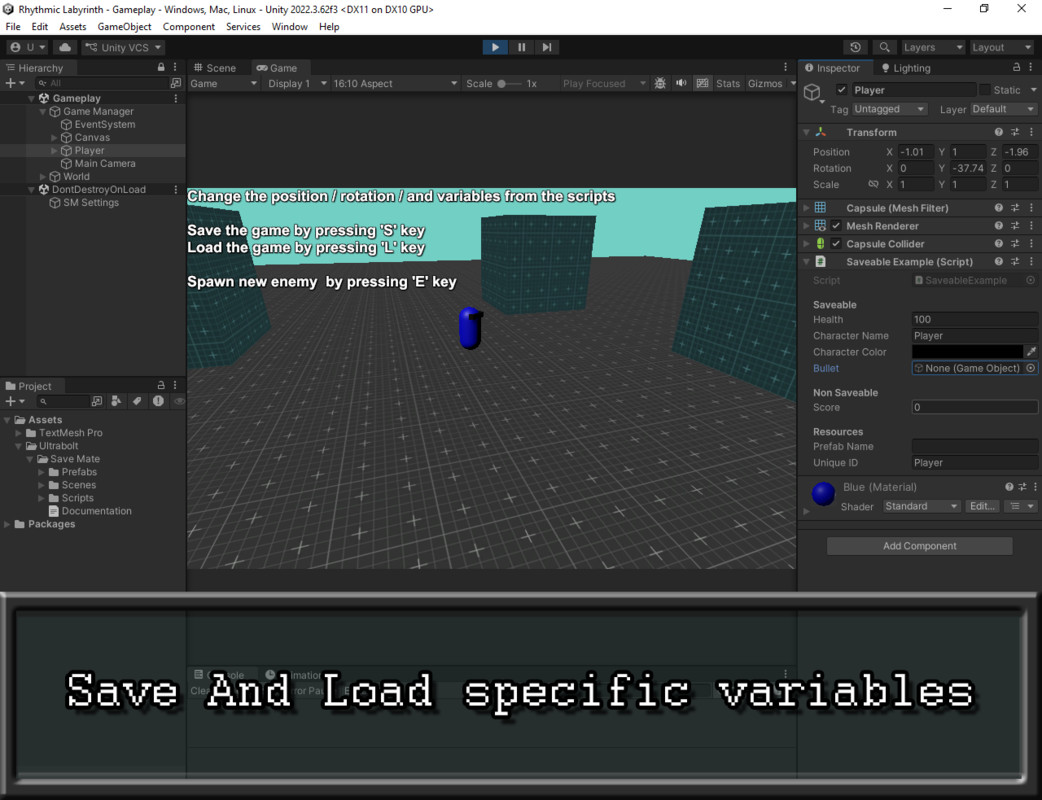
At its core is a clean ISaveable interface: implement it on any MonoBehaviour, and SaveMate automatically handles serialization of positions, rotations, references, Unity objects, custom data types, and more — while giving you full control over exactly what gets saved.
Key Features:
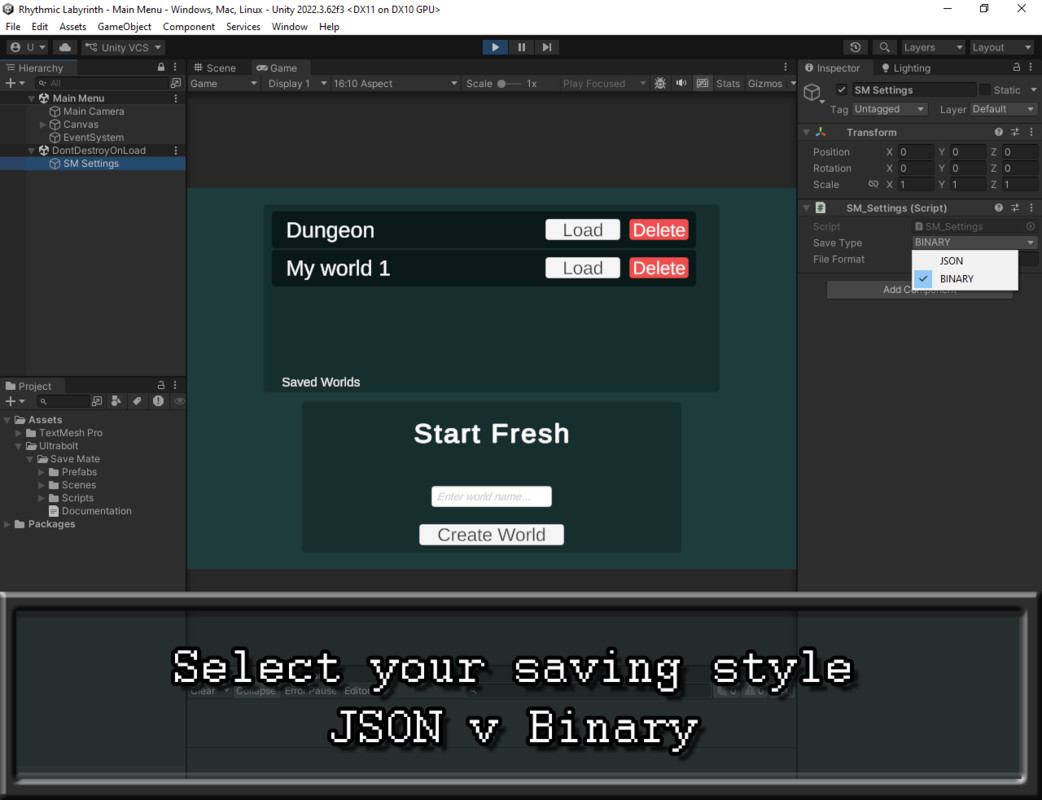
- Flexible Formats: Switch seamlessly between human-readable JSON (great for debugging) and compact, secure Binary — configurable via the easy SM_Settings component.
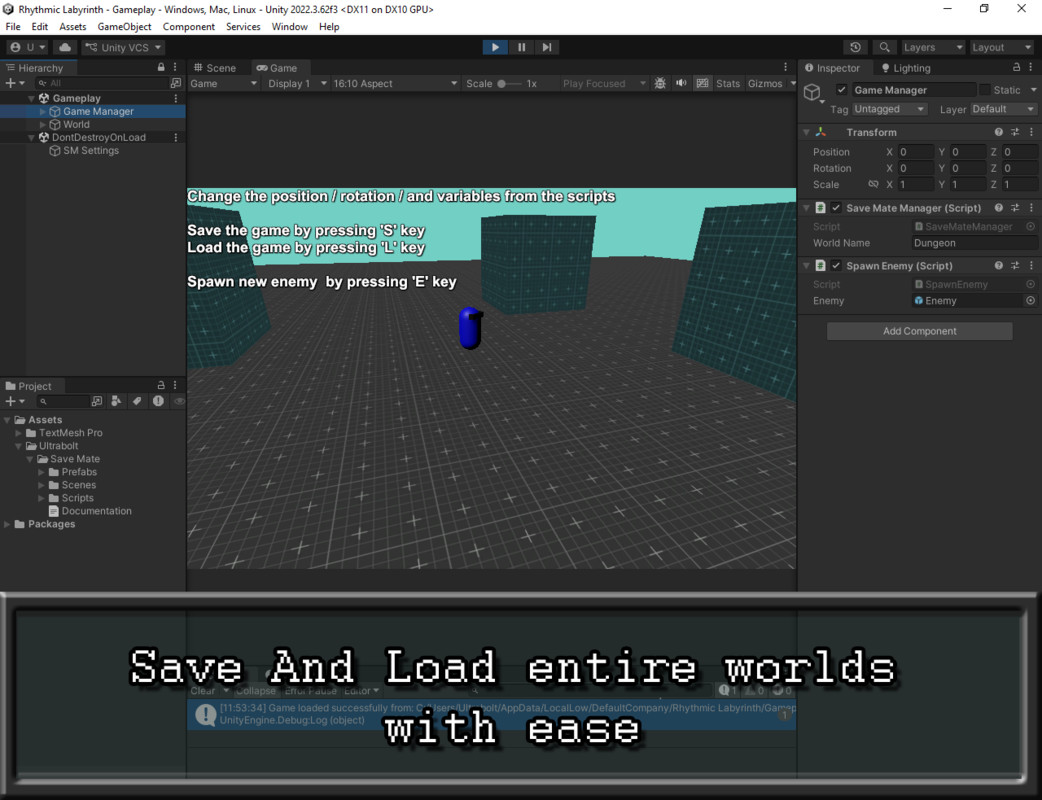
- World-Based Organization: Saves are neatly structured in Application.persistentDataPath as /<SceneName>/<WorldName>.{yourExtensionPerfect} for multiple save slots, worlds, profiles, or scene-specific data.
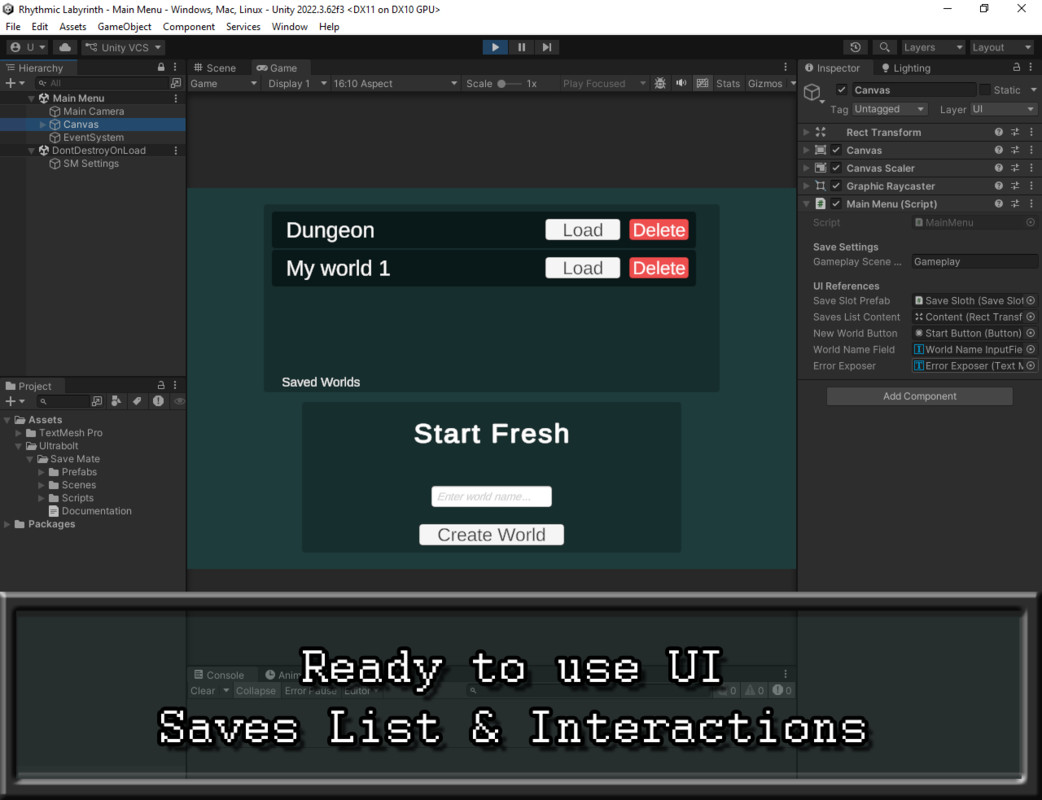
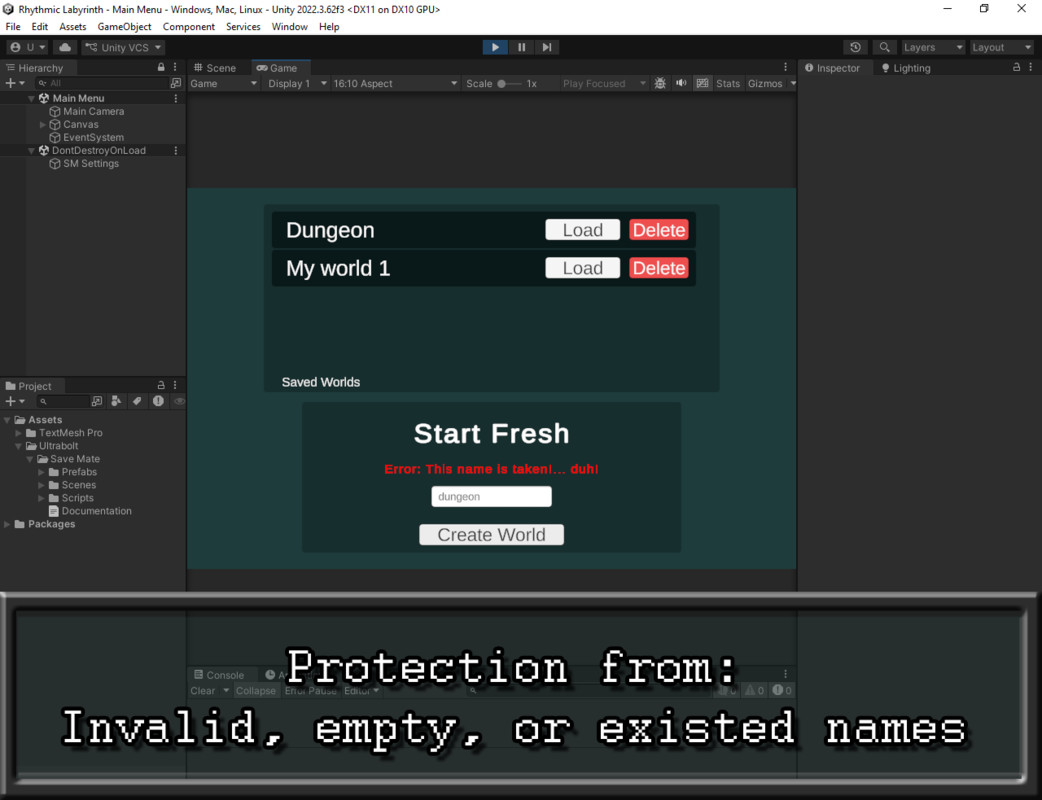
- Built-in Management: Create, load, delete, and list worlds with a ready-to-use menu/UI system.
- Minimal Setup — Get started in minutes: Add SaveMateManager to your gameplay scenes.
Implement ISaveable in your MonoBehaviour scripts.
Place SM_Settings on an empty GameObject in your main menu (or startup scene). - Fast & Reliable: Optimized for performance, no unnecessary overhead — ideal for prototypes, mobile, or full-scale games.
Why choose SaveMate?
Traditional save systems are often over-engineered or too rigid. SaveMate removes the frustration so you can focus on gameplay, not serialization plumbing. It's simple, reliable, flexible, and genuinely fast to integrate.
Try before you buy!
Download the playable demo — test the full system and see if it's worth.
Created by Abdellah Naili (Ultrabolt) — I build practical, efficient tools that solve real development pain points. Questions, feature requests, or issues? Reach out anytime: [email protected] — I'm here to help!
Save time. Ship faster. Use SaveMate.
From the publisher's Asset Store listing.
Technical details
- Save & load any object using a simple interface
- Automatic unique ID system (no manual tracking headaches)
- Handles: Datatypes & Vectors & References & Lists/Arrays & Custom script data
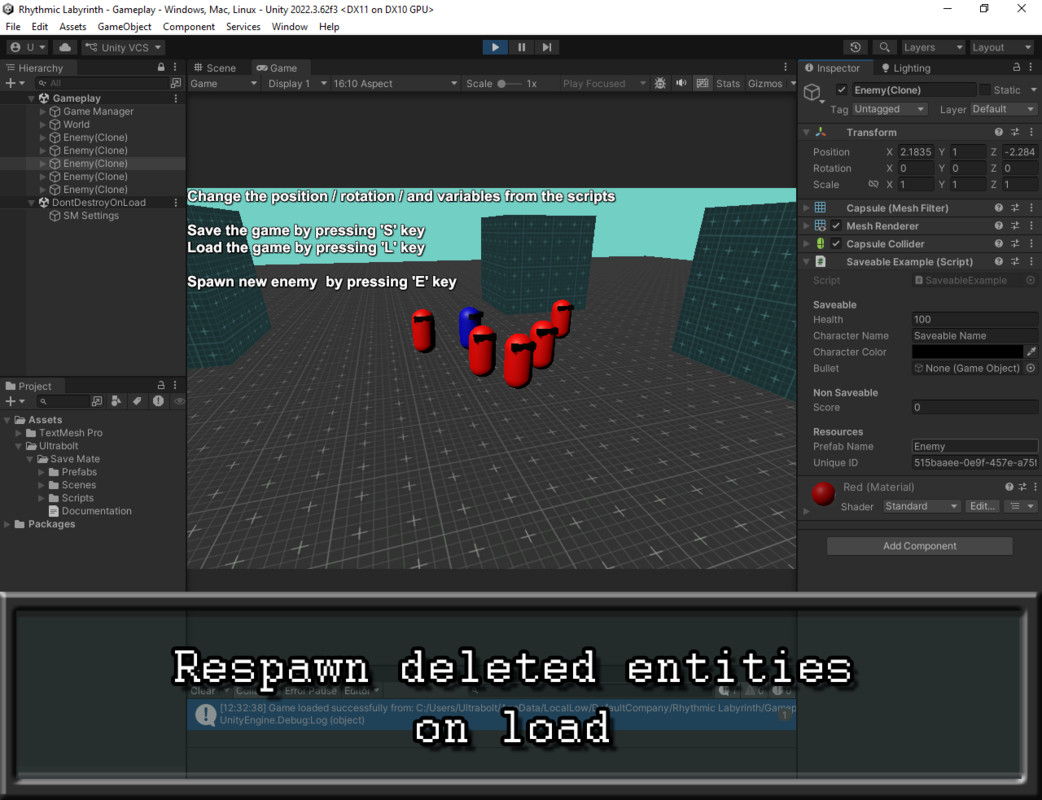
- Automatically respawns missing objects on load
- Supports multiple worlds (save slots)
- Clean and scene-safe file structure
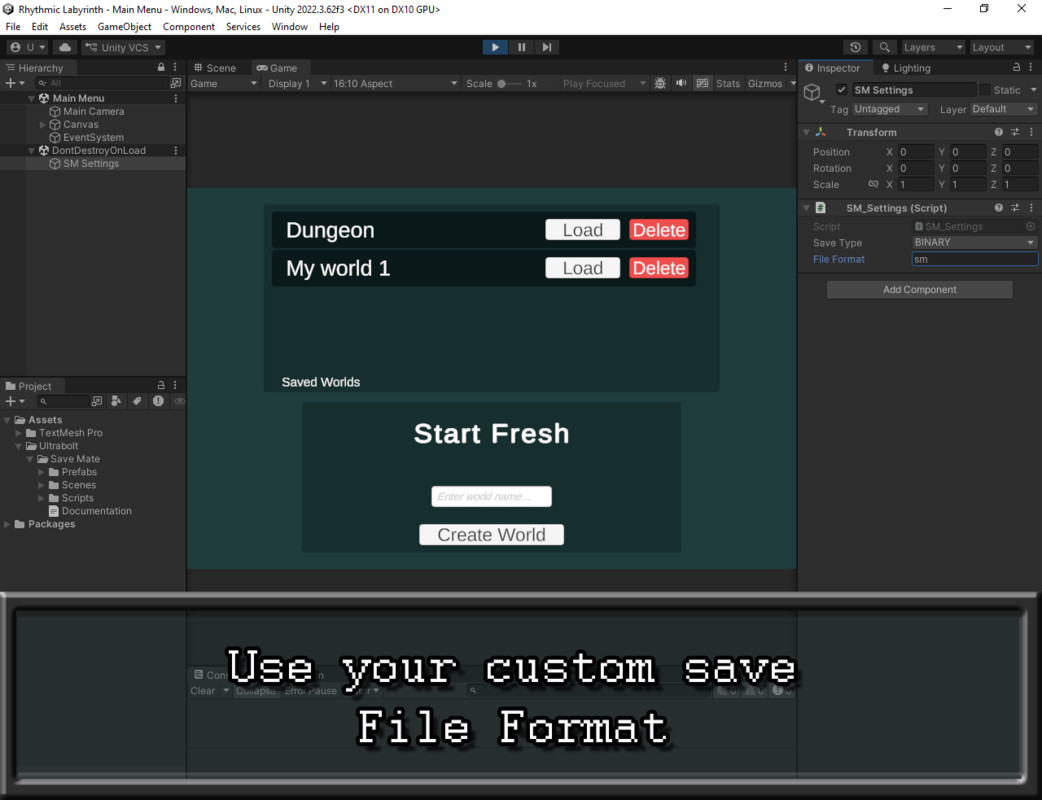
- Save in both JSON and binary format with a custom file extension
- Works with all render pipelines (Built-in, URP, HDRP, Custom RP)
- No external libraries or dependencies
- Customizable save paths and keys
- Includes detailed documentation and a sample 'CopyMe' script
- Commented source code
- Compatible with Unity 2022.3.61f1 or newer
Compatibility
| Unity version | Built-in | URP | HDRP | Custom |
|---|---|---|---|---|
| 2022.3.62f3 | Compatible | Compatible | Compatible | Compatible |
| 2022.3.61f1 | Compatible | Compatible | Compatible | Compatible |
This package is purely script-based and does not rely on any render pipeline. It works identically with Built-in, URP, HDRP, and Custom RP.
As listed on the Asset Store.