
 View on Asset Store (opens in new tab)
Package details
- Latest version
- 1.5
- Last updated
- First released
- Unity version
- 6000.0.32 or later
- Package size
- 187 KB
- Files
- 6
- Views in the past week
- 9
Price tracking
- Last checked
- Tracked since
- Lowest recorded
- $7.99 on
Keywords

Folder Organizer Window – Smart Auto Folder Sorting for Unity
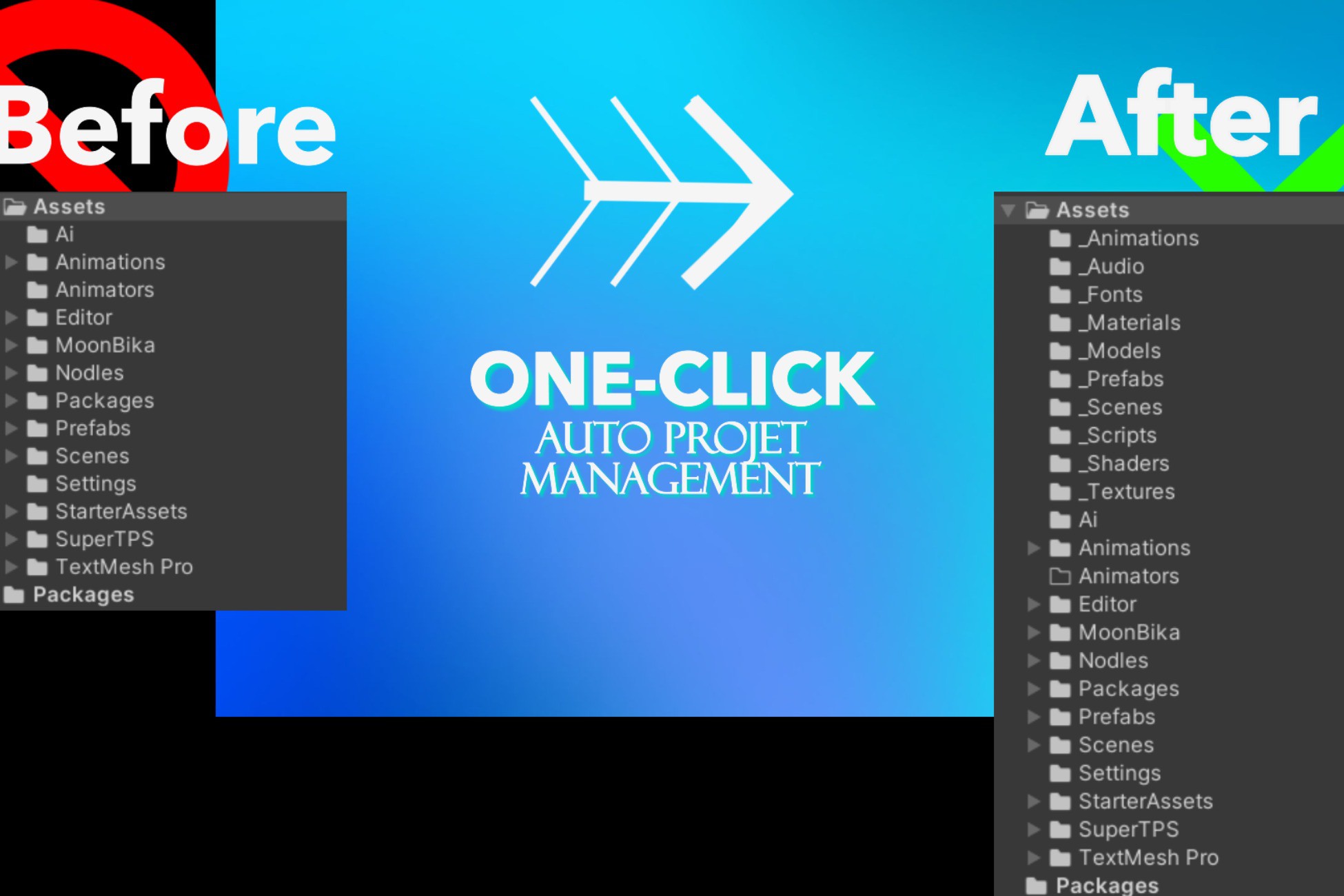
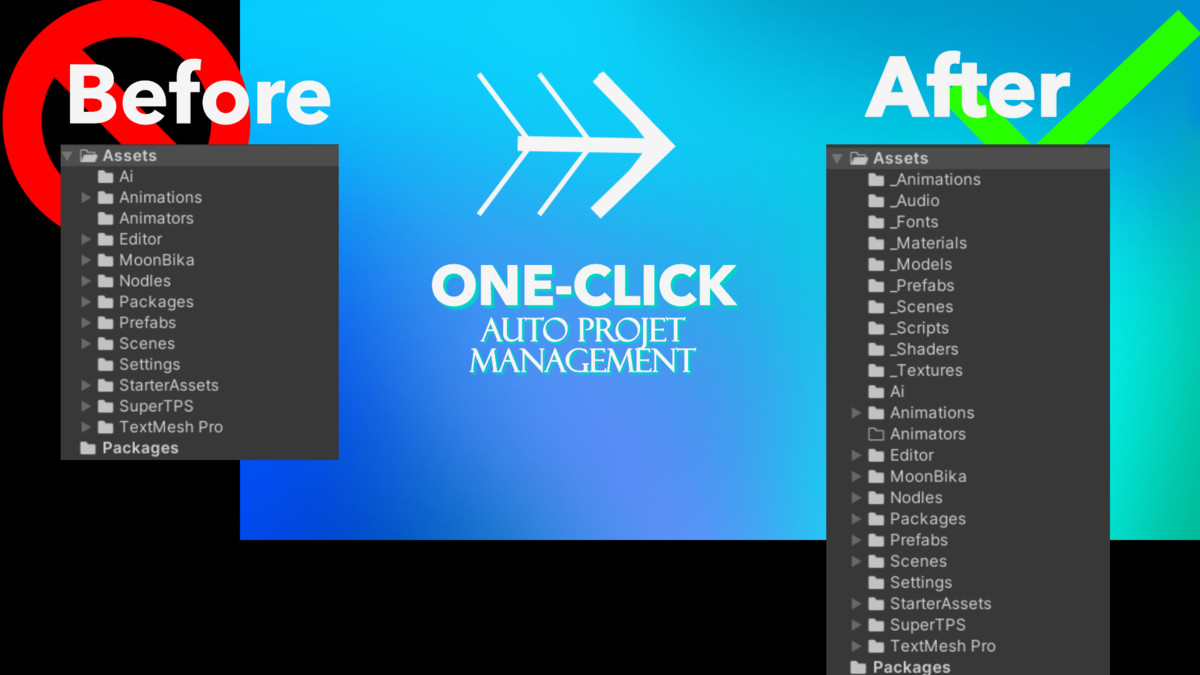
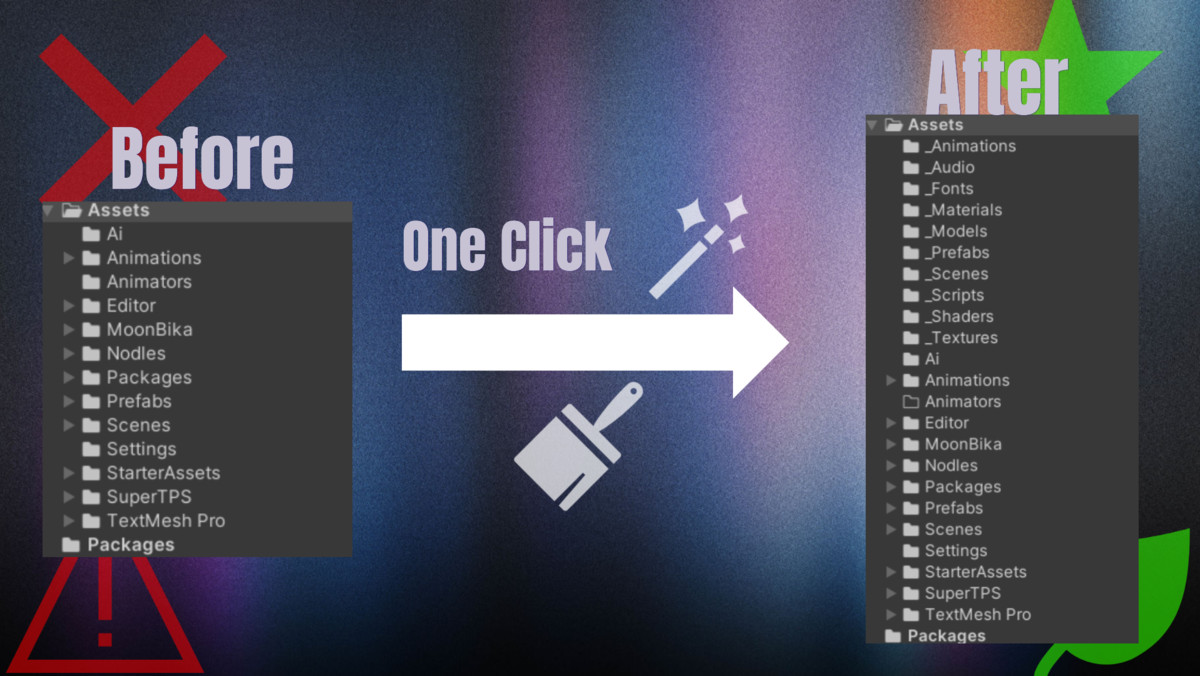
Instantly organize your Unity project folders by file type — stay clean, efficient, and focused on creating, not sorting.
Affiliate link · Purchases support this site
Price history
Last 6 months
USDAsset preview
1 / 3
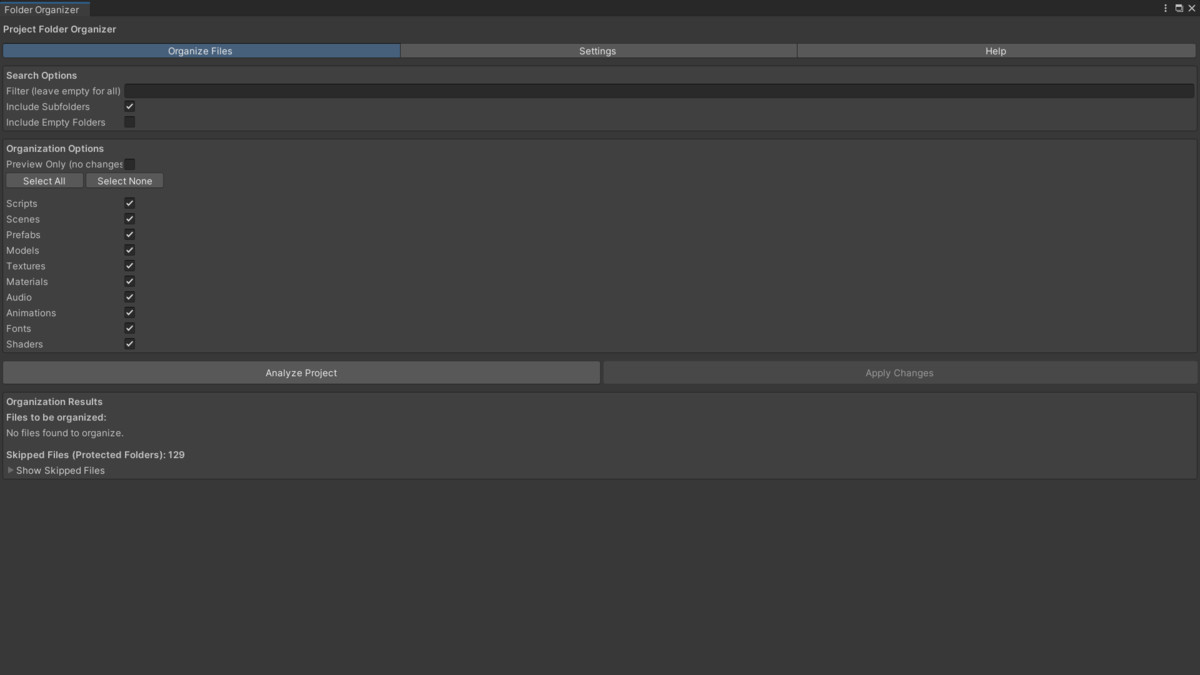
Folder Organizer Window – Smart Auto Folder Sorting for Unity screenshot 1
About this asset
Folder Organizer Window is a smart Unity Editor extension designed to automatically organize your project’s folders based on file types and custom rules.
Whether you’re working solo or managing a large team, this tool ensures your project stays clean, optimized, and easy to navigate. It’s fast, safe, and fully customizable — letting you preview changes before applying them and protecting critical Unity directories from accidental sorting.
No more manual folder cleanup — just one click to keep your project structured and professional.
Key Features
- One-Click Auto-Sorting — Instantly organizes your assets by type (scripts, prefabs, materials, audio, etc.).
- Custom Folder Rules — Define how specific file extensions are categorized.
- Preview Mode — Review all changes before confirming.
- Smart Filters — Exclude subfolders, empty folders, or sensitive directories.
- Safety Built-In — Protects critical folders like Editor, Resources, and Plugins.
- Persistent Settings — Automatically saves and loads your configuration between sessions.
- Optimized for All Project Sizes — Handles prefabs, nested assets, and large workspaces with ease.
- Seamless Integration — Accessible directly under Tools > Project Folder Organizer.
Why Developers Love It
- Save time on project cleanup
- Keep assets logically organized
- Improve workflow for teams
- Avoid human errors in file management
- Simple, safe, and production-ready.
From the publisher's Asset Store listing.
Technical details
Category: Tools
Supported OS: Windows, macOS
Minimum Unity Version: 2019.4
Type: Editor Extension
Dependencies: None
AI Usage: Used AI for folder structure optimization, naming consistency, and code formatting.
Compatibility
| Unity version | Built-in | URP | HDRP | Custom |
|---|---|---|---|---|
| 6000.0.32f1 | Compatible | Compatible | Compatible | Compatible |
Requirements
- Unity 2019.4 or newer
- Compatible with Built-in, URP, and HDRP projects
As listed on the Asset Store.