
 View on Asset Store (opens in new tab)
Package details
- Latest version
- 1.3
- Last updated
- First released
- Unity version
- 6000.0.32 or later
- Package size
- 233 KB
- Files
- 30
- Favorites
- 4
- Views in the past week
- 6
Price tracking
- Last checked
- Tracked since
- Lowest recorded
- $7.50 on
Keywords

OddJobToolbox
The Odd Job Toolbox is a collection of versatile and user-friendly Unity scripts designed to address unconventional use cases often encountered in kiosks, live events, trade shows, and beyond.
Affiliate link · Purchases support this site
Price history
Last 6 months
USDAsset preview
1 / 4

OddJobToolbox screenshot 1


About this asset
The Odd Job Toolbox offers a collection of modular scripts that are both customizable and versatile, catering to niche scenarios often encountered in kiosks, live events, and trade show setups. Each script comes with configurable fields that can be adjusted in the Unity Inspector or at runtime via scripting, allowing developers to tailor behaviours like inactivity thresholds, simulated inputs, or window handling to suit their specific project needs.
From the publisher's Asset Store listing.
Technical details
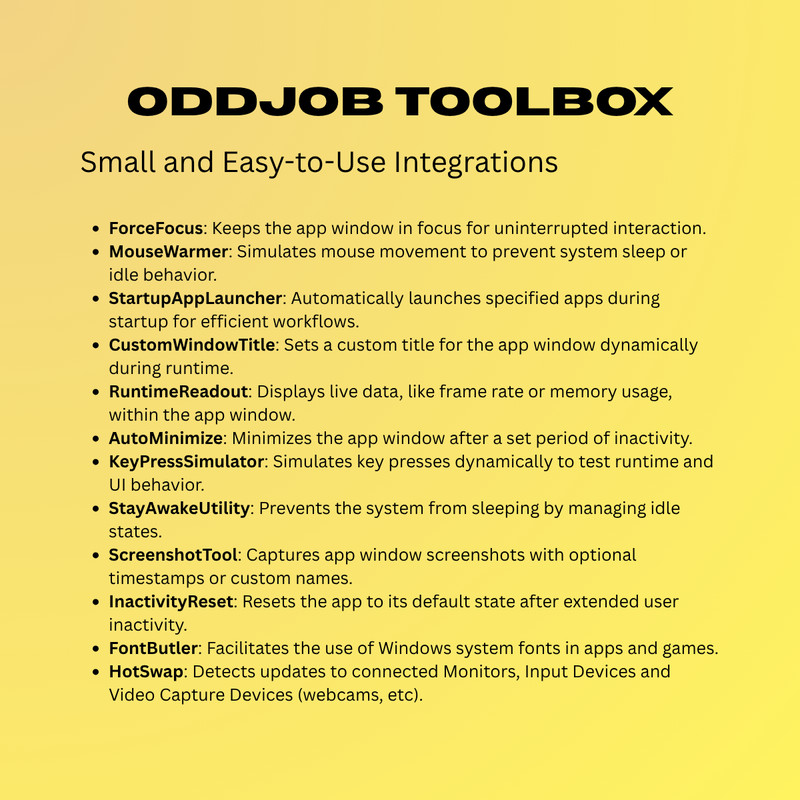
The current version includes the following scripts and easy-to-use prefabs:
- ForceFocus: Ensures the application window remains in focus and prevents unwanted switching.
- MouseWarmer: Simulates mouse movement to prevent system sleep or idle states.
- StartupAppLauncher: Automatically launches specified applications during startup for efficient workflows.
- CustomWindowTitle: Dynamically sets a custom title for the application window.
- RuntimeReadout: Displays live runtime data such as frame rate and memory usage in the application window.
- AutoMinimizeRestore: Minimises the application window after inactivity (with restoration handled by ForceFocus).
- KeyPressSimulator: Simulates dynamic key presses for testing UI and runtime behaviour.
- StayAwakeUtility: Prevents the system from entering sleep mode by managing idle states.
- ScreenshotTool: Captures application window screenshots with optional timestamps or custom filenames.
- InactivityReset: Resets the application to a default state after prolonged inactivity, such as reloading a scene.
- FontButler: A convenient way to use Windows system fonts in your apps and games.
- HotSwap: Detects updates to connected Monitors, Input Devices and Video Capture Devices (webcams, etc).
Compatibility
| Unity version | Built-in | URP | HDRP | Custom |
|---|---|---|---|---|
| 6000.0.32f1 | Compatible | Compatible | Compatible | Compatible |
Supports Windows environments only.
Some tools will only have an effect when the project is built.
As listed on the Asset Store.