
 View on Asset Store (opens in new tab)
Package details
- Latest version
- 1.1.0
- Last updated
- First released
- Unity version
- 6000.5.9 or later
- Package size
- 19.2 MB
- Files
- 17
- Favorites
- 3
- Views in the past week
- 5
Price tracking
- Last checked
- Tracked since
- Lowest recorded
- $5.90 on
Keywords

Mesh & Submesh Combiner
- Price drop
Boost your workflow with Mesh Combiner. Merge multiple meshes by material in seconds, right from the Unity Editor. Fast, easy, and compatible with all render pipelines, without adding any components.
Lowest recorded price
Get 14% off on Asset Store (opens in new tab)Affiliate link · Purchases support this site
Price history
Last 6 months
USDAsset preview
1 / 10

Mesh & Submesh Combiner screenshot 1



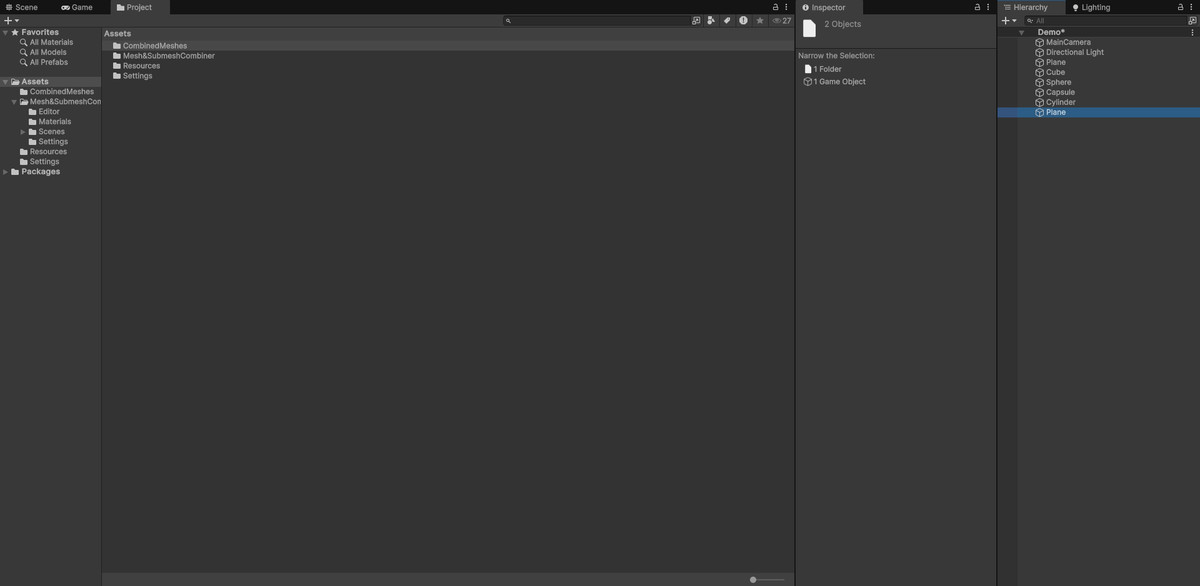


About this asset
Mesh Combiner is a lightweight and intuitive Unity Editor extension that helps you optimize your scenes in just a few clicks, without adding any components.
Whether you're building games, apps, or interactive experiences, Mesh Combiner lets you merge multiple meshes into a single object while preserving materials and submeshes, all directly from the Unity Editor.
It’s perfect for boosting performance, reducing draw calls, and keeping your hierarchy clean. After combining, you can easily add a Mesh Collider if needed.
From the publisher's Asset Store listing.
Technical details
Features
Combine multiple GameObjects into a single mesh
Preserves materials by grouping submeshes per material
Supports meshes with multiple submeshes
One-click execution via Tools > Mesh Combiner
Keeps the original position, rotation, and scale
Automatically saves the resulting mesh as an asset
Clean, editor-only script with no runtime overhead
How to Use
Place the script in an Editor folder.
Select at least two GameObjects with a MeshFilter and MeshRenderer.
Open the Mesh Combiner from Tools > Mesh Combiner.
Confirm and let the tool handle the rest.
Compatibility
Supports all render pipelines (URP, HDRP, Built-in)
Compatible with Unity 2022.3.57f1 and newer
Compatibility
| Unity version | Built-in | URP | HDRP | Custom |
|---|---|---|---|---|
| 6000.5.9f1 | Not listed | Compatible | Compatible | Compatible |
Fully compatible with all render pipelines and designed to work seamlessly with Unity 2022.3.57f1 and newer – no matter your project setup.
As listed on the Asset Store.