
 View on Asset Store (opens in new tab)
Package details
- Latest version
- 1.0
- Last updated
- First released
- Unity version
- 6000.0.2 or later
- Package size
- 190 KB
- Files
- 18
- Views in the past week
- 4
Price tracking
- Last checked
- Tracked since
- Lowest recorded
- $5.00 on
Keywords

HydroFX Buttons
Create immersive UI with dynamic fluid ripple effects using Unity VFX Graph. Plug-and-play prefabs and streamlined setup for fast integration.
Affiliate link · Purchases support this site
Price history
Last 6 months
USDAsset preview
1 / 3
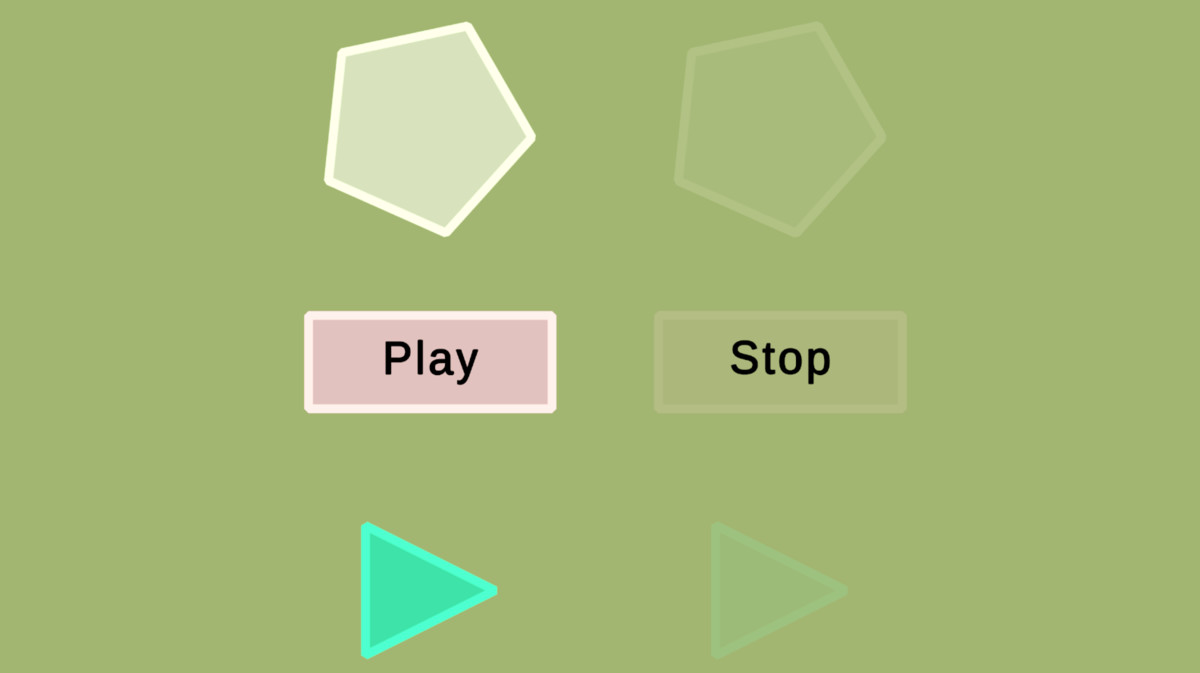
HydroFX Buttons screenshot 1
About this asset
[CRITICAL: Requires Unity Visual Effect Graph package to be installed in your project]
Bring your UI to life with HydroFX Buttons, a sophisticated, highly customizable button system for Unity. Built on Unity’s Visual Effect Graph, this package delivers fluid, real-time visual feedback that makes your interface feel dynamic, responsive, and engaging.
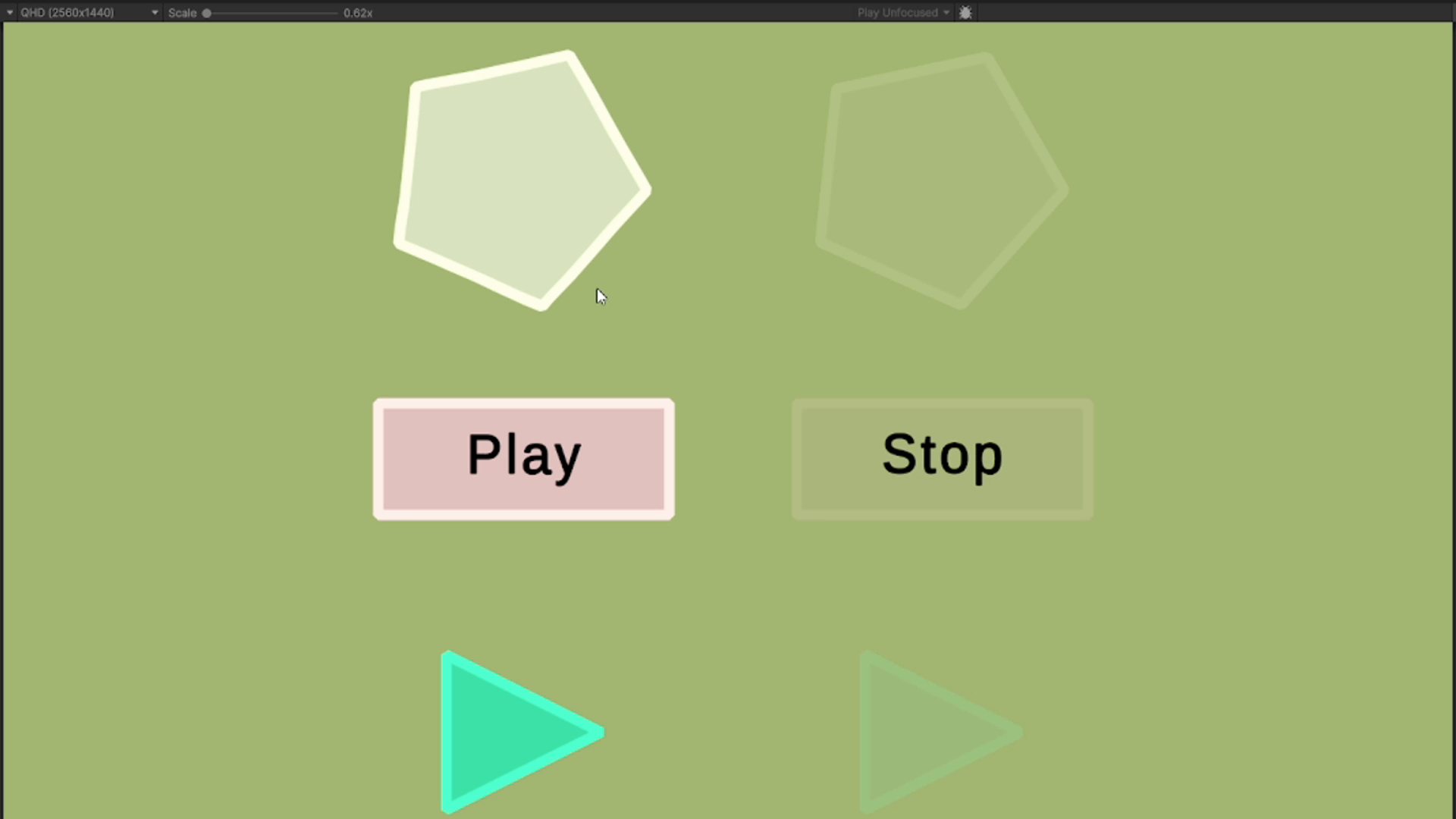
Whether you're developing a game, app, or interactive installation, HydroFX Buttons instantly upgrades your UI with smooth wave animations on hover and satisfying ripple effects on click — mimicking the calming sensation of interacting with water.
What's inside:
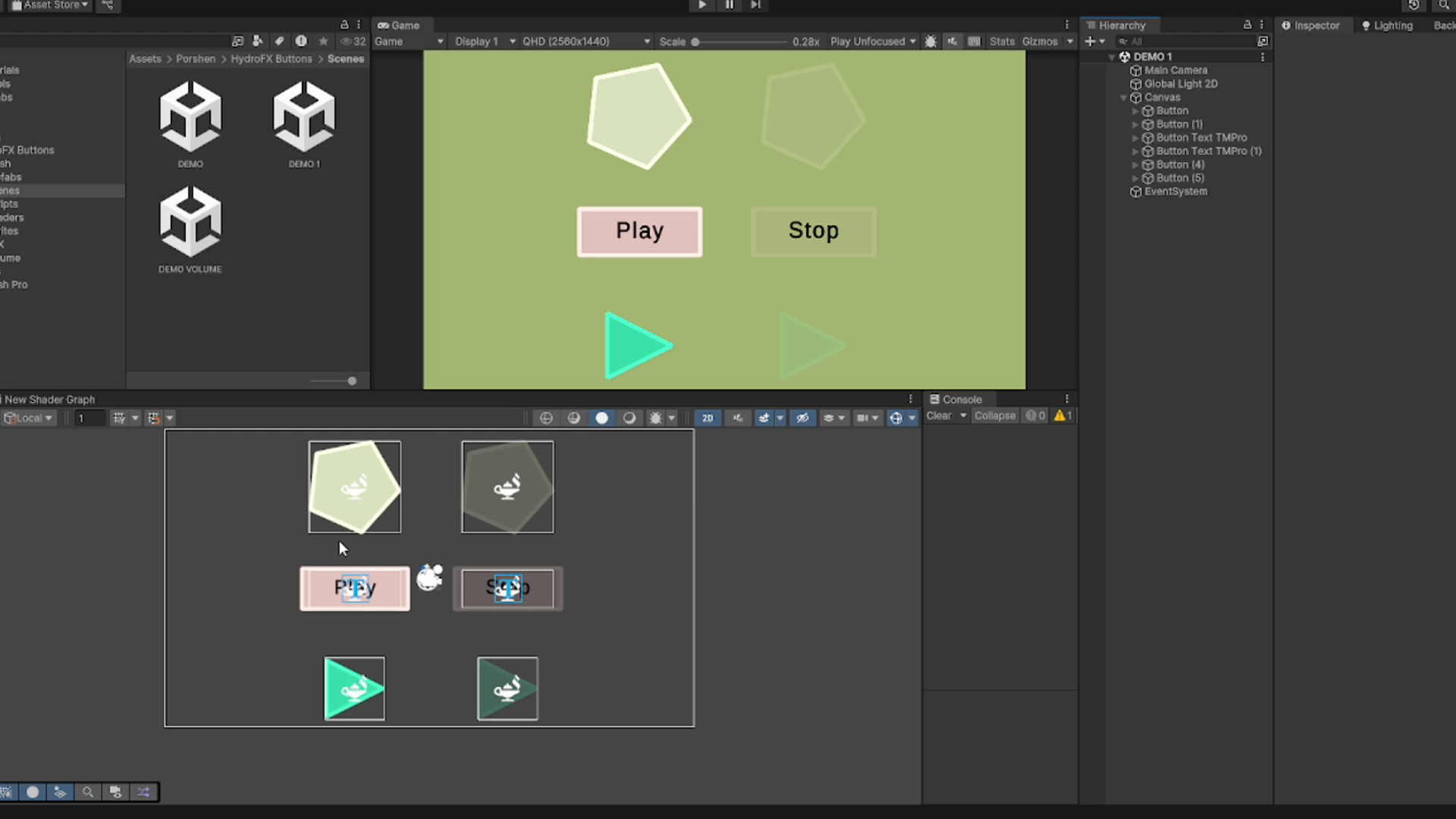
- Dual Scenes: Includes "Demo" (standard showcase) and "Demo_bloom" (optimized for post-processing/emission effects).
- Ready-to-use Prefabs: Drop-in solutions for both Canvas UI and 3D world-space buttons.
- Documentation: Clean, well-commented C# script (VFXButton.cs) for full control.
- Customization: Starter set of alpha masks and textures. Fully compatible with custom textures to match your project’s unique style.
Easy Integration:
Just drag in the prefab, assign your textures, and tweak visual settings directly in the Visual Effect component Properties panel. No complex setup or code changes required.
Compatibility:
- Requires Unity Visual Effect Graph (com.unity.visualeffectgraph).
- Compatible with URP and HDRP (Built-in pipeline is not supported).
- Requires a Volume component (URP) or Post Process Volume (HDRP) for optimal rendering.
From the publisher's Asset Store listing.
Technical details
- Alpha mask requirement: button shape in white, background in black.
- Button texture requirement: transparent background, white edges, gray center.
- Texture Type: All textures must be set to "Default" (not Sprite 2D).
- Designed for fast integration into existing UI systems.
Compatibility
| Unity version | Built-in | URP | HDRP |
|---|---|---|---|
| 6000.0.2f1 | Compatible | Compatible | Compatible |
As listed on the Asset Store.