
 View on Asset Store (opens in new tab)
Package details
- Latest version
- 1.1.0
- Last updated
- First released
- Unity version
- 2021.3.45 or later
- Package size
- 26 KB
- Files
- 7
- Favorites
- 4
- Views in the past week
- 3
Price tracking
- Last checked
- Tracked since
- Lowest recorded
- $5.00 on
Keywords

SceneFlow – Build & Switch Toolkit
- Price drop
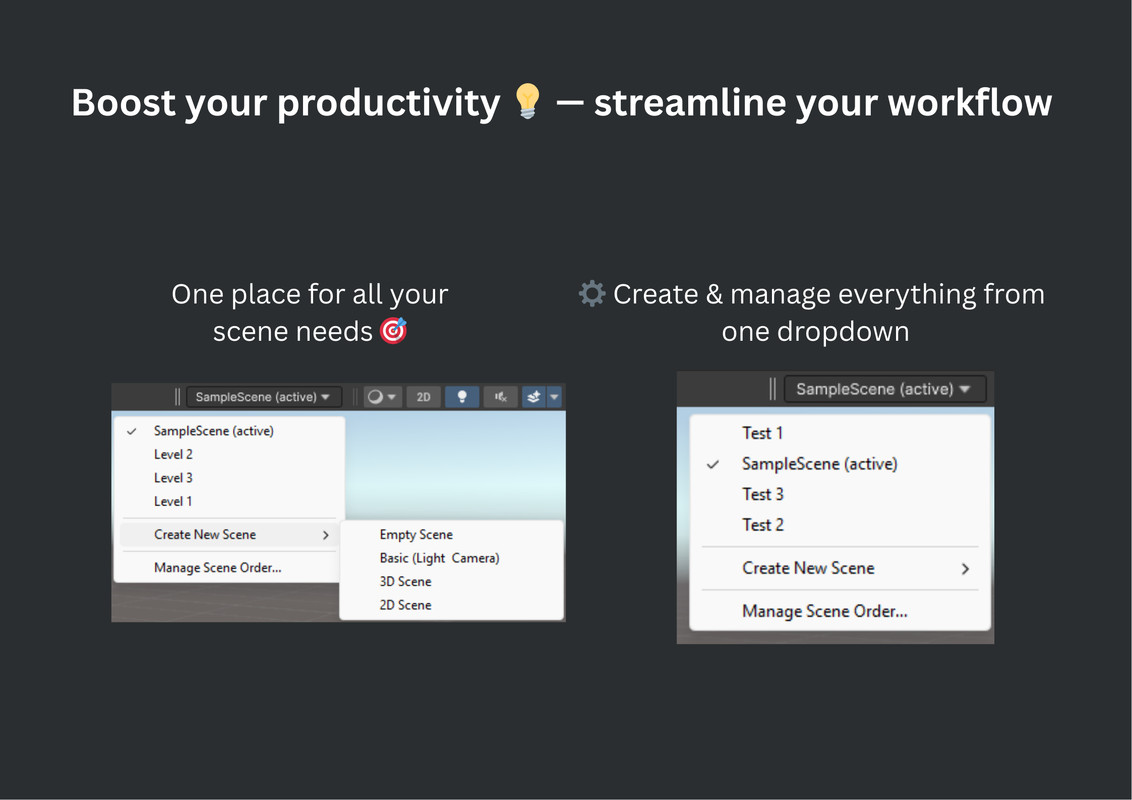
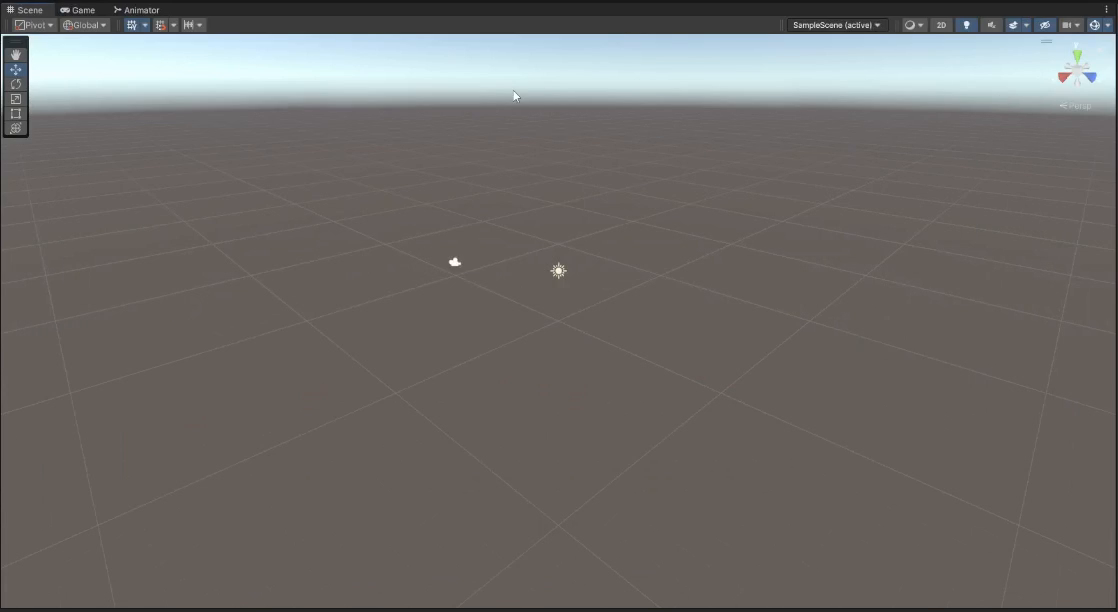
SceneFlow adds a scene dropdown to Unity’s toolbar for instant, one click navigation. No more digging through the File menu or Project window. Stay focused and work faster.
Affiliate link · Purchases support this site
Price history
Last 6 months
USDAsset preview
1 / 3
SceneFlow – Build & Switch Toolkit screenshot 1
About this asset
SceneFlow supercharges your Unity workflow by making scene switching effortless. With a sleek dropdown in the toolbar, jumping between scenes becomes a one-click action no more digging through menus or project folders. It keeps up with your project as it evolves, updating automatically as scenes are added or removed. You’ll always know which scene you're working in, and with instant scene creation built-in, you stay in the flow without breaking stride.
From the publisher's Asset Store listing.
Technical details
🔧 Features
✅ Quick Access – Toolbar dropdown for instant scene switching
🧠 Smart Detection – Auto-detects all project scenes
⚡ Fast Navigation – One-click jump between scenes
➕ Easy Scene Creation – Instantly create new scenes without breaking your flow
📝 Scene Labels – Add notes to easily identify each scene
🛠️ Build Integration – Add/remove scenes from Build Settings with a single click
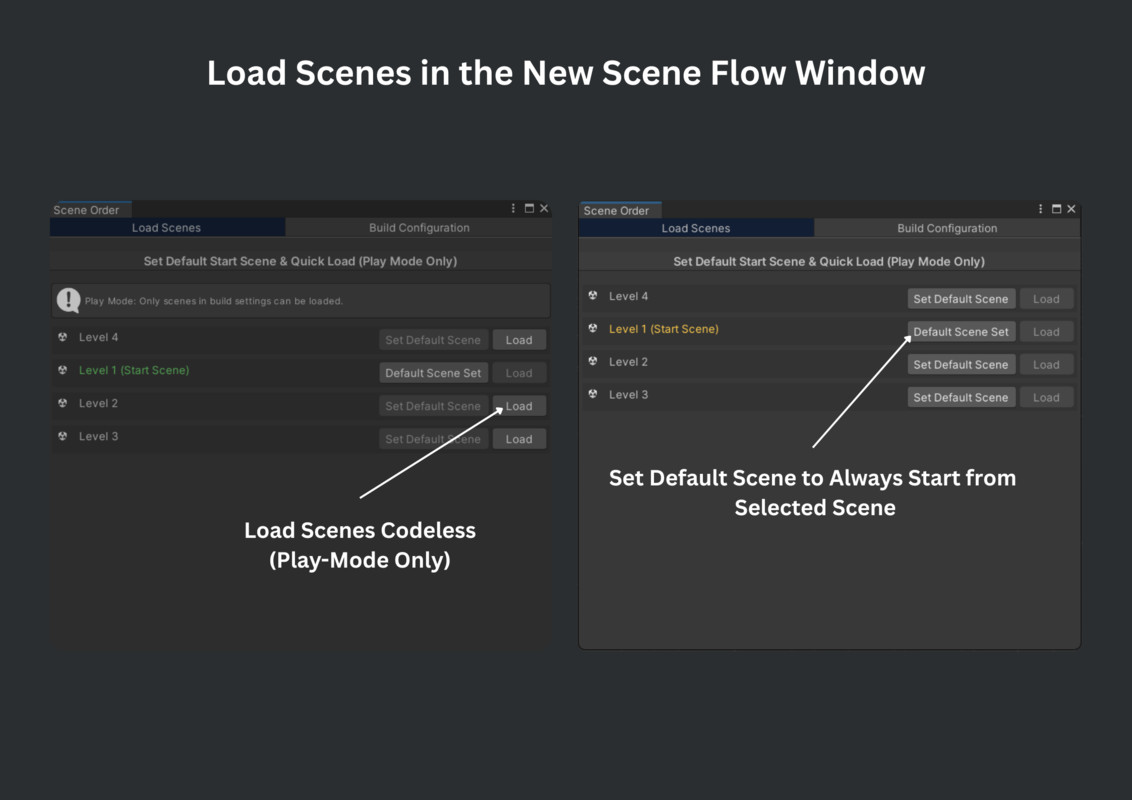
🛠️ Load Scene – Load scenes in playmode codeless and set default scenes
🔄 Dynamic Updates – Automatically refreshes as scenes are added or removed
🎯 Current Scene Highlight – Clear visual cue for your active scene
💡 Lightweight Tool – Editor-only, zero impact on your build size
Compatibility
| Unity version | Built-in | URP | HDRP | Custom |
|---|---|---|---|---|
| 2021.3.45f1 | Compatible | Compatible | Compatible | Compatible |
As listed on the Asset Store.