
 View on Asset Store (opens in new tab)
Package details
- Latest version
- 1.0
- Last updated
- First released
- Unity version
- 2022.3.35 or later
- Package size
- 17.1 MB
- Files
- 36
- Favorites
- 29
- Views in the past week
- 9
Price tracking
- Last checked
- Tracked since
- Lowest recorded
- $7.50 on
Keywords

3D/2D Masks and portals
- Price drop
Create portals, fake holes or hide objects with these masks effects for 3D and 2D objects, improve your visual quality with only 2 materials.
Lowest recorded price
Get 25% off on Asset Store (opens in new tab)Affiliate link · Purchases support this site
Price history
Last 6 months
USDAsset preview
1 / 4
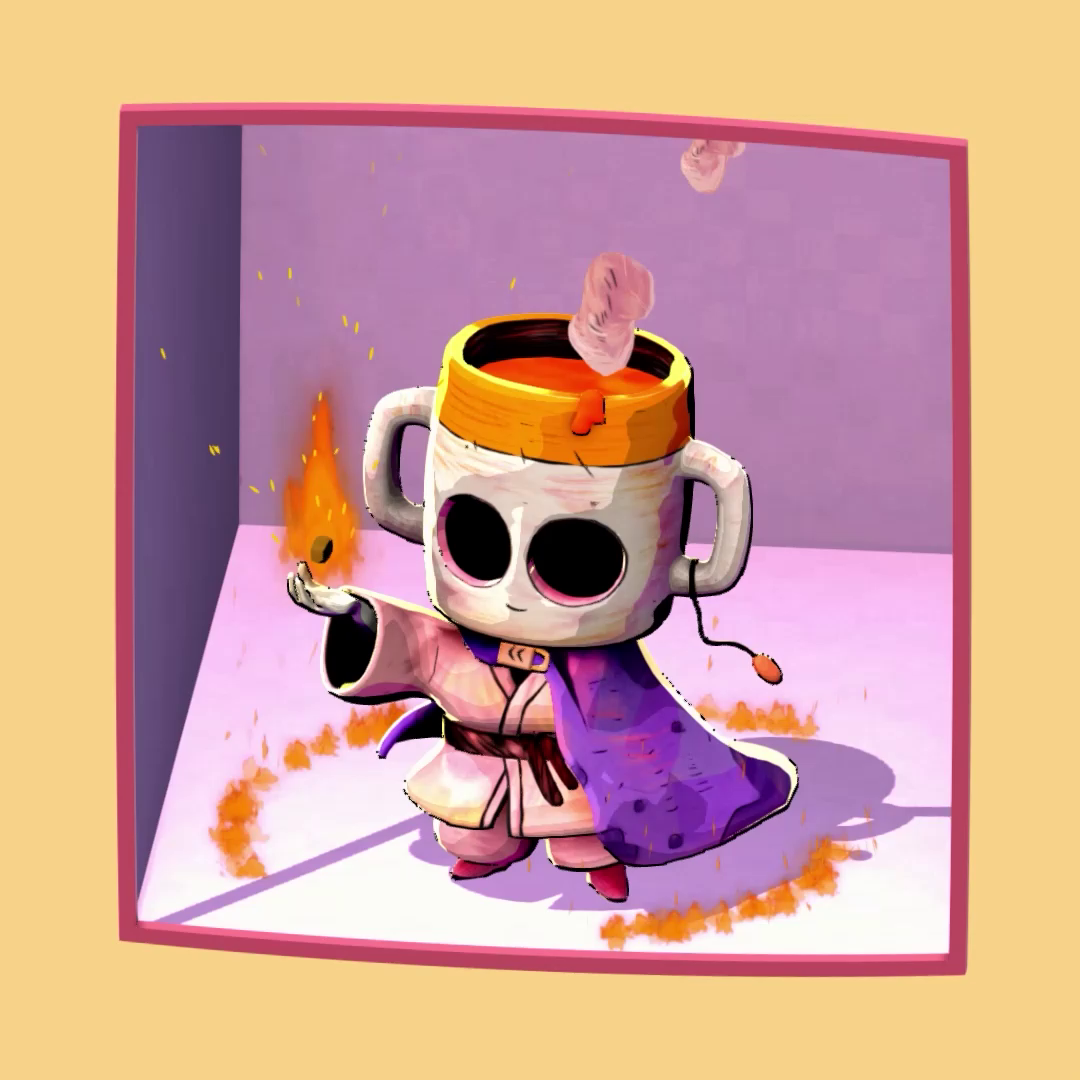
3D/2D Masks and portals video 1 (plays on the Asset Store)
About this asset
Two materials to create fake holes, portals, and masks for your game.
This package includes a mask and three additional material types: a toon material, an unlit material, and an environment material. Keep in mind that the objects that can be hidden will be either Unlit or Toon style, which is what this package includes.
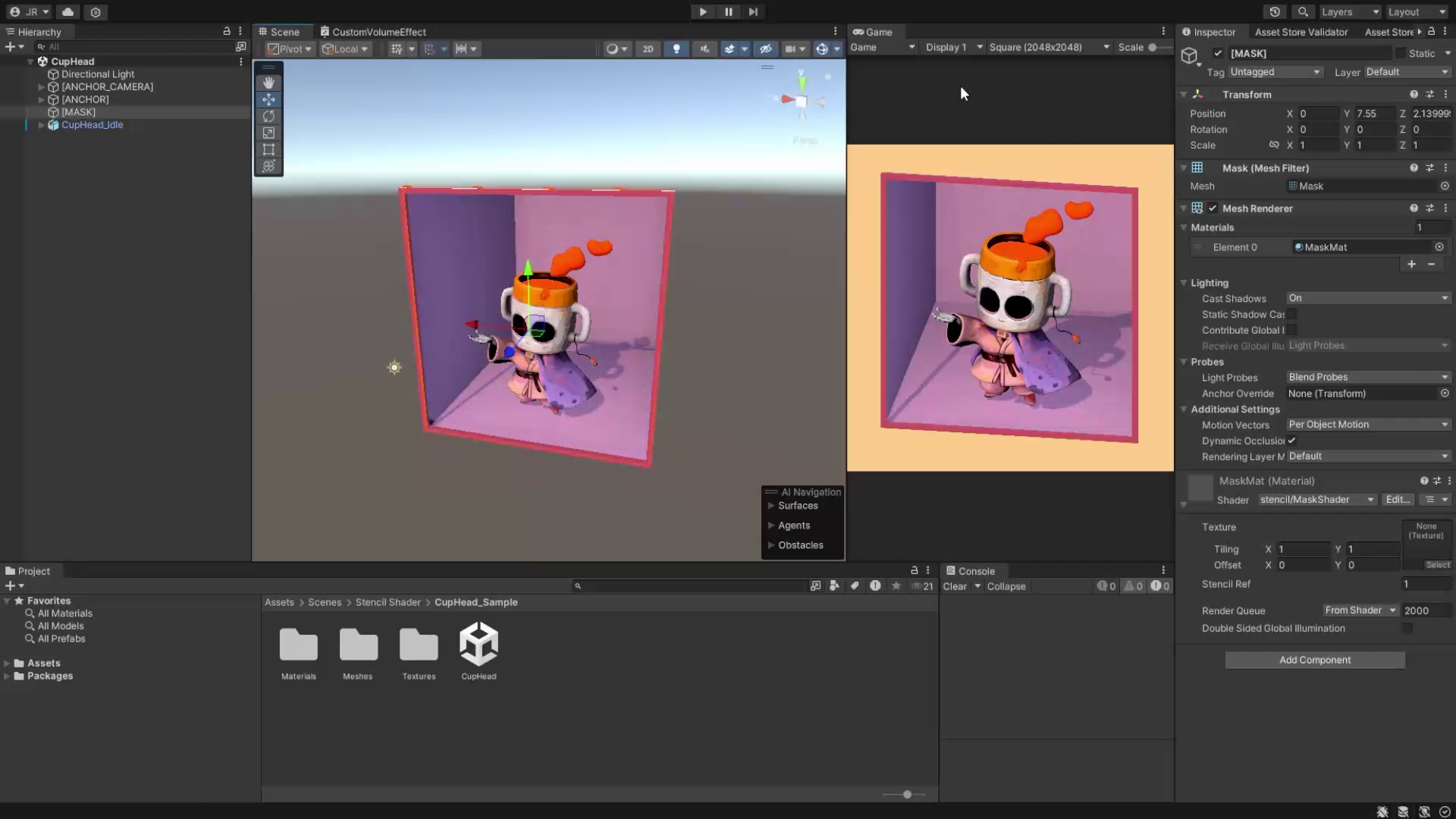
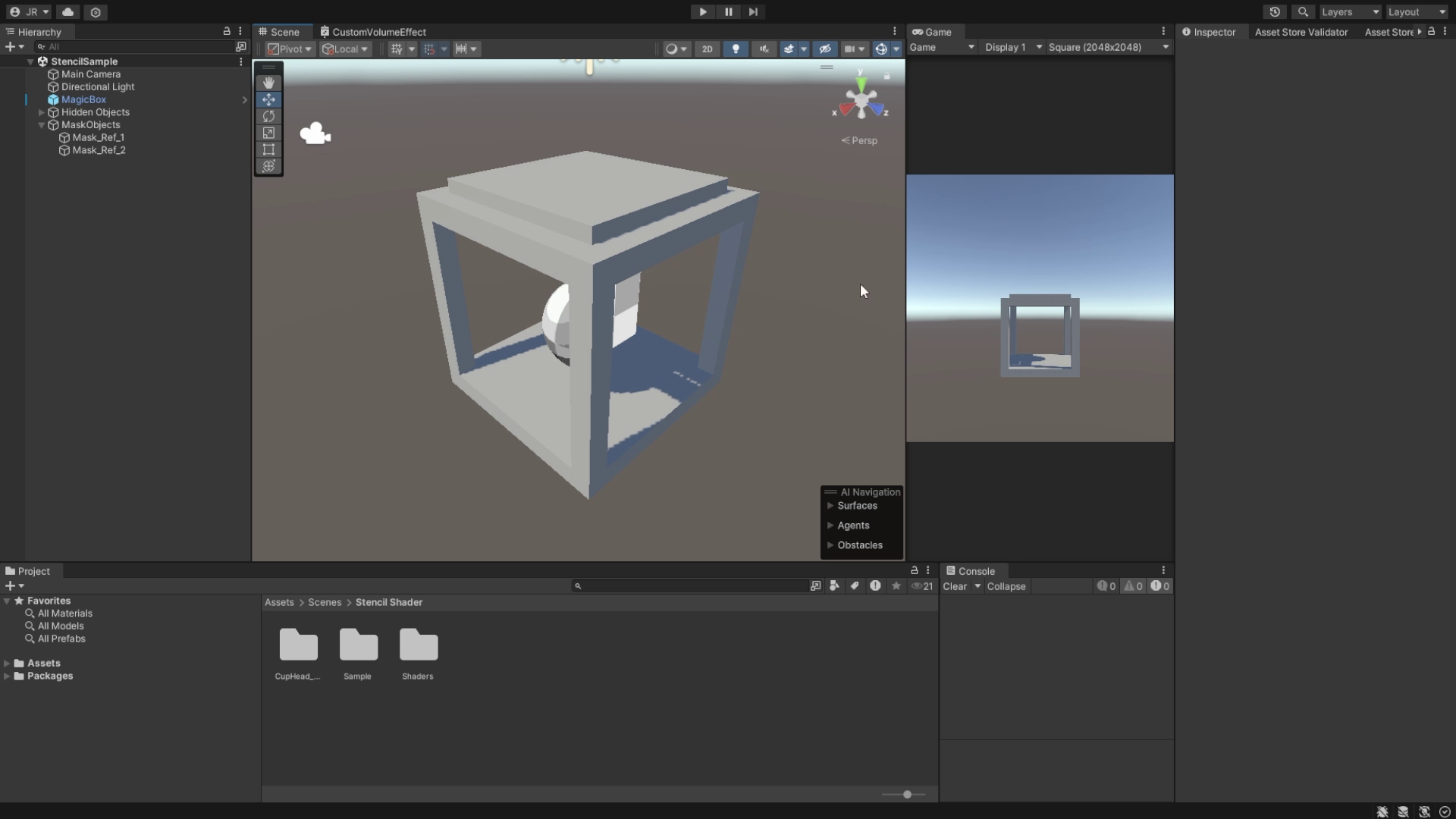
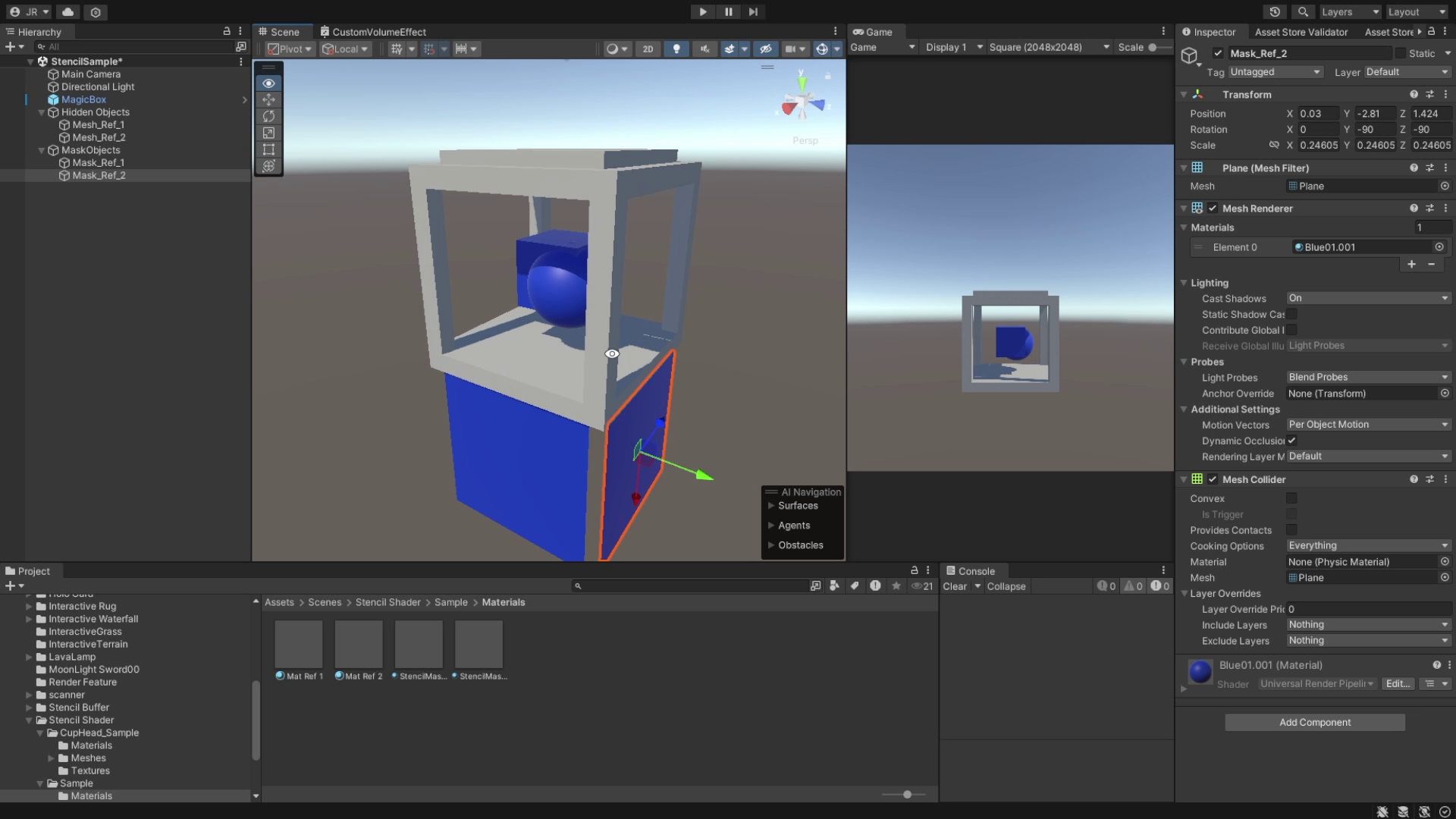
Of course, there are also two sample scenes to help you understand how these materials work—one featuring a character inspired by Cuphead, and another simpler scene with just a sphere and a cube.
From the publisher's Asset Store listing.
Technical details
4 shaders:
- Shader for the mask.
- Shader for the masked object in unlit mode.
- Shader for the masked object with a toon shader style.
- Shader for the environment in case you need to mask environments with an unlit shader that receives shadows.
This package is made with Unity using HLSL code and is designed to work with URP.
Additionally, the package includes 2 sample scenes: one with the Cuphead-inspired character and another simple one with spheres and cubes.
It also includes a PDF with instructions on how these materials work and how to set them up for your game. It's easy to use!
Compatibility
| Unity version | Built-in | URP | HDRP |
|---|---|---|---|
| 2022.3.35f1 | Compatible | Compatible | Not listed |
It’s quite possible that in Unity 6 you might experience some transparency issues with the shader. If this happens, please contact support to help resolve the problem.
As listed on the Asset Store.